Wiring harness design in CATIA V5 - 3D modeling Week 4 Challenge
1.Harness Routing process
|
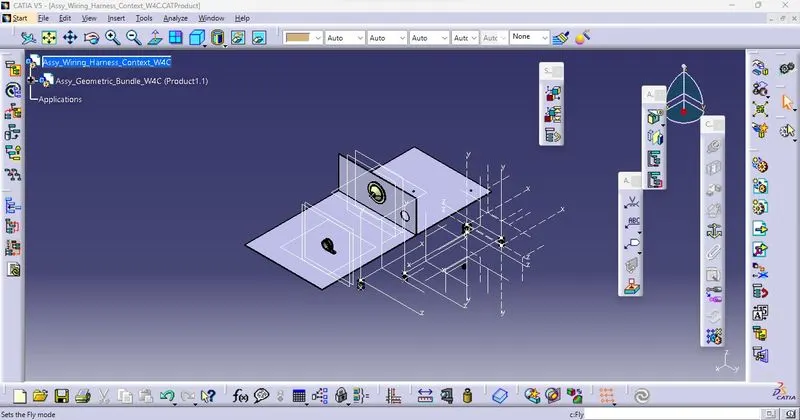
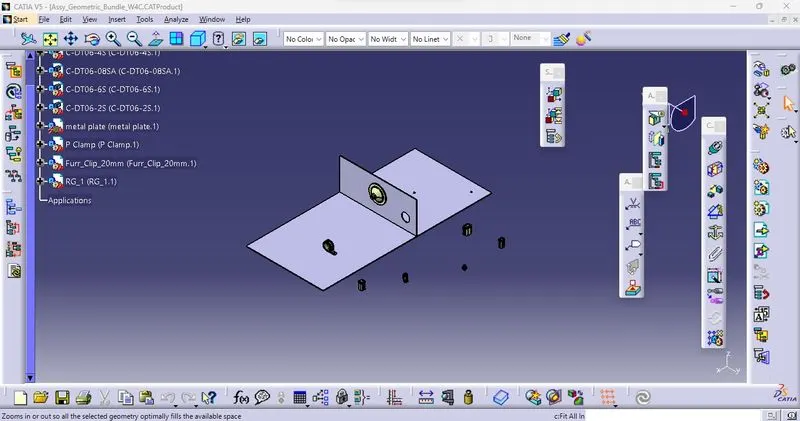
Open New Product assembly work bench in Catia V5 Load all Electrified parts from local or Catalogur to the Product.
|
|
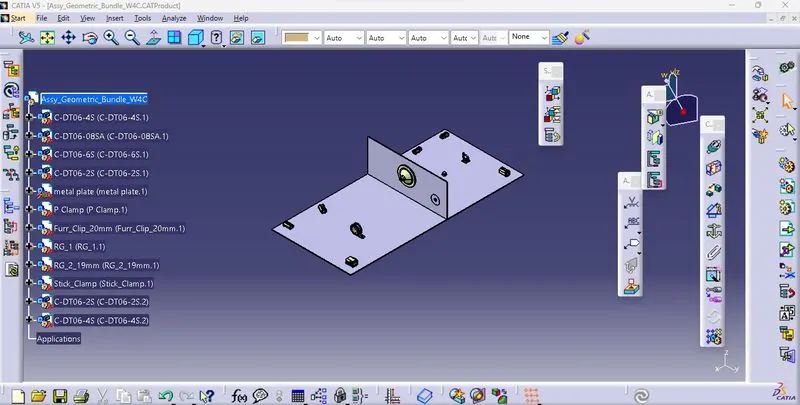
Place all the electric componenets in specified direction with given environment
|
|
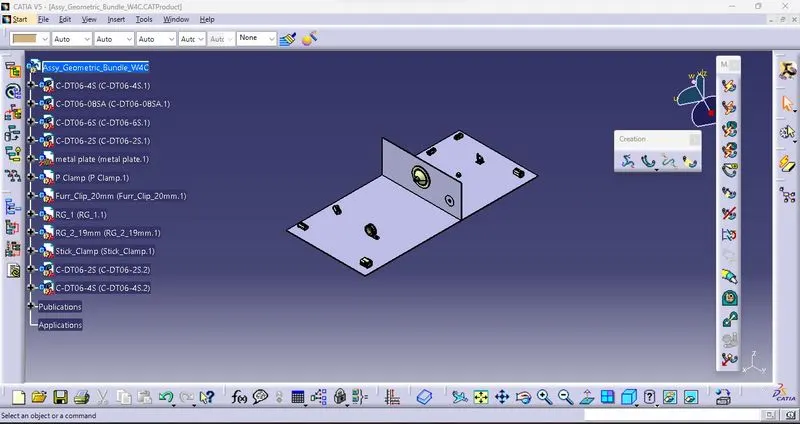
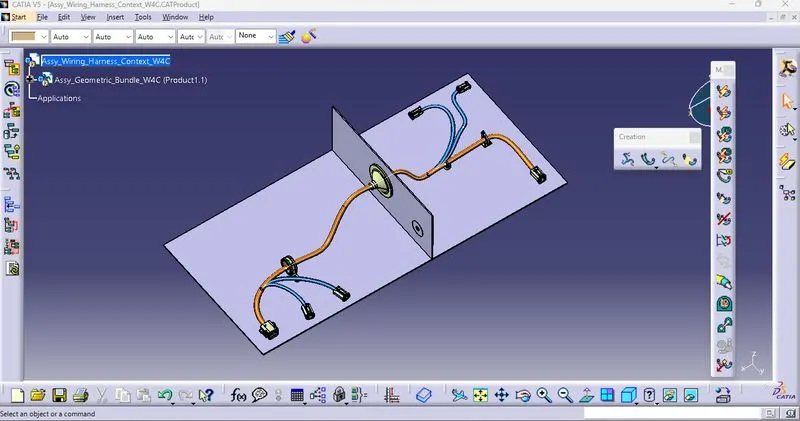
Change window to Electrical Harness assembly workbench and define the Product into Geometric bundle to give the electric properties.
|
|
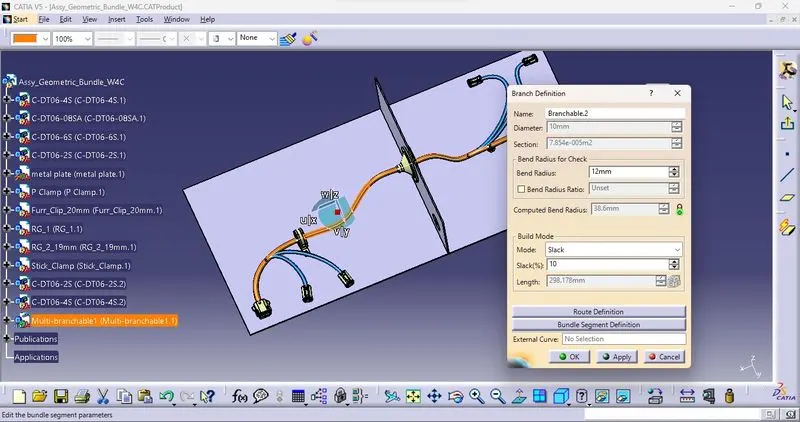
Then start the routing of wire with Multi-Branchable document and Route the definition of wire path. Diameter,Slack as well as route definition for required path.
|
|
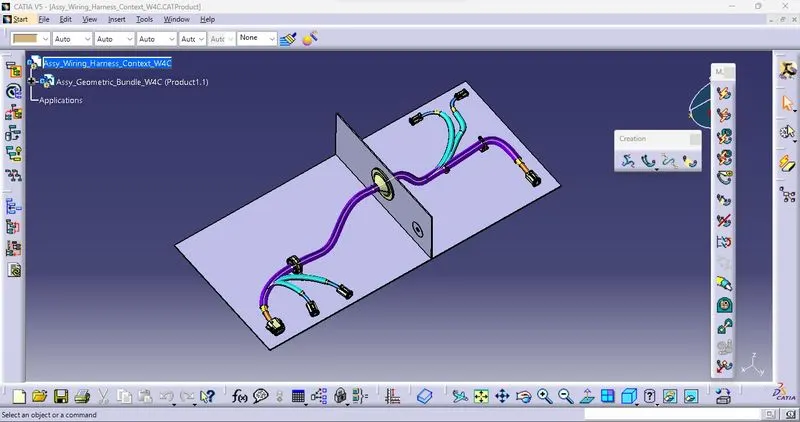
Apply the protective coverings (COT,PVC tubes) from (Electrical Harness assembly) Saved catalogue.
|