Wiring harness routing & packaging Rules Week 3 Challenge
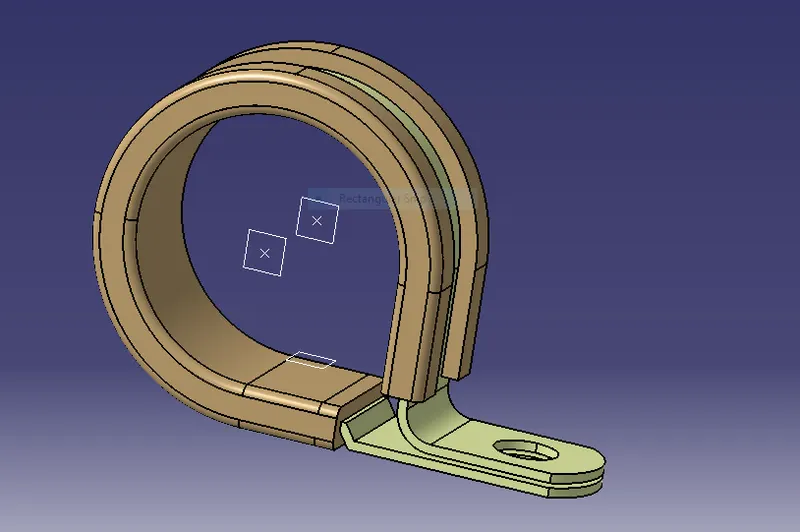
Q1. Download following cad data & define it as Electrical support using Electrical Part design Workbench. Define all the necessary properties.
First we have to download the p_clamp from the given link for the geometrical dimenssions and other points
first create entry point and and plane
then create exit point and plane
then add base plane for it then
go into electrical work bench and click support definition.
first add entry point entry plane exit plane and base.
then click support definition again and add the exit pont exit plane and the base plane
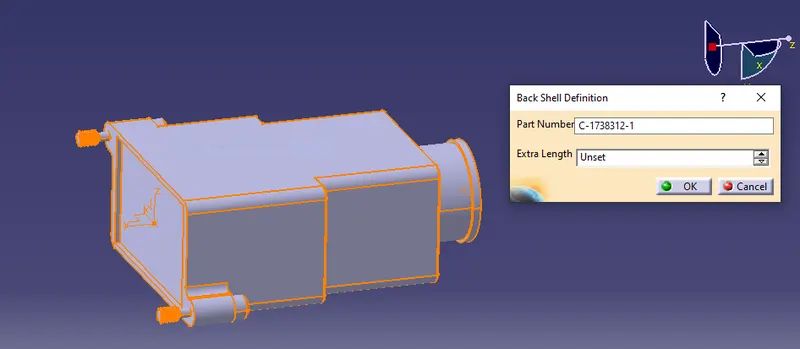
Q2. Download following Back shell cad data & define it as Electrical back shell using Electrical Part design Workbench. Define all the necessary properties.
we have to download the backshell from the given link to point the given parts
first define the bundle entry point and the shell fixing point also add the axis system to the fixing point make sure
the axis is in same direction as the of connectors
define the shell as an electrical body then
add bundle entry parameters and select the dimmenssions
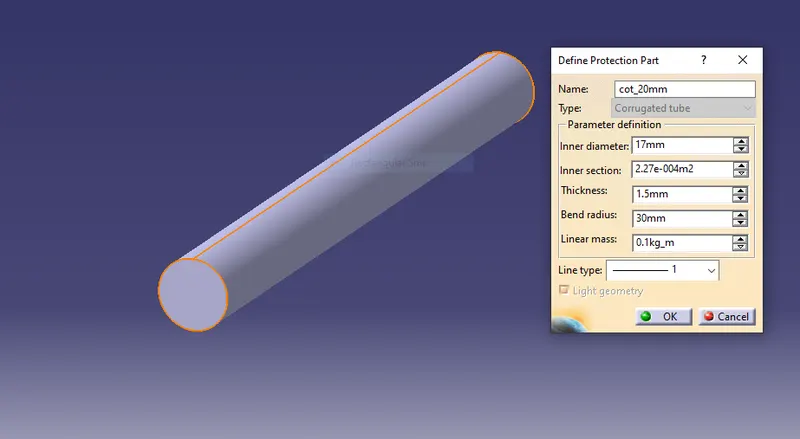
Q3. Create Following Corrugated tubes & Add them in Catalogue under “Slit COT” family
For the given corrugated tubes first we have to select define protection part and select corrugated parts and give the recommended dimenssions