Wiring harness routing & packaging Rules Week 3 Challenge
DEFINE P-CLAMP & BACKSHELL AS ELECTRIC COMPONENT AND TO CREATE CORRAGATED TUBES
To define P-clamp & backshell as electrical component and to create corragated tubes and add it to catalogue.
1. Define P-clamp as electrical support using electric part design workbench. Define all necessary properties.
First step : To create all necesary geomentric properties Entry point , Exit point , Entry plane , Exit plane and base plane.
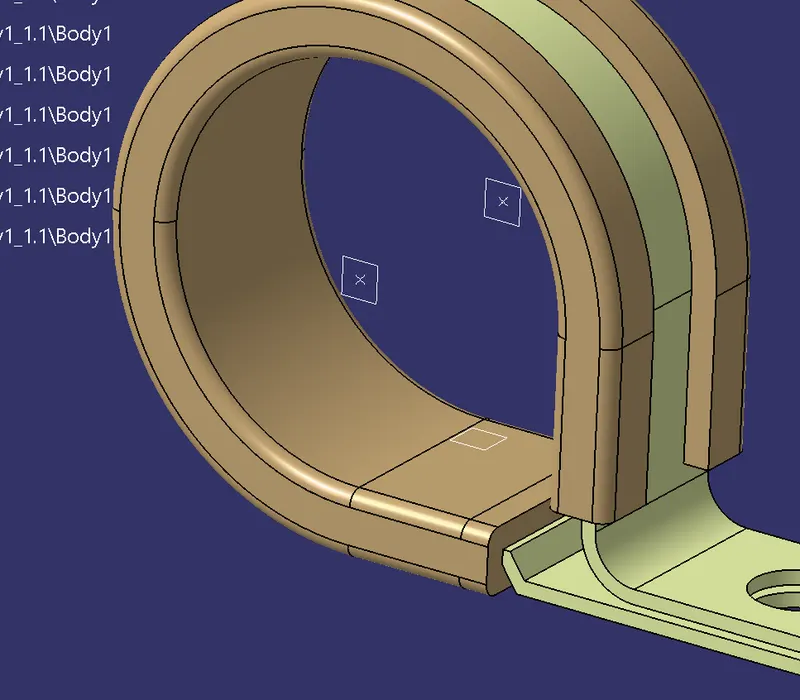
Second step : To define P-clamp as electrical support using electric part design workbench. select first point and plane as entry point and entry plane. select second plane as exit point and third plane as base plane.
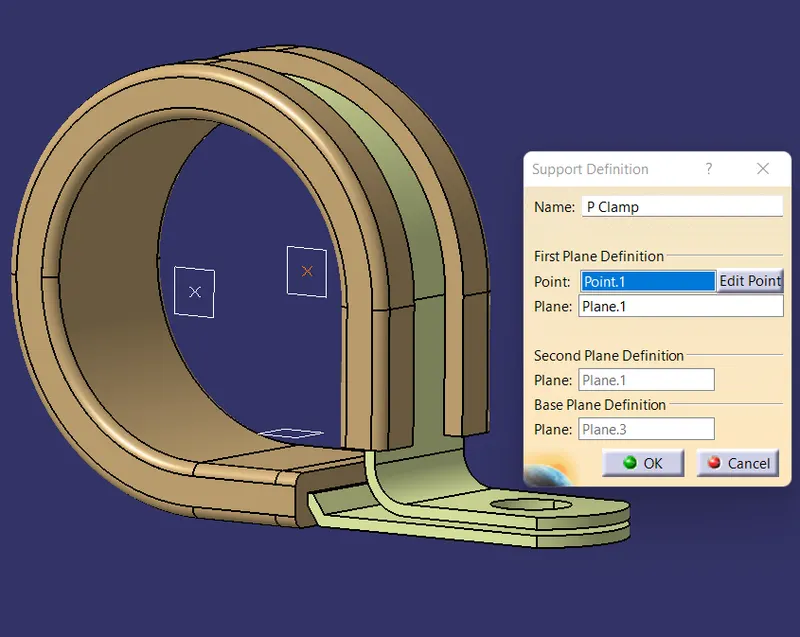
Third step : To define P-clamp as electrical support using electric part design workbench. This time select first point from another possible entry and select base plane as third plane.
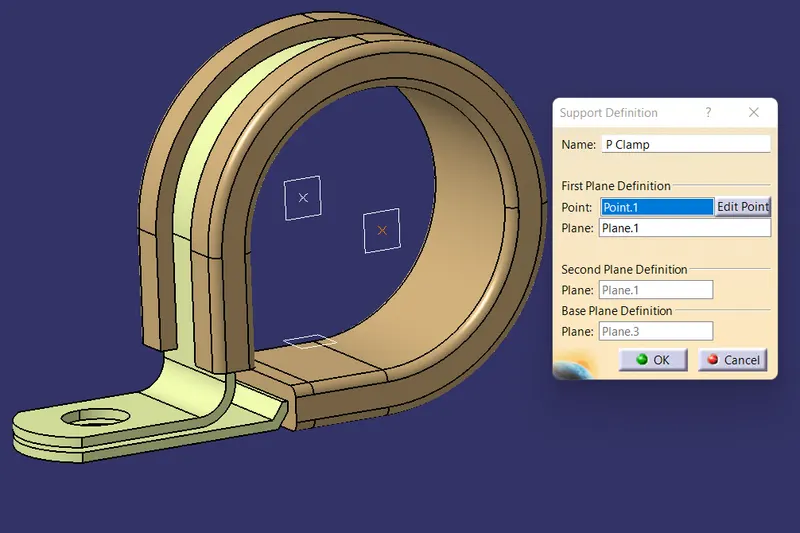
2. Define backshell as Electrical back shell using Electrical Part design Workbench. Define all the necessary properties.
First step : To create all necesary geomentric properties .Back shell connection point and Axis and bundle connection point.
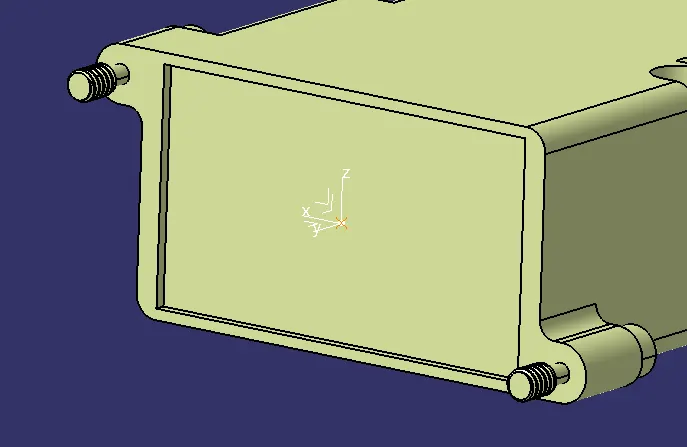
Second step : To define backshell as Electrical back shell using Electrical Part design Workbench. Define back shell connection point.
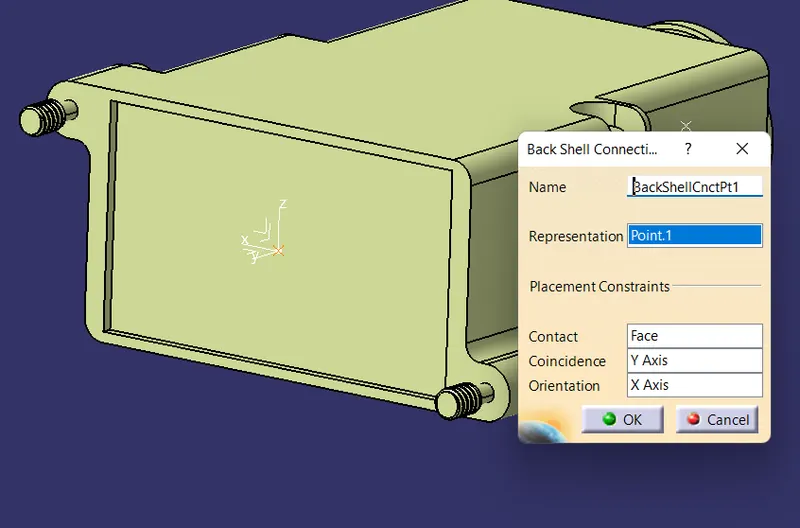
Third step : To define bundle connection point.
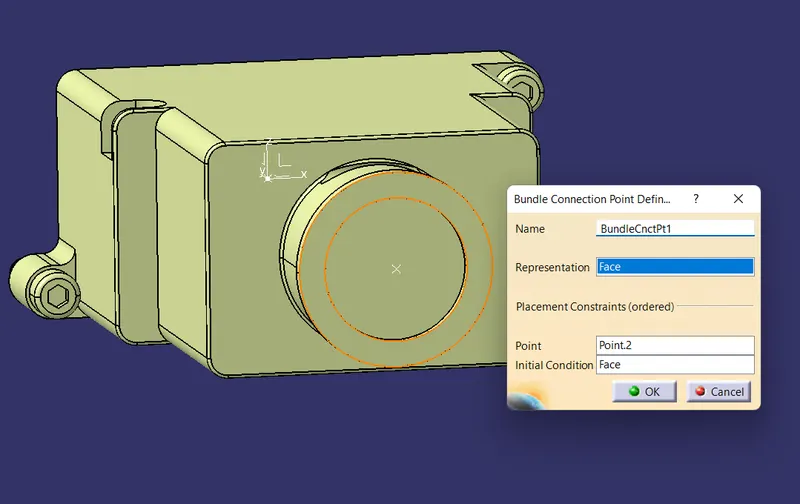
3.Create Following Corrugated tubes & Add them in Catalogue under “Slit COT” family.
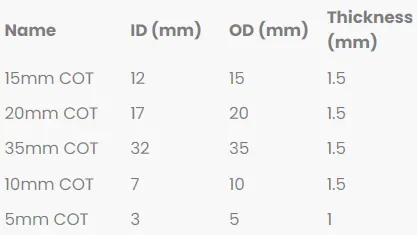
First step : To create catalogue and Add family with the name of "Slit COT".
Second step : To create Five corrugated tubes and add to "Slit COT" catalogue.
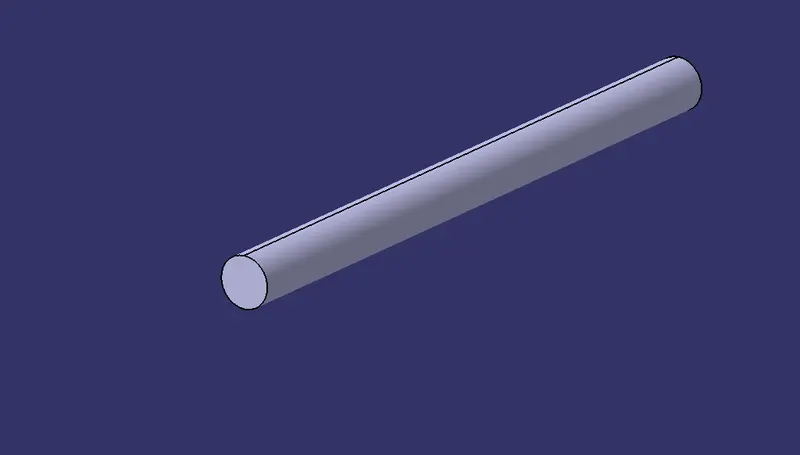
15mm COT
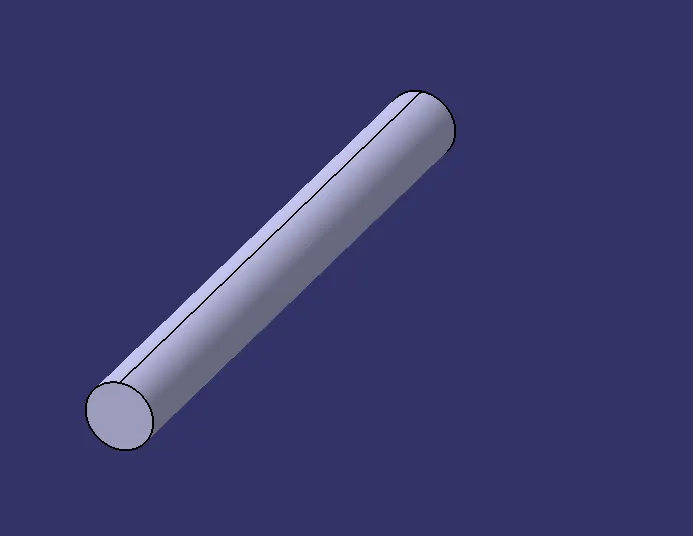
20mm COT
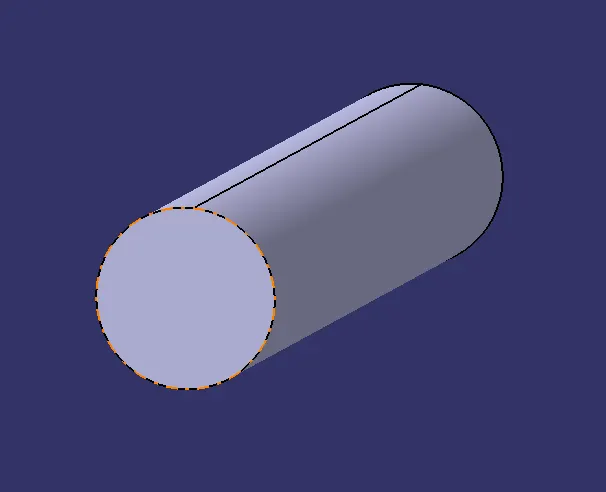
32mm COT
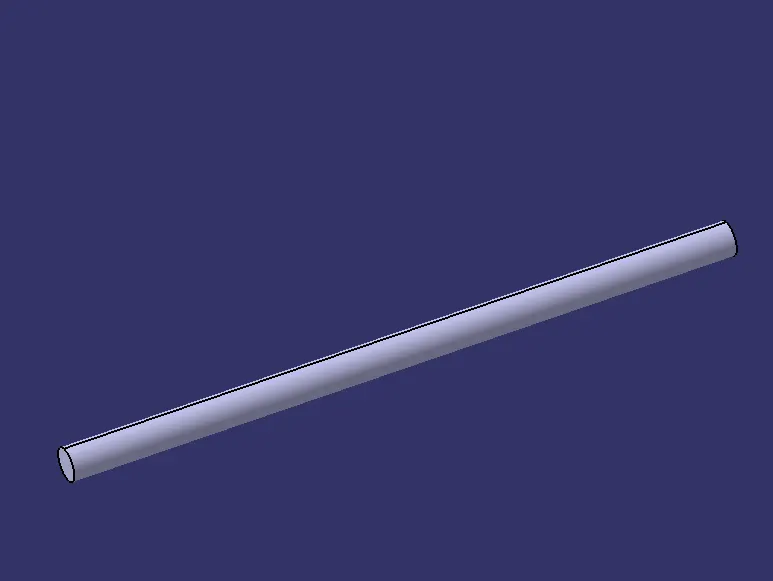
10mm COT
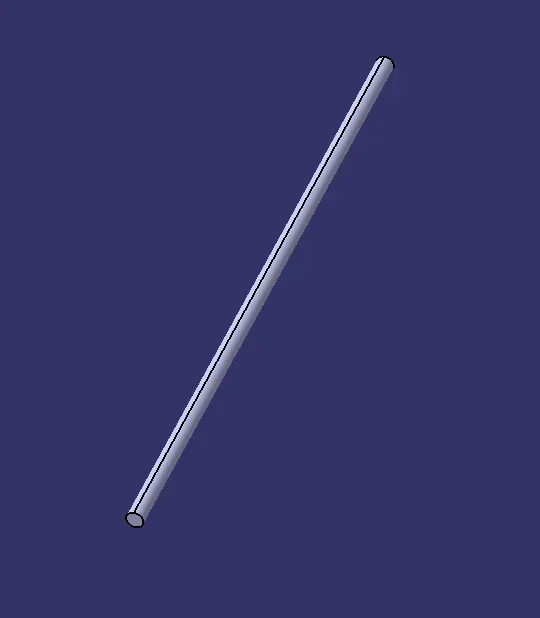
3mm COT
CONCLUSION :
P-clamp & backshell defined as electrical component using electric part design workbench and to Corragated tubes are created and added it to catalogue.