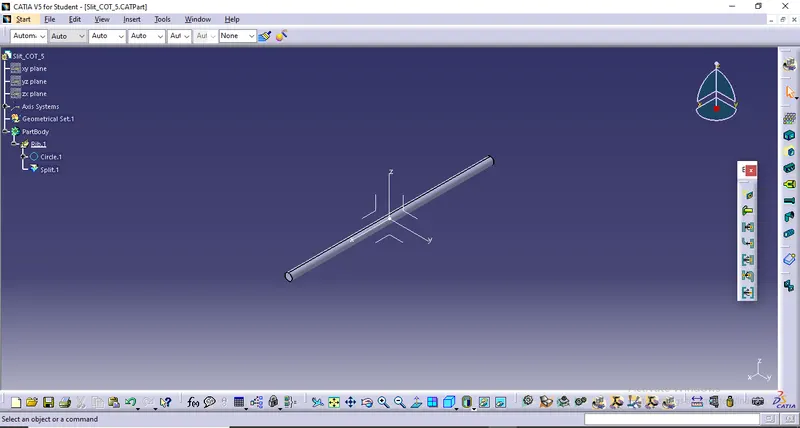
Wiring harness routing & packaging Rules Week 3 Challenge
Objective:-
Download following clip cad data & define it as Electrical support using Electrical Part design Workbench. Define all the necessary properties.
Procedure:-
- Download the cad clip data from TE Website.
- Create two points one as entry and another as exit point.
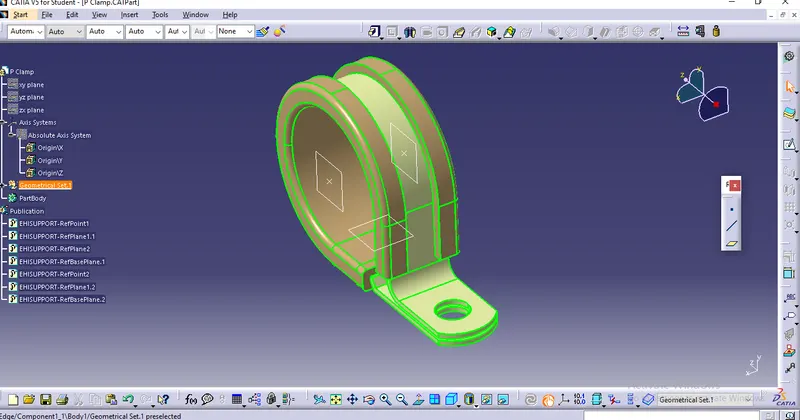
- Create planes at two points and another at base.
- Switch to Electric part design
- Click on define support part - select part - select entry point - select entry plane, exit and base plane.
- Again Click on define support part - select part - select exit point - select exit plane and base plane as secondary plane is automatically taken.
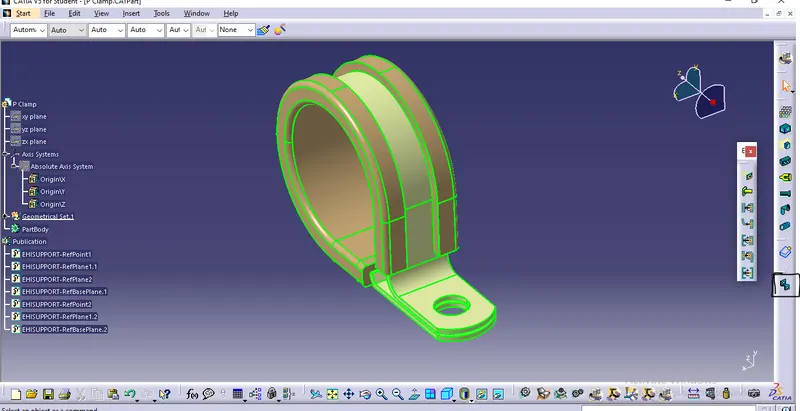
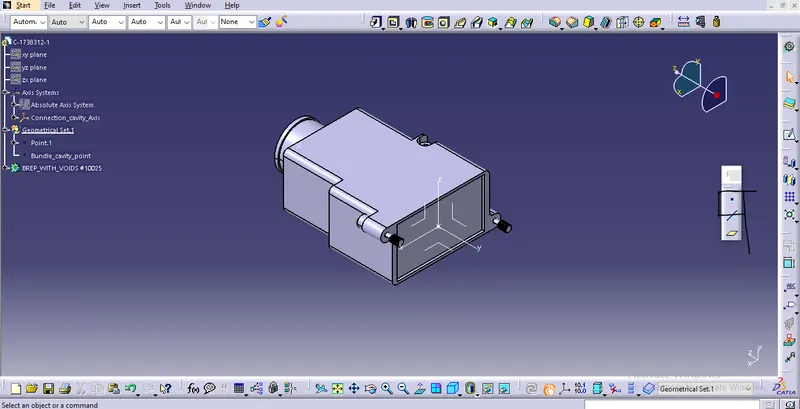
Download following Back shell cad data & define it as Electrical back shell using Electrical Part design Workbench. Define all the necessary properties.
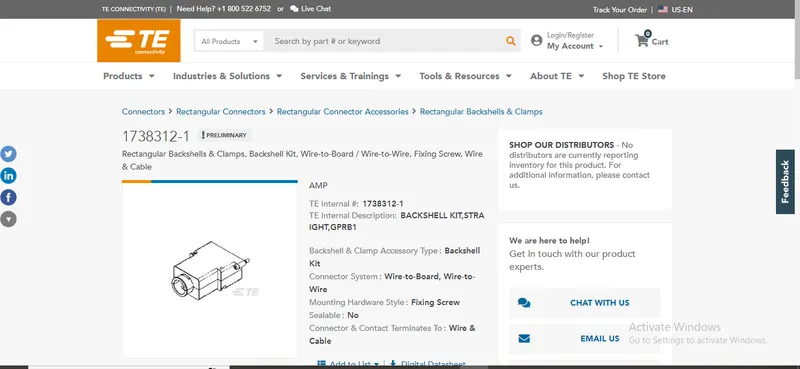
- Tyco 1738312-1 https://www.te.com/usa-en/product-1738312-1.html
Procedure:-
- Download cad data from TE website.
- Create Back shell entry point.
- Create axis system for back shell entry.
- Create bundle connection point.
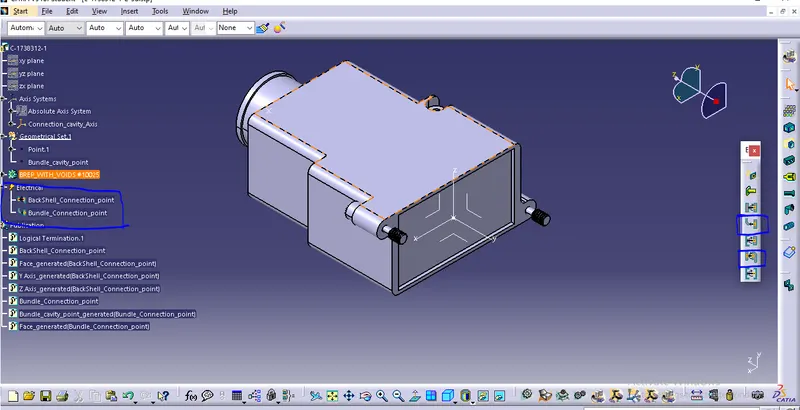
- Switch to Electrical part design.
- Define part electrically as back shell.
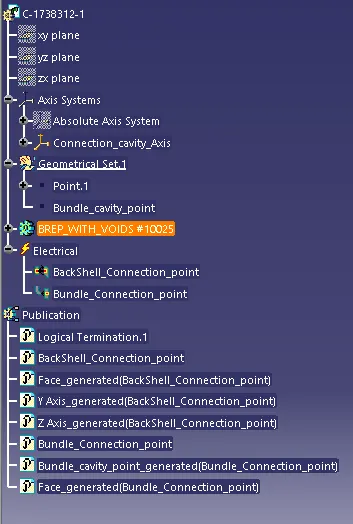
- Then define Back shell connection point.
- Define bundle connection point.
IMAGES (1):-
IMAGES (2):-
IMAGES (3):-
IMAGES (4):-
INPUT DATA FOR QUESTION (3):-
IMAGE (1):-
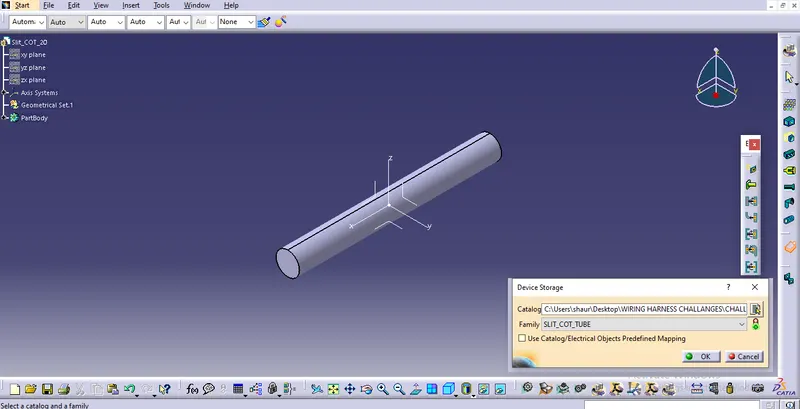
IMAGE (2):-
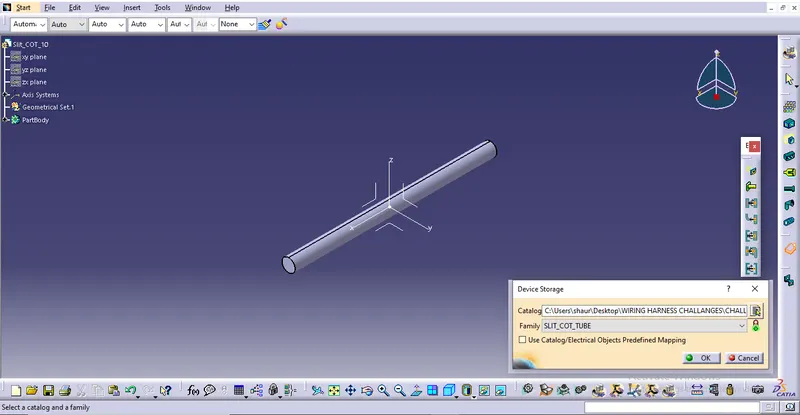
IMAGE (3):-