Wiring harness routing & packaging Rules Week 3 Challenge
Define p clamp, Backshell, Corrugated tubes in Electrical design
Aim :
To download the clamp and Backshell CAD file and define that 3D model as the electrical part by using electrical design workbench in solidworks. And create corrugated tubes and add them in catalogue.
Objective :
- To download the clamp file and define that 3D model as electrical part.
- To download the Backshell file and define that 3D model as electrical part.
- To create corrugated tubes and add them in catalogue.
Clamp Define procedure :
- Get the clip 3D part.
- Define the geometry parameters in part design workbench.
- Define part as support in Electrical design workbench.
- Define entry point and plane.
- Define base and exit plane.
Get the clip 3D part.
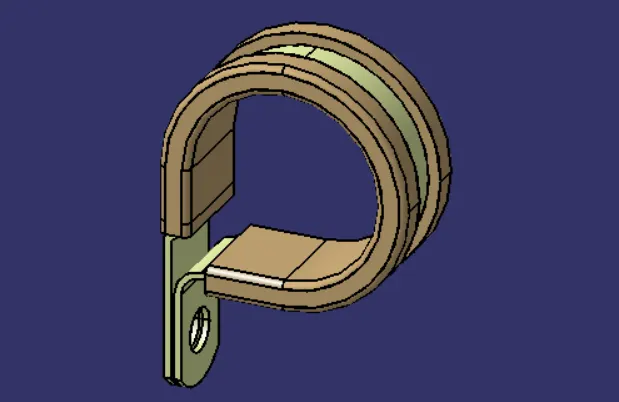
Define the geometry parameters in part design workbench.
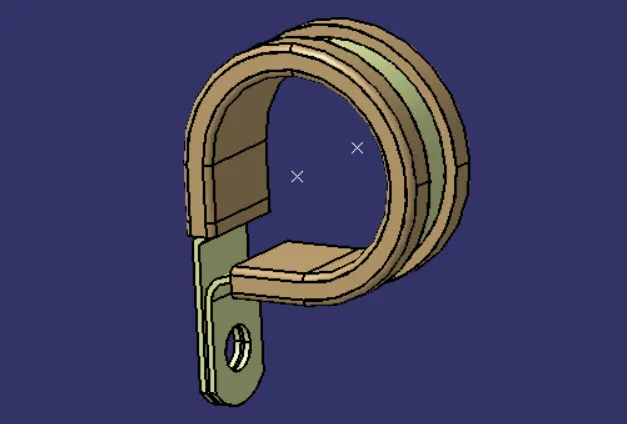
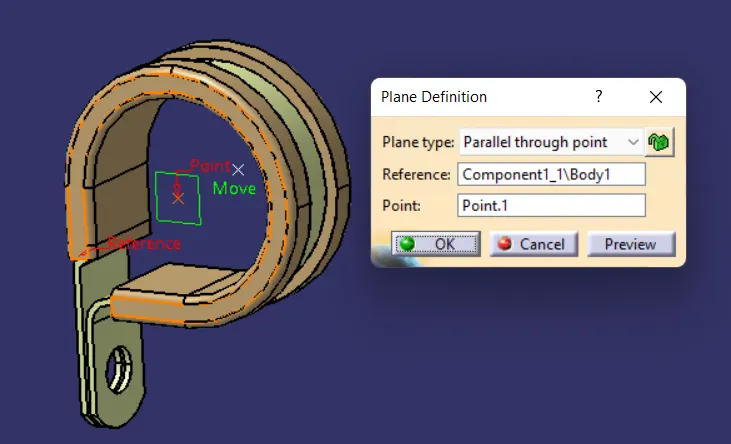
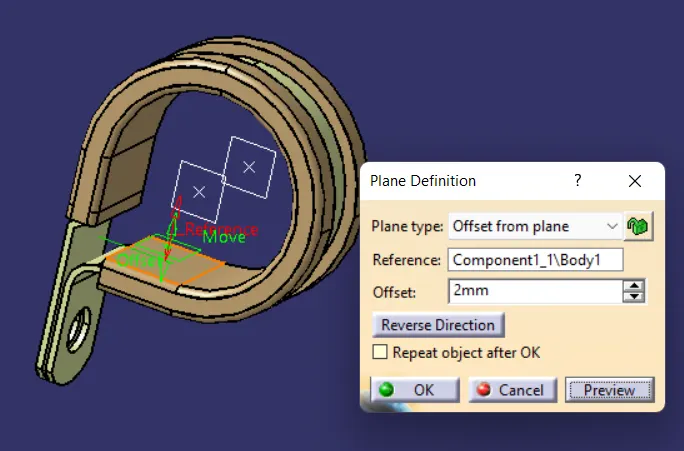
Define part as support in Electrical design workbench.
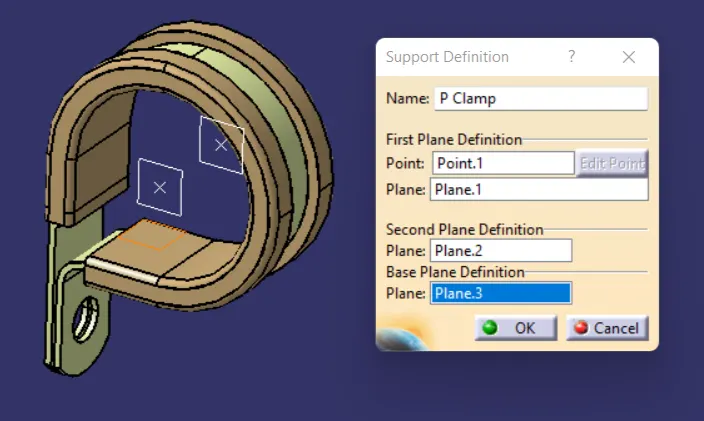
Define entry point and plane.
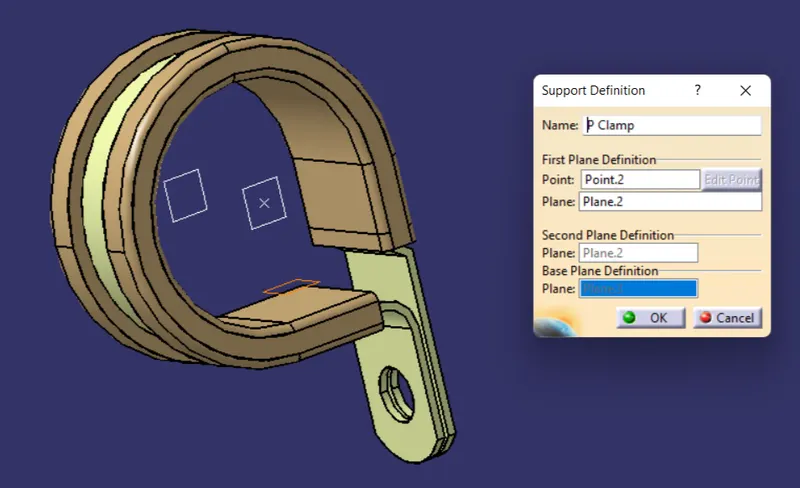
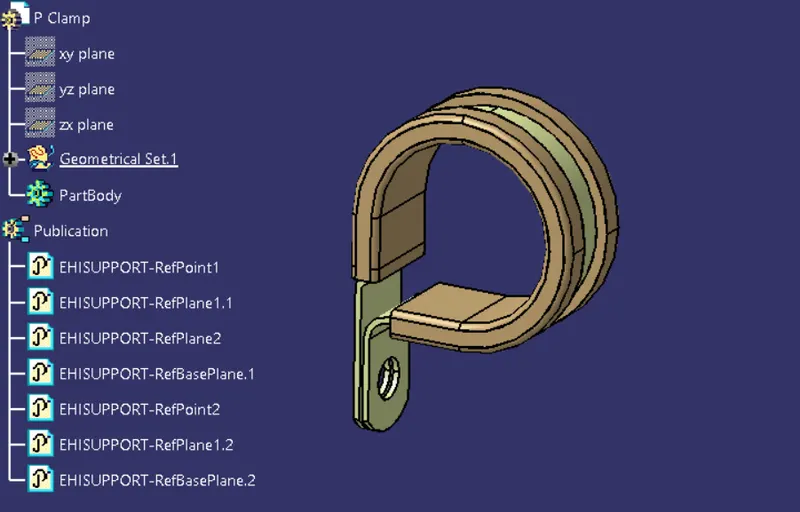
Backshell Define procedure :
- Get the back shell 3D part.
- Define the geomatry parameters in part design workbench.
- Define part as Backshell in electrical design workbench.
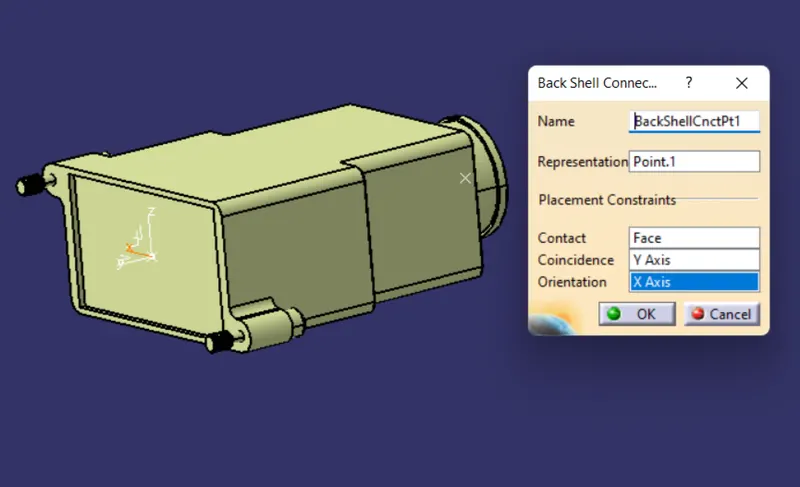
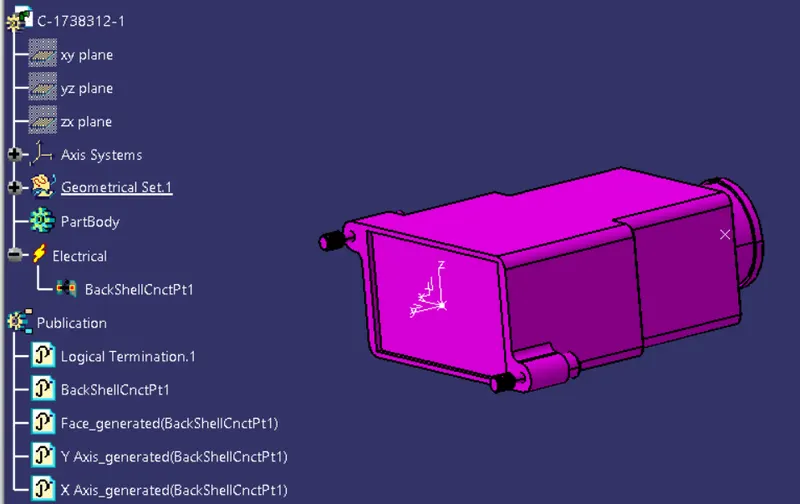
- Define backshell design ponit.
- Define bundle connection point.
Get the back shell 3D part.
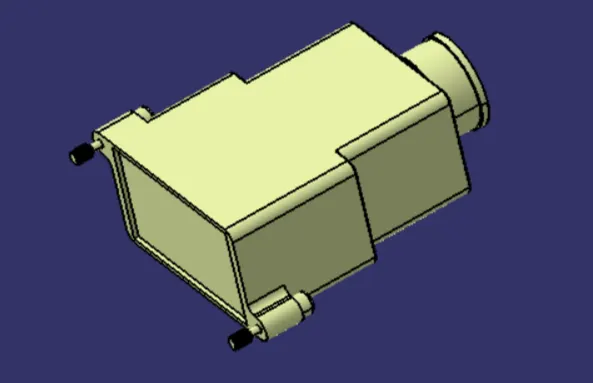
Define the geomatry parameters in part design workbench.
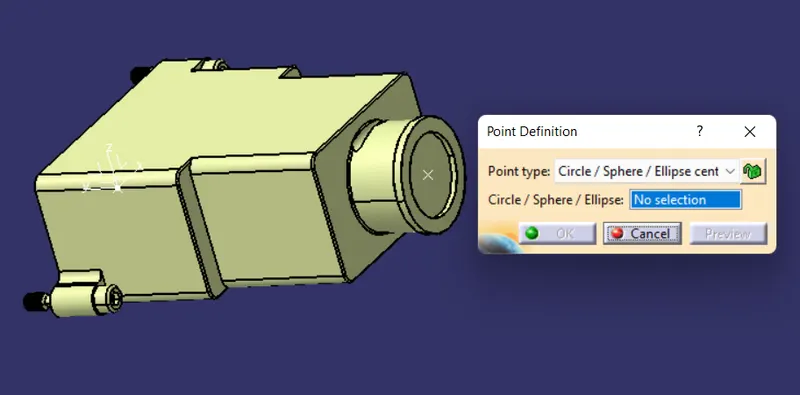
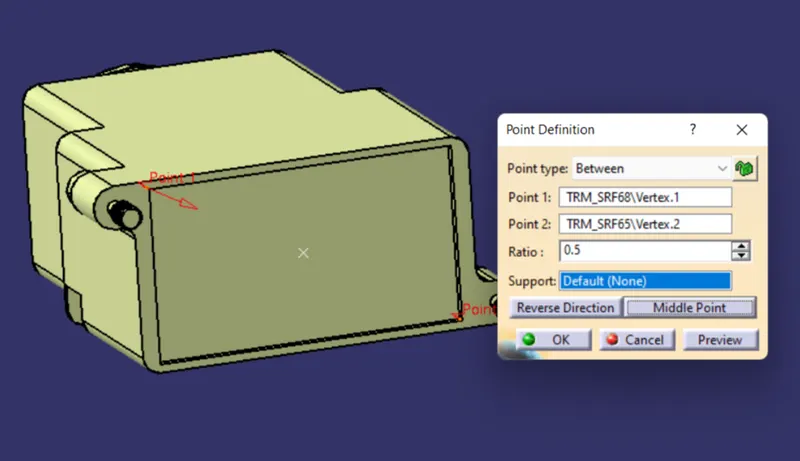
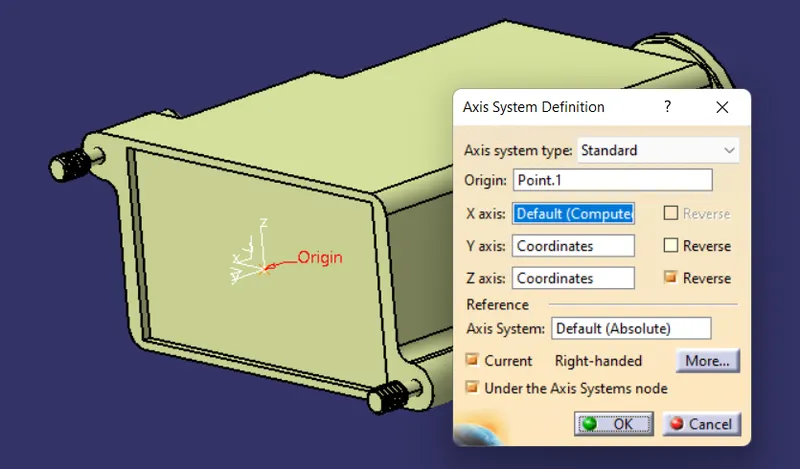
Define part as Backshell in electrical design workbench.
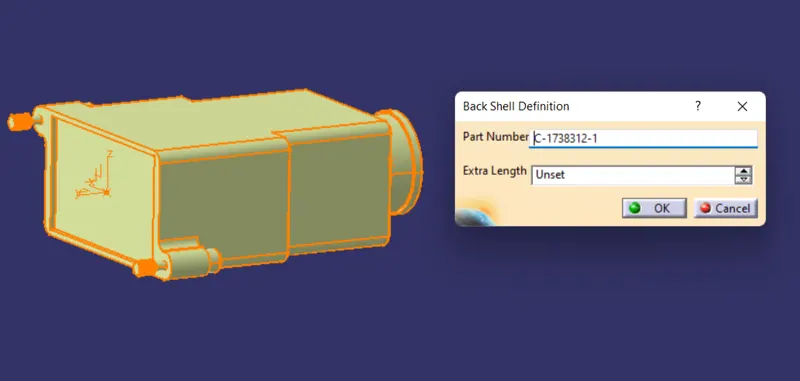
Define backshell design ponit and Define bundle connection point.
Create corrugated tubes :
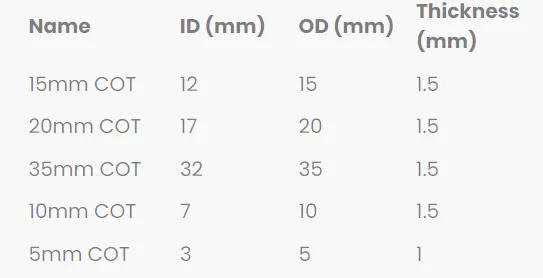
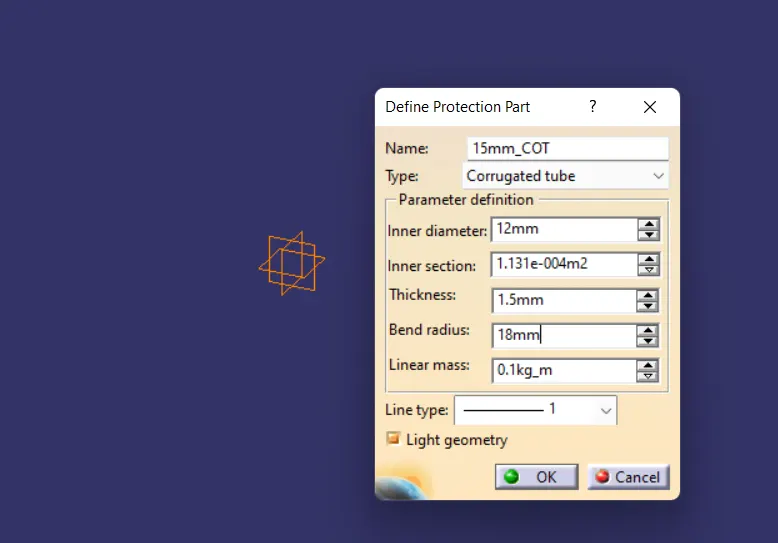
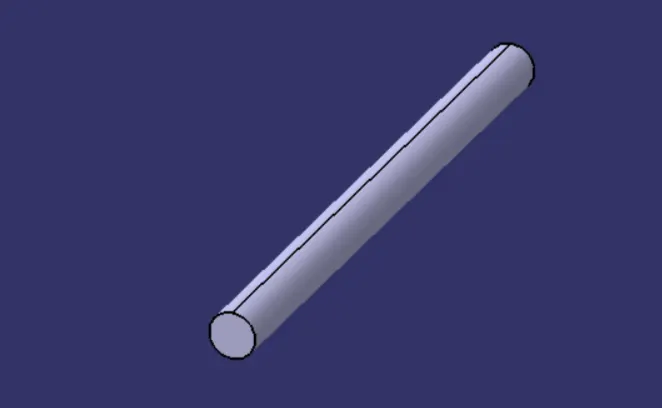
- Create covering 3D part
Create catalogue :
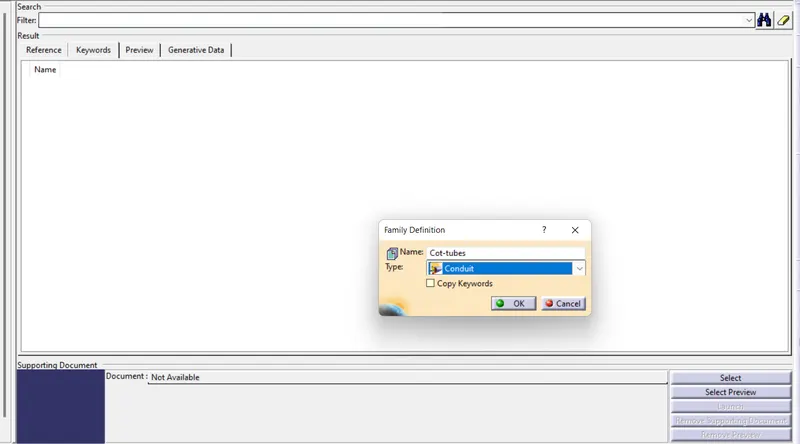
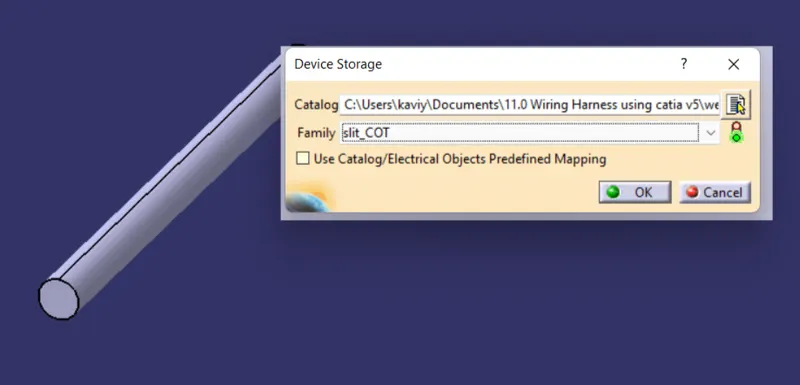
Add them to catalogue :
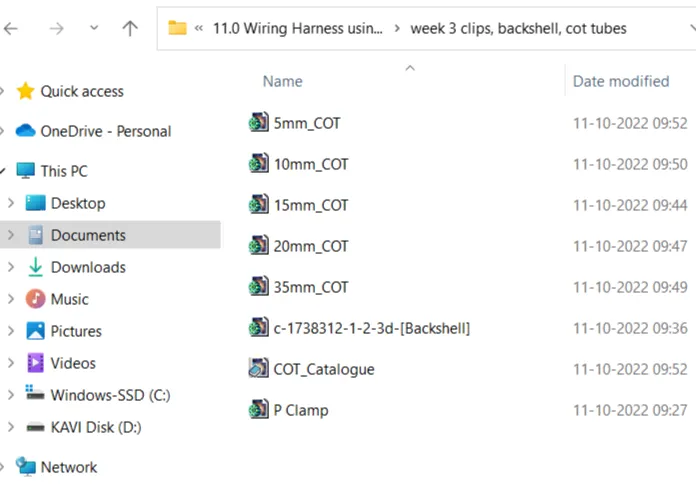
save All flies :
Conclusion :
Hence the clamp and Backshell CAD file and define that 3D model as the electrical part by using electrical design workbench is successfully done in solidworks. And create corrugated tubes and add them in catalogue is also done successfully.