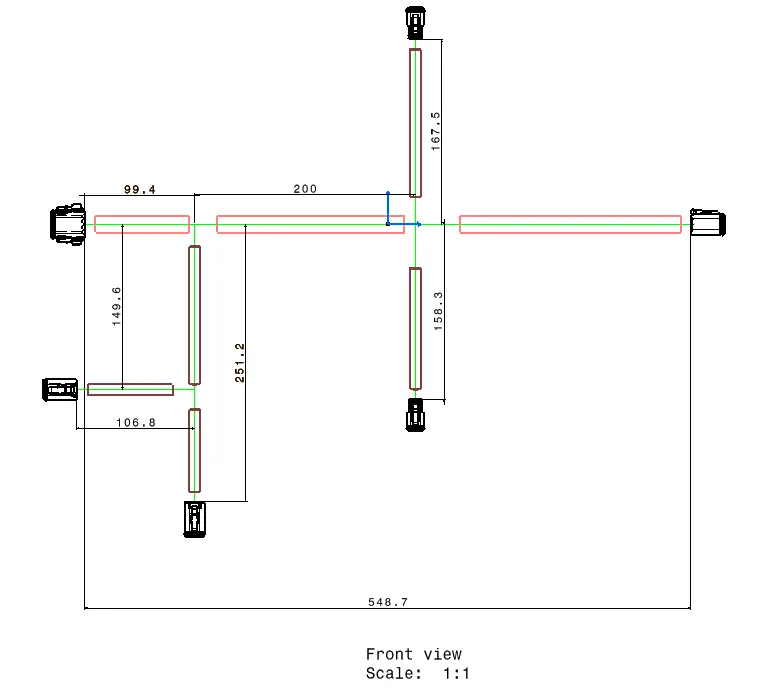
Wiring harness design in CATIA V5 - 3D modeling Week 7 Challenge
Q1. Flatten the harness assembly completed in “ week 4 challenge”. Place the flattened view on drawing sheet. Ensure bundles with protective coverings has different visuals on drawing view.
1. The previous assembly from challenge 3 is used for flattening.
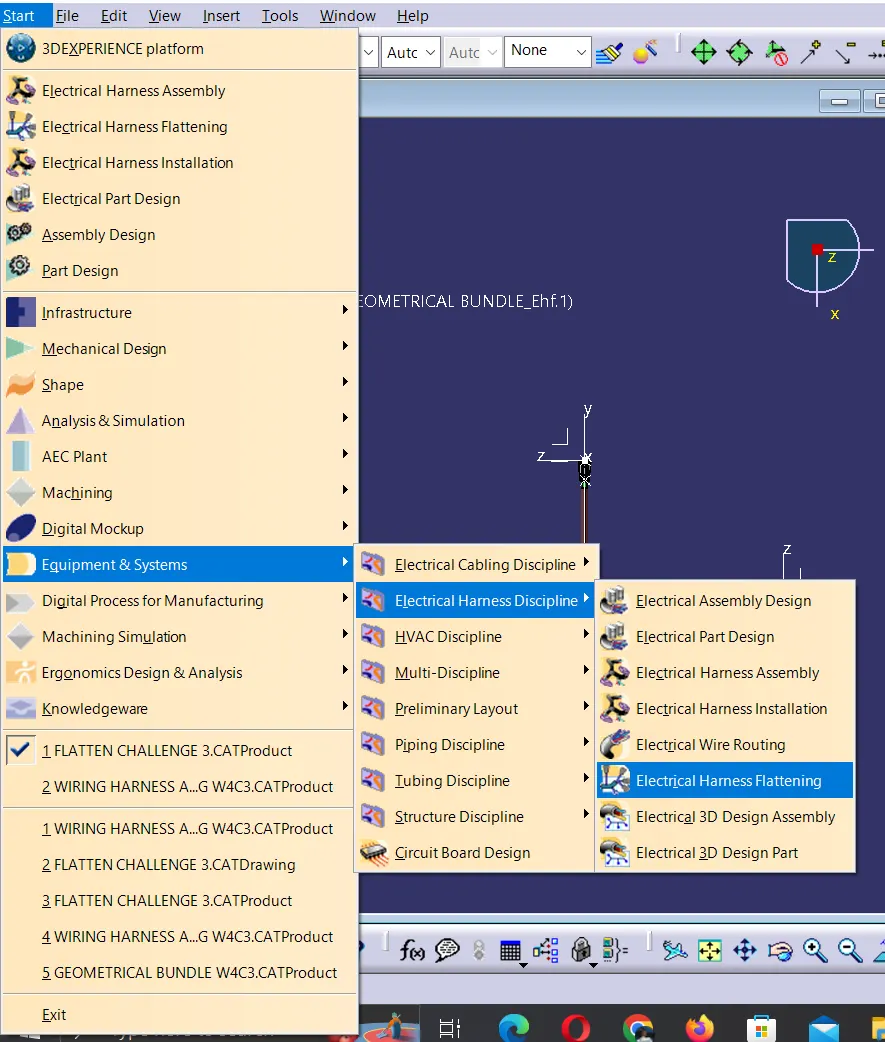
A new product file is created and Electrical flatness workbench is chosen
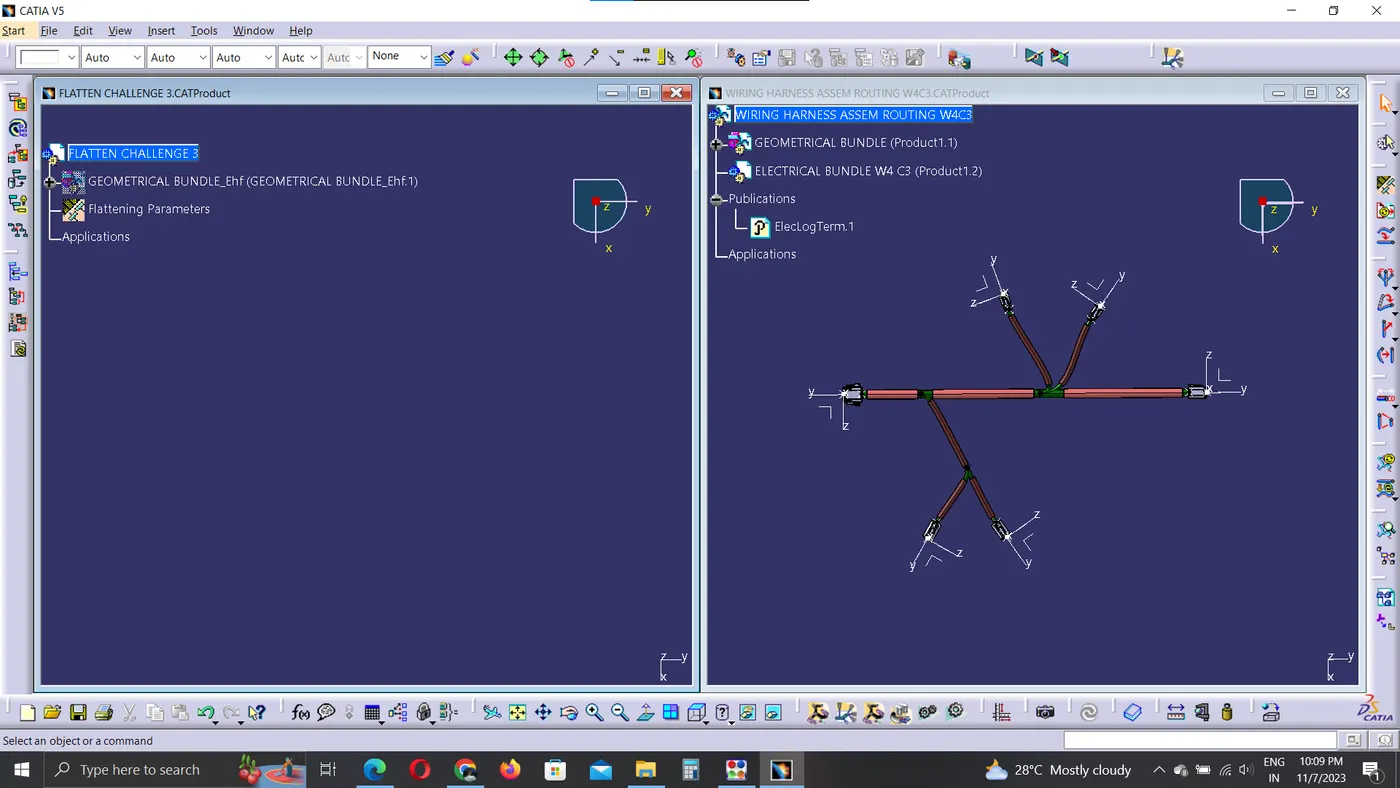
2. The Assembly file to be flattened is opened and both the windows are arranged vertically.
4. The file is imported using import command and geometric bundle of the assembly file is chosen.
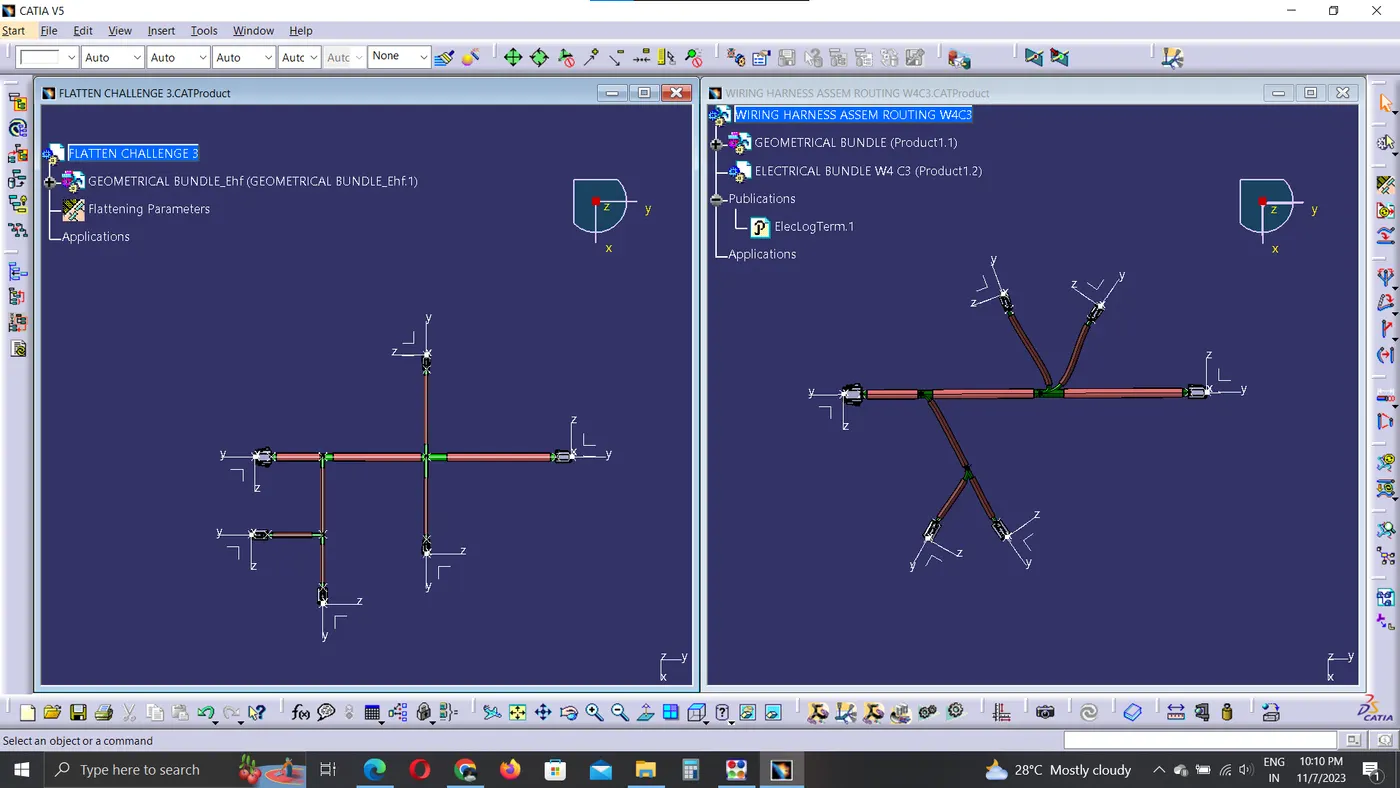
5. The branches which needs to be rotated, rolled or alinged can be done using other options.
To create drawing create a new drawing file
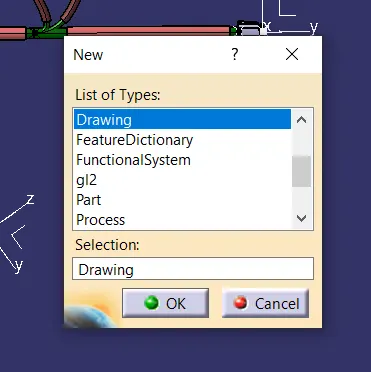
The same procedure followed for creating a normal part drawing front view creation is followed and the view is positioned.
6. To make the lines visible few settings are to be done in assembly level and part level
IN ASSEMBLY LEVEL:
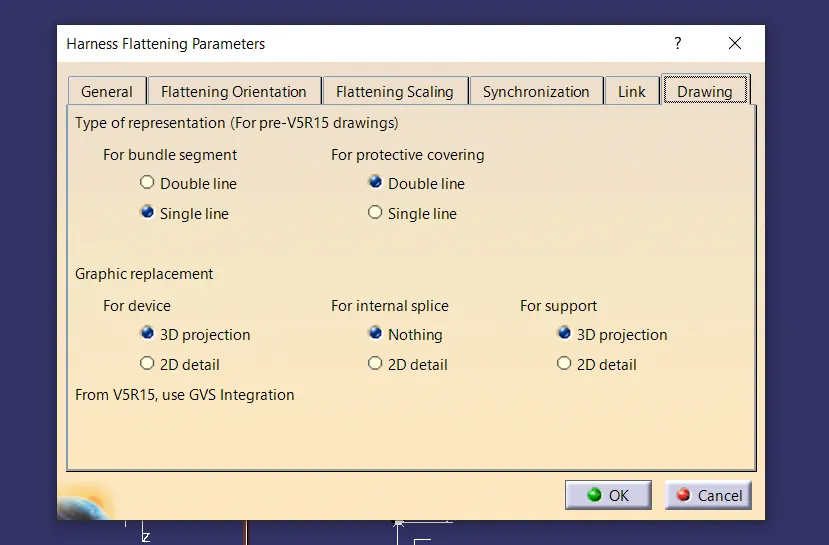
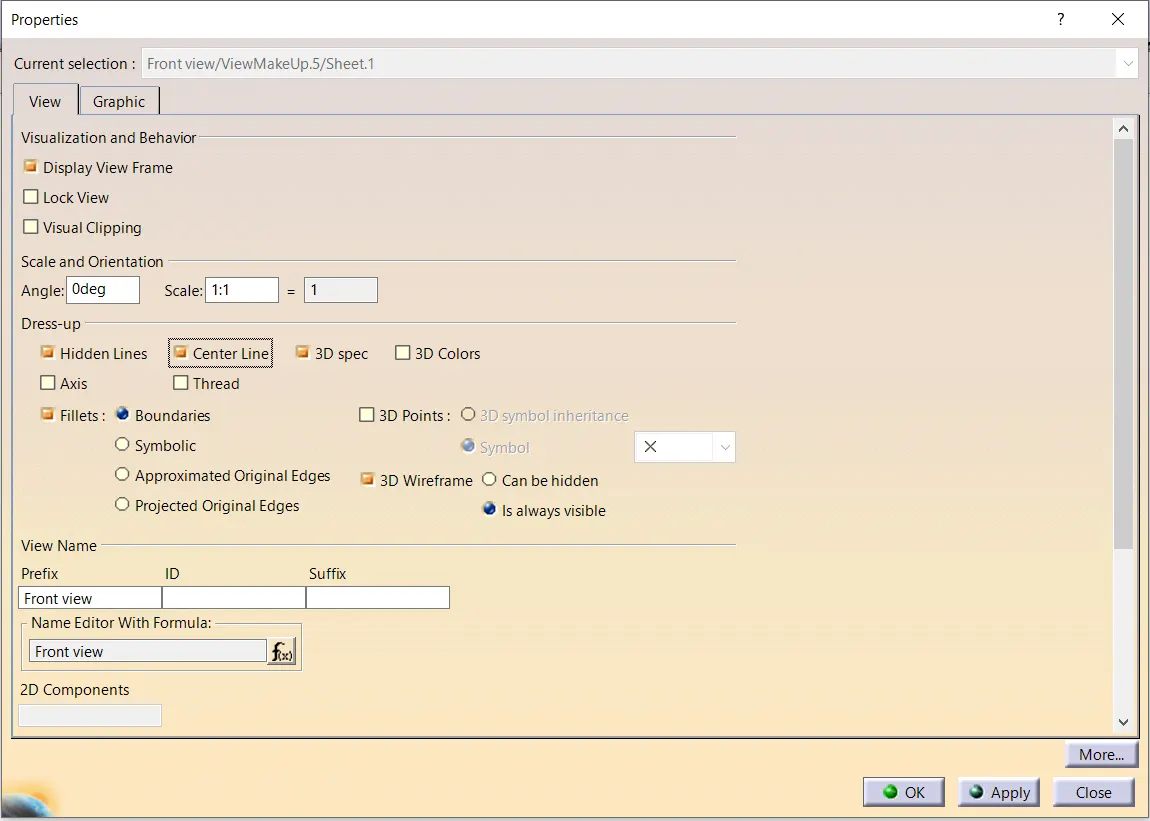
IN DRAWING LEVEL:
The view properties setting are shown below
FLATTNED ASSEMBLY FILE:
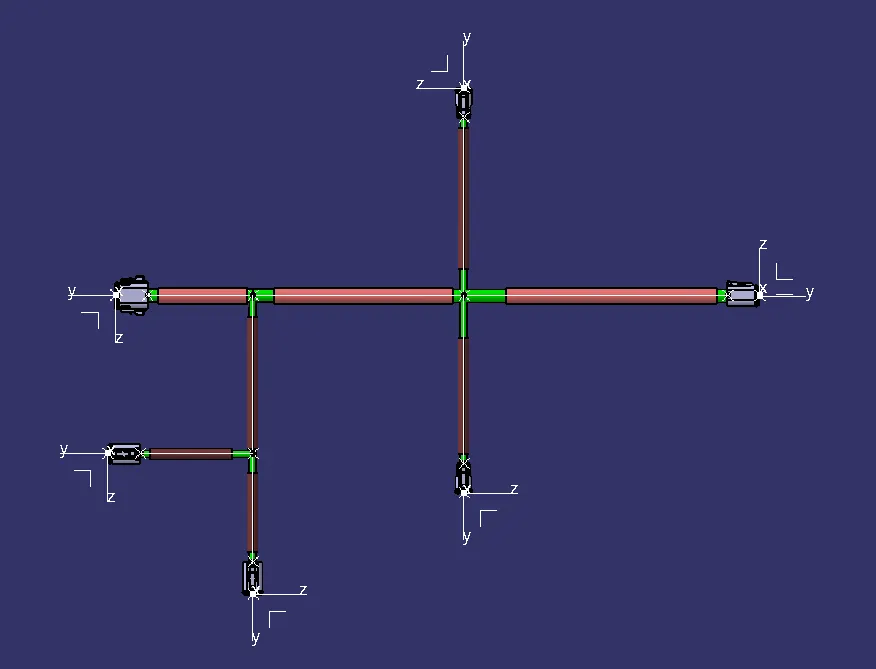
DRAWING FILE: