Wiring harness design in CATIA V5 - 3D modeling Week 7 Challenge
Question :
Flatten the harness assembly completed in “ week 4 challenge”. Place the flattened view on drawing sheet. Ensure bundles with protective coverings has different visuals on drawing view.
Answer :
Opened a new product in Electrical harness flattening workbench and named it as Wiring harness flattening .
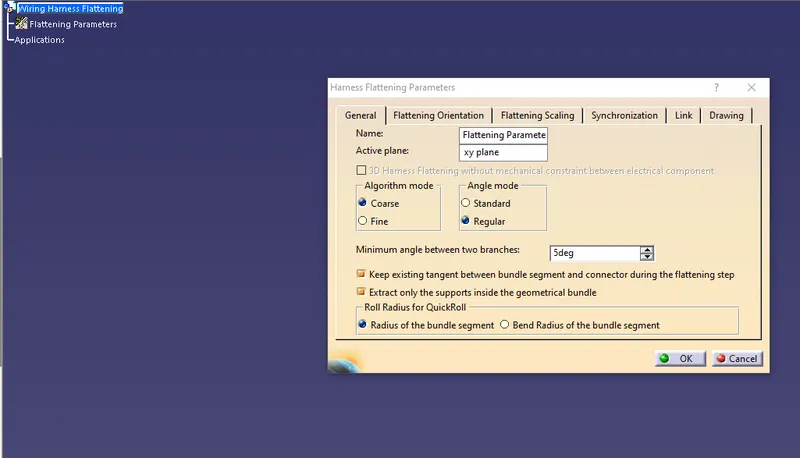
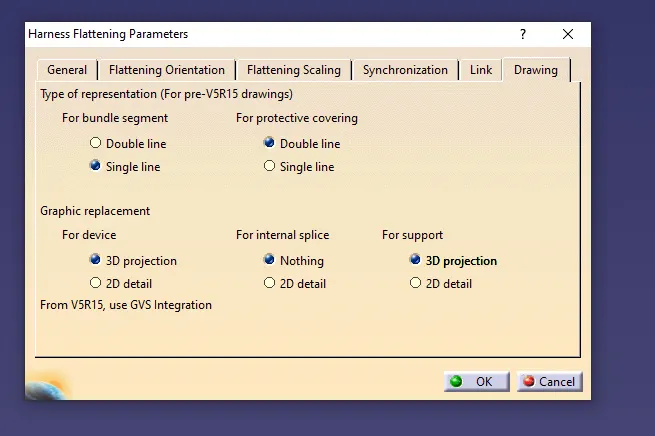
Clicked on flatteing parameters command and set the parameters as follows .
Opened the part to be extraced in new window and placed using tile vertically option and extracted the harness assembly
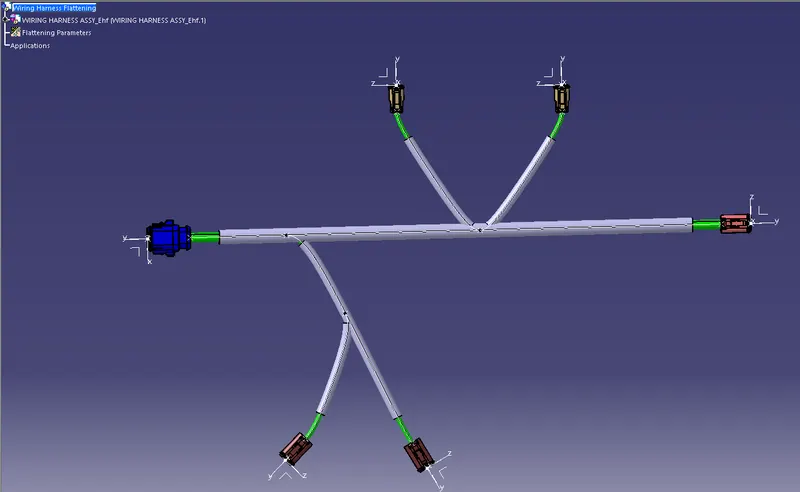
Used flatten command to flatten the assembly with respect to XY plane .
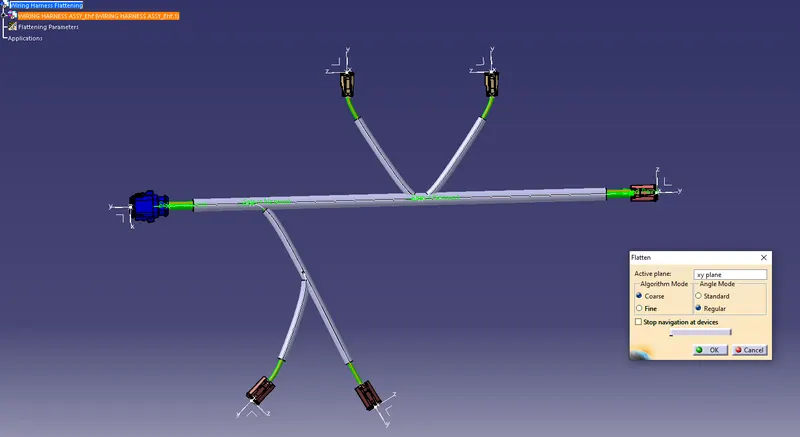
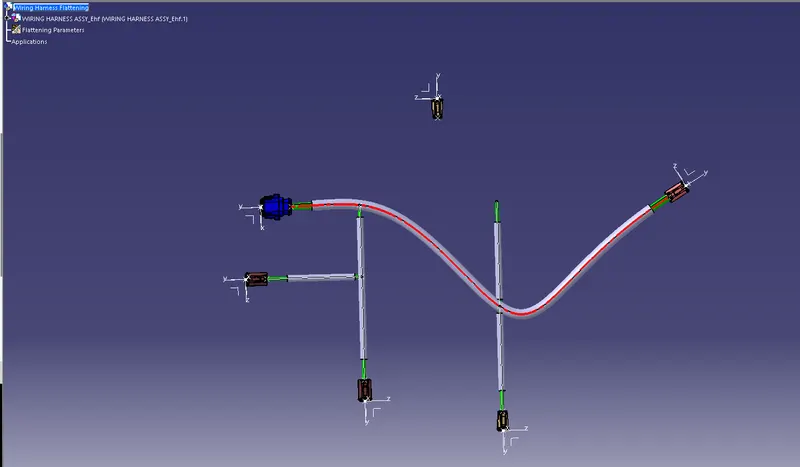
Used manipulation tools from product workbench and updated the assembly to get the desired flattened harness .
Used rotation tool from flattening workbench to place the connectors and harness at desired location .
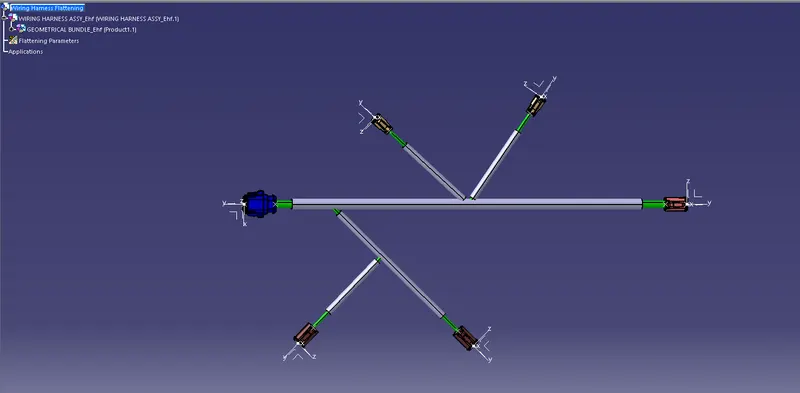
Used synchronisation command to sync flattened product and original harness .
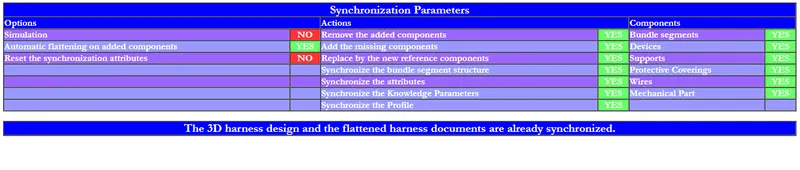
Now we have flattened the wiring harness .
Now to create a drawing , created a new file with A0 size . clicked on frot view command and selected a flat surface from connector of flattened product . Transferred the front view to drawing sheet and positioned it . Changed the property to make 3D wireframe visible .
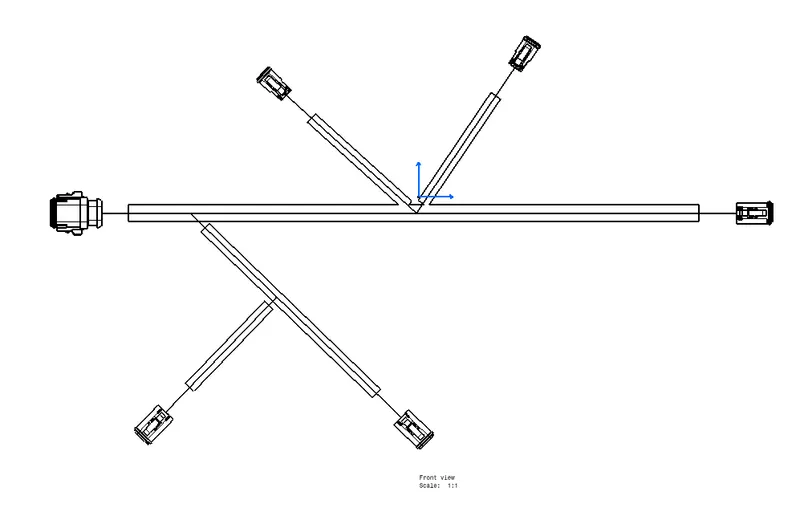
Hence we have created a flattened harness and its 2D draiwing .