Wiring harness design in CATIA V5 - 3D modeling Week 7 Challenge
WIRING HARNESS DESIGN IN CATIA V5 - 3D MODELING WEEK 7 CHALLENGE
Q1. Flatten the harness assembly completed in “week 4 challenge”. Place the flattened view on drawing sheet. Ensure bundles with protective coverings has different visuals on drawing view.
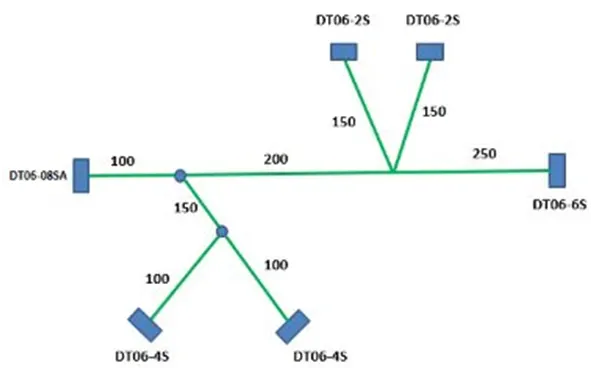
Ans:
The harness assembly and routing is done as per given reference.
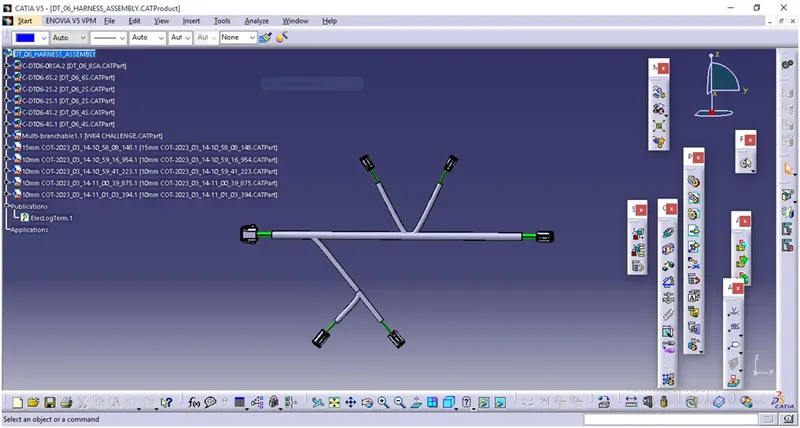
HARNESS FLATTENING:
- We go to the harness flattening workbench and define the flattening parameters.
- We use the extract command to bring the harness assembly to the flattening
- Workbench here.
- Choosing a suitable plane we flatten the harness assembly.
- Bundle segments are rotated at the required angles. The harness assembly is then drafted.
- Flattening parameters are defined in order to make the bundle and the corrugated
- Tubes visible in the 3D drawings.
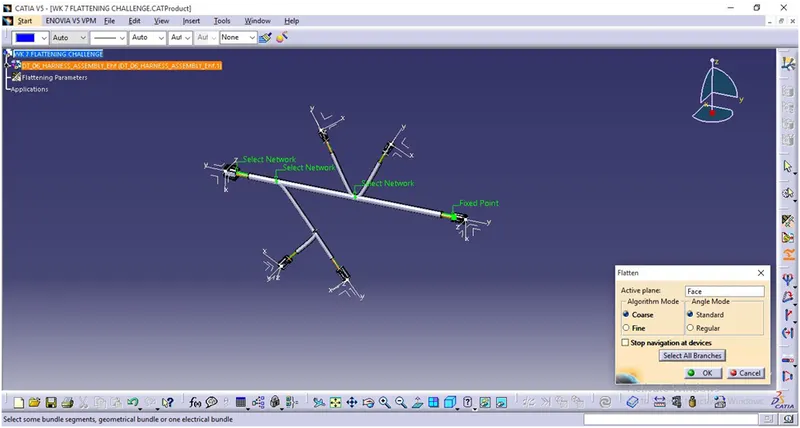
FLATTENED VIEW:
The Harness assembly is Flattened by selecting the reference plane and selecting all branches.
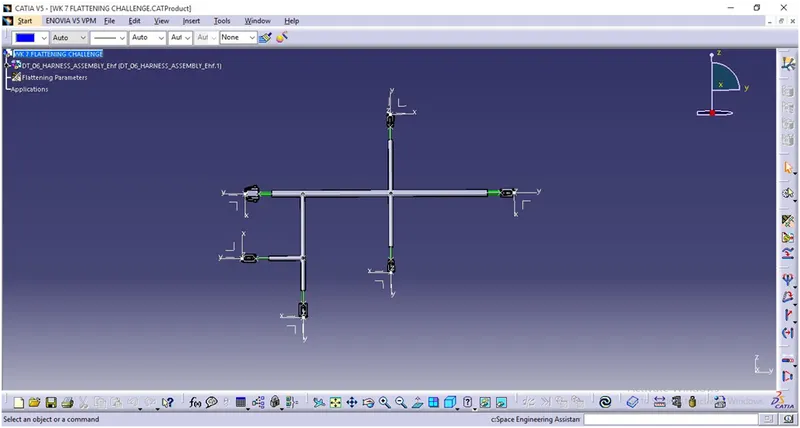
CONVERSION TO 2D DRAFTING :
The flattened harness is converted to 2D drafting file by adding required annotations and saved as .CATDrawing file.
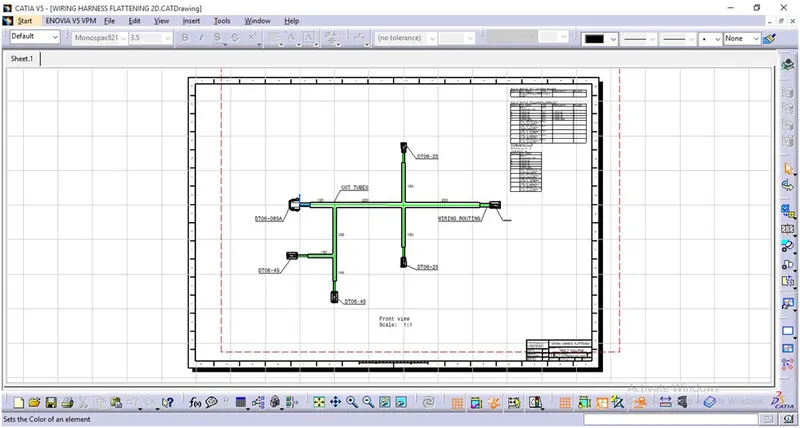
CONCLUSION: The Week 4 Challenge harness assembly is flattened as per given guidelines.