Wiring harness design in CATIA V5 - 3D modeling Week 7 Challenge
AIM:
The objective of this project is to flatten the bundle created and generating drawing file for the same.
STEPS FOR FLATTENING:
Open a seperate product file and then Define flattening parameter as first step.
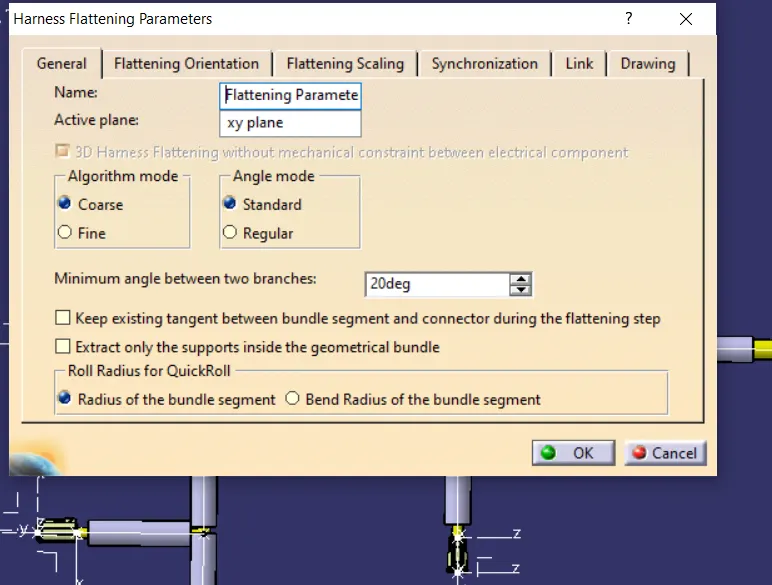
After defining parameters select extract for choosing the geometric bundle want to flatten, make sure the flatten product file and geometric product file lies in the same folder. A geometric bundle with EHF extension will be added in tree representing flattening harness.
Select flatten command for flattening the bundle once you click the flatten the bundle gets flattened.We need to synchronise manually with parent file . Using tile vertically window option will be more supportive for the operation.
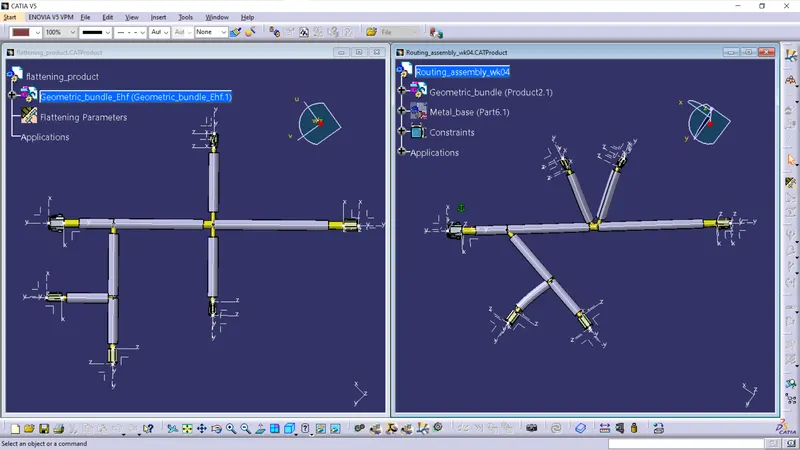
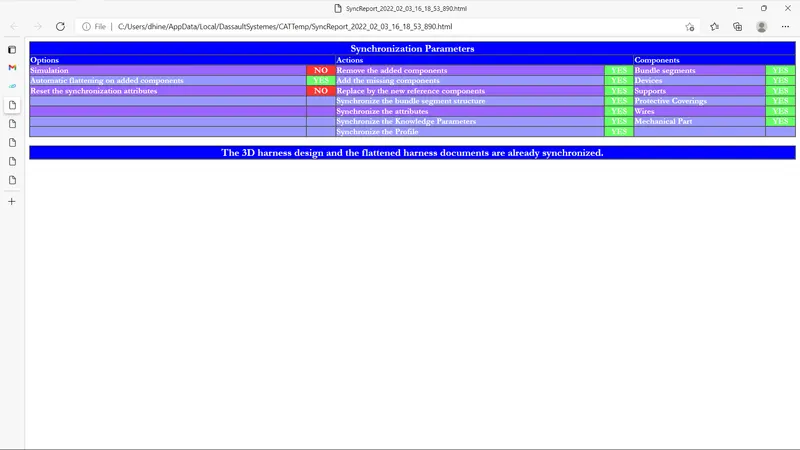
Before synchronising make sure the connectors are positioned correctly . You can change the angle of harness branch from main branch using the rotate and roll command.
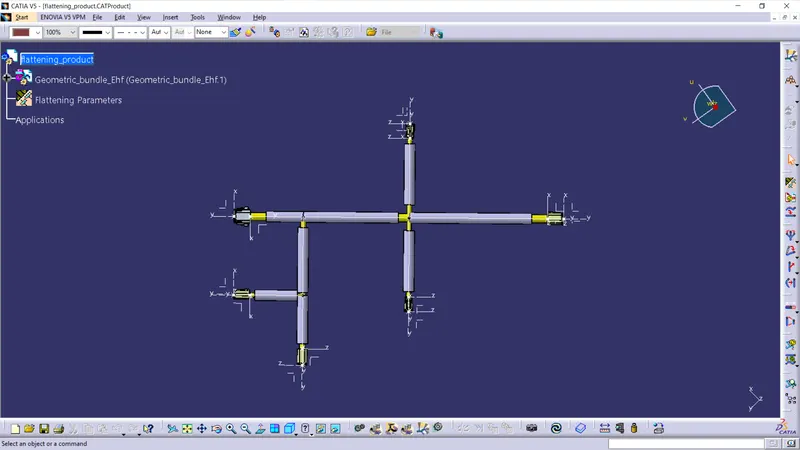
After applying the rotate command flattened will be look like,
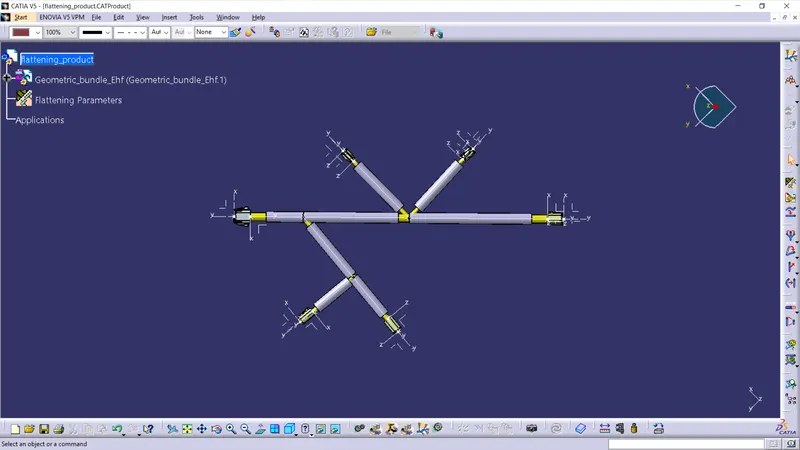
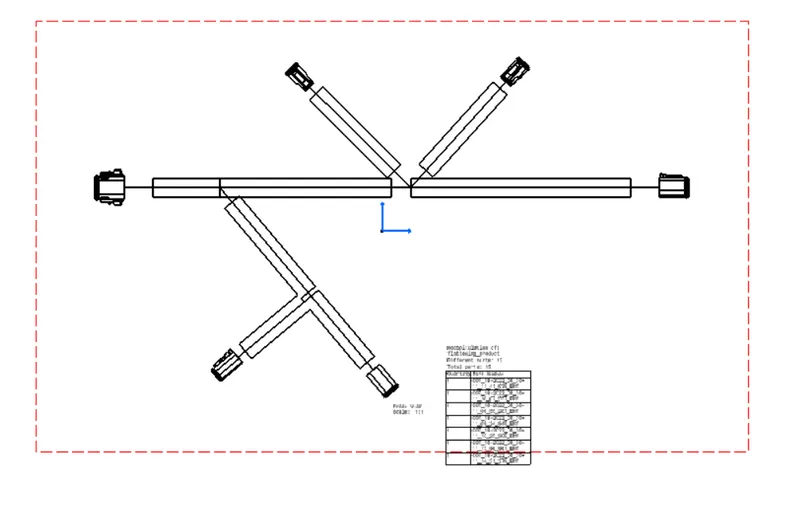
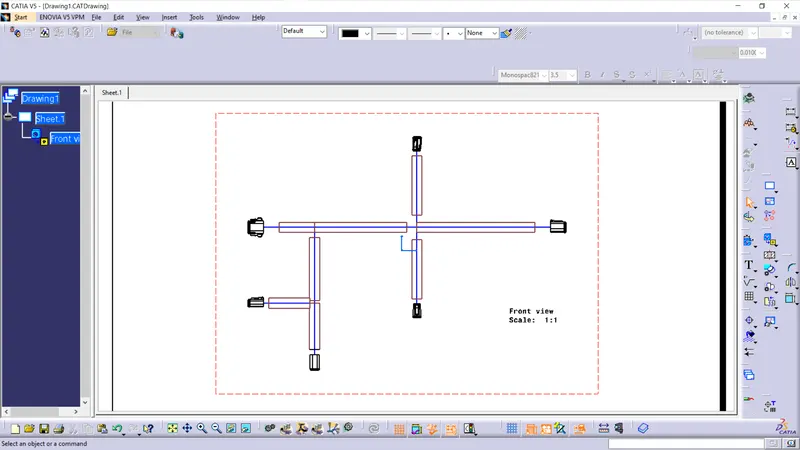
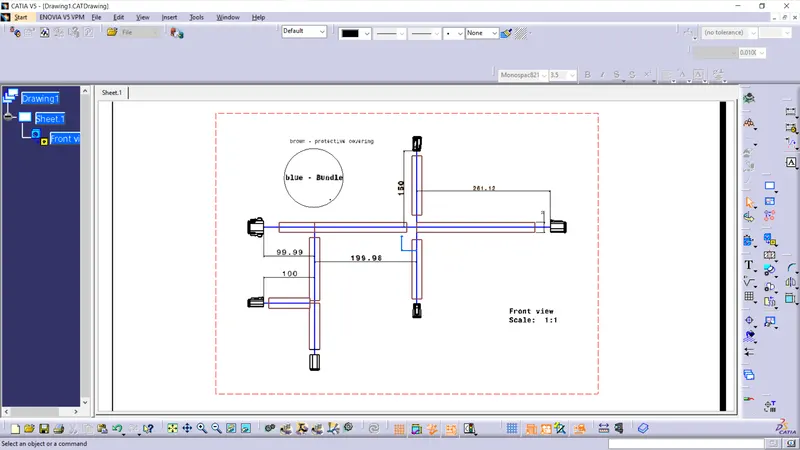
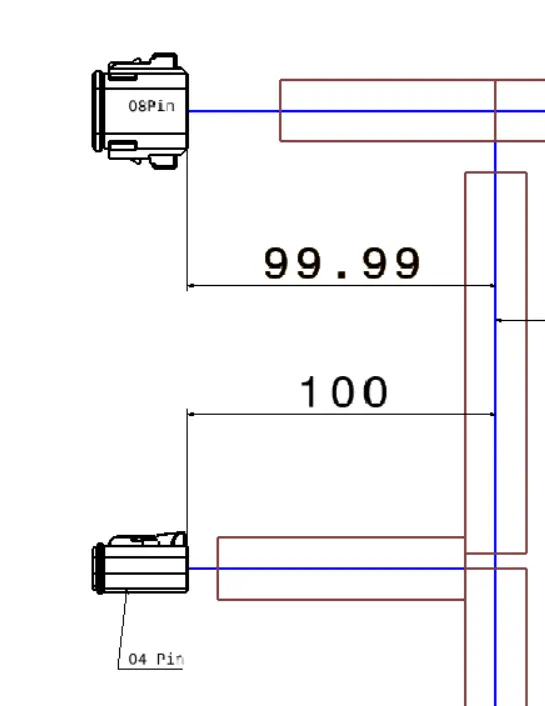
The drawing is dimensioned and the bundle segment and protective covering are defined with different colors.
The connectors are annotated according to its pin configurations as shown below.
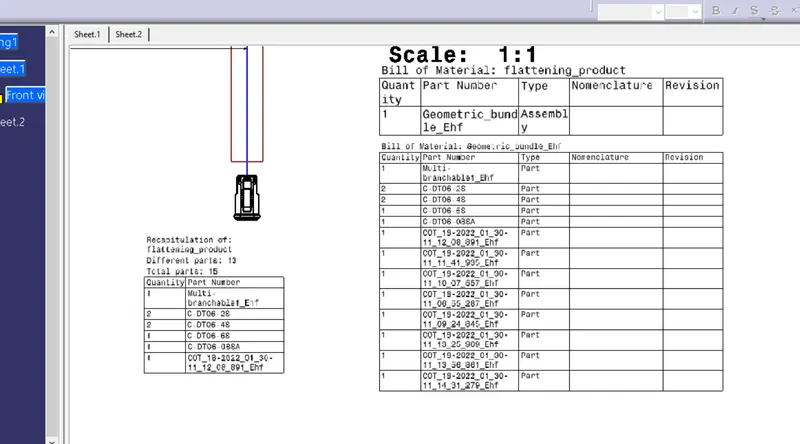
Bill Of Material is created(BOM) for this model
CONCLUSION:
The given bundle is flattened according to the parameter and same is converted to drawing file successfully.