Wiring harness design in CATIA V5 - 3D modeling Week 7 Challenge
FLATTERN THR HARNESS ASSEMBLY
Aim : To route the harness with given connectors & diagram , Flattern the harness assembly. Project the flattern on 2D drawing sheet.
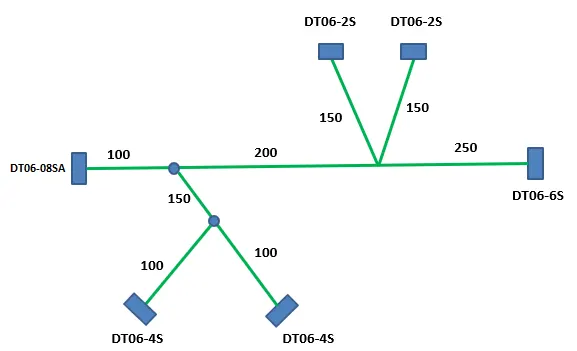
Given data
1. Define connectors as electrically
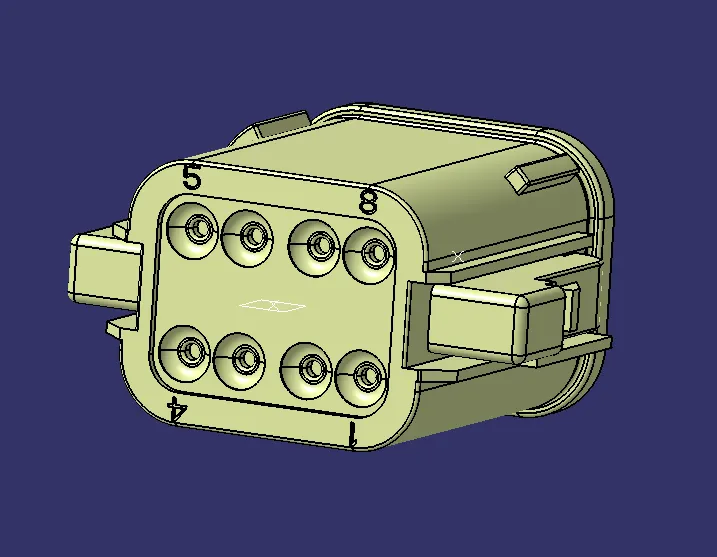
DT06-08SA
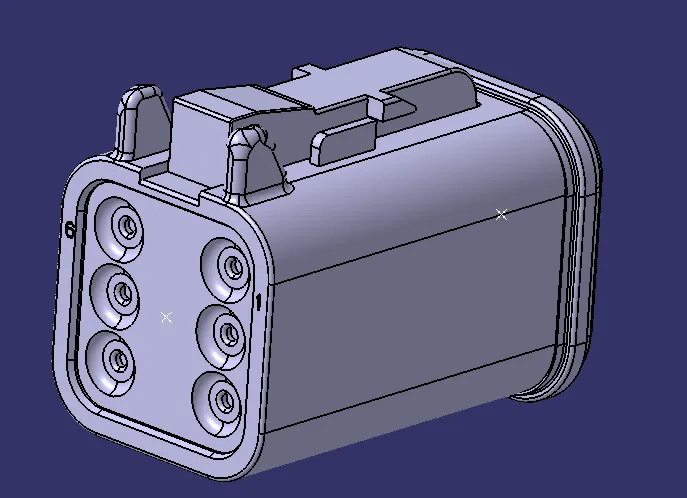
DT06-6S
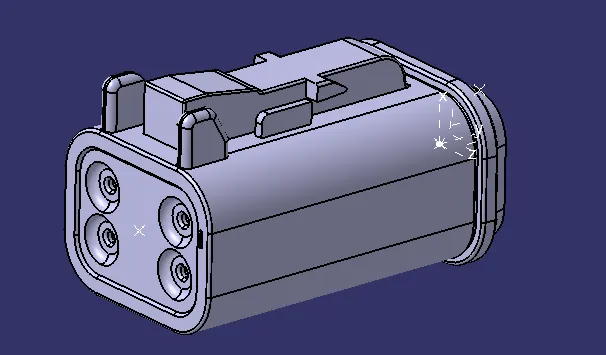
DT06-4S
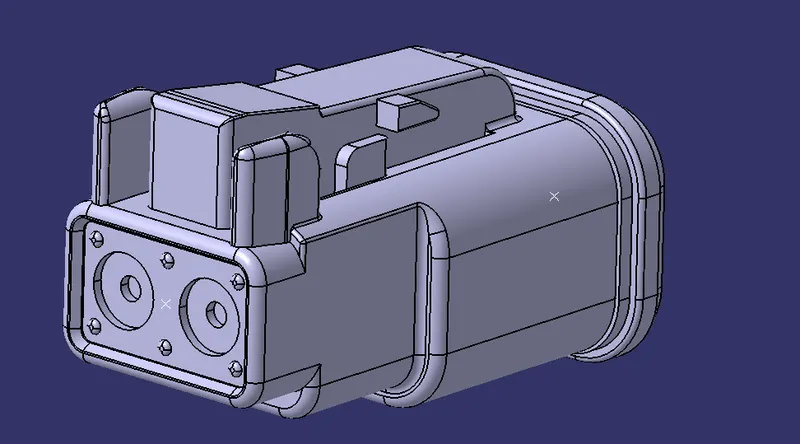
DT06-2S
2. Routing harness assembly
- All connectors as to be imported into product file and bundle created between the connectors.
- Corragated tubes are added to the bundle from cataloge.
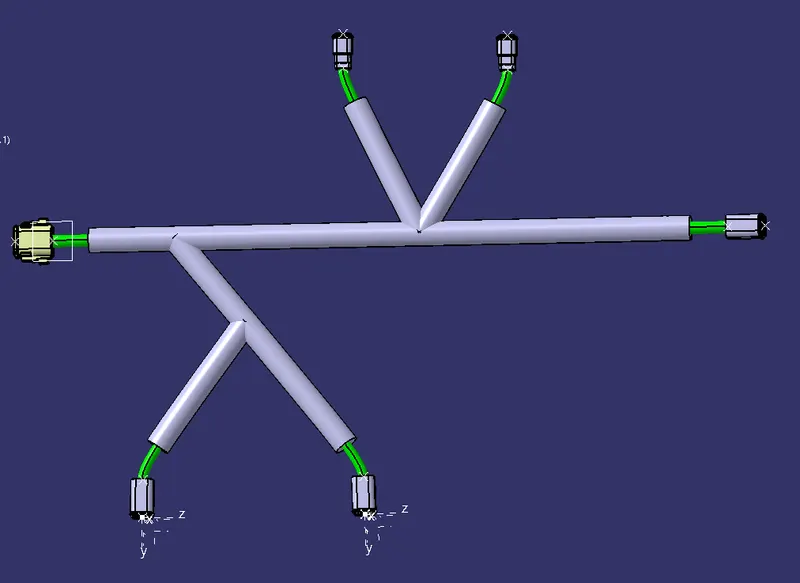
Harness assembly
3. Flattern the harness assembly
- Flattern as to be done on fatttern harness assembly workbench in new product file.
- First step to do in the flattern harness assembly workbench is set the flattern parameters.
- Second step is to import assembly in to harness assembly workbench using extract command.
- Flatten the harness using flattern command. Used rotate and roll command as per requirements.
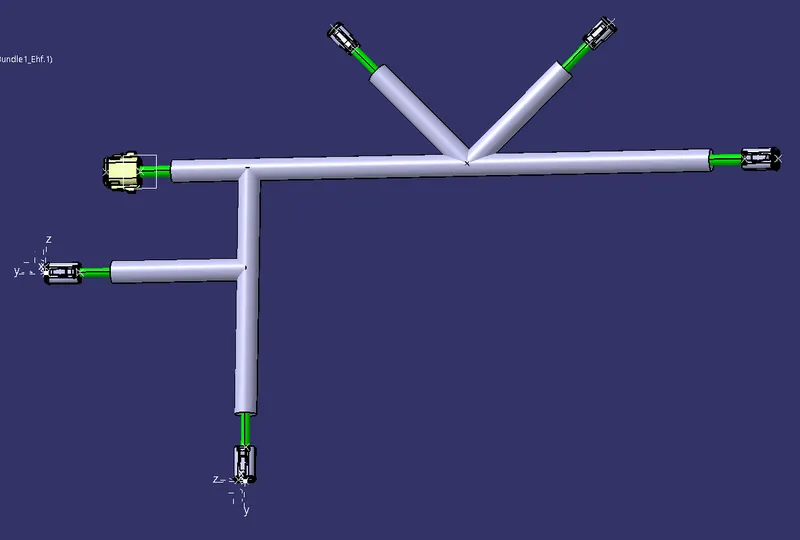
Flattern harness assembly
4. 2D drawing
2D representation of harness can be created in drawing file.
Project the front view in the sheet using front view command.
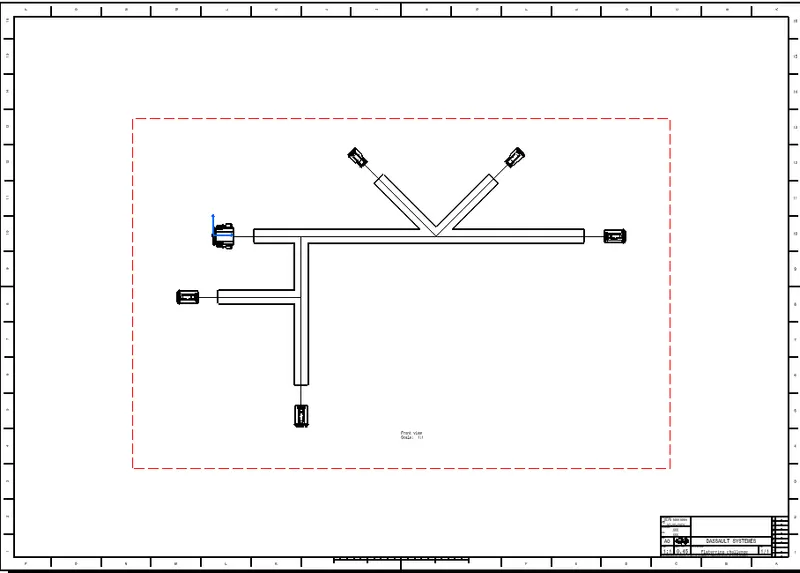
CONCLUSION :
Harness assembly routed and that harness assembly fatterned in flattern harness assembly. Flattern harness projected on the 2D diagram.