Wiring harness design in CATIA V5 - 3D modeling Week 7 Challenge
This is the week 4 challenge routing wire harness assembly of different type of connectors at a particular distance now in this week 7 challenge we are going to arrange all these in the flattend assembly
We will make flattening product with the help of previous bundle of assembly
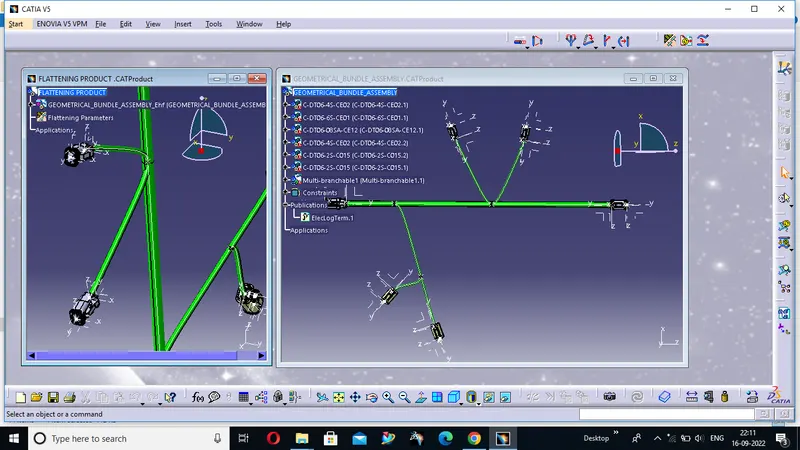 now we will put some flattening parameters and then we will use flatten command and select the branches to flatten the assembly
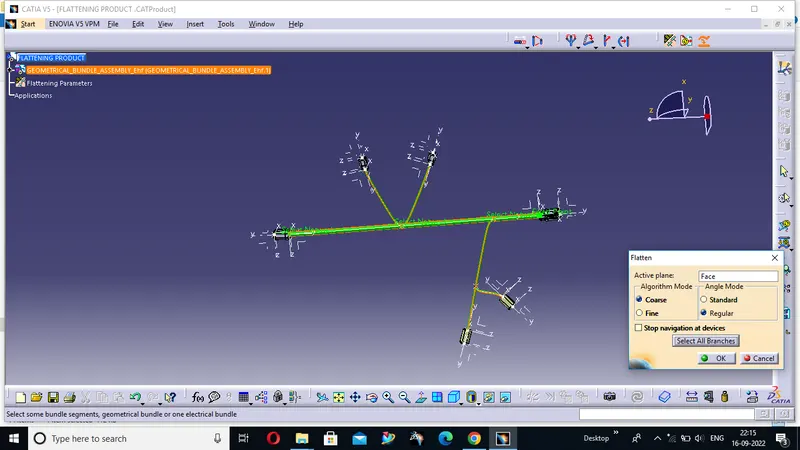
We will get this type of output after using flatten command
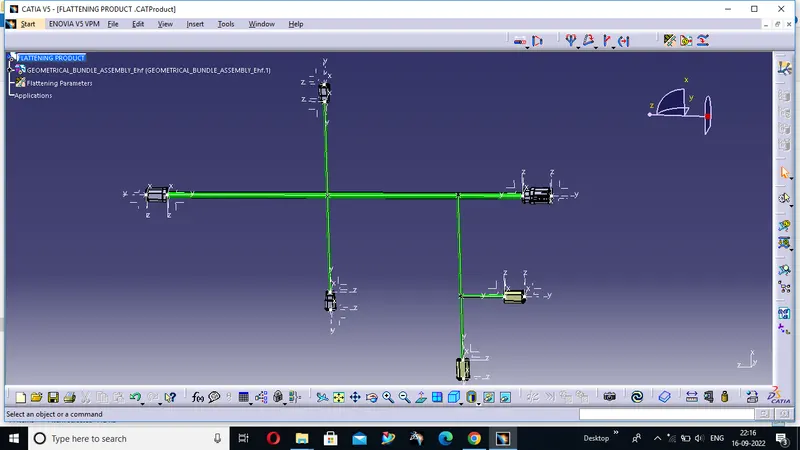
For correct arrangement of the given geometrical bundle we will use rotate command from the wire harness flightening work bench you will also use band command and branch command
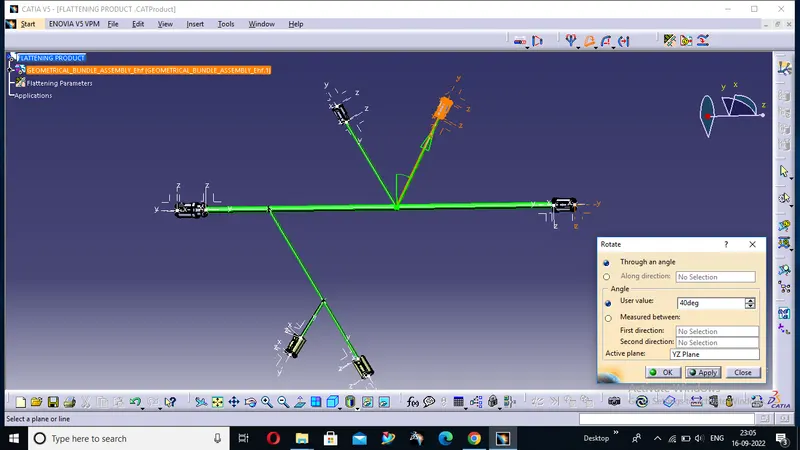 after all this we will use the protective covering of cot tube made by us earlier from the catalog according to the dimension we will apply the protective covering
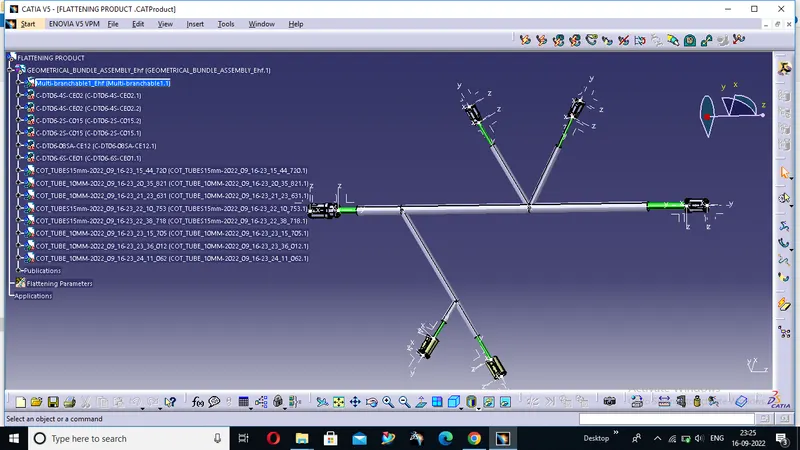
This is our final flattens model of wire harness flatten work bench
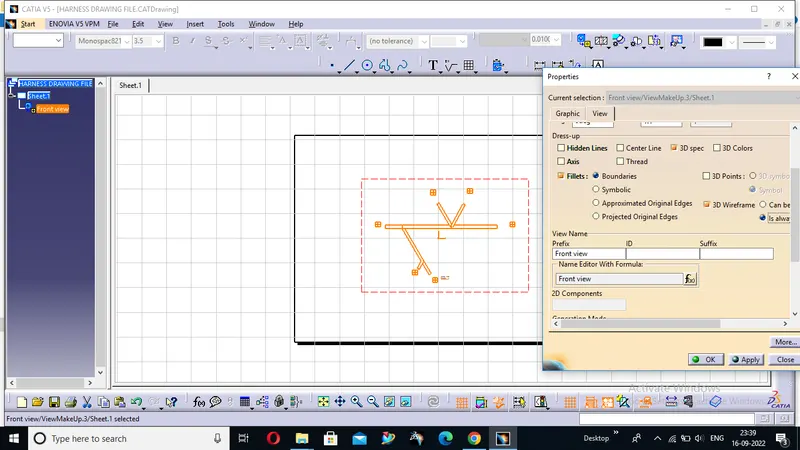
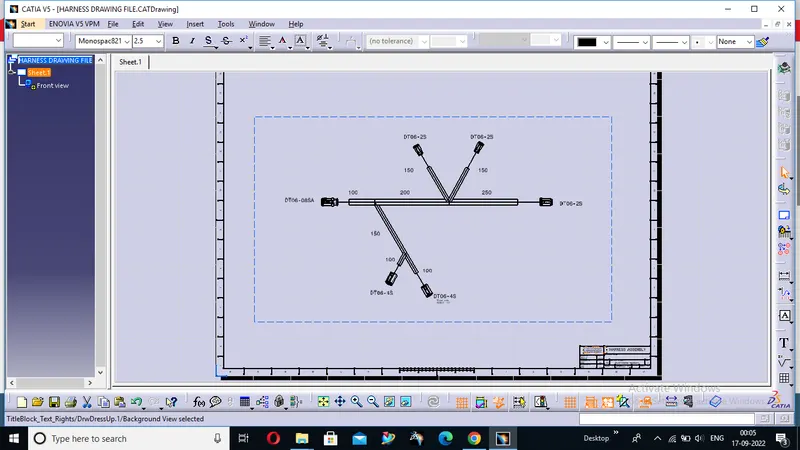
Now we are going to use drawing method for our 2D representation in our drawing sheet of our viral harness model we will select the face and use front view and opt the YZ axis
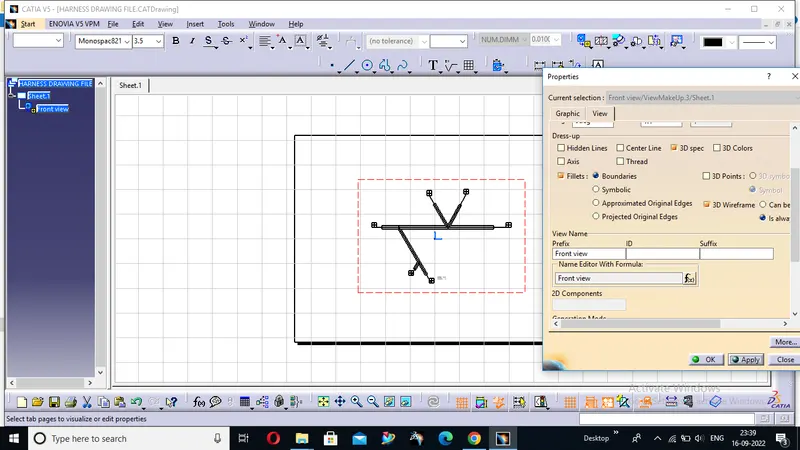
Now we are going to put some settings in the property of our drawing to view the 3d representation
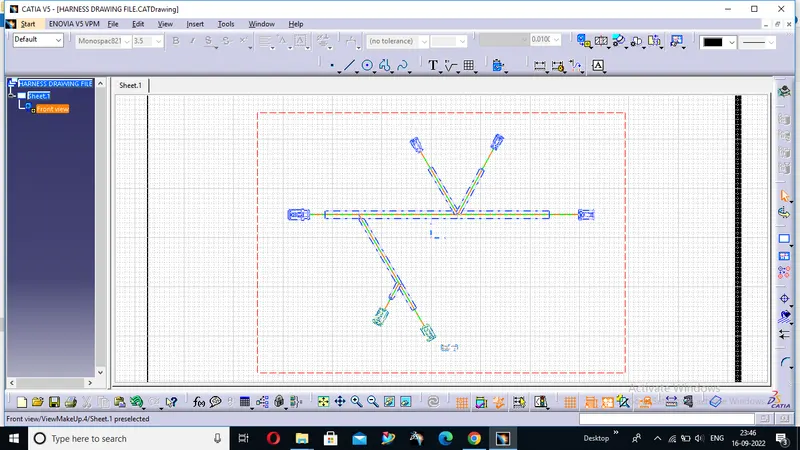 this is the colour representation of our drawing
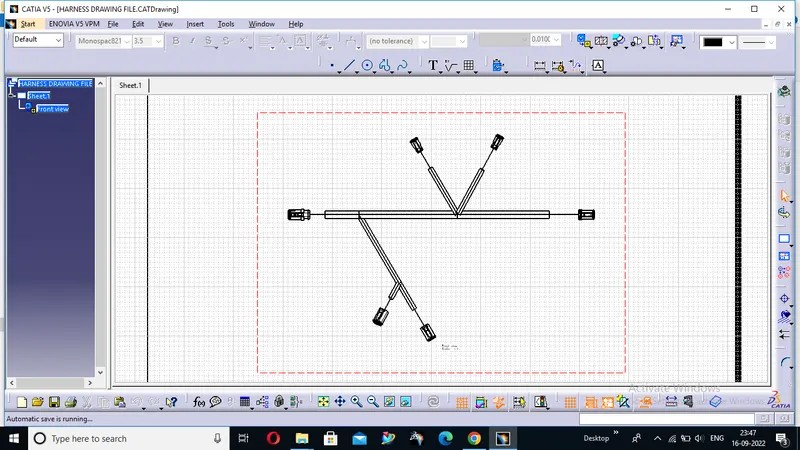
Here we can see the connectors as we have done the 3D representation in our drawing now we are going to level our connector with the proper distance and hence we will provide the sheet background to it and here we will get our final output