Wiring harness design in CATIA V5 - 3D modeling Week 7 Challenge
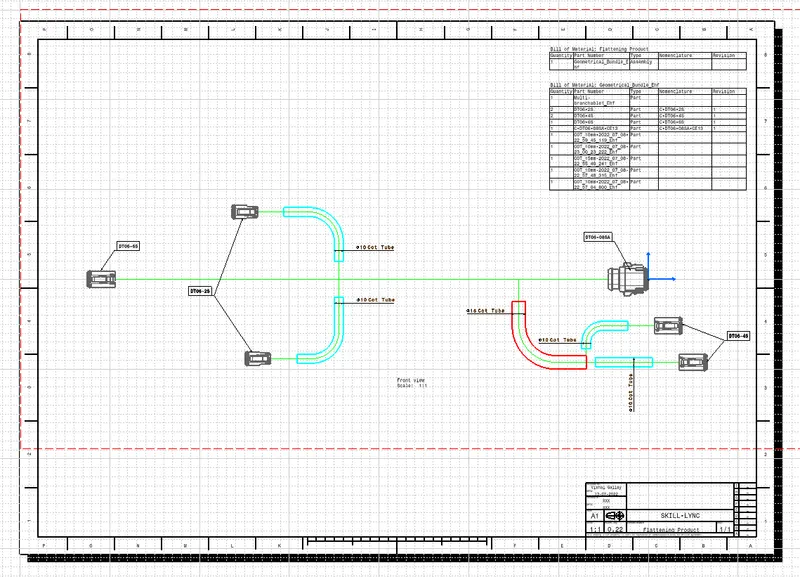
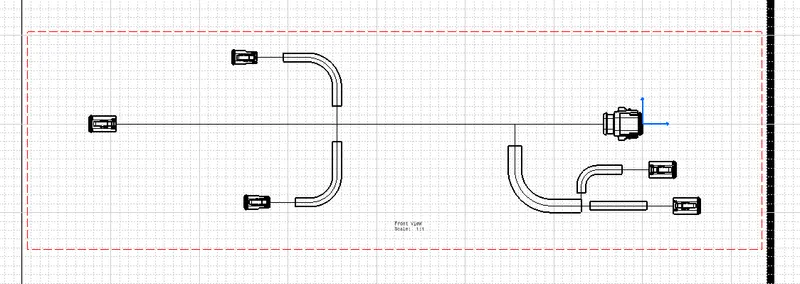
OBJECTIVE: Flatten the harness assembly and Place the flattened view on the drawing sheet.
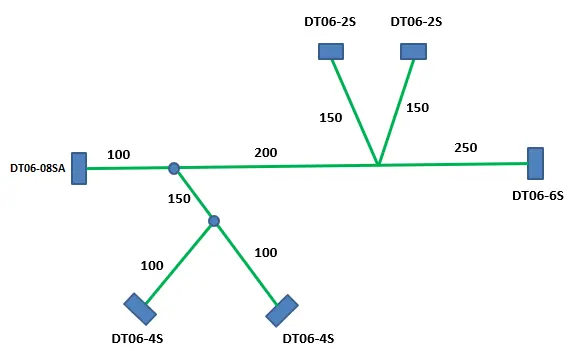
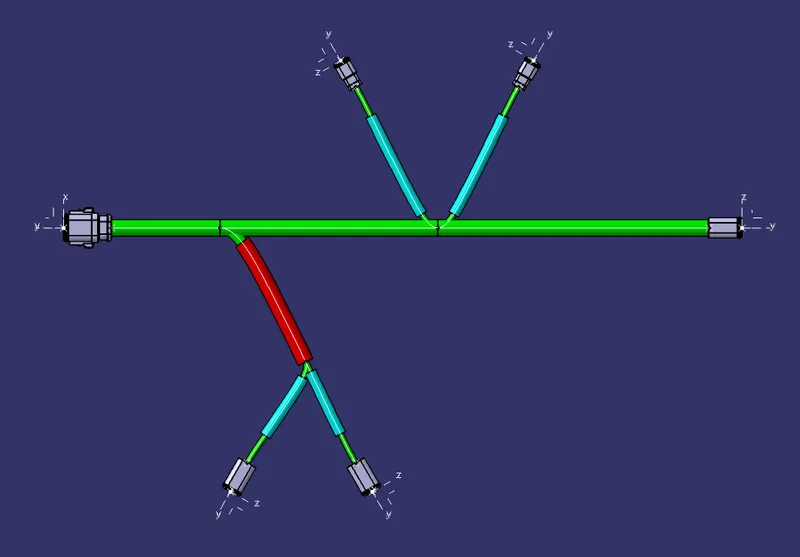
GIVEN HARNESS ASSEMBLY:
PROCESS:
1. Create a new Product file, and go to Electrical Harness Flattening Workbench.
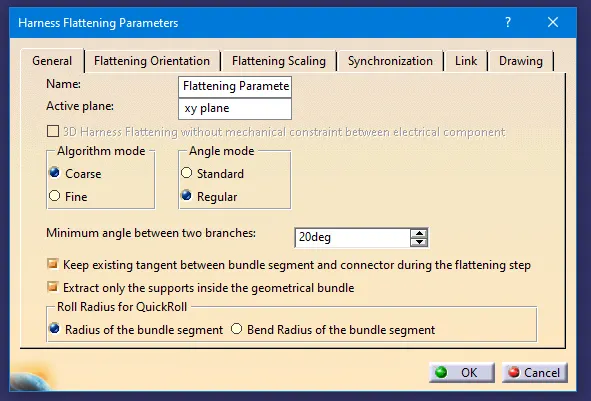
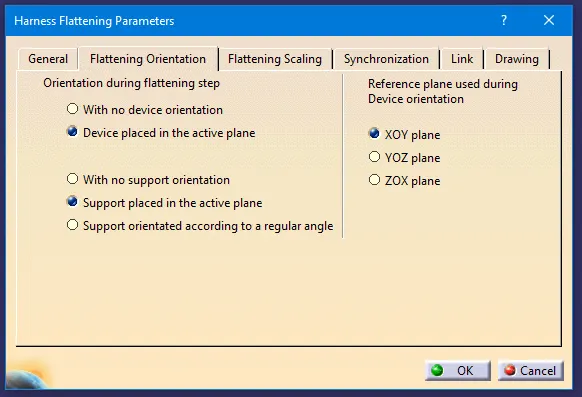
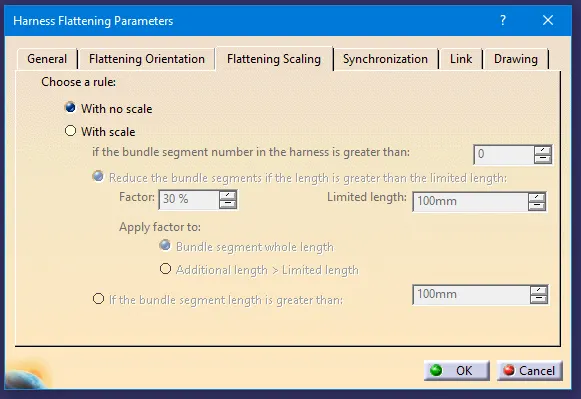
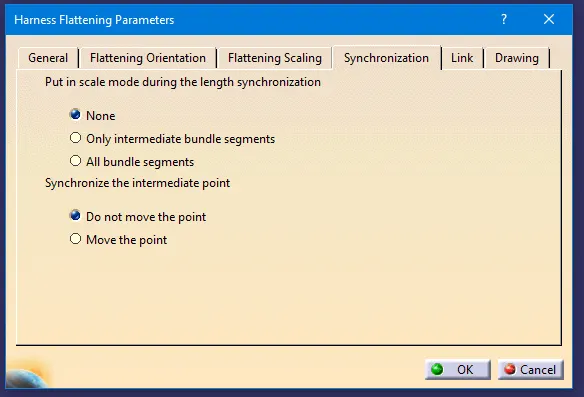
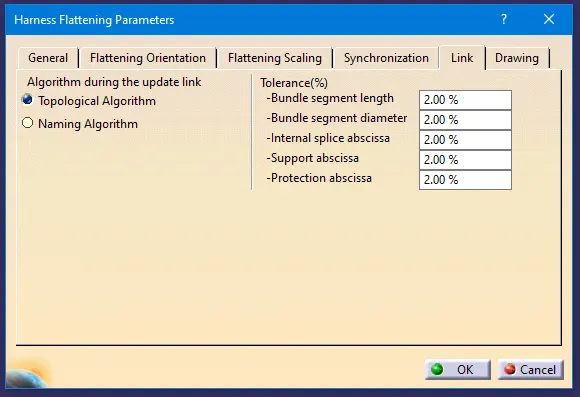
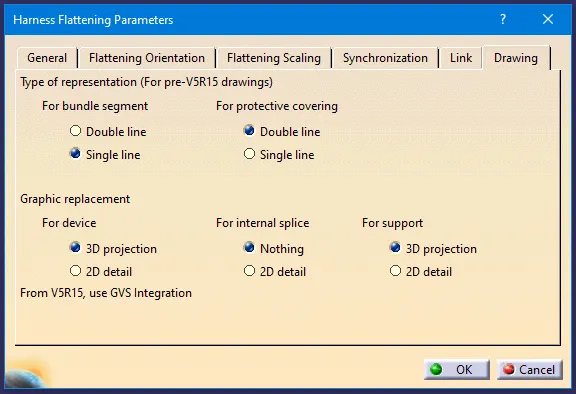
2. Select the Harness Flattening Parameters command and select the Product from the tree.
3. A Harness Flattening Parameters dialogue box will open, and define all the parameters according to the requirements.
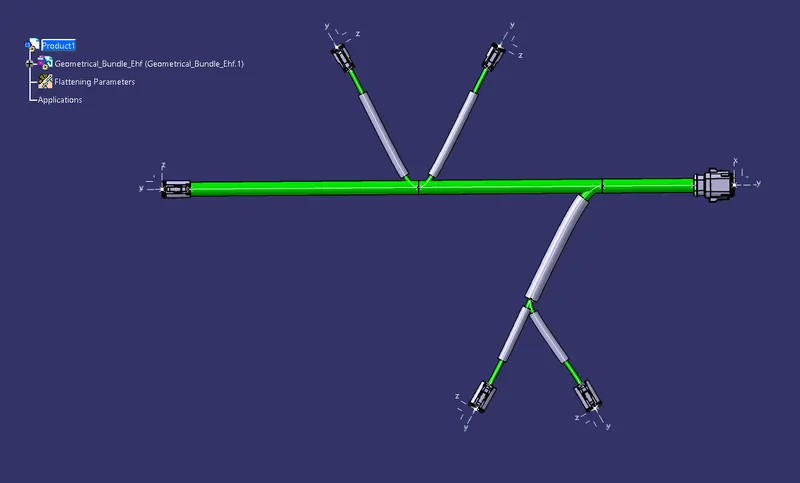
4. Using the Extract Command Insert the given harness assembly.
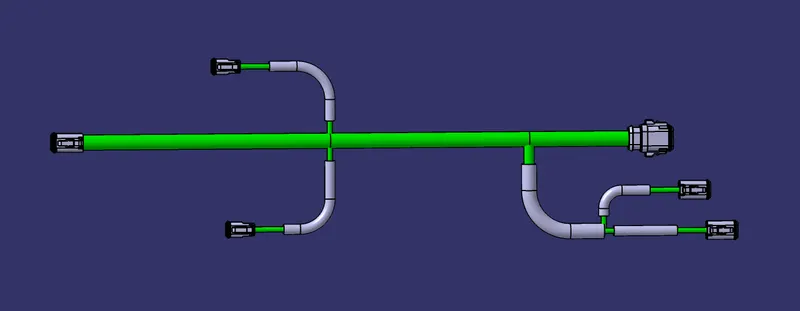
5. Using the Manipulator Commands arrange the wiring harness bundles.
6. Create a new drawing file and insert the view on the sheet.
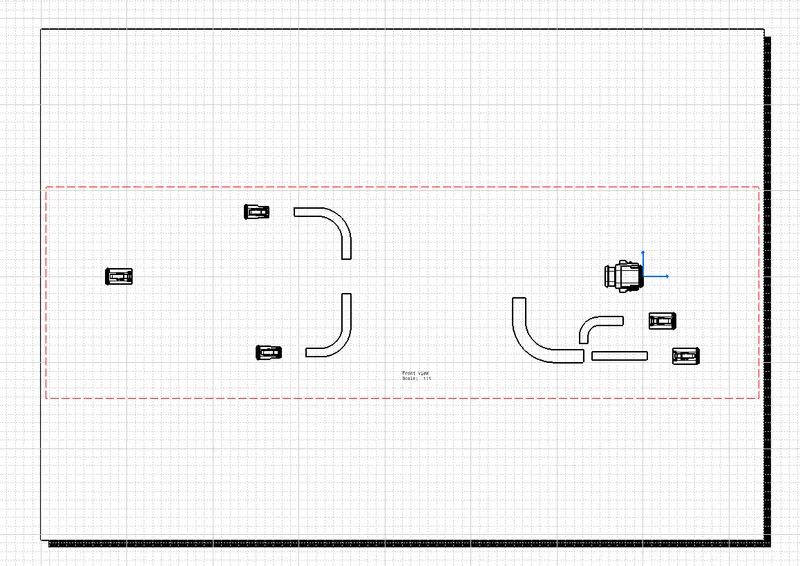
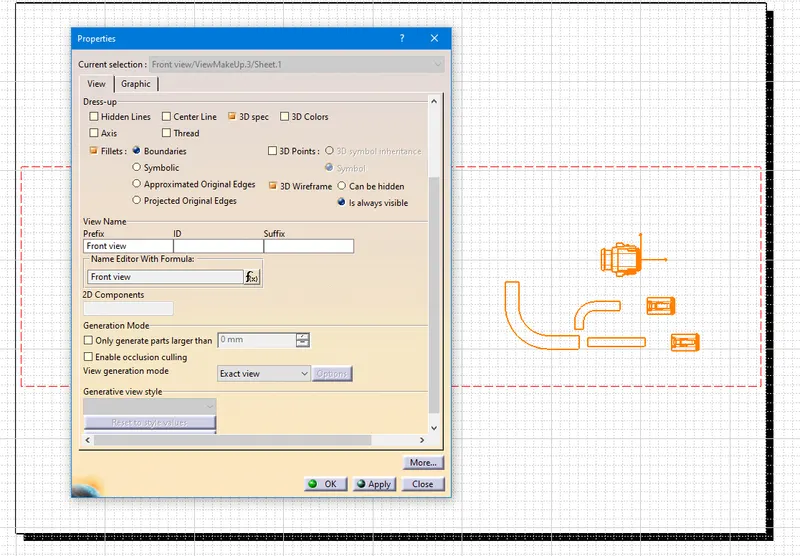
7. To show the hidden wires go to the properties and turn on the 3D wireframe as always visible.
8. Add Annotations to connectors & Cot Tubes, BOM, Title Box, and other things.