Wiring harness design in CATIA V5 - 3D modeling Week 5 & 6 Challenge
Report :
Objective:
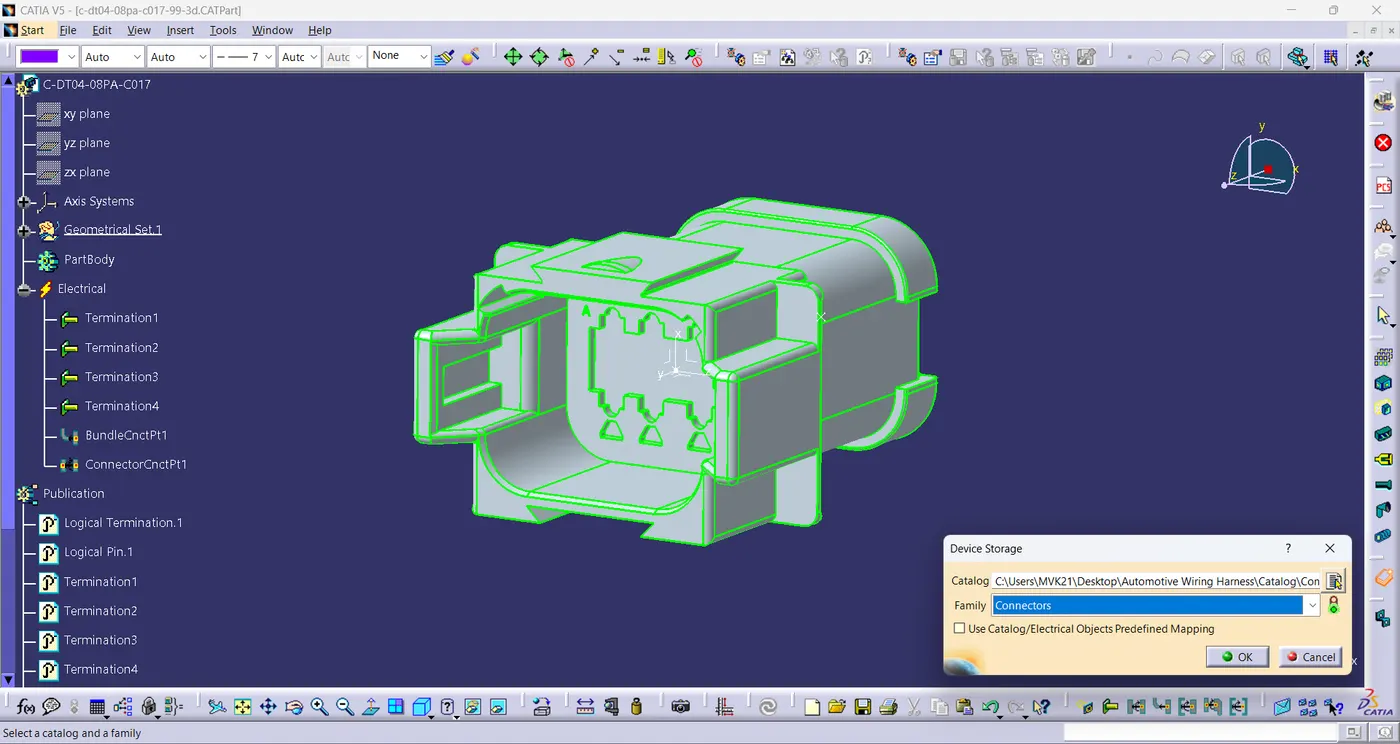
- To define all the necessary electrical properties of the connectors, create a catalogue and add all the connectors to catalogue.
- To create the layout of harness - A & B, assemble both the harnesses together and add annotation on the connectors.
- To check the bundle connectivity and check for the bundle warning.
- Generate CAT.part of harness assembly and convert it in. igs format.
Electrical Components:
Harness -A Components:
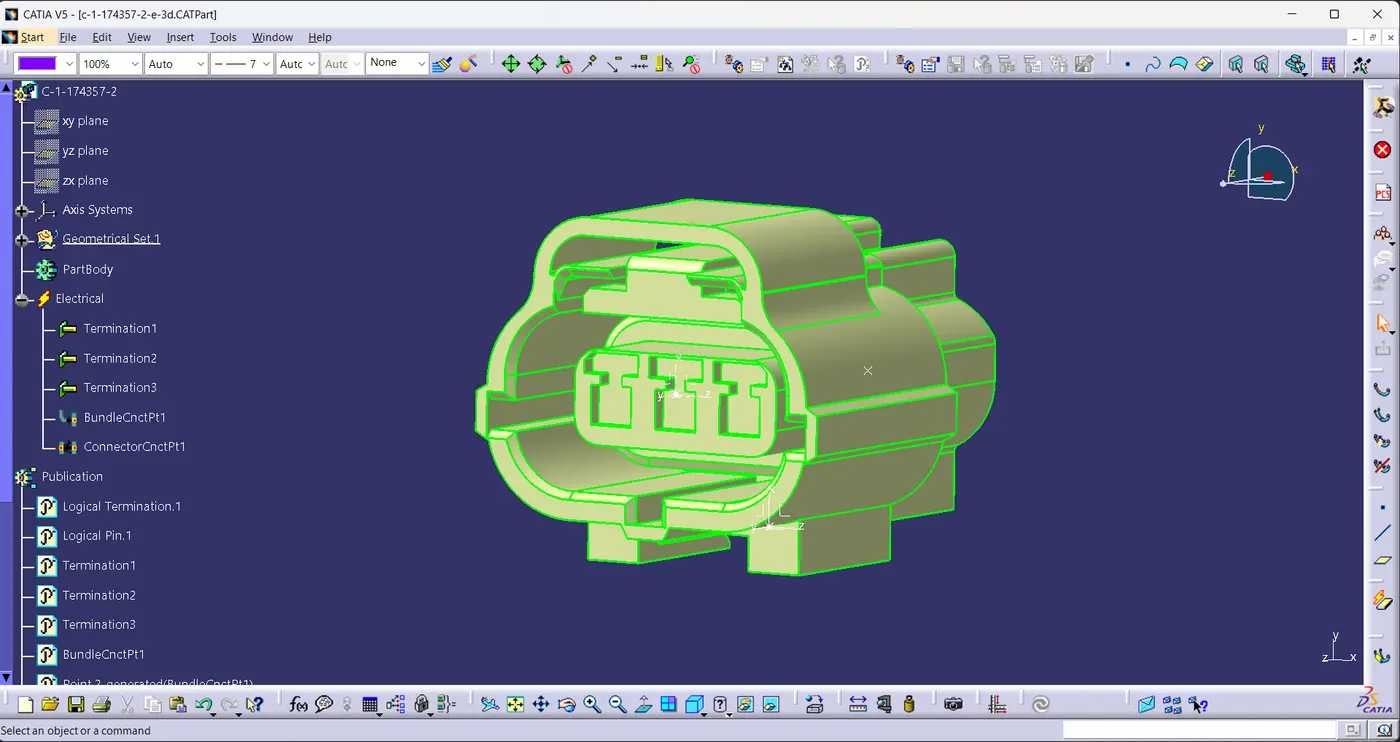
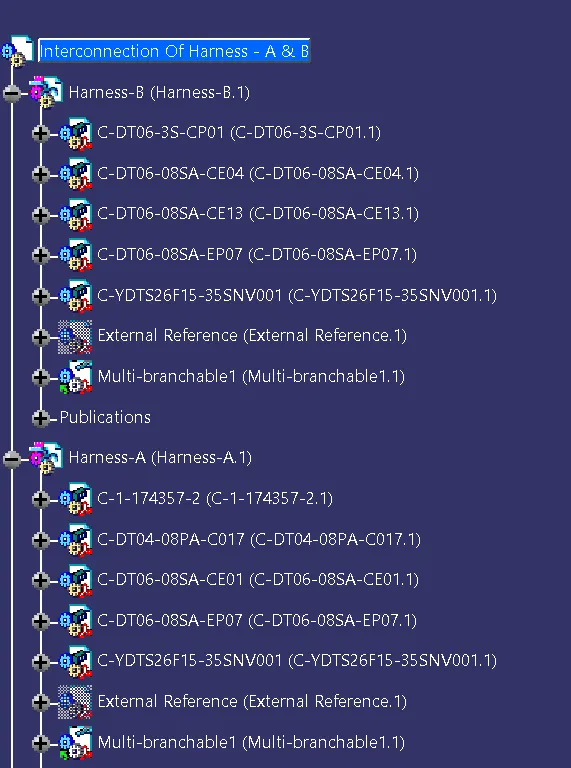
- c-1-174357-2-e-3d
- c-dt04-08pa-c017-99-3d
- c-dt06-08sa-ce01-99-3d
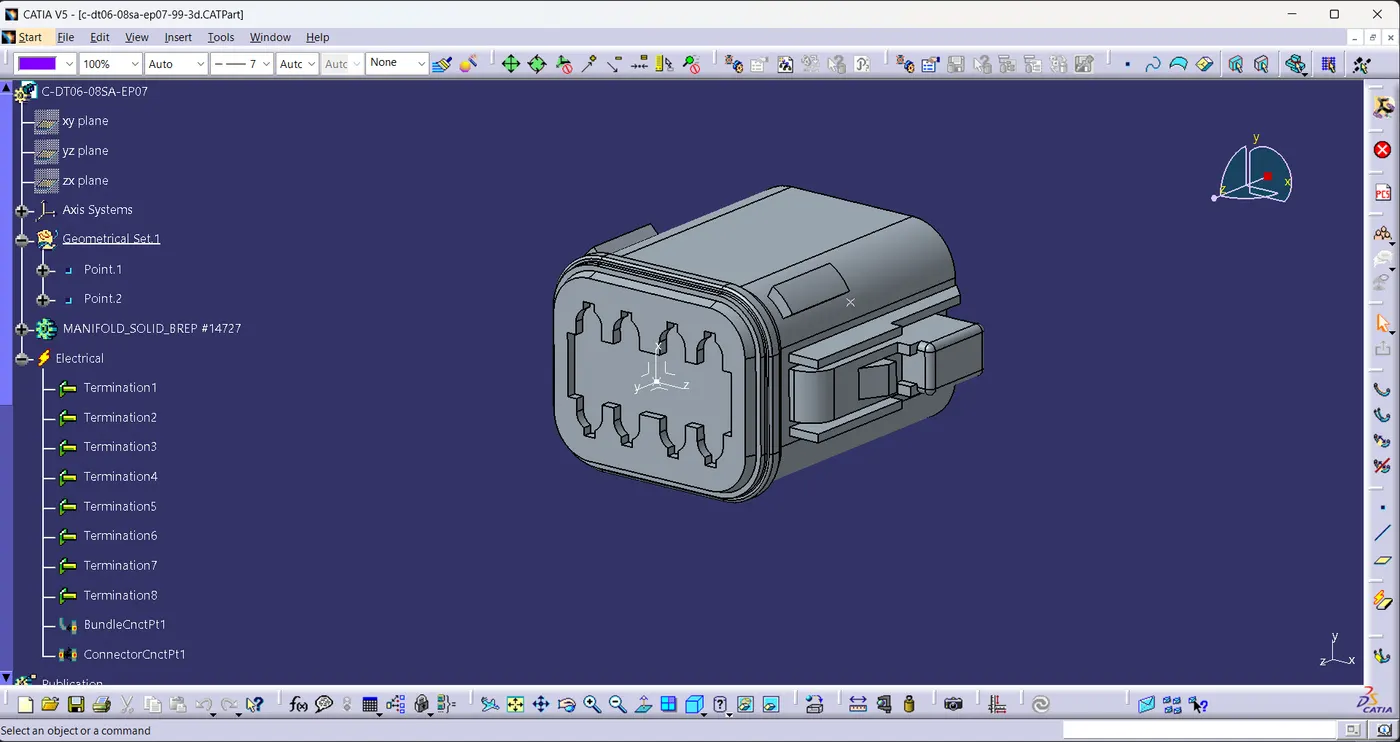
- c-dt06-08sa-ep07-99-3d
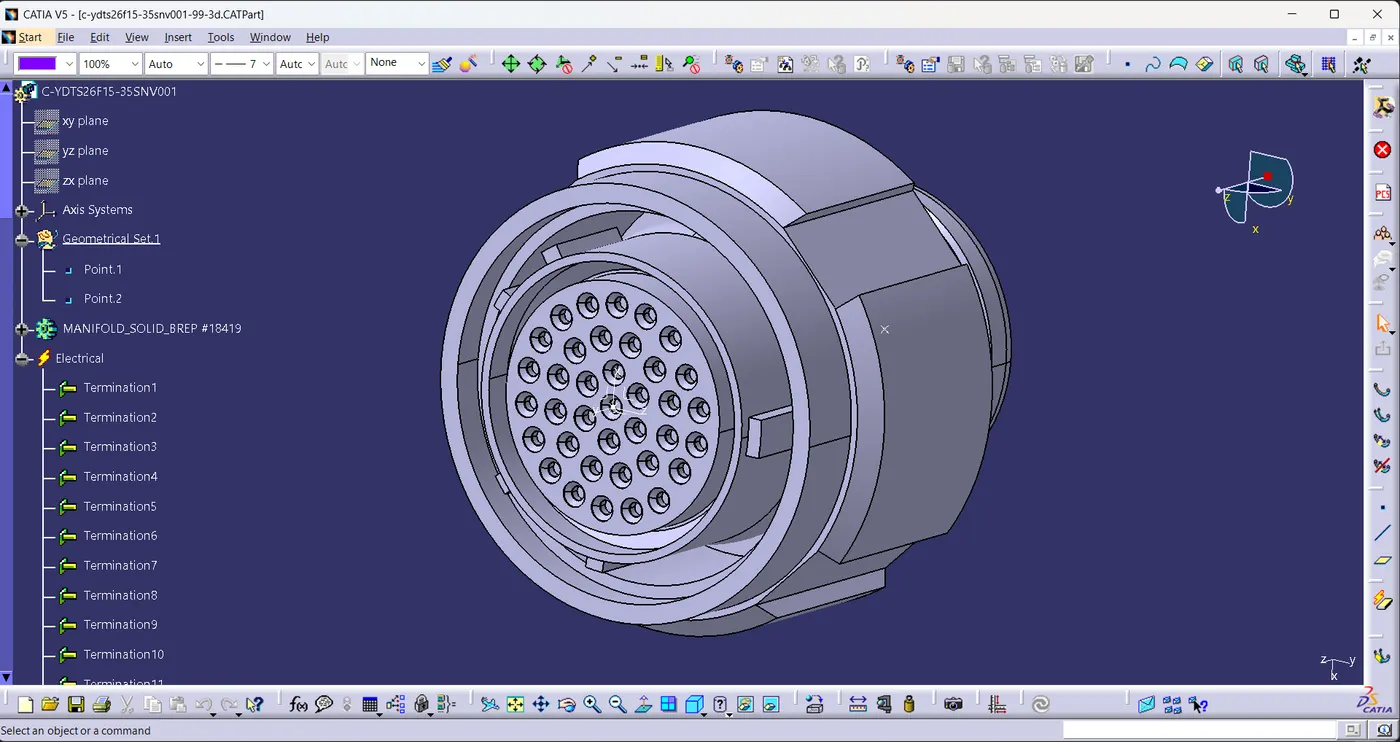
- c-ydts26f15-35snv001-99-3d
Harness -B Components:
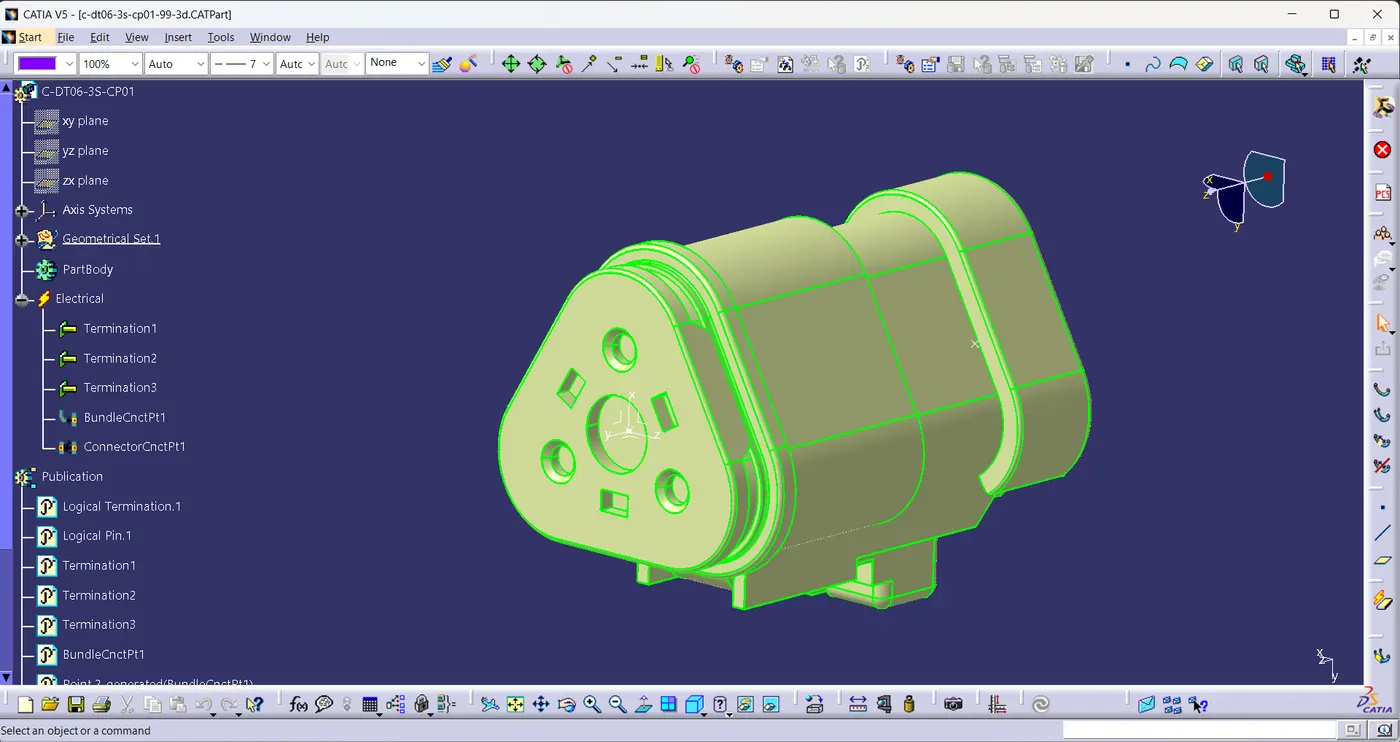
- c-dt06-3s-cp01-99-3d
- c-dt06-08sa-ce04-99-3d
- c-dt06-08sa-ce13-99-3d
- c-dt06-08sa-ep07-99-3d
- c-ydts26f15-35snv001-99-3d
Harness Layout:
Design Procedure:
- Get all the required 3D data and convert them into .CATPart files
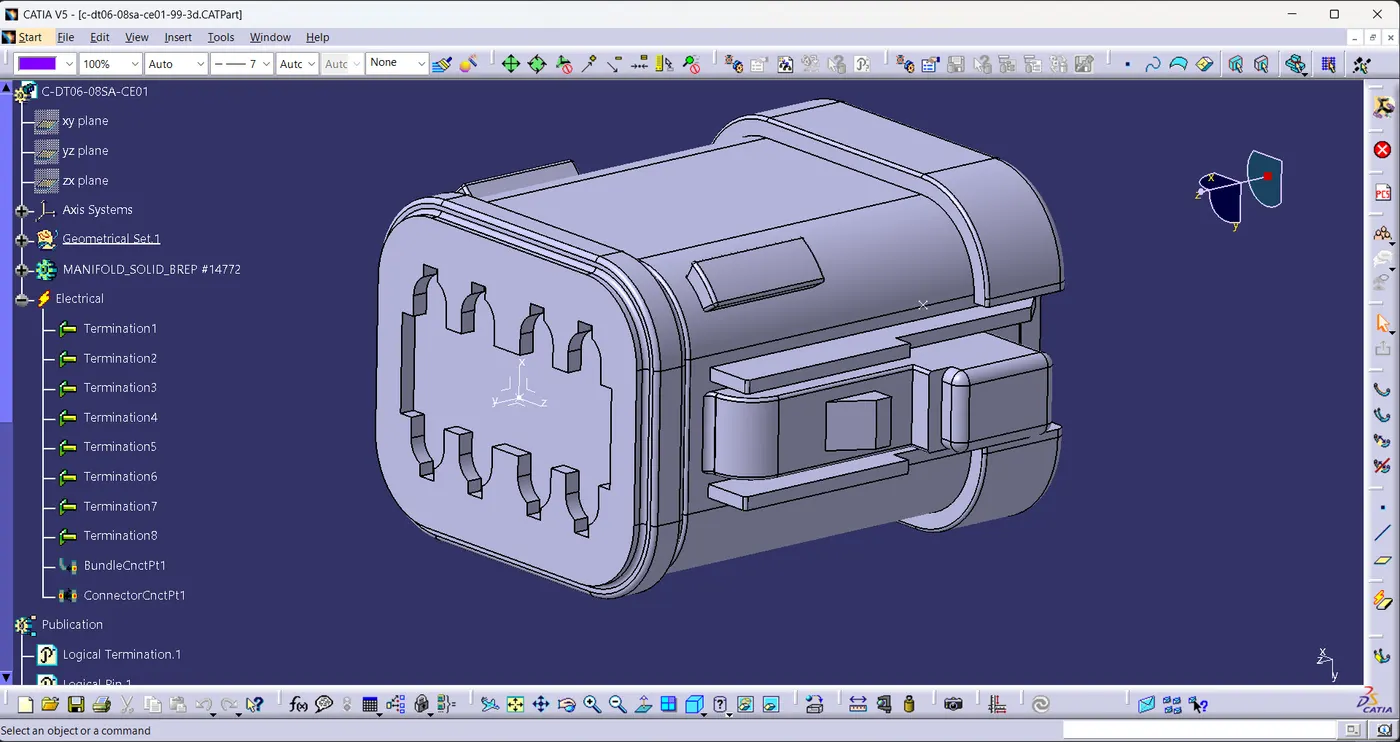
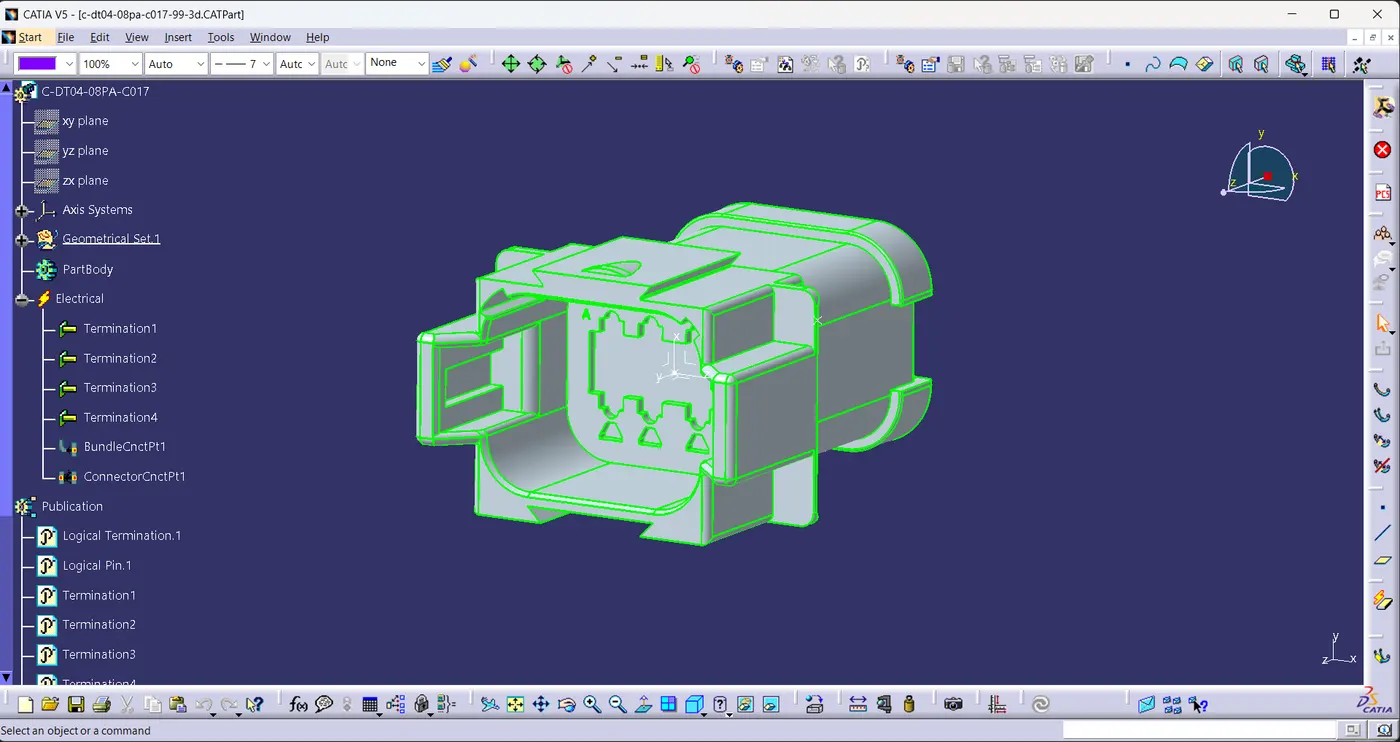
- Define all the necessary electrical properties of connectors.
Harness - B Components
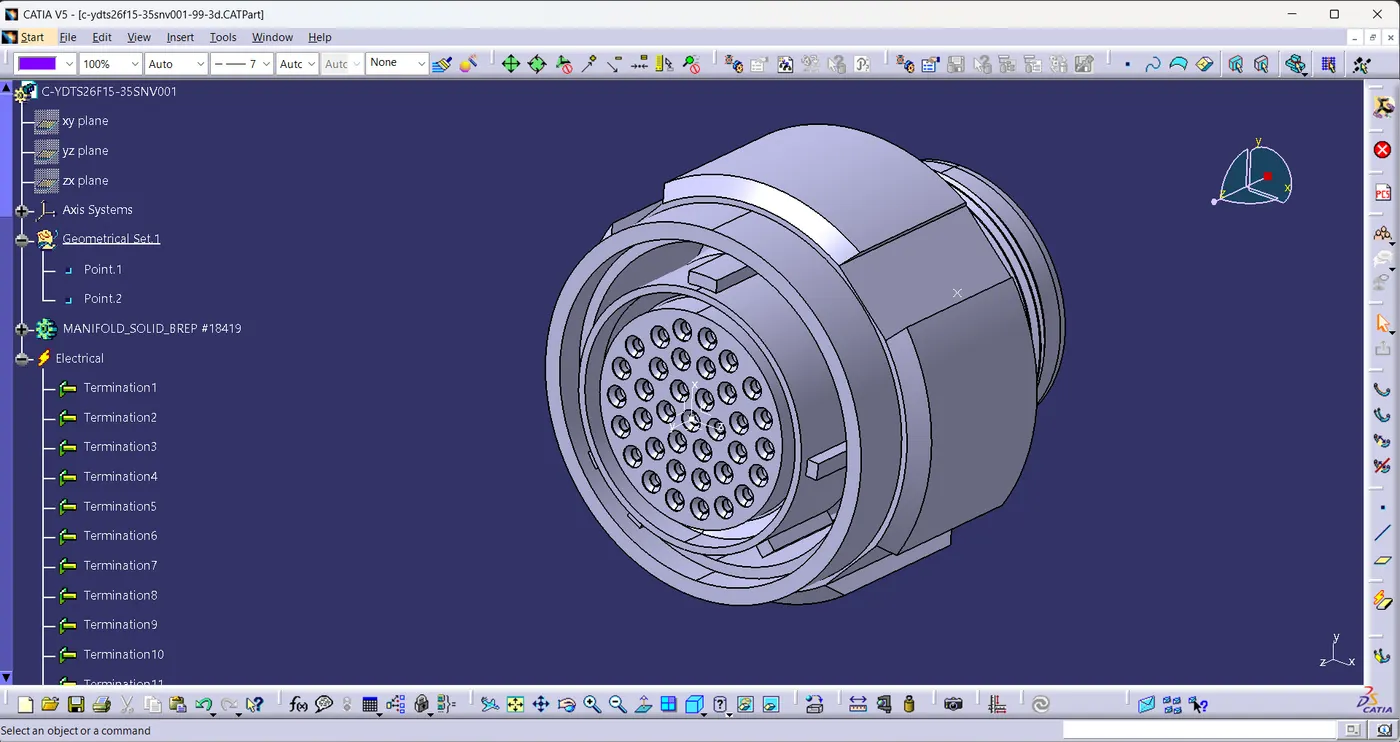
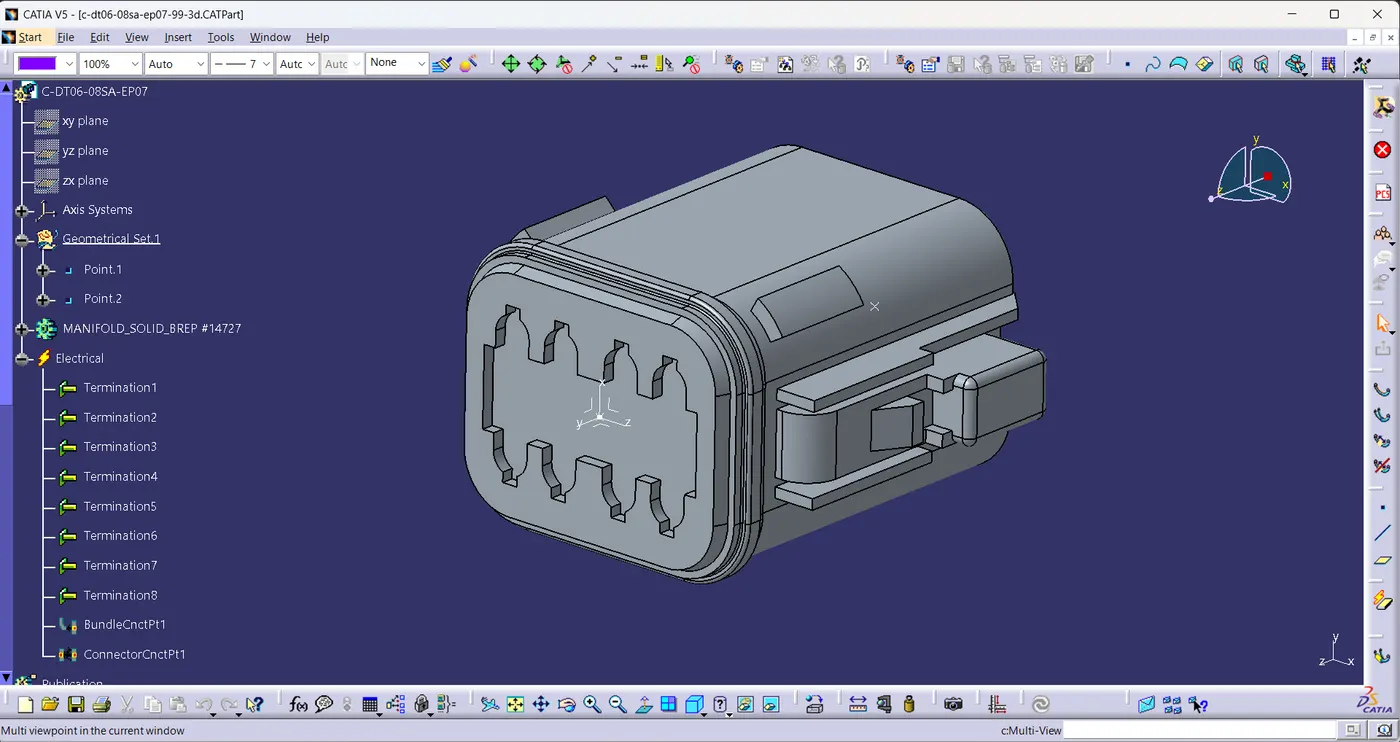
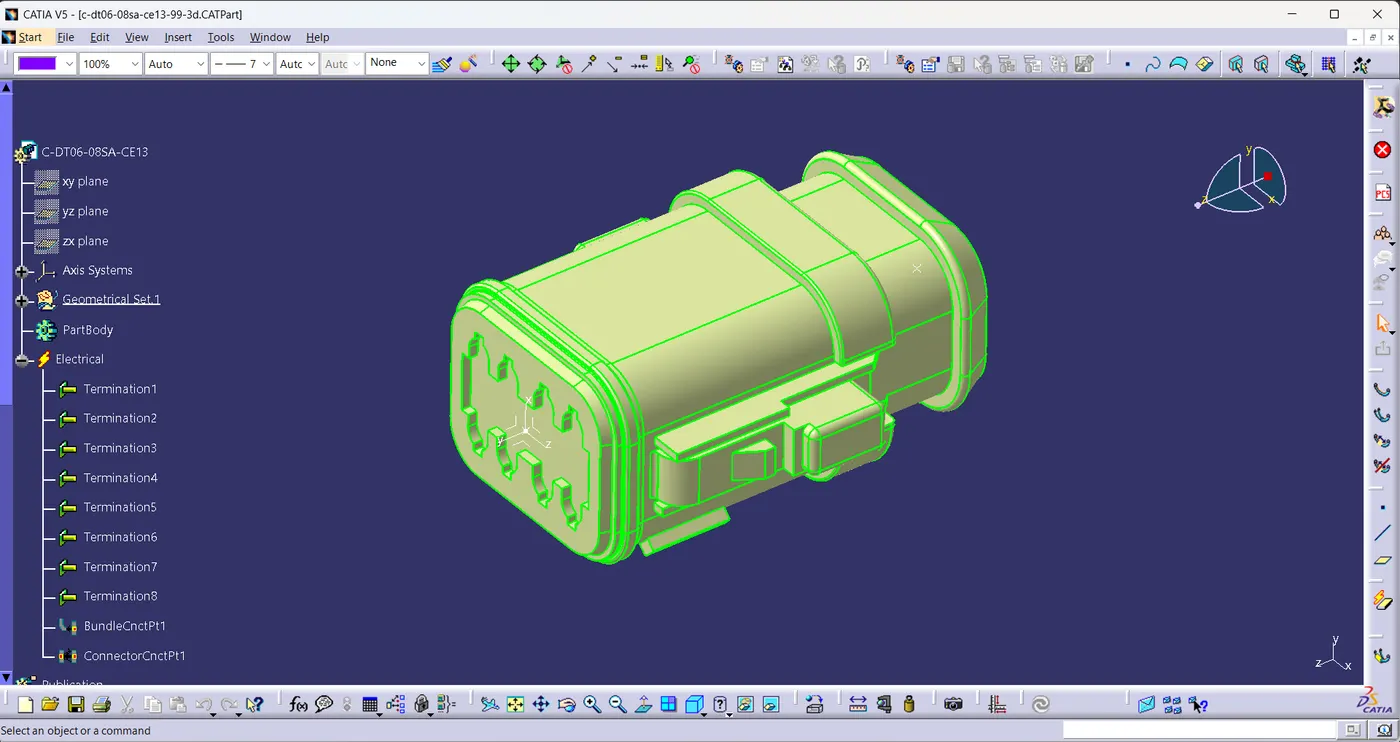
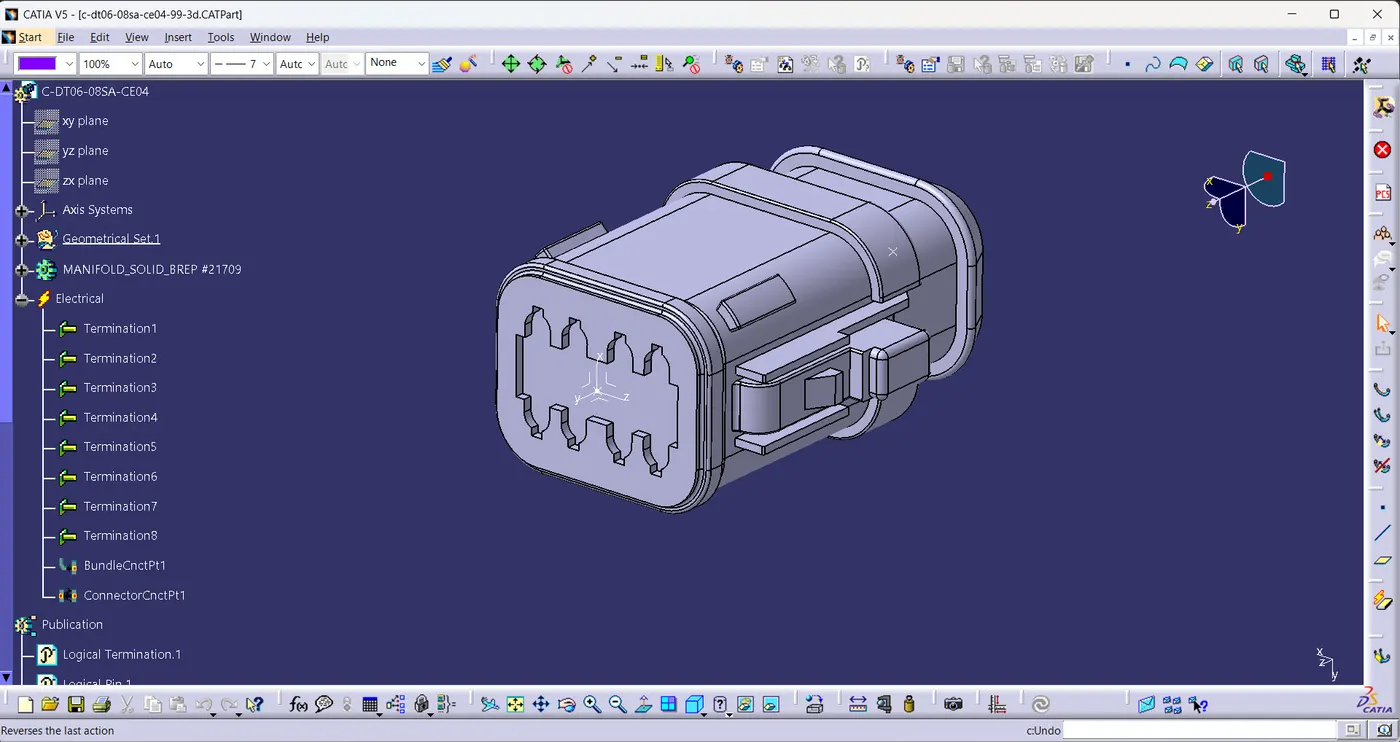
Harness-A Components
- After defining all the electrical properties add them to the Catalogue.
 Harness Routing
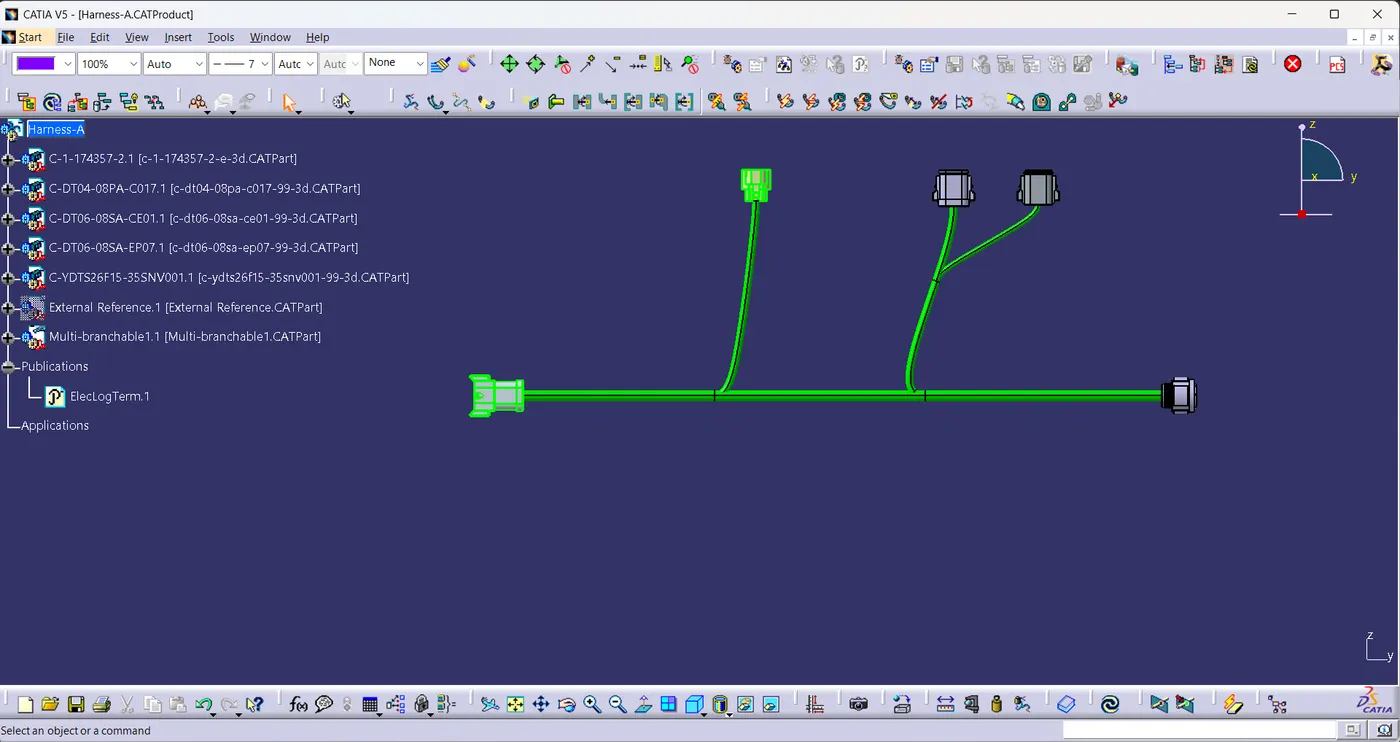
- All the connectors are added in the existing product and adjusted all the connectors at their respective locations using manipulator, compass, move command.
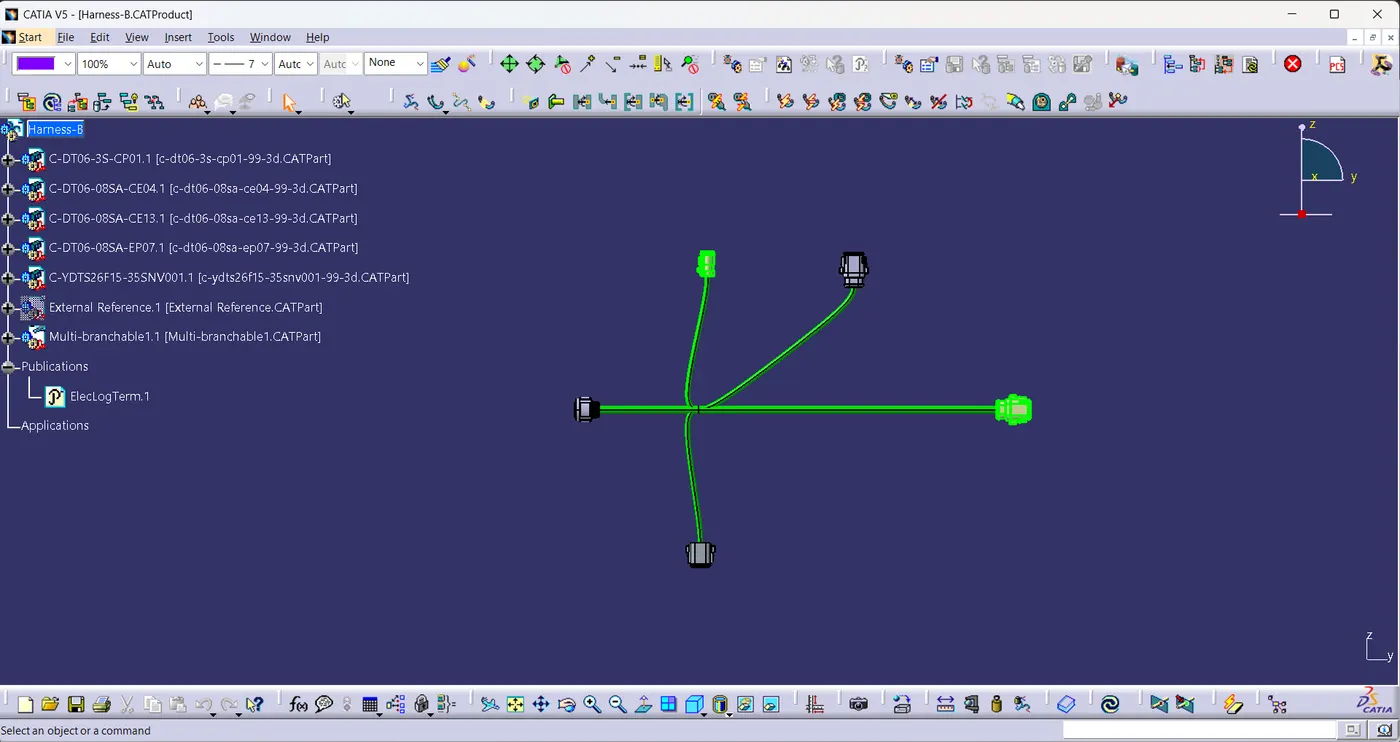
- Geometrical bundle is activated and Connectors are routed using a command called Multi-Branchable Document.
Harness-A
Harness-B
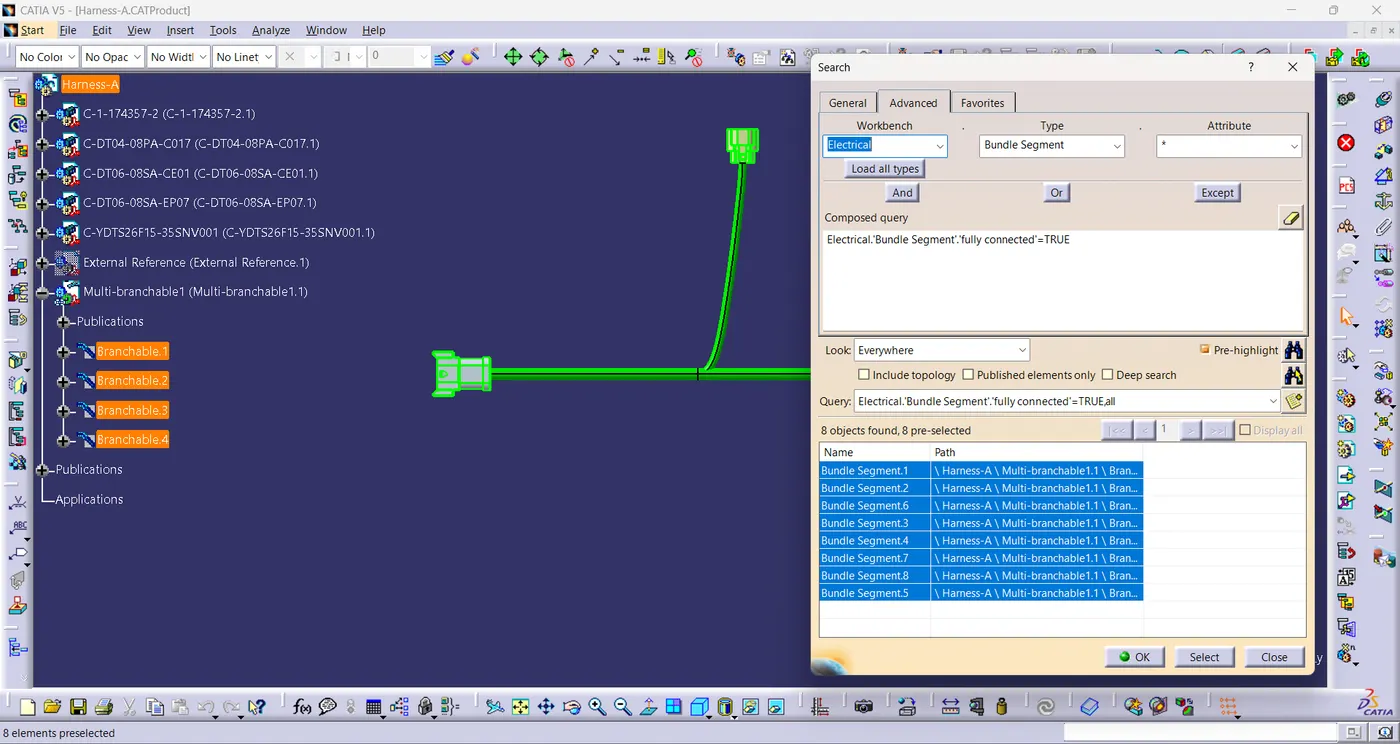
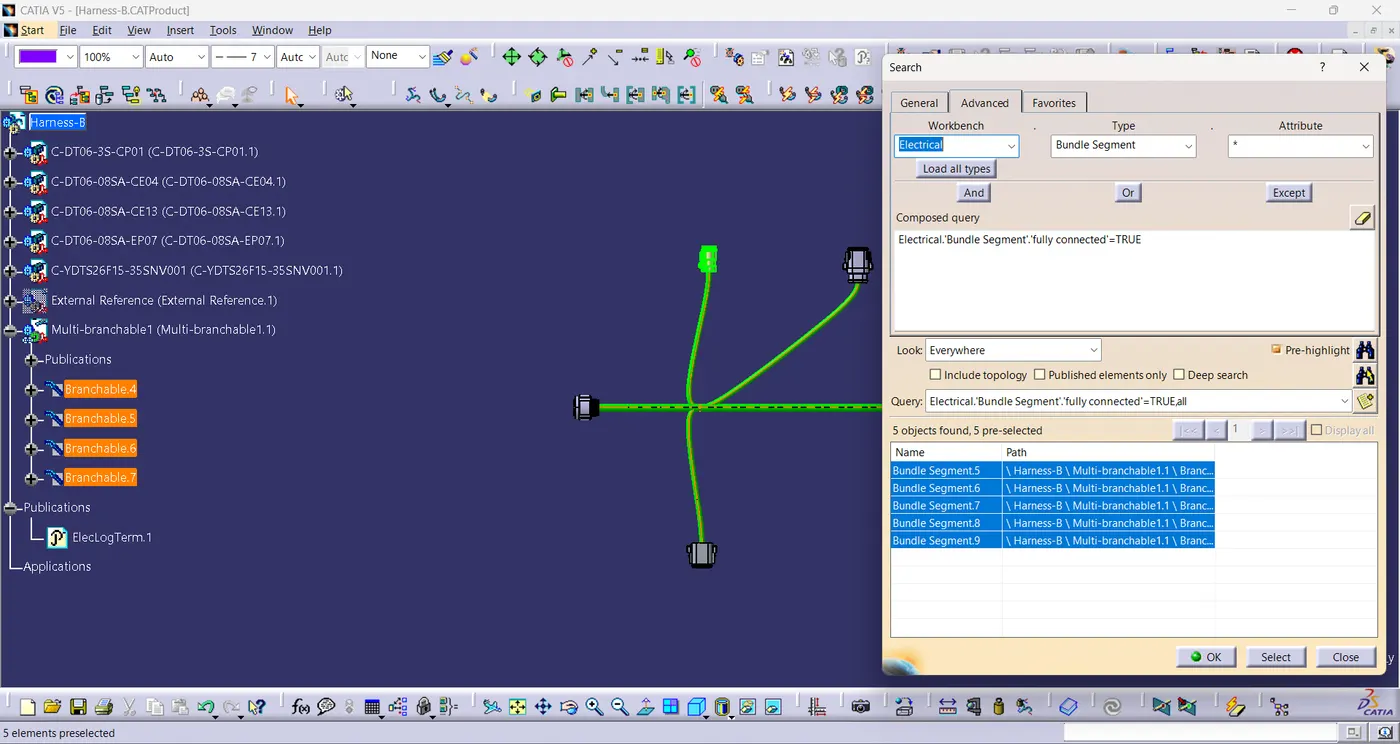
Connectivity check
- Using Search command in the tools bar, the connectivity of the bundle of harness-A & B are checked.
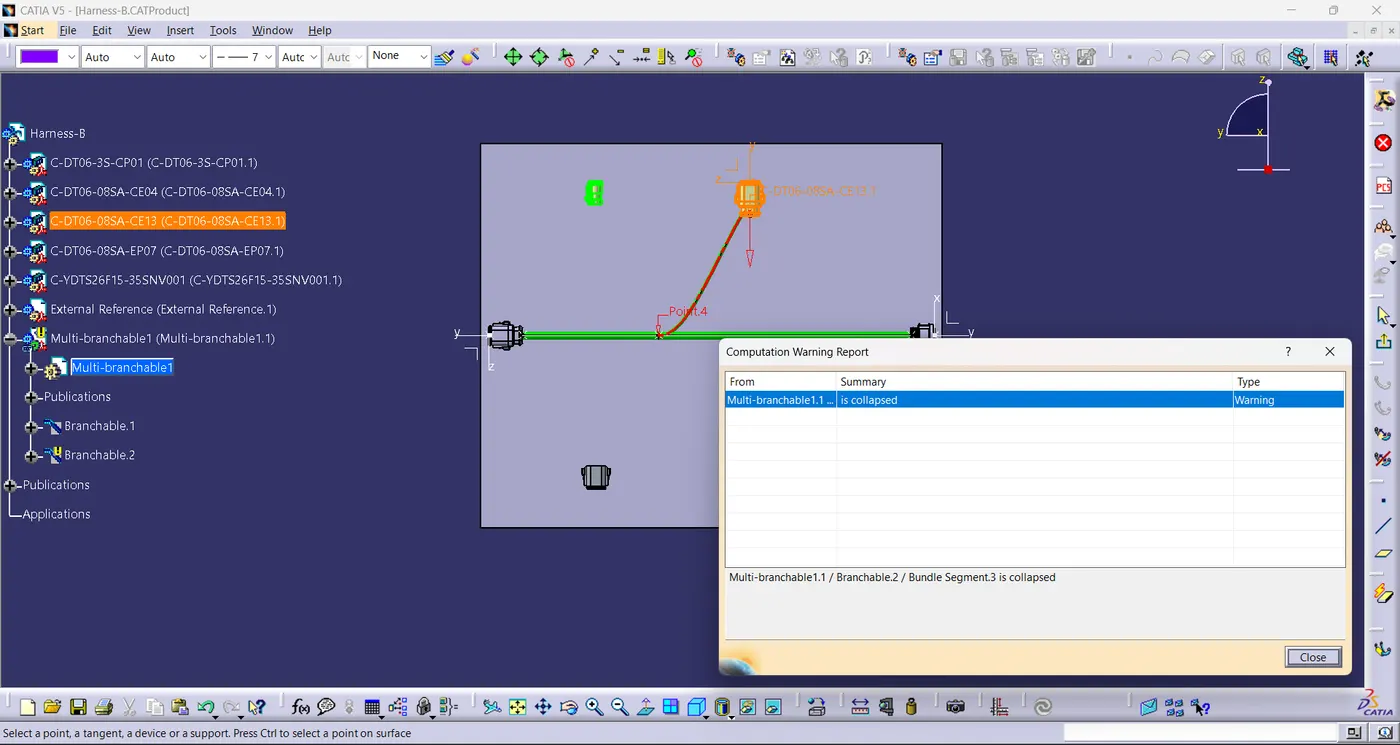
Bundle Warning
- Warning is displayed because the tangent direction is reverse.
- To correct it change the direction of the connector.
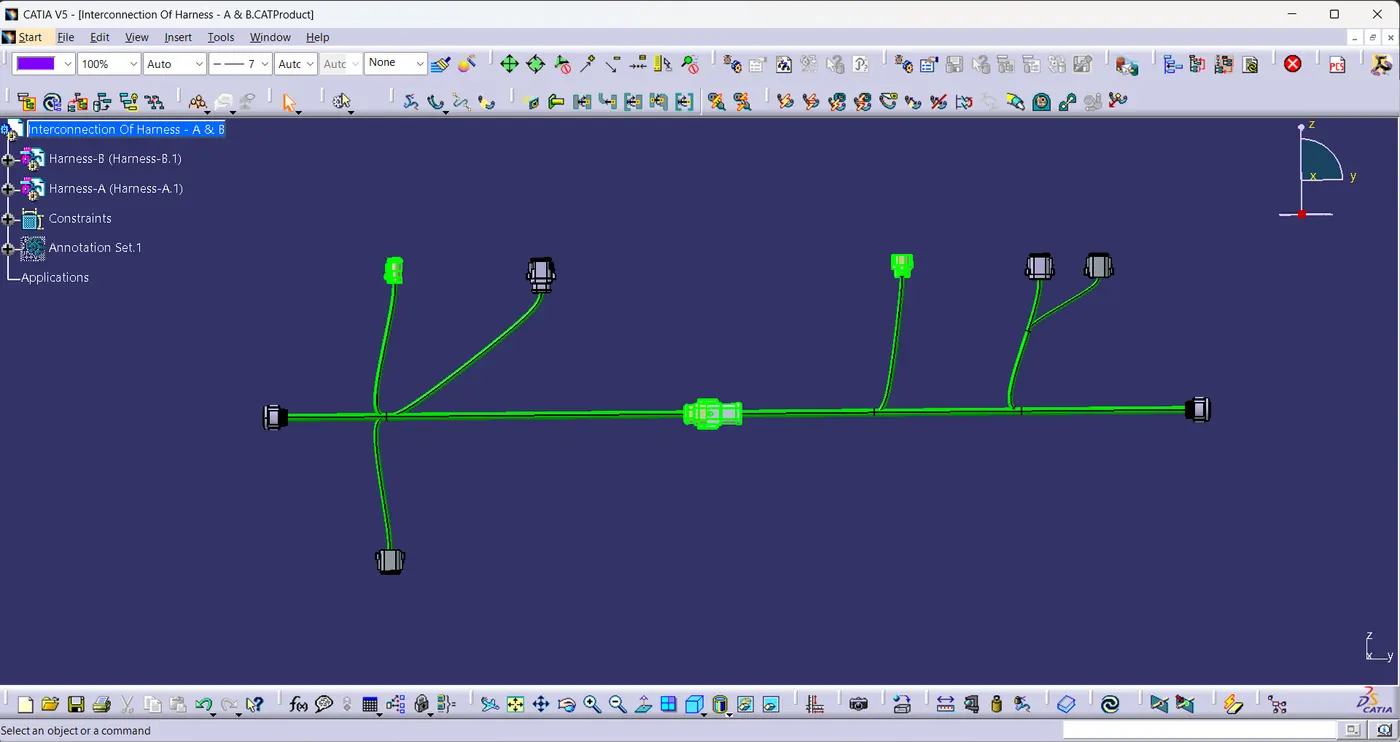
Interconnection Of Harness-A & Harness-B
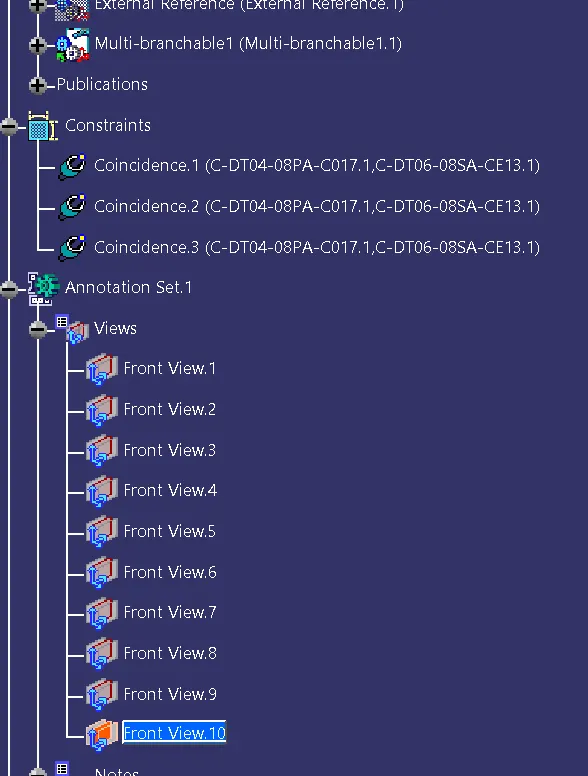
- Both the layouts of harness -A & harness - B are connected using connect electrical devices in the electrical harness assembly workbench.
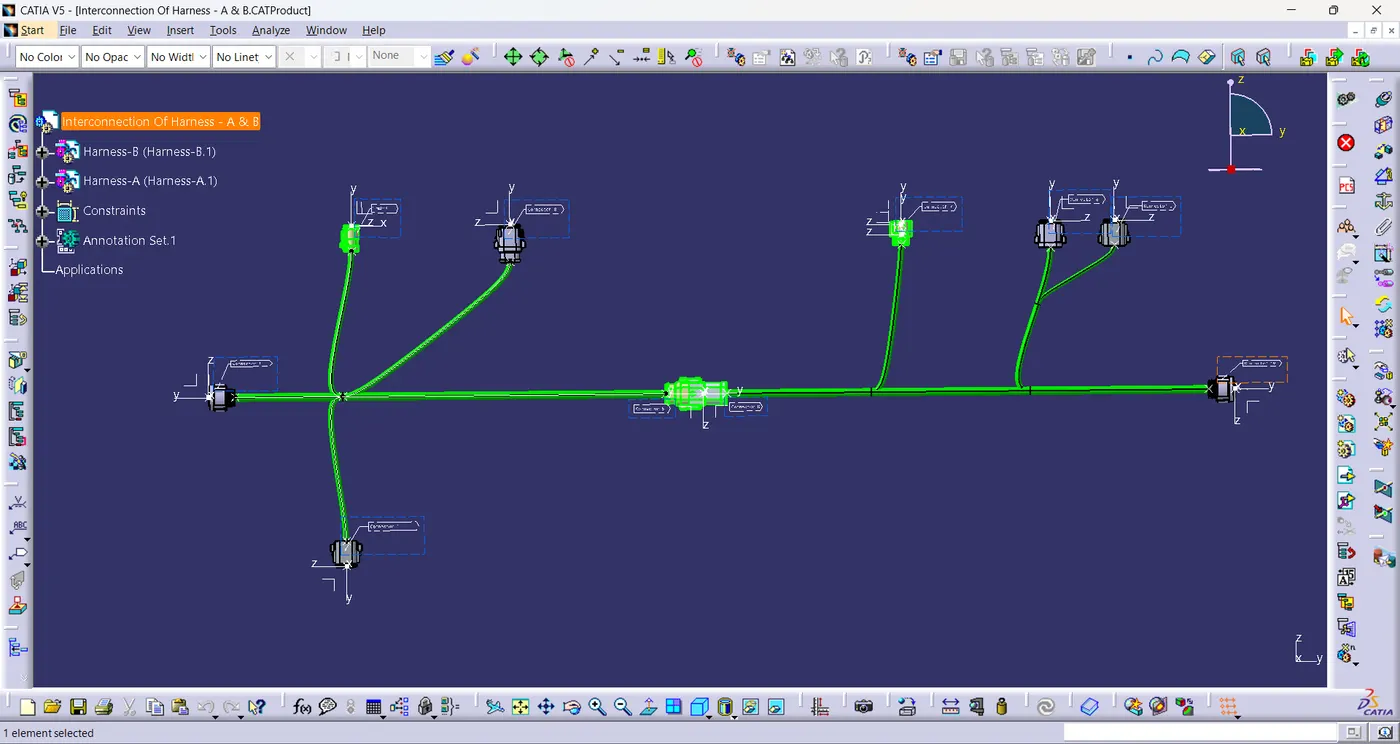
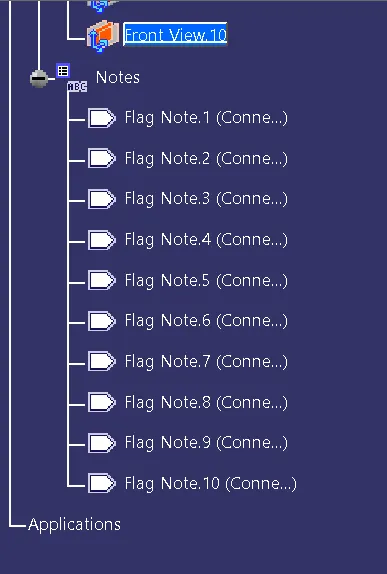
- Annotations are added on the connectors.
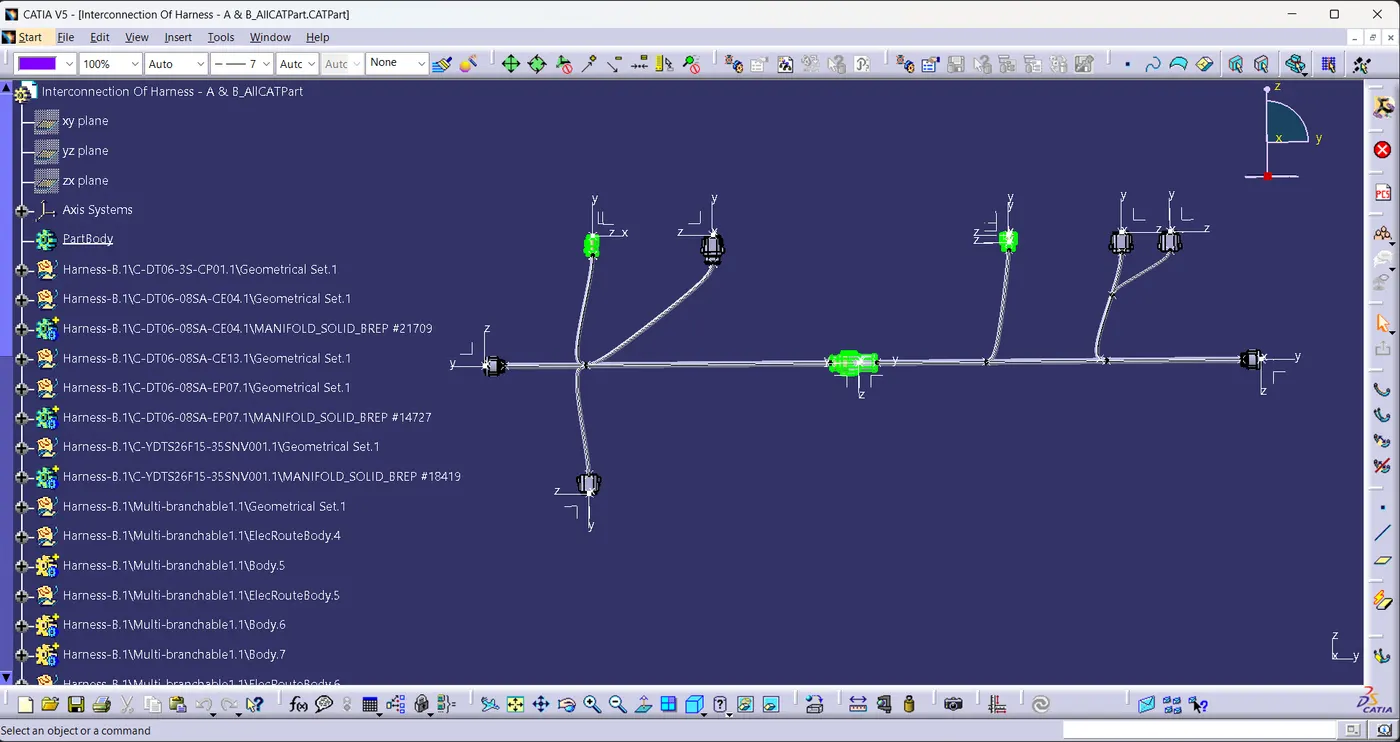
- Switch to the Mechanical Assembly Design workbench.
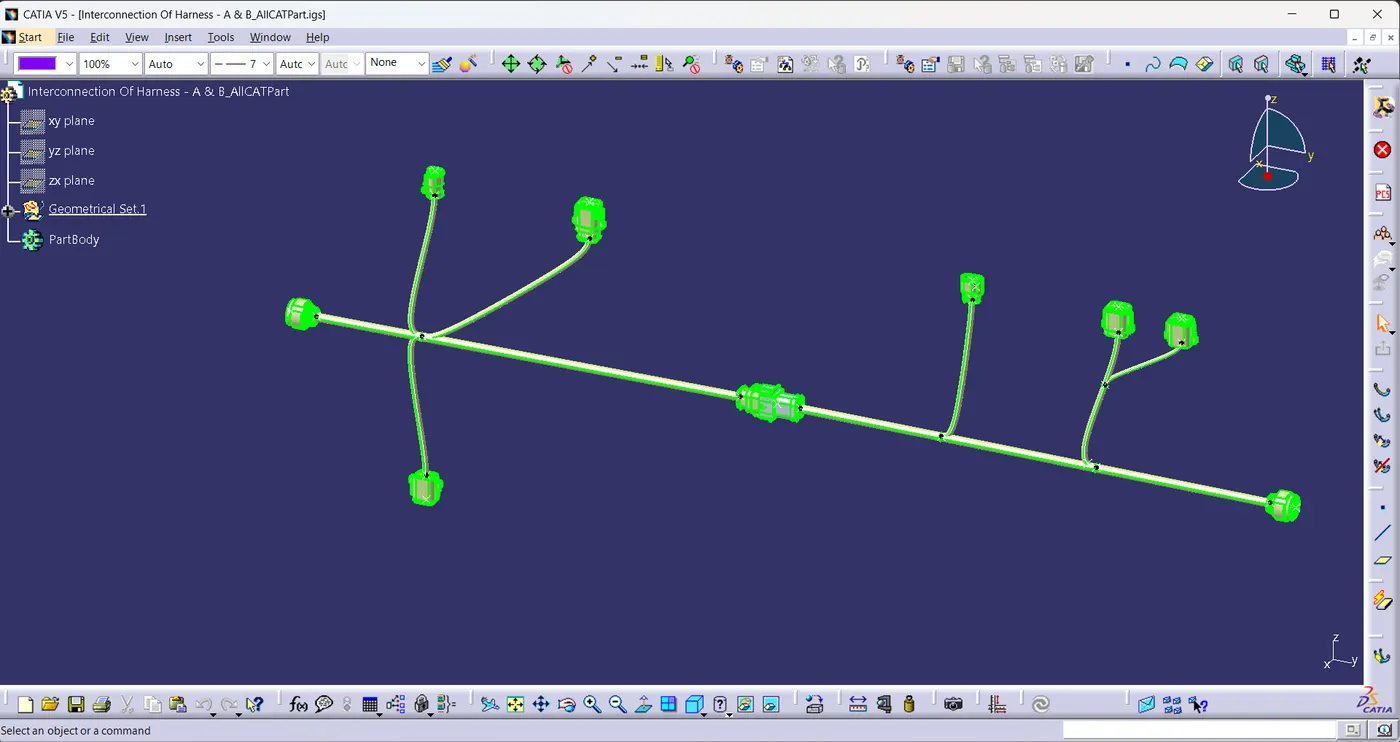
- .CATPart file of Interconnection of Harness is generated from the .CATProduct file using the generate CATPart command in the tools bar.
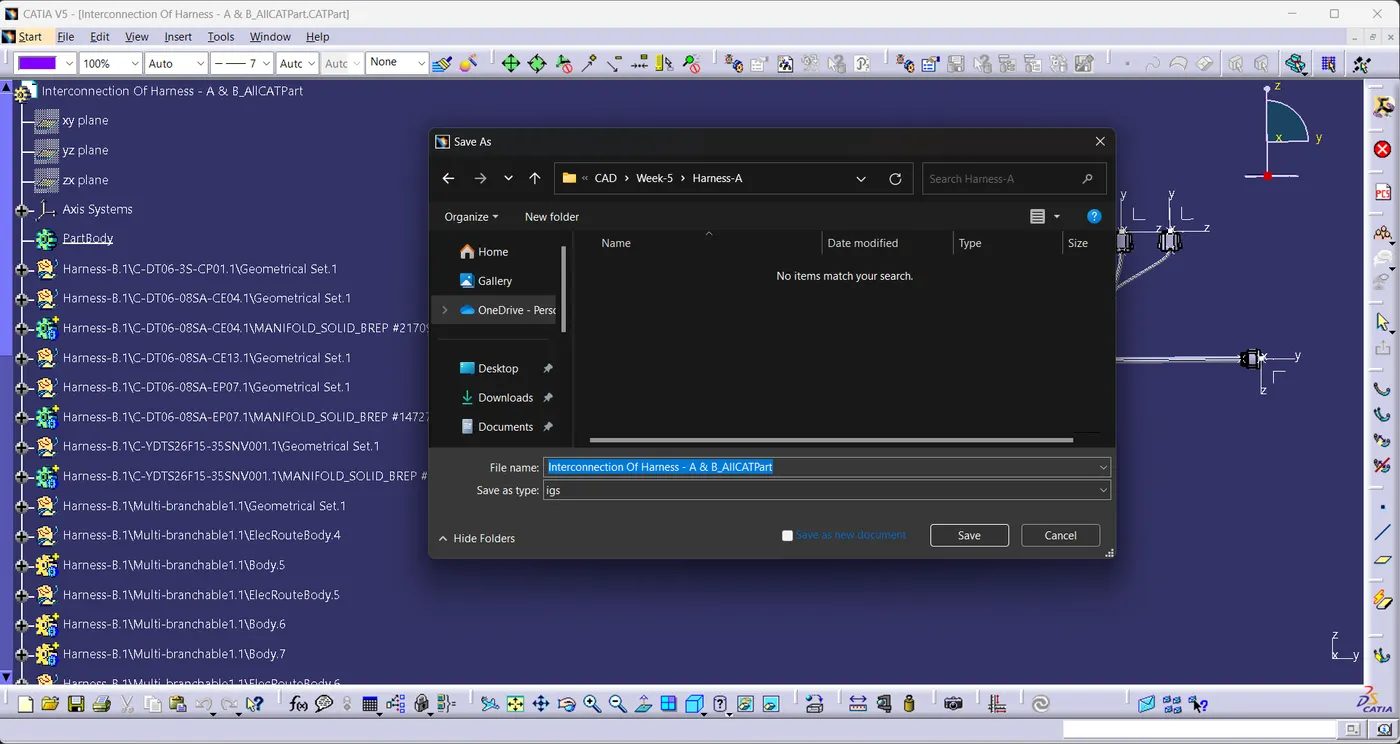
- Now save the .CATPart file in .igs format using Save as option.
Graph Tree:
Conclusion: