Wiring harness design in CATIA V5 - 3D modeling Week 5 & 6 Challenge
Q1. Route the following harness layout in Electrical workbench. Make assumption for harness bundle diameters. Use the connectors provided. After completion of routing,
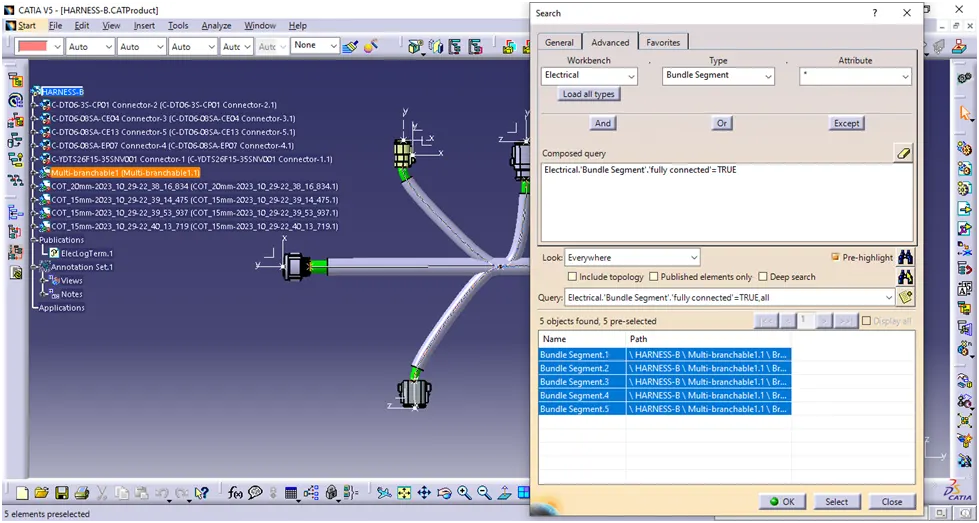
- Check the bundle Continuity. Add snap of result in submission
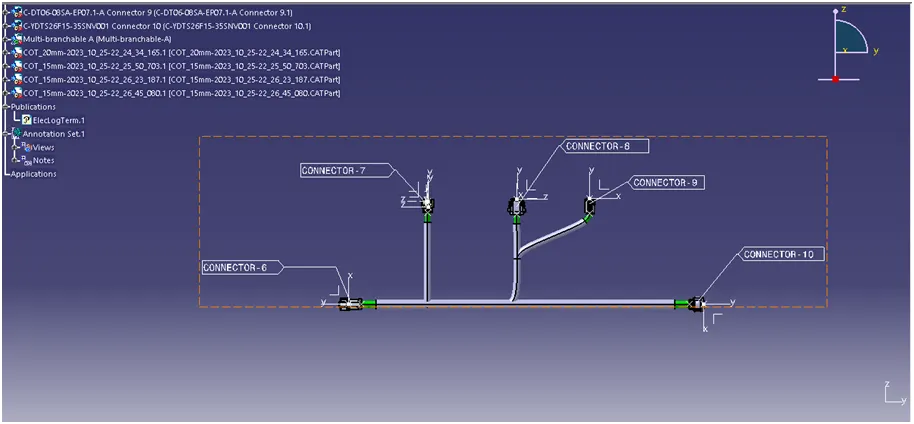
- Add annotation to all connectors. Make an assumptions for annotations like connect 1 , 2 etc
- Check for the bundle warning. Add snap.
- Generate CAT.part of harness assembly and convert is in. igs format.
Harness Layout
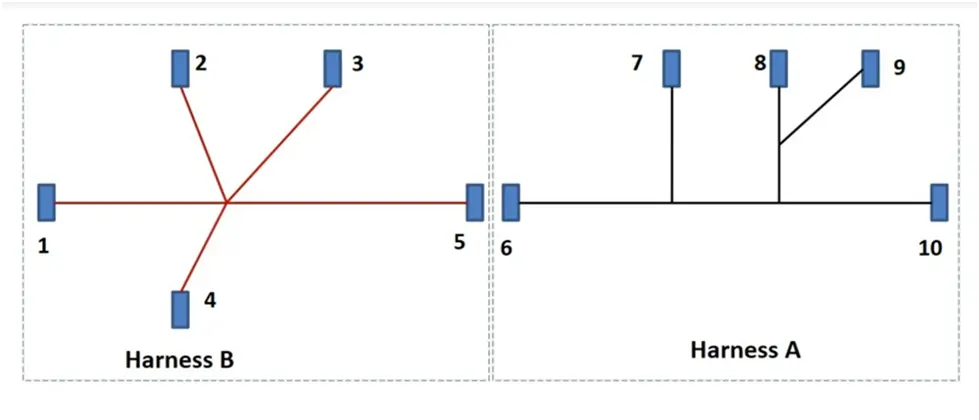
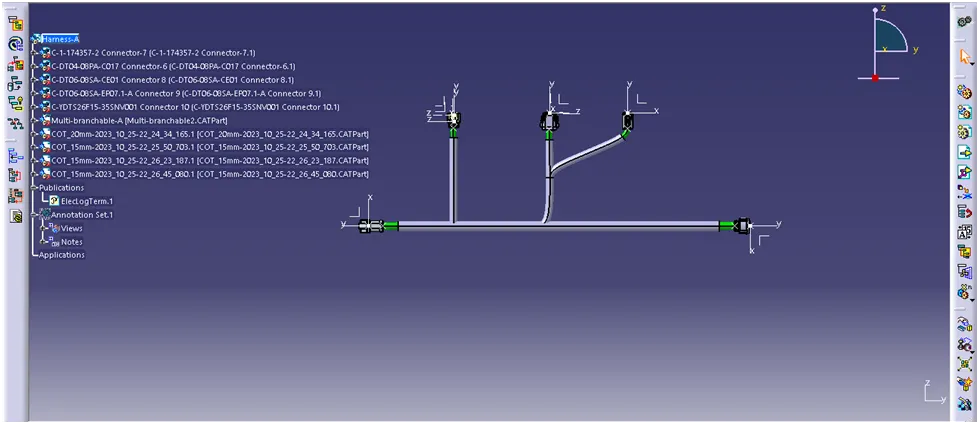
HARNESS A
Downloaded the cad data and create the connector entry point & bundle entry point.
Connector-6
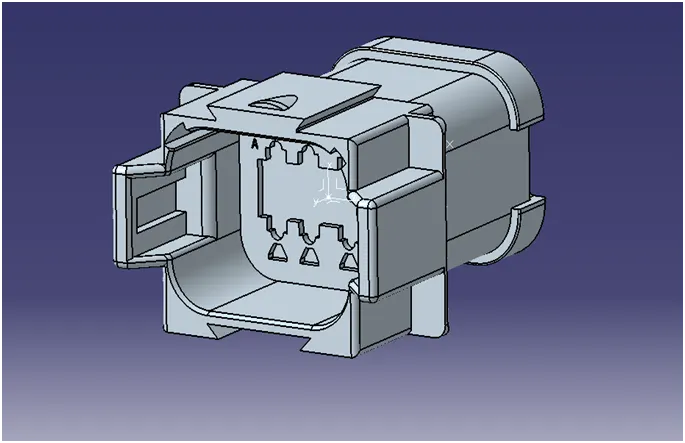
Connector-7
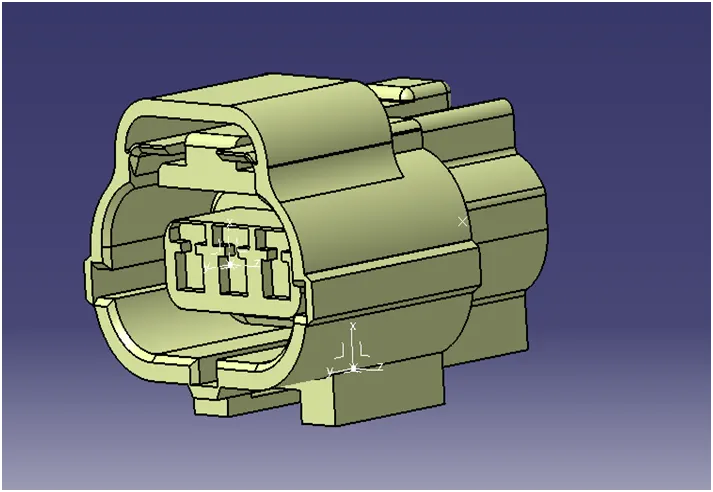
Connector-8
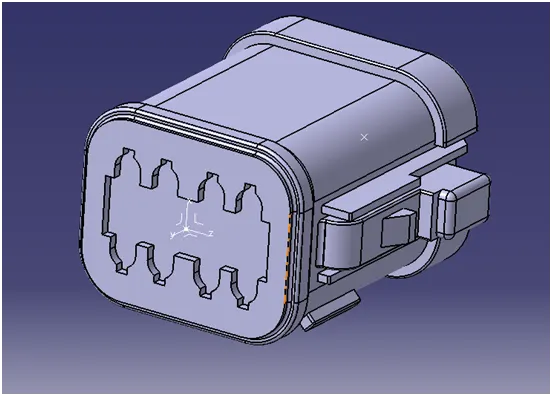
Connector-9
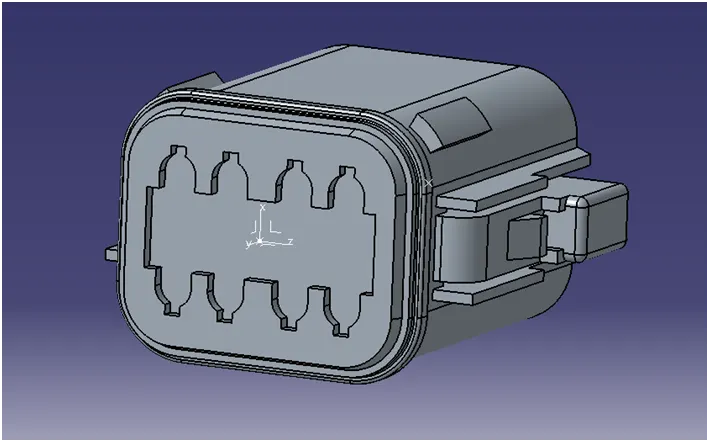
Connector-10
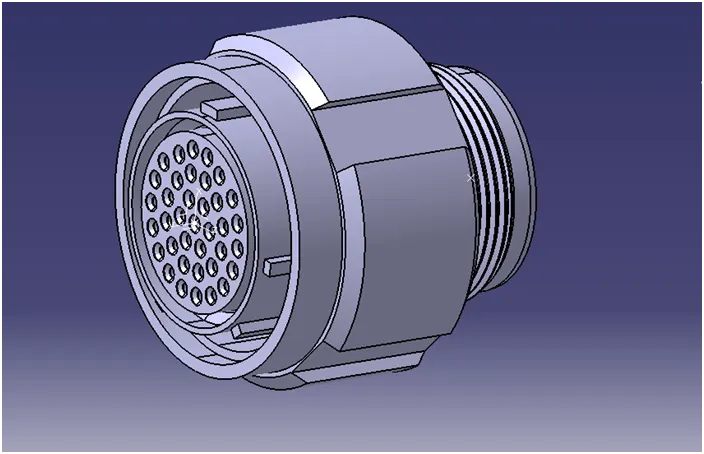
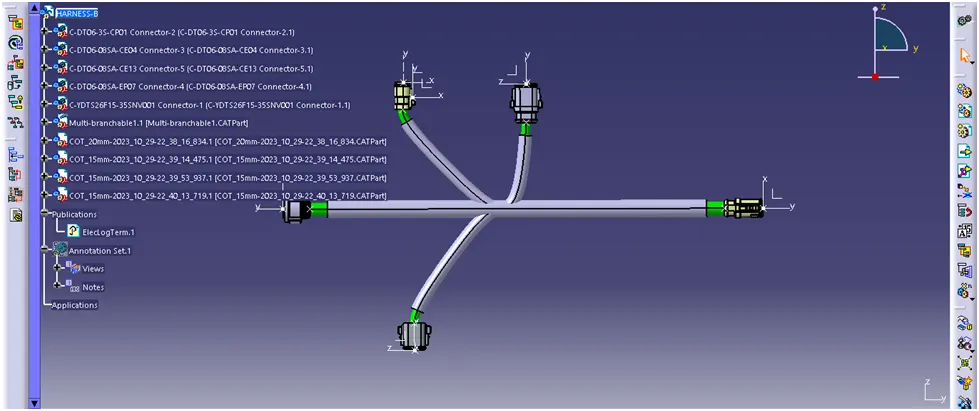
HARNESS B
Connector-1
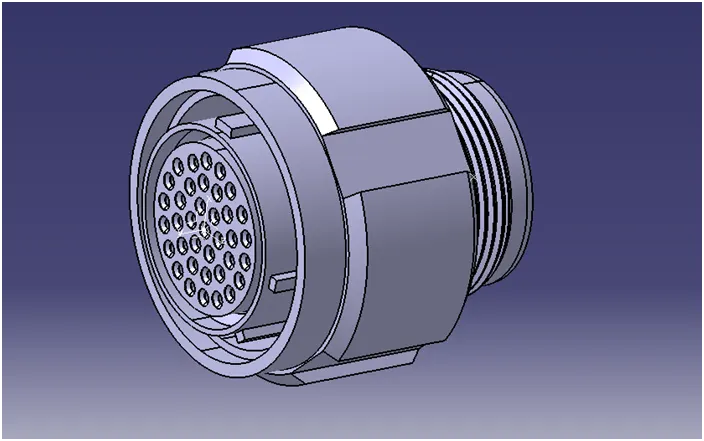
Connector-2
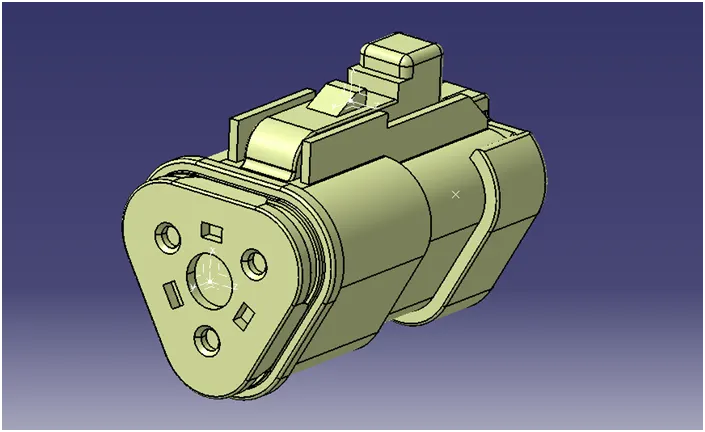
Connector-3
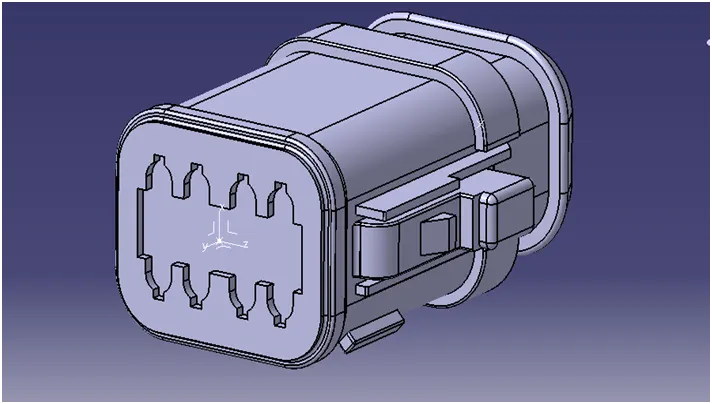
Connector-4
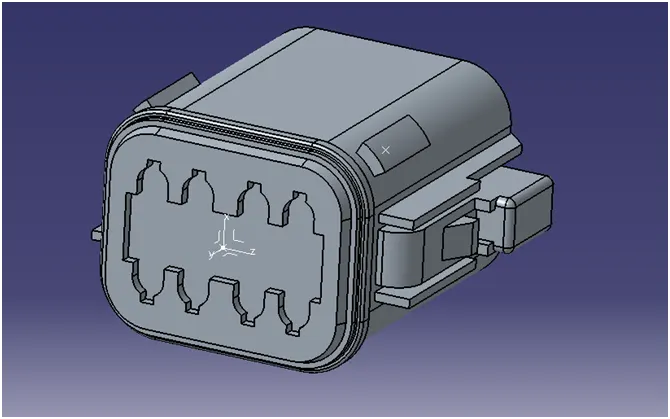
Connector-5
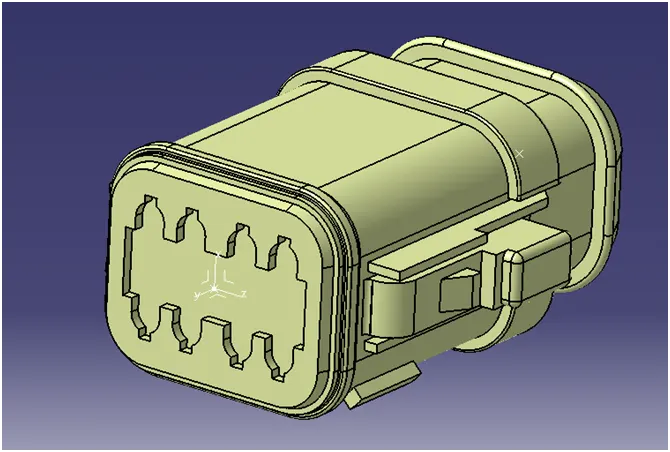
Arrange the connectors as per the layout in assembly design.
HARNESS-B ASSEMBLY
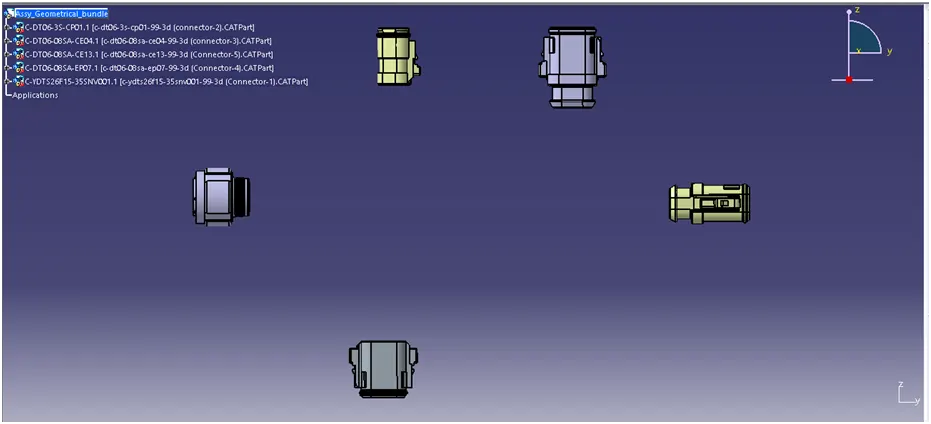
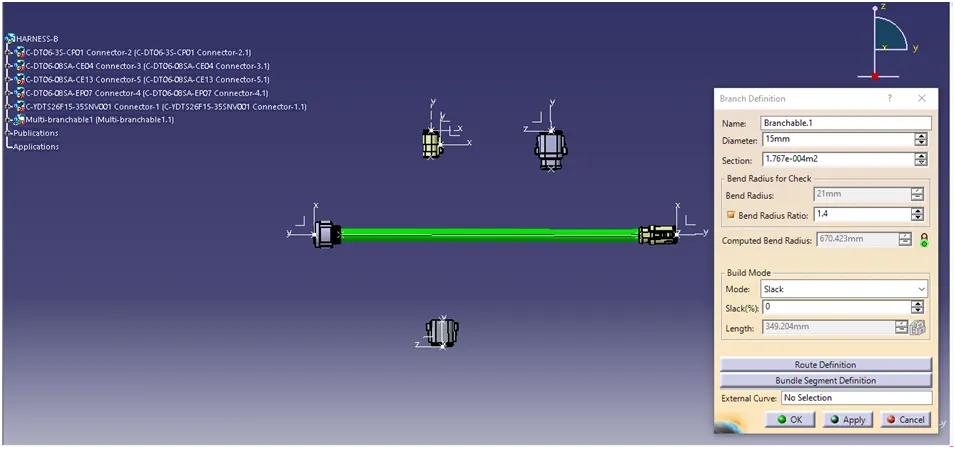
Connecting the Connector-1 & Connector-5 using multi-branchable & branch defination.
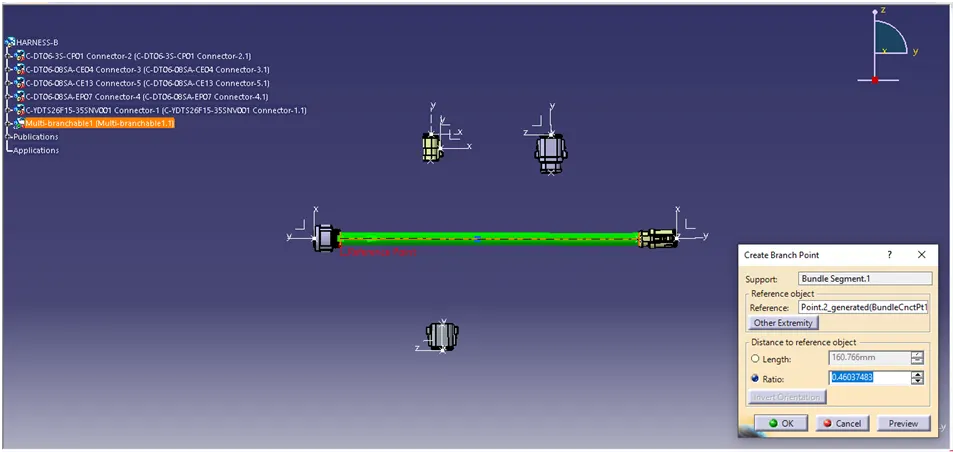
Creating a branch point.
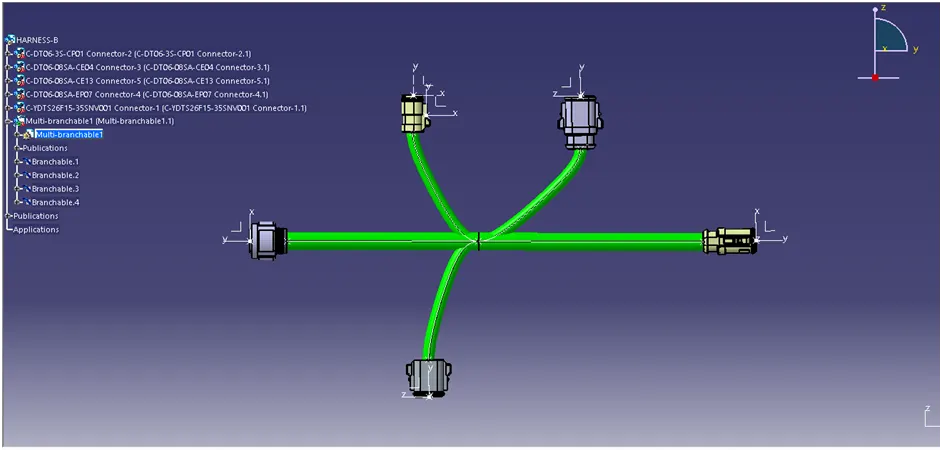
Connecting all connectors.
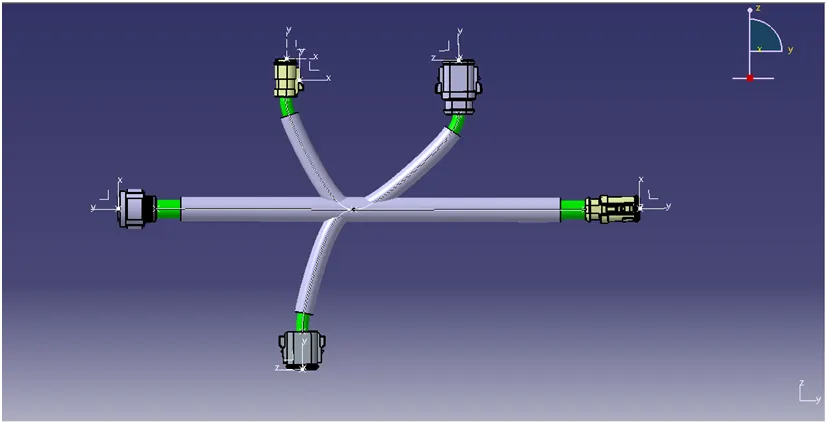
Adding protecting covering for the harness.
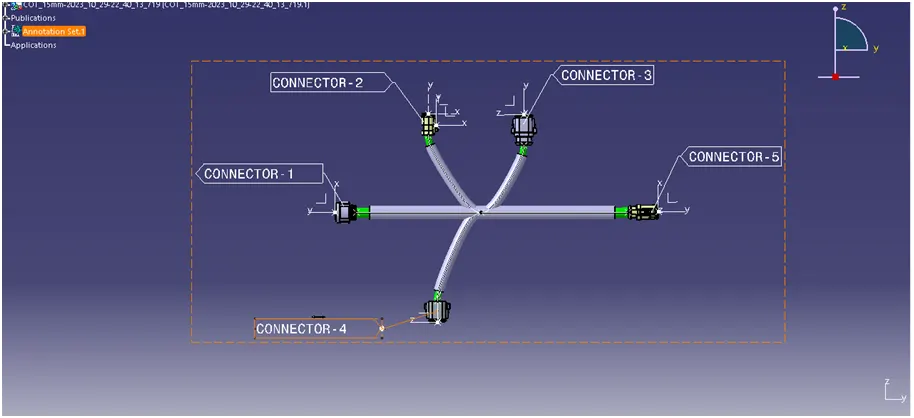
Annotation of the harness-B
HARNESS-A ASSEMBLY
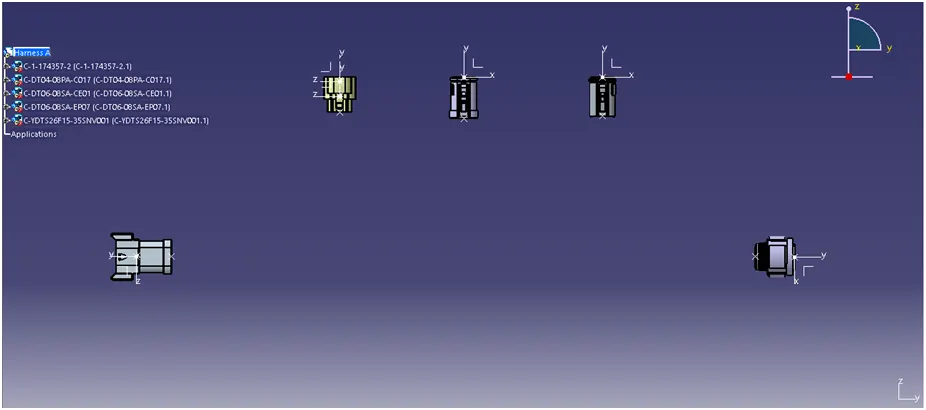
Arrange the connectors as per the layout in assembly design.
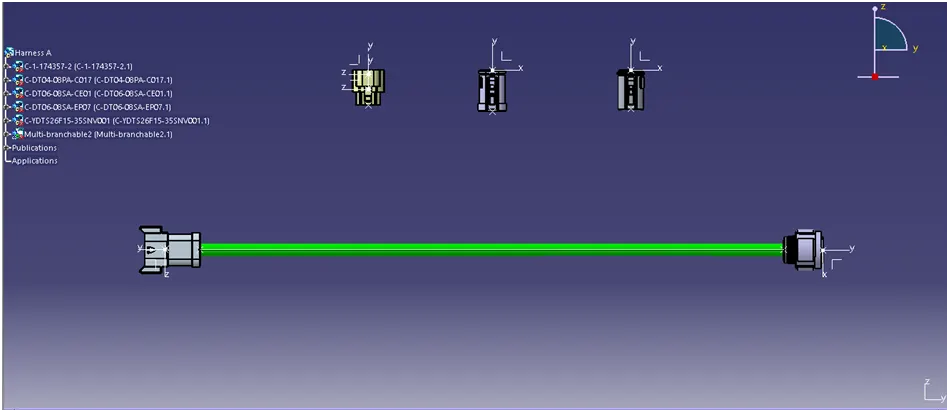
Connecting the Connector-6 & Connector-10 using multi-branchable & branch defination.
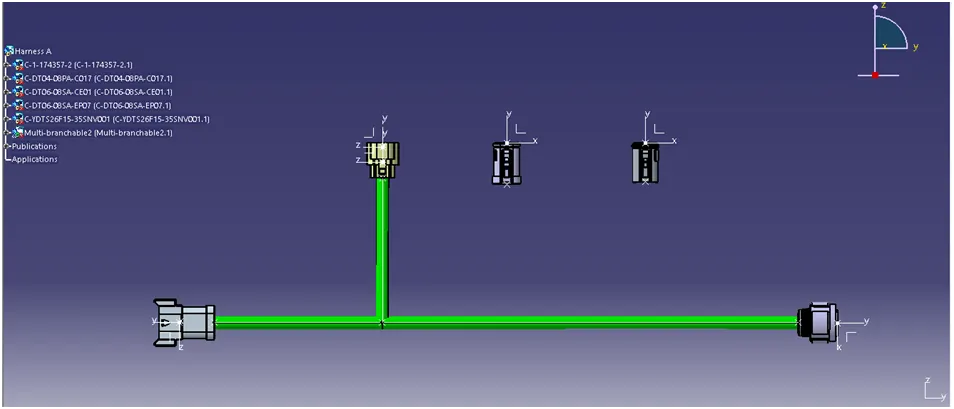
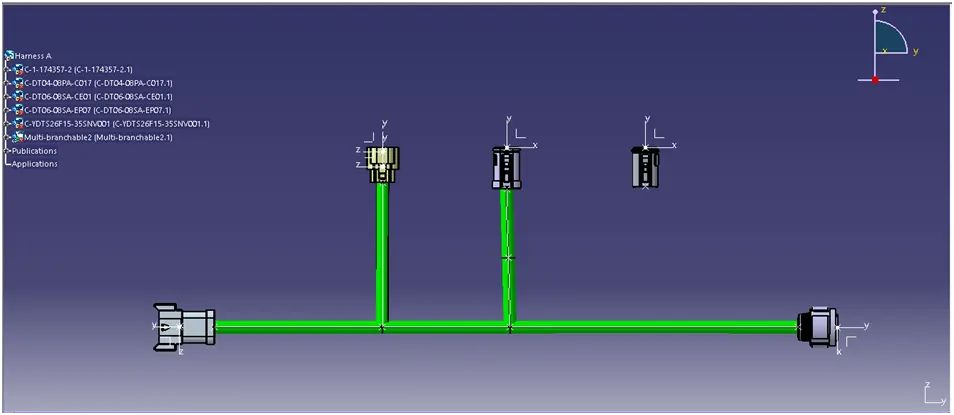
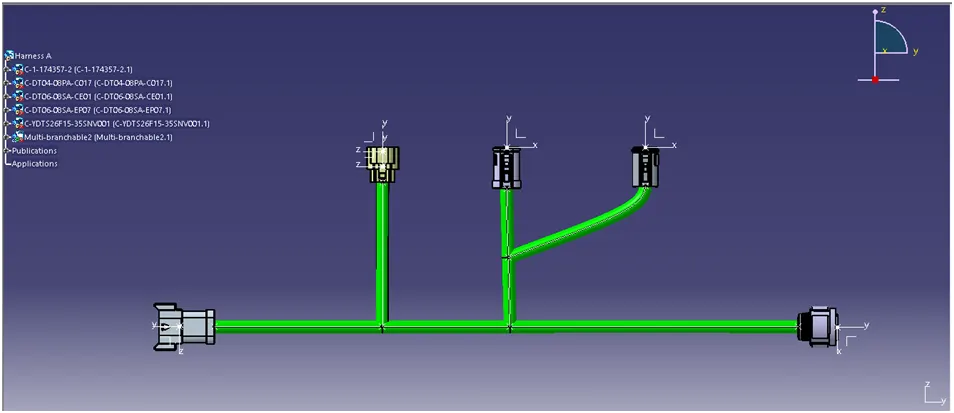
Connecting all connectors.
Annotation of the harness-A
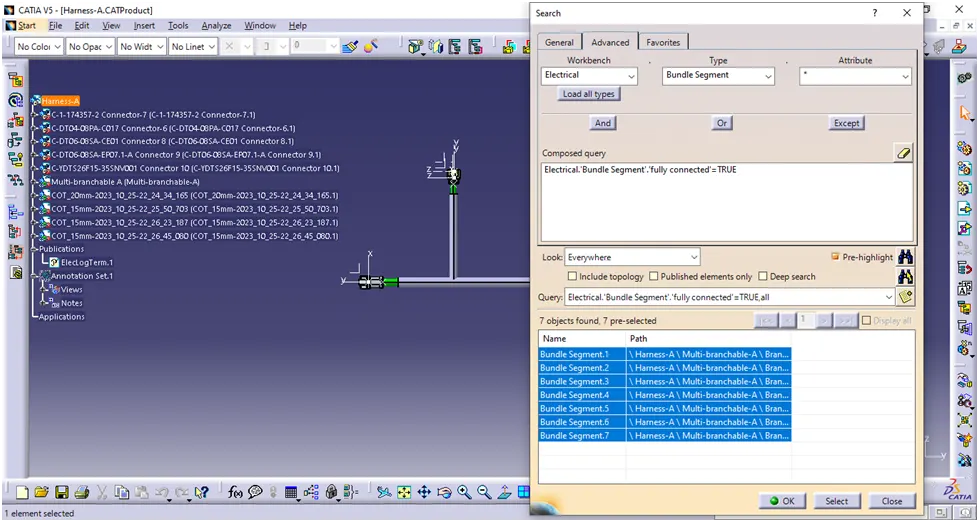
Checking the Bundle continutity of the harness
Harness B
Harness A
Interconnection of Harness A & Harness B
Position both the harness in front view in same line.
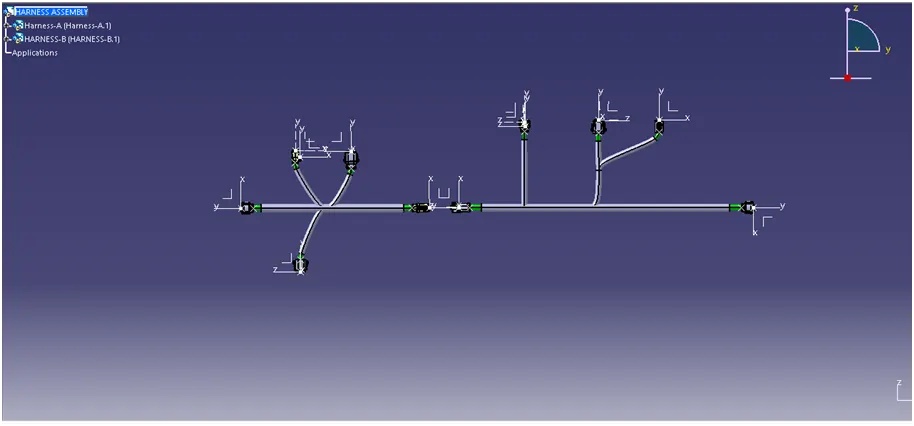
Using assembly design connect both the harness using connect electrical devices.
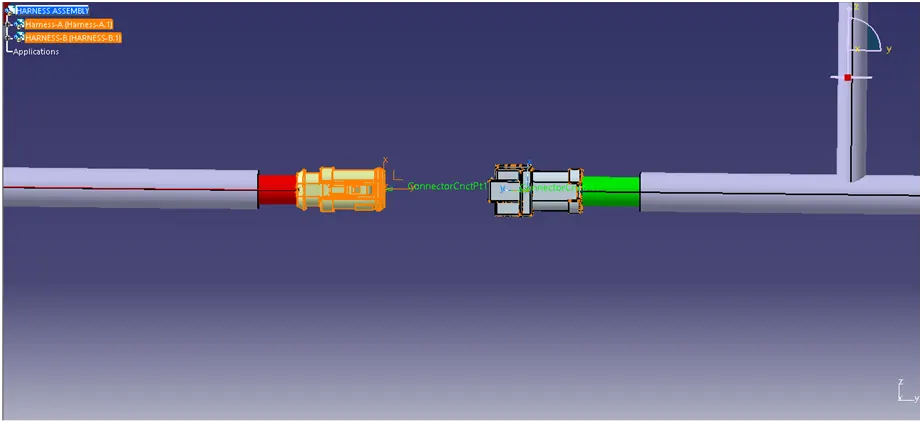
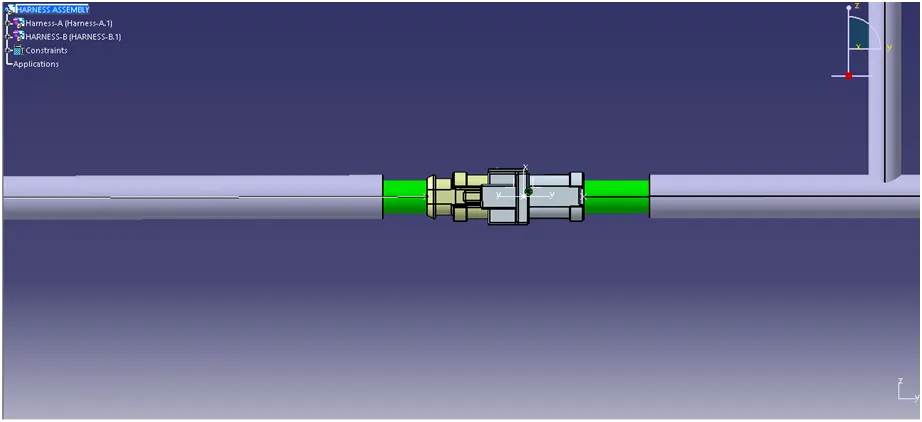
Checking for bundle warnings
Bundle warning are usualy related to Bend radius, Bundle diameter of bundle segments the present assembly not found any bundle warnings.
Creating of IGS part file.
Go to tools & click generate CADpart from Product.
Generates all the part bodies linked to the assembly.
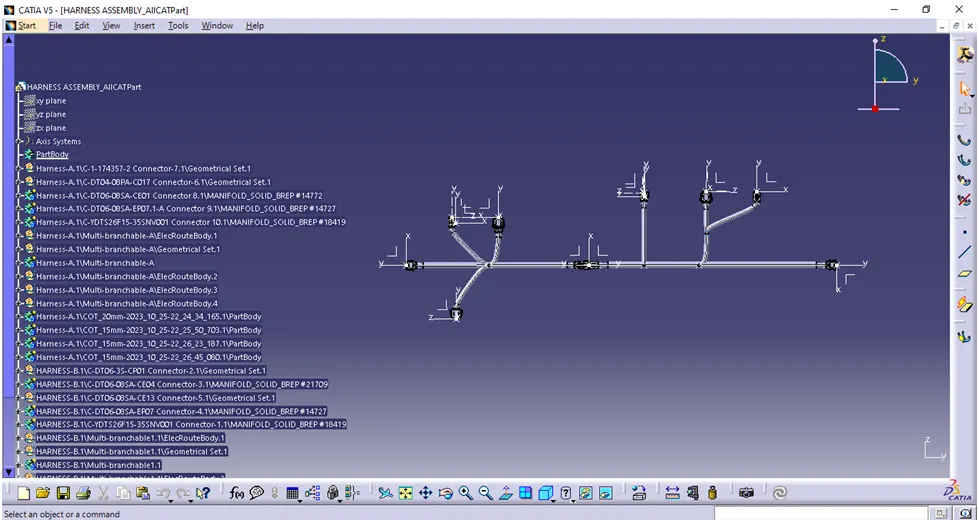
Now save as the file in IGS format.
Note: Since the the file size is lage not able to submit the file, I am attaching the google drive link.
kindly download and verify the result
https://drive.google.com/file/d/1cvR-PMQKmX9Uj3DJipFD8DqdauLFidEL/view?usp=drive_link