Wiring harness design in CATIA V5 - 3D modeling Week 5 & 6 Challenge
Q1. Route the following harness layout in Electrical workbench. Make assumption for harness bundle diameters. Use the connectors provided. After completion of routing,
- Check the bundle Continuity. Add snap of result in submission
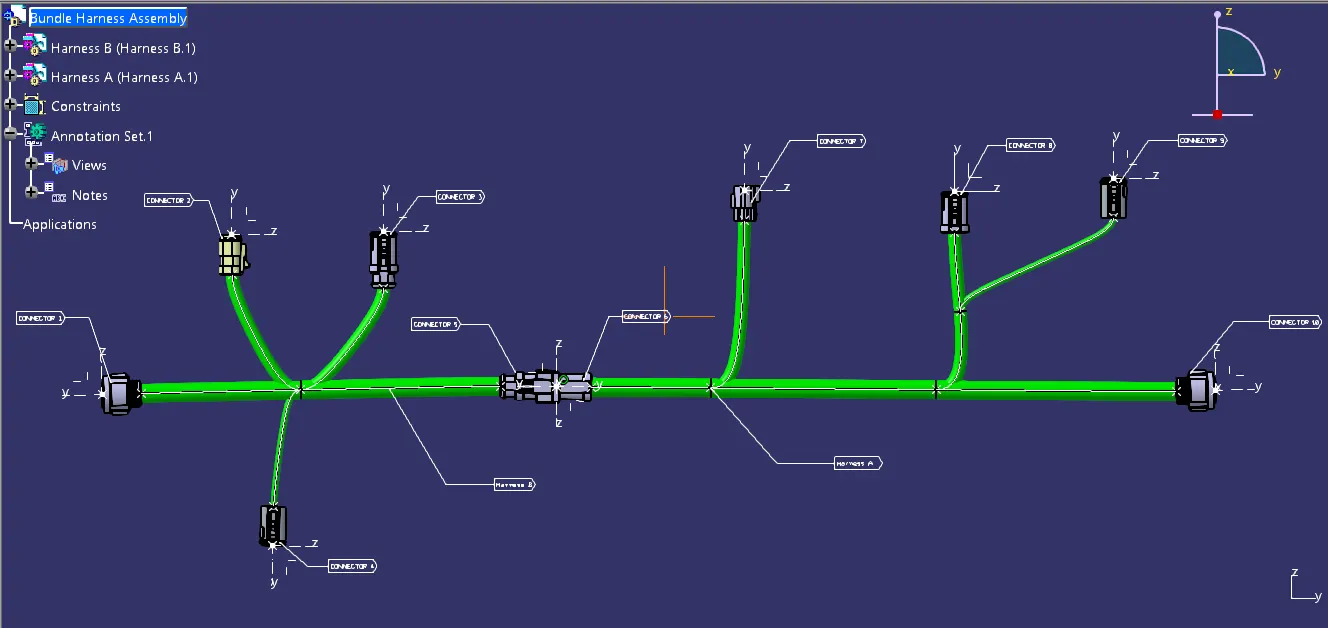
- Add annotation to all connectors. Make an assumptions for annotations like connect 1 , 2 etc
- Check for the bundle warning. Add snap.
- Generate CAT.part of harness assembly and convert is in. igs format.
Define all the given connectors as electrical connectors and assign their connection points.
Connectors in Harness A:
1
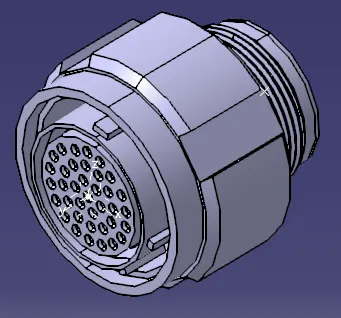
2
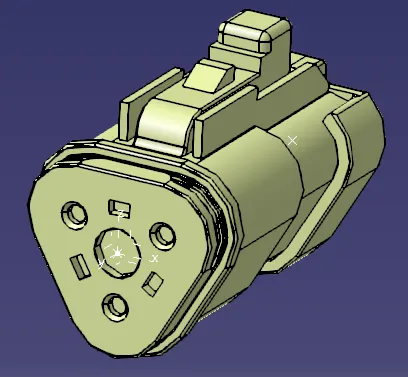
3
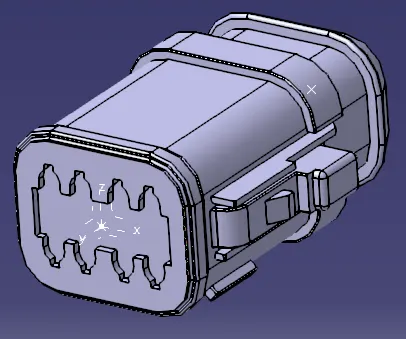
4
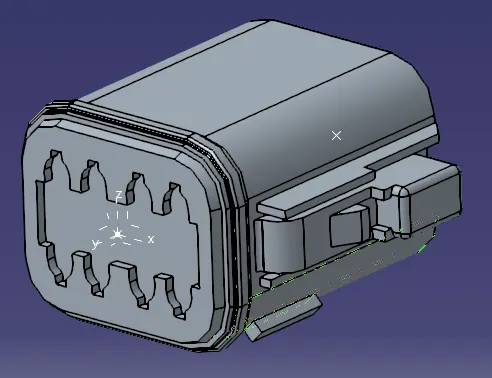
5
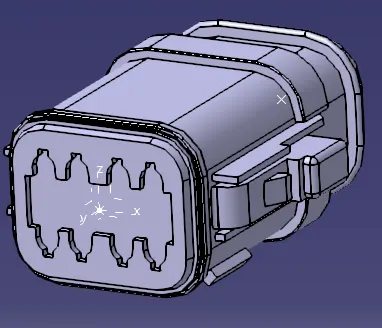
Connectors in Harness B:
6
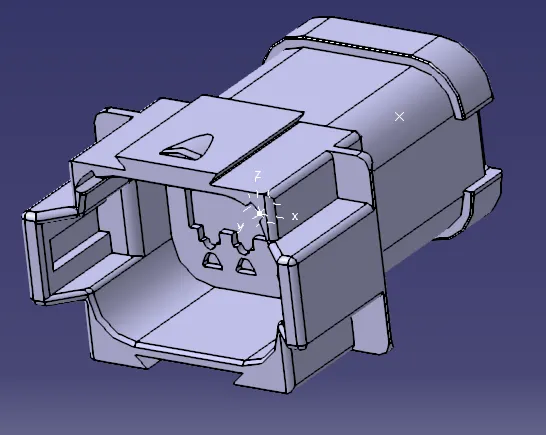
7
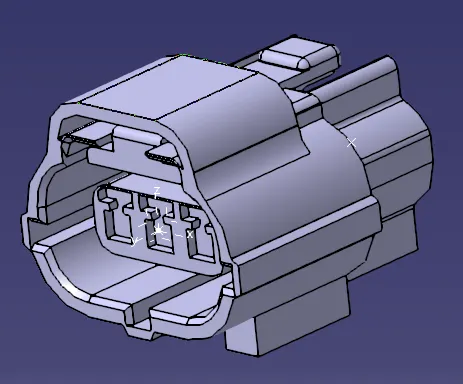
8
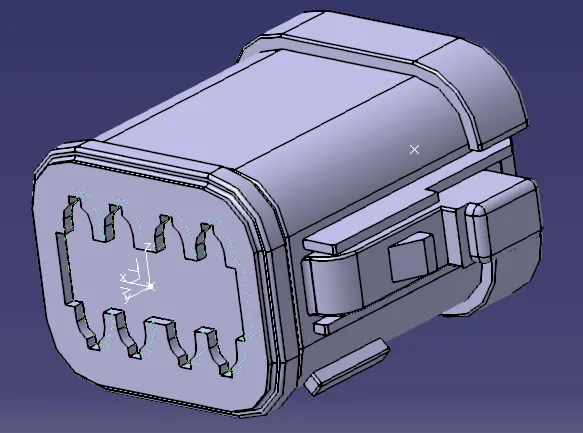
9
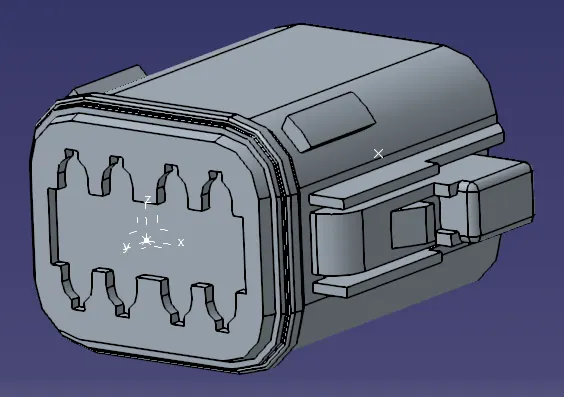
10
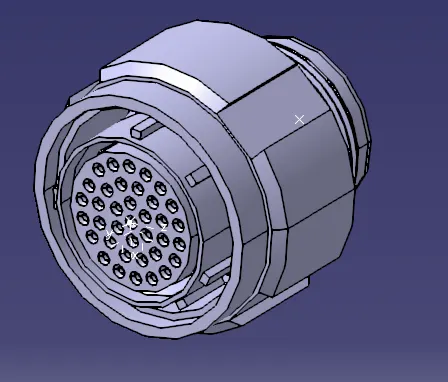
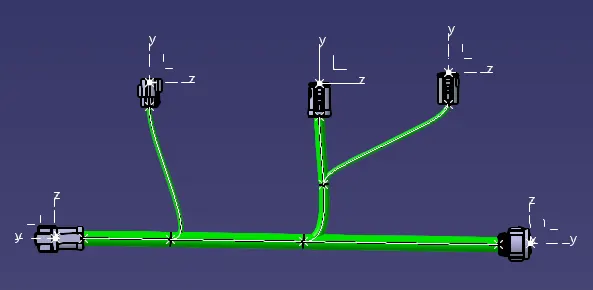
Connect the bundle Harness A and Harness B according to the given layout.
Harness A:
Harness B:
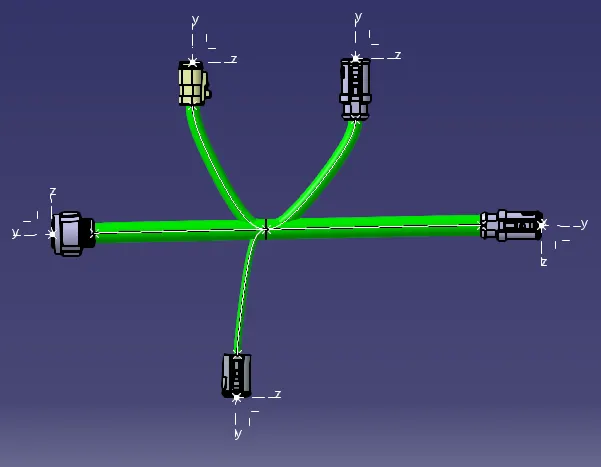
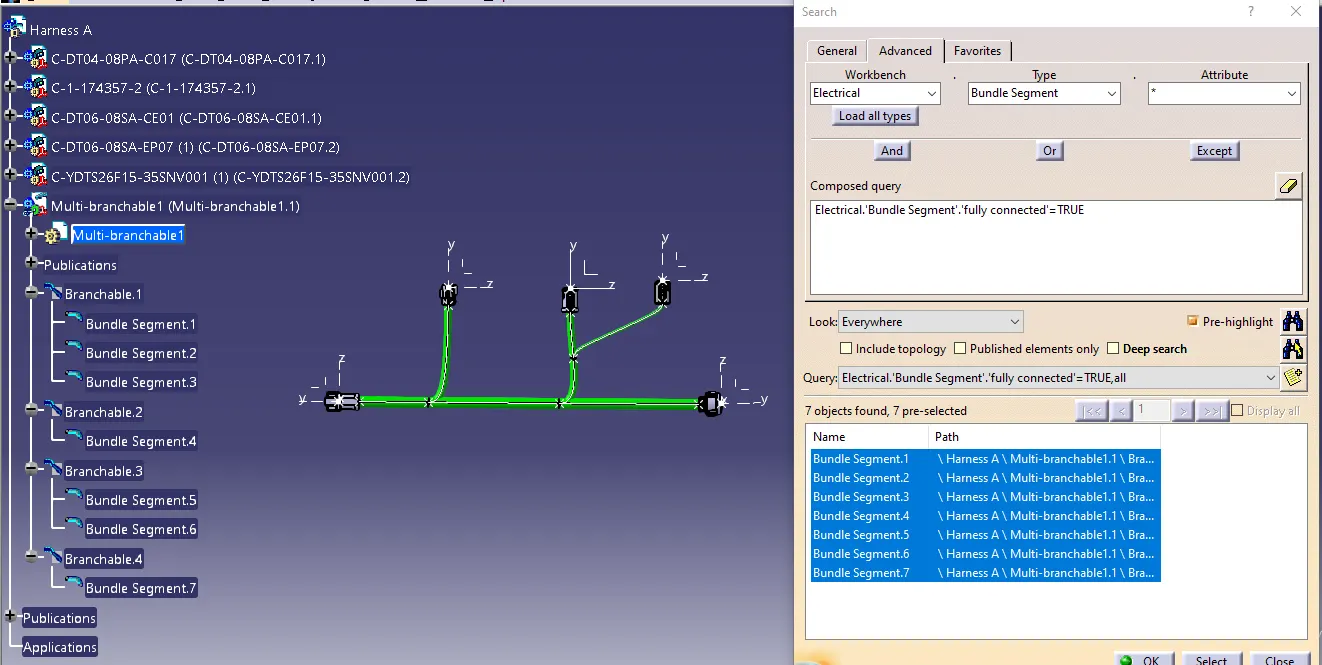
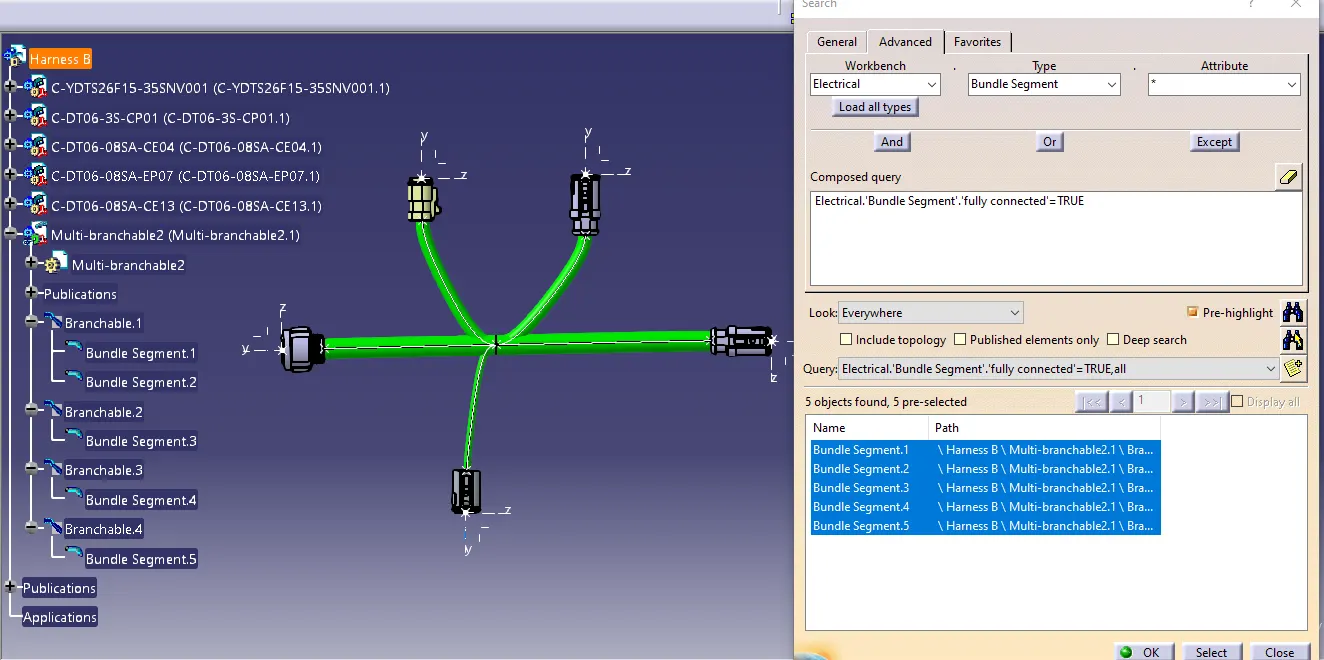
Bundle Continuity:
Search option is used to find all the bundle segments that are truly connected.
Harness A
Harness B
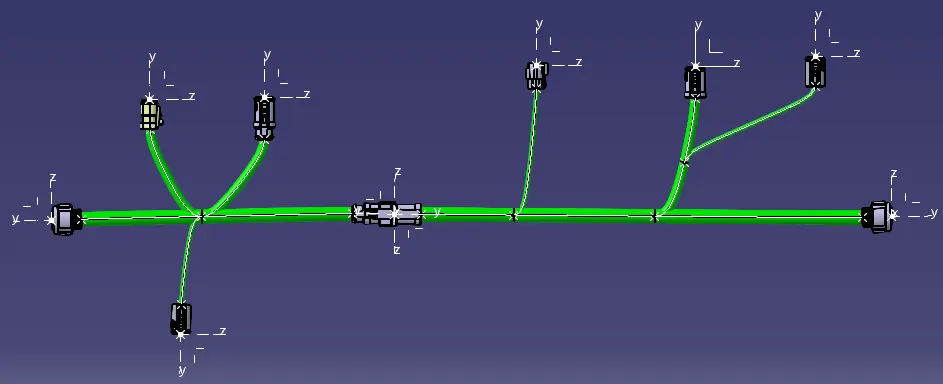
Harness B and Harness A connected Together:
Connect the two bundle harnesses according to the layout.
Added Annotations:
Bundle Warning Check:
Harness A
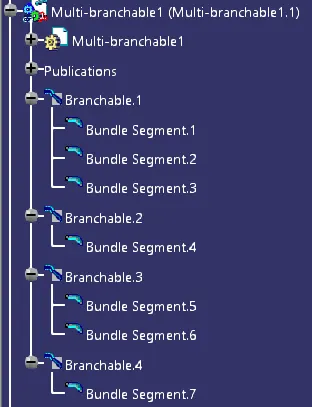
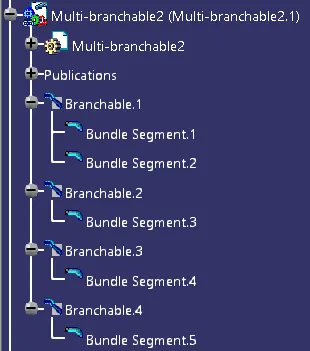
Harness B
Assembly file is converted into igs file and is uploaded as zip.