Wiring harness design in CATIA V5 - 3D modeling Week 5 & 6 Challenge
OBJECTIVE:
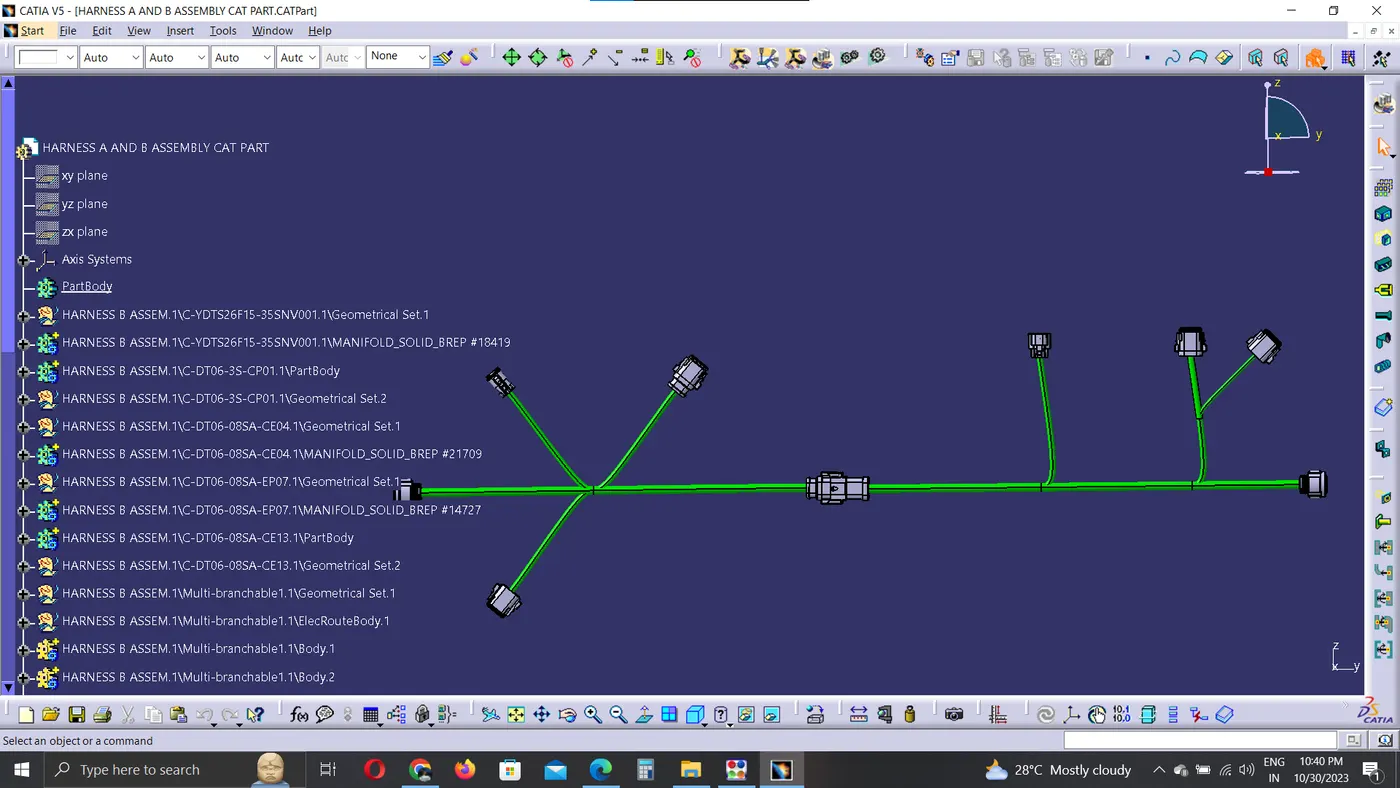
- To Route the given wiring Harness A and B.
- Check for Bundle connectivity.
- Adding annotations to all connectors.
- Check for Bundle warning.
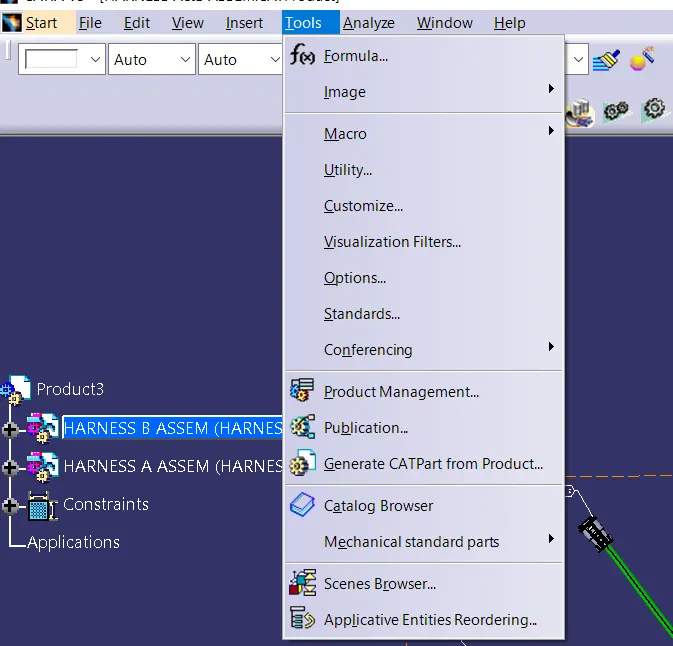
- Generate .CATPART from assembly file and convert to .igs file.
Process:
Defining all the given connectors as electrical part and providing the bundle and connector connections.
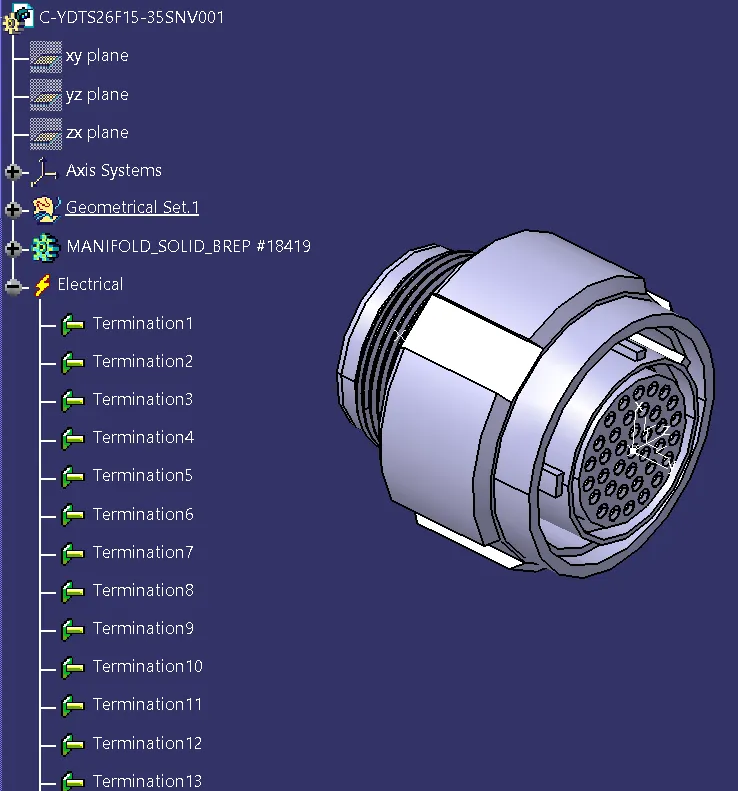
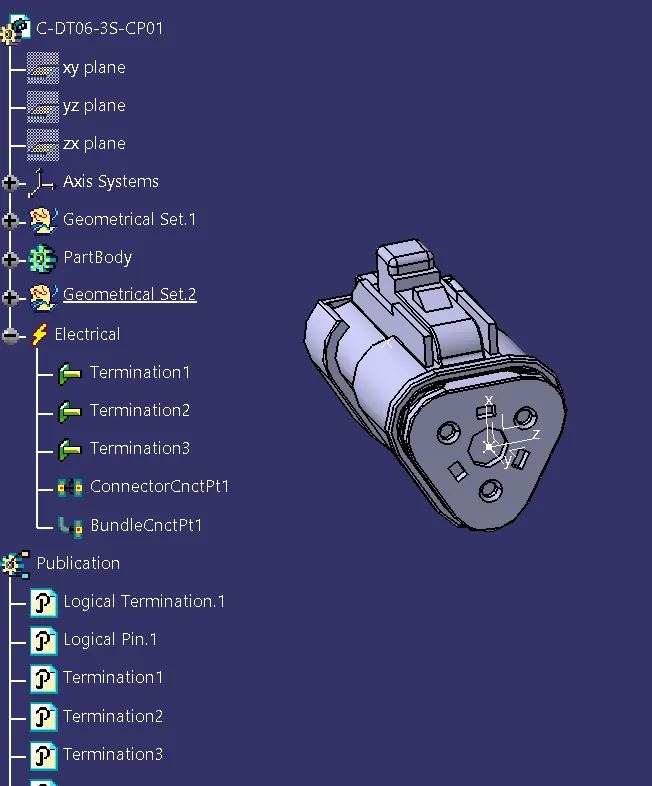
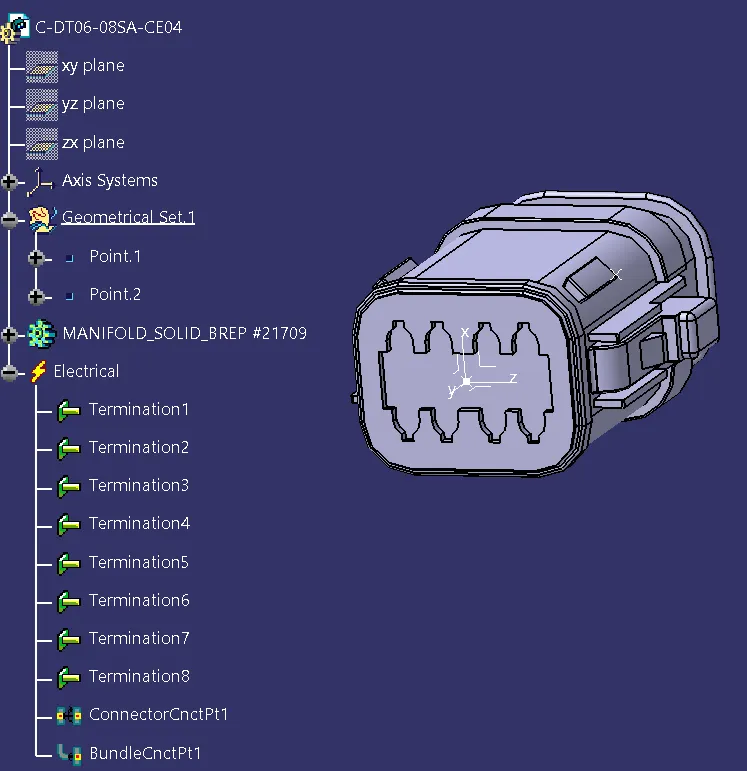
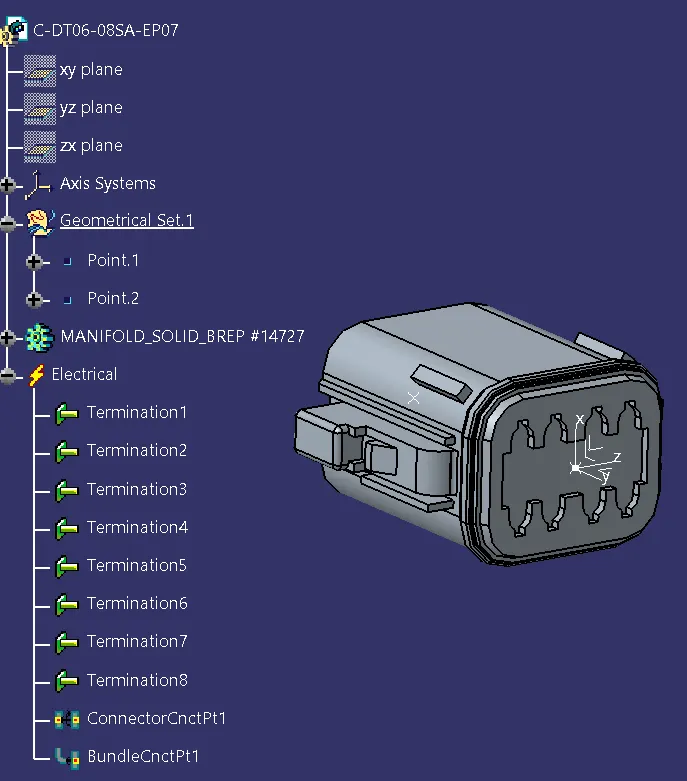
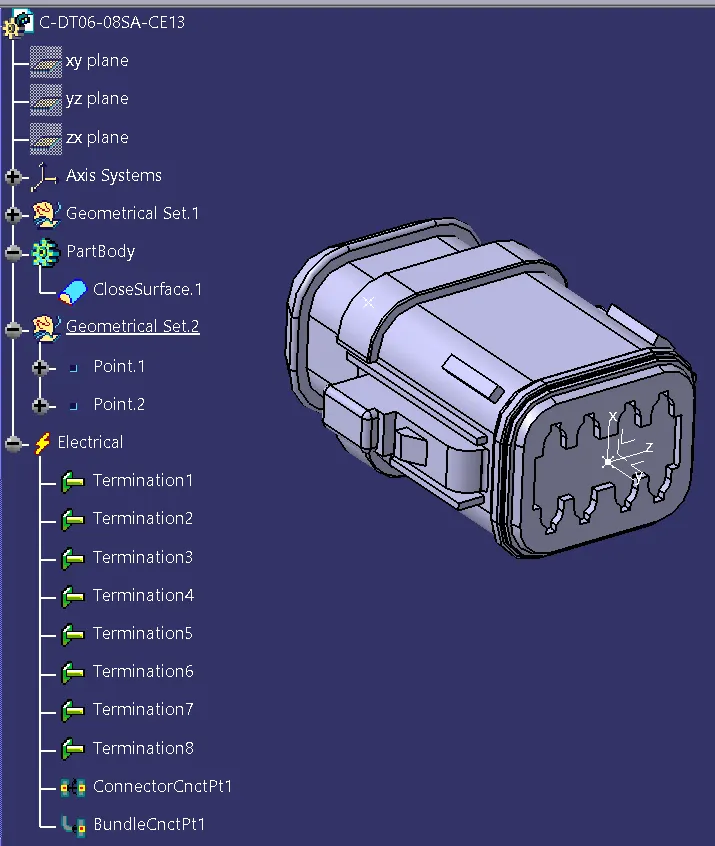
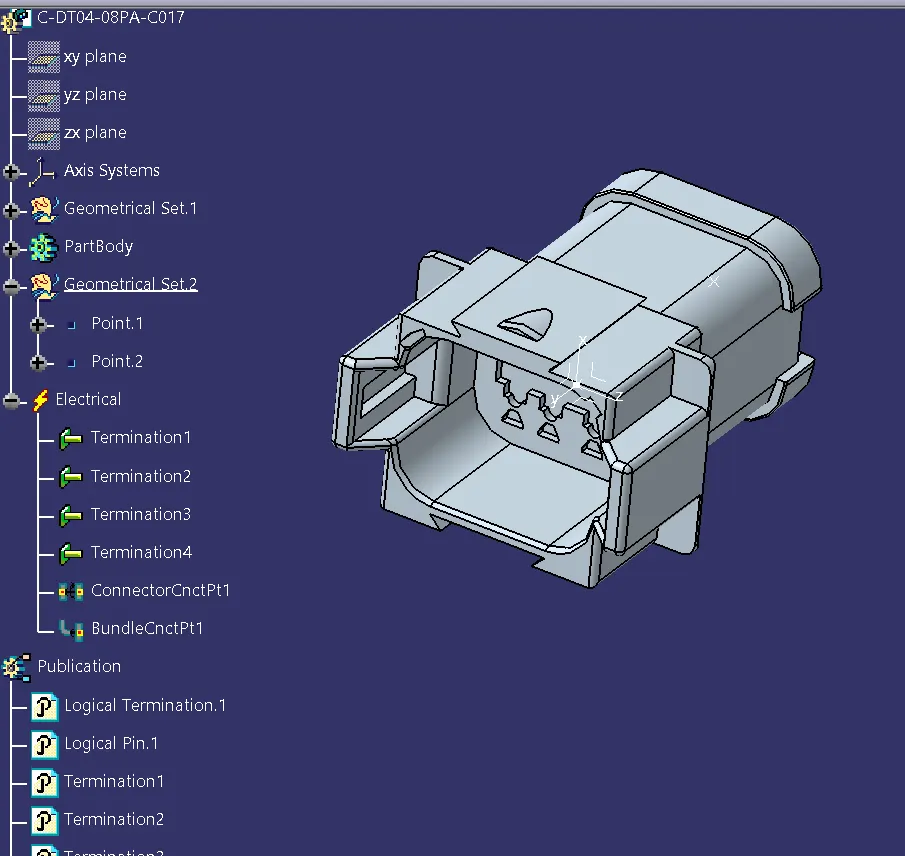
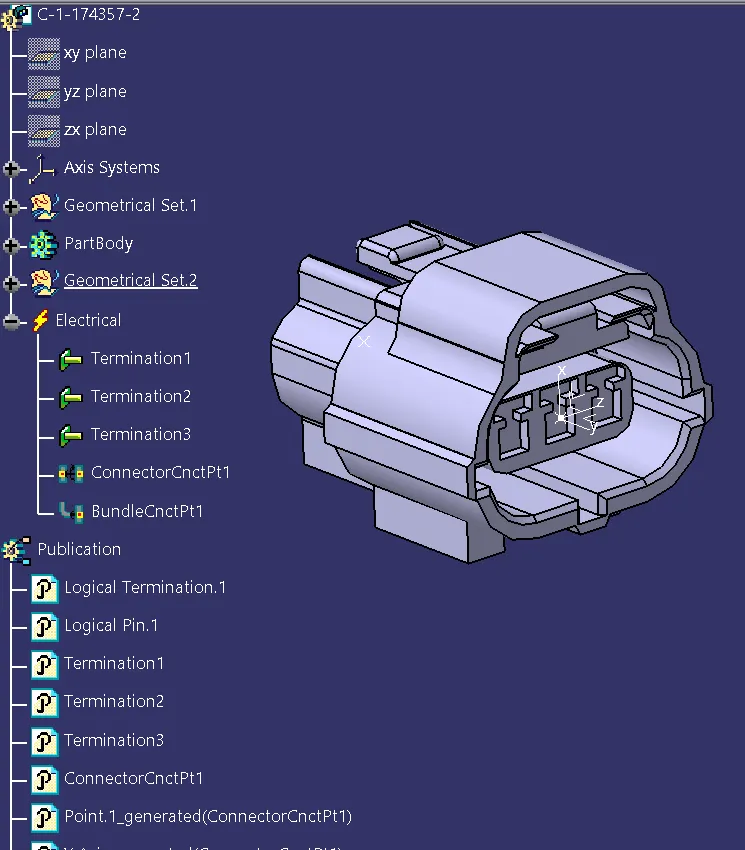
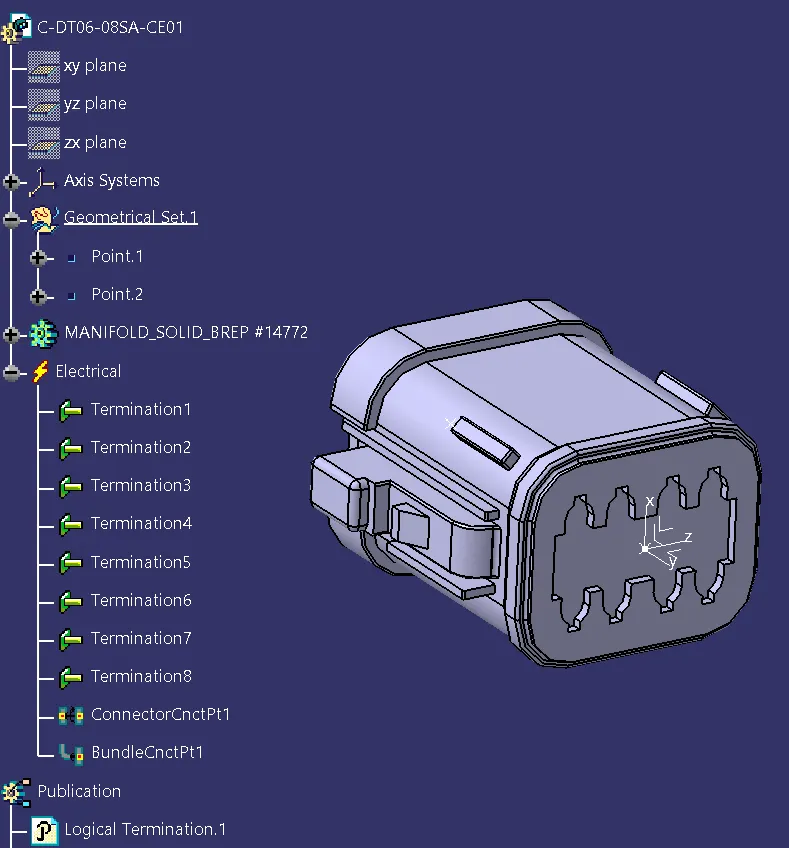
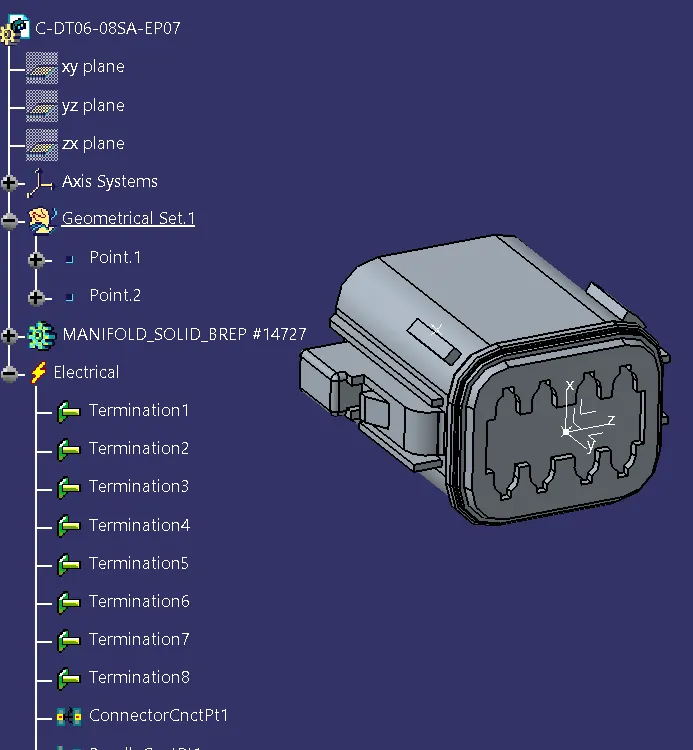
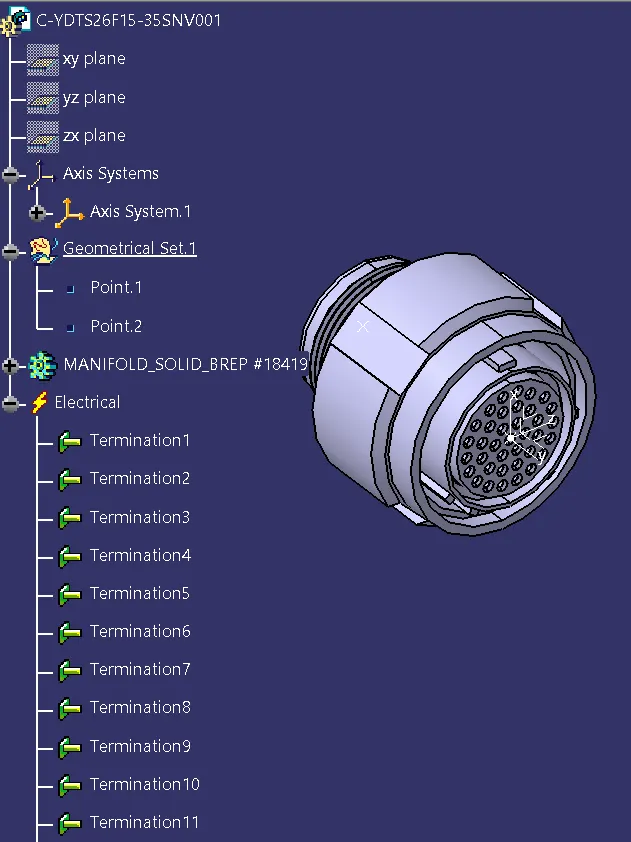
Routing:
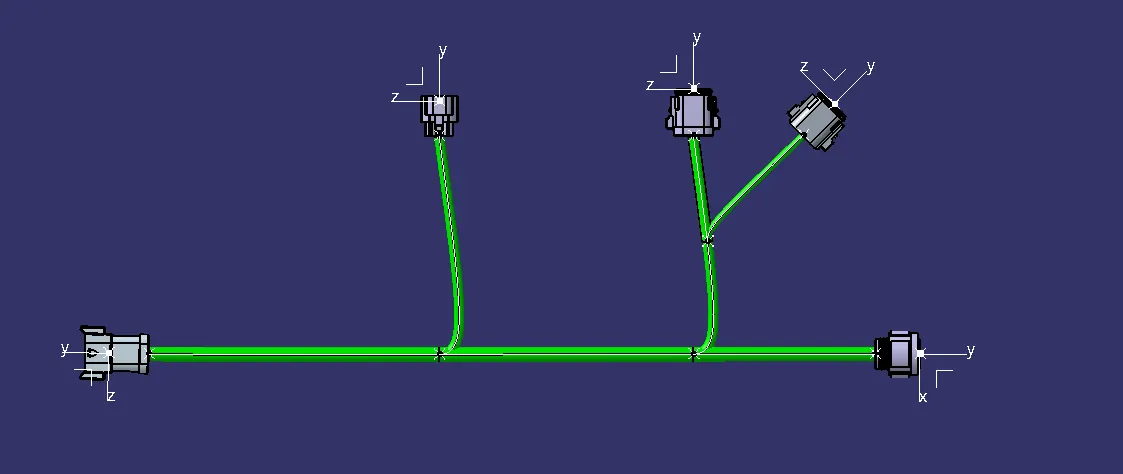
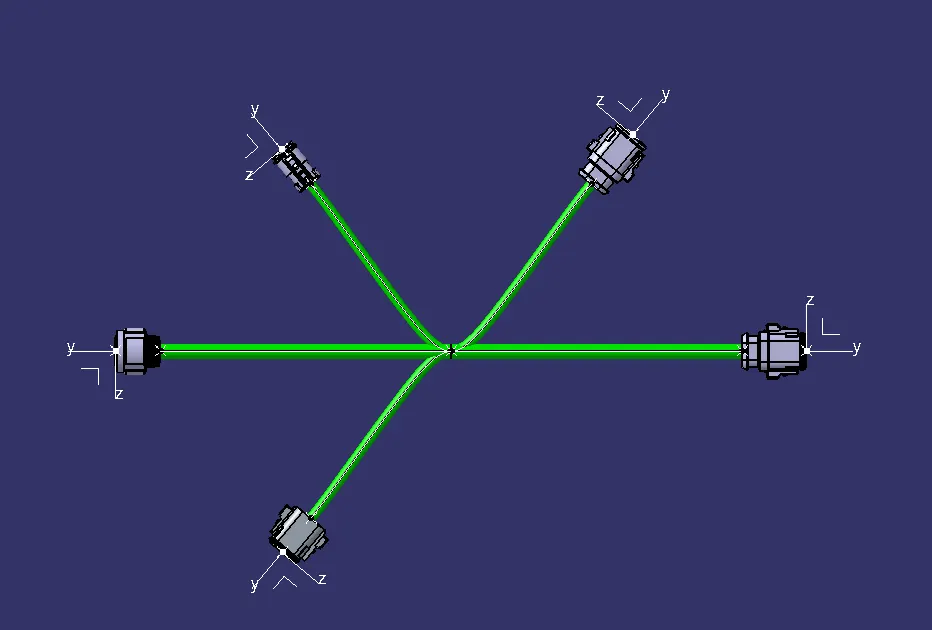
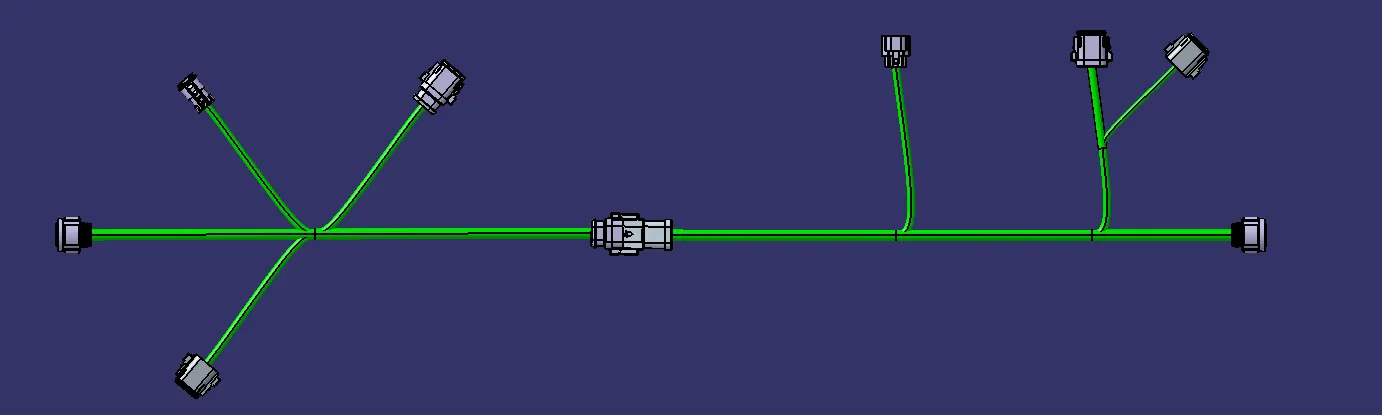
All the connectors are connected using Multi Branchable command as per give routing diagram
HARNESS A
HARNESS B
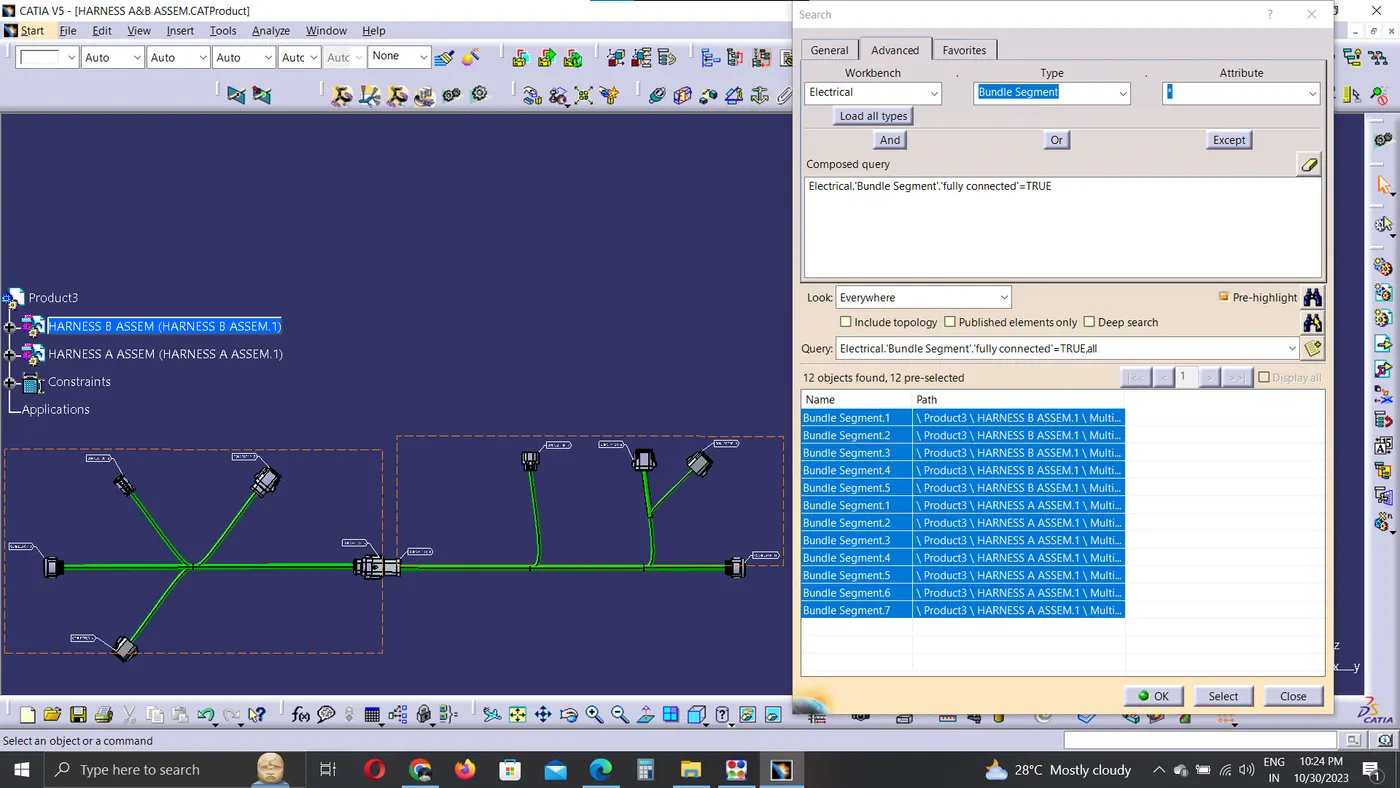
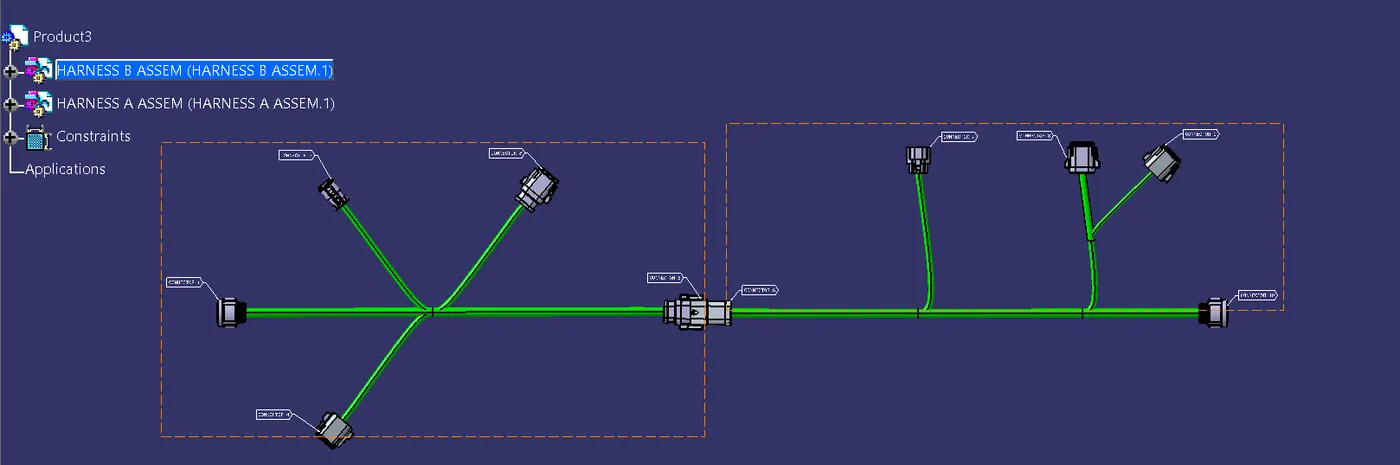
HARNESS ASSEMBLY:
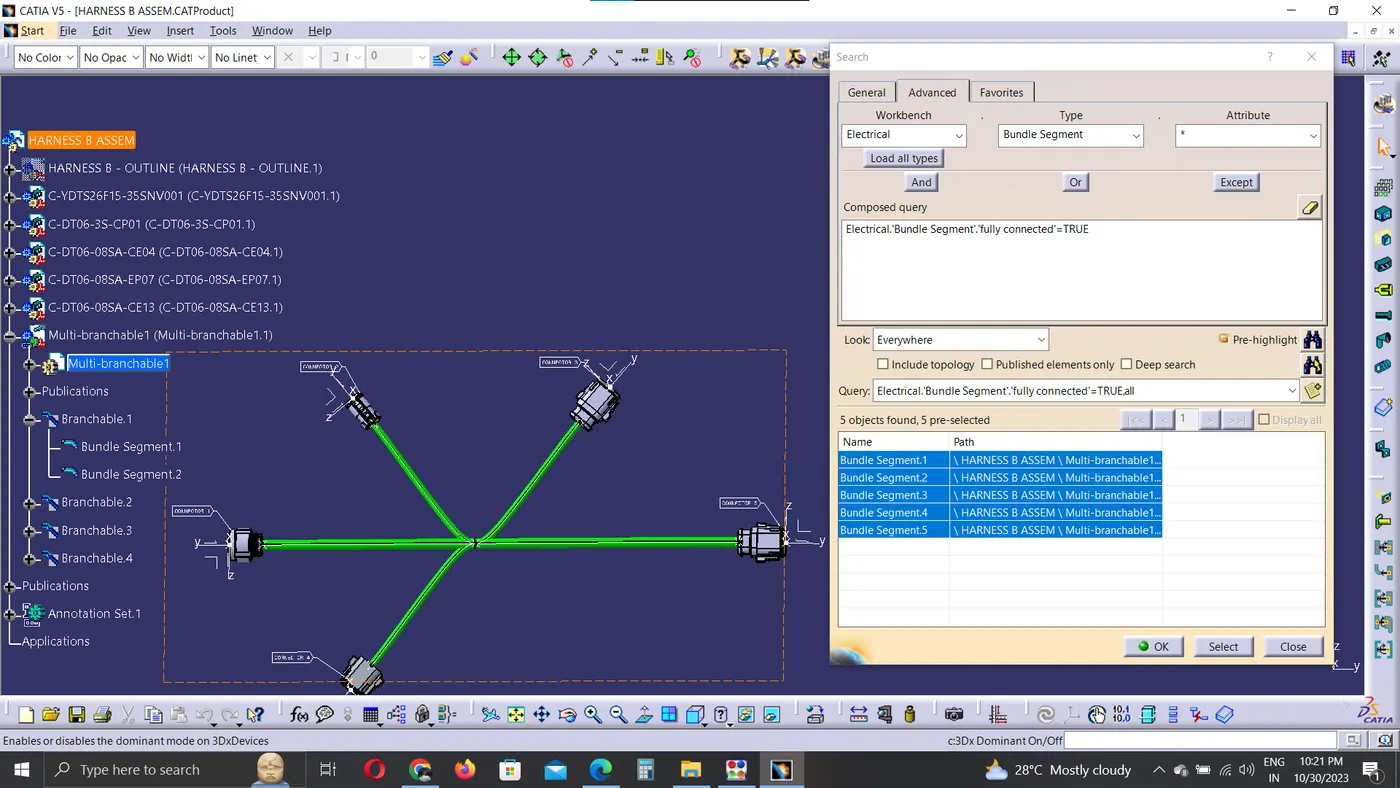
CONNECTIVITY:
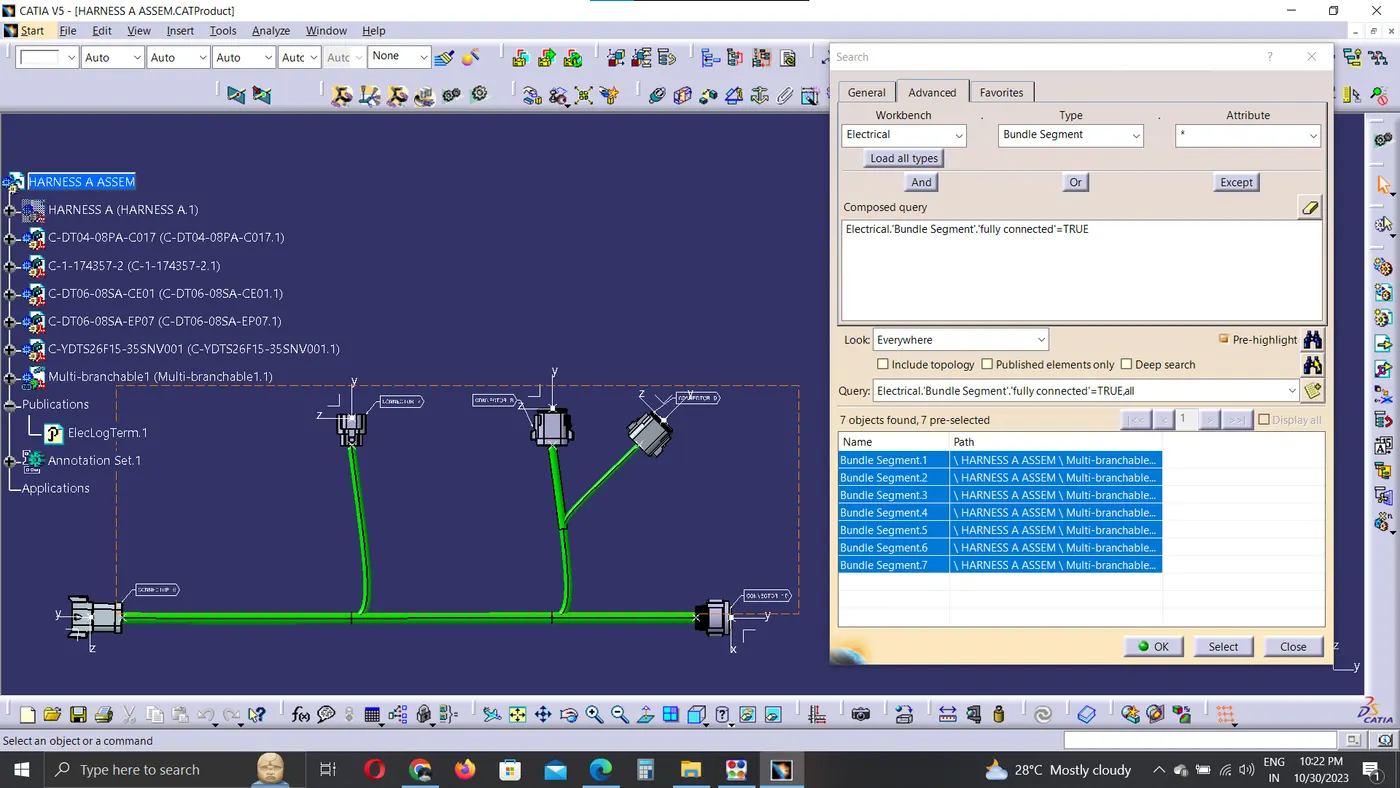
In the connectivity checking condition
In Edit command find the search option and go to advanced options
select workbench as electrical, Type as bundle segment, attribute as fully connected and click search option
HARNESS A
HARNESS B
ASSEMBLY CONNECTIVITY:
ANNOTATIONS:
The annotations are defined in the individual assembly
To define the 3D annotations first the plane in which the text are to be shown are provided and then the annnotaions are added.
CONNECTIVITY ERROR:
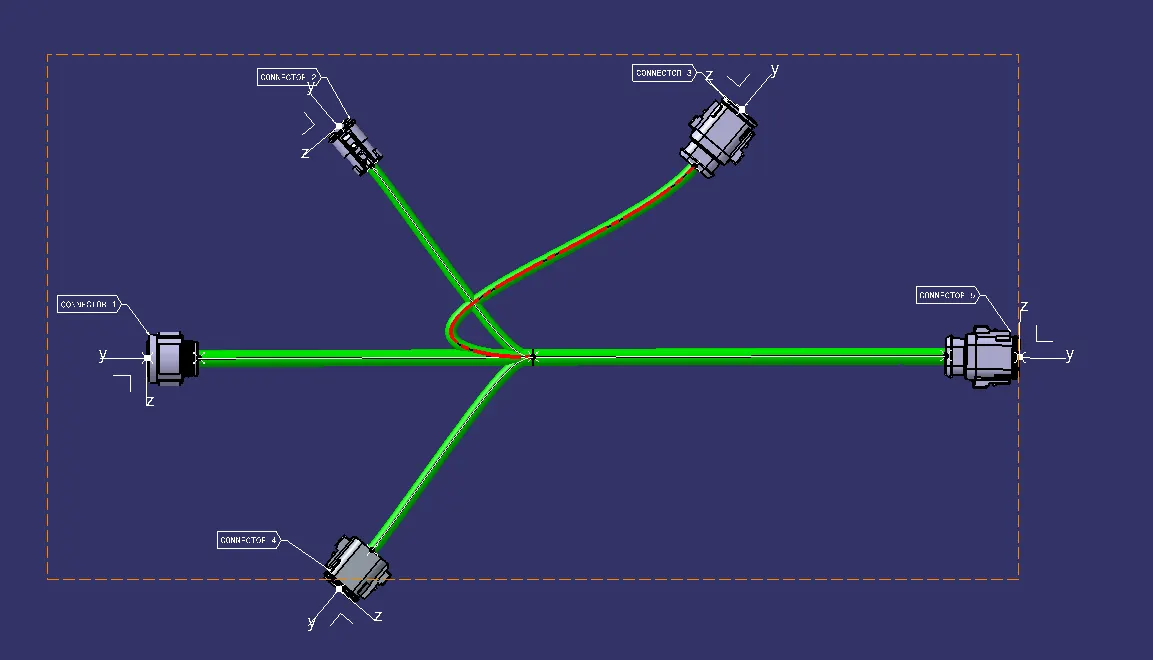
The error show when there is connectivity issue. To solve this changed the bundle direction, or add slack percentage and change the bundle tanegt condition. There are several options to resolve this bundle issue and are to be used as per the required conditions.
CONVERT TO CATPART:
The assembly file has to be converted to .CATPART and then converted to igs file.
To convert to cat part
Tools -> Generate .catpart form product