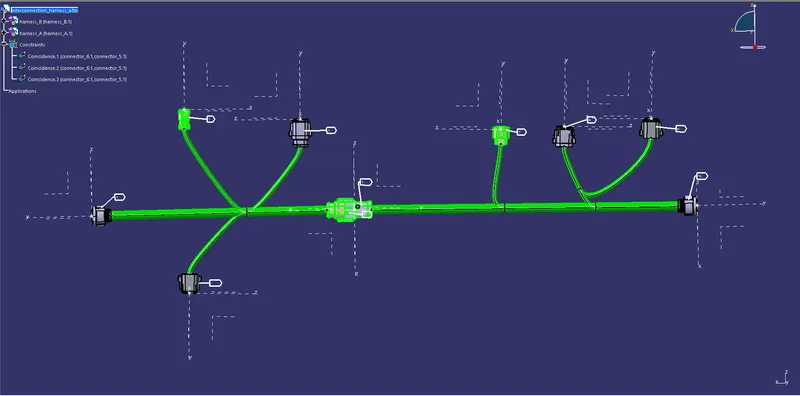
Wiring harness design in CATIA V5 - 3D modeling Week 5 & 6 Challenge
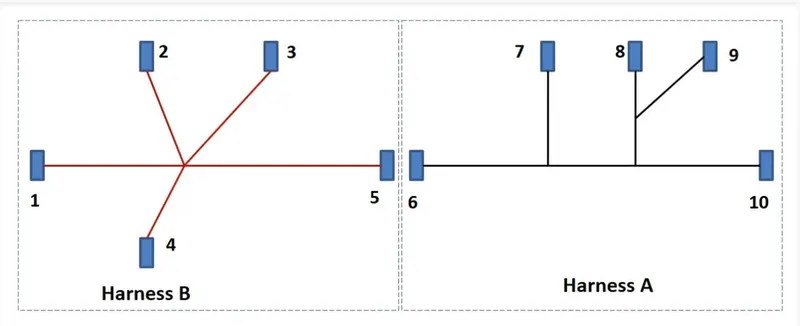
A.I.M : Routing of given harness layout in Electrical workbench Using the provided connectors and checking for the bundle Continuity , Checking for the bundle warning , Add annotation to all connectors and Generating CAT.part of harness assembly and convert is in. igs format.
given layout :
Harness Routing :
s1 : downloaded all the connectors from the link and in the electrical part design workbench , converted the mechanical parts in to electrical components and added all the parts in to an catalogue.
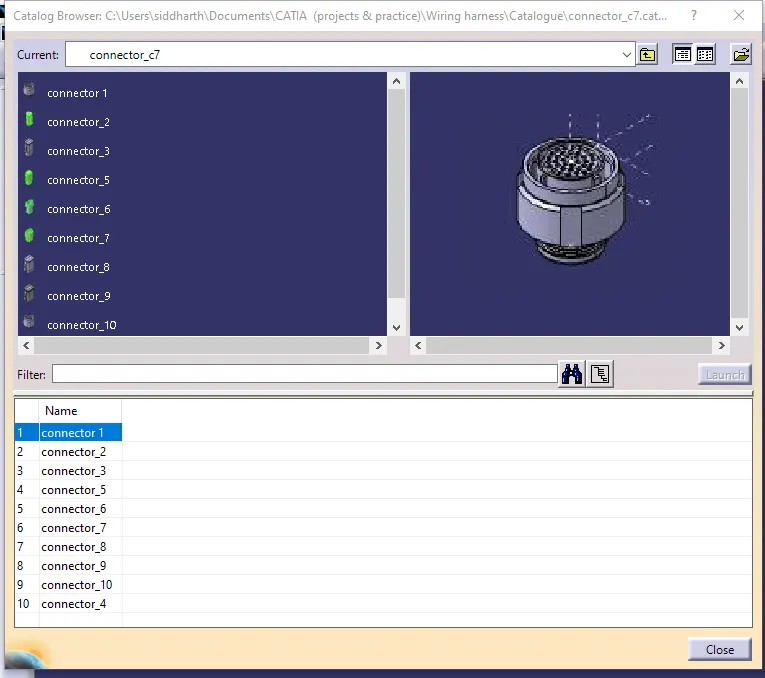
s2 : created a product file for harness a , inside the product file created another another product file for the connectors to stay and named it geometrical bundle , and using the catalogue , imported the necessary connectors foe the harness a.
s3 : using the manipulation and the compass oriented the connectors in the proper direction according to the layout , and connected the connectors using the electrical harness assembly workbench.
s4 : added annotation for quick identification of the connectors in the part assembly workbench.
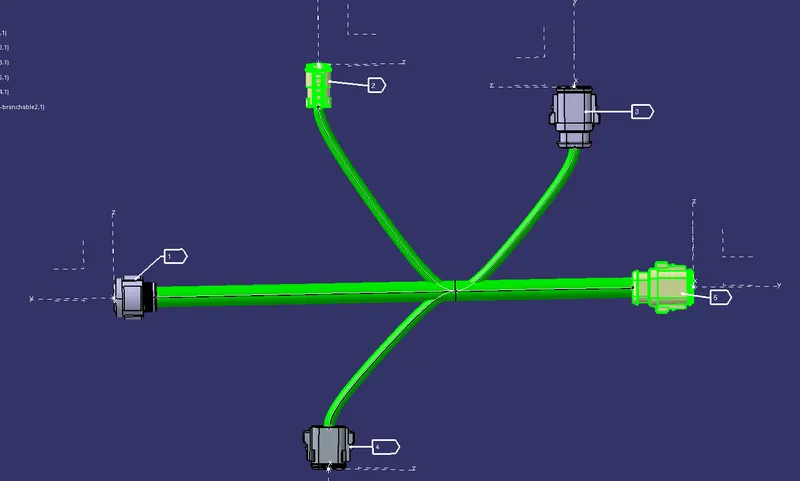
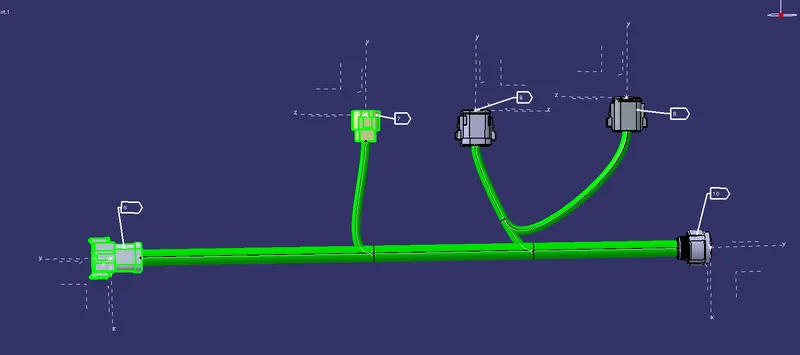
s5 : using the search command , checked for the bundle continuity .
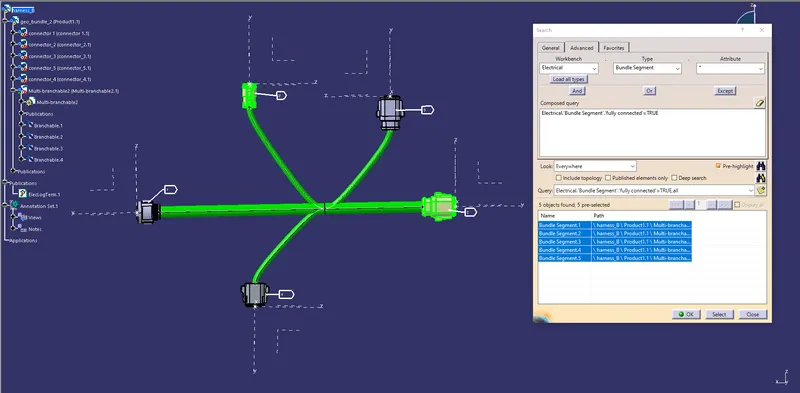
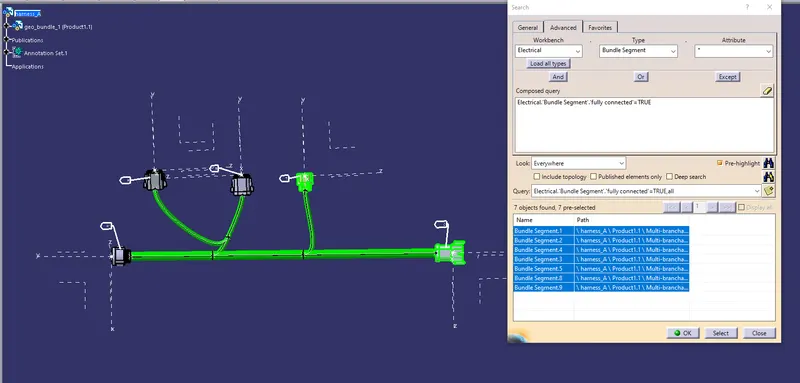
s6 : Checked for the bundle warning , cound not find any warnings.
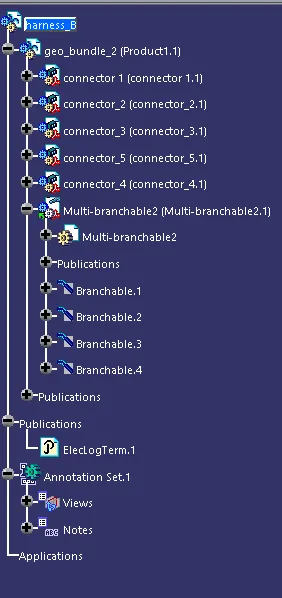
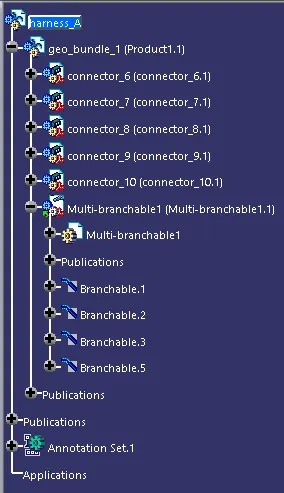
s7 : converted the harness assembly a & b into CAT.part file and againg converted that to .igs file.
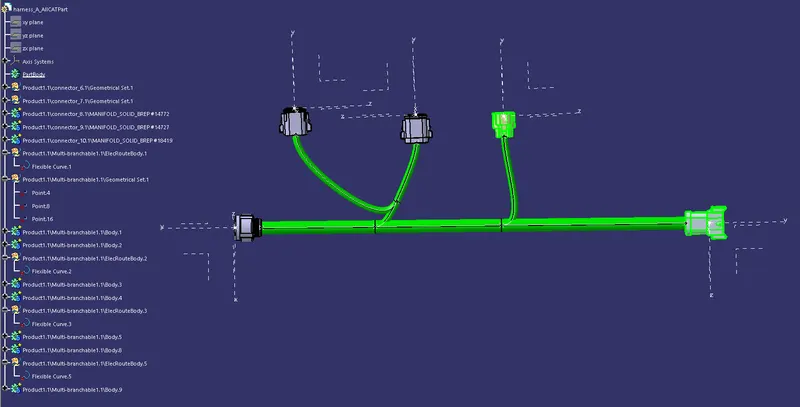
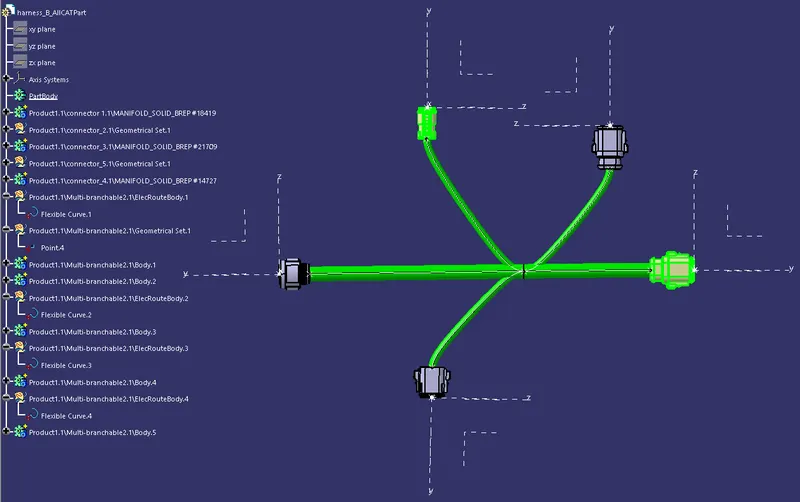
s8 : finally created another product file for the harness interconnection and in to that added the harness a & b , and using the electrical assembly design workbench , connected the harness a & b.