Wiring harness design in CATIA V5 - 3D modeling Week 5 & 6 Challenge
Wiring harness design in CATIA V5 - 3D modeling Week 5 & 6 Challenge
Aim:
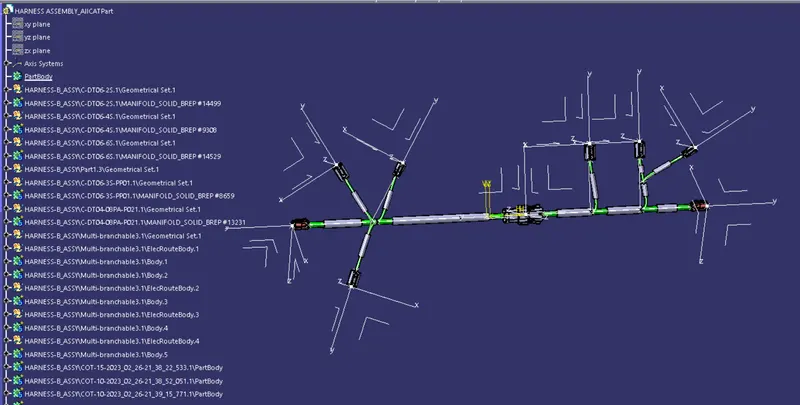
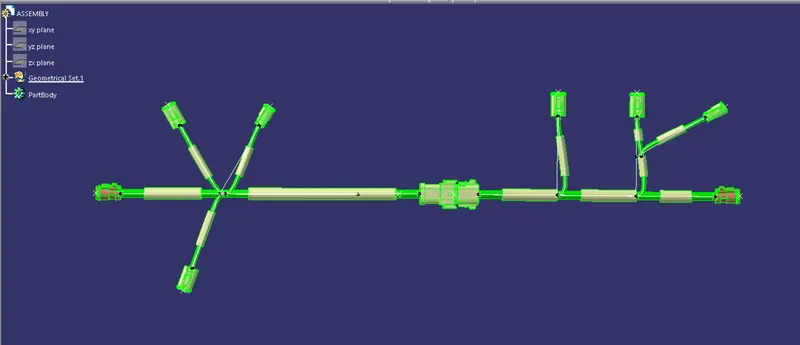
Route two electrical harnesses per the given layout and interconnect them as a single harness assembly. check for bundle continuity, and bundle warnings, and then provide annotations for the final harness assembly.
Step-1:
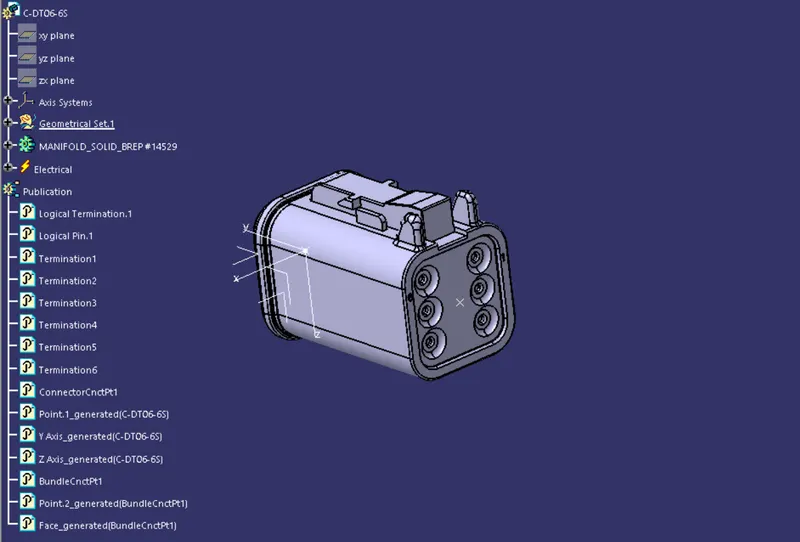
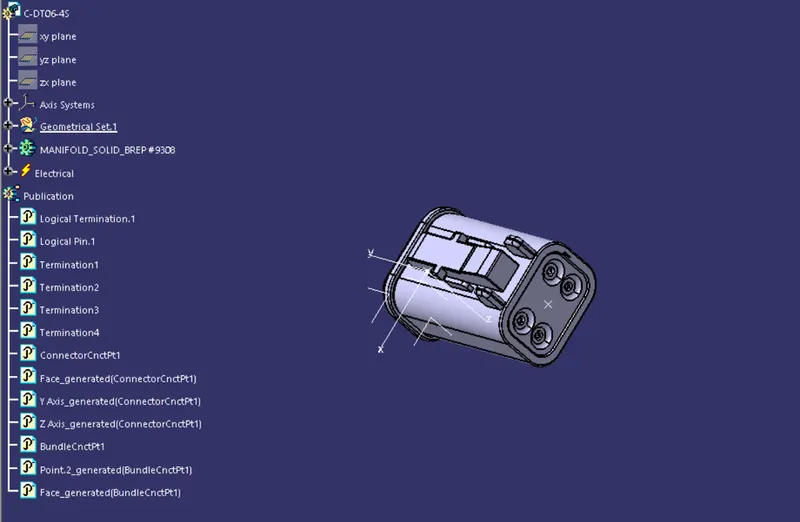
Define all the electrical connectors geometrically and electrically so that they can be used in the wiring harness.
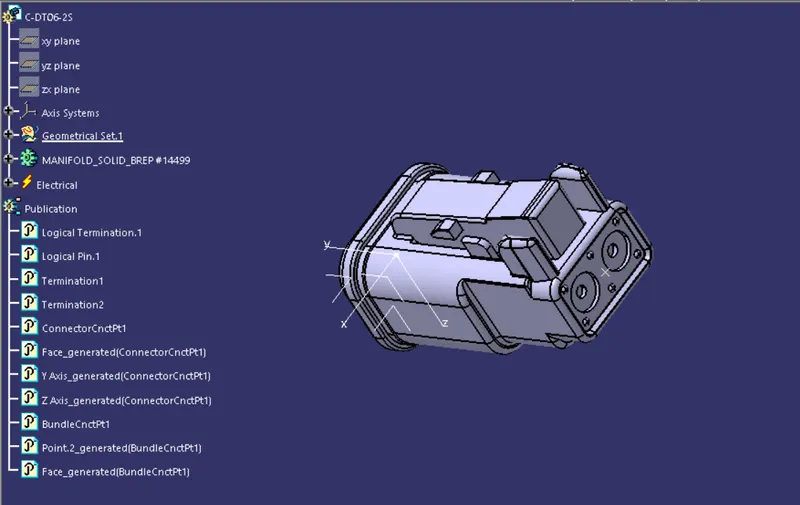
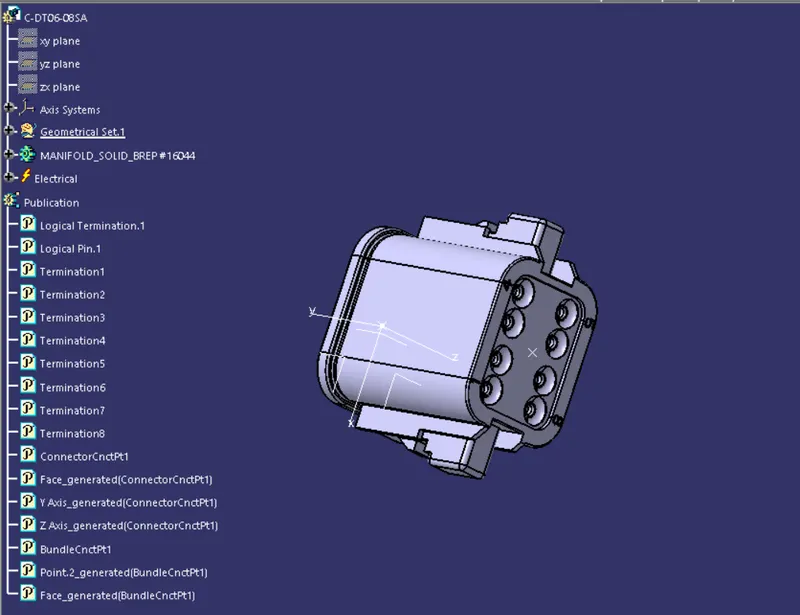
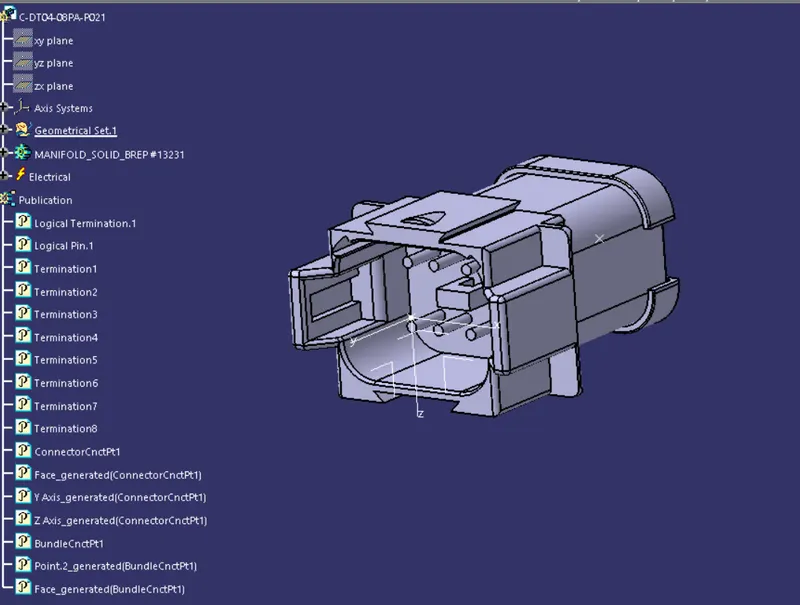
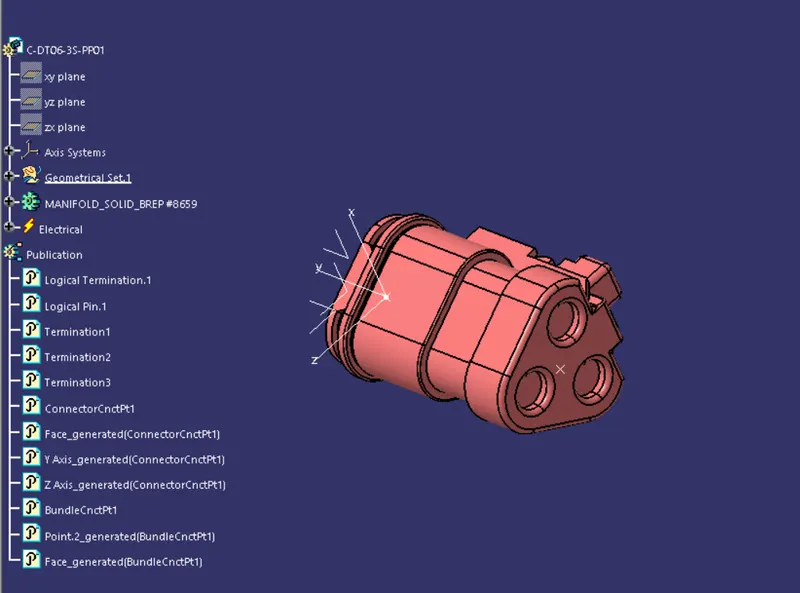
Step-2: Harness assy creation
HARNESS A and HARNESS B:
After all the connectors are defined, the workbench was switched to Electrical Harness Assembly where Geometrical Bundle was activated. All the connectors were routed using the Multi-Branchable Document command.
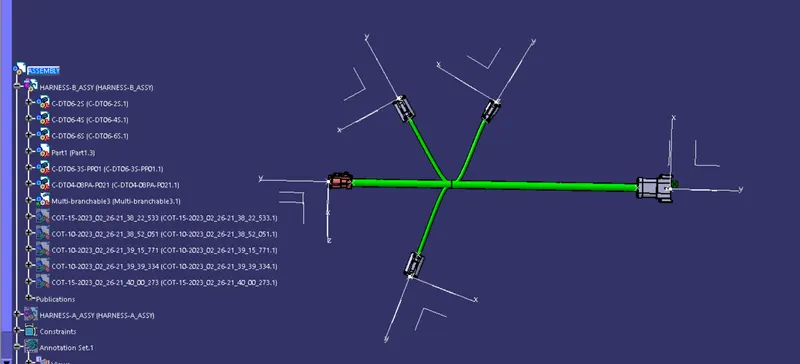
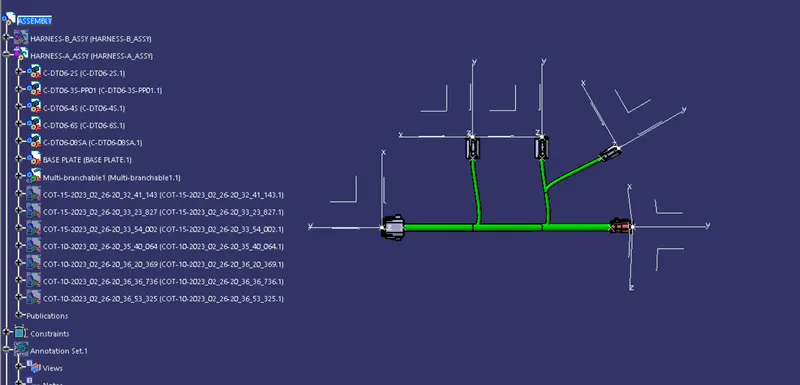
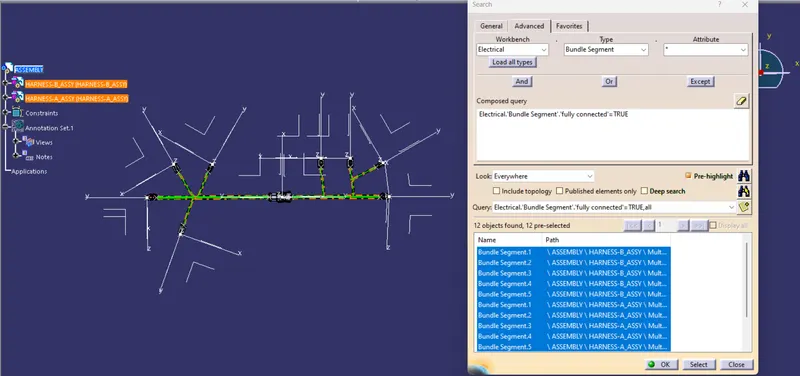
CONNECTIVITY CHECK:
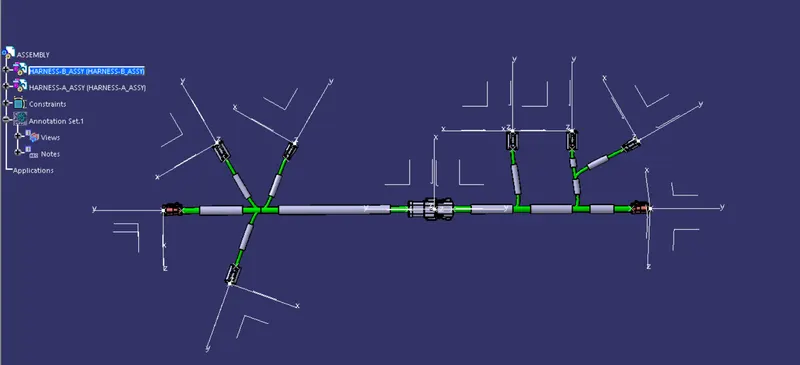
INCLUDE PROTECTIVE COVERING:
corrucative tubes or tapes are used to protect the bundle segment from the engine heat and other environment particles.
ANNOTATIONS:
The annotations are using to identify or pertigularly mention a part or bundle in the created assembly.
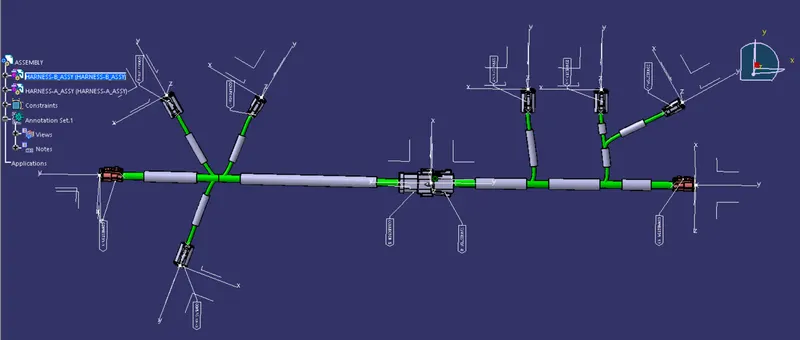
GENERATE CATPART FROM PROTECT AND TO CONVERT INTO IGS FILE: