Wiring harness design in CATIA V5 - 3D modeling Week 5 & 6 Challenge
Wiring Harness Assemby
Q. Route the following harness layout in Electrical workbench. Make assumption for harness bundle diameters. Use the connectors provided. After completion of routing,
- Check the bundle Continuity. Add snap of result in submission
- Add annotation to all connectors. Make an assumptions for annotations like connect 1 , 2 etc
- Check for the bundle warning. Add snap.
- Generate CAT.part of harness assembly and convert is in. igs format.
Ans)
Wiring diagrams: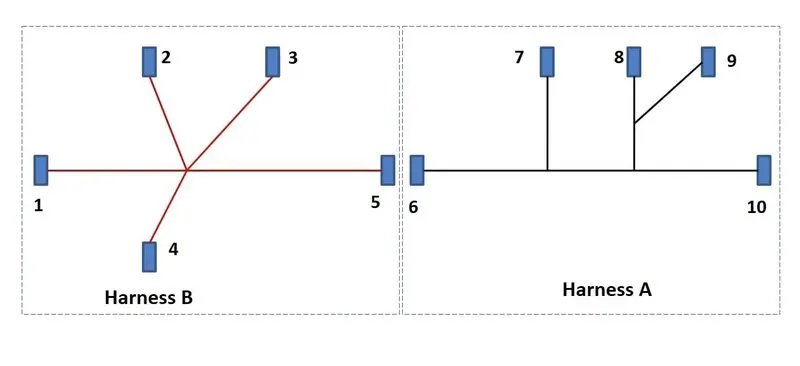
Connector definitions:
using Mechanical part design and electrical part design,
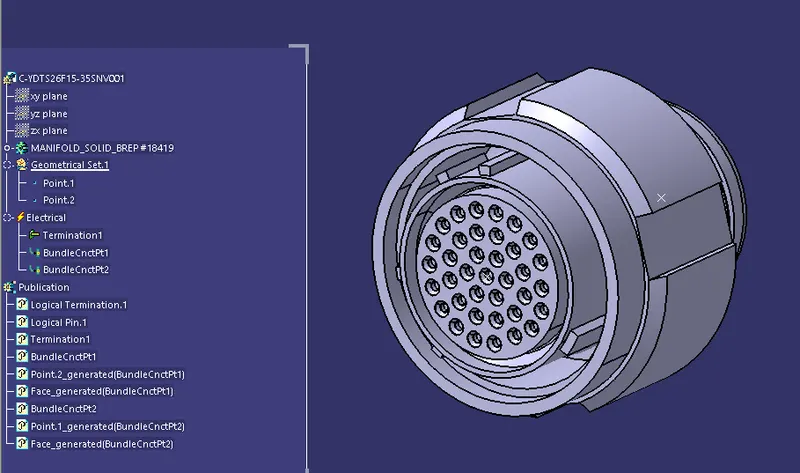
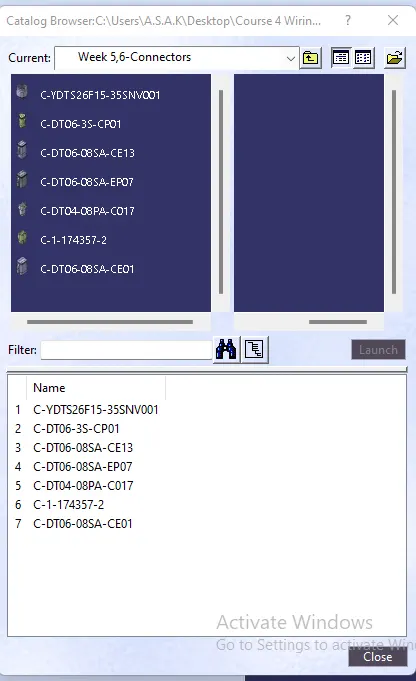
- c-ydts26f15-35snv001
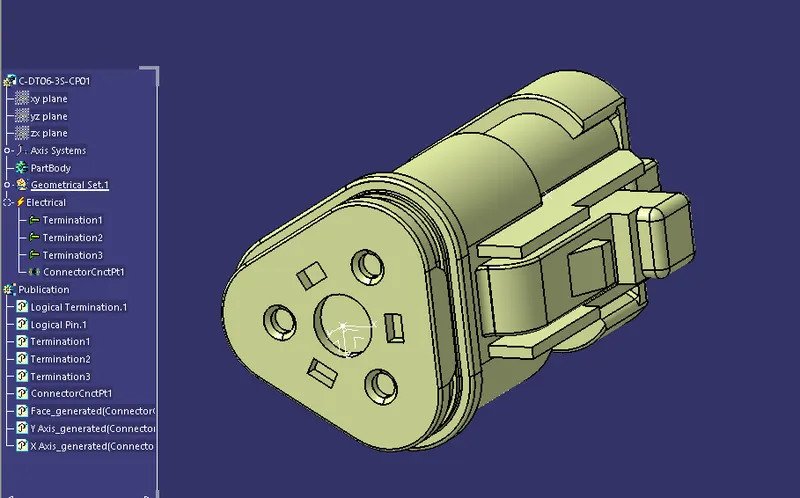
- c-dt06-3s-cp01
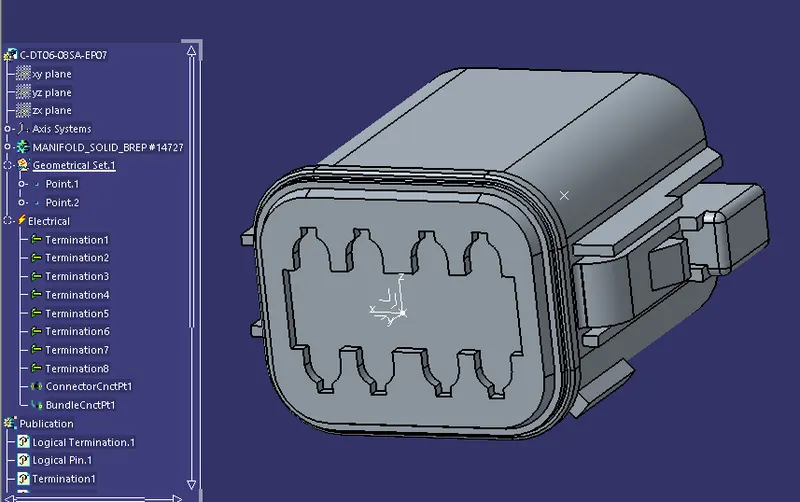
- c-dt06-08sa-ep07
- c-dt06-08sa-ce01
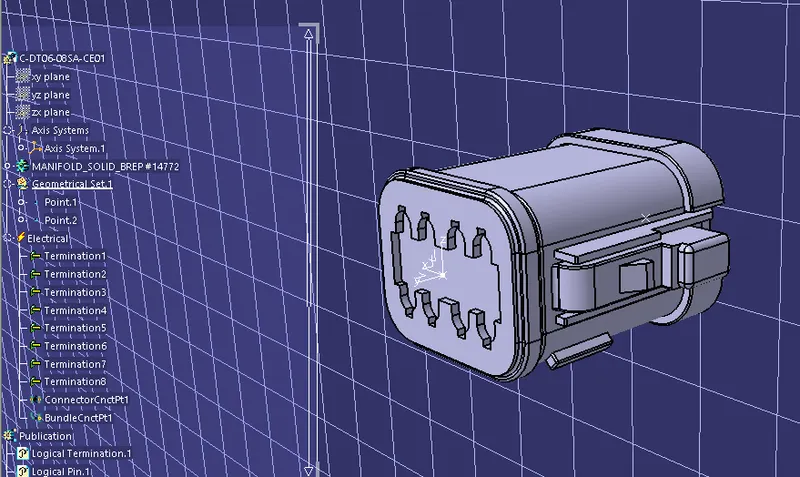
- dt06-08sa-cd13
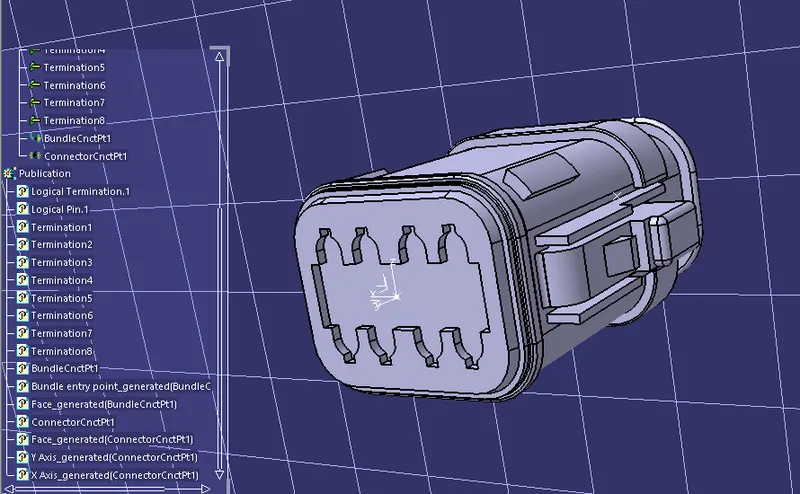
- c-dt04-08pa-c017
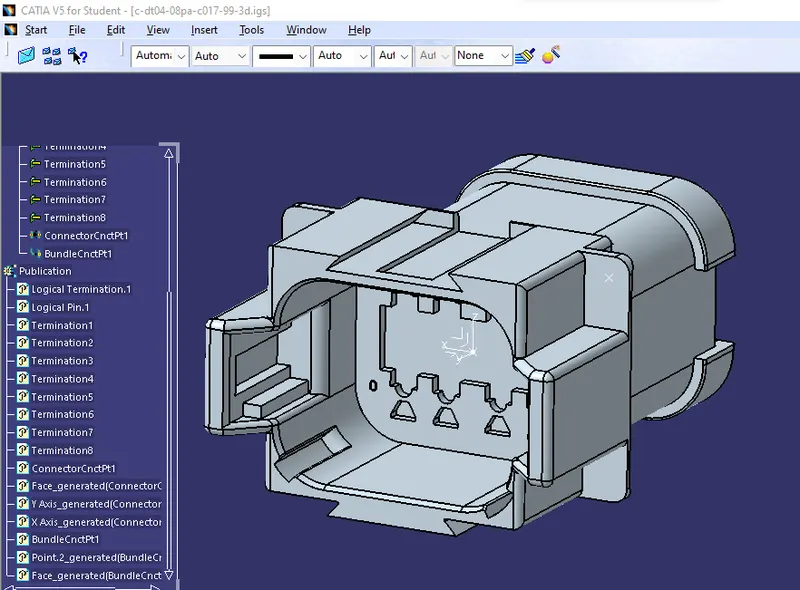
- c-1-174357-2
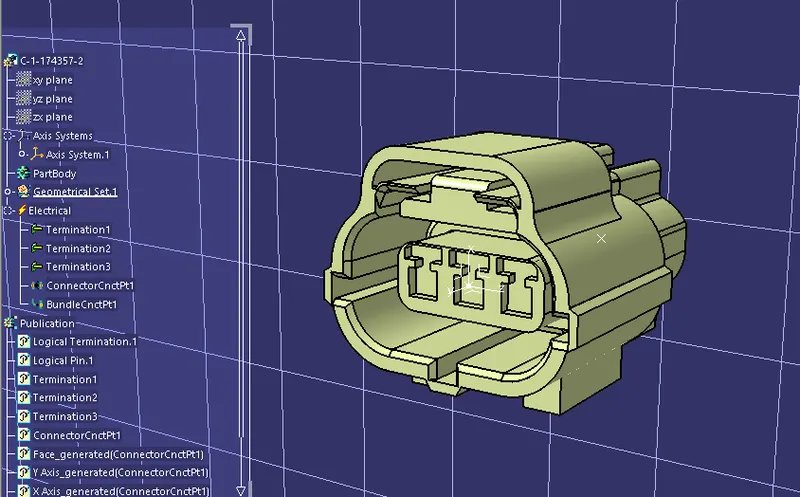
After defining all connectors are added into a single catalogue.
Connector catalogue:
HARNESS A:-
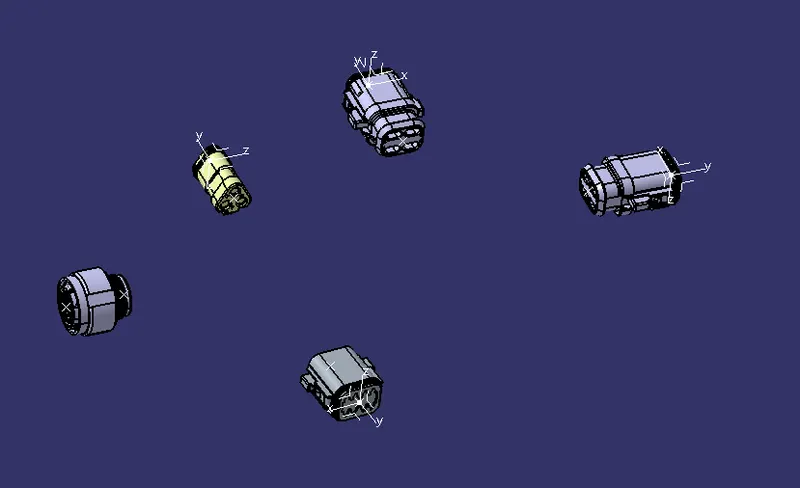
Components placement using Assembly design workbench:
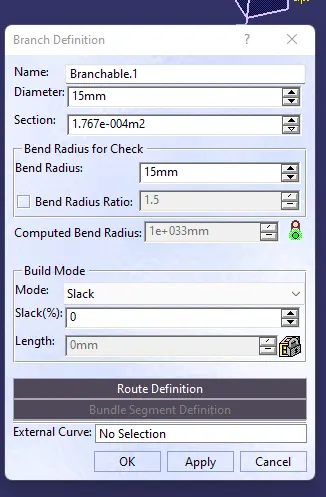
Adding branches (Electrical Harness assembly workbench and Eletrical harness installation workbench):
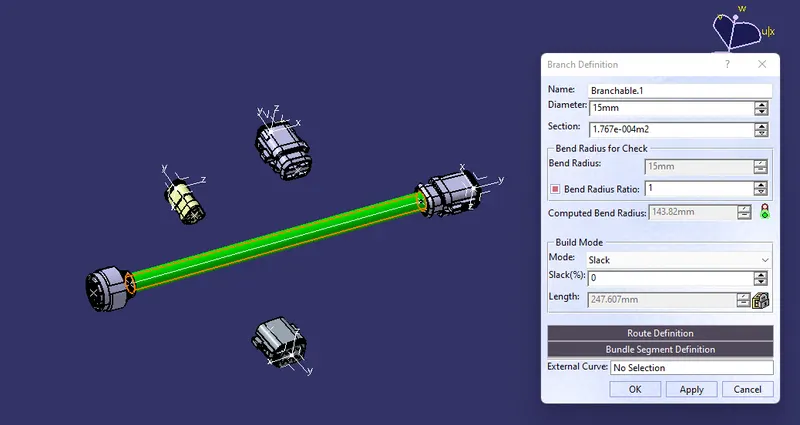
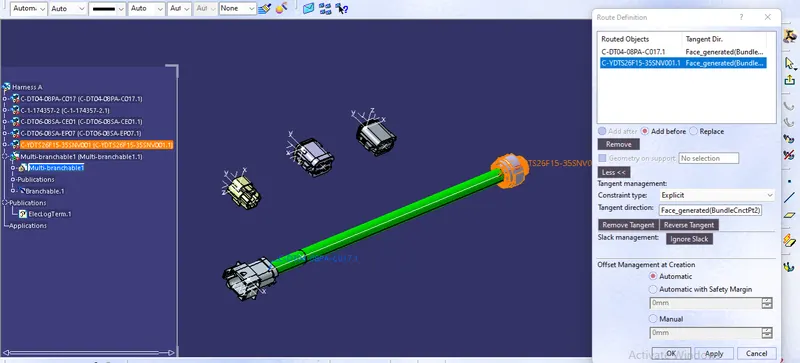
Main branch Diameter= 15 mm
Routing:
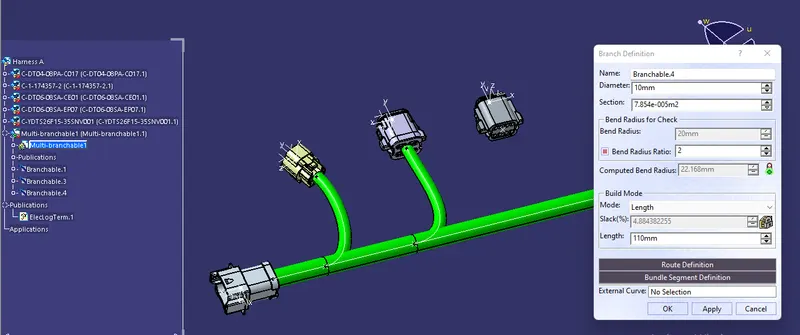
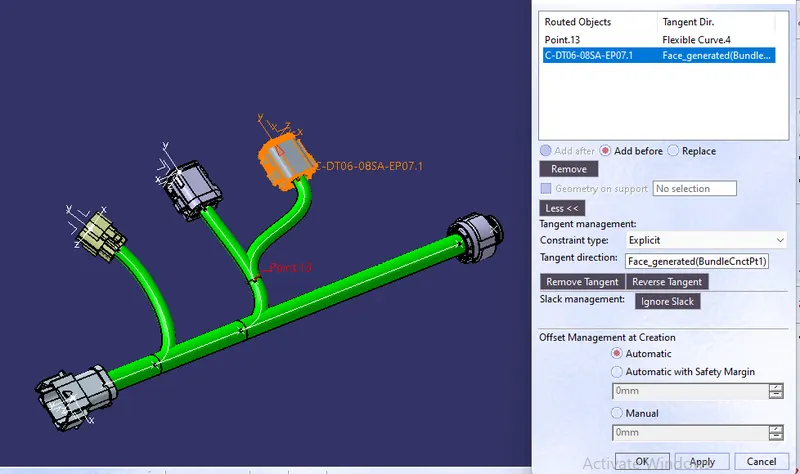
Creating sub branches:
Diameter=10mm
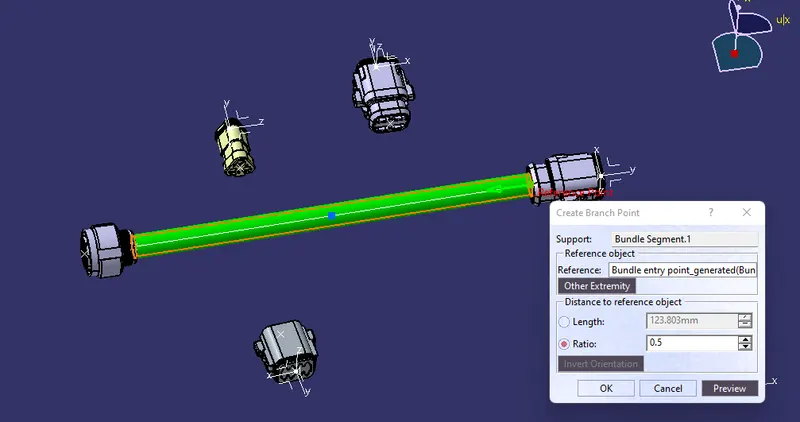
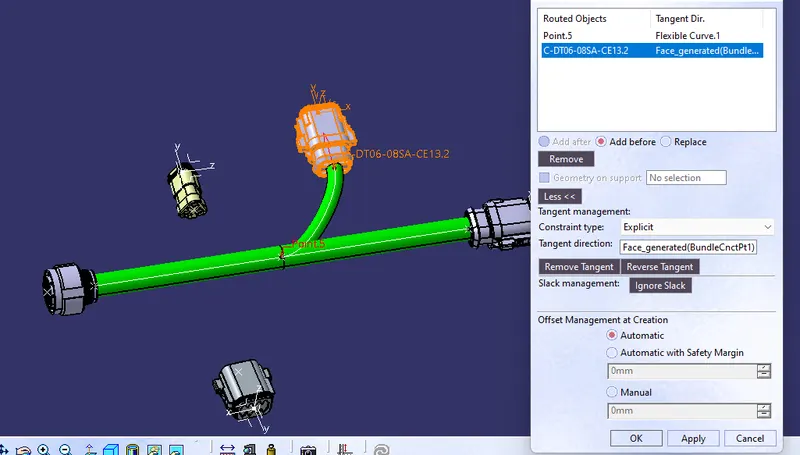
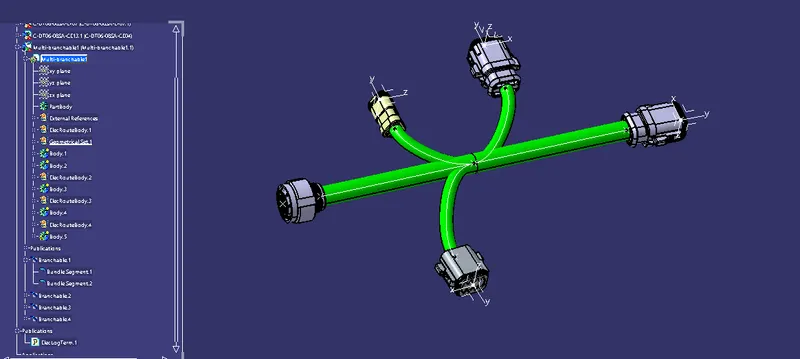
Finished routing:
Harness B:
Component placement:
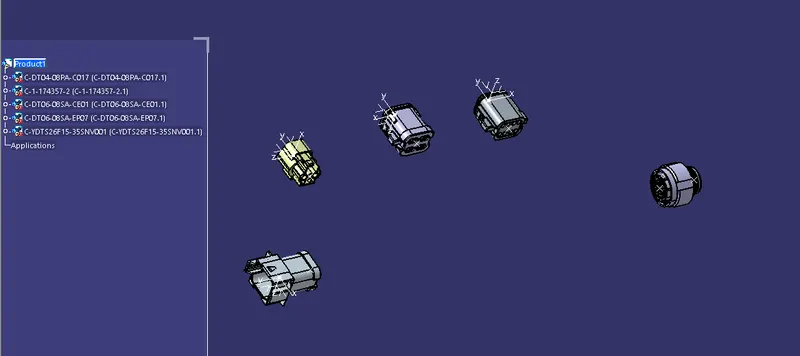
Branch definition and routing:
Creating interconnection between 2 harnesses:
Create new product file
Import harnesses and arrange them nearby the required connection
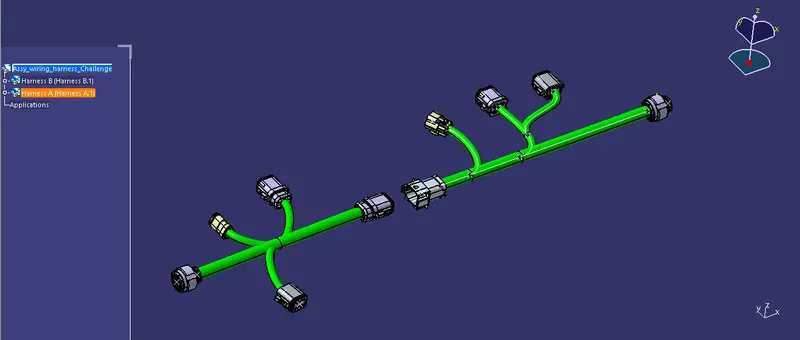
Use connect electrical devices tool to make connection
Update the harness to fix bundle connections.
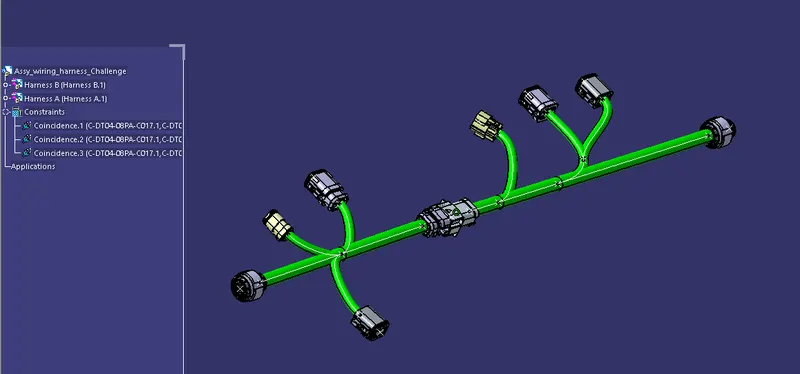
Bundle continuity Check:
Edit -> Search
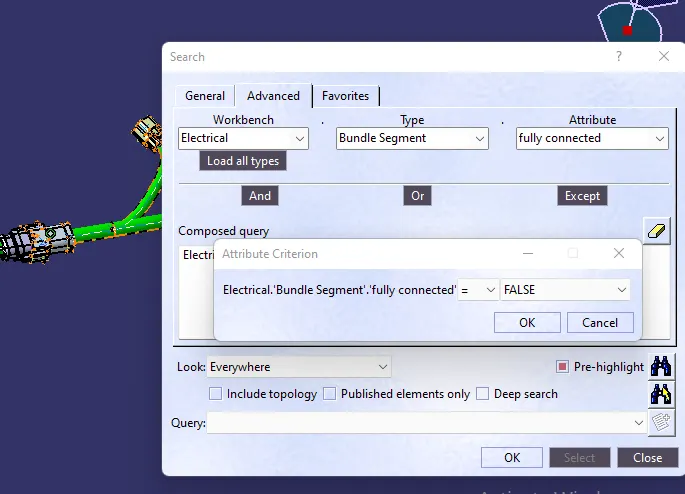
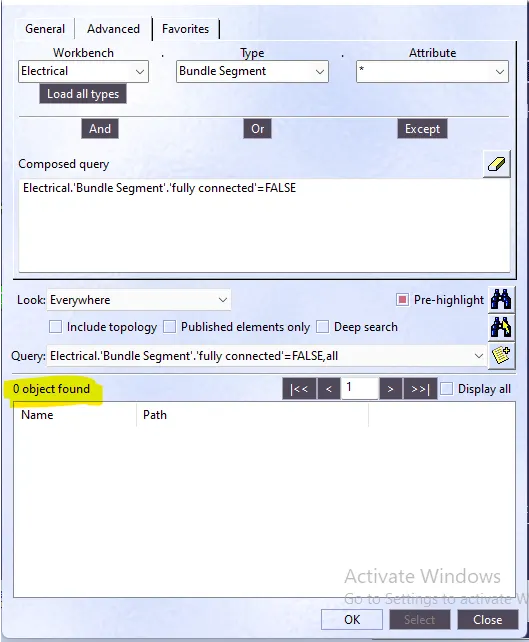
Search results for false connections:
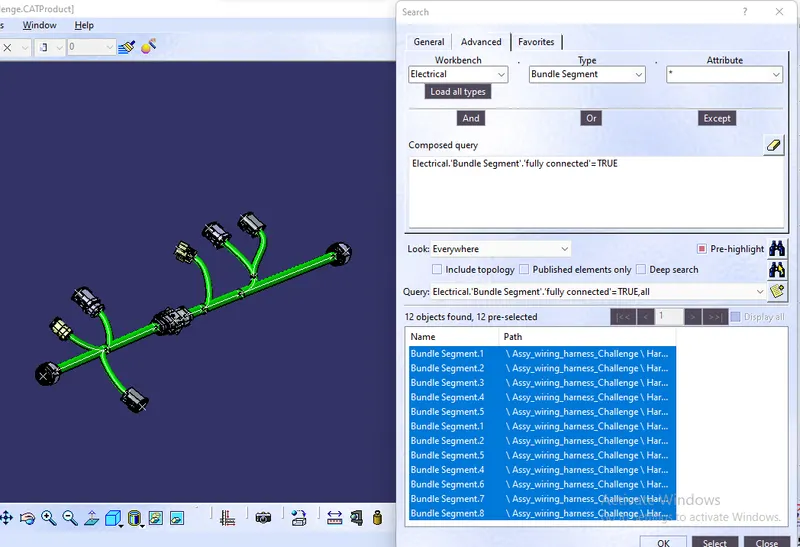
Search results for successful connections:
Checking for Bundle warnings:
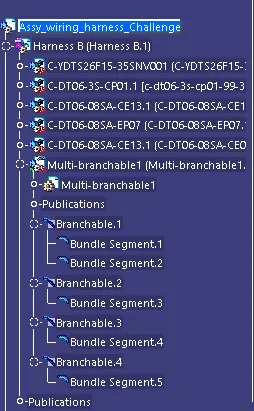
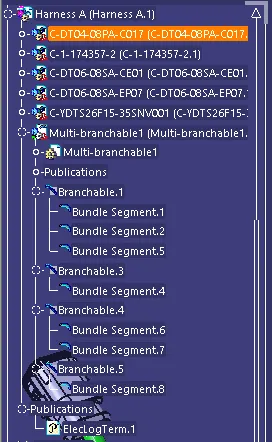
No warnings exist for these bundles.
Added Annotations:
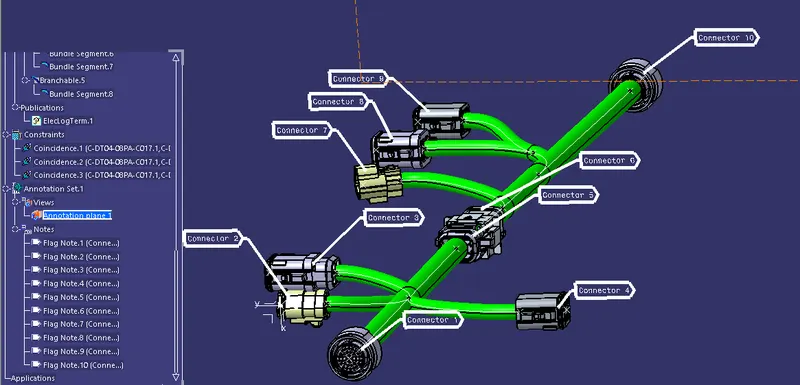
Conlusion:
Practised bundle connection definition and studied advanced tools methods to prevent or correct Mistakes in connection systems. Procedure for searching and identifiying the errors are conducted and made corrections accordingly.