Wiring harness design in CATIA V5 - 3D modeling Week 5 & 6 Challenge
AIM:- To route two electrical harnesses as per the given layout & interconnect them as single harness assembly and check their bundle continuity & give annotations to final assembly
Objective:-To route harness assembly as per given layout Layout A & Layout B
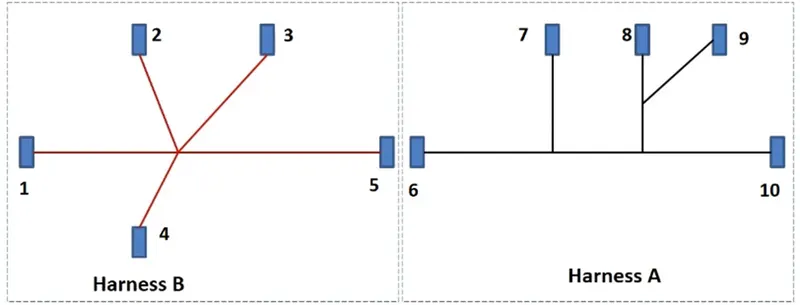
Total 8 types of connectors given shown in above layout A & B & placed at numbers 1 to 10
Step 1:- Defining all connectors geometrically & electrically to use them in above harness layout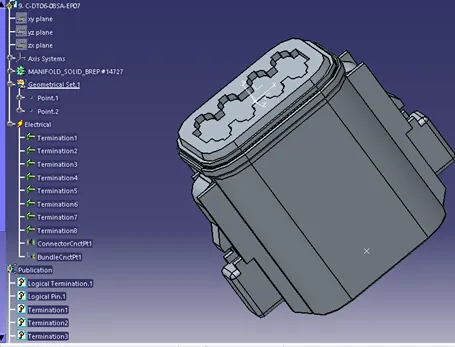
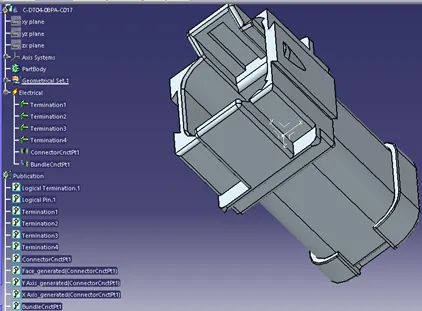
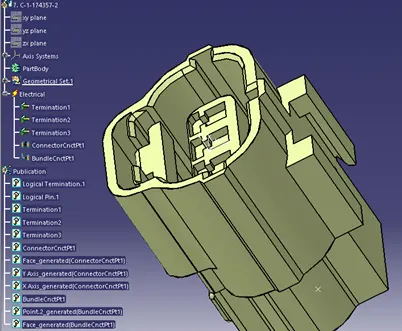
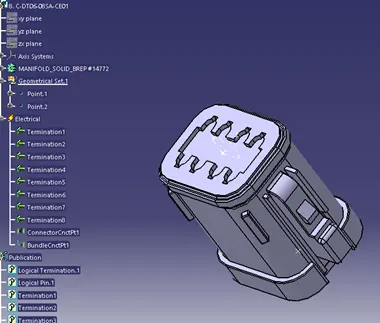
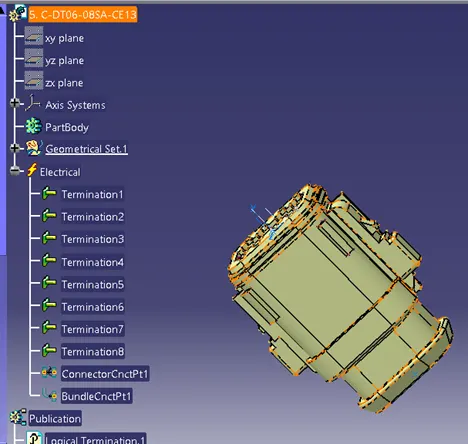
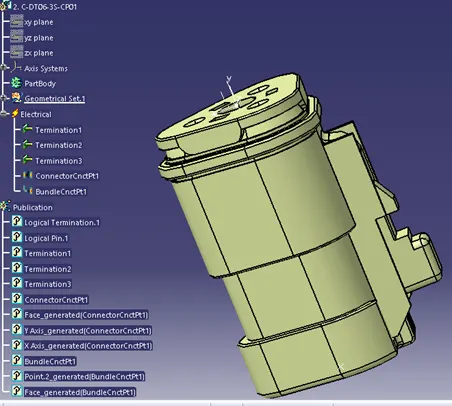
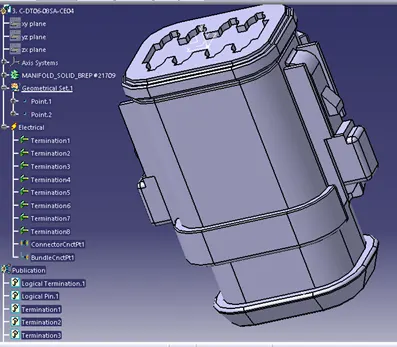
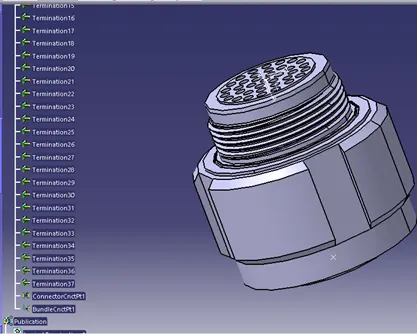
Step-2
Create harness assembly A & B as per layout for that first of all place all the connectors at desired locations as per layout
Then give bundle segments to all branches with multi branch able document & route the wire.
Thus Arranged all 1st 5 number of connectors as shown in image below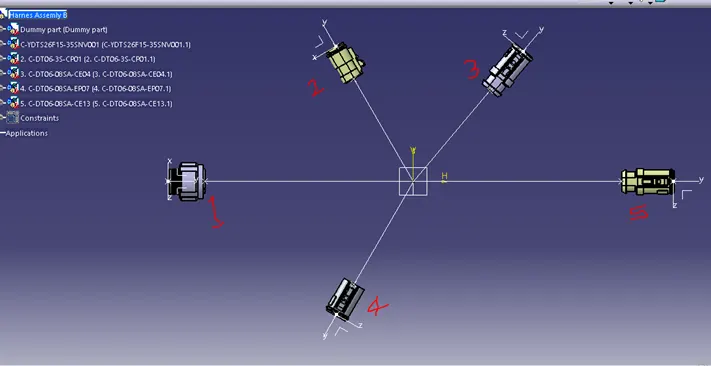
Check below warning image, shown during branch bundle generating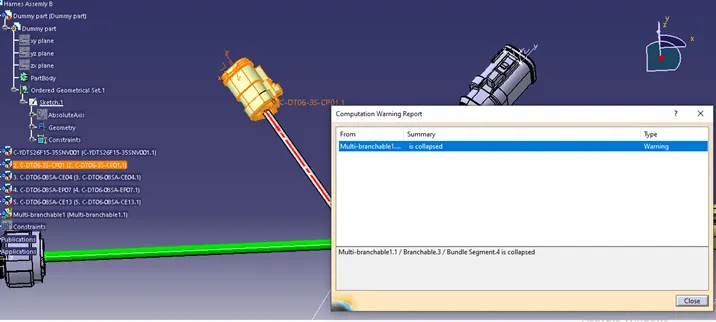
When reversed tangent by clicking on arrow this warning image gone
Step-3
Thus harness assembly ‘B’ generated as shown in image below bundle segment diameter assumed as written on image Dia 6, 3, 4 & 5mm given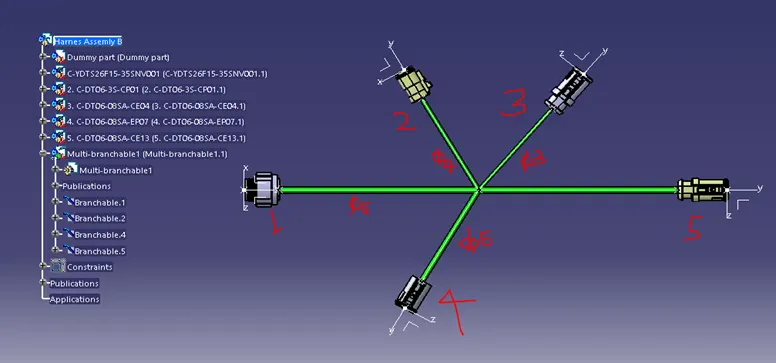
Now, similarly harness assembly A to be generated & image attached below
See the warnings below , corrected by defining into another branch able 3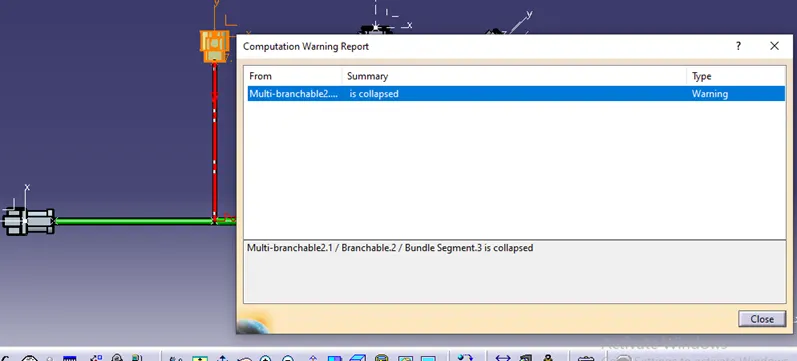
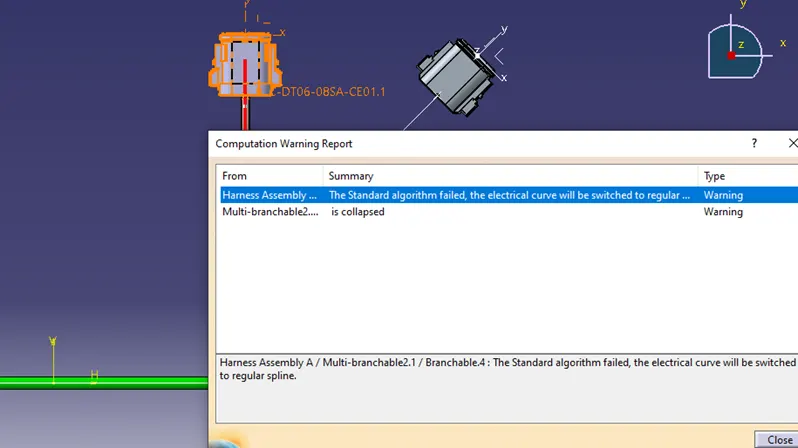
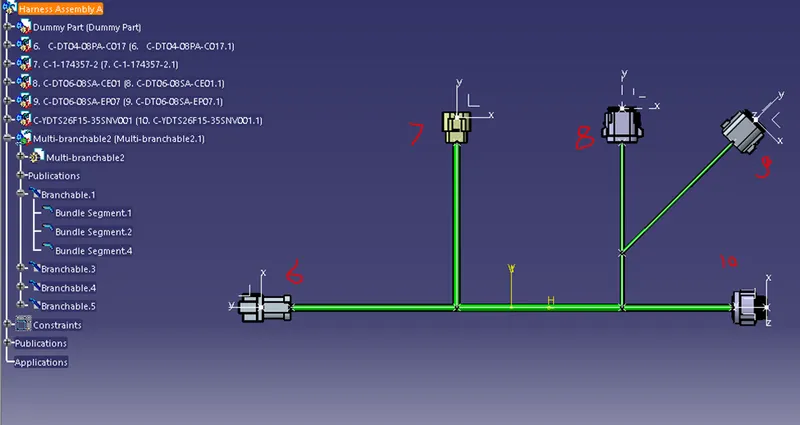
Step-4
Now give annotations for both Harness assembly-A & Harness assembly-B
Annotation for Harness Assembly-A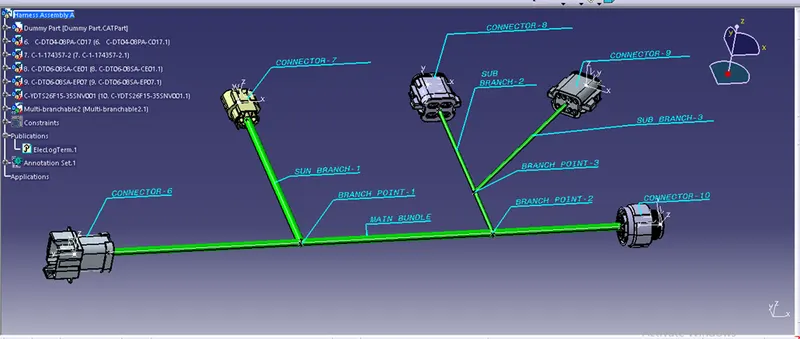
Annotation for Harness Assembly-B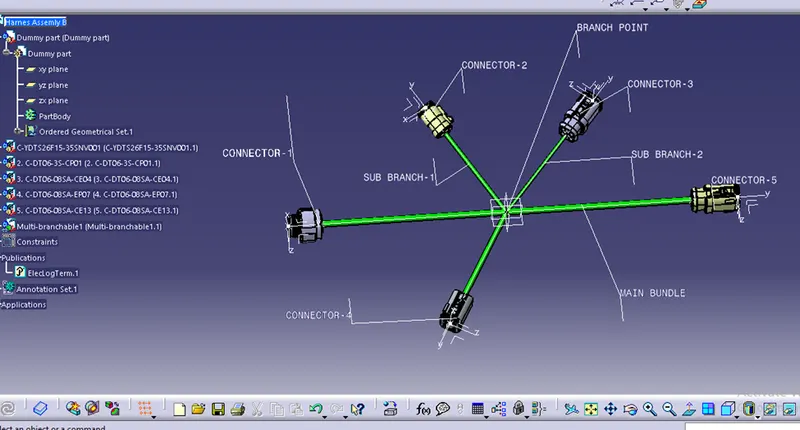
Step5-Now we will check bundle continuity , for that make sure multi branch able is selected and go to Edit-Search, in advanced select electrical workbench, in type select bundle segment, in attribute select-fully connected,
Now we will select the True option and search for results for both harness assembly A & harness assembly B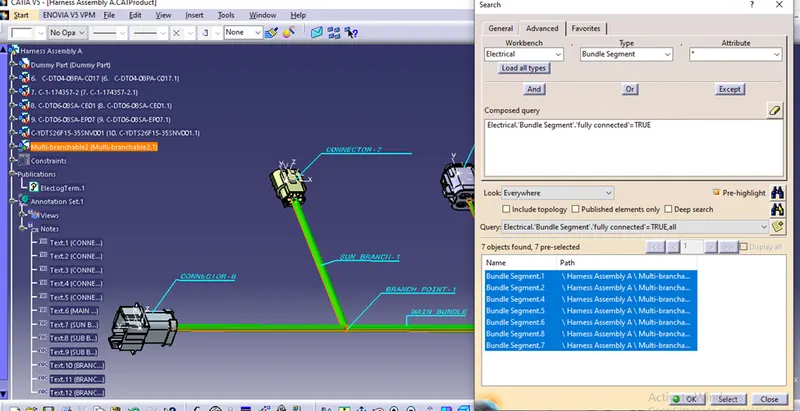
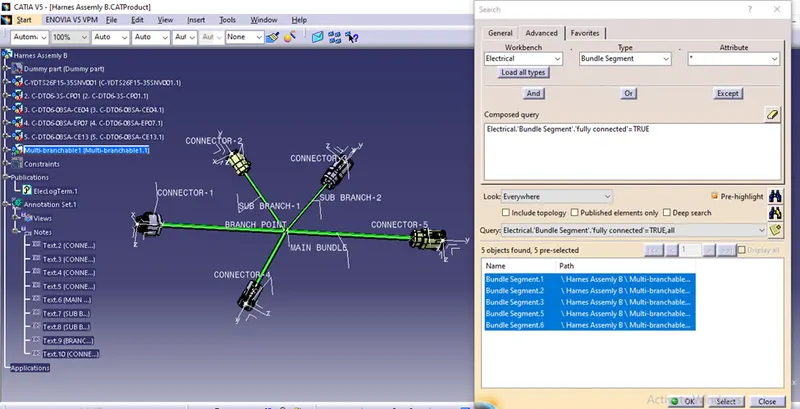
Step-6
Now interconnect harness assembly A & harness assembly B as a single electrical assembly
First open catia product file & add these two assemblies i.e A & B into this product file and name it as Final harness assembly see image below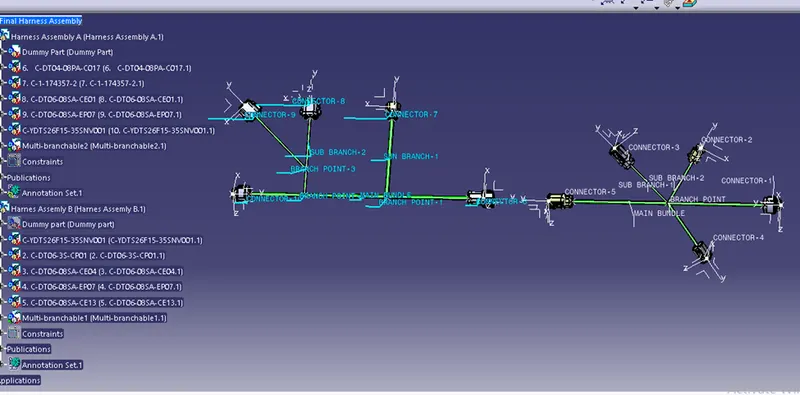
Step-7
Now to connect these two assemblies electrically switch into electrical assembly design workbench & connect them electrically by using connect electrical devices command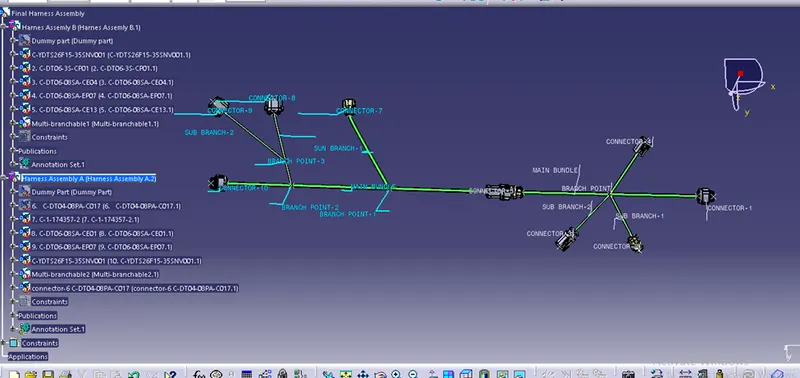
Thus both these harness aseemblies connected electrically