Wiring harness design in CATIA V5 - 3D modeling Week 4 Challenge
Wiring harness design in CATIA V5 - 3D modeling Week 4 Challenge
Objective:
Route the following harness layout in Electrical workbench. Make assumption for harness bundle diameters. Use Following connectors as shown in layout diagram.
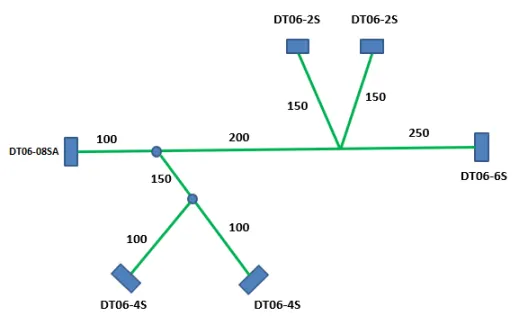
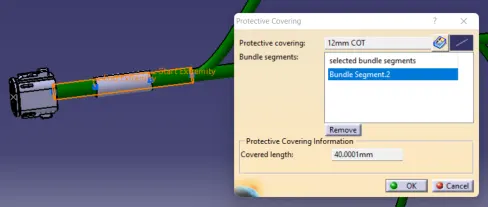
- Add protective covering on all branches connected to DT06-2S & DT06-4S connectors. Keep end extremity at 30mm (from connectors end).
Connectors needed for this challenge: link- www.te.com
- DT06-4S
- DT06-6S
- DT06-2S
- DT06-08SA
Design Procedure:
Creating of Reference Sketch:
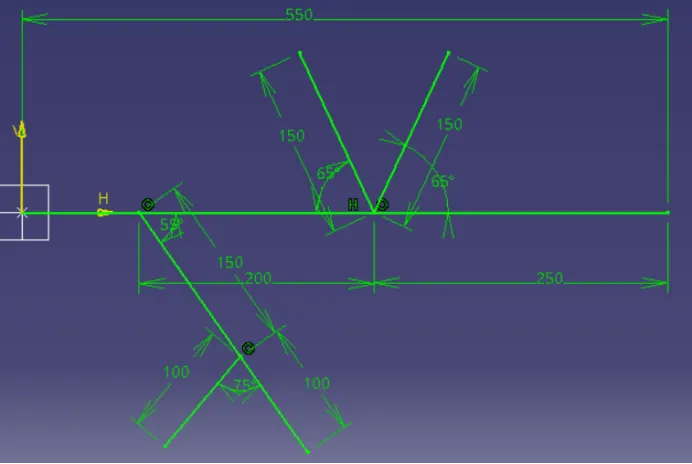
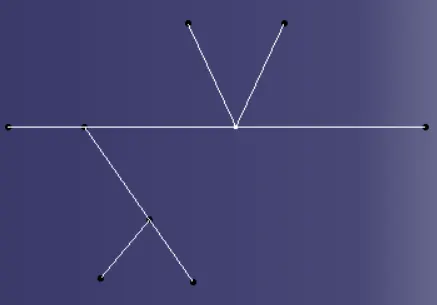
Insert a New Product in Product structure and re-name it Connectors.

Inserting DT06-2S from Catalog
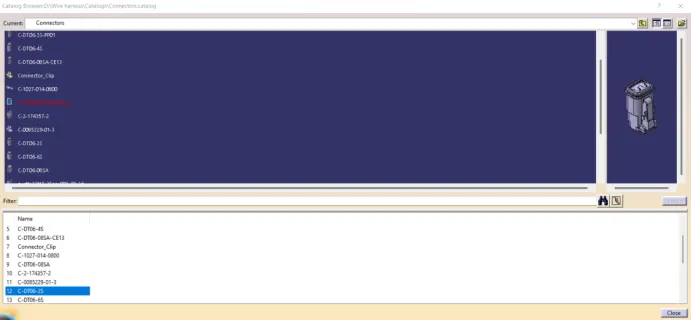
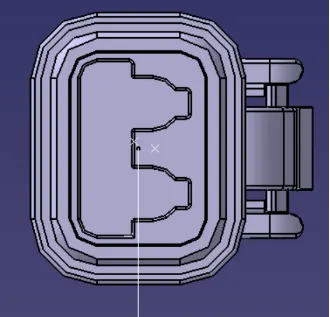
Bring the connectors near to the connecting point as per the input.
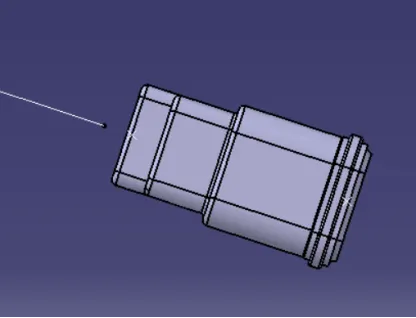
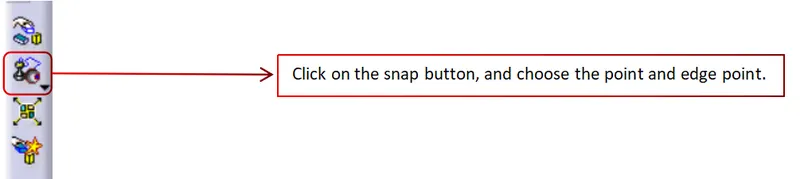
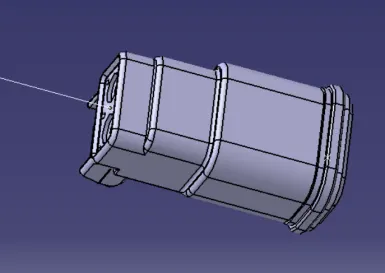
Follow the same procedure for rest of the connectors and align them at the respective points as per input.
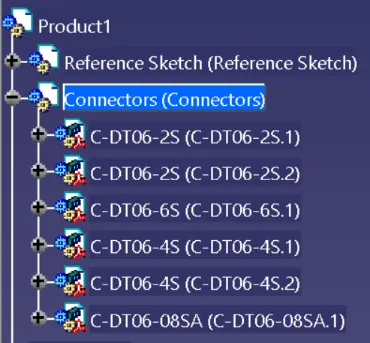
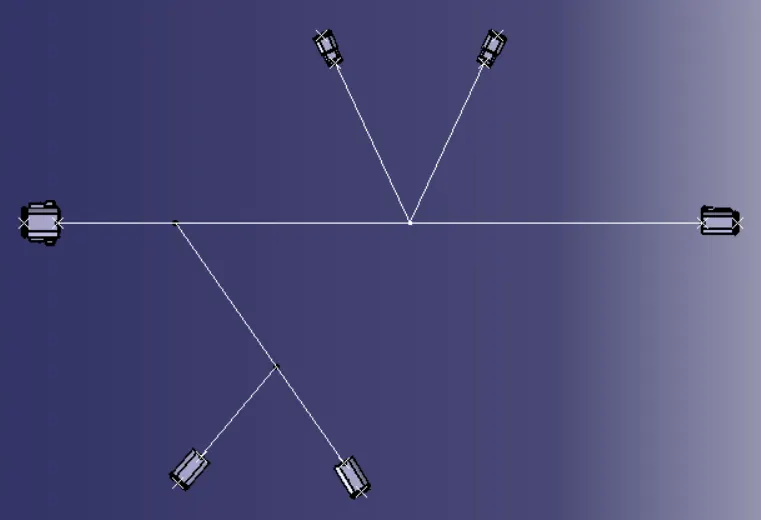
Bundle Creation:
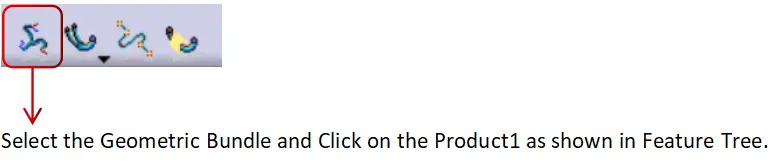

Product1 will be change to Geometric Bundle1 as shown in below image.

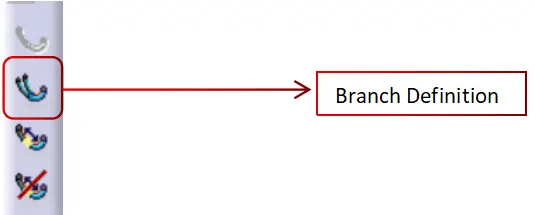
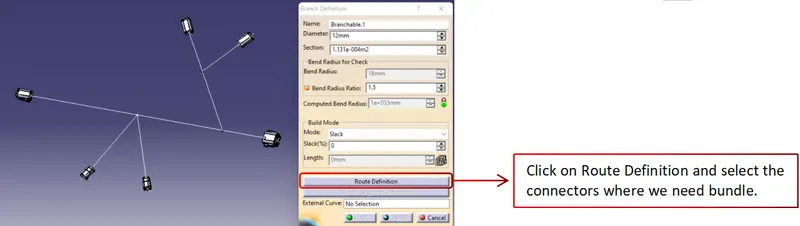
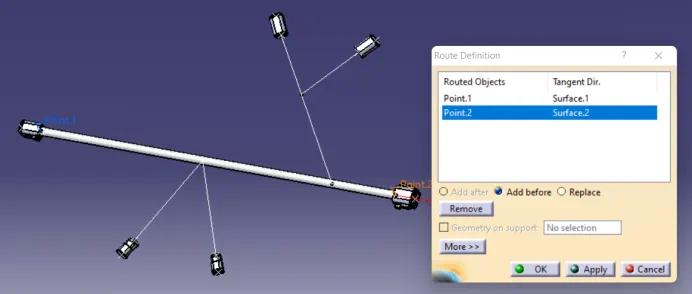
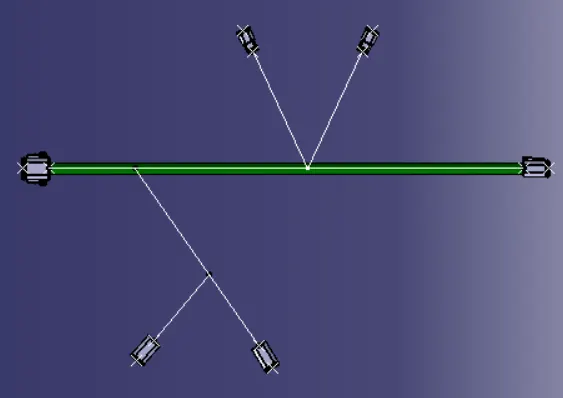
Click on the Branch Definition and start making the bundles between the connectors.
Creating Branch Point:
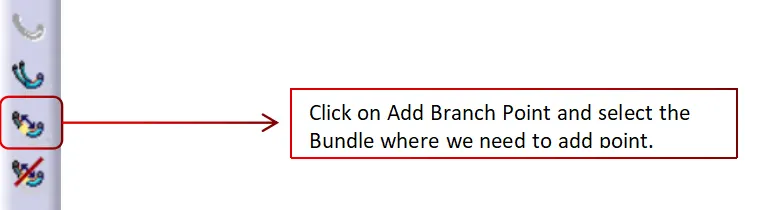
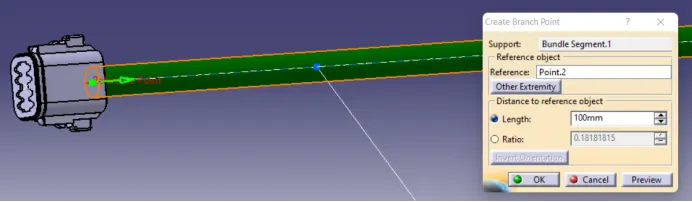
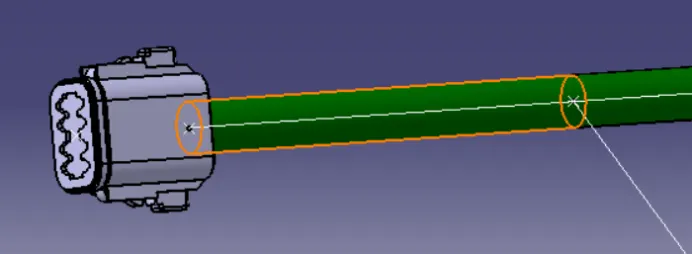
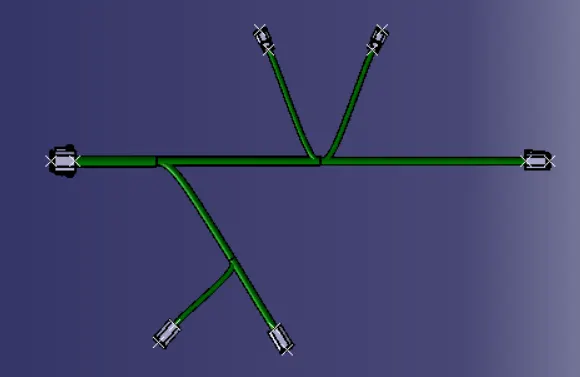
Follow the same procedure to make the branches in the bundles.
Adding the Protection on the Bundles:
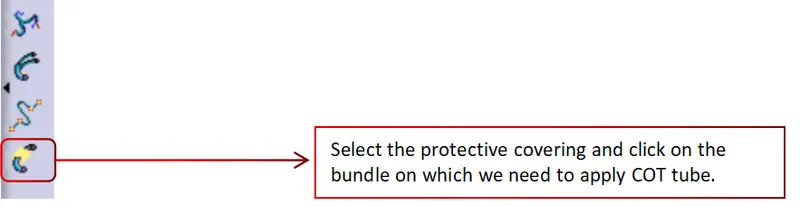
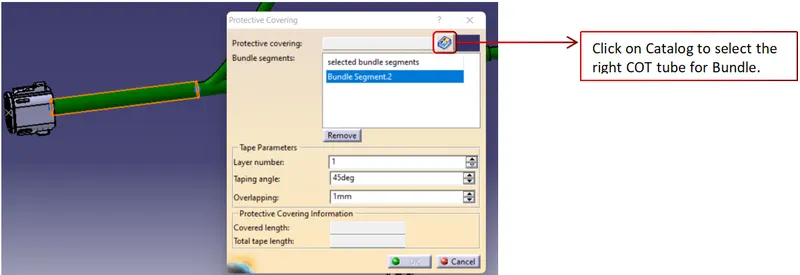
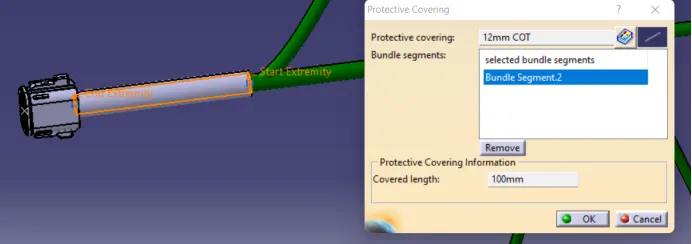
Add relief of 30mm to the COT tube to each side.
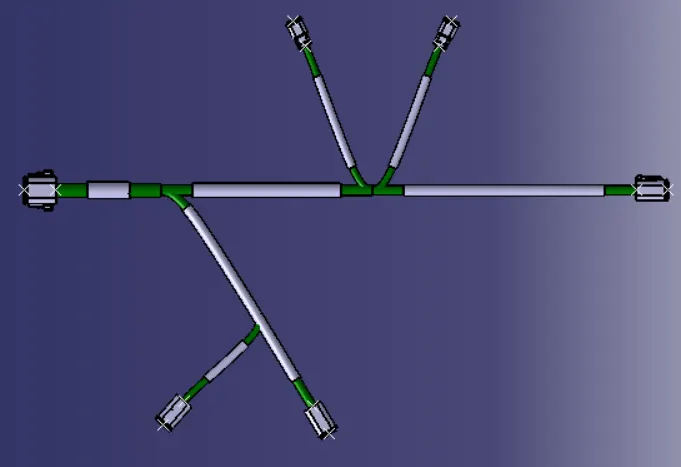
Conclusion:
In this challenge we have learned, how to add the multiple connectors, bundles and COT tube to obtain the result.