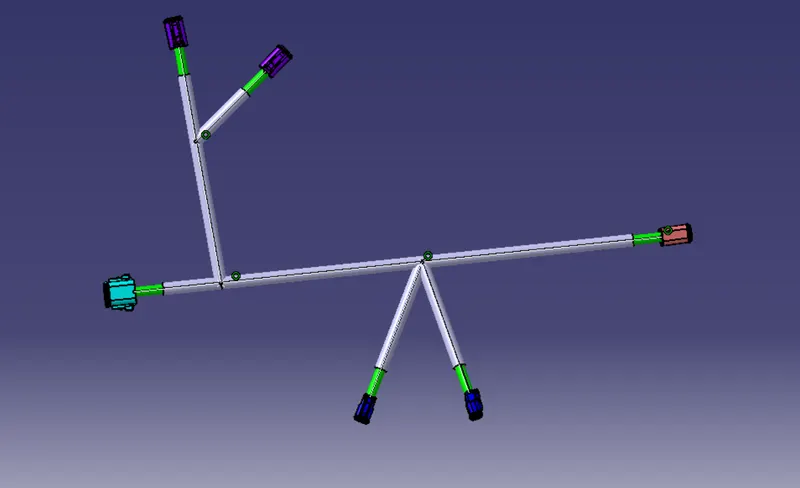
Wiring harness design in CATIA V5 - 3D modeling Week 4 Challenge
WEEK 4 CHALLENGE OF WIRING HASNESS DESIGN:
AIM:
To route the following harness layout in Electrical workbench. Make assumption for harness bundle diameters.
GIVEN CONNECTOR:
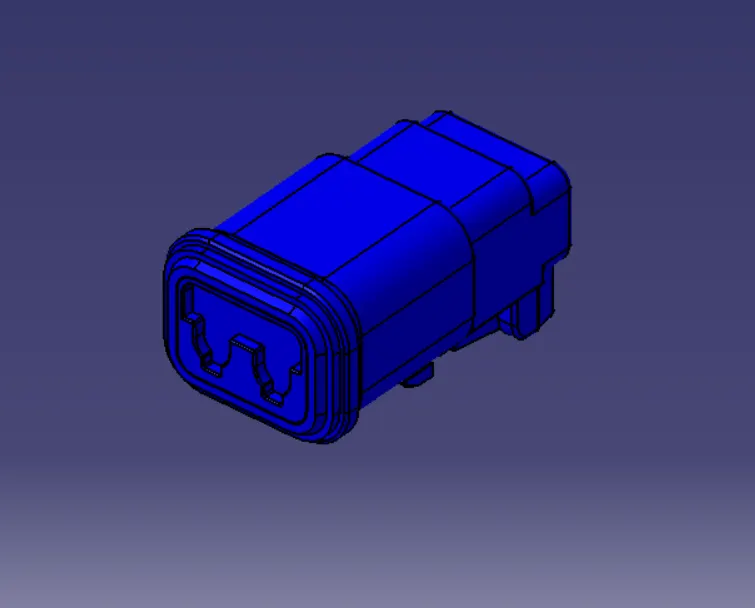
- DT06-4S
- DT06-6S
- DT06-08SA
DTO6-2S:
DT06-4S:
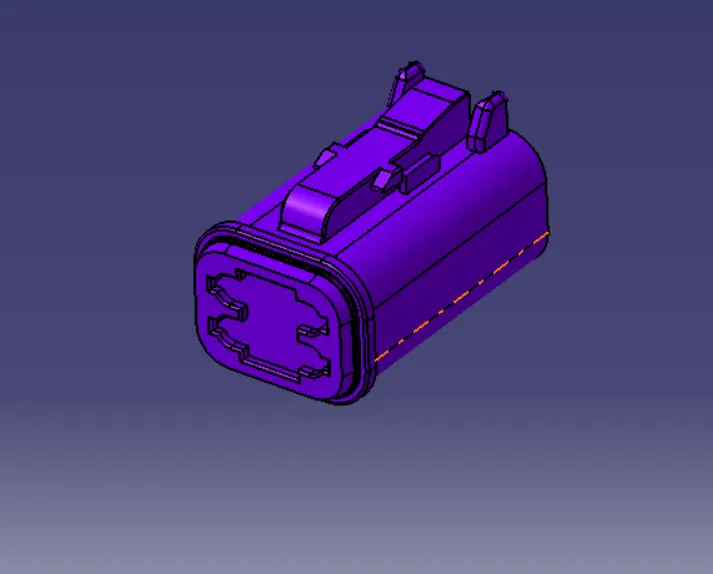
DT06-6S:
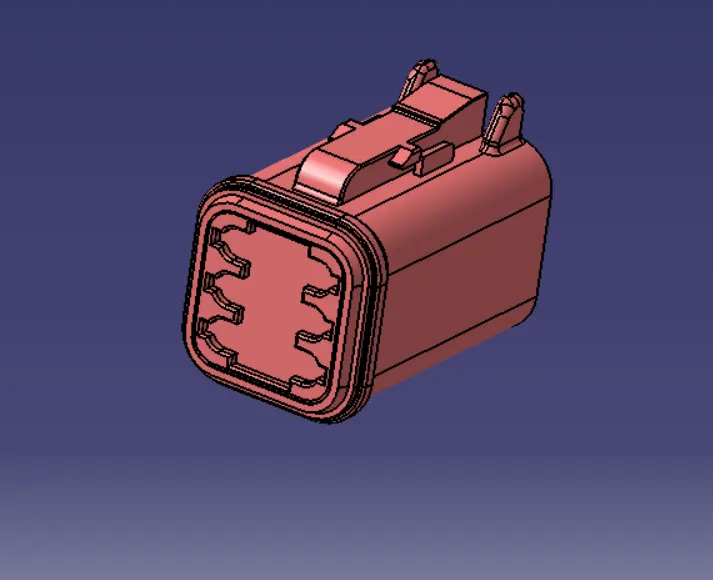
DT06-08SA:
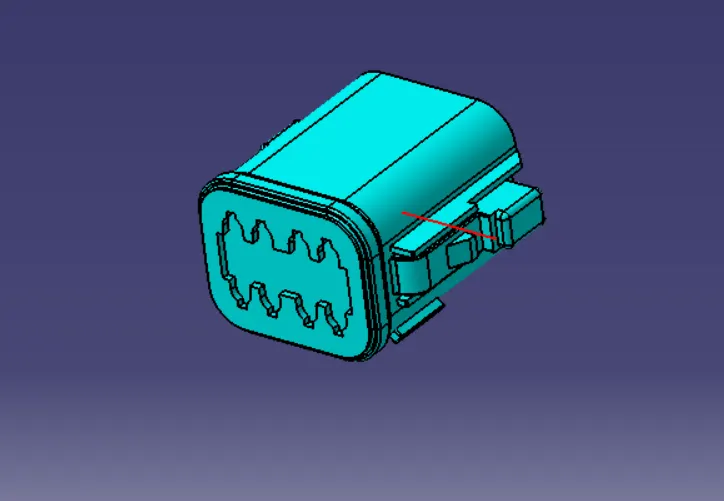
DEFINE THE ELECTRICAL CONNECTOR:
- Create/download connector in 3D
- Create required geometrical parameter
- Define part as connector

- Define bundle connection point

- Define connector connection point

PREPARATION OF HARNESS ASSEMBLY:
- To create product file in the electrical harness routing workbench after convertion of mechanical into electrical part.
- When creating the wire harness bundle segment first required to insert the electrical component that need to route the wire harness from and to.
- Before can route the wire harness from need an electrically define component for that electrical bundle command to convert into electrical component.
- From given input layout of wire harness geometrical bundle.
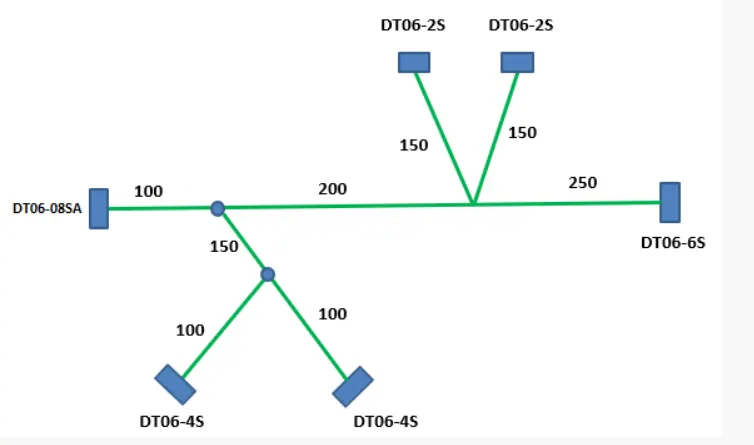
- After alline the connector has given layout of wiring harness routing.
- To create bundle use command of multi branchable document.
- After select the command it enter into the other page.
- To connect the connector use define branchable command.
- After select the command it open dialog box in that name of the bundle, diameter of the bundle, length of the bundle and blend radius of the bundle.
- Mean while connect the all the connector.
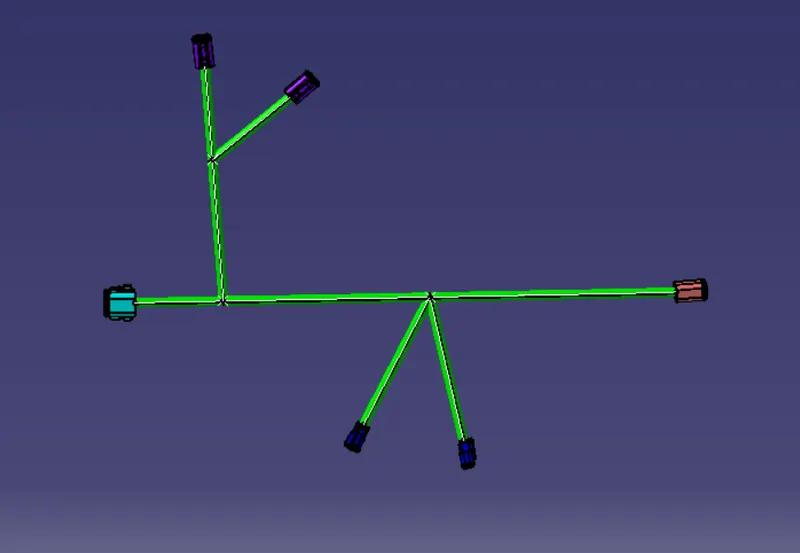
- To protection the wiring harness of the bundle corrugated tube is used.
- To place the corrugated tube protection covering command is used.
- Pick the suitable corrugated tube in the wiring harness bundle.