Wiring harness design in CATIA V5 - 3D modeling Week 4 Challenge
Prepare the bundle routing for the connectors and orient the bundle
To prepare the bundle routing for the connectors and orient the bundle with given sketch.Define the Mechanical connectors electrically and store it in the Catalogue.
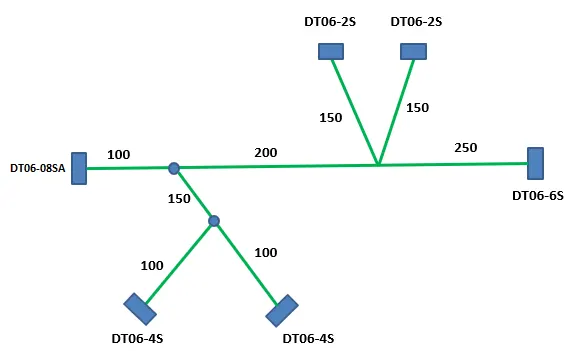
Define mechanical connectors eletrically :
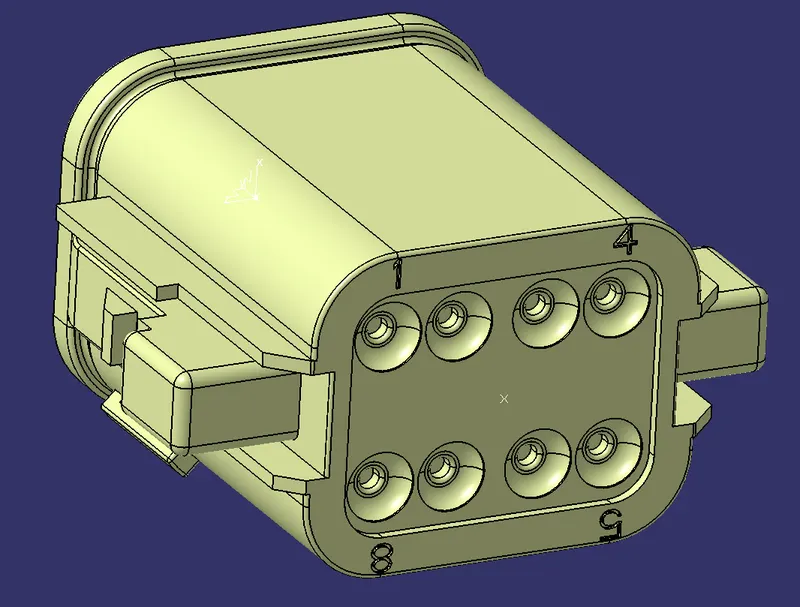
1.DT06-2S
- Connector mentioned above downloaded from Tyco electrical website.
- Connector defined as electrical in Electrical part design workbench using define connector command.
- Connector connection point and axis created in part design workbench. Connector connection point defined in electric part design workbench using Define connector connection point command.
- Bundle connection point and axis created in part design workbench. Bundle connection point defined in electric part design workbench using Define Bundle connection point command.
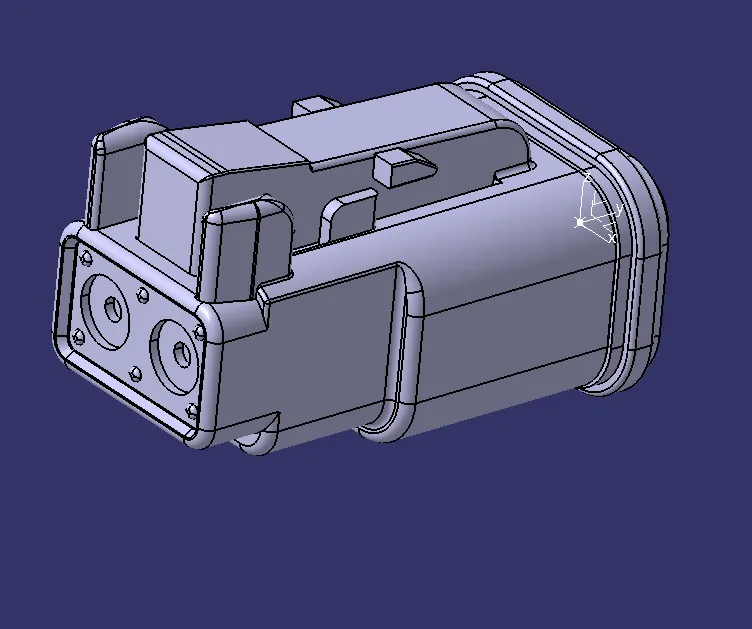
DT06-2S
2.DT06-4S
- Connector mentioned above downloaded from Tyco electrical website.
- Connector defined as electrical in Electrical part design workbench using define connector command.
- Connector connection point and axis created in part design workbench. Connector connection point defined in electric part design workbench using Define connector connection point command.
- Bundle connection point and axis created in part design workbench. Bundle connection point defined in electric part design workbench using Define Bundle connection point command.
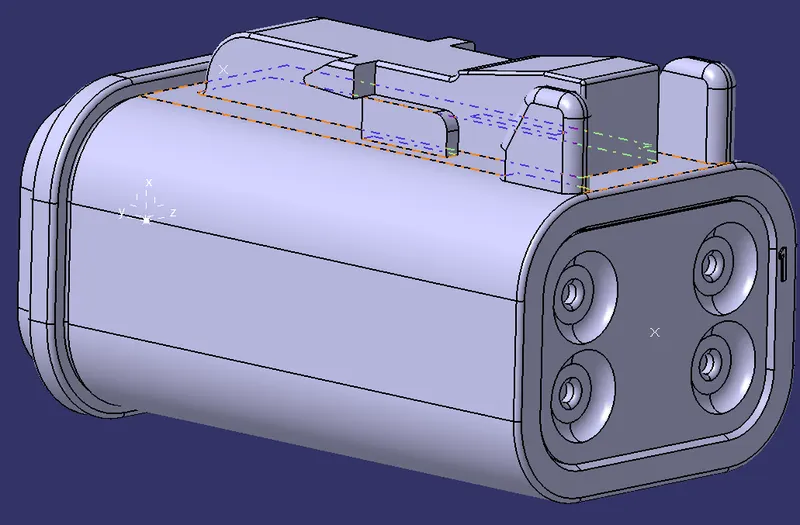
DT06-4S
DT06-6S
- Connector mentioned above downloaded from Tyco electrical website.
- Connector defined as electrical in Electrical part design workbench using define connector command.
- Connector connection point and axis created in part design workbench. Connector connection point defined in electric part design workbench using Define connector connection point command.
- Bundle connection point and axis created in part design workbench. Bundle connection point defined in electric part design workbench using Define Bundle connection point command.
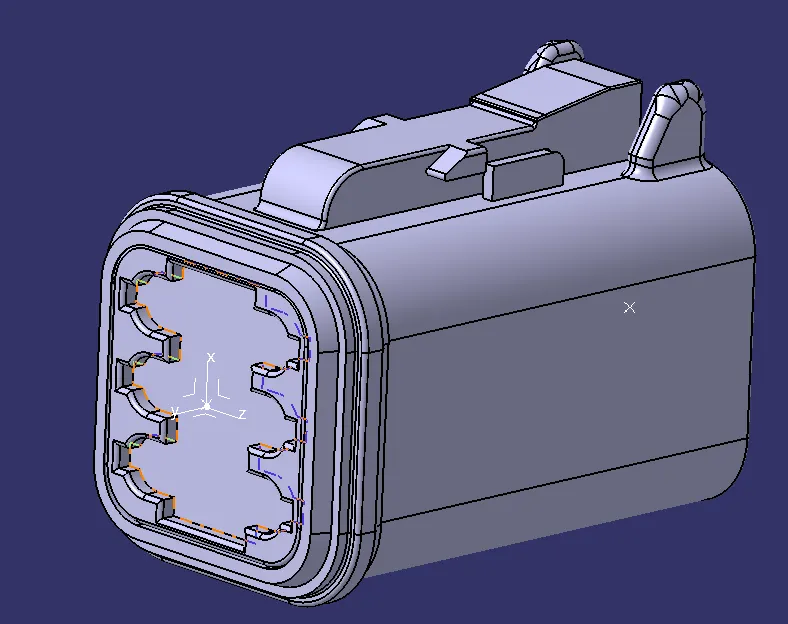
DT06-6S
4.DT06-08SA
- Connector mentioned above downloaded from Tyco electrical website.
- Connector defined as electrical in Electrical part design workbench using define connector command.
- Connector connection point and axis created in part design workbench. Connector connection point defined in electric part design workbench using Define connector connection point command.
- Bundle connection point and axis created in part design workbench. Bundle connection point defined in electric part design workbench using Define Bundle connection point command.
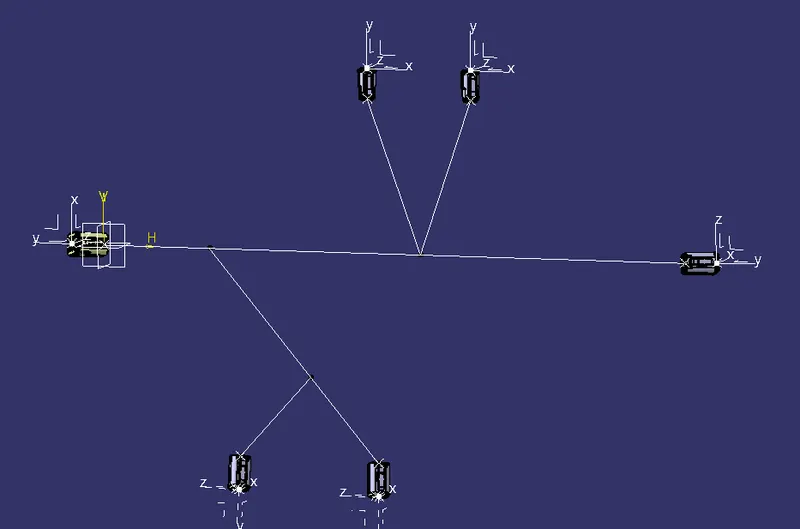
Draw the sketch similar bundle routing and Snap all connectors to its position :
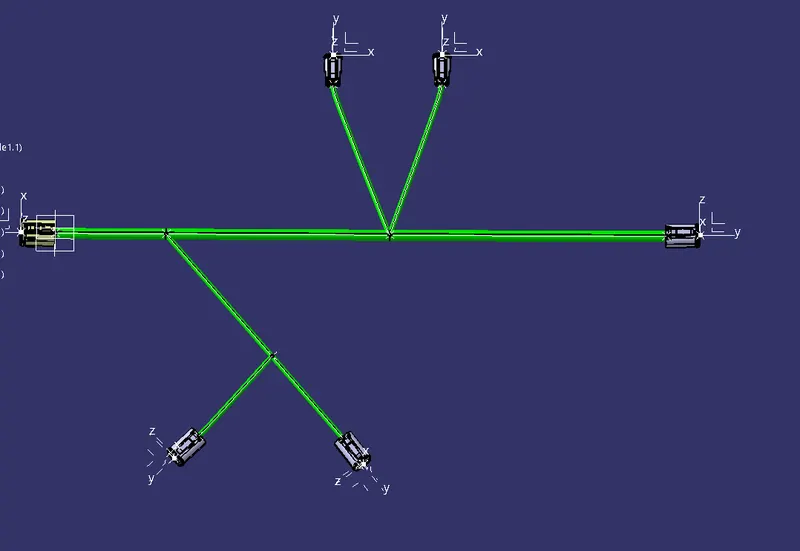
- Sketch created using positioning sketch and bundle connection point of connectors and corner points are snap together.
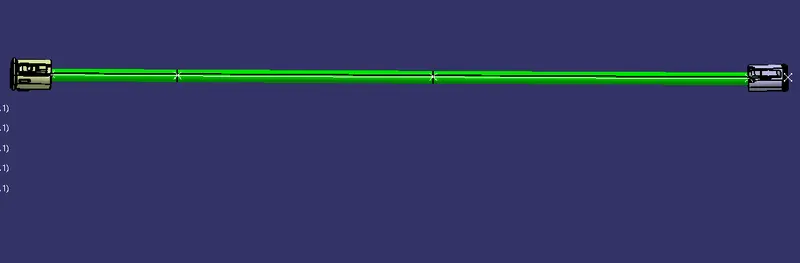
Bundle routing :
- To create bundle the command used is Multi branchable document in Electrical Harness assembly. In that we have mention bundle diameter, bend radius and routing objects or routing points.
- For first bundle i have created from connector DT06-08SA to DT06-6S. Branch point are created at two points.
- Second bundle is harness branch which was created by selecting routing as DT04-4S to first branch point. Another branch point created in that bundle and one more harness bundle created from that point to another DT06-04 Connector.
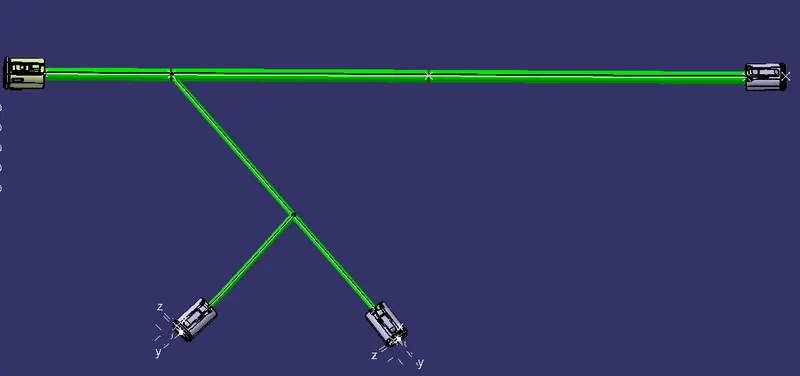
- Third bundle is also harness bundle which was created by selecting routing as DT04-2S to second branch point. Fourth bundle was created by selecting routing as another DT06-2S connector and Second branch point.
Corragated tubes :
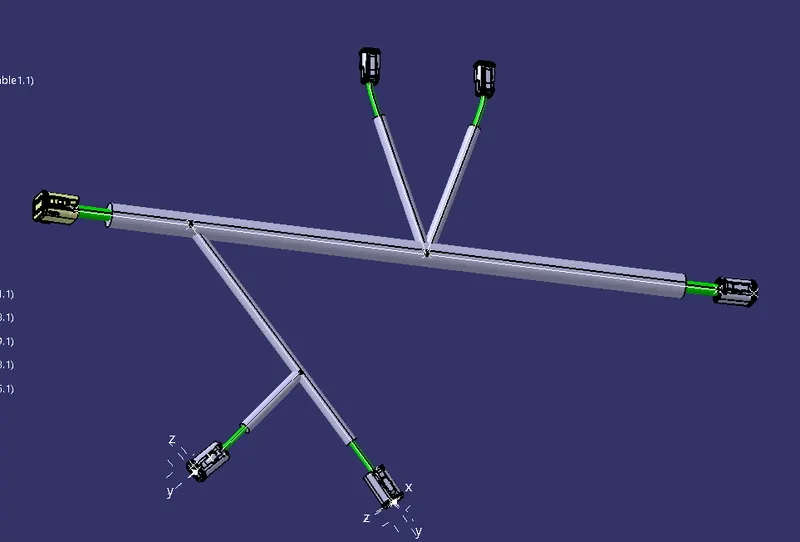
Corragated tubes are added to protect the bundle. I was added using protective covering command in Electrical Harness assembly. Corragted tubes are added from catalog.
CONCLUSION :
Bundle routing are prepared between connectors and corragated tubes are added to it after defining connectors electricaly.