Wiring harness design in CATIA V5 - 3D modeling Week 2 Challlenge
REPORT:
1.First we have to download all required files that we needed . so by using the above links we have to download connectors and mounting clip.
2.The connector is the first thing that we have to open in catia
3. we have to create points for bundelarea, connector area and also for cavity also
4. Then we have to create axis in connector area and we have to position it correctly.
5. By using the define option we have to define the connector in electric work bench and aslo define the connecter and bundel area.
6.The orientation of the system is not specific, we just to need to follow a similar orientation for all the parts.
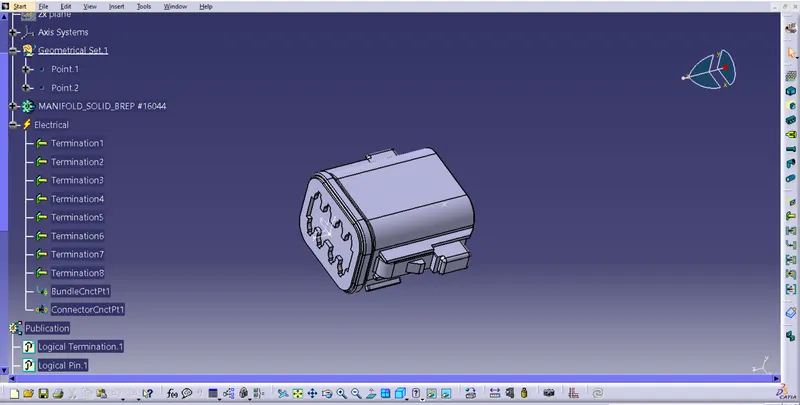
2.The same process was followed for the second connector. here we need to include connector cavity connection point. This is done to fix the clip on the connector.
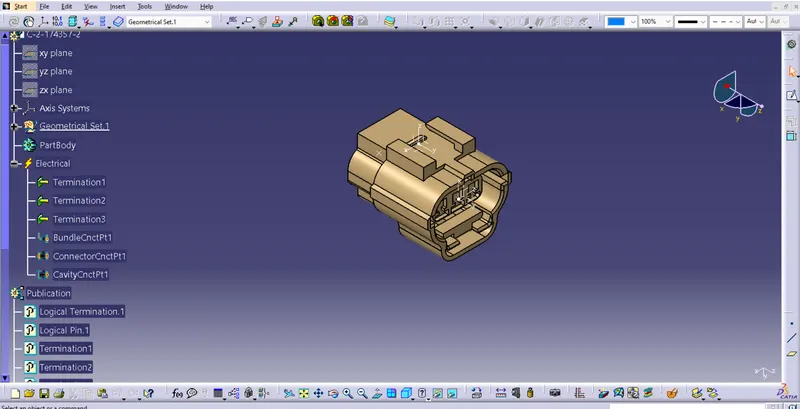
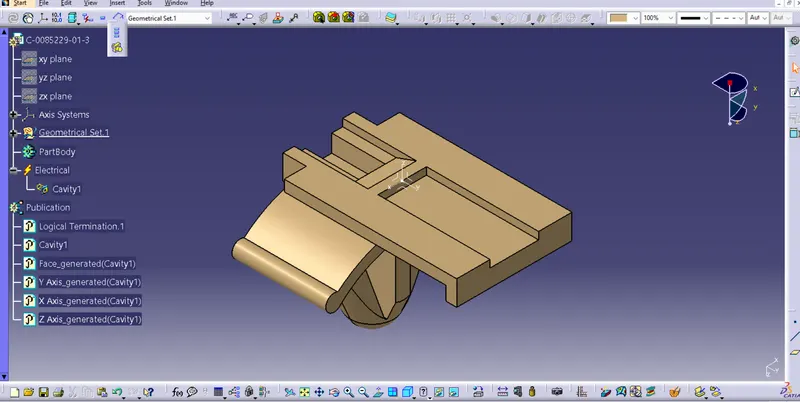
3) The clip aslo has to be defined as cavity in the electrical part design workbench.
conclusion:
i have defined the connectors and clips in electrical work bench using catia v 5