Wiring harness design in CATIA V5 - 3D modeling Week 2 Challlenge
WIRING HARNESS DESING IN CATIA V5-3D MODELING
In Wiring Harness tutorial i have working on catia v5 sofwere.
Catia v5 workbench use for all process which i followed in tutorial.The workbench of catia is look like this manner
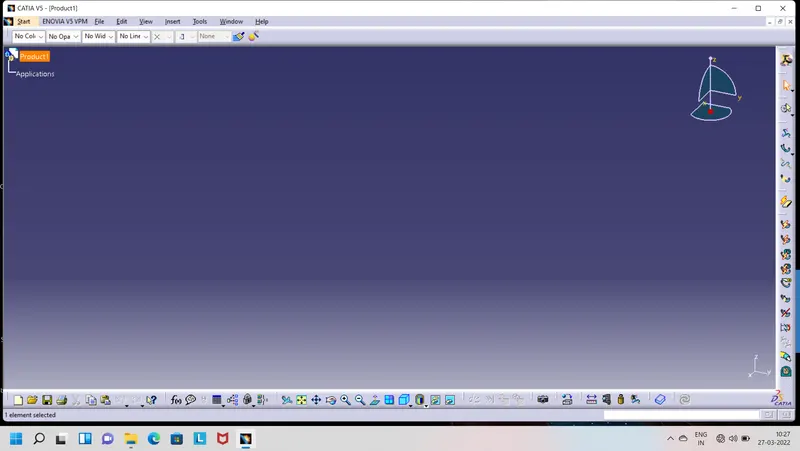
After this open this in part design i have download connectors and clip which show in tutorials.
- Deutsch DT06 – 08SA
- Tyco 174357-2
- Tyco 85229-1
*Deutsch DT06 – 08SA :-
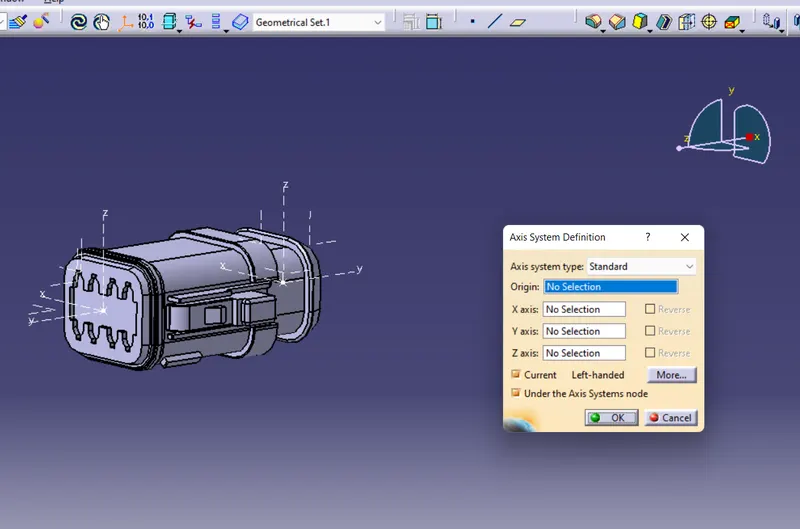
In this connector first open as a part file and after that define on the axis system.For axis system first define the point of surfaces and this potint is properties like between two points middle point (Ratio 0.5 ) after completed this process then move to defin axis system.
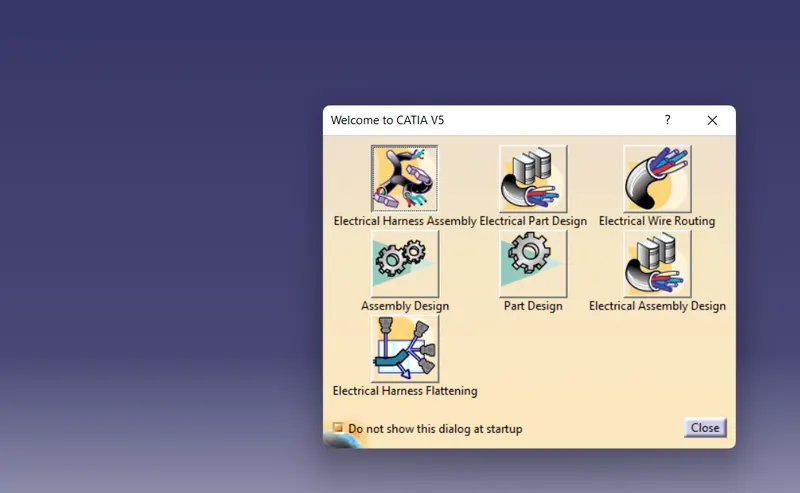
After completed this process move on to the switching Electical Part design workbench and define the electrical properties.
After Define as connector is look like this manner show in fig and work tree of that connector look like this manner shown in fig.
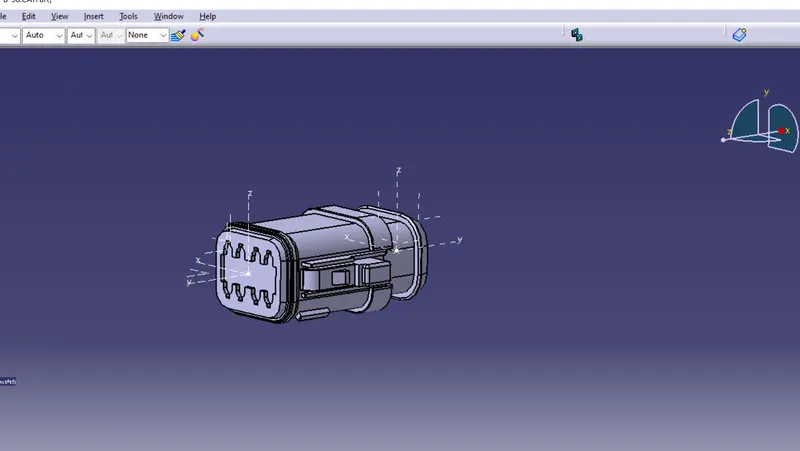
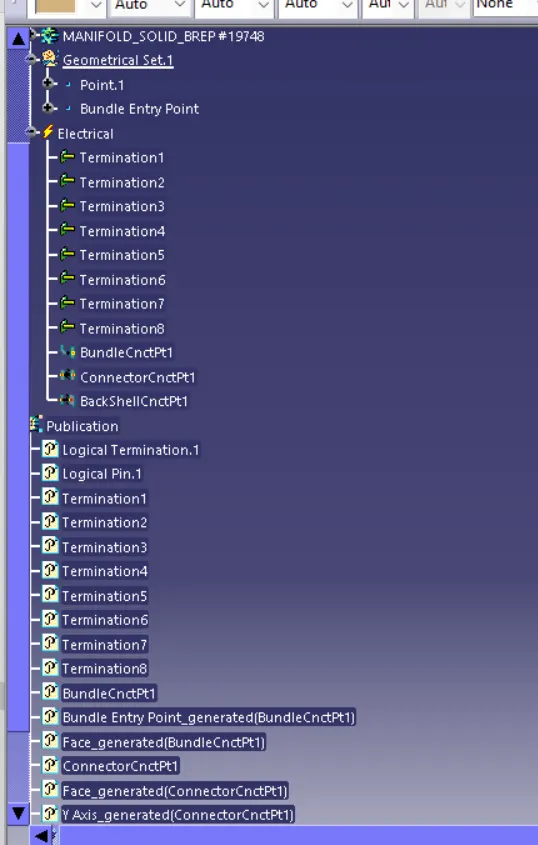
after complete this process open other connector and make catalouage of that connectors and save them in one catalouage which shown in fig.
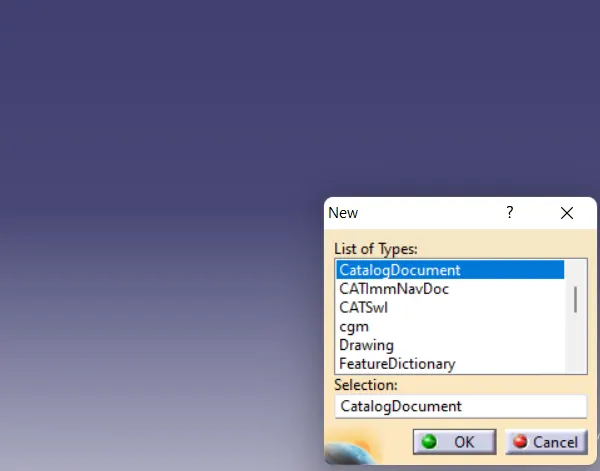
*Tyco 174357-2:-
In this connector follow same process which follow in above connector.
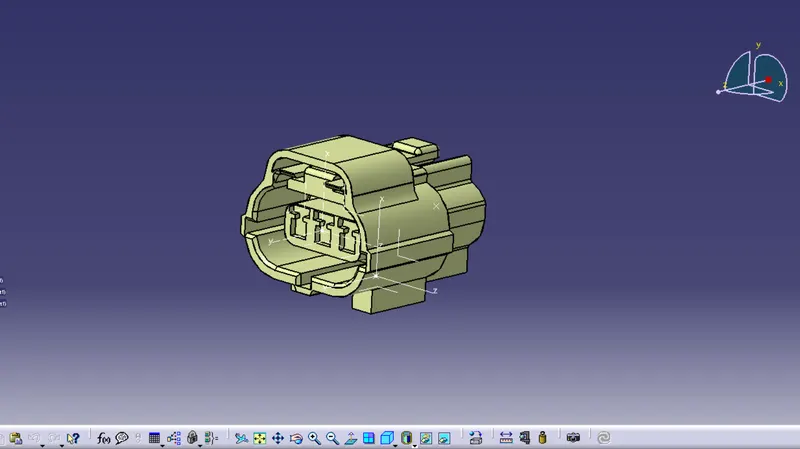
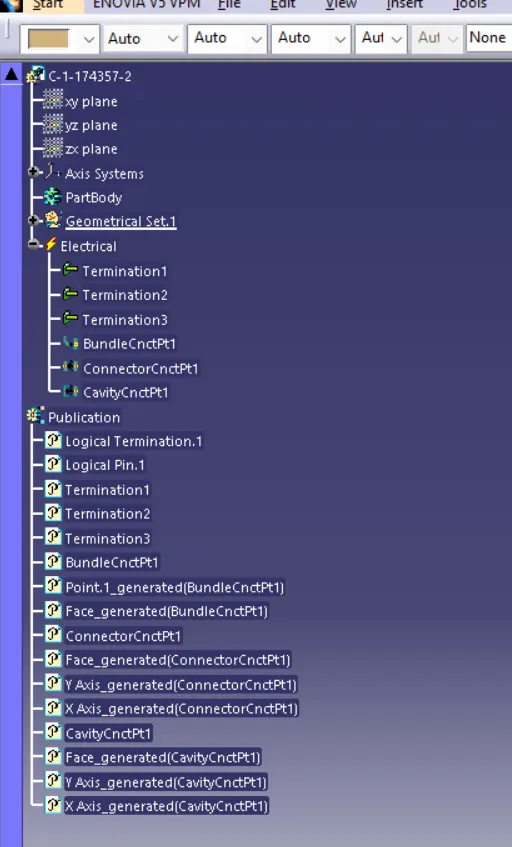
* Tyco 85229-1 :-
This is connector clip which shown in fig and its followed same process as connector which is sutaible for mating parts.
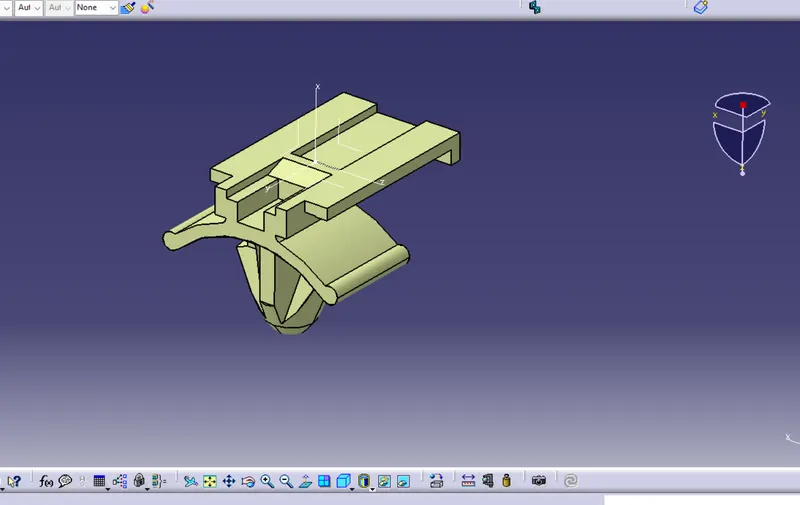
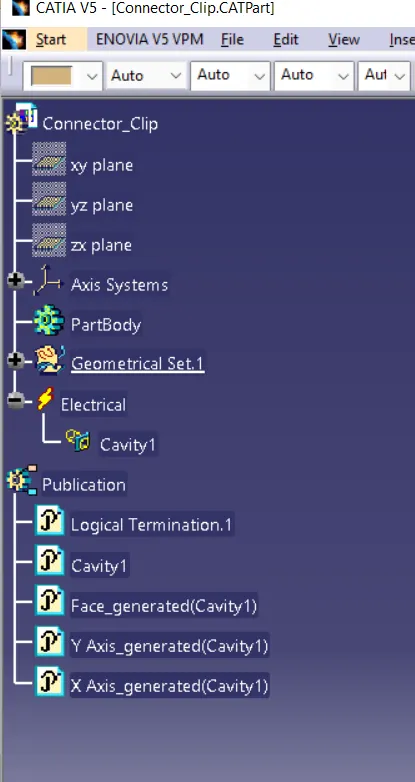
Here describe which process to follow in catia v5 workbench and how to working with downloaded parts from te.com
and show in Tutorials.