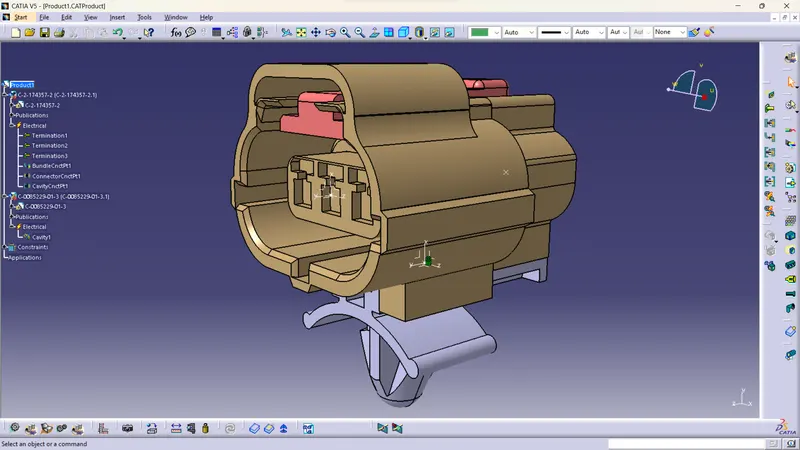
Wiring harness design in CATIA V5 - 3D modeling Week 2 Challenge
CONNECTOR DEFENITION STEPS
- Create/Download Connector 3D
- Create required Geometrical Parameters
- Define Part as Connector
- Define Bundle Connection Points
- Define Connector Connection Points
- Define Cavity Connection Points (if any)
Create/Download Connector 3D
Downloaded the required parts from the TE connectivity Website.
Saved the the files as Catpart files.
Create required Geometrical Parameters
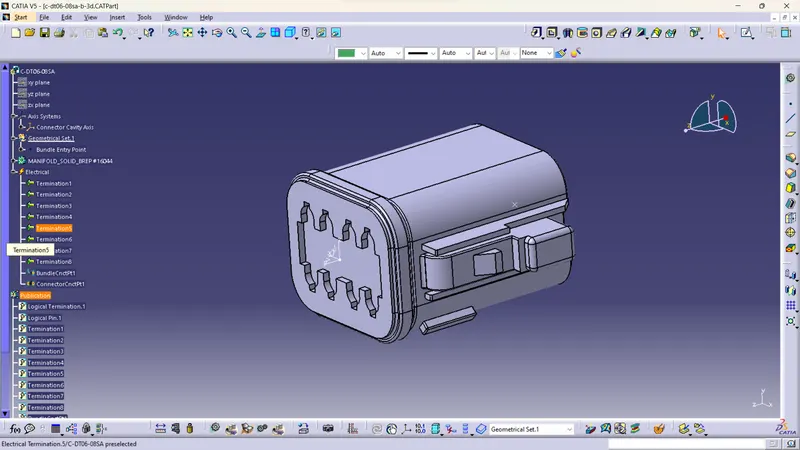
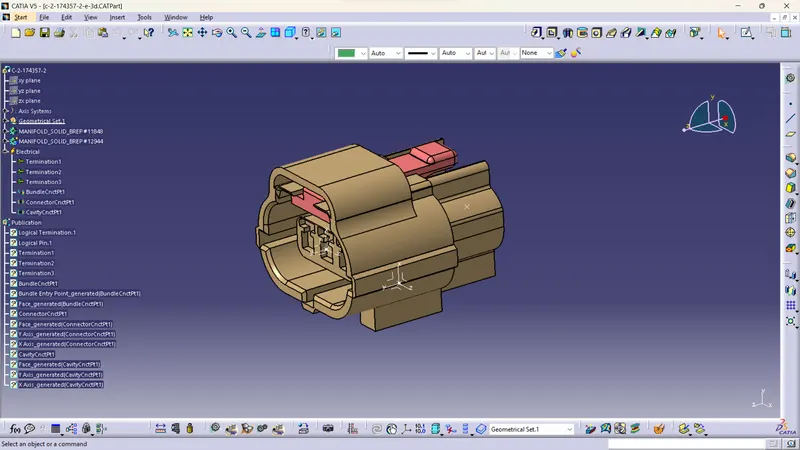
Created geometric parameters like Bundle Entry point, Connection Connector point, Connection Connector Axis system
Define Part as Connector
Define connector- specify the type, edit the name if needed, and specify the no of terminals.
Define Bundle Connection Points
The point where the bundle is connected to the connector is called Bundle Connection Point. We need to define the Bundle Connection Point.
Define Connector Connection Points
The point where the connector is connected with this connector is called as Connector Connection Point. We need to define the Connector Connection Point.
Define Cavity Connection Points
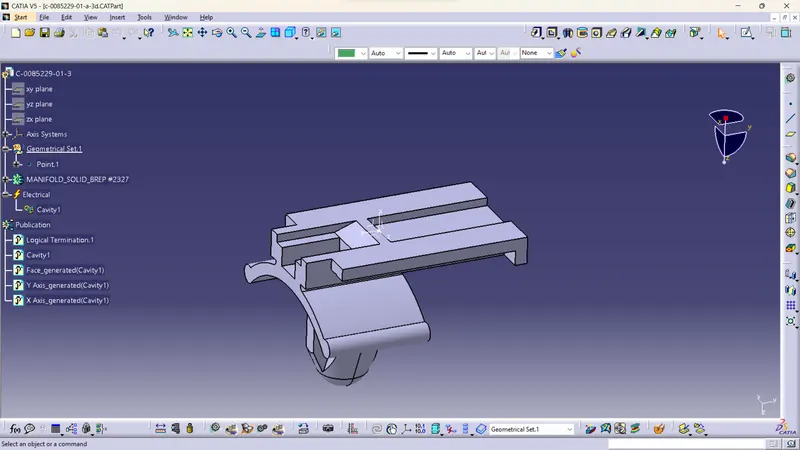
The point where the cavity is connected to the connector is called as Cavity Connector Point. We need to define the Cavity Connection Point.
PRODUCT