Wiring harness design in CATIA V5 - 3D modeling Week 2 Challenge
DEFINING ELECTRICAL PROPERTIES AND ASSEMBLY IN ELECTRICAL ASSMBLY WORK BENCH
STEPS INVOLVED
STEP 1: open part file
STEP 2: draw bundle conecting point, connecting connecting point and cravity connecting point.
STEP 3: draw axis through connector connecting point and cravity connecting point.
STEP 4: Move to electrical part design work bench.
STEP 5: Define connector type by using different connection tool.
STEP 6: Define connection connection point by using different connction define tool.
STEP 7: store connector into the electrical catalog by using store device tool.
CONNECTROR-DT06-08SA
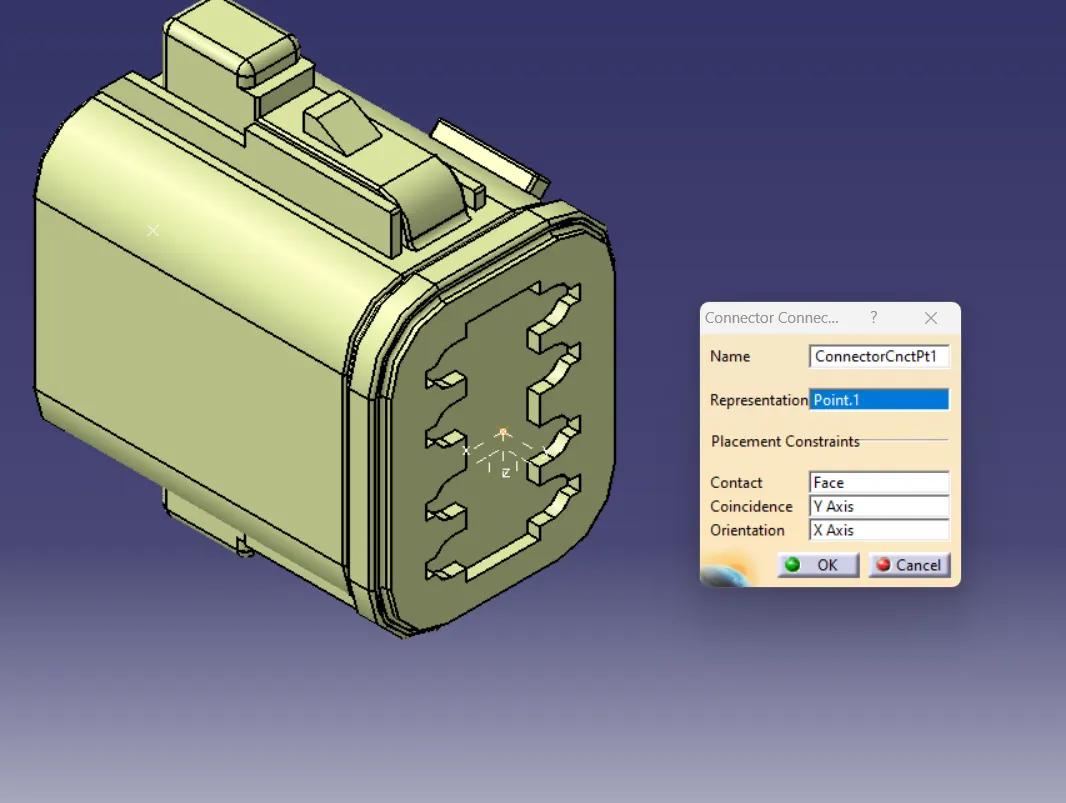
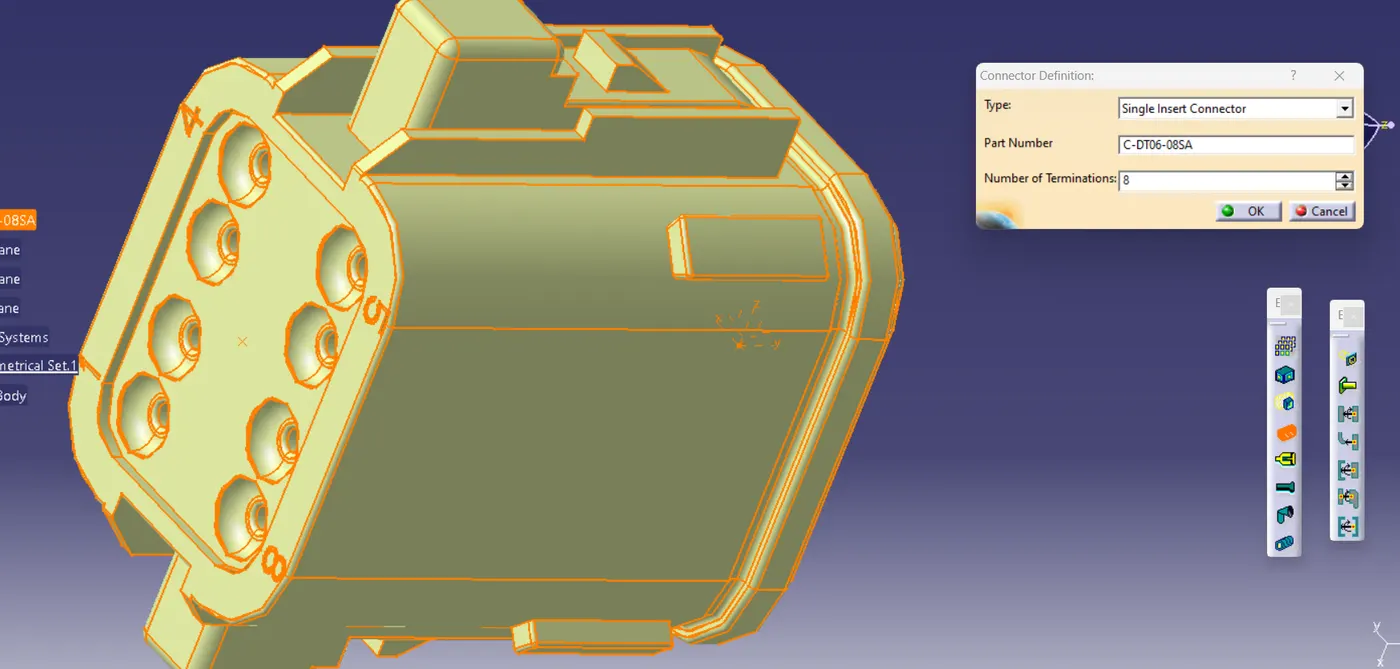
Connector connecting piont defining Connector type defining
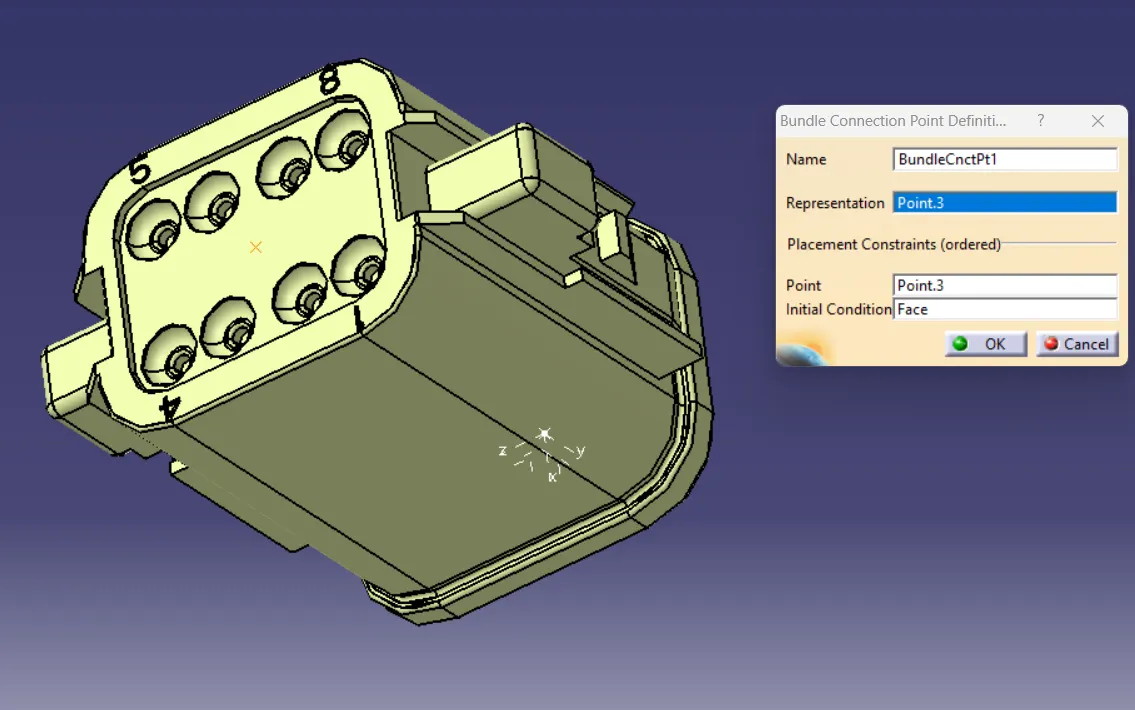
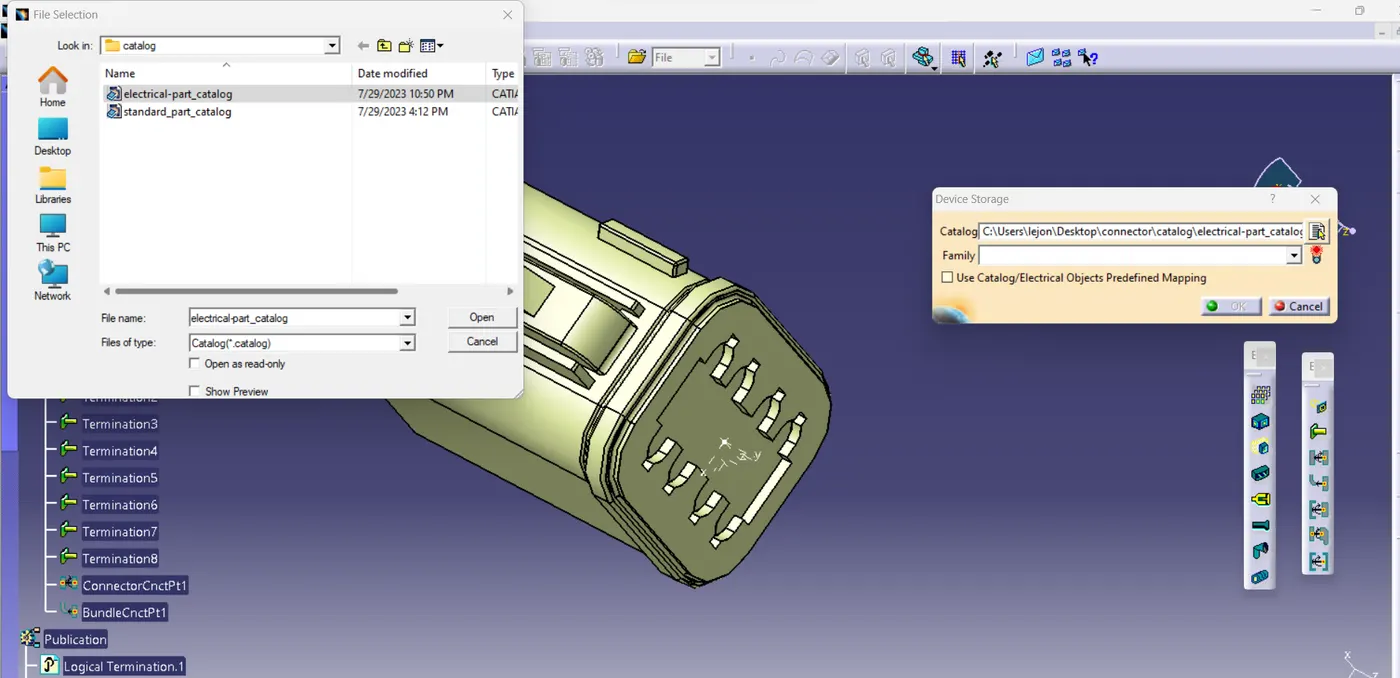
Bundle connection defining Store device
CONNECTROR-2-174357-2
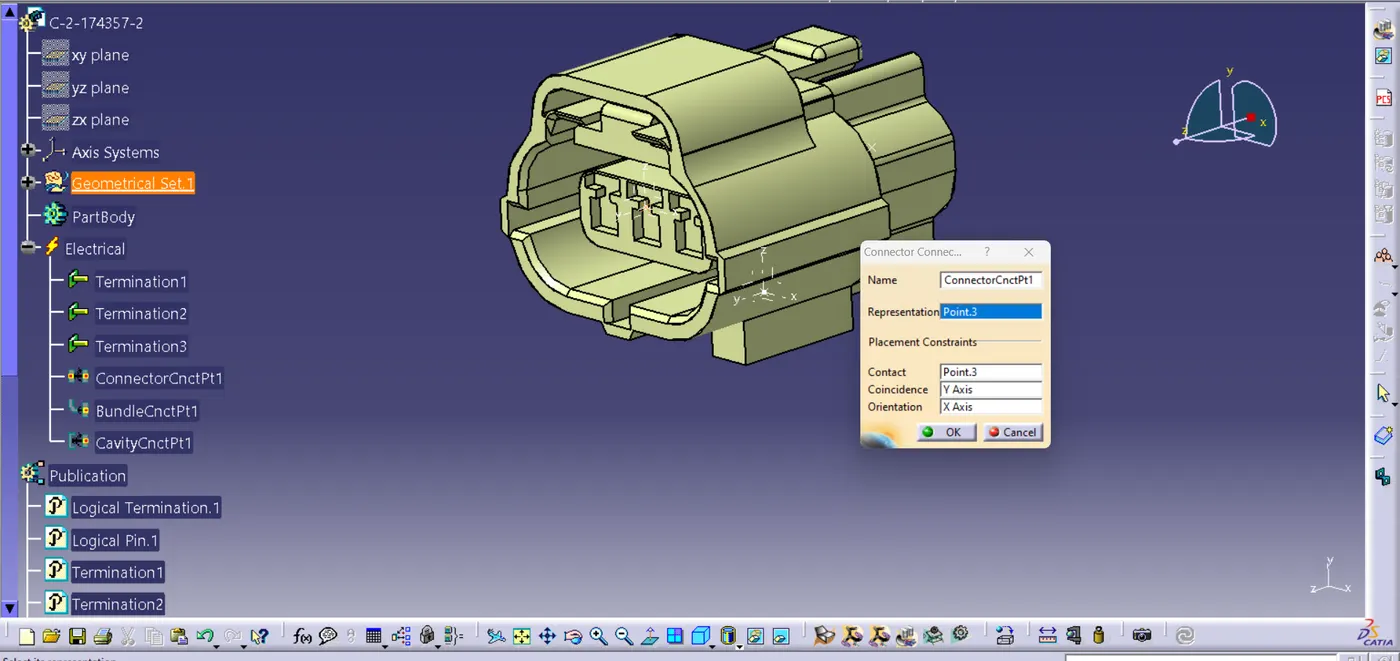
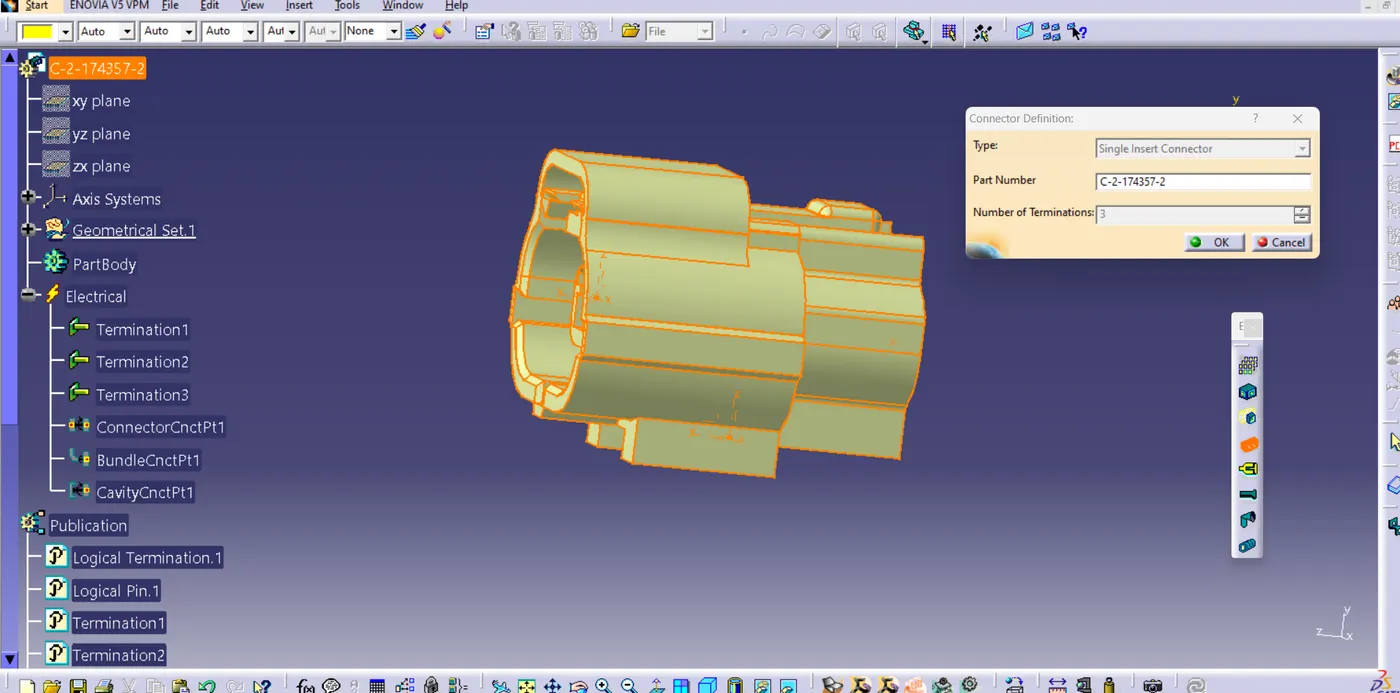
Cravity connection defining Defining connector
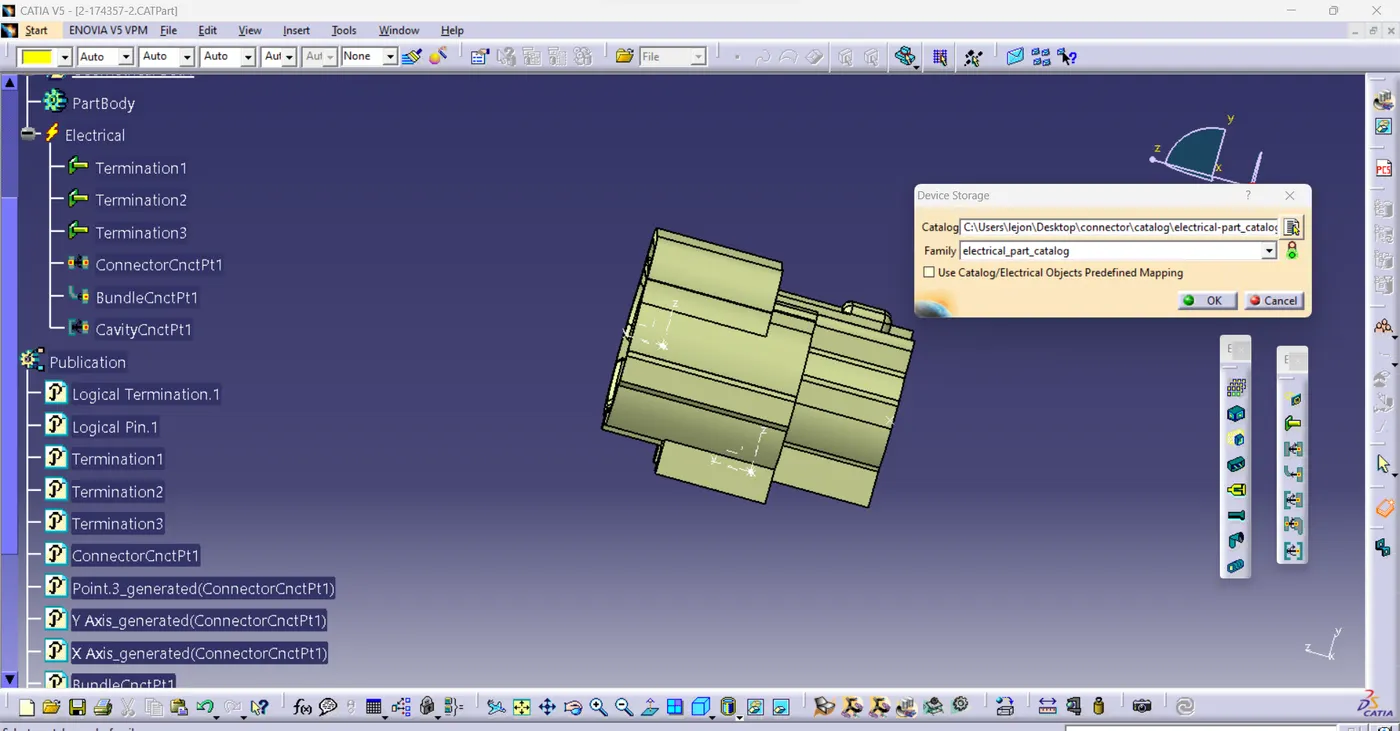
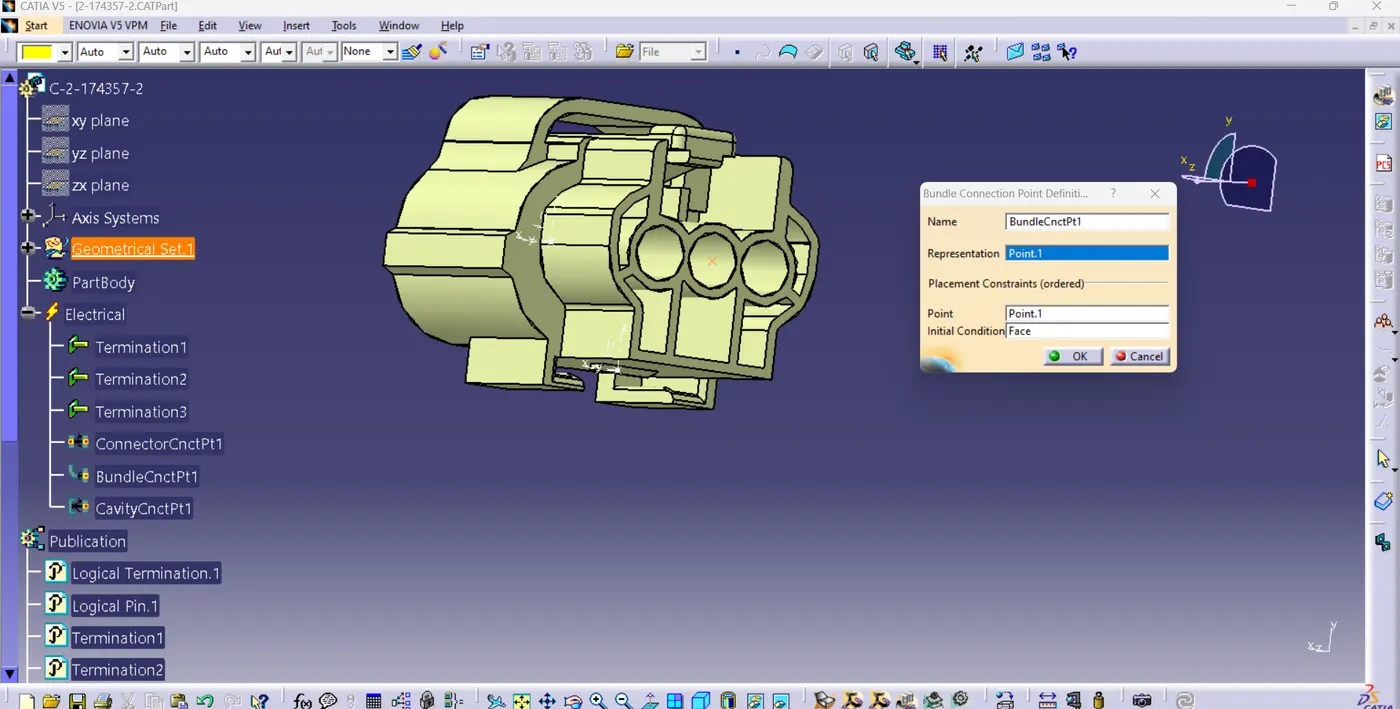
Store device Bundle connecting point defining
CONNECTROR-85229-1
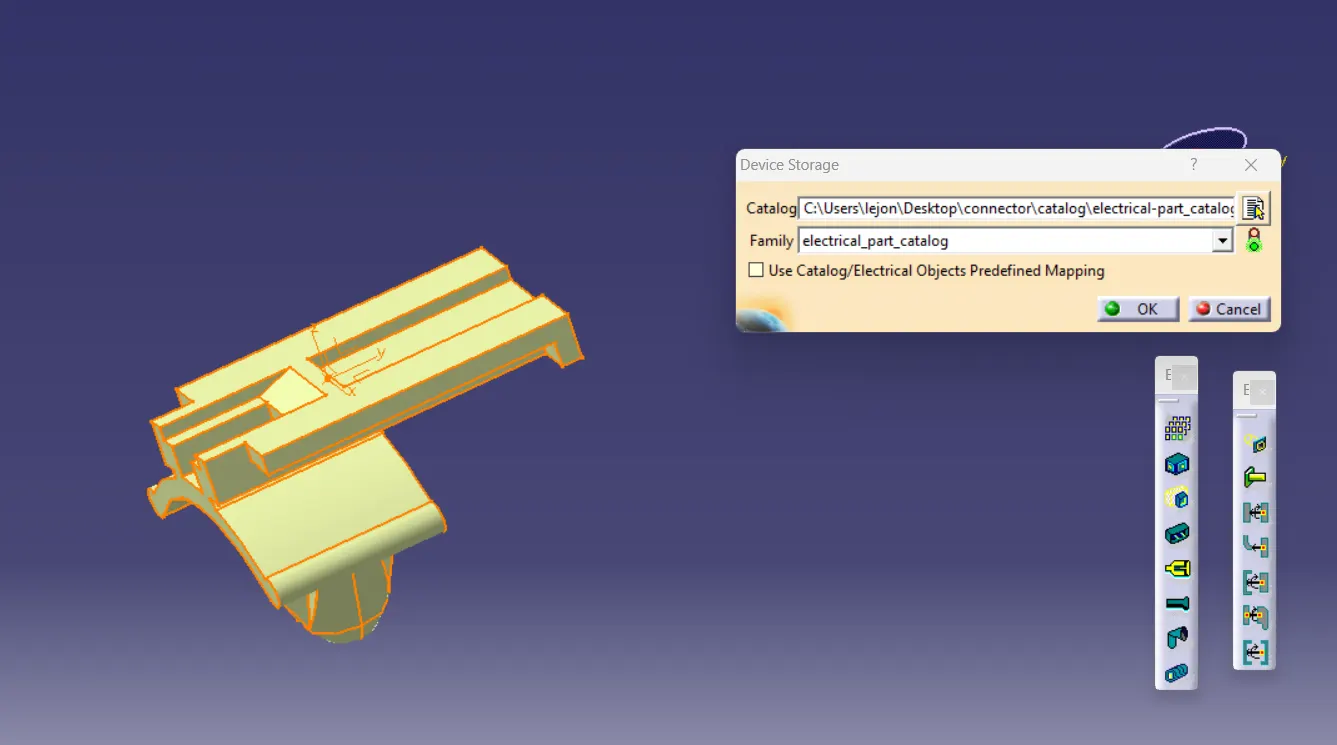
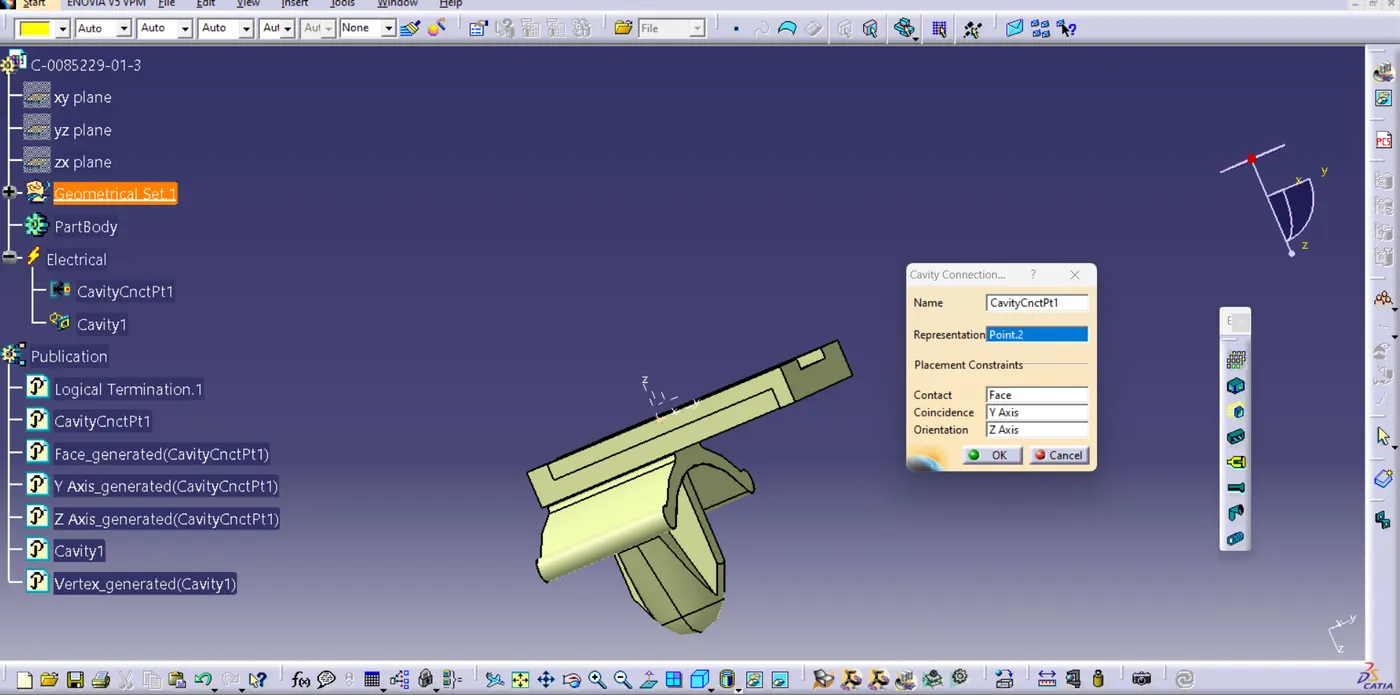
Store device Cravity connection defining
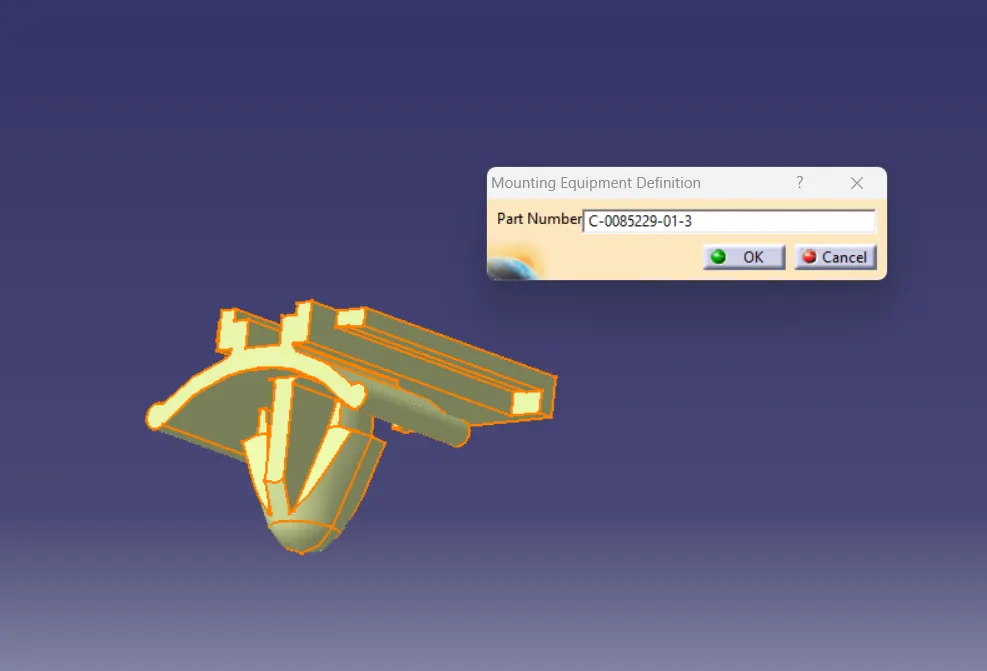
Connector type defining
ELECTRICAL ASSEMBLY
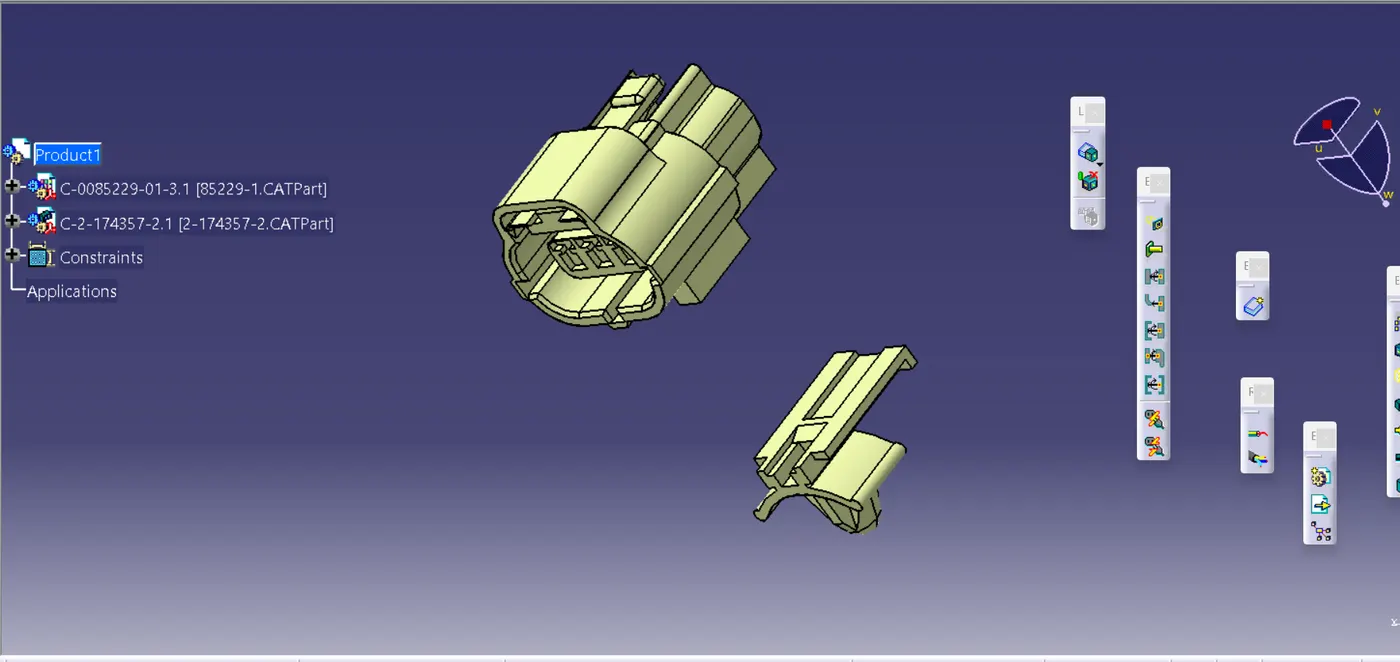
Part assembled in electrical assembly workbench
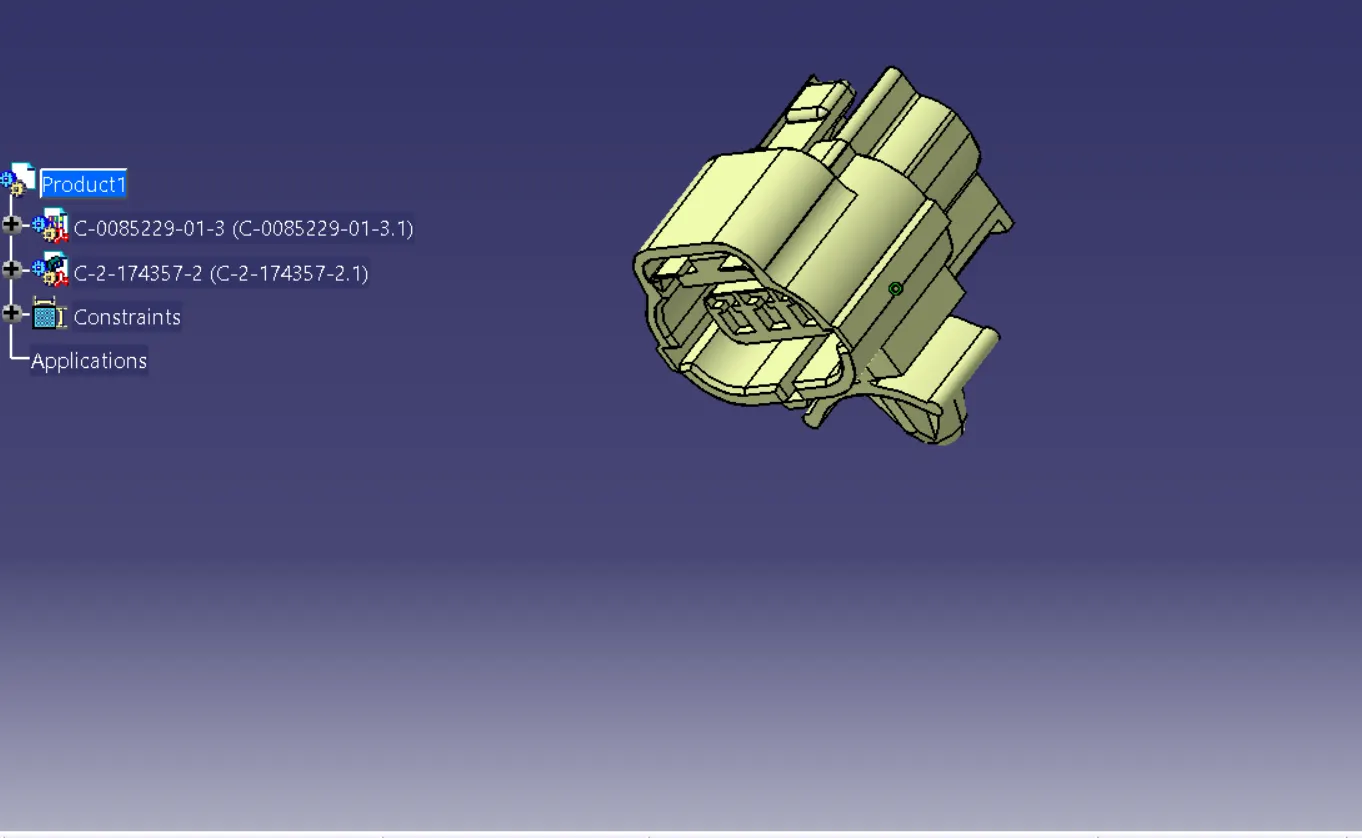
Part connected by using connect electrical option