Wiring harness design in CATIA V5 - 3D modeling Week 2 Challenge
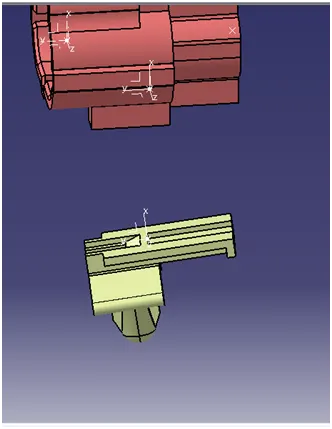
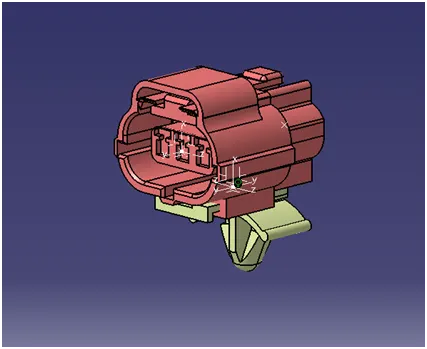
Q1. Download following connectors & Connector clip cad data from given link & define it as Electrical Connector using Electrical Part design Workbench. Define all the necessary properties to Connectors & Clip.
- Deutsch DT06 – 08SA ( https://www.te.com/usa-en/product-DT06-08SA.html)
- Tyco 174357-2 (https://www.te.com/usa-en/product-2-174357-2.html?source=header-match)
- Tyco 85229-1 – (https://www.te.com/usa-en/product-85229-1.html?q=85229&source=header)
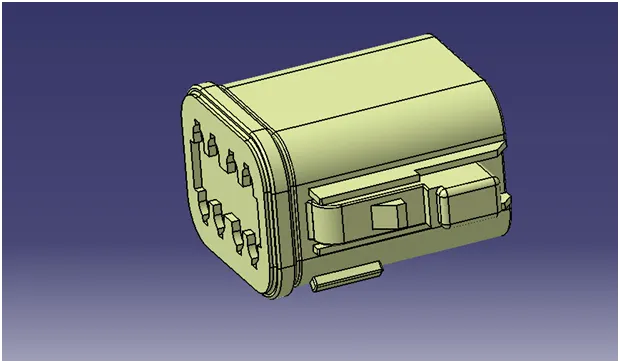
Downloaded the connectors fron TE website & define the connector defination
Downloaded Connector
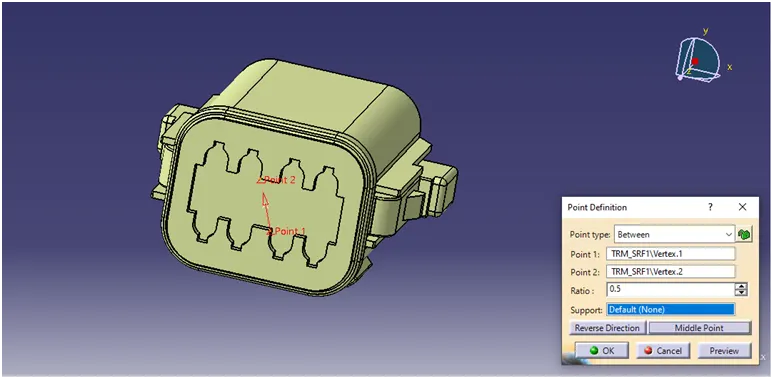
Create a point in the center of the face using between option
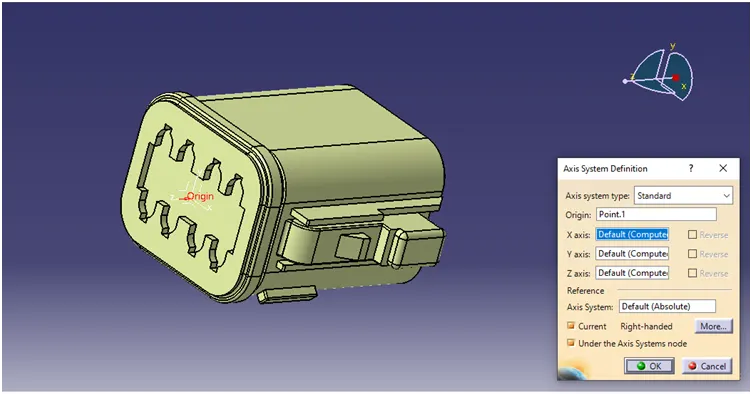
Create an axis system on teh center point created.
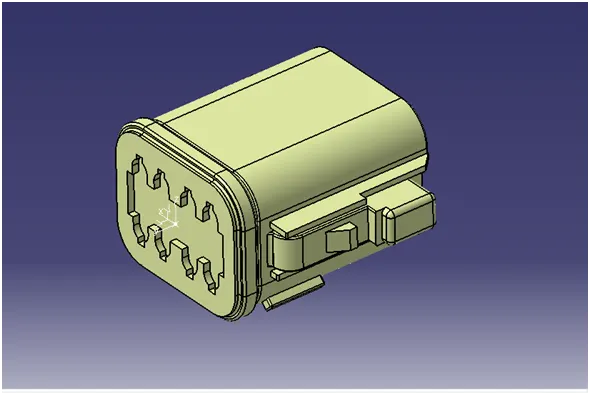
Rotate the x axis by 900 Rotate the Y axis by 1800
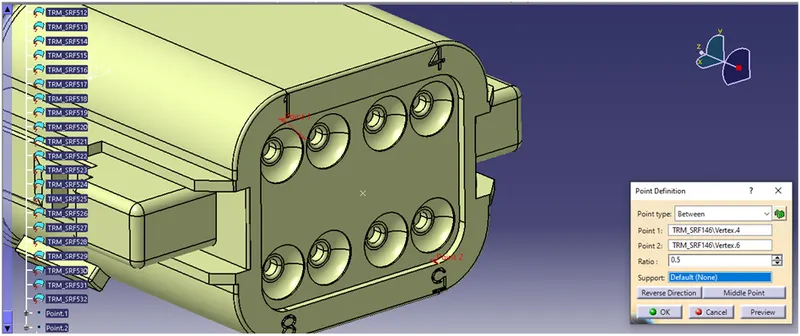
Create a point on back face on center of the part
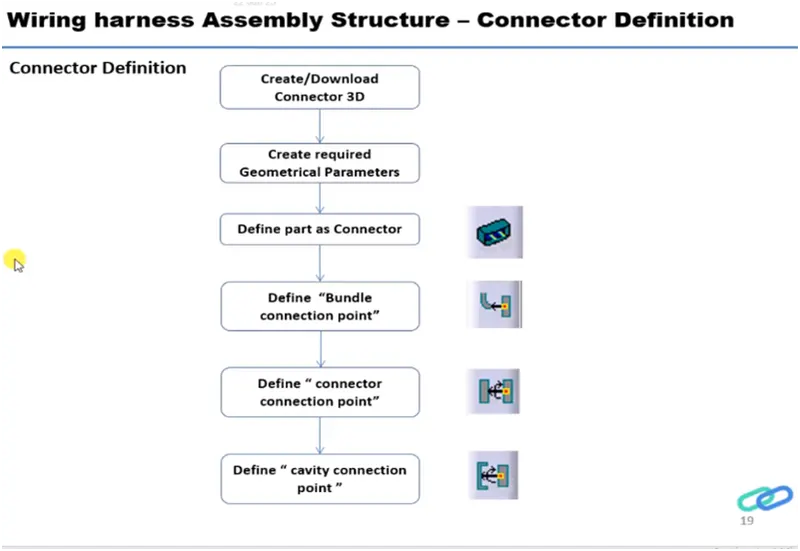
Define Connector
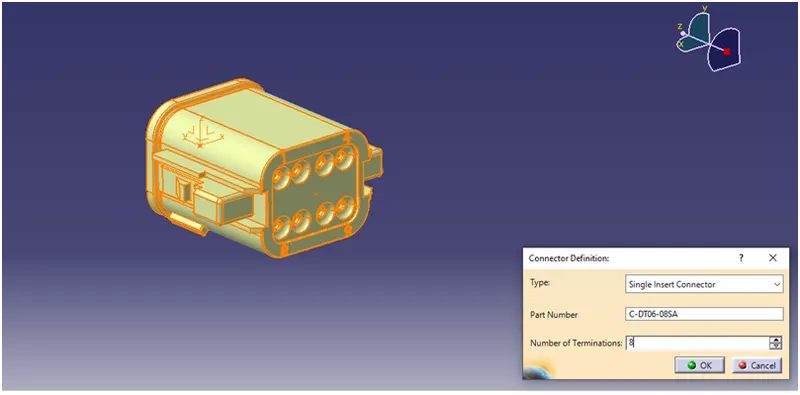
Now the connector is electrically defined further need to provide entry & exit points to connectors.
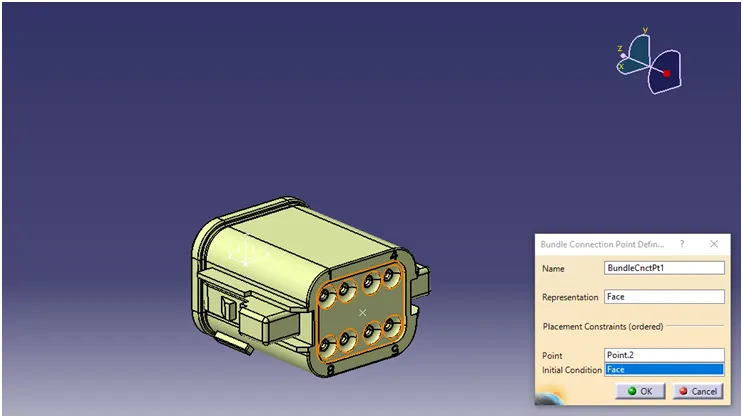
BUNDLE ENTRY CONNECTOION POINT
It is the entry face of the connector where the cables are fitted to the connector.
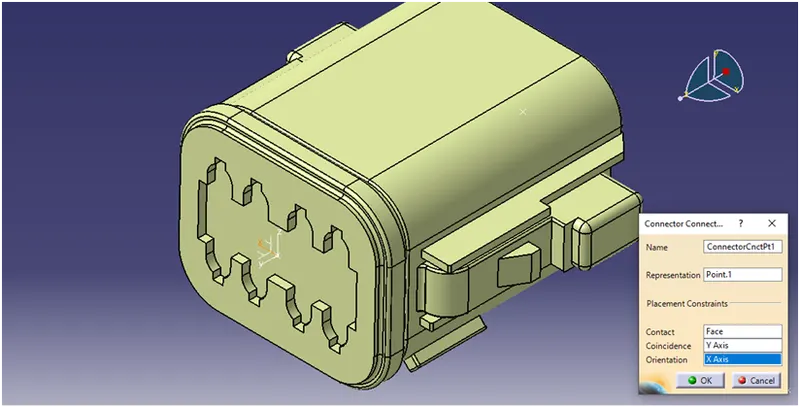
CONNECTOR CONECTION POINT
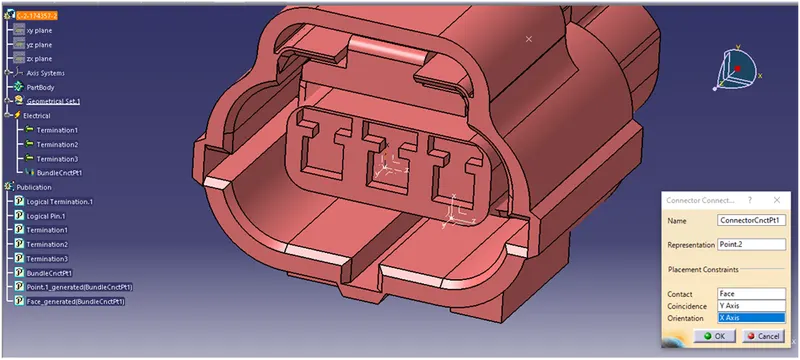
It is the point created on the front face of the connector.
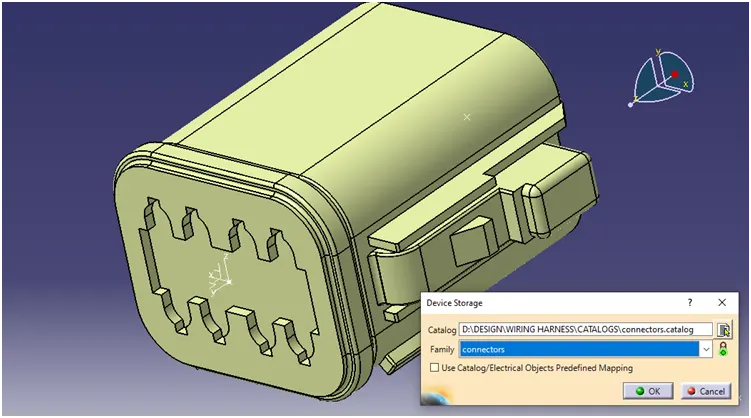
Store the defined connector in the catalog.
Now create the connection defination for the similar connectors.
Create the point & axis on the front & back side of connector.
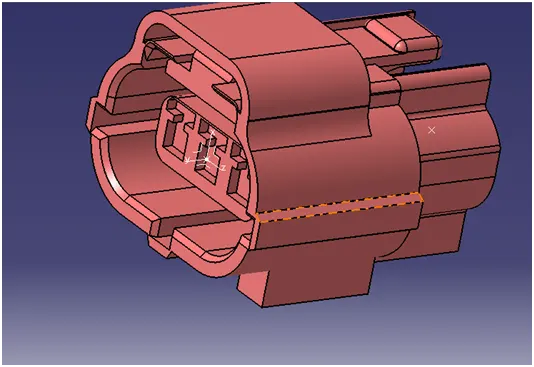
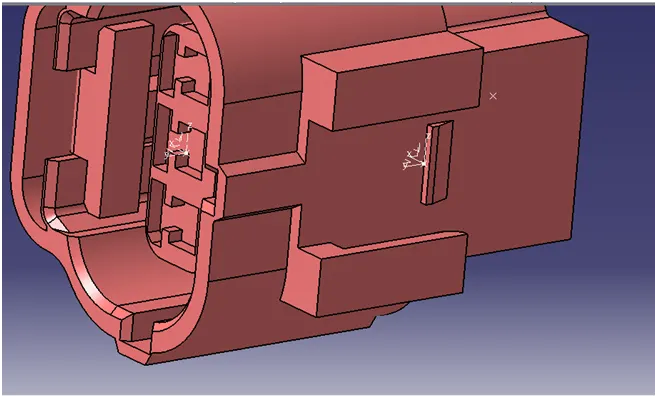
Define connector
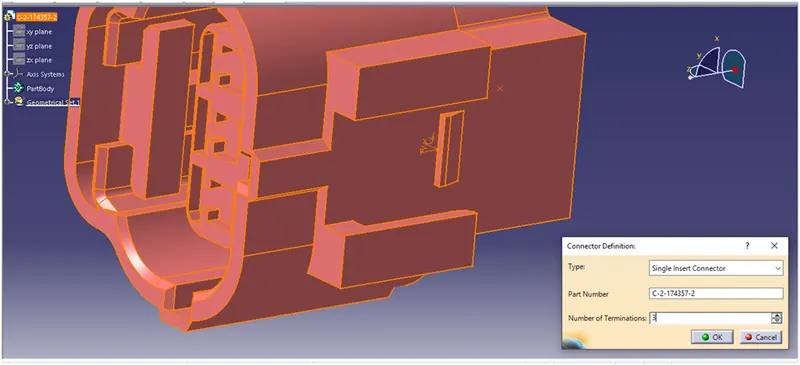
Bundle entry connection point
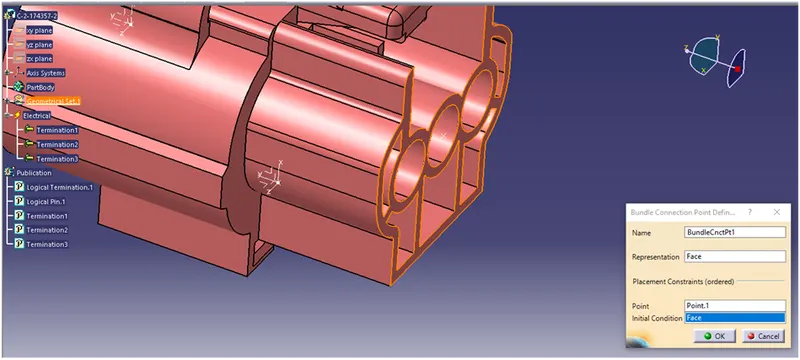
Connector connection point
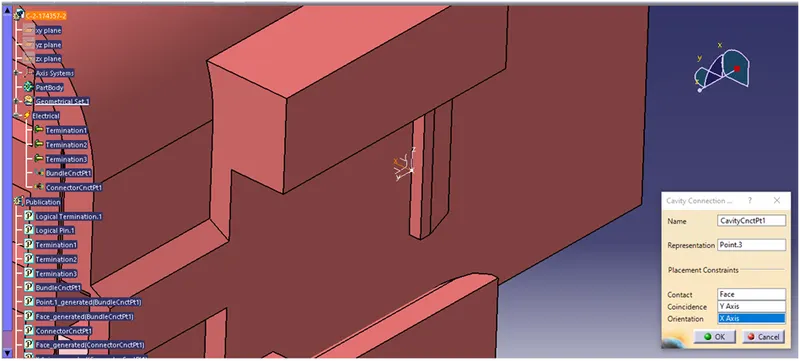
Cavity connection point
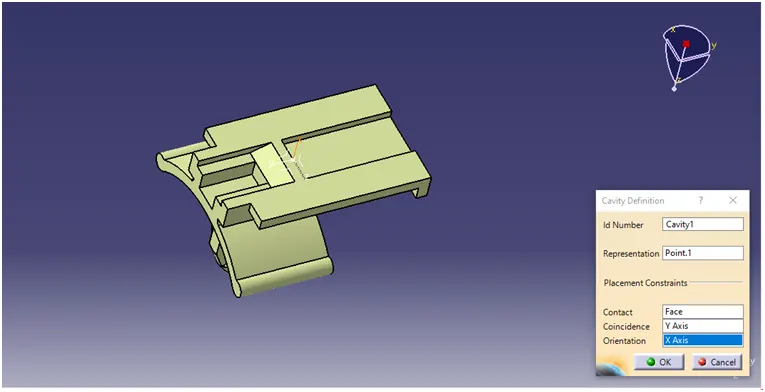
Create the point & axis for the clip
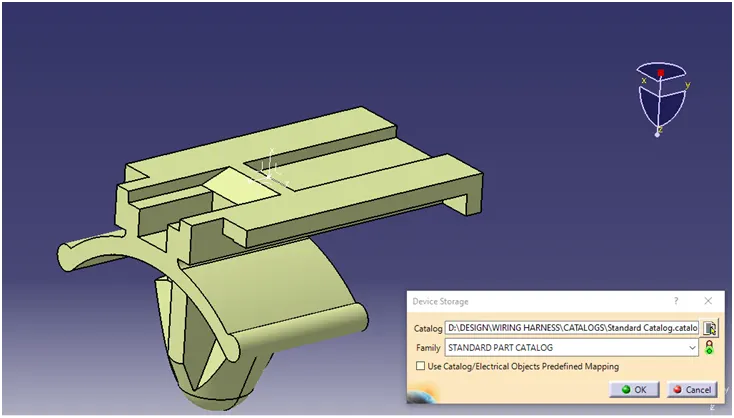
Save the the part in catalog
Create the assenbly of connector & clip