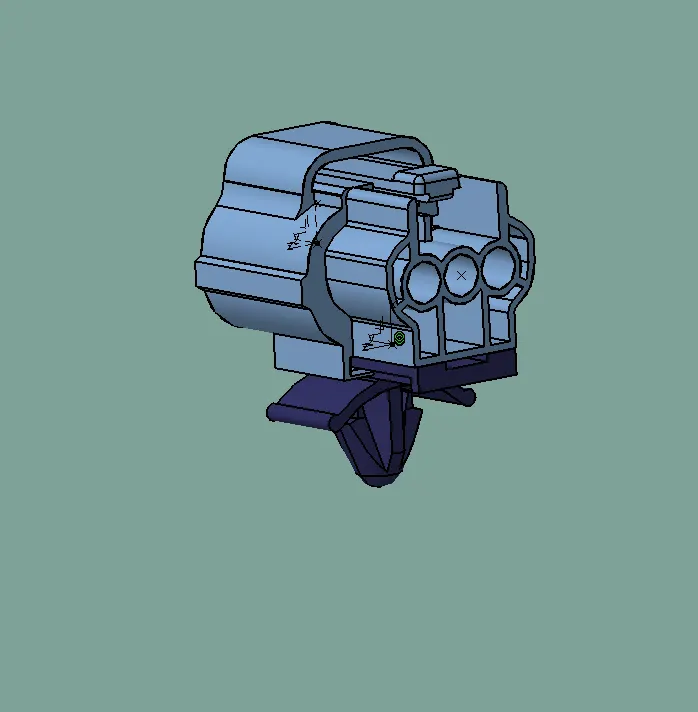
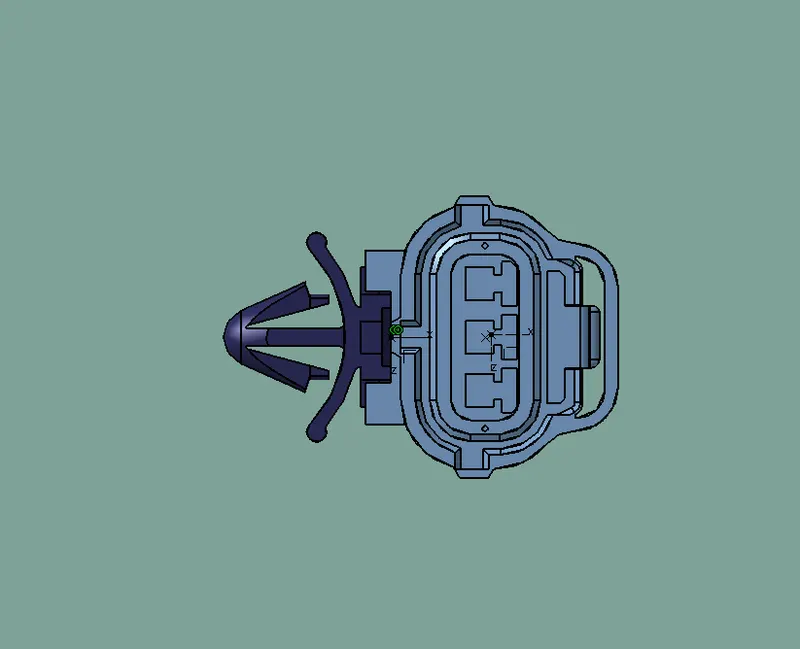
Wiring harness design in CATIA V5 - 3D modeling
- Download the connector and connector clip cad file from given link
- Upload the cad files on the part design workbench
- Now identify and the connector connecting side and bundle connecting point
- Make a centre point on the both side by using point command
- Now placed the axis system on the connector side point
- Here Yaxis direction - along to the connection side ,Xaxis - locking side, Zaxis - up side
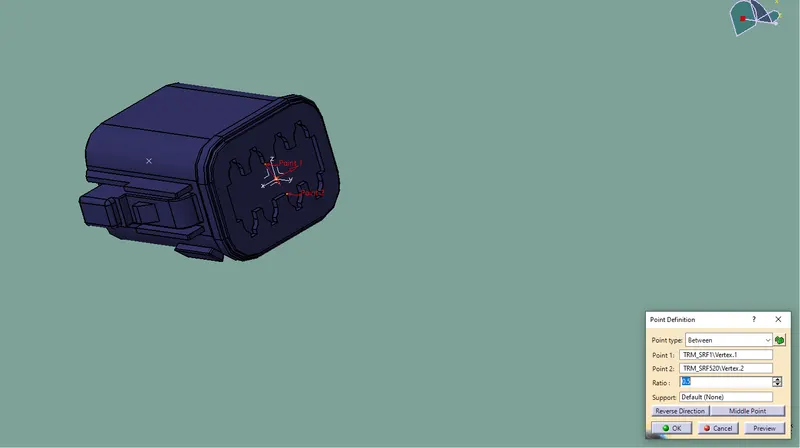
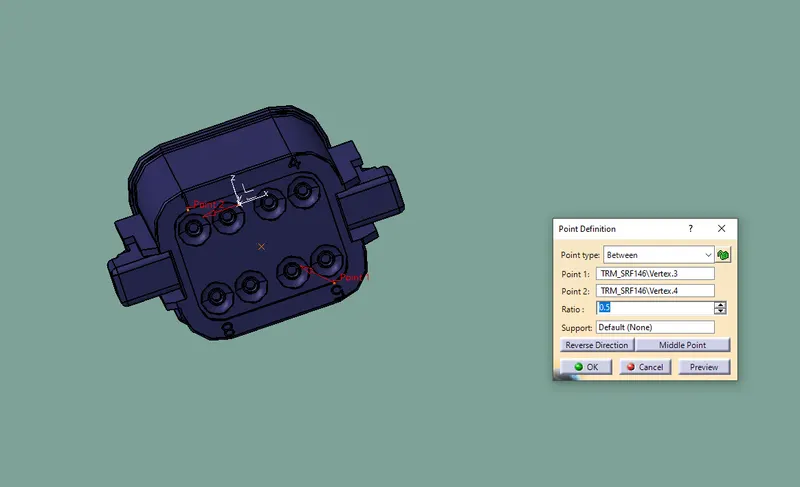
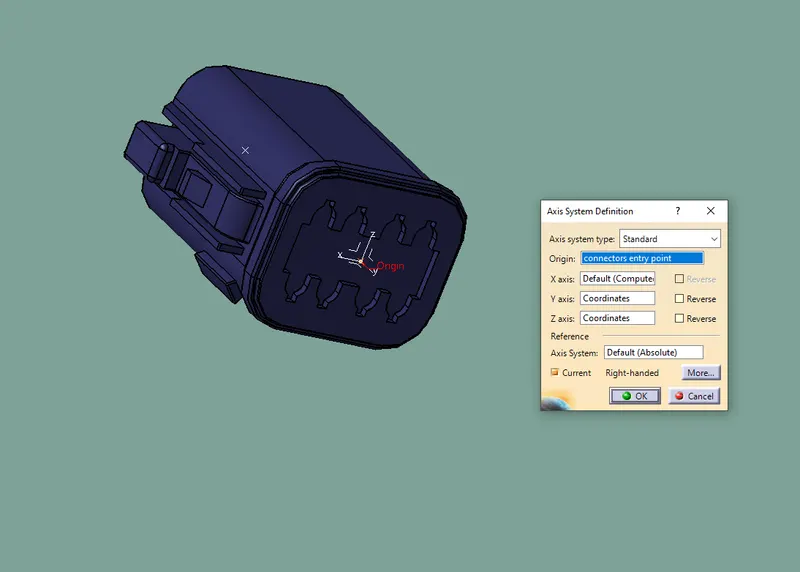
Now define this part as an electrical connector / element
- open electrical part Desiign in catia v5
- Now click define connector command and click the connector and entry the number of termination
- Now click define connection connecting point command and fill the tab which open
- Then click define bundle connecting point commanf and fill the tab which open
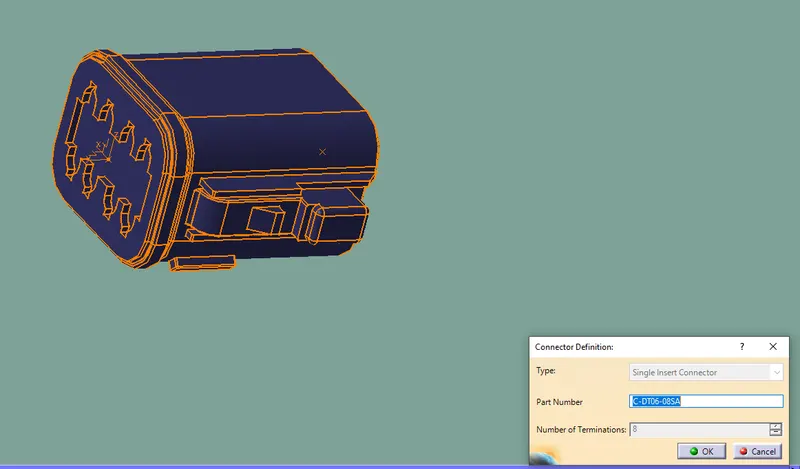
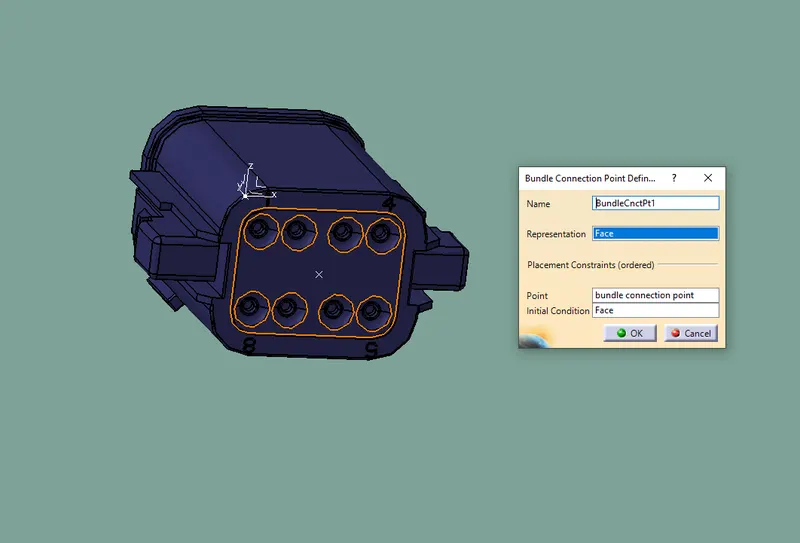
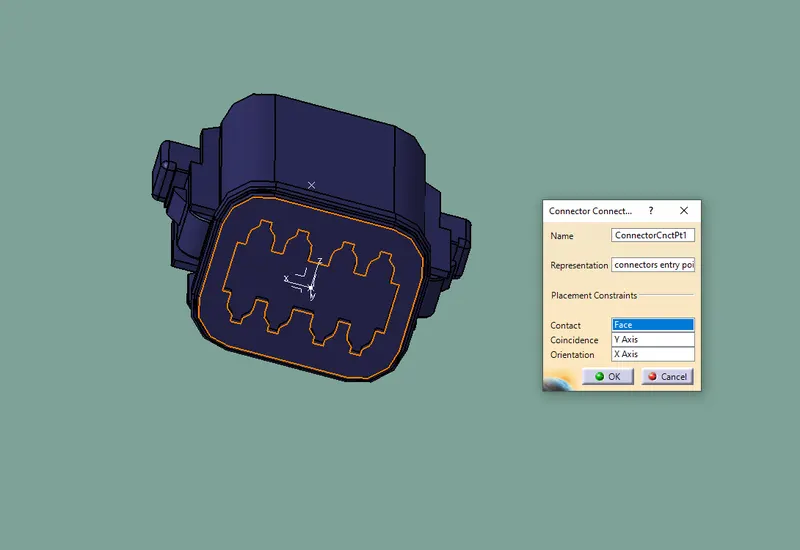
NOW SAVED IT TO CATALOG
BY click on the store device command
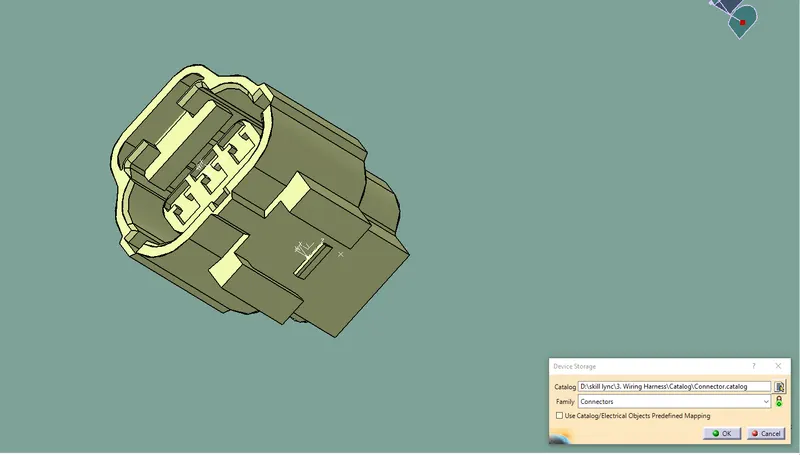
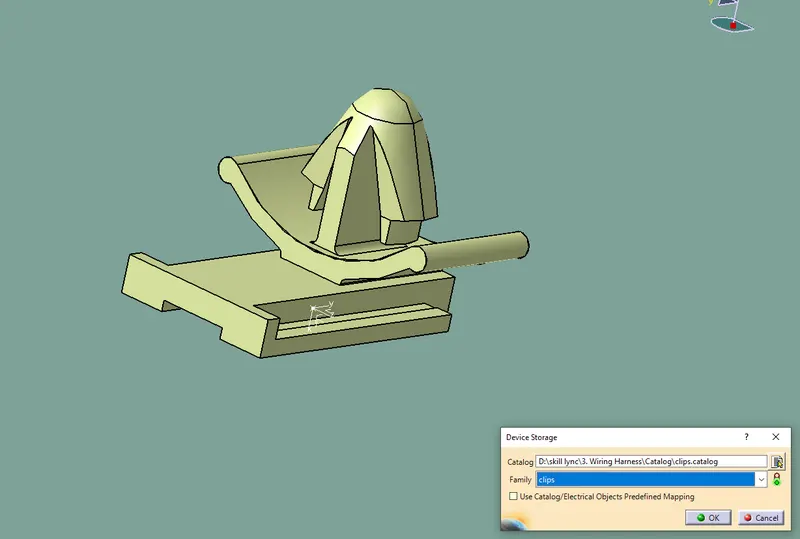
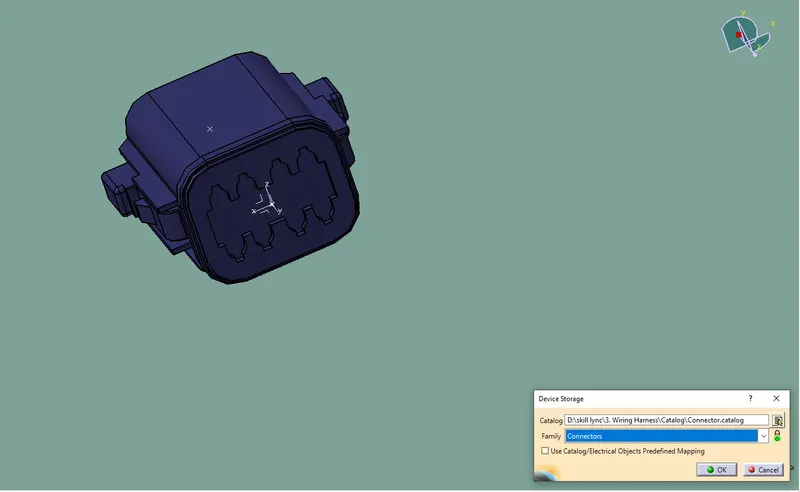
Then define Cavity on the given clip by using define cavity command
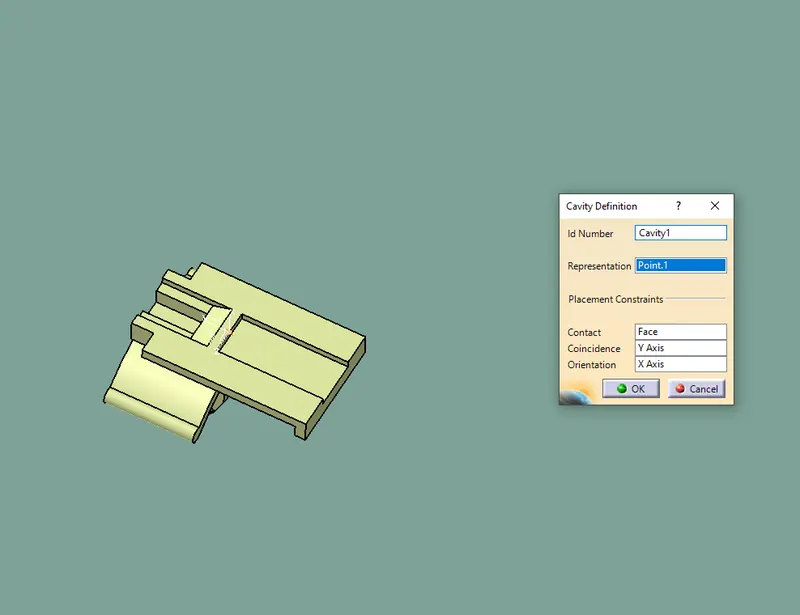
Assembling of clip and connector
- Then open electrical assembly design workbench on catia v5
- Copy and paste both clip and connector on electrical assembly design workbench
- Now click on the connect electrical device comand
- now select both connector and clip it get assembed