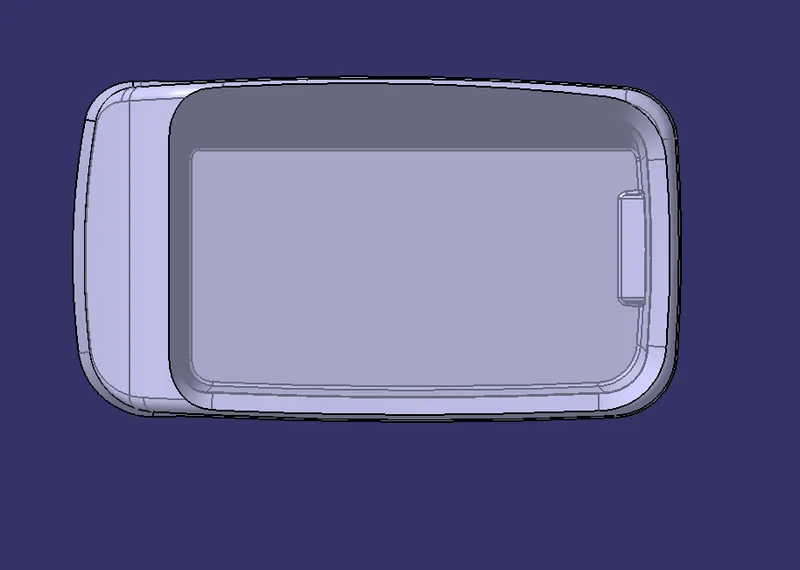
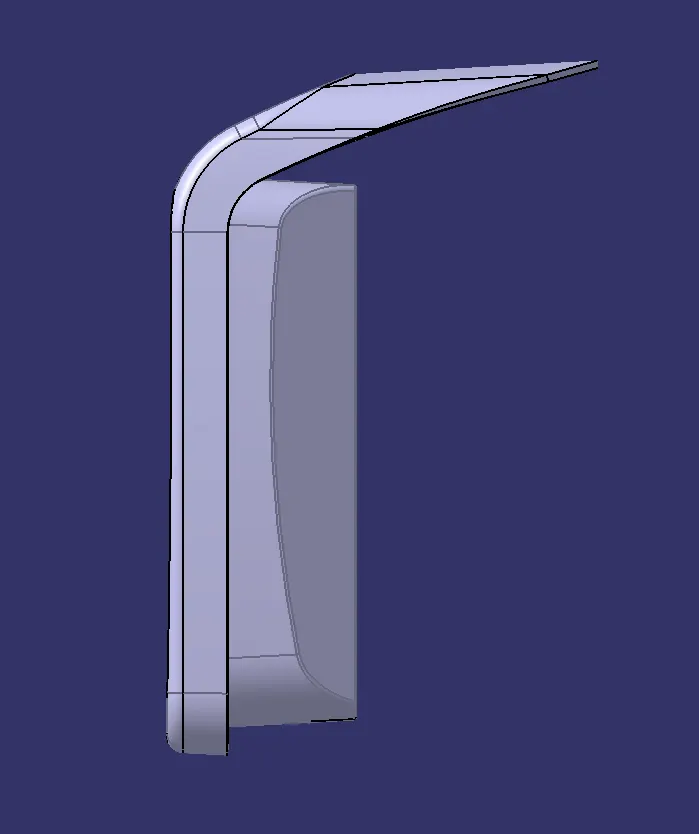
Coin Holder Design
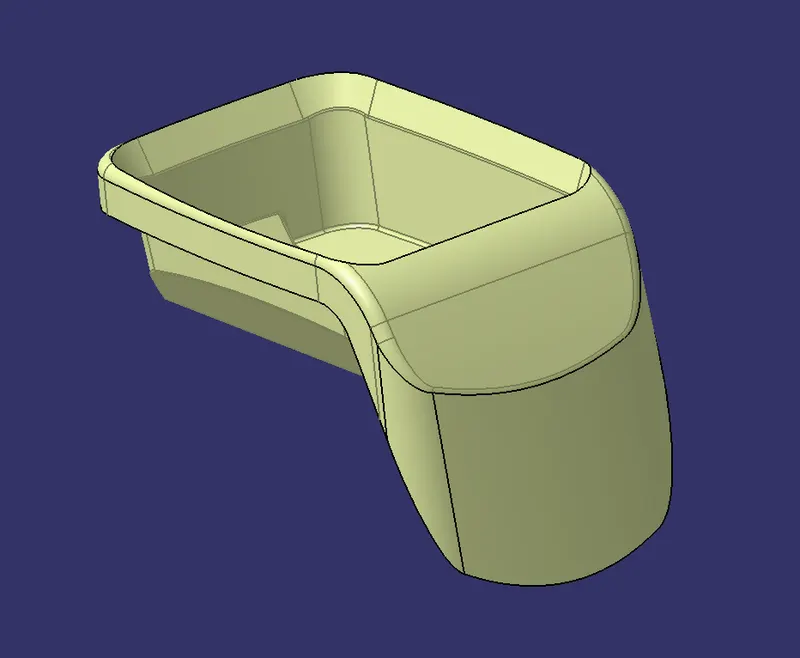
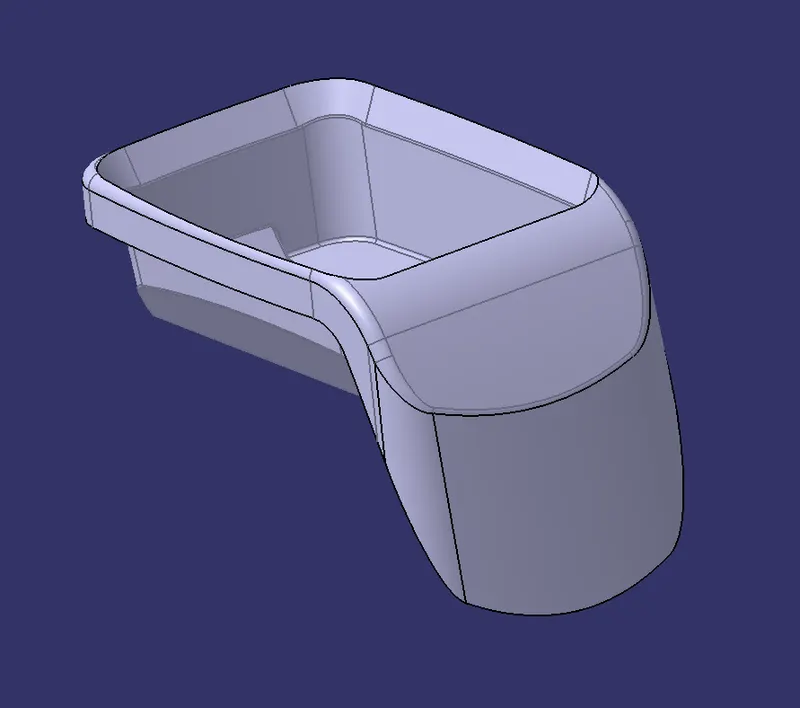
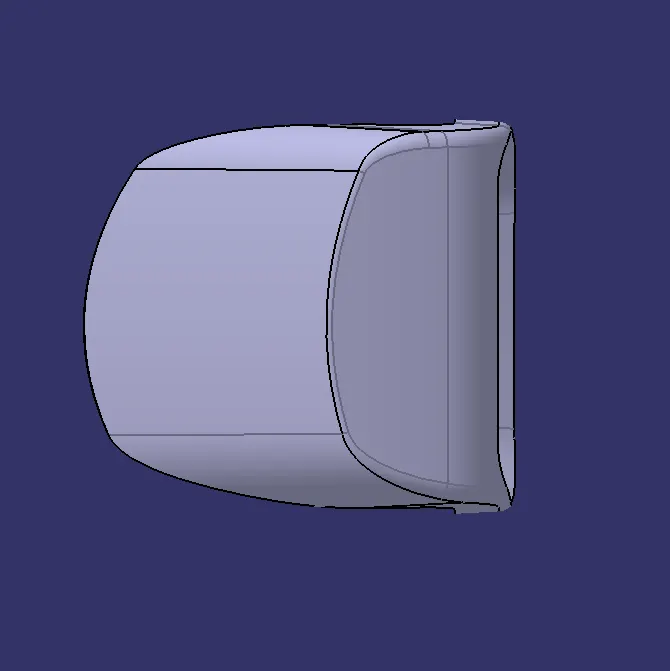
Create the Coin holder Plastic component through the given Class A surface .To begin with the tooling axis forr the given Class A surface should be created meeting the requirement of the draft angle and at the end draft Analysis on the model .
Take the thickness of the component to be 2.5mm
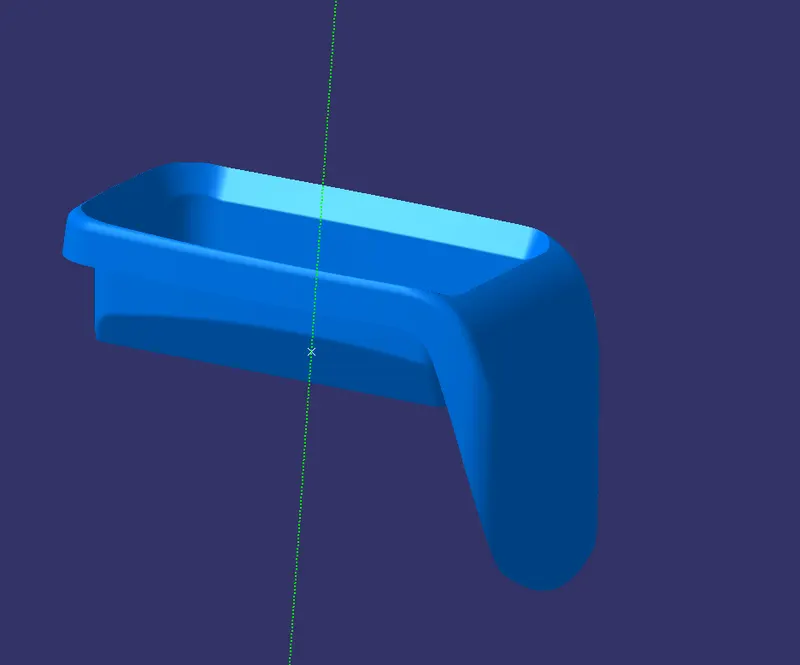
Tooling Axis:
For this model, Direct method is used
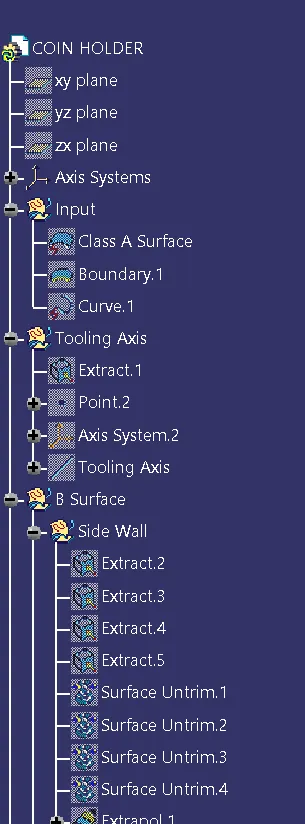
- Extract the base of the Class A Surface
- Made a point centre of the base
- Place the Axis system on the point
- By using line command draw a line on the the point on Y direction.
- That green line is Tooling Axis
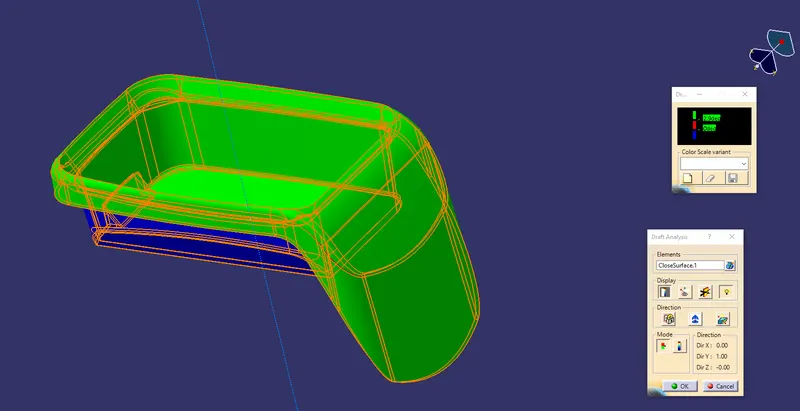
Draft Analysis:
The Drafting Analysiis was performed on the class A surface by using the Feature draft Analysis Command
Usinh this command the commpass was set on the tooling axis and the draft angle
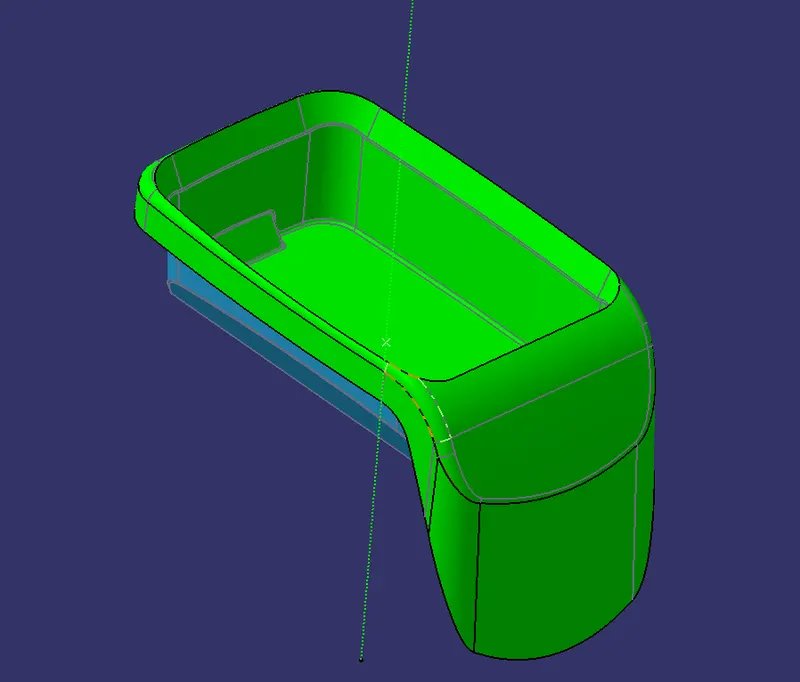
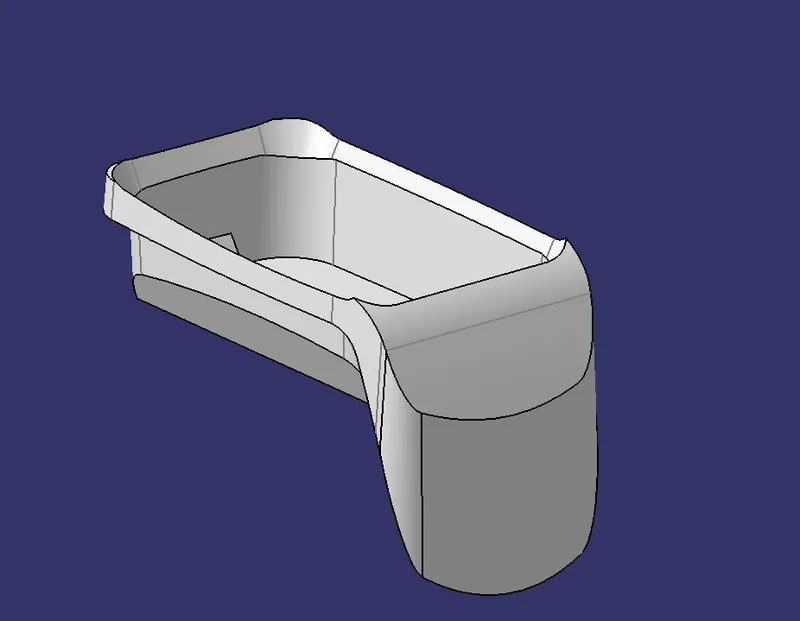
Creating class B surface:
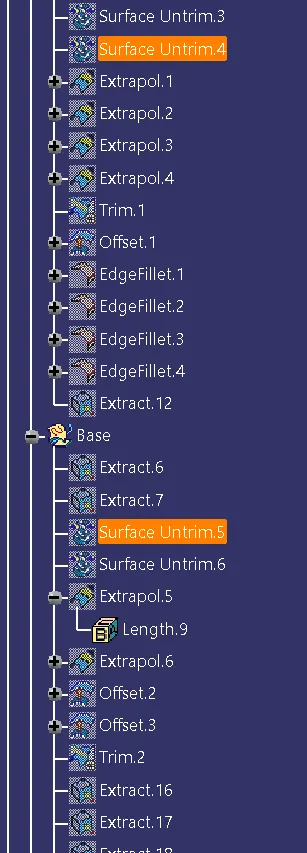
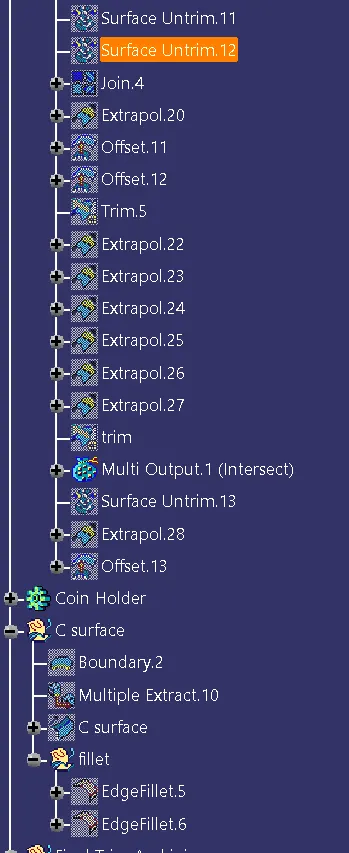
- For create a side wall by extract the Class A Surface faces
- And Untrim the extracted Surface
- Extrapolate them by using Extrapolate command
- And Trim the unwanted surface by using trim
- Then offset the walls at 2.5mmm
- And Fillet the edges
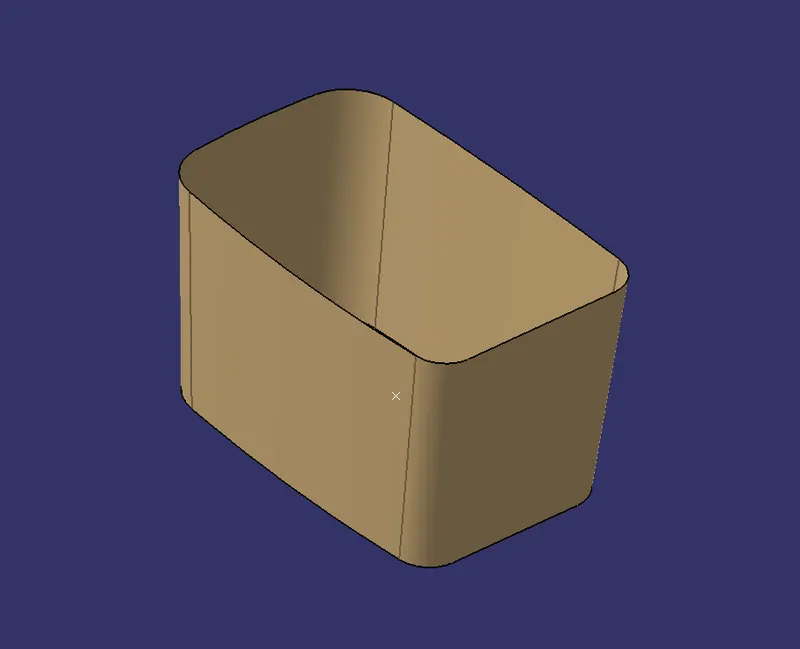
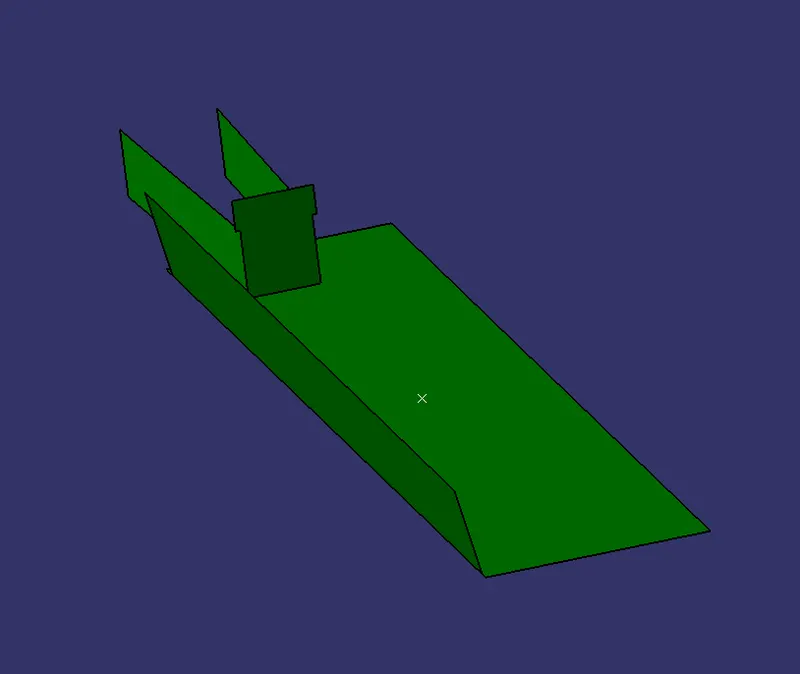
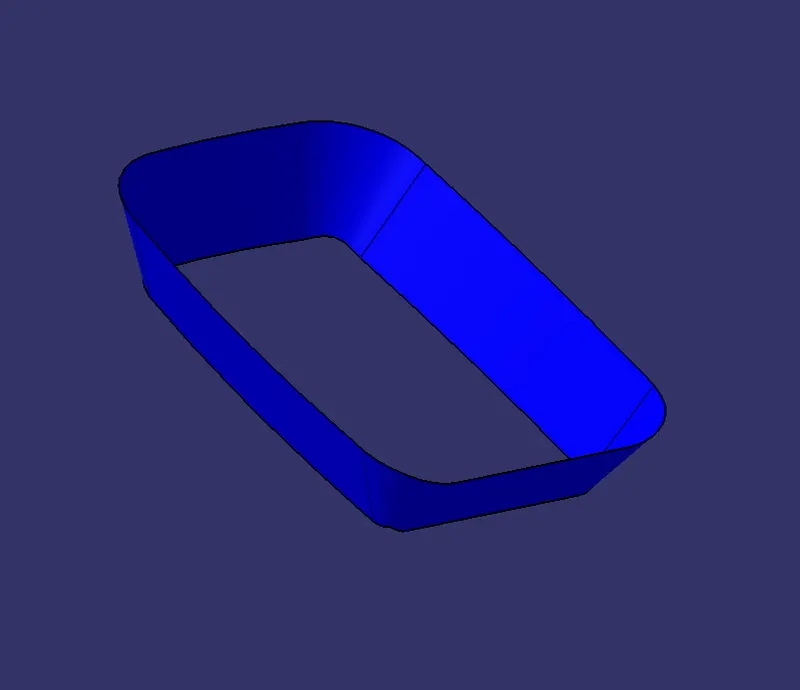
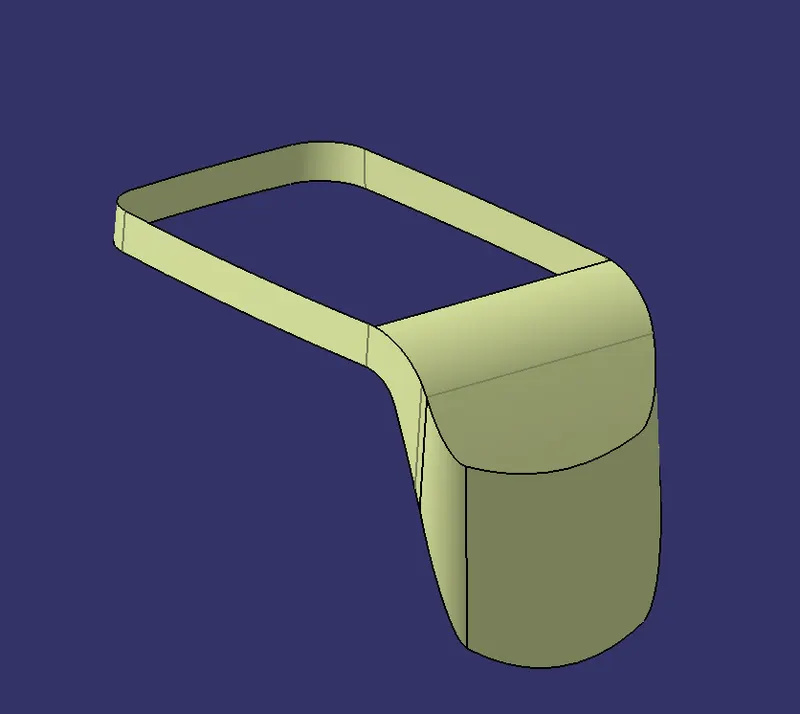
B SURFACE
Creating C surface:
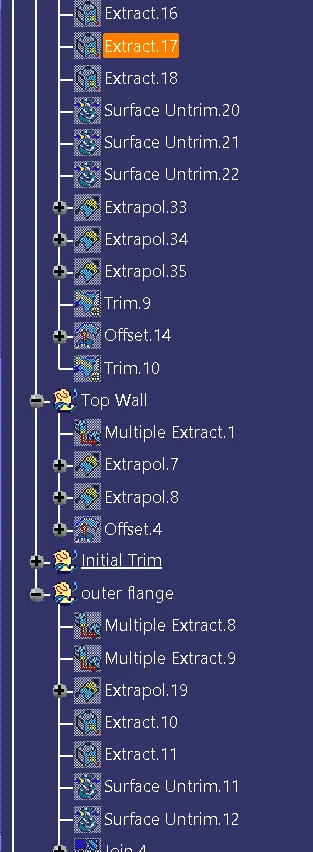
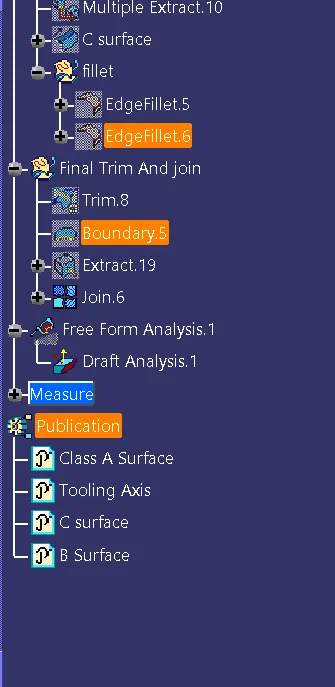
- Boundary the edge of the Class A surface By Multiple Extract command
- Then go to sweep command select the boundary and sweeop at the angle of 90 degress
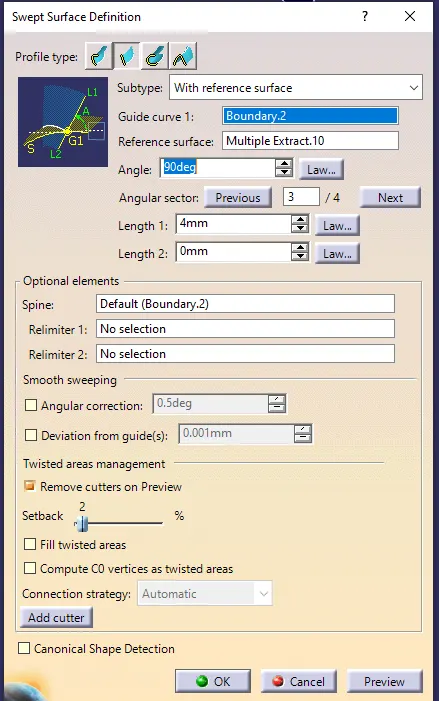
C SURFACE
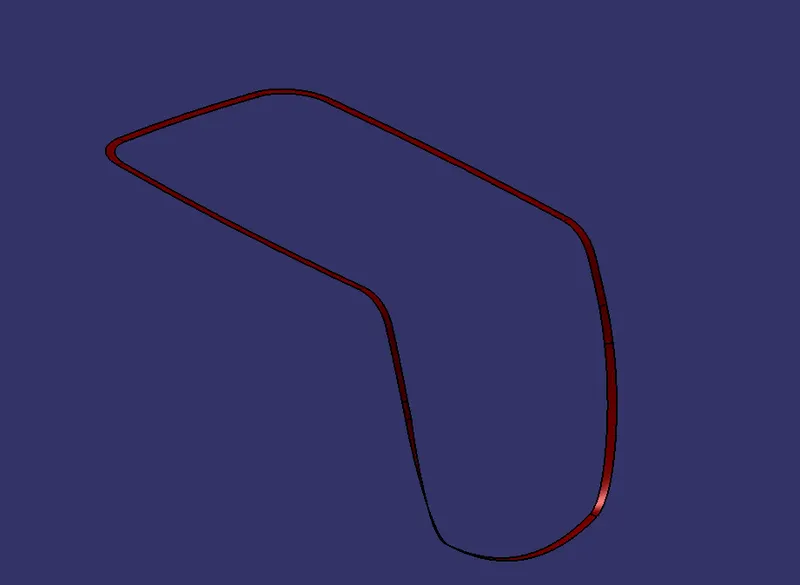
Then Trim and Join A B and C surfaces