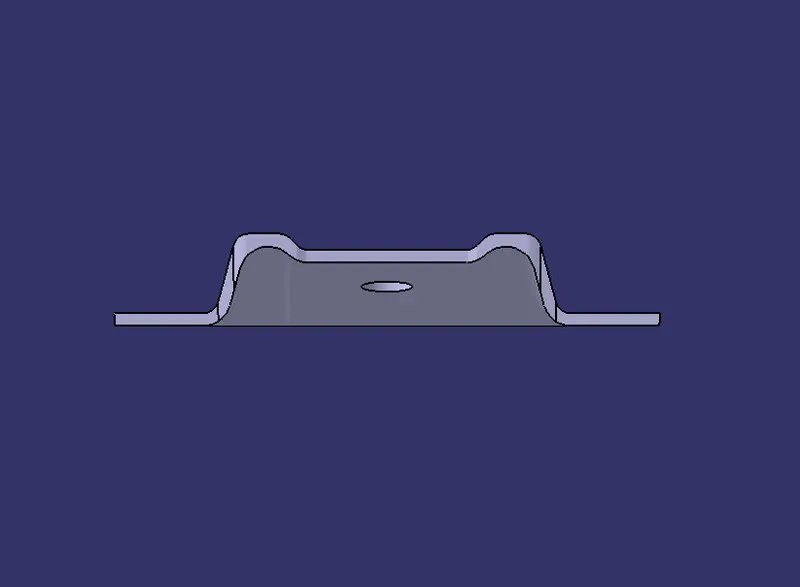
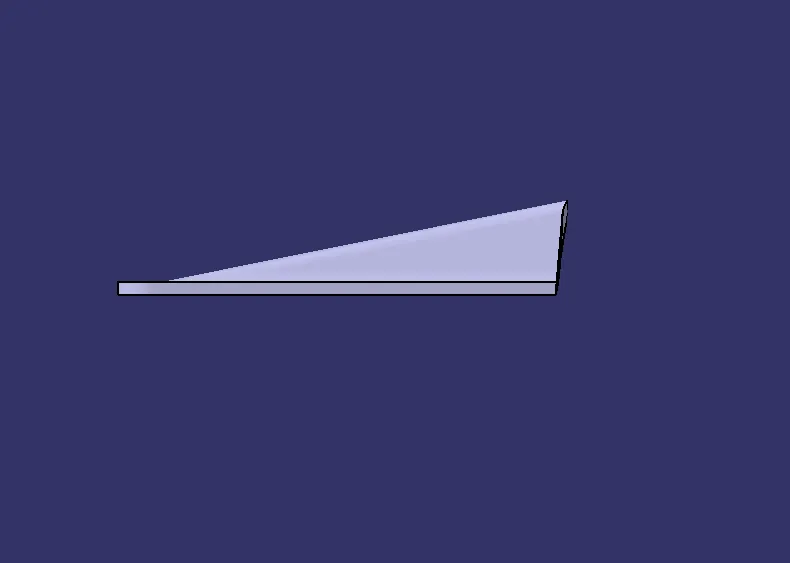
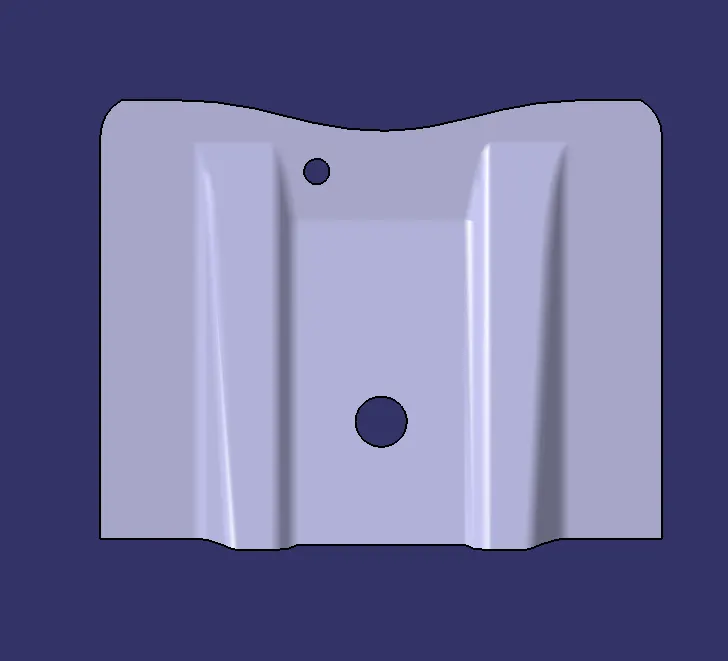
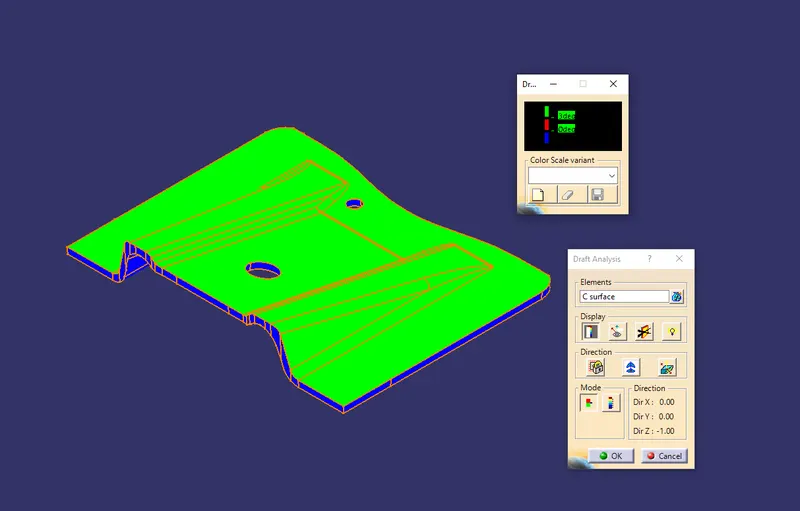
Base Bracket Design
DRAFT ANALYSIS:
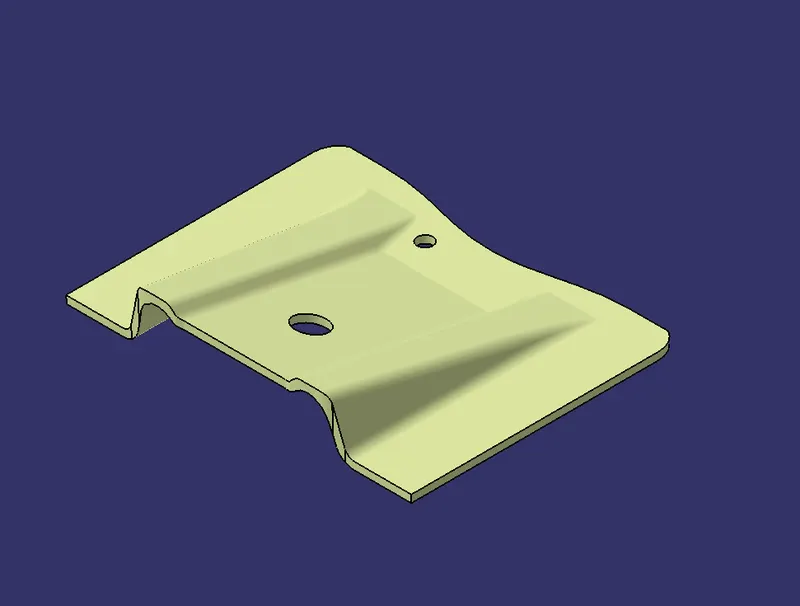
BY CLASS A SURFACE
Step 1: Check the connectivity of the Class A Surface Ensure no graps
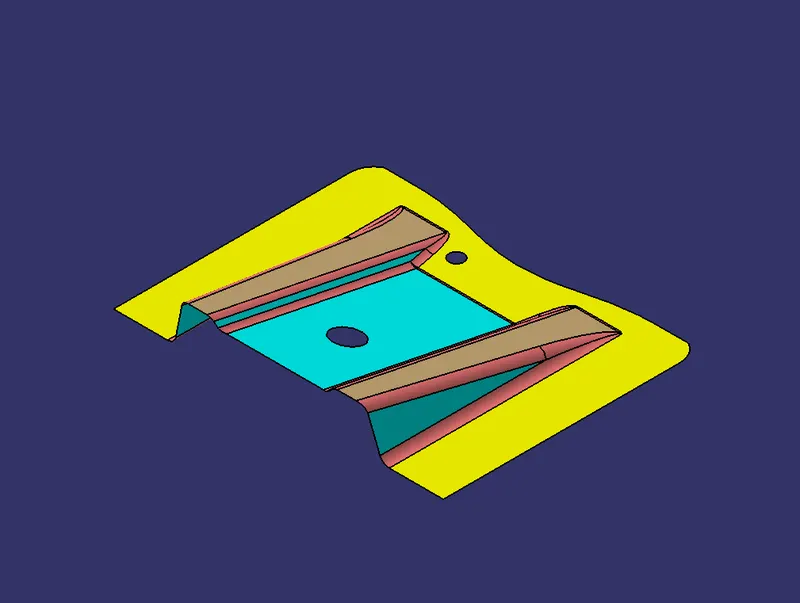
Step 2: Create a Point on Middle Hole by using point command
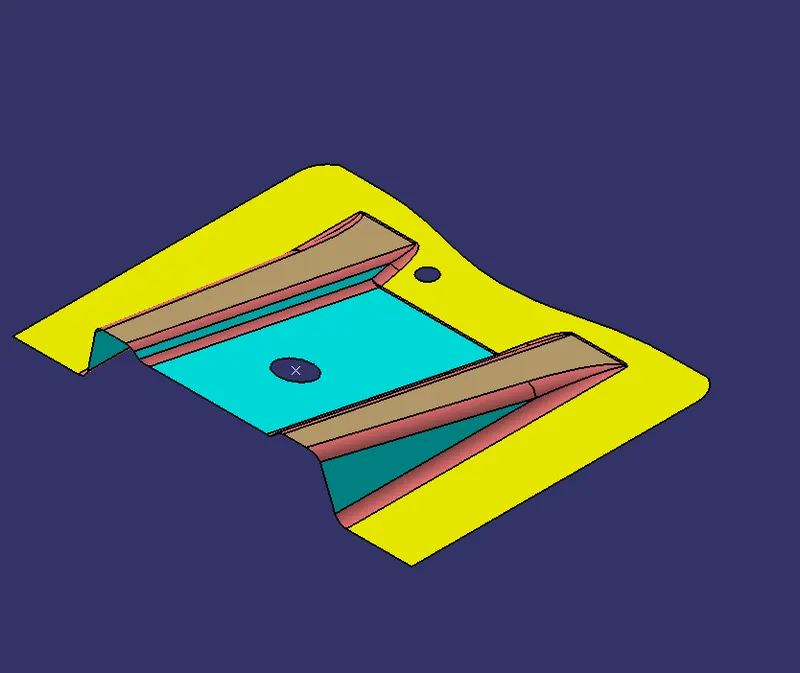
Step:3 By using YZ plane and point create an intersection on the Class A surface
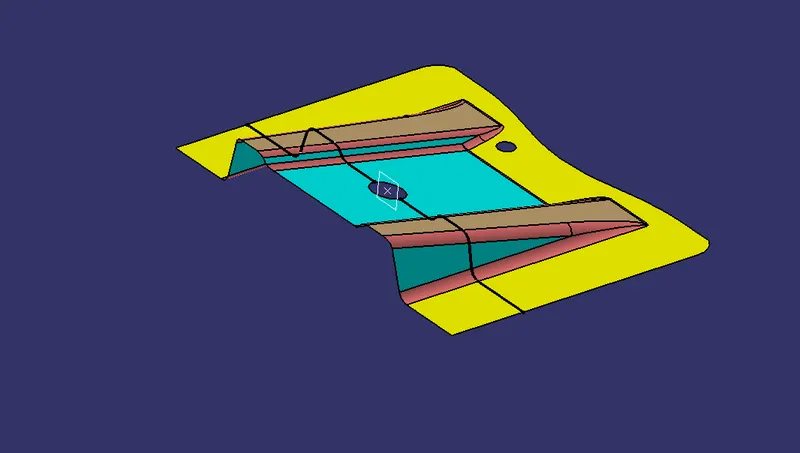
Step 4: Create a bisecting line using the lines shown
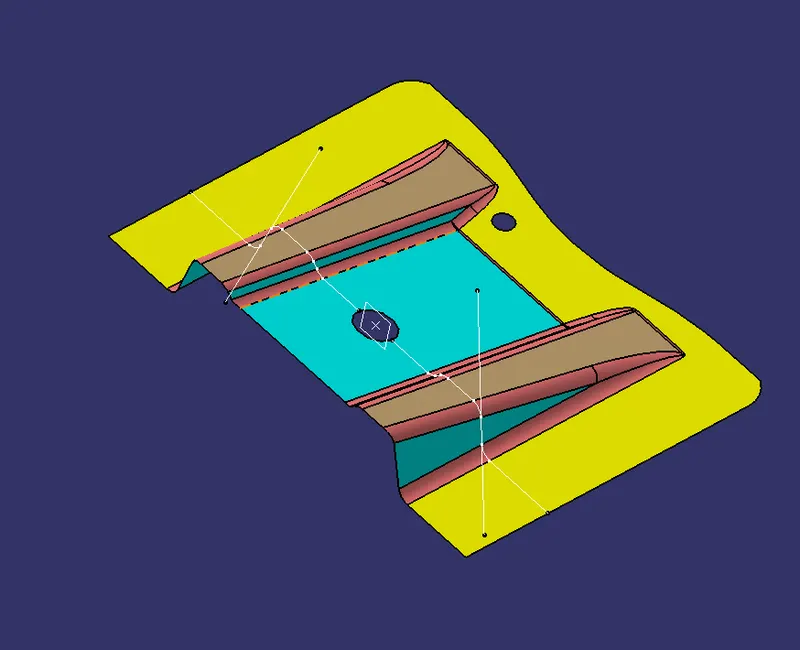
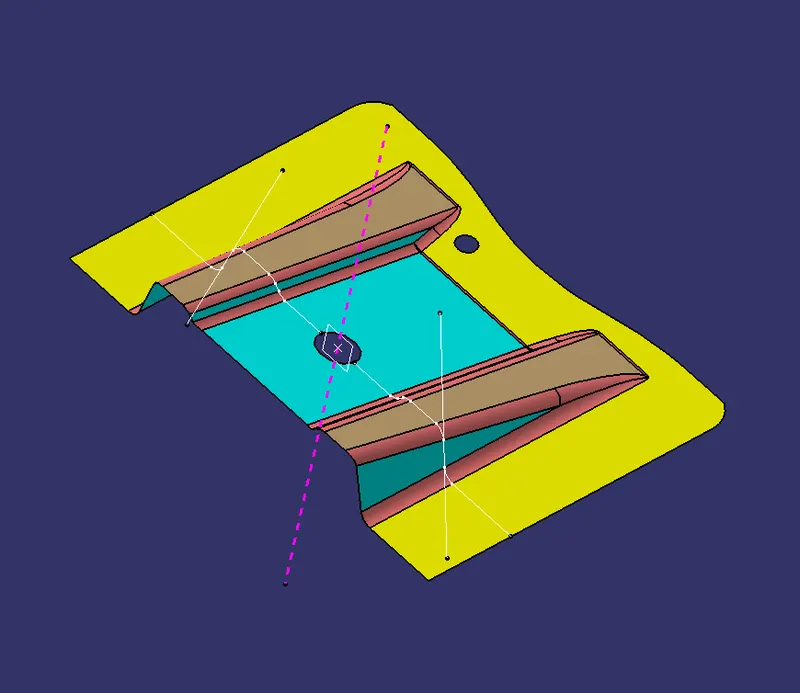
That pink line is our tooling Axis
Then go to Draft Analysis command ensure that draft angle is 3 degree
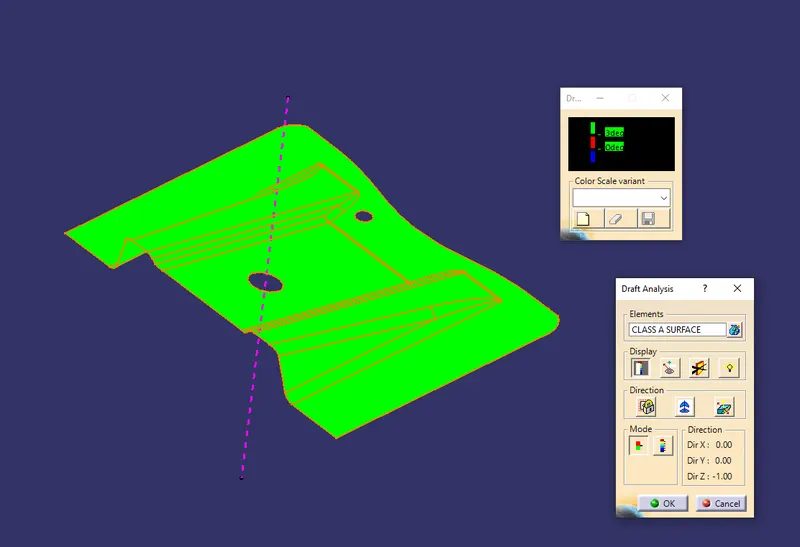
Then move the Compress to the tooling axis line
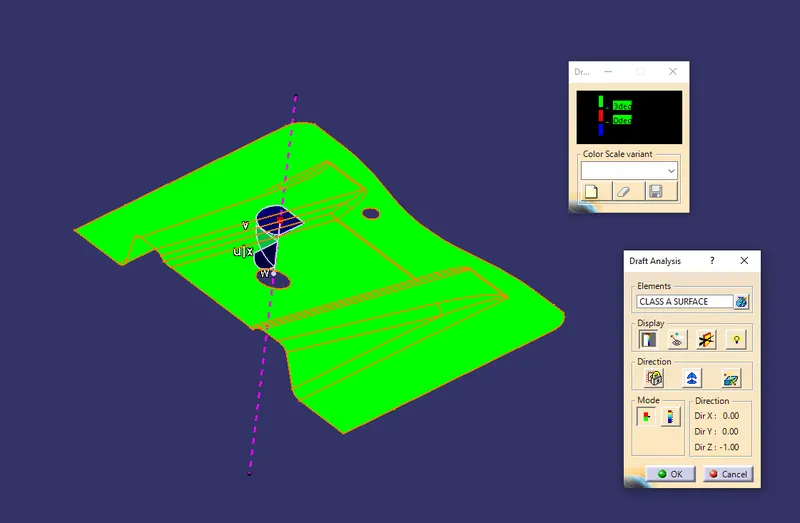
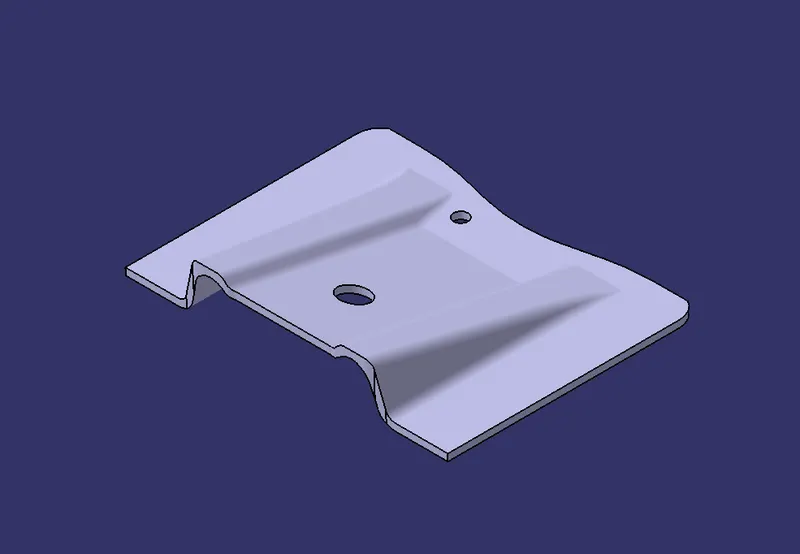
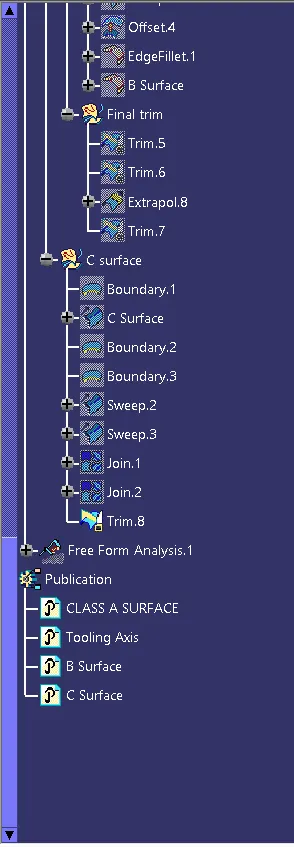
Now creating B surface
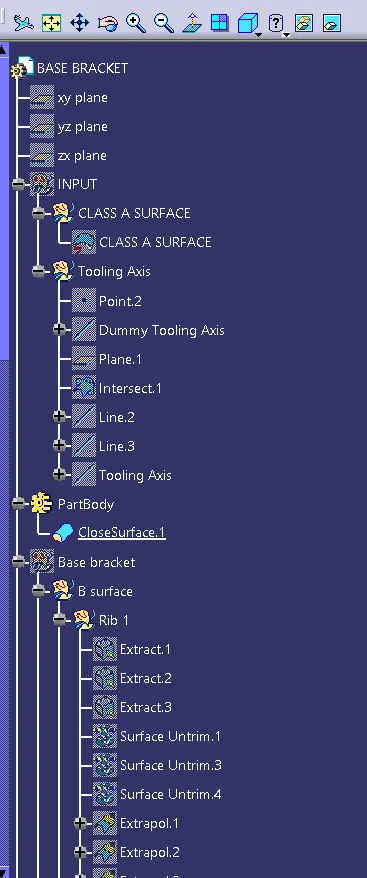
Extract the surface from Class A surface by Extract command
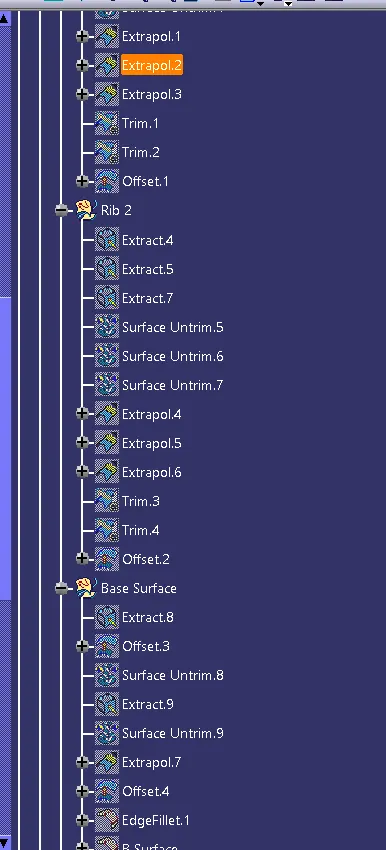
then Untrim the surface by using the Surface untrim command
And extrapol the surface and Trim the unwanted faces from the surface by using trim command
Then offset the final surface at 2.5mm
Then Fillet the egdes by fillet command
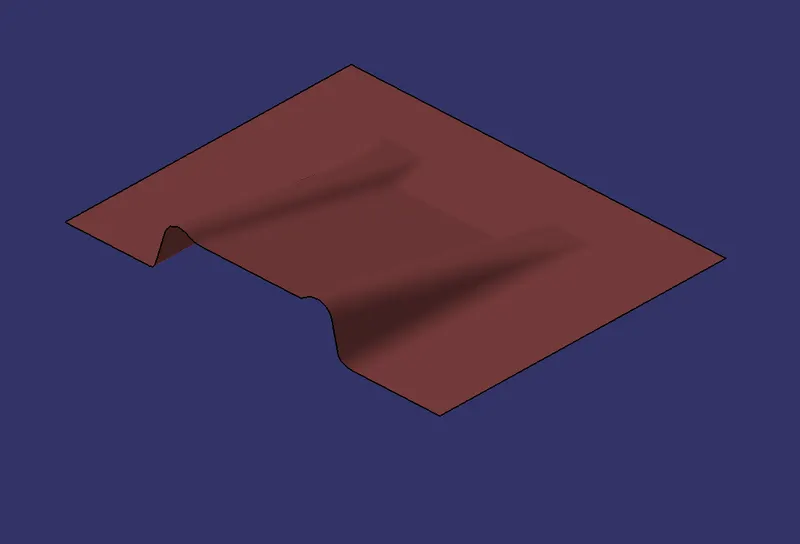
FOR C surface
Boundary the edge of the class A surface
By using sweep command on the boundary of the Class A surface at 3 dregree and sweep the holes also
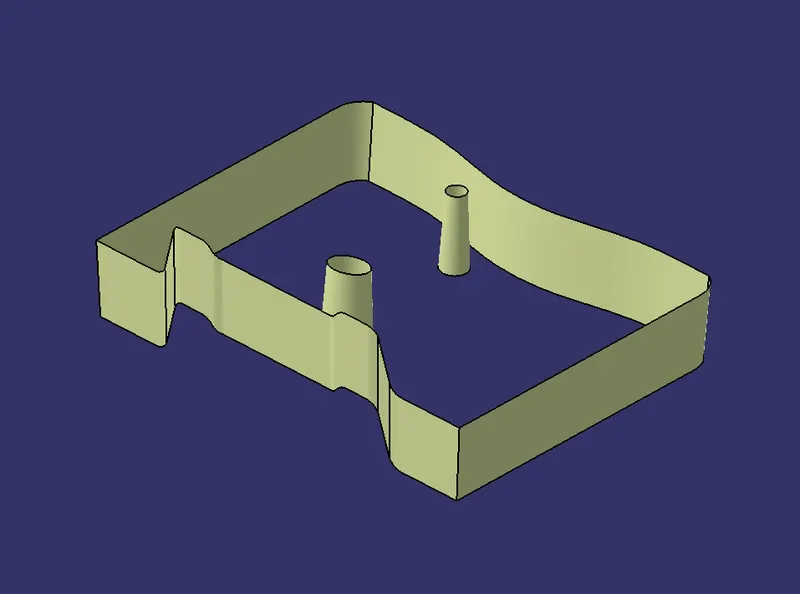
Then trim and join the Surface A B C