Wiring harness design in CATIA V5 - 3D modeling Week 2 Challenge
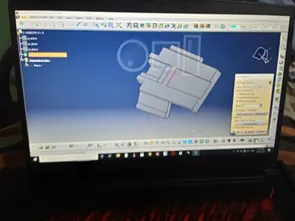
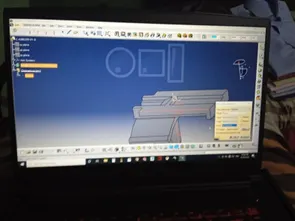
Aim:- To define connector and cavity clamp electrically and store in catalogue.
Steps for define connector electrically.
-
- Open IGES/Step File and save to Catpart.
- Add points at the location of bundle entry, Connector connection point and Cavity connection point.
- Add 2 axis system at Connector connection point and Cavity connection point.
- Open electrical part environment.
- Define part as connector.
- Define bundle entry connection point.
- Define connector connection point and cavity connection system.
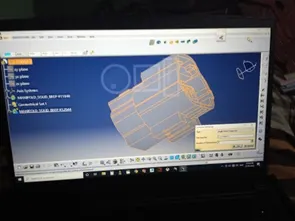
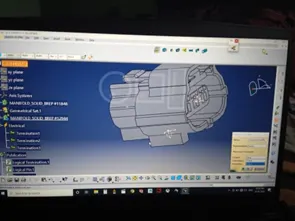
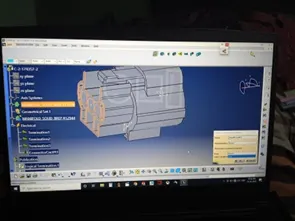
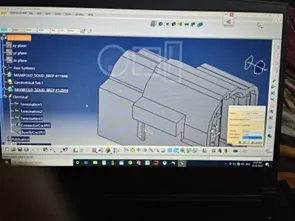
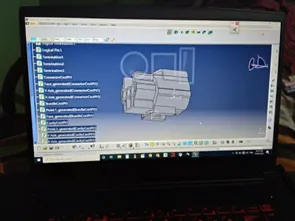
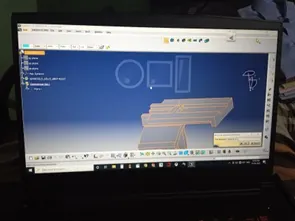
Steps for define connector electrically.
- Open IGES/Step File and save to Catpart.
- Add points at the location of bundle entry, Connector connection point .
- Add axis system at Connector connection point .
- Open electrical part environment.
- Define part as connector.
- Define bundle entry connection point.
- Define connector connection point.
- Add to catalogue.
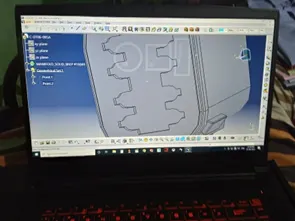
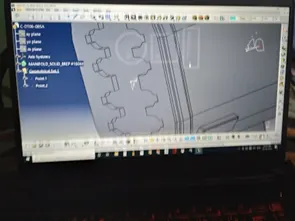
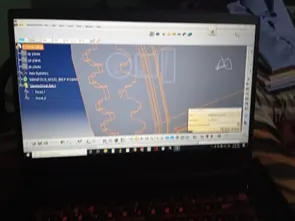
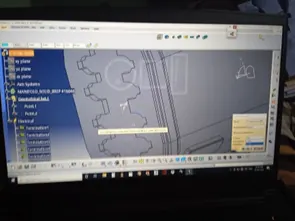
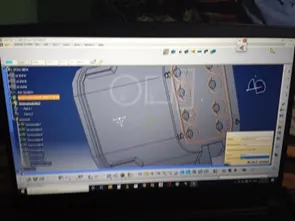
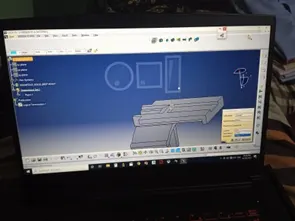
Steps for define mounting part electrically.
- Open IGES/Step File and save to Catpart.
- Add points at the location of cavity point .
- Add axis system at Cavity point .
- Open electrical part environment.
- Define part as mounting part.
- Define cavity point.
- Add to catalogue.