Wiring harness design in CATIA V5 - 3D modeling Week 2 Challenge
Define connectors and connector clip as electrical connector and define all the necessary properties to it.
To Define connectors & connector clip as electrical connector and define all the necessary properties to it using electrical part design workbench.
1. DT06 – 08SA
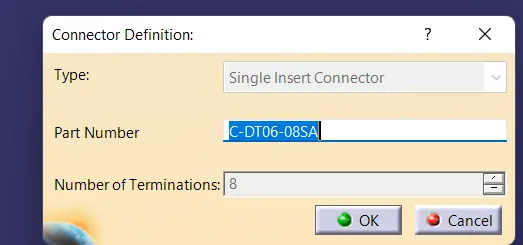
First step : This connector is define as connector in electrical design workbench usning define connector command. Defined as single insert connector with 8 number of terminals.
Second step : To create bundle connection point, connector conncetion point and connector connection axis.
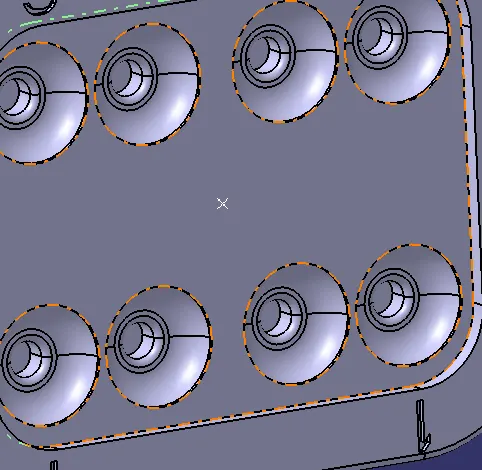
Bundle connection point
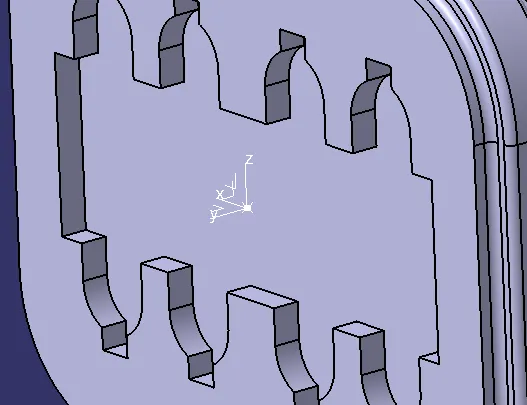
Connector connection point
Third step : To define all the properties of connector.
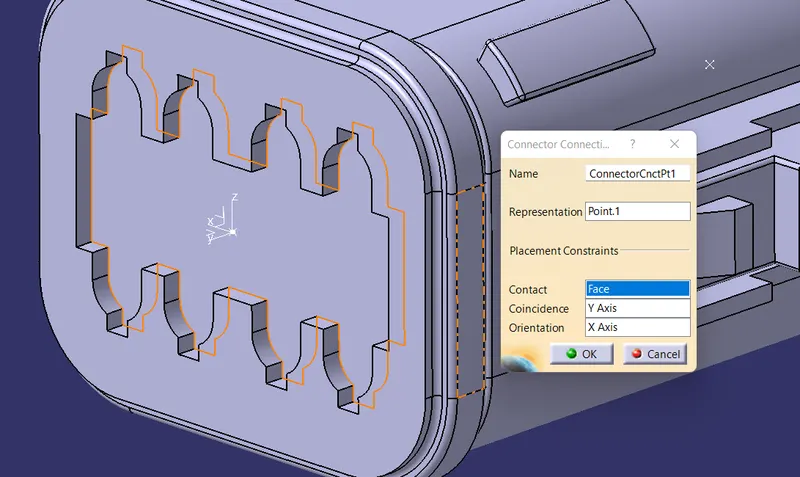
Define connector connection point
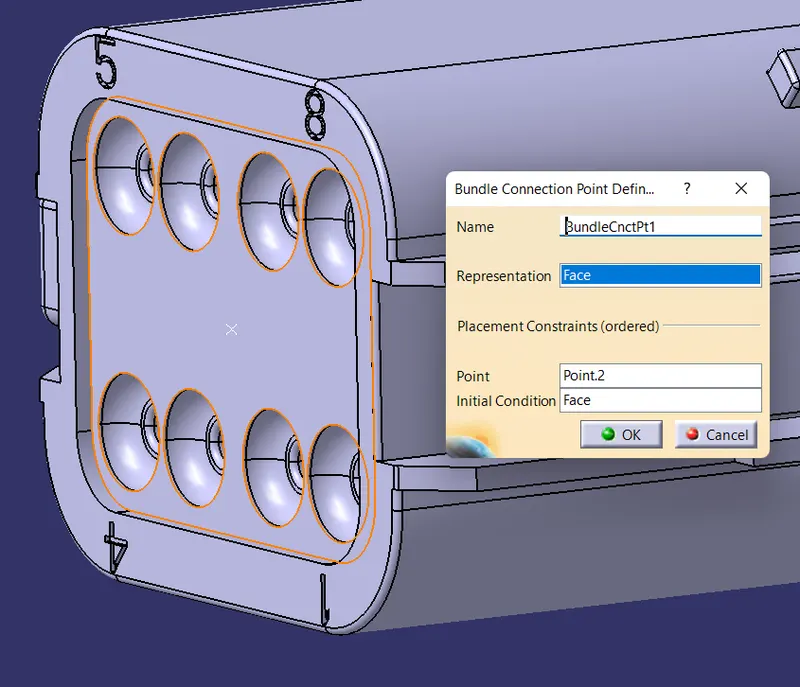
Define bundle connection point
2.Tyco 174357-2
First step : This connector is define as connector in electrical design workbench usning define connector command. Defined as single insert connector with 3 number of terminals.
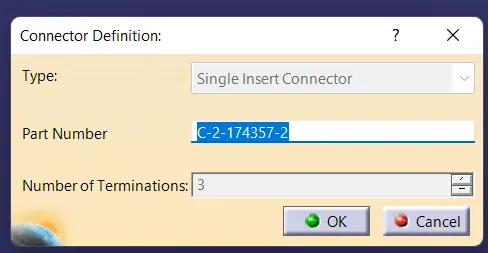
Second step : To create bundle connection point, connector conncetion point and connector connection axis. This is going to connect with connector clip so cavity connection point is created.
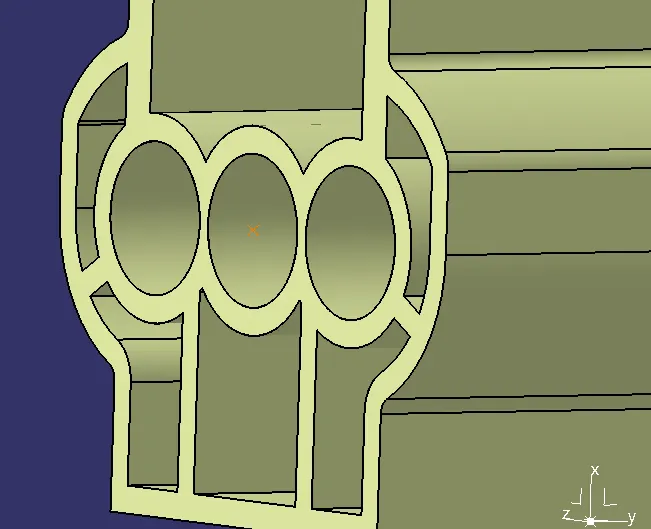
Bundle connection point
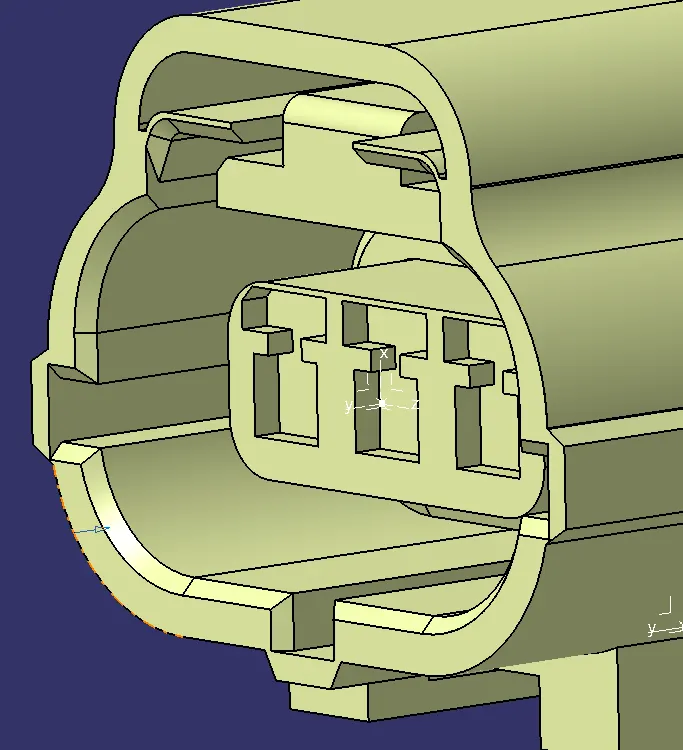
Connector connection point
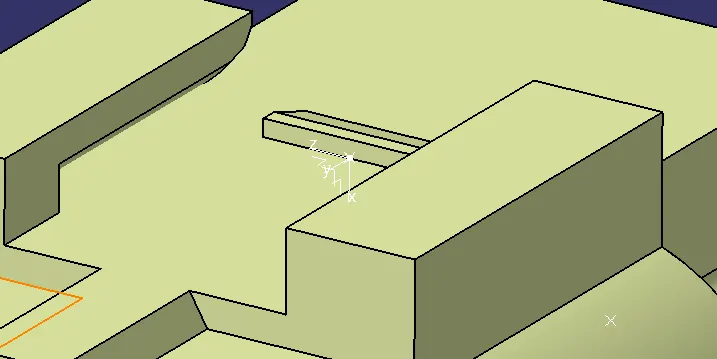
Cavity connection point
Third step : To define all the properties of connector.
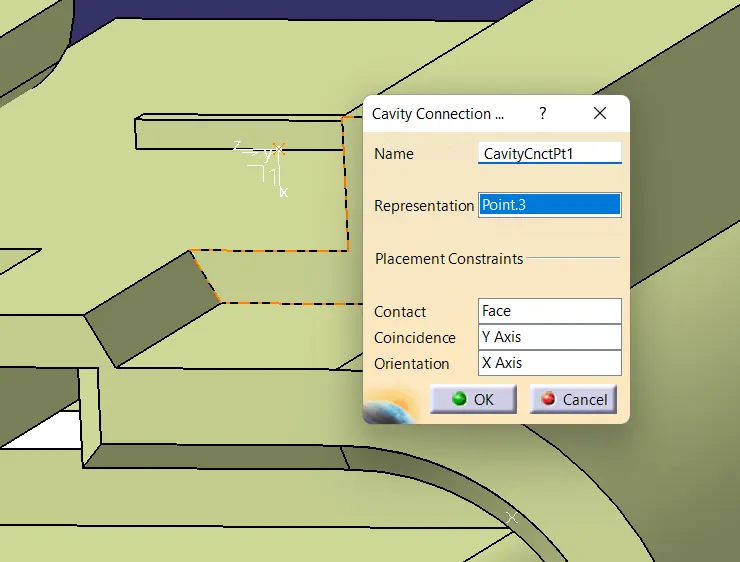
Define Cavity connection point
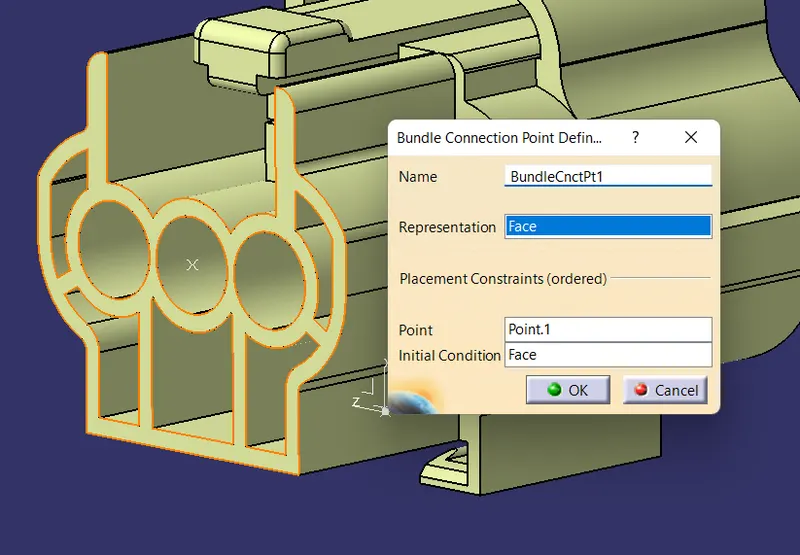
Degin bundle connection point
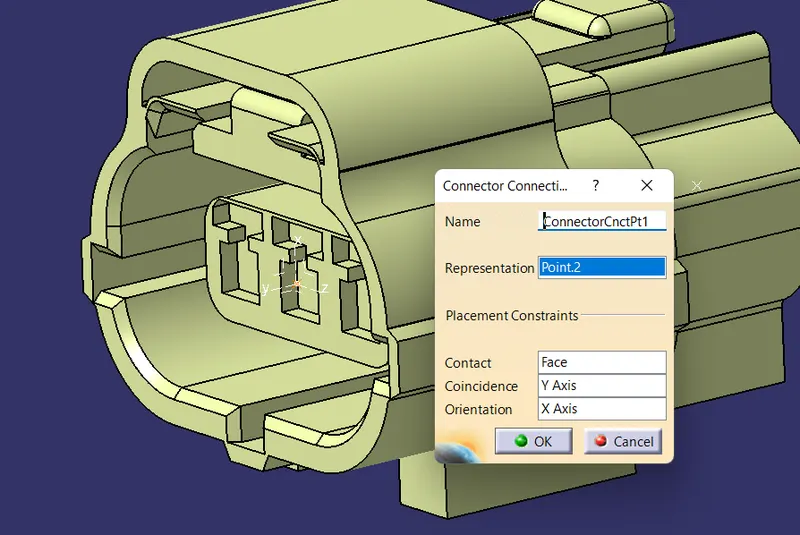
Define Connector connection point
3.Tyco 85229-1
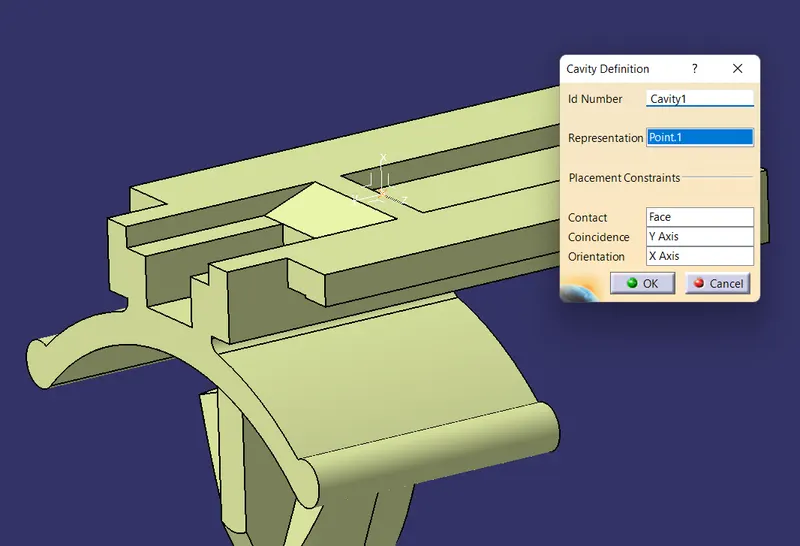
First step : This is a mating clip so it is defined as mounting equipment.
Second step : To define cavity connectin point as cavity using define caity command.
CONCLUSION :
All the given connectors and clips are defined as electrical connector using electrical part design workbench .All the necessary properties to connectors & clips are defined.