Wiring harness design in CATIA V5 - 3D modeling Week 2 Challenge
Task:
Objective:
To Download following connectors & Connector clip cad data from given link & define it as Electrical Connector using Electrical Part design Workbench. Define all the necessary properties to Connectors & Clip.
- Deutsch DT06 – 08SA
- Tyco 174357-2
- Tyco 85229-1
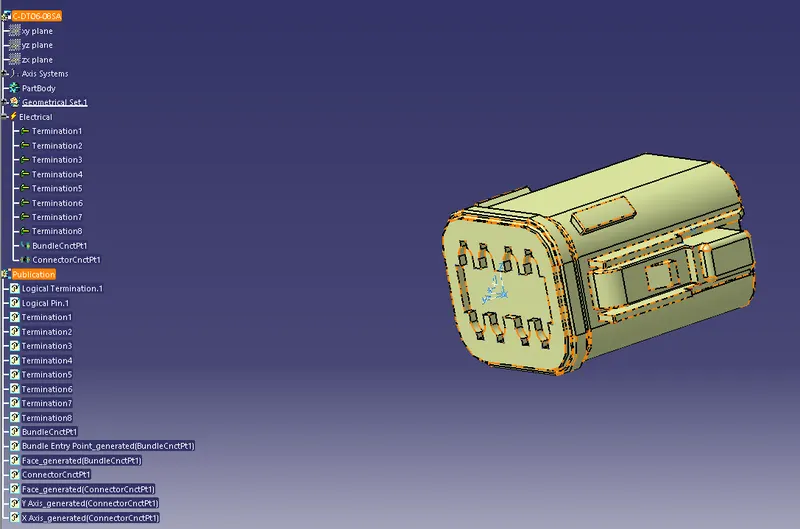
1) Deutsch DT06 – 08SA:
Steps To Construct the Model:
1) The Connector Is First Uploaded In The Part Design Workbench.
2) We Define The Points For Connector Connector And Bundle Connection.
3) The Axis Systems Are Placed On The Connector Connection.
4) Then Move on to Electrical Part Design and Define Connector.
5) Then, Connector Connection Point Is Defined.
6) Finally Bundle Connection Point Is Defined.
Model:
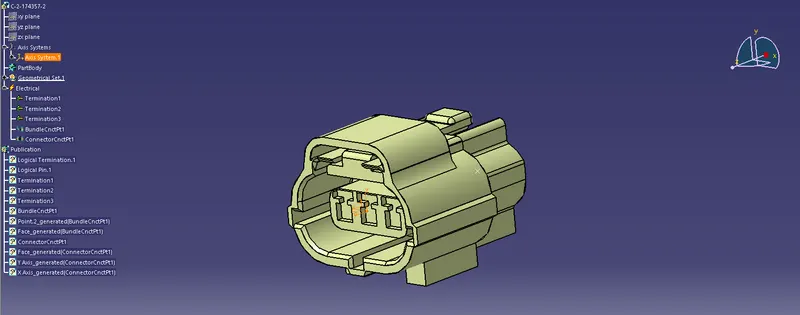
2) Tyco 174357-2:
Steps To Construct the Model:
1) The Connector Is First Uploaded In The Part Design Workbench.
2) We Define The Points For Connector Connector And Bundle Connection.
3) The Axis Systems Are Placed On The Connector Connection.
4) Then Move on to Electrical Part Design and Define Connector.
5) Then, Connector Connection Point Is Defined.
6) Finally Bundle Connection Point Is Defined.
Model:
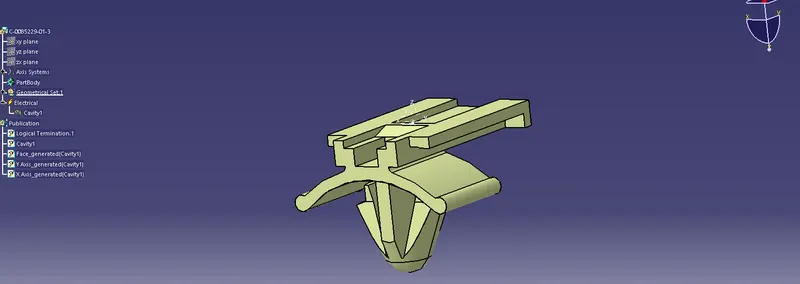
3) Tyco 85229-1:
Steps To Construct the Model:
1) The Mounting Cavity Is First Uploaded In The Part Design Workbench.
2) Then Define 3d Part Cavity as Mounting.
3) Then Define The Points For Defining Cavity and Axis to Define Cavity.
4) Then Move on to Electrical Part Design and Define Cavity.
Model:
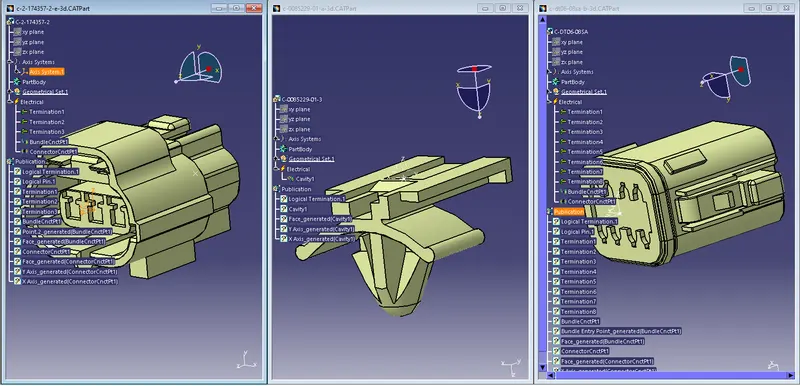
All three Parts Views:
Conclusion:
Thus, all the 3d Parts are Downloaded also define it as Electrical Connector using Electrical Part design Workbench,then, Define all the necessary properties to Connectors & Clip.