Week 9- Unsteady moving zones Approach
Aim:
- Simulate the motion of blades in a generic turbomachinery component using an unsteady approach
Step1:
Reading multiple mesh files:
- There may be some cases in which we will need to read multiple mesh files (subdomains) to form our computational domain.
Three ways of reading multiple mesh files in Ansys Fluent:
- Read multiple mesh files into solution mode of Fluent
- Read multiple mesh files into meshing mode of Fluent
- Use tmerge to manipulate the individual files and merge them into a single file that can then be read into Fluent. Note that CFF files (.msh.h5) are not supported with tmerge
Note:
- The mesh node locations need not be identical at the boundaries where two separate meshes meet.
Ansys Fluent can handle non-conformal mesh interfaces.
1. Read multiple mesh files into solution mode of Fluent
- The solution mode of fluent allows us to handle more than one mesh at a time within the same solver setting. this capability of handling multiple meshes saves time since we can directly read in multiple mesh files and start setting up the solution without switching over to meshing mode.
- Steps to read more than one mesh file are:
- Read in first mesh file.
- File`rightarrow`Read `rightarrow`Mesh...
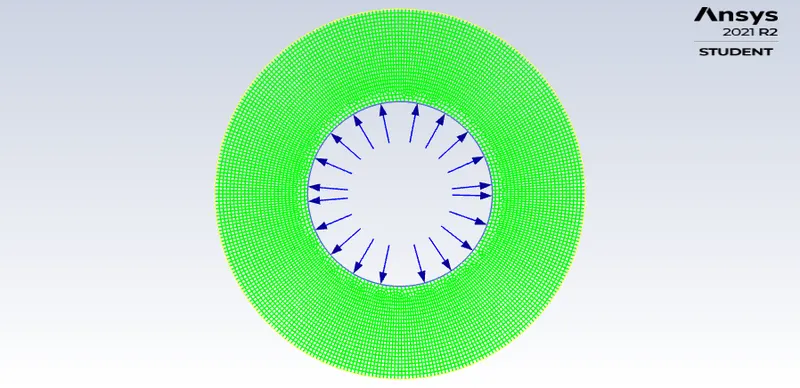
- Read in second mesh file and append it to the first mesh selected in the first step.
- Domain`rightarrow` Zones `rightarrow` Append `rightarrow` Append Case File...
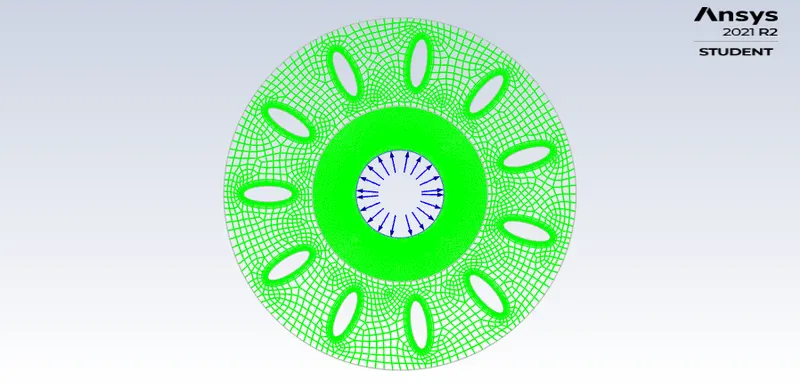
- Read in the third mesh file and append it to the second mesh selected in the second step.
- Domain`rightarrow` Zones `rightarrow` Append `rightarrow` Append Case File...
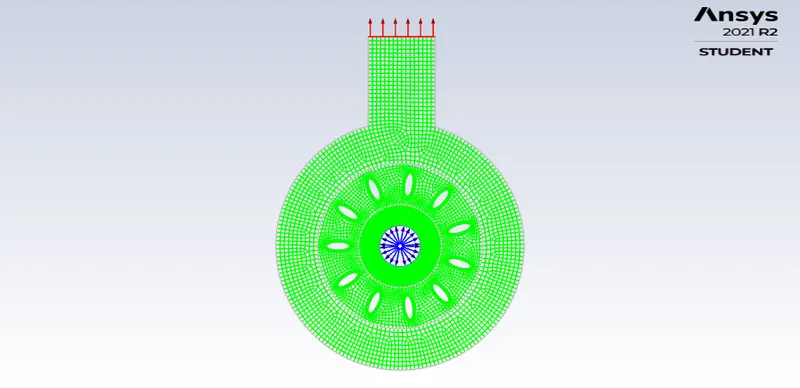
- Read in first mesh file.
non-conformal mesh:
- In Ansys Fluent it is possible to use a mesh that has non-conformal interfaces, that is, boundaries between cell zones that connect to each other in which the mesh node locations are not identical. Such non-conformal interfaces permit the cell zones to pass fluxes from one mesh to another.
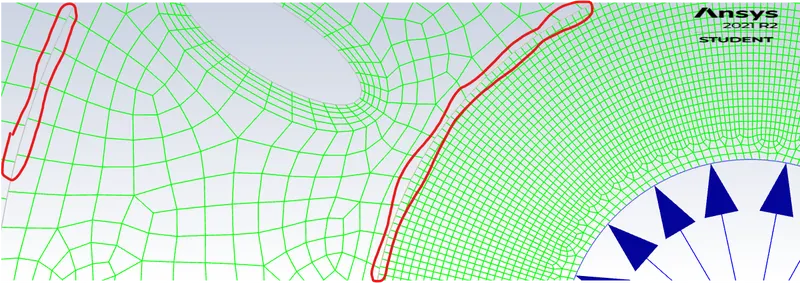
- non-conformal mesh calculation:
- To compute the flux across the non-conformal boundary, Ansys Fluent must first compute the intersection (junction) between interface zones that make up the boundary.
- In the case of solid to solid zone interface of the same material or fluid to fluid zone interface, the resulting intersection produces an interior zone where two interface zones overlap.
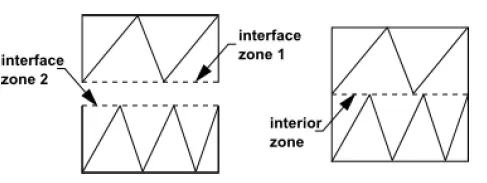
- Figure: Completely overlapping interface intersection
- In the case of solid to solid zone interface of different materials or solid to fluid zone interface, the boundary is treated as the coupled wall.
- If one of the interface zones extends beyond the other, by default Ansys Fluent creates additional wall zones for the portion of the boundary where two interface zones do not overlap these are referred to as "nonoverlapping zones"
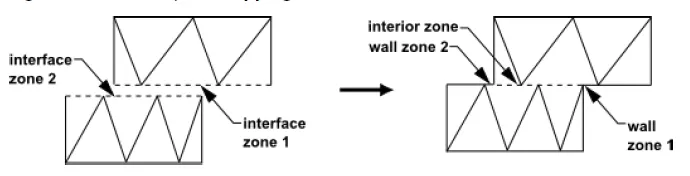
- Figure: Partially overlapping interface intersection
- To compute the flux across the non-conformal boundary, Ansys Fluent must first compute the intersection (junction) between interface zones that make up the boundary.
Note: Fluxes across the mesh interface are computed using the faces resulting from the intersection of the two interface zones, not from the interface zone faces.
Two-Dimensional Non-Conformal Mesh Interface:
- Interface zones are composed of faces A-B and B-C, and faces D-E and E-F. The intersection of these zones produces the faces a-d, d-b, b-e, and e-c. Faces produced in the region where the two cell zones overlap (d-b, b-e, and e-c) are grouped to form an interior(for the same material) or coupled wall (for different material) zone. while the remaining face (a d) forms a wall zone.
- To compute the flux across the interface into cell IV, face D-E is ignored and instead faces d-b and b-e are used to bring information into cell IV from cells I and III.
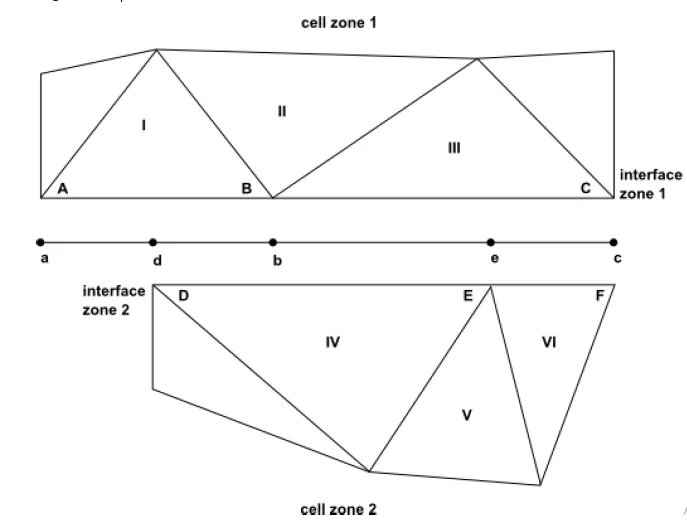
Figure: Two-Dimensional Non-Conformal Mesh Interface
The Coupled Wall Option:
- the typical function of non-conformal interfaces is to couple fluid zones, so as to permit fluid flow to pass from one mesh interface to the other Another available option is to create a coupled wall boundary at the interface. In such a case, the fluid flow would not pass across the interface, as the interface is acting as a wall zone.
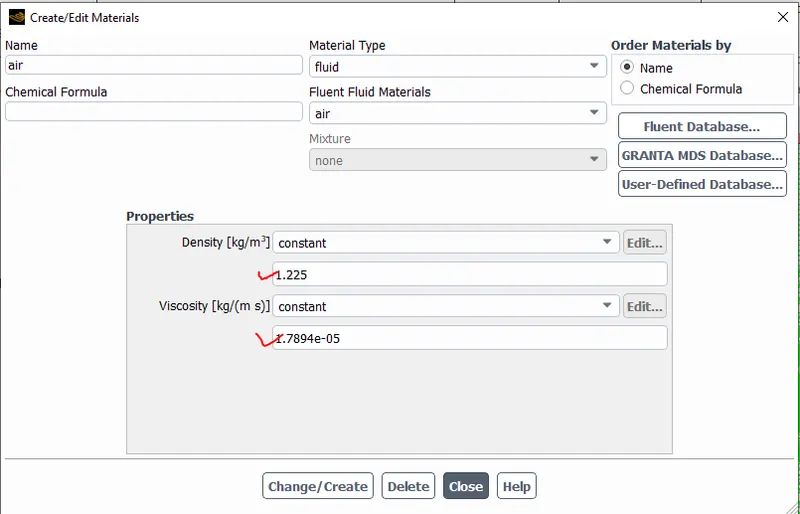
Cell zone condition:
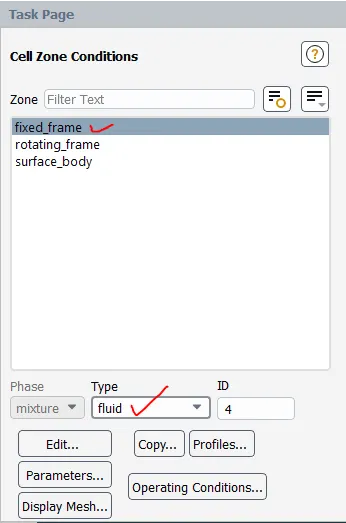
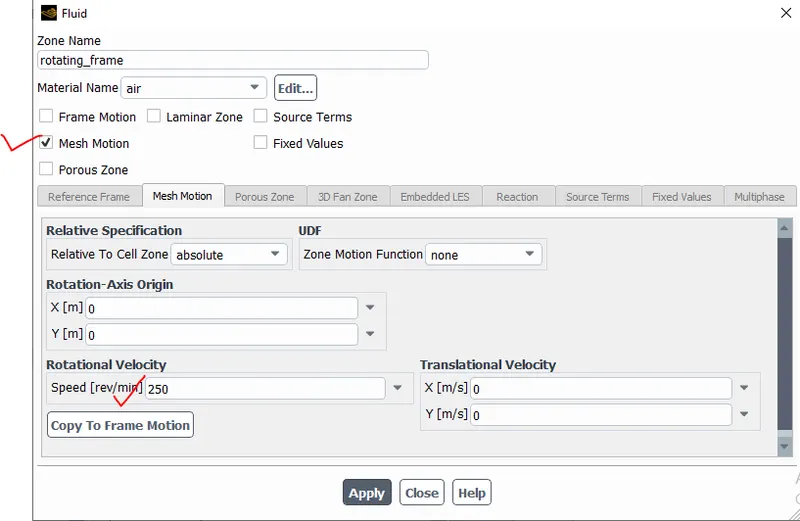
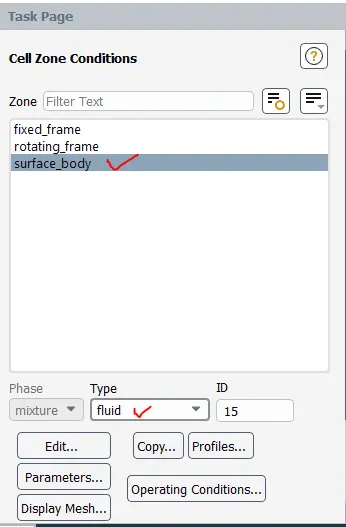
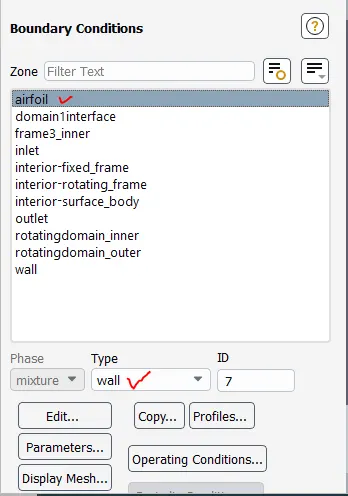
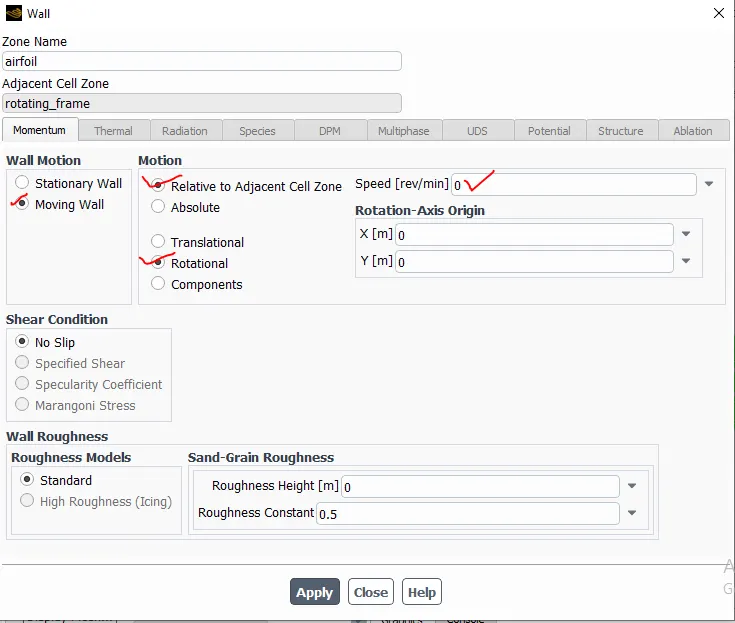
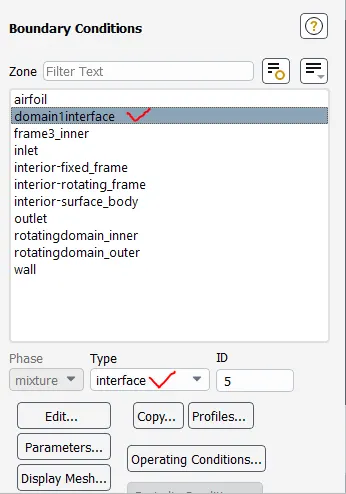
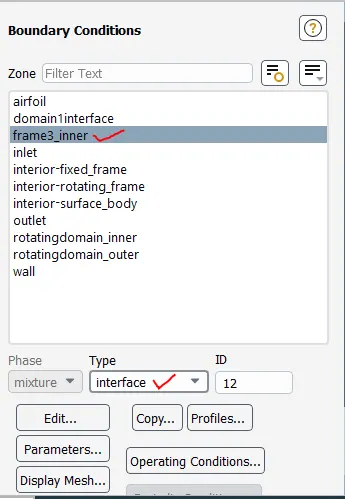
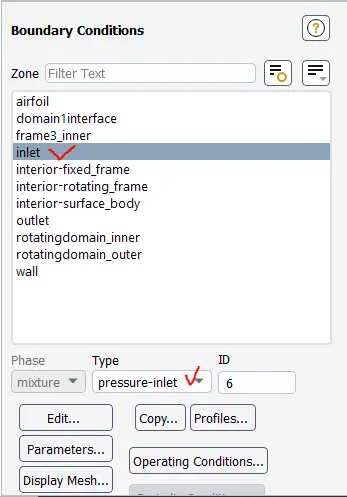
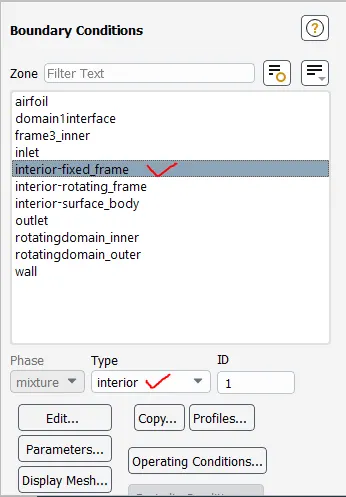
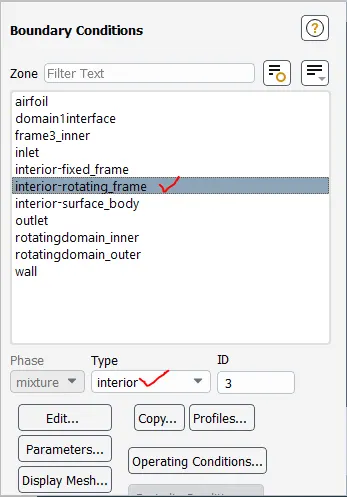
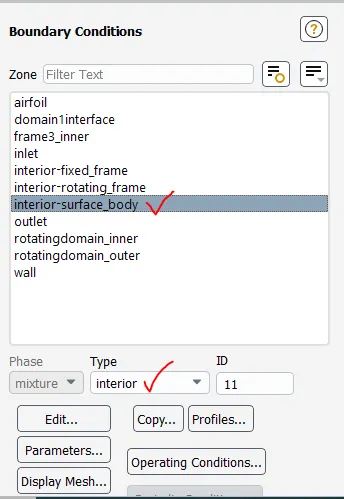
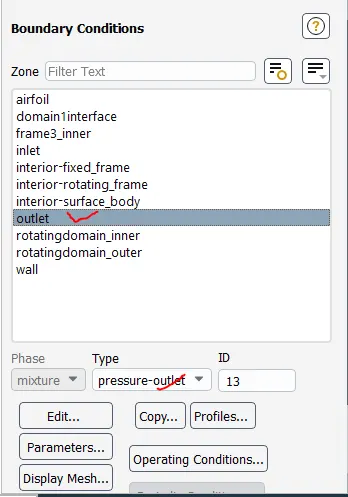
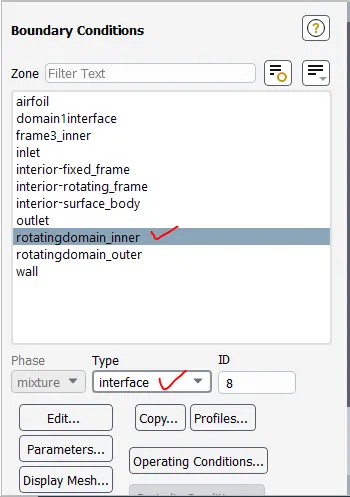
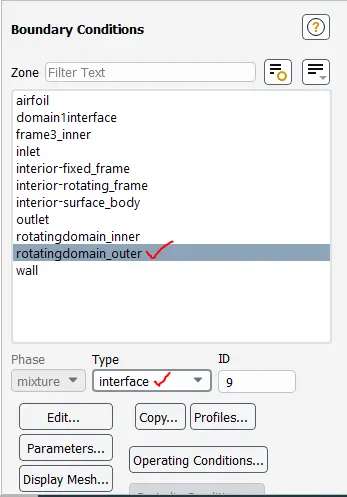
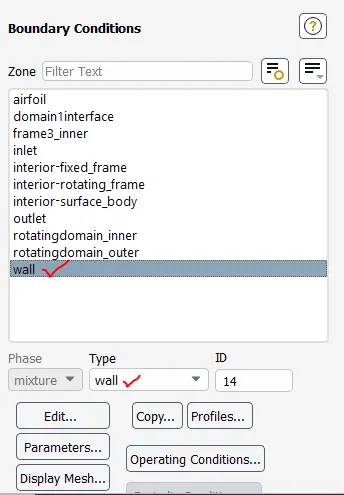
Boundary condition:
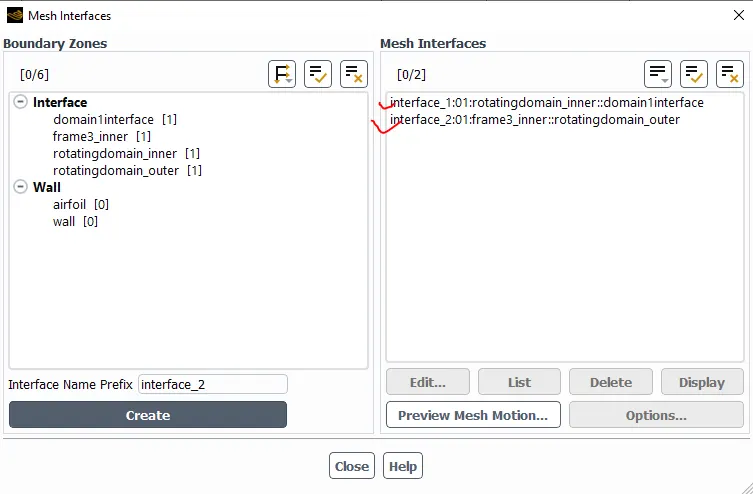
Mesh interface:
Solution: