Week 9 Tension and Torsion test challenge
Machining-Planar
Aim
To model a simple machining model system and determine strains and stresses.
Procedure
- Start a new explicit dynamics model in ansys and import the model
- Add the materials as shown.
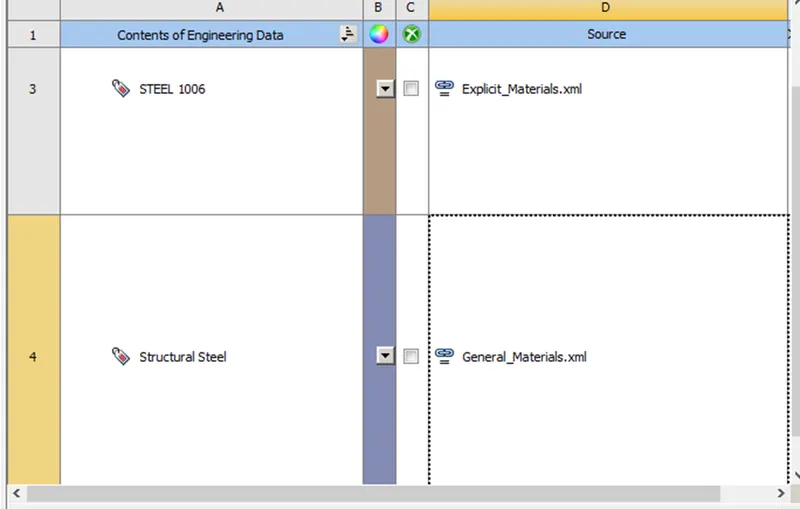
- Open this model in ansys mechanical.
- Assign Steel-1006 to the workpiece
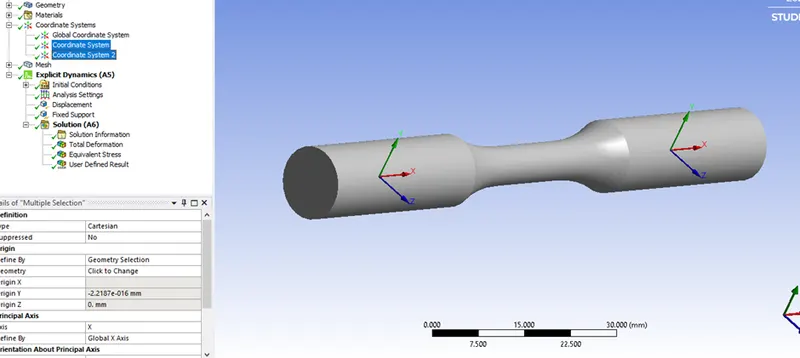
- Create 2 coordinate systems as shown.
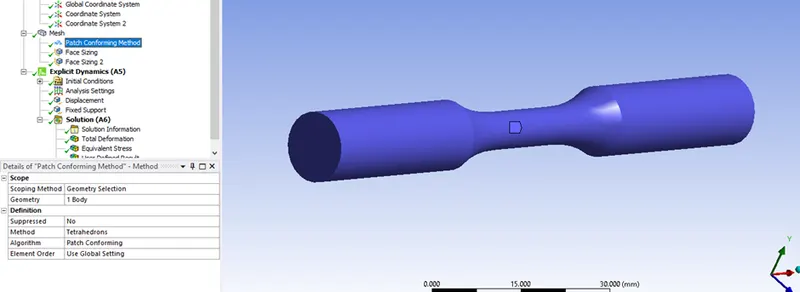
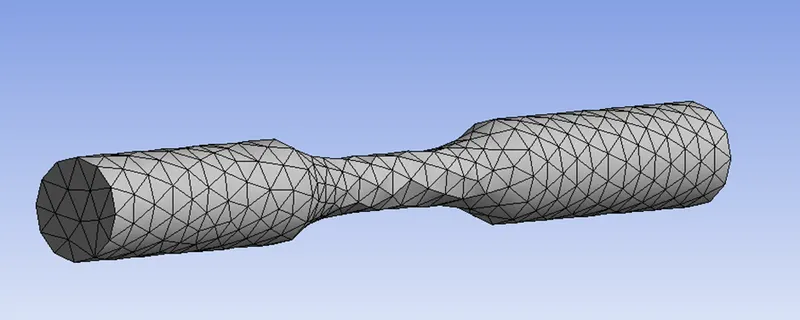
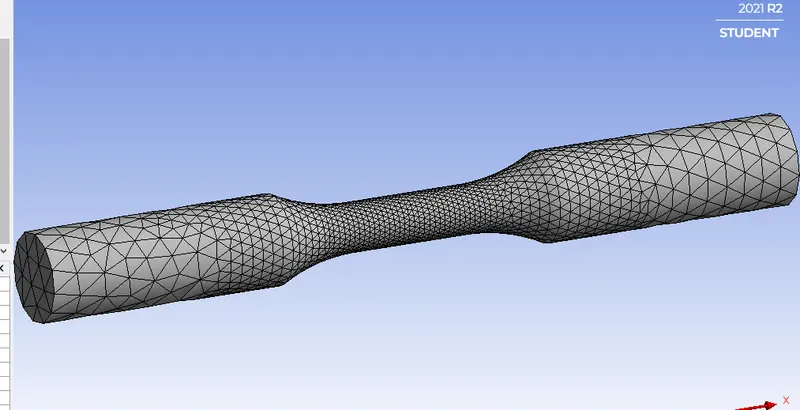
- Create type of mesh and set it to complete tetrahedron elements.
- For the 2 faces, create face sizing of 3mm with sphere of influence as shown.
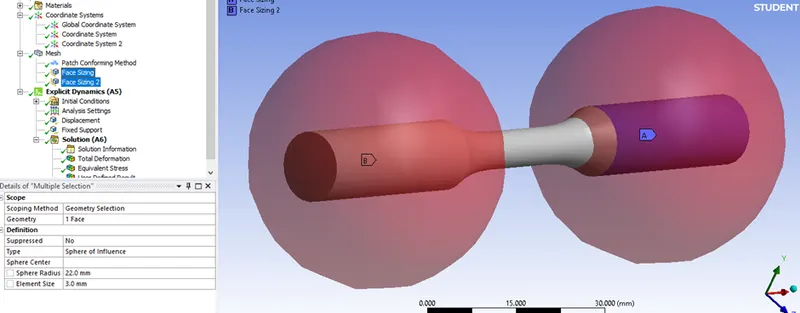
- Generate the mesh.
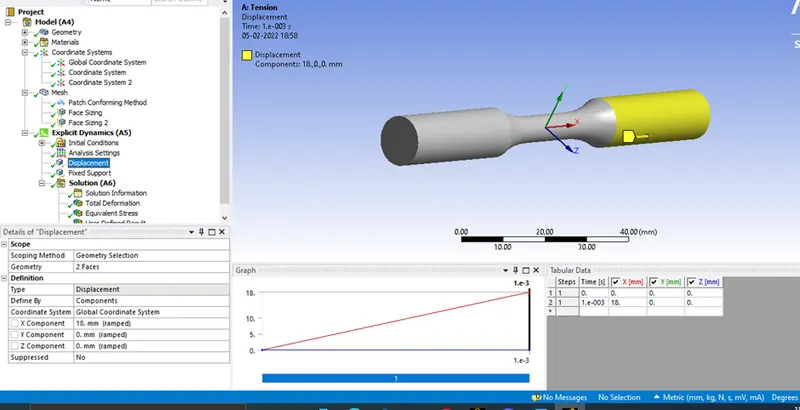
- Define the displacement along X axis and set y/z to 0.
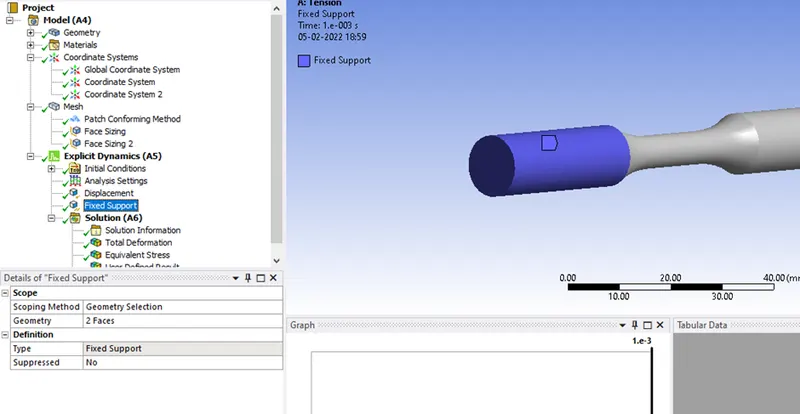
- Define fixed support for the workpiece.
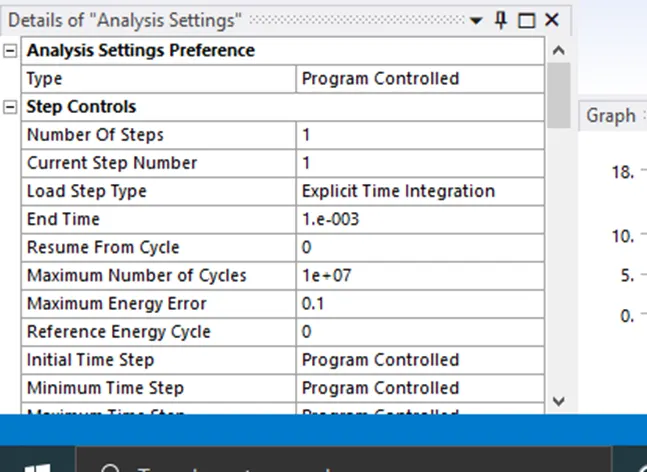
Analysis Settings
Set the analysis settings as shown.
Set your output blocks as shown
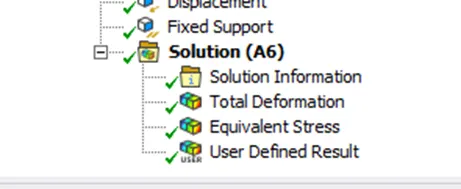
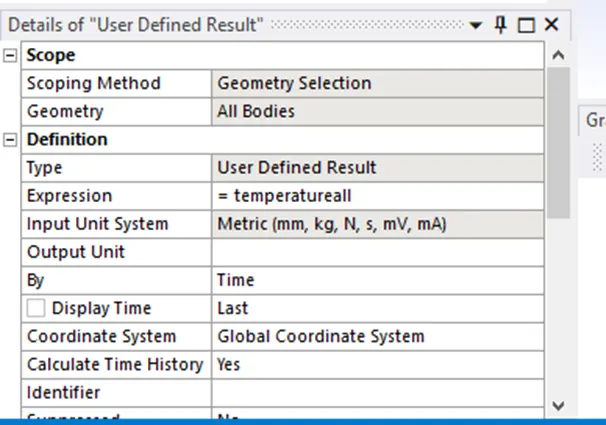
Userdefined Result:
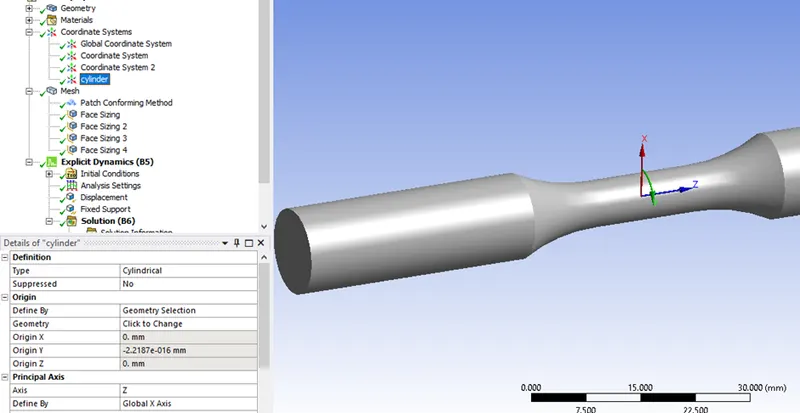
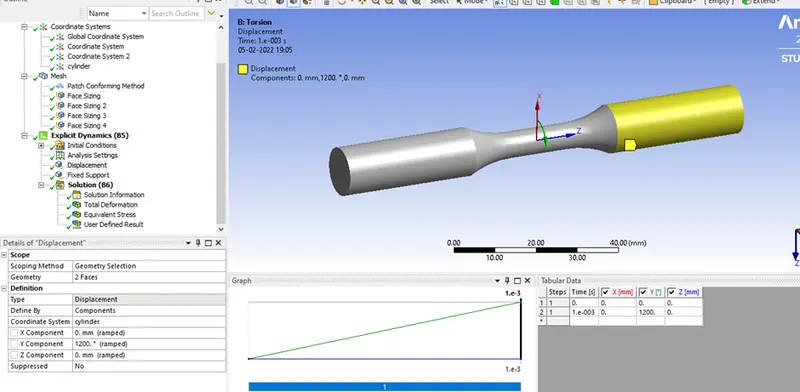
For the torsion case, create a cylindrical coordinate system for rotation.
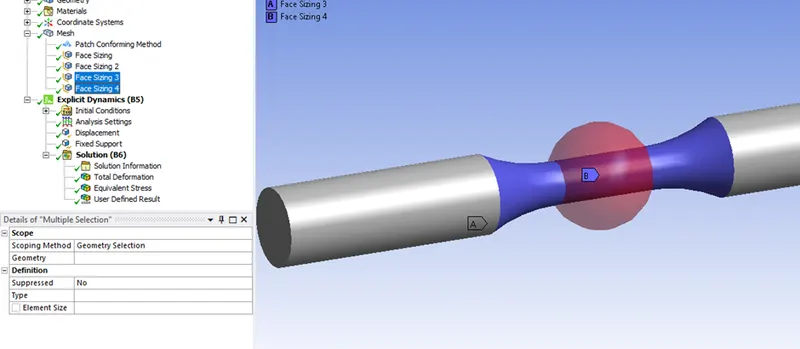
Create 2 extra face sizings to refine the critical areas with a mesh size of 1mm.
Define the rotation
Post Processing
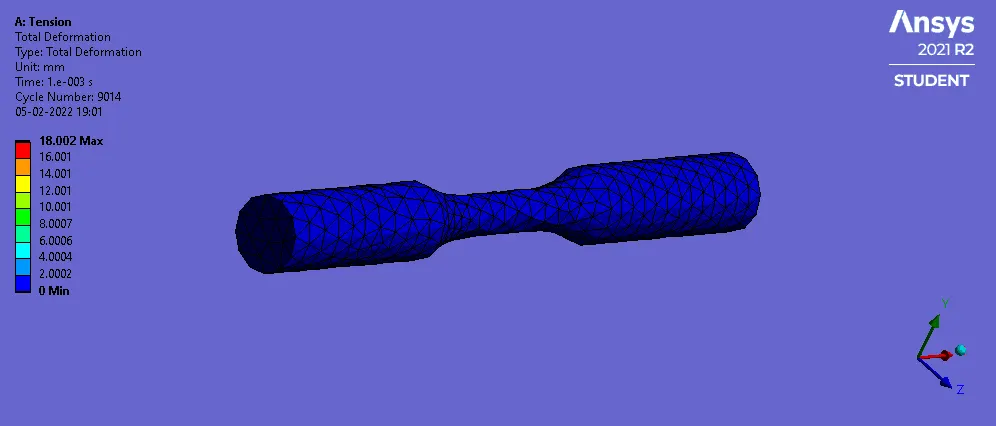
Case 1:
Tension
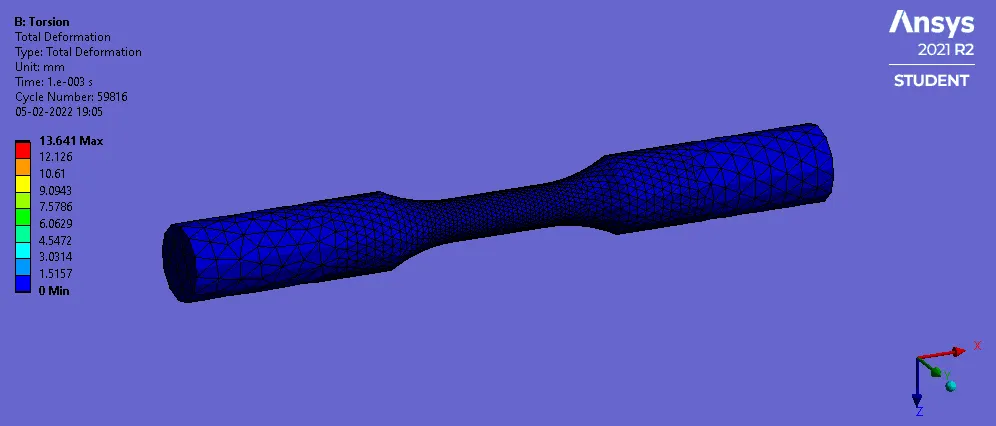
Case 2:
Torsion
Tabulated Results
|
Case |
Tension |
Torsion |
|
Maximum Stress (MPa) |
632.55 |
659.15 |
|
Maximum Deformation (mm) |
18.002 |
13.641 |
|
Temperature(C) |
280.81 |
457.3 |
Conclusion
In this project, a simple tension and torsion setup was modelled and run to determine the the stresses,deformations and temperature in the workpiece.