Week- 5 - Solid meshing
WEEK 5 CHALLENGE
AIM
To generate tetra mesh of the given model using ortho tria and tria elements followed by generating a volumetric mesh according to the required quality criteria.
PROCEDURE
- Geometry cleanup is performed on after which we can move on to tetra meshing.
- Check Geometry is performed to check for geometrical errors such as collapsed cons, etc.
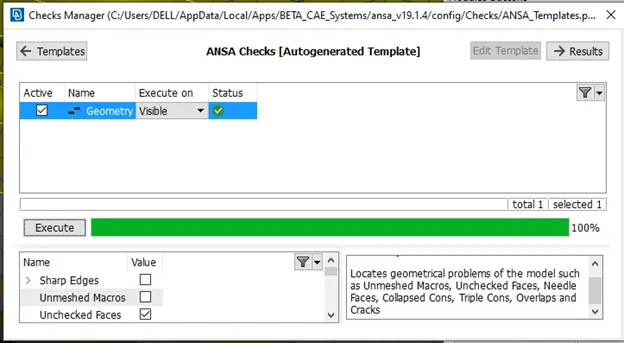
Figure 1.
- It is observed that certain features may fail for element quality length, such features were defeatured using the dach option as shown in figure 2 and figure 3
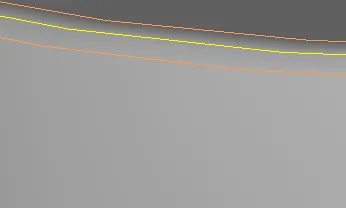
Figure2.
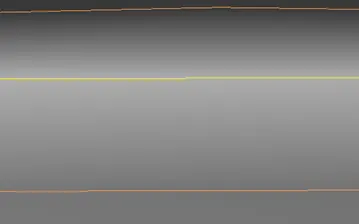
Figure 3
- Now we can move on to the mesh generation.
MESHING
- After topology clean up, we can move on to meshing the model.
- First, we set the meshing criteria according to our requirements.
The criteria are given in table 1
|
Criteria |
Value |
|
Element Length |
1mm |
|
Minimum length |
0.5 mm |
|
Maximum Length |
2 mm |
- We set the criteria accordingly in the mesh parameters tab and quality criteria tab.
- Elements % is enabled and the detail on demand effect is set to all details.
- We set the element type to ortho tria and first focus on the curved portions of the model.
- Using the length command we set the length to 1mm so that the element length across the mid surface will be 1 mm.
- Now we move on to meshing, we use the spot mesh option under mesh generation for this.
- It should be noted that ortho tria is preferred for curved portions and tria is preferred for flat surfaces for the sake of simplicity for solvers.
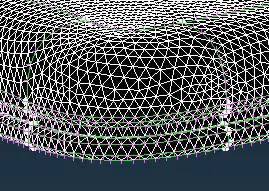
Figure 4
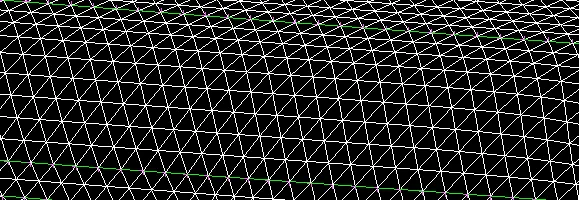
Figure 5
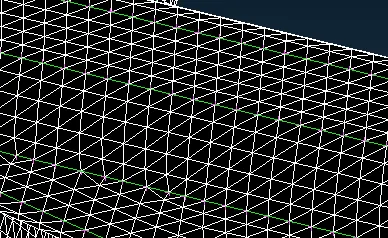
Figure 6
- The mesh is reconstructed/smoothed so as to solve the failed elements.
- After this, we now go to the volume mesh module.
- First, each part needs to have its volume defined separately (they may be in the same Psolid but 4 volumes need to be generated In this case)
- For volume meshing, we choose Tetra rapid and do this for each volume separately.
- The final meshed part is show in figure 19-23.
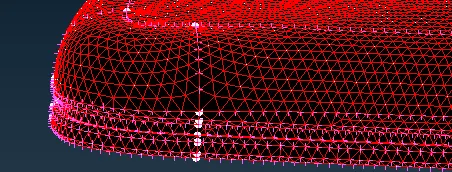
Figure 7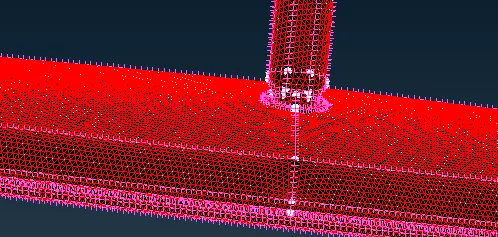
Figure 8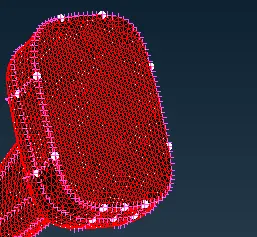
Figure 9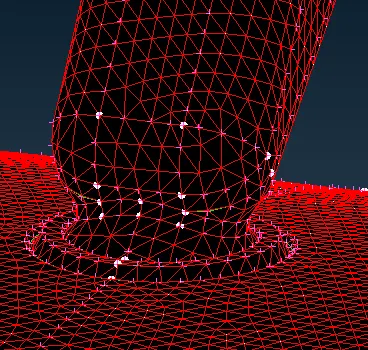
Figure 10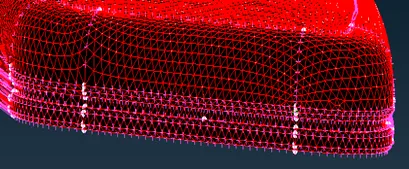
Figure 11
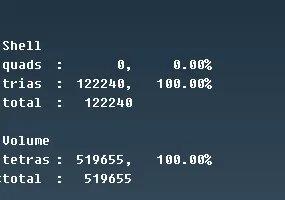
Learning Outcomes
The following skills were learned and practiced during this challenge.
- Model Geometry Clean up
- Tetra meshing with ortho tria elements.
- Defeaturing using Dach
- Setting up Mesh quality criteria
- Generating Mesh with spot mesh criteria option
- Modifying Generated mesh to fix elements that fail the criteria along with opposite trias and rotating quads.
- Defining volumes for parts
- Tetra rapid meshing of defined volume
- Fixing collapse error in volume meshing.
Conclusion
The meshing of the given Rearview mirror component was performed following strict standards which were passed. After topology clean-up, the generated mesh was modified to correct element failures. After this, the volumes for the generated mesh were defined and tetra rapid meshing was performed on the defined volume.