Week 9 Tension and Torsion test challenge
AIM: The main aim of this week challenge is to perform a explicit dynamic simulation of tension and torsion test. The analysis is performed for two cases with tension and torsion load on the workpeice.Then compare the results of the stress,strain and deformation plots with a detailed explanation for the plots.
PROCEDURE:
TENSION TEST:
step 1: Open the ansys workbench module and select the transient structural analysis.
step 2: Now open the engineering data and add Steel 1006 in the explicit materials section.
step 3: Right click the geomentry tab and select import geomentry --> browse --> select the file --> open.
step 4: Now open the geomentry in mechanical modeller.
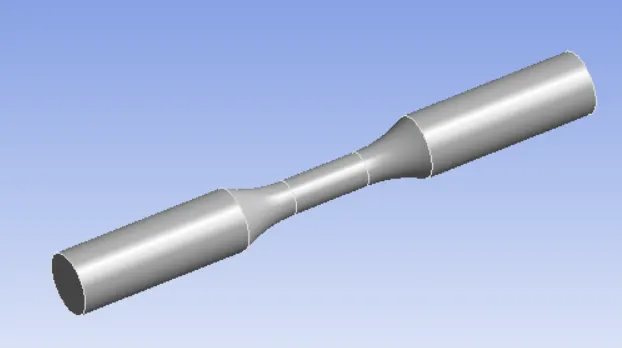
step 5: Now assign the material for both workpiece.
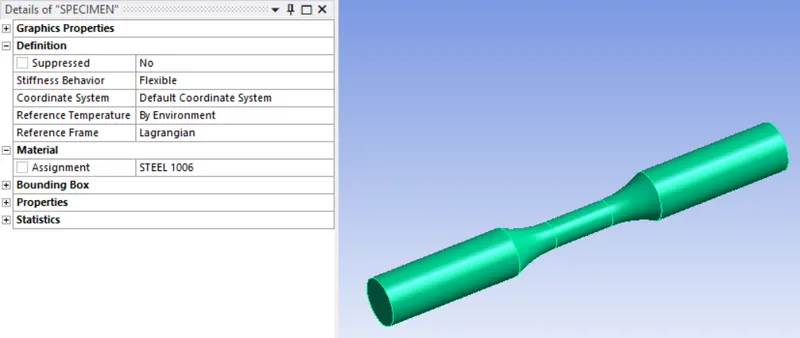
step 6: Now create co-ordinate system for both the end of the workpiece.
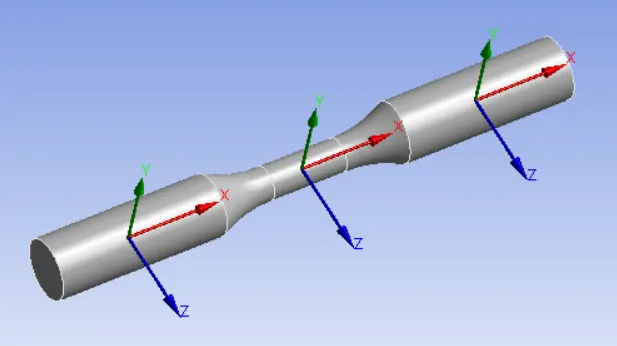
step 7: Now mesh the component with different sizing at different loction and with tetrahedron mesh.
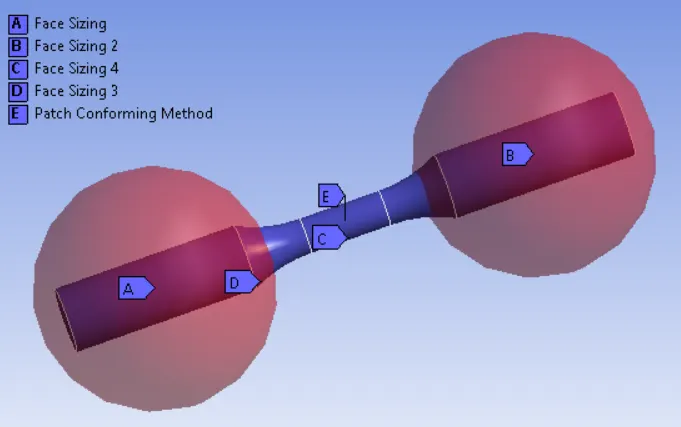
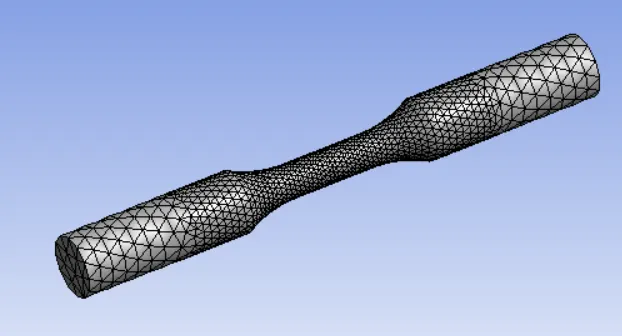
step 8: Now cange the analysis settings.
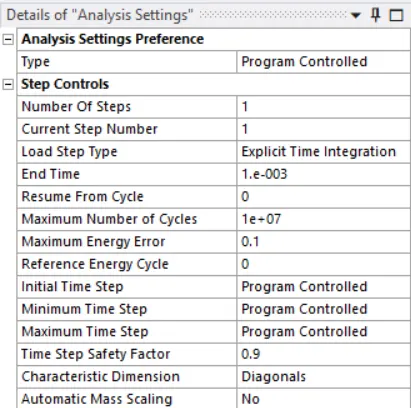
step 9: Now assign the displacement to one end and fixed support to the other end of the workpiece.
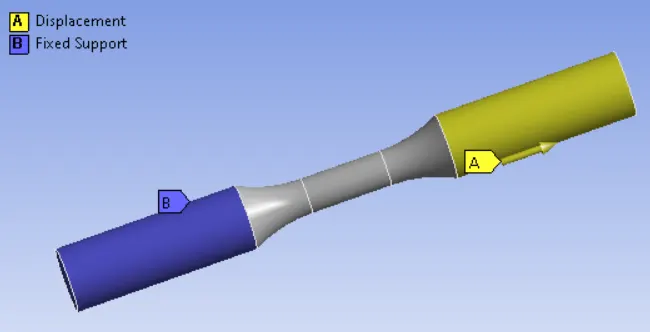
step 10: Now run the simulation.
step 11: Now include the total deformation,Equivalent stress and strain in output files.
step 12: Now change the model as per the question and run the simulation
Step 13: Compare the result plot and give a detailed explanation
TORSION TEST:
step 1: Open the ansys workbench module and select the transient structural analysis.
step 2: Now open the engineering data and add Steel 1006 in the explicit materials section.
step 3: Right click the geomentry tab and select import geomentry --> browse --> select the file --> open.
step 4: Now open the geomentry in mechanical modeller.
step 5: Now assign the material for both workpiece.
step 6: Now create co-ordinate system for both the end of the workpiece.
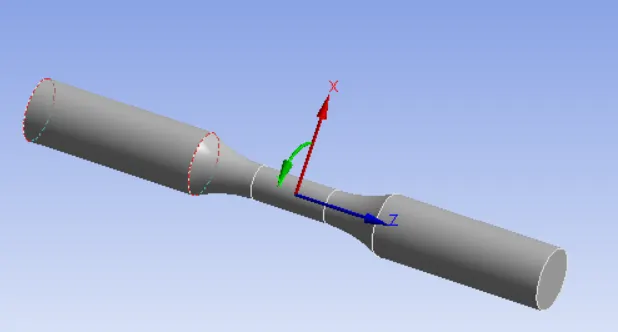
step 7: Now mesh the component with different sizing at different loction and with tetrahedron mesh.
step 8: Now cange the analysis settings.
step 9: Now assign the displacement to one end and fixed support to the other end of the workpiece.
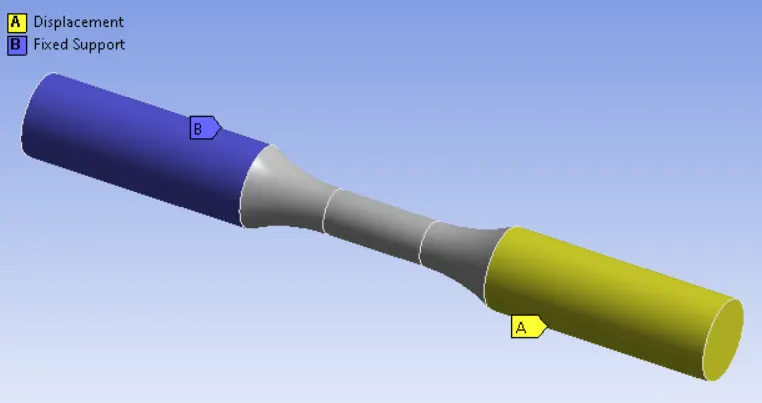
step 10: Now run the simulation.
step 11: Now include the total deformation,Equivalent stress and strain in output files.
step 12: Now change the model as per the question and run the simulation
Step 13: Compare the result plot and give a detailed explanation
OUTPUT REQUEST:
TENSION TEST:
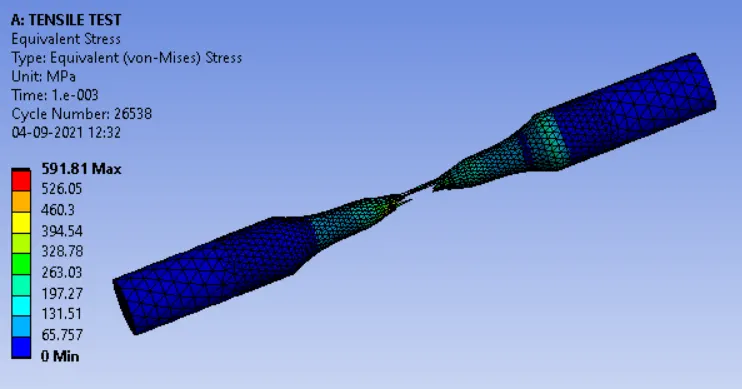
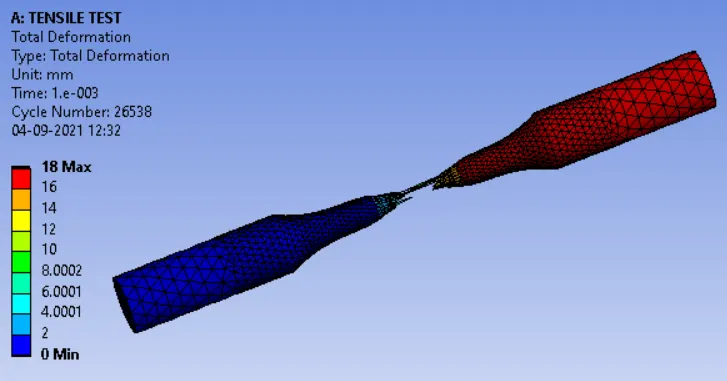
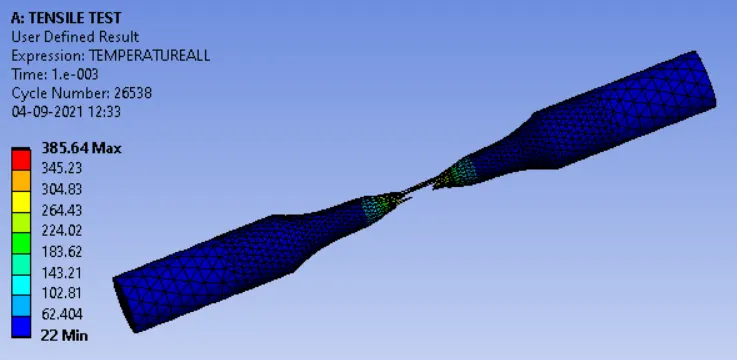
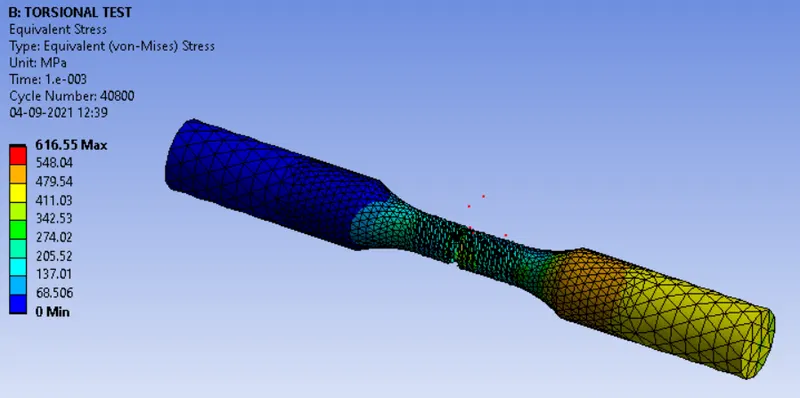
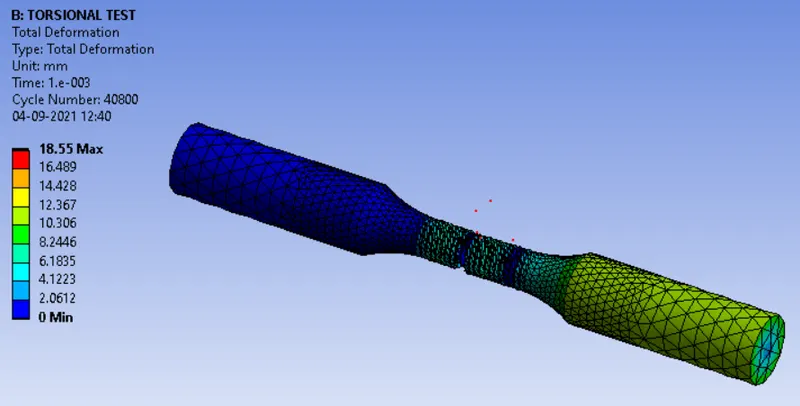
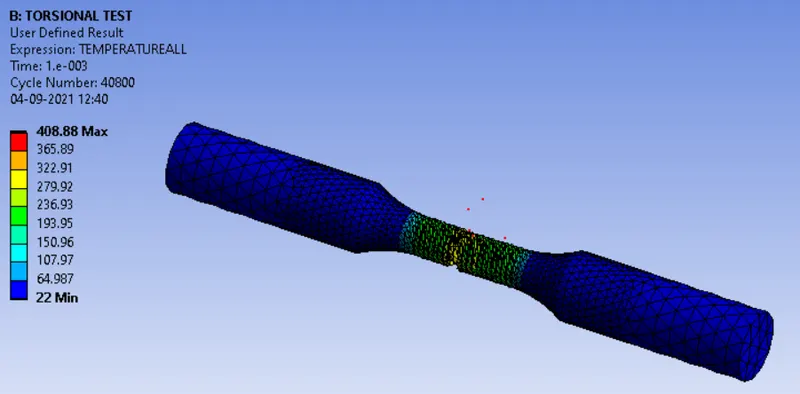
TORSION TEST:
CONCLUSION:
| EQUIVALENT STRESS | DEFORMATION | TEMPERATURE | |
| TENSILE TEST | 591.81 | 18 | 385.64 |
| TORSION TEST | 616.55 | 18.55 | 408.88 |
The equivaent stress is maximum in torsion test than in tension test.The maximum stress occours at the center of the workpiece for both the test. The deformation is almost same in both the cases. The temperature is higher in torsion test than the tensile test and the maximum occour at the center where the specimen breaks.