Week 9 Tension and Torsion test challenge
Aim :
To perform tension and torsion test on given component using ANSYS software.
Objective :
To apply tension and torsion load on the given component for the specified values in two different cases.
Case 1 : Tension load,
Tensile is a (pulling) force to a material and measures the specimen's response to the stress. Tensile tests determine how strong a material is and how much it can elongate.
Case 2 : Torsion load.
Torsion is twisting of a sample along an axis and is a useful test for acquiring information like torsional shear stress, maximum torque, shear modulus, and breaking angle of a material or the interface between two materials.
Procedure :
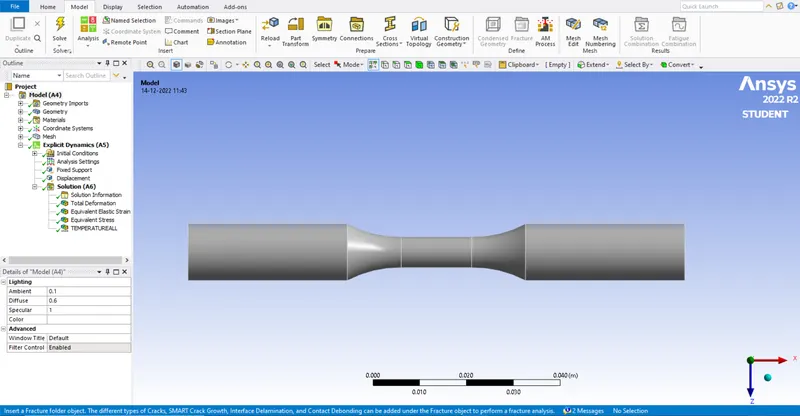
We start from workbench and choose explicit dynamics to perform the analysis.
From explicit dynamics we add the material property in engineering data tab.
Import the given geometry to the geometry tab. We can go through the geometry using edit spaceclaim.
We set the model for analysis we move to mechanical module by using edit model.
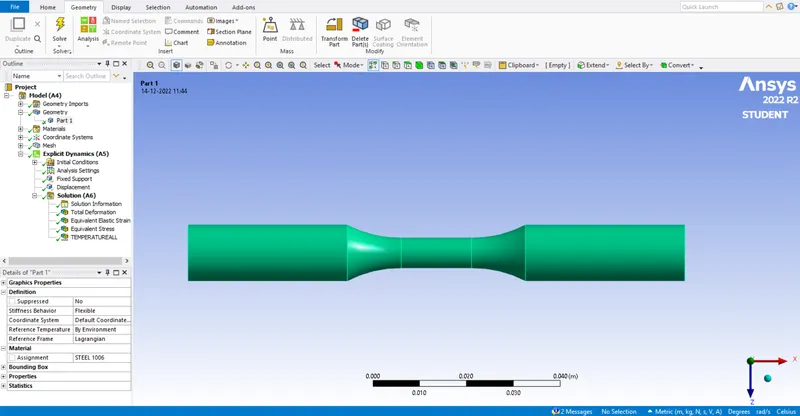
We rename the geometry and assign the material property as it asked to assign.
We select the face with newly created coordinate system and define the area as sphere to refine the element size at that point.
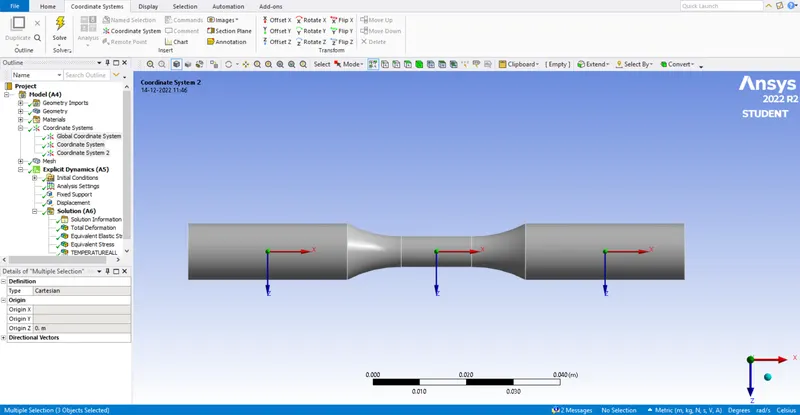
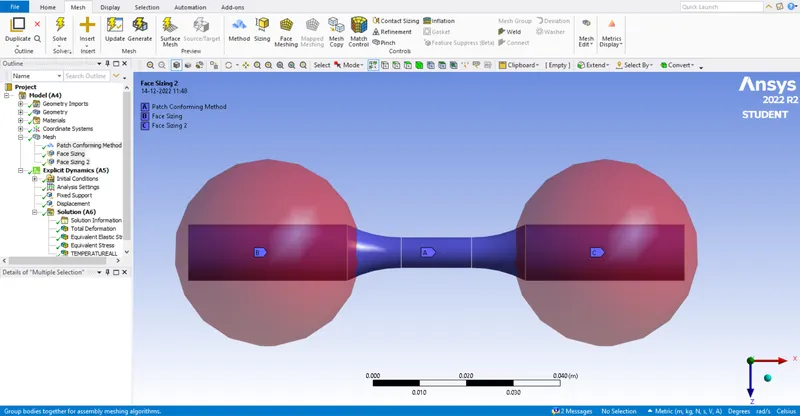
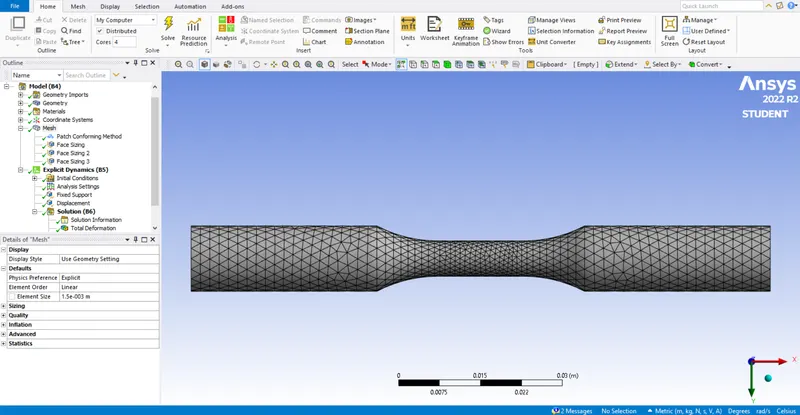
We refine the mesh from the default value to get better solution values.
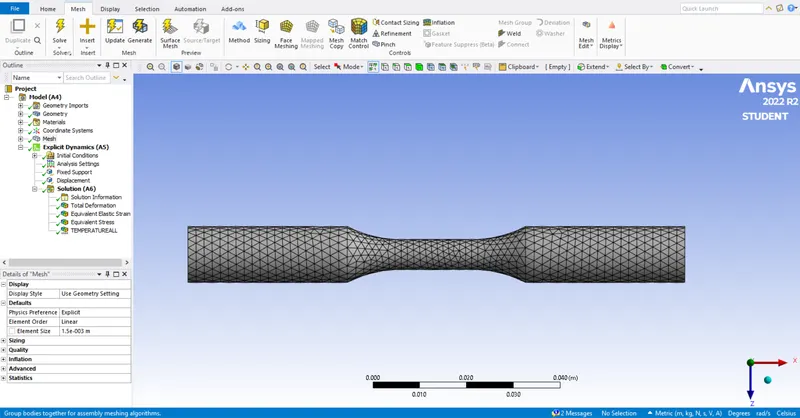
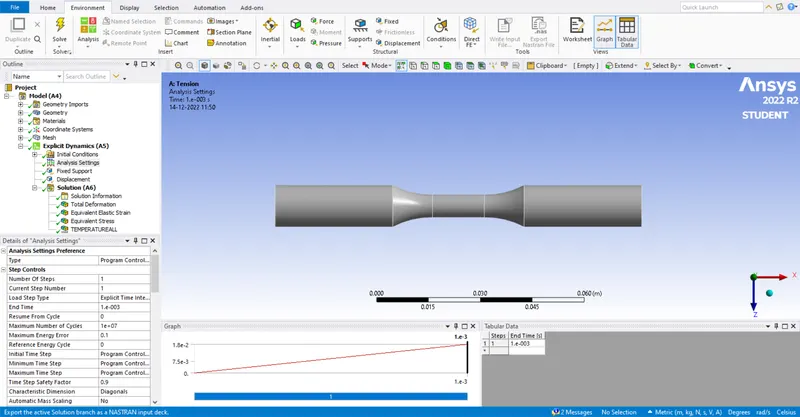
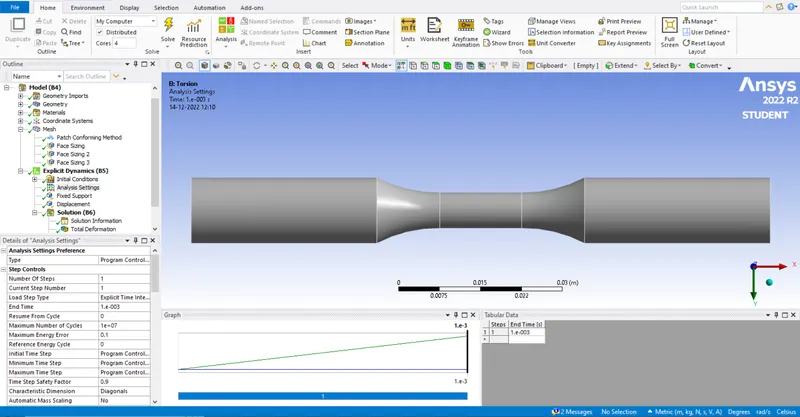
In analysis settings we do for 1 step with end time as 0.001 and rest of settings will be default.
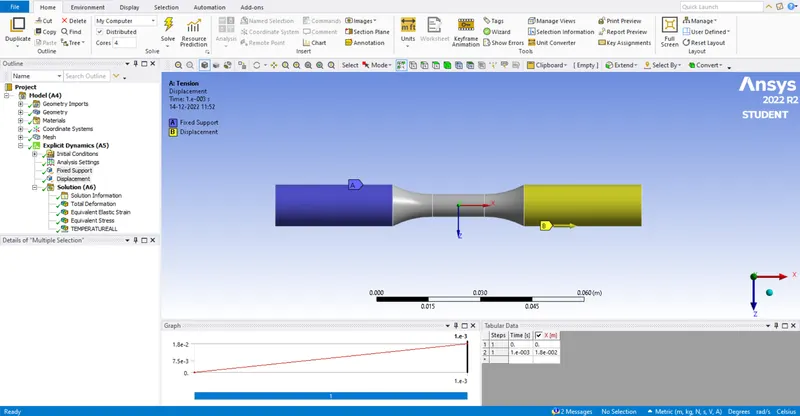
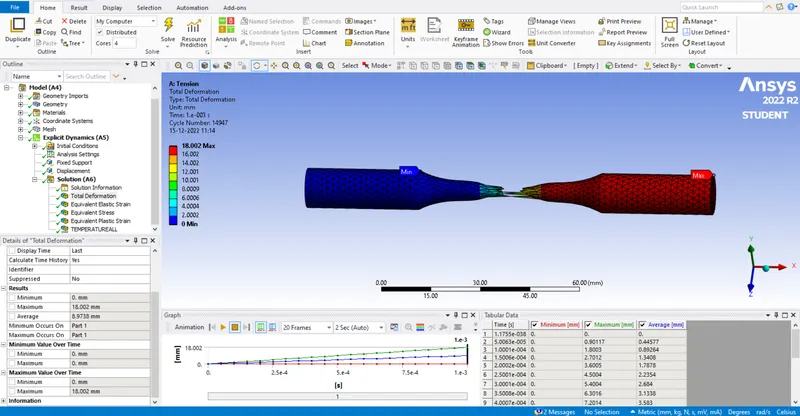
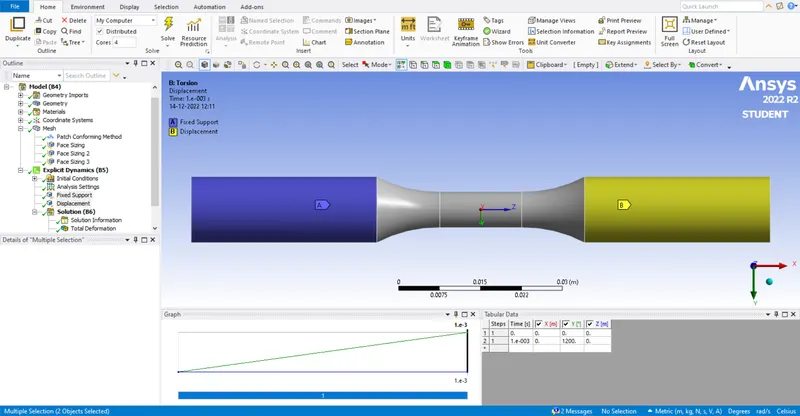
We define fixed joint at one end and we define a displacement load of 18 mm at opposite end of the given component.
In solution tab we select the solution values which is required for the given model.
Case 1 : Tension load,
Total deformation :
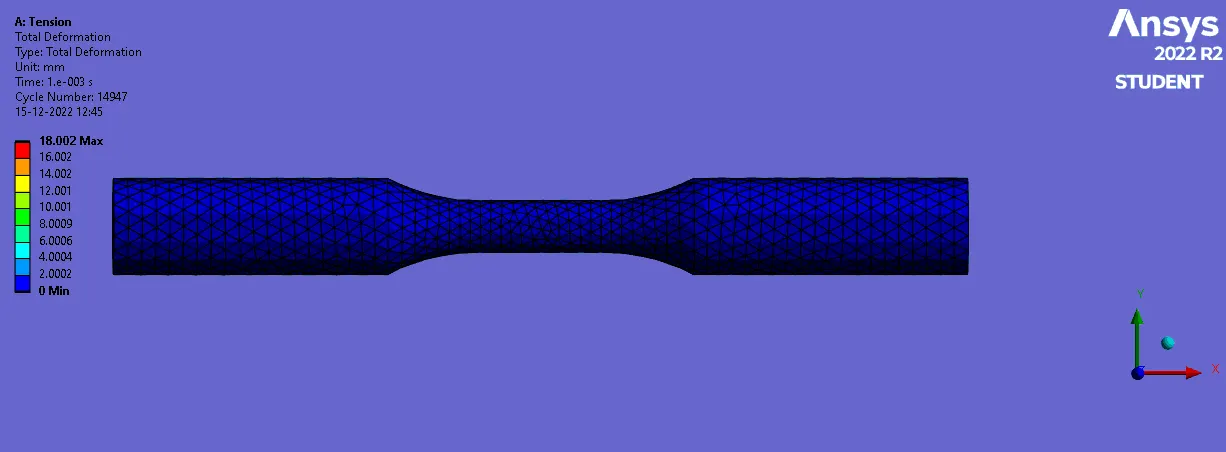
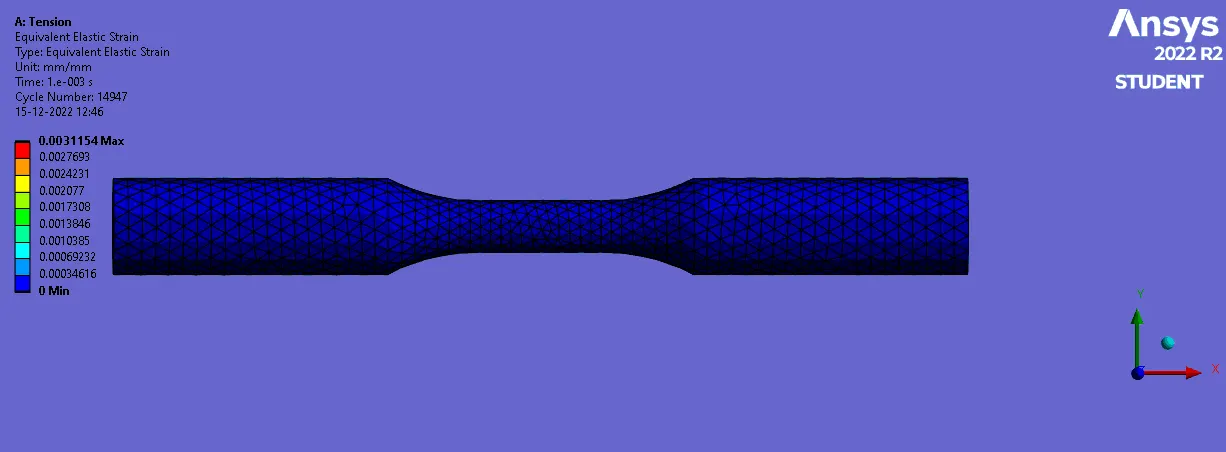
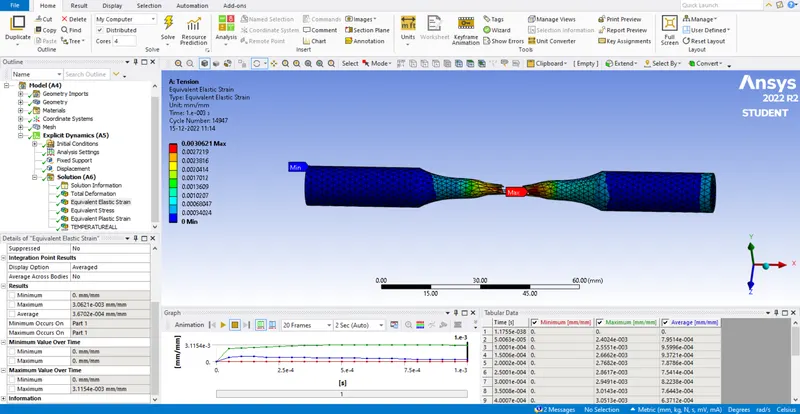
Equivalent strain :
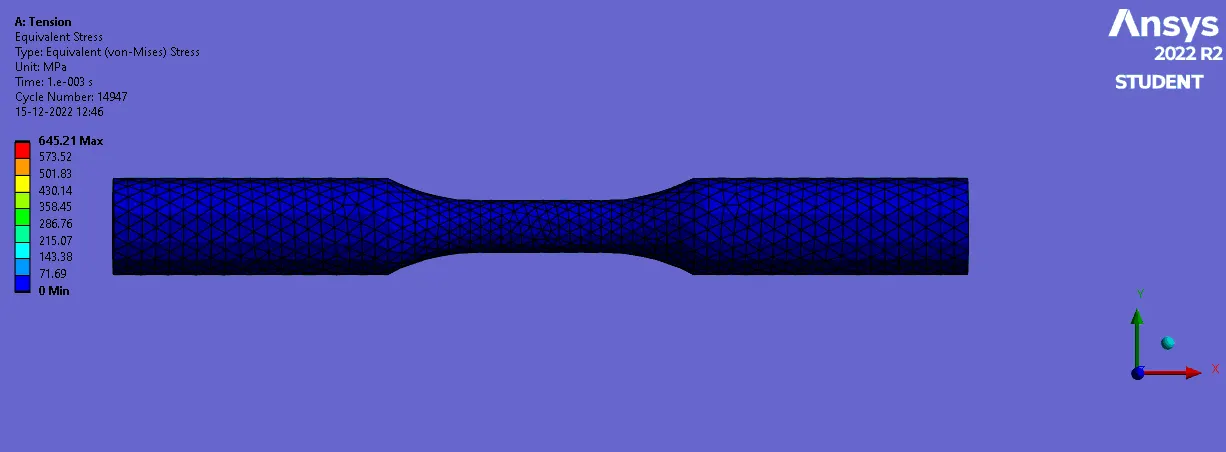
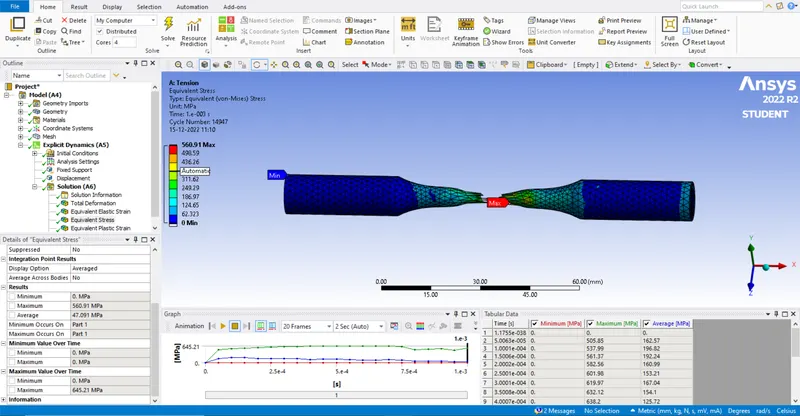
Equivalent stress :
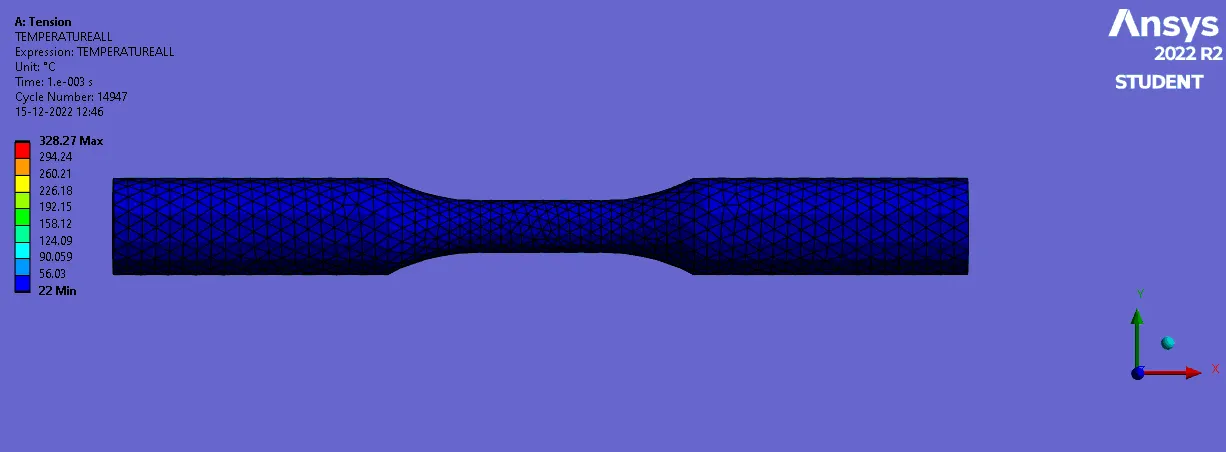
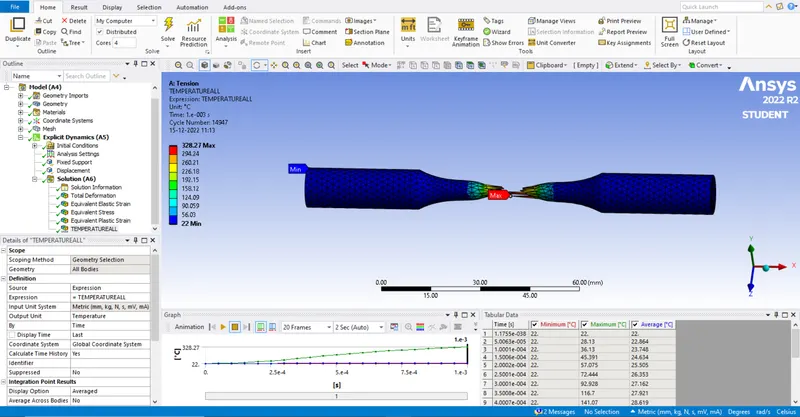
Temperature user defined :
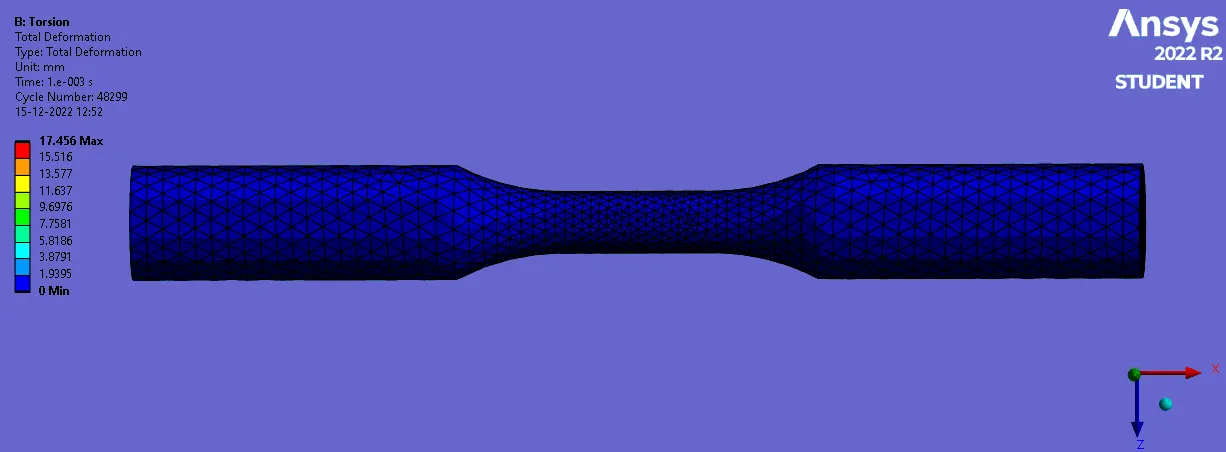
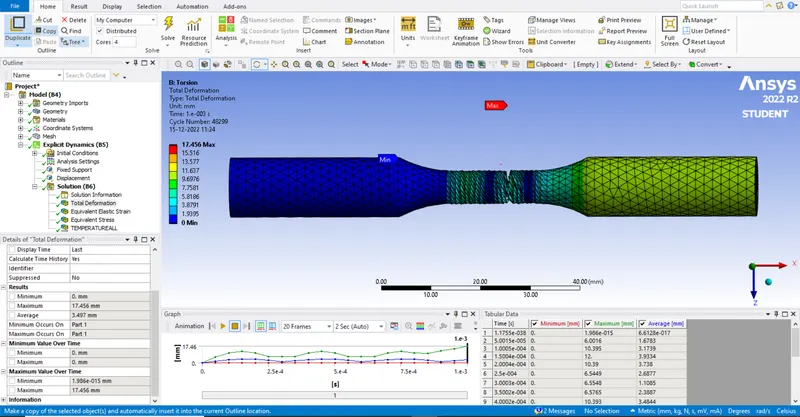
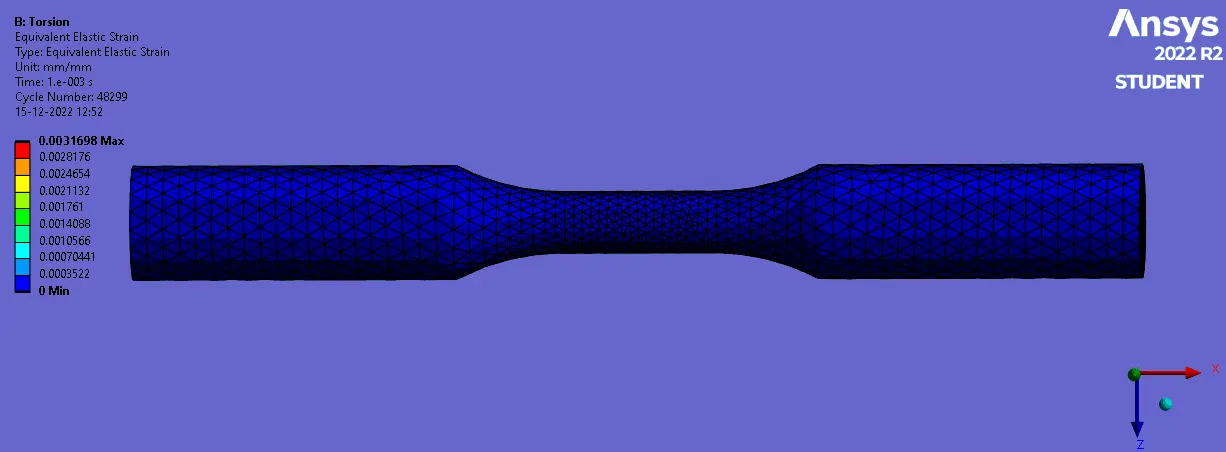
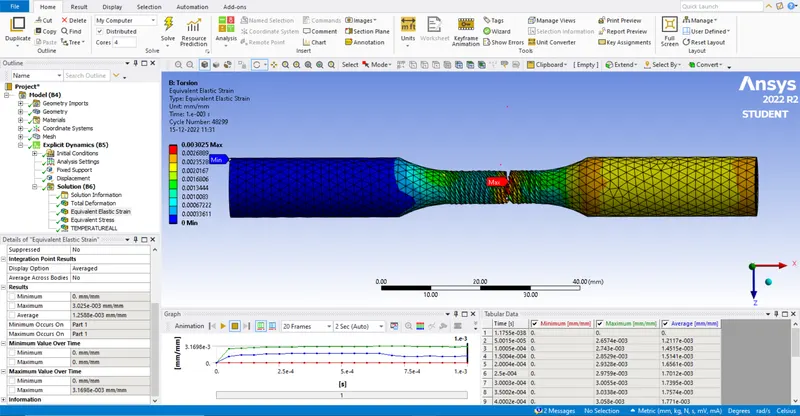
Case 2 : Torsion load.
We select the face with newly created coordinate system and define the area as sphere to refine the element size at that point. Here we define the middle and displacement coordinate as cylindrical.
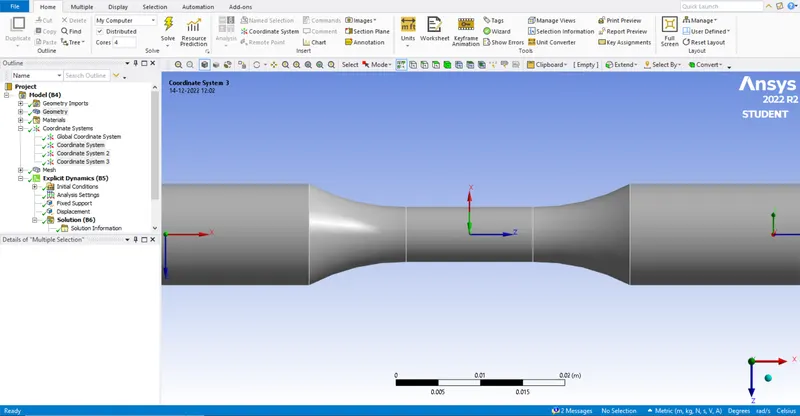
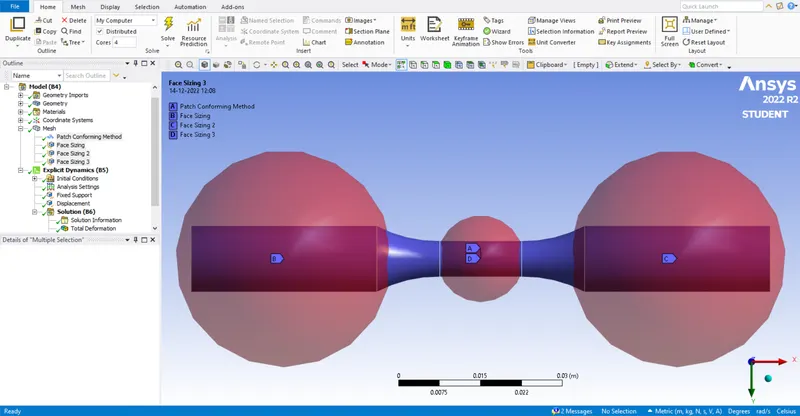
We refine the mesh from the default value to get better solution values.
In analysis settings we do for 1 step with end time as 0.001 and rest of settings will be default.
We define fixed joint at one end and we define a displacement load of 1200 degree at opposite end of the given component.
In solution tab we select the solution values which is required for the given model.
Total deformation :
Equivalent strain :
Equivalent stress :
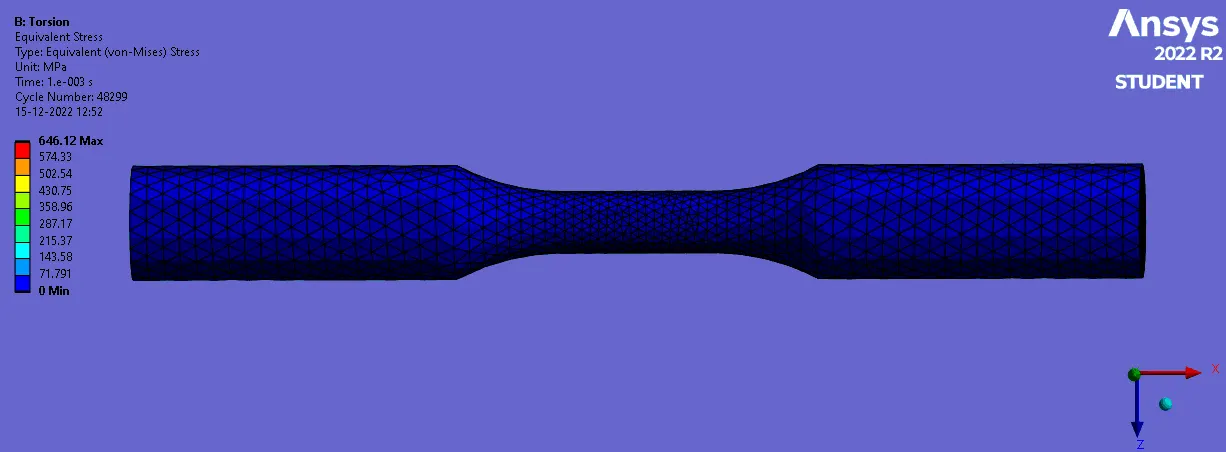
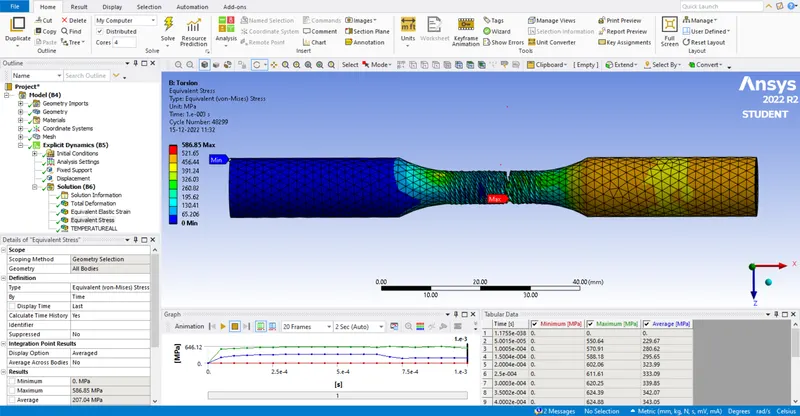
Temperature user defined :
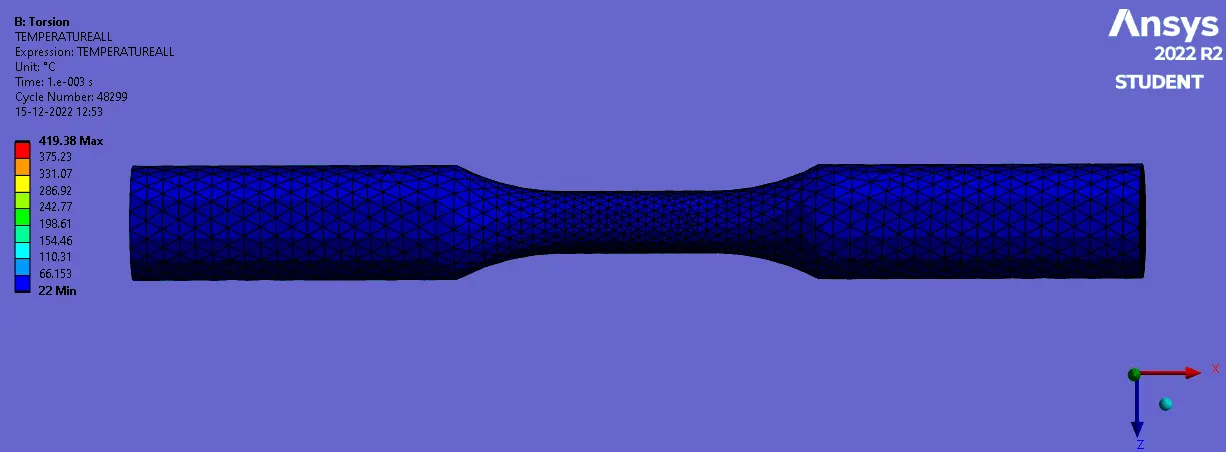
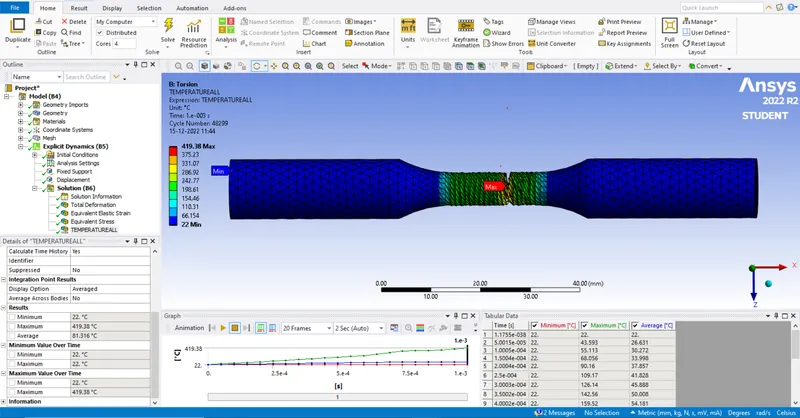
Conclusion :
We ran the analysis of both the cases and got the required solution values. Both cases are different in approch so it can't be compared with solution values. In case 1 the displacement value in mm whereas in case 2 the displacement value in degree.
Result :
The test for both tension and torsion is analysed successfully using ansys software.