Week 9 Tension and Torsion test challenge
Tension and Torsion test challenge
AIM:
For this challenge, you will have to perform the tension and torsion test on the specimen provided below the video corresponding to the challenge.
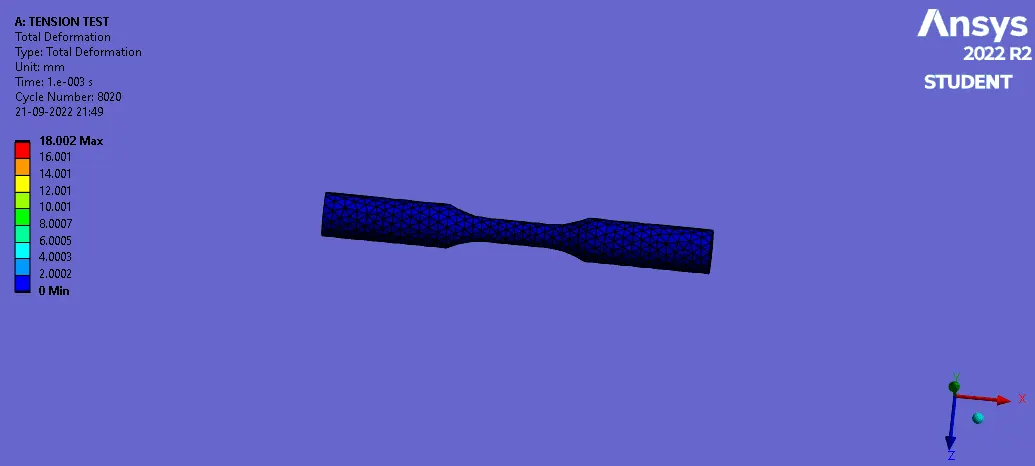
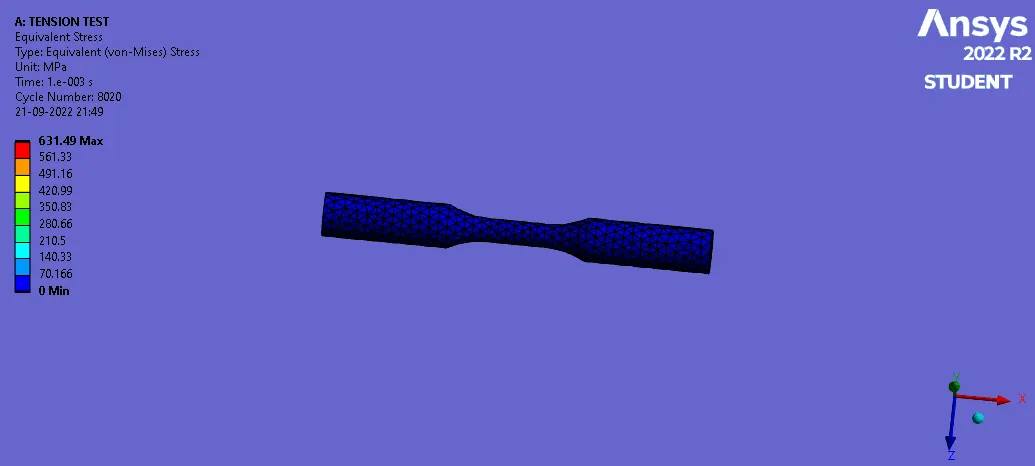
For the tension test, displace one end of the specimen to 18mm while keeping the other fixed. You will need to find out the total deformation, equivalent stress and temperature of the specimen and attach appropriate images to show your results.
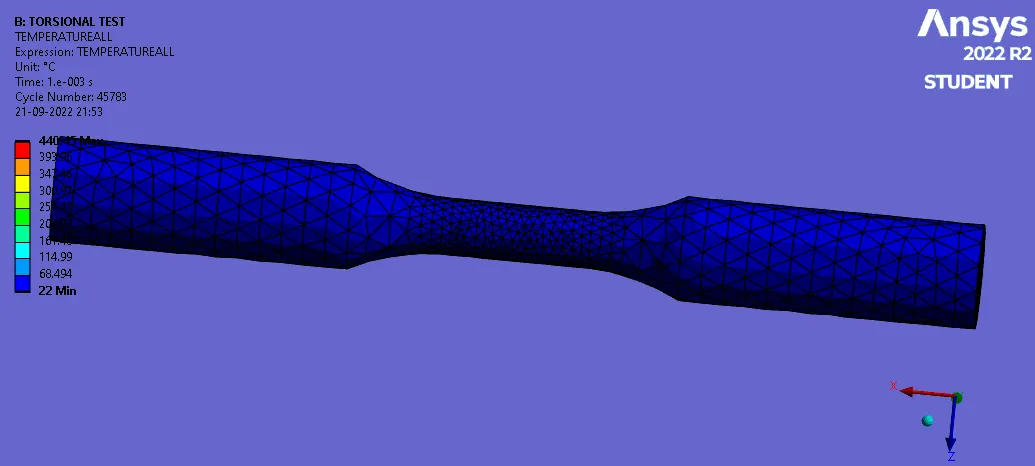
For the torsion test, you will need to displace one end of the specimen to an angle of 1200 degree. Find out the total deformation, equivalent stress and temperature of the specimen and attach images to show your results.
PROCESS:
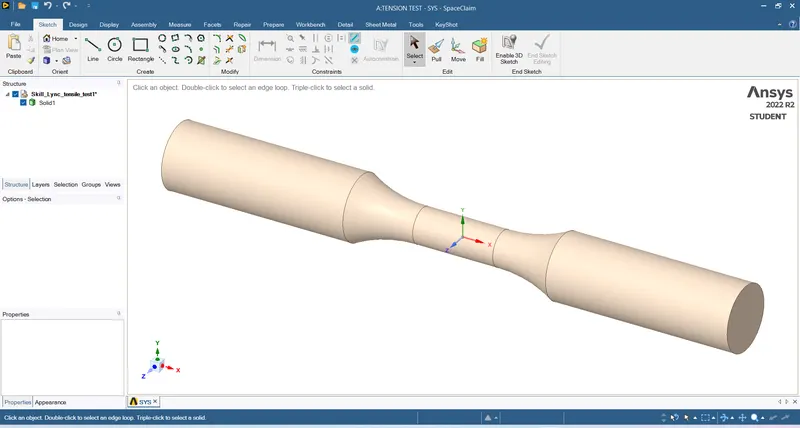
- Download the model & import into Explicit geometry
- Open the engineering data and select Steel 1006 material
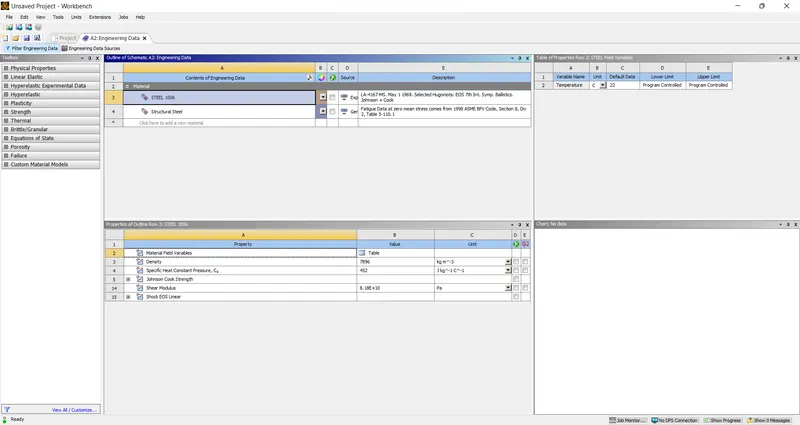
- Check in the geometry
- Update & open the model
- Click on the geometry and change the material as Steel 1006
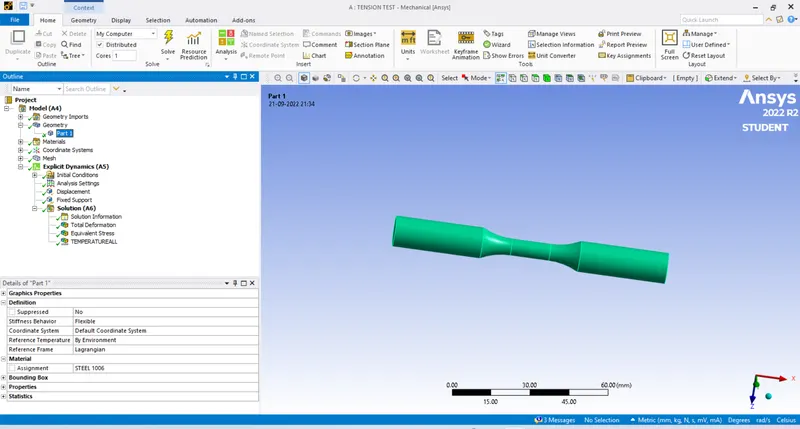
- Add the coordinate systems on both the faces
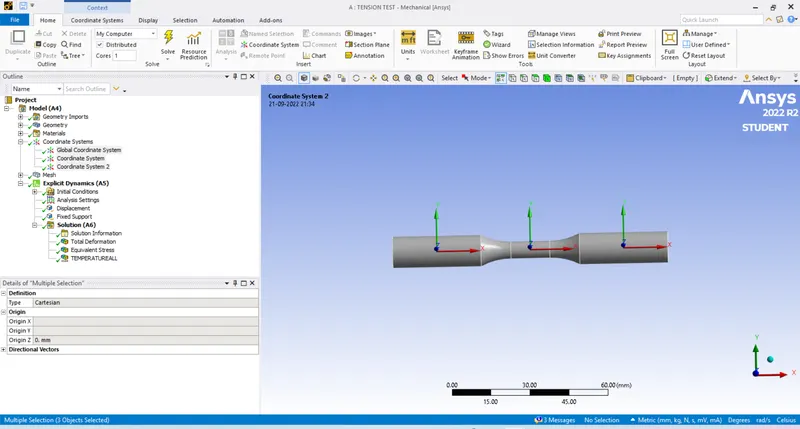
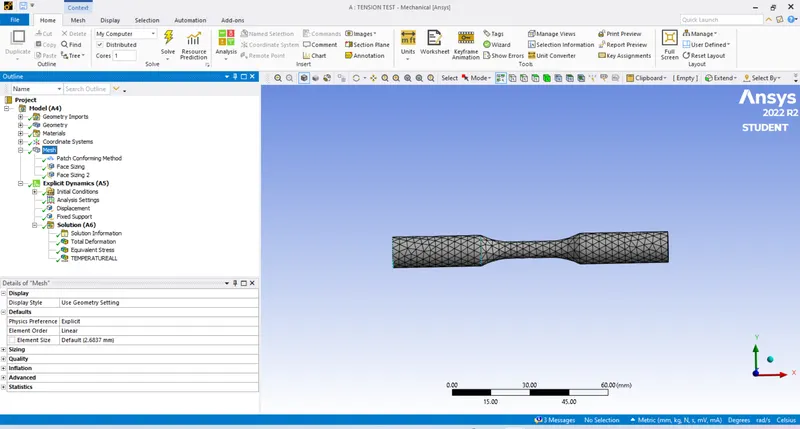
- Generate mesh with Tetrahedrons by inserting methord
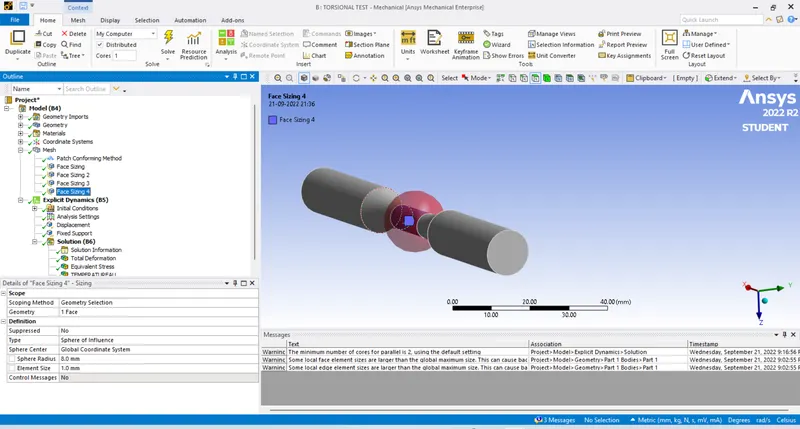
- Face size where impact will be more with sphere of influence
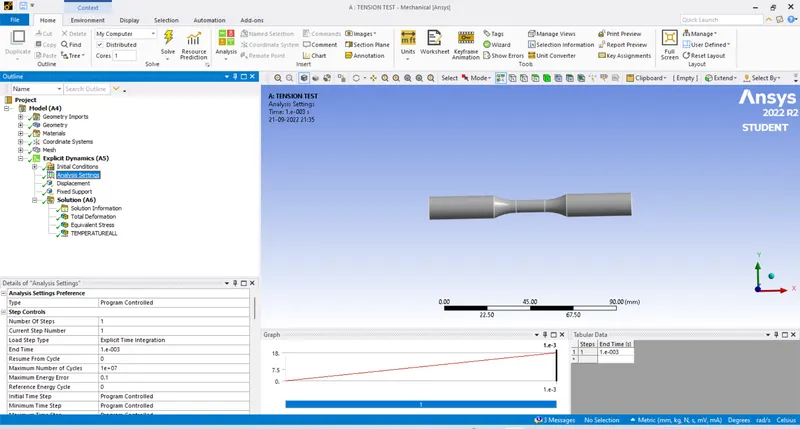
- Follow analysis settings
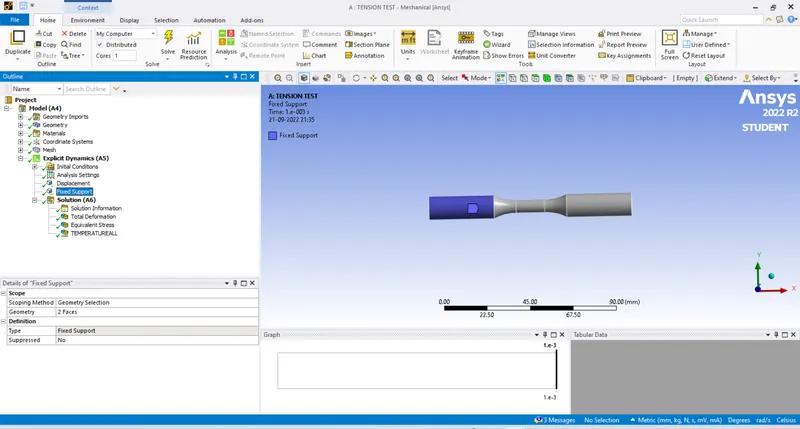
- Fix one side of the face
- Displace with given value on other side of the face
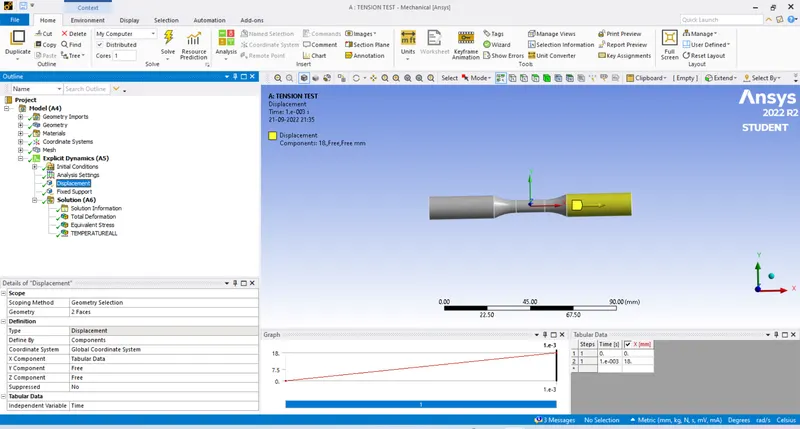
- Provide the required analysis on the solution
SOLUTION:
- Total deformation
- Equivalent stress
- Temperature
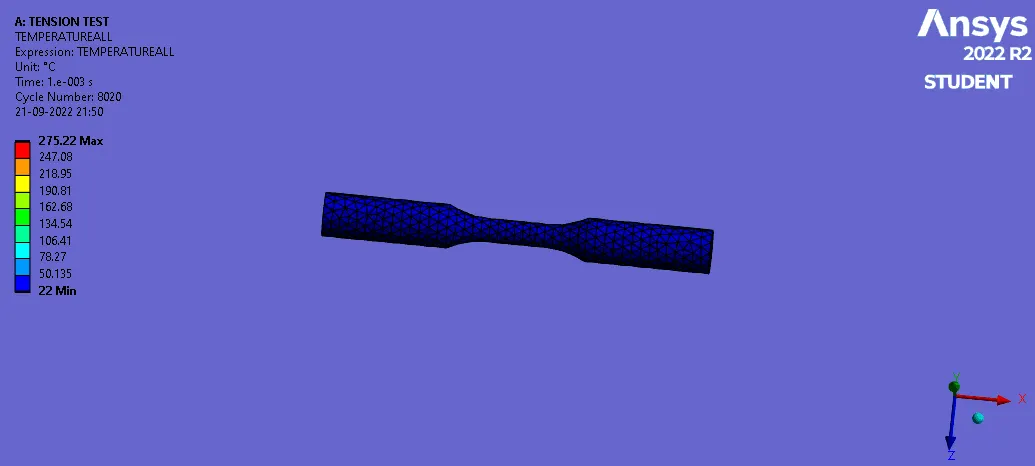
CASE 2:TORSION TEST
PROCESS:
- Duplicate the Tensile test performed
- Open the Model
- In coordinate system insert one on center face as cylinderical
- It should have Y axis in rotation
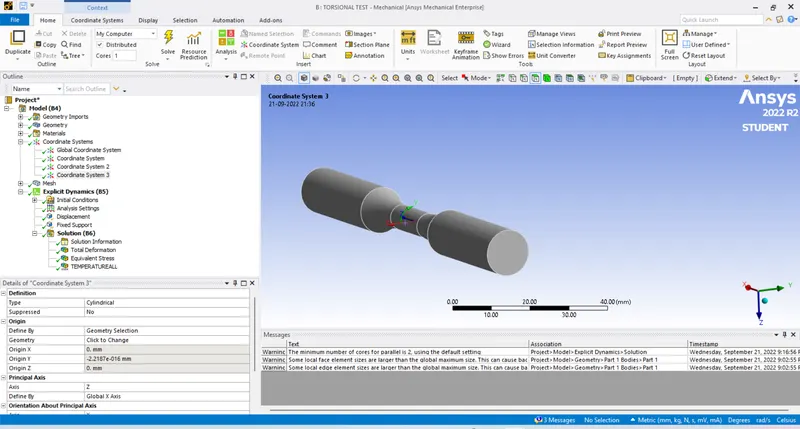
- Implement face size near center & give sphere on influence with element size as 1 mm
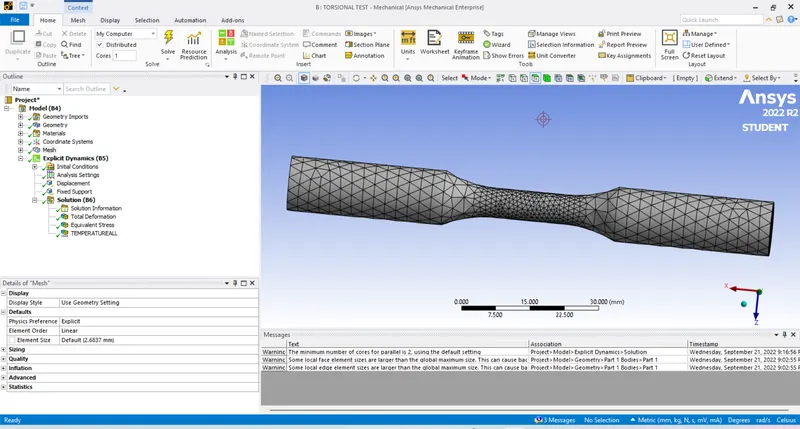
- In displacement Change the coordinate axis & apply 1200* as given
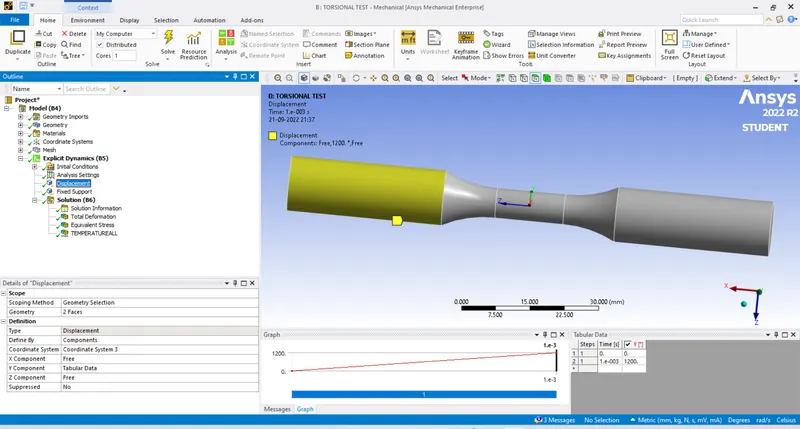
- Clear the solution & go for solve
SOLUTION:
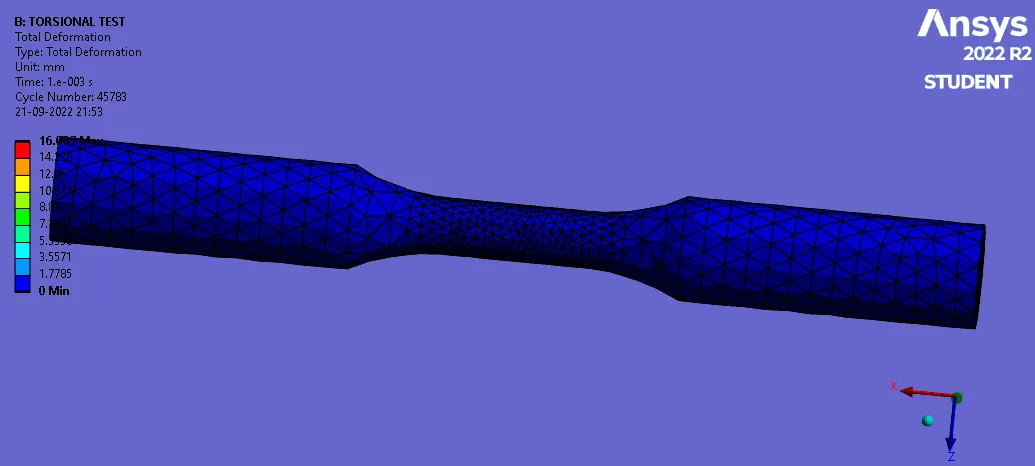
- Total deformation
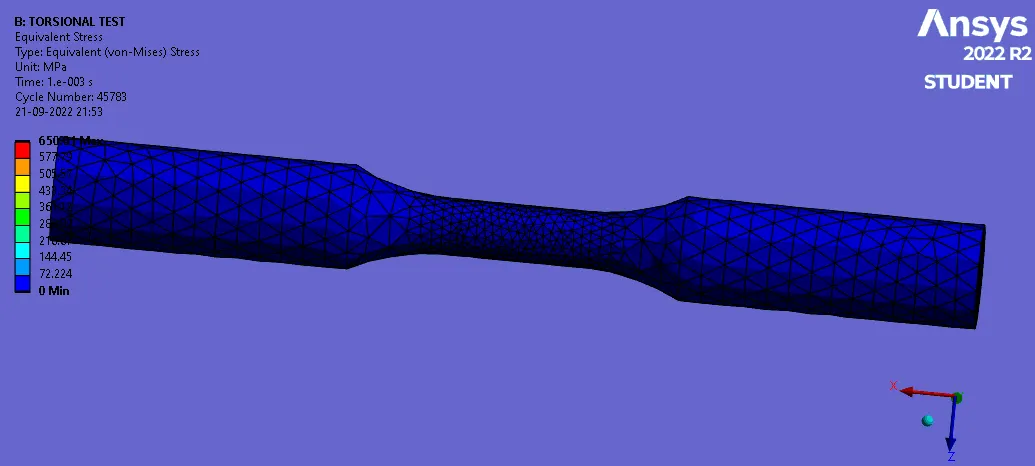
- Equivalent stress
- Temperature