Week 9 - Project - Master Section Development
Master Section Development:
DESIGN B-PILLAR OF CAR USING GIVEN MASTER SECTION
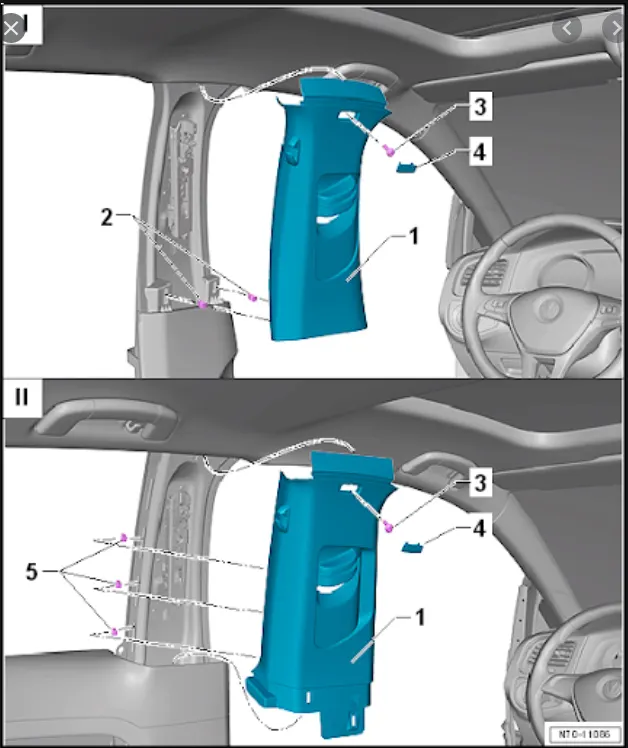
Workbench and tools used
Generative shape design
- Extract
- Extrapolate
- Join
- Trim
- Offset
- Boundary
- Edge fillet
- Intersection
- Sweep
- Close surface
- Feature Draft Analysis
Design Process in CATIA V5
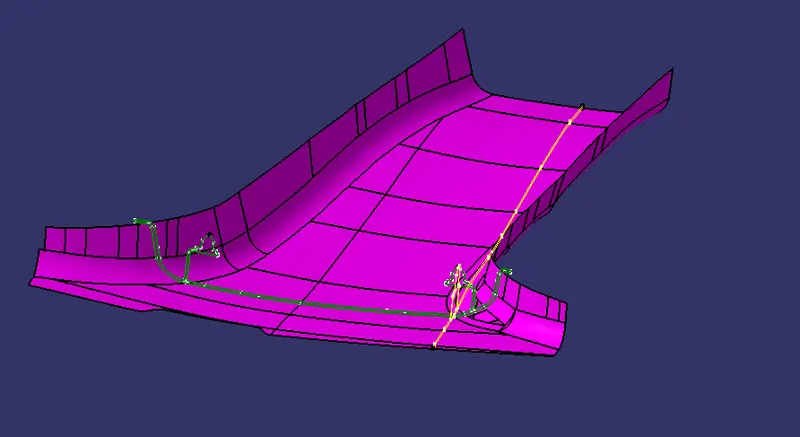
Given Data,
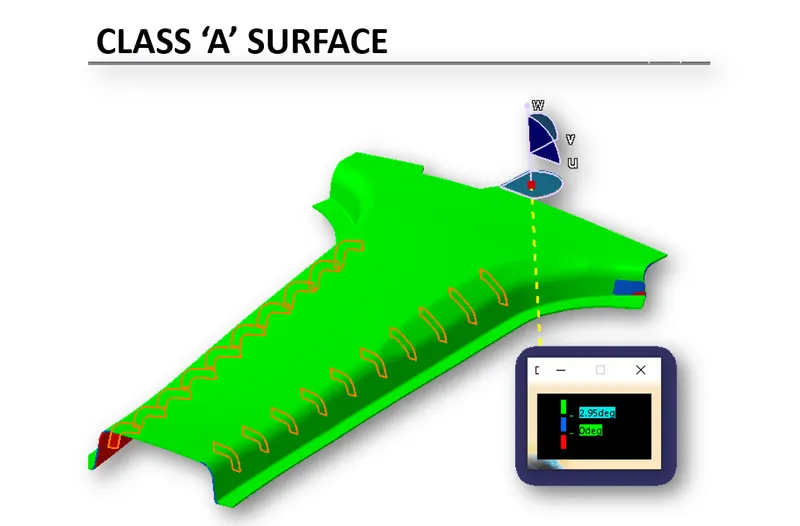
Class A surface,
After importing the class ‘A’ surface, we need to check the connectivity between the surface with merging distance 0.003 mm.
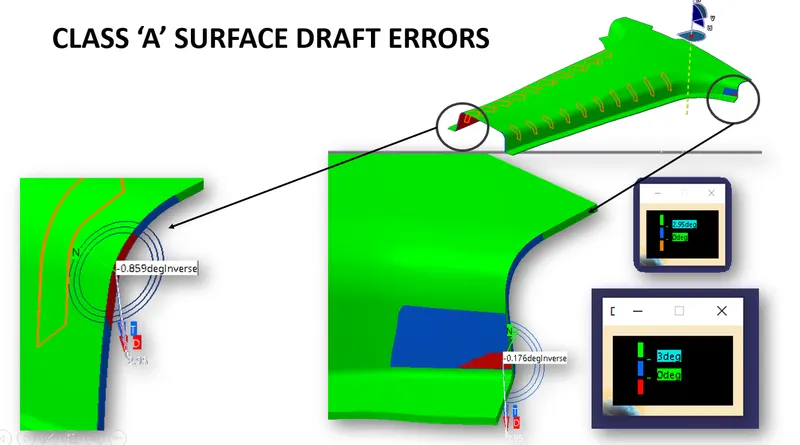
As we can see the topology error occurring, we have to repair the surface. After that joined all surfaces together.
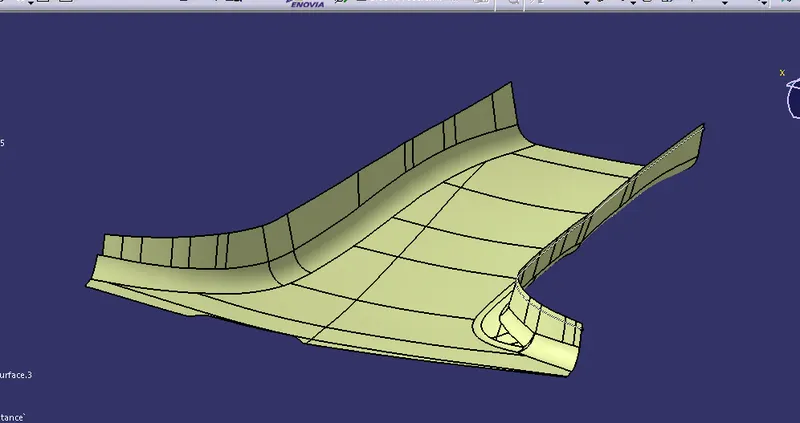
Draft Analysis on class 'A' surface
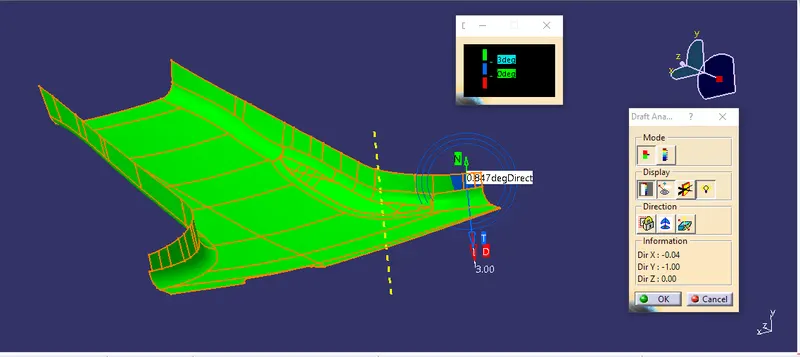
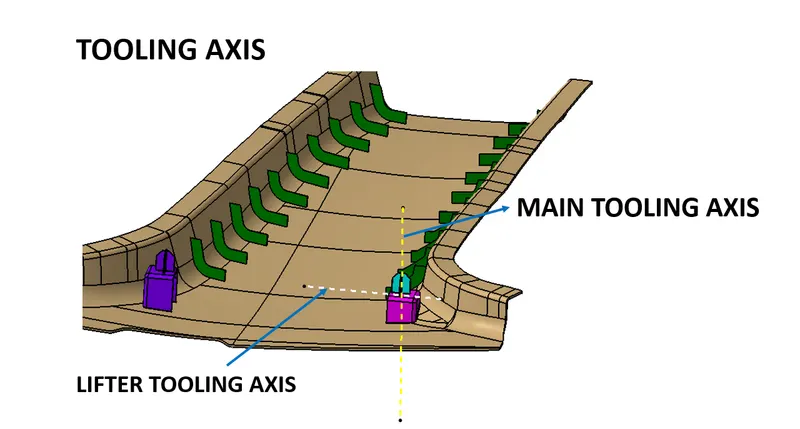
Creating tooling axis by extracting master section lines taking point in middle of that and with the help of bisecting method tooling axis is created.
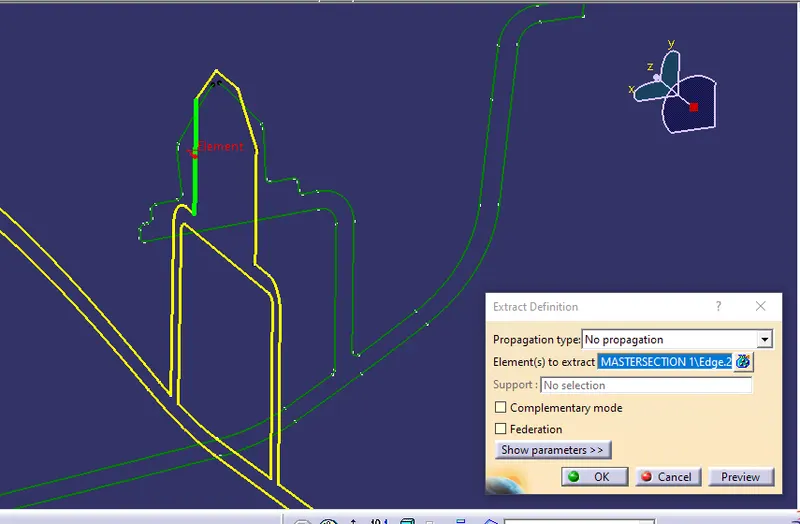
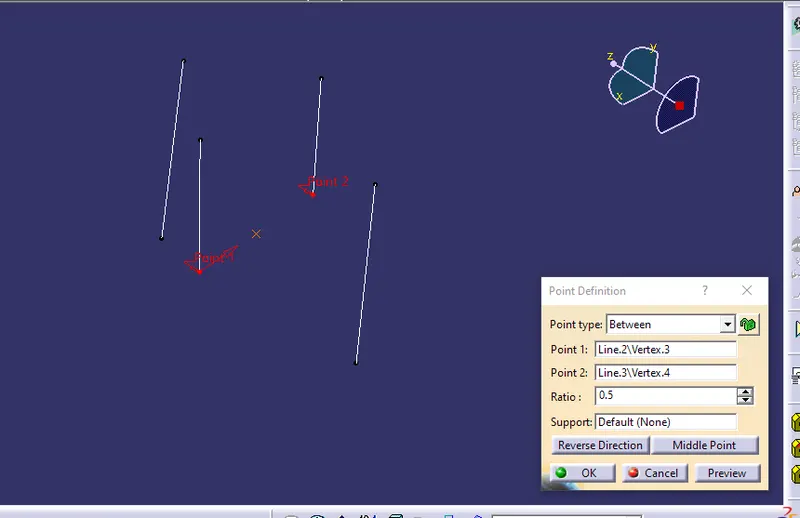
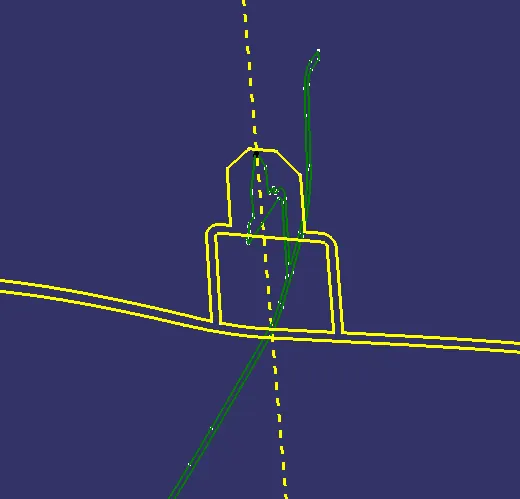
Then as per master section we have to create flanges as shown,
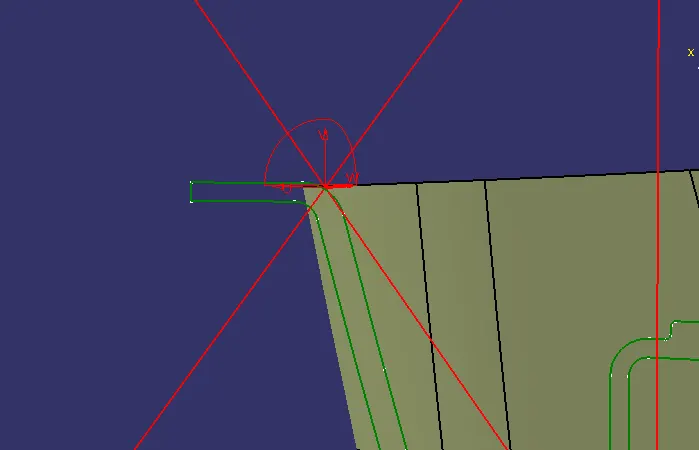
By using sweep command we will be created flange on both side.
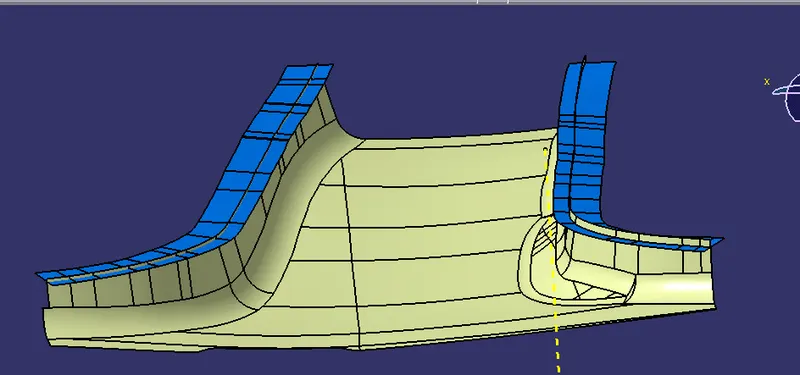
After triming final class 'A' surface we get as below,
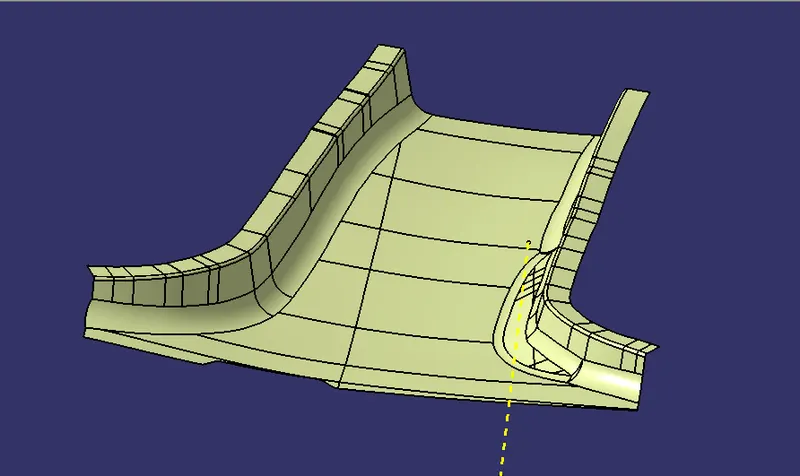
‘B’ Surface Creation:
- Offset inward at 2 mm
- Use edge fillet
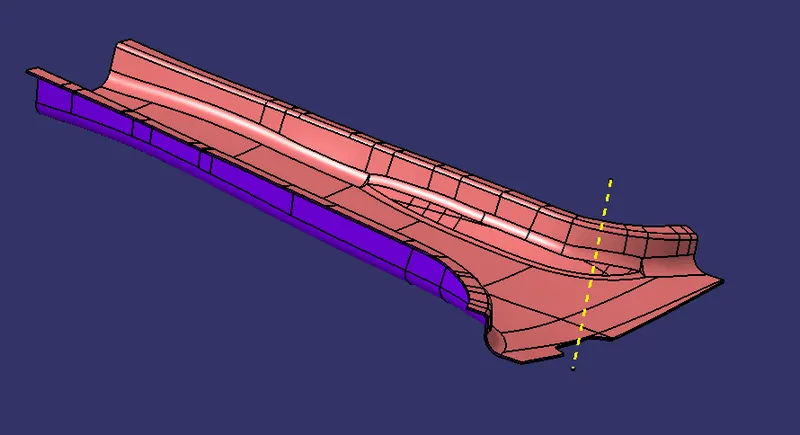
‘C’ Surface Creation:
- Take outer boundary using Boundary command of class ‘A’ surface
- Use sweep command to create surface using tooling axis and draft angle as 3 degree.
- Take holes boundary and do step 2.
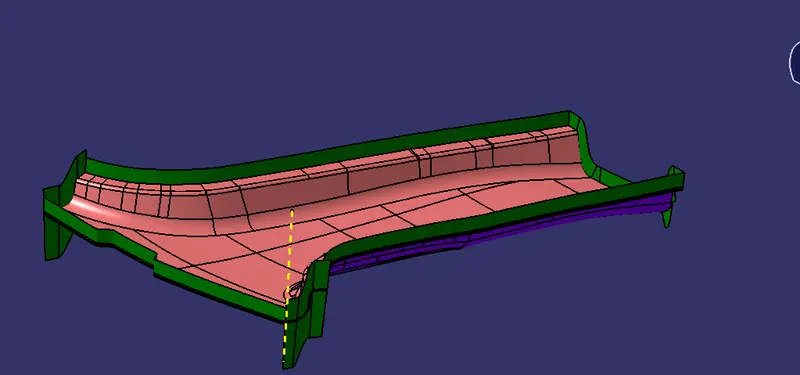
Final Body creation:
- Join class ‘A’ surface and ‘C’ surface.
- Trim resulting surface with ‘B’ surface.
- Join the surface.
- Result is complete close surface.
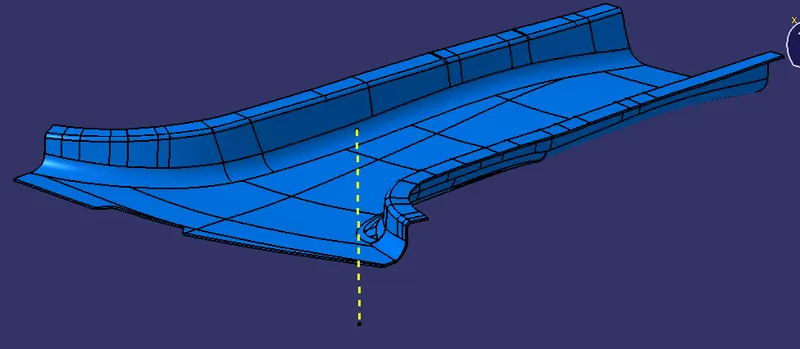
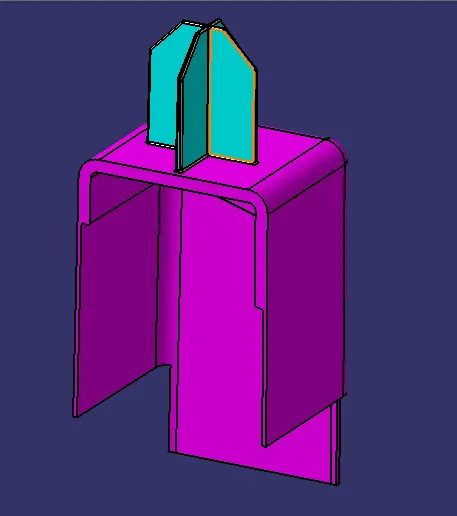
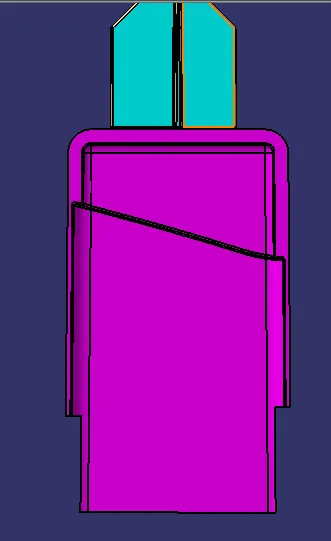
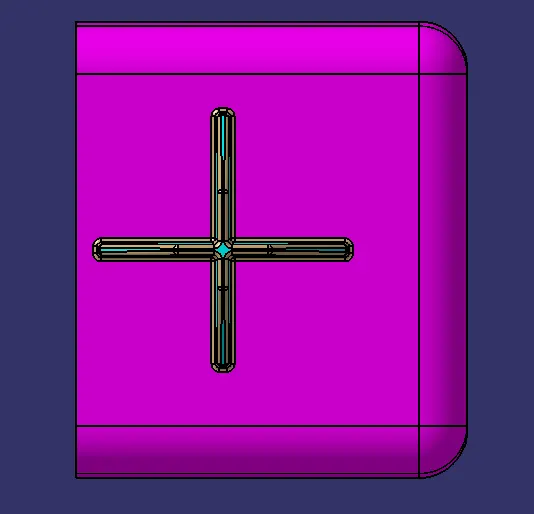
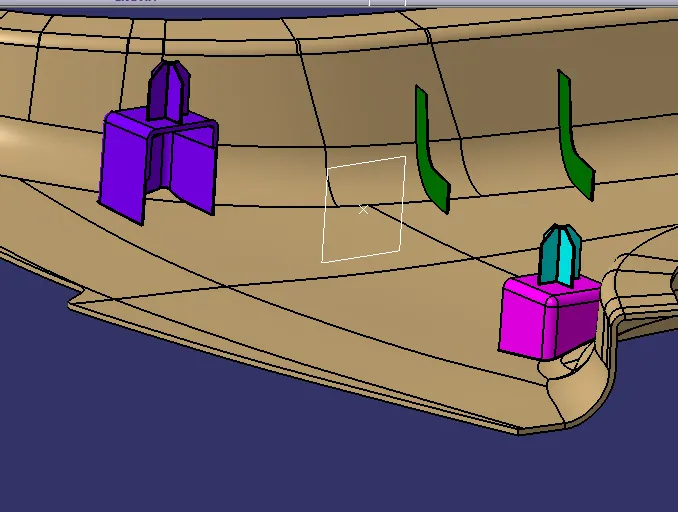
MASTER SECTION DEVELOPMENT FOR DOG HOUSE AND 4 WAY LOCATOR
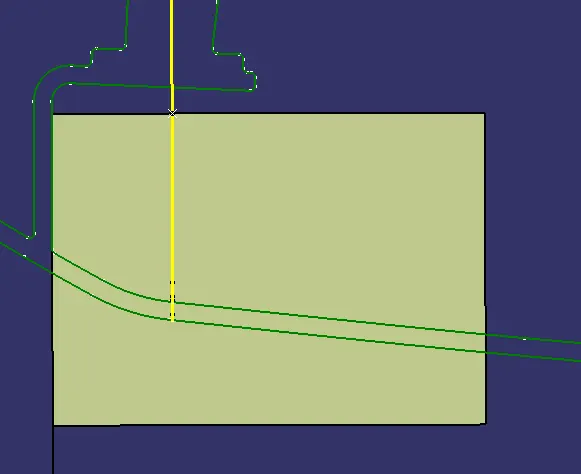
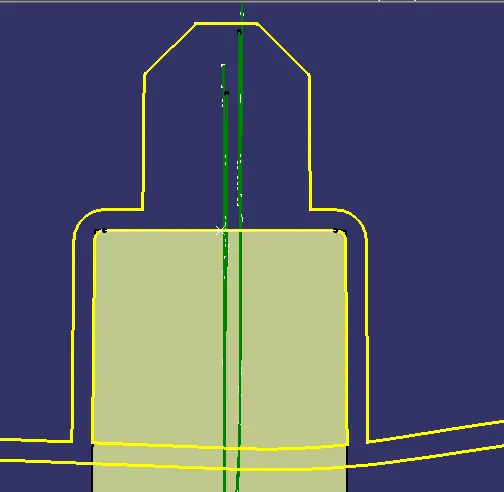
Creating sketches for dog house as per master section
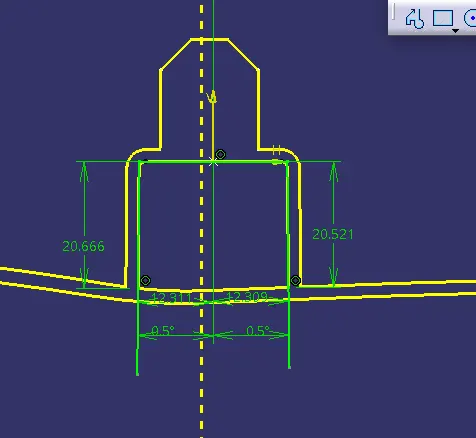
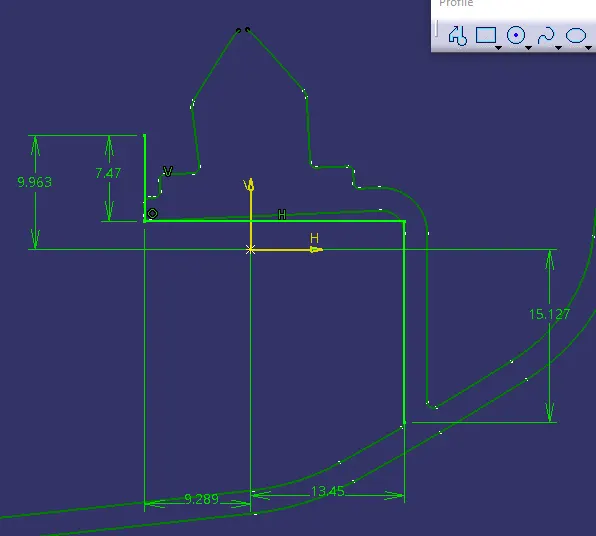
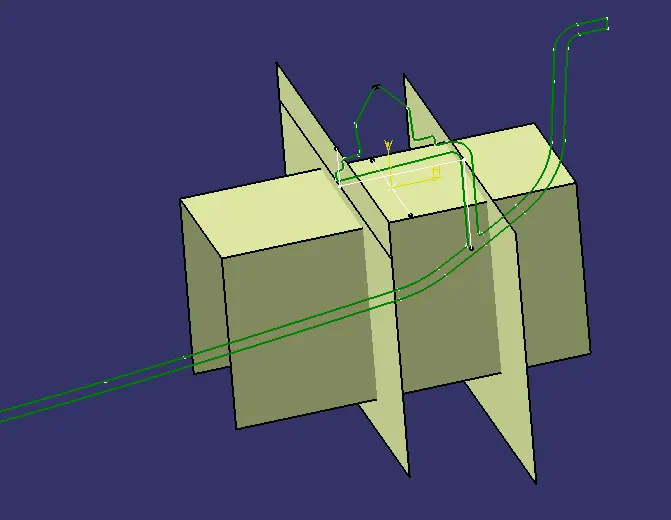
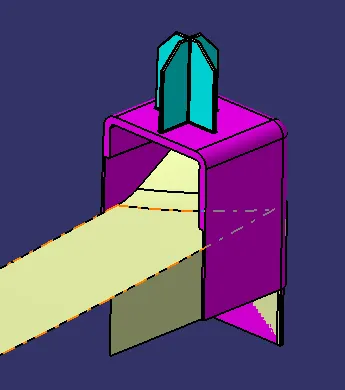
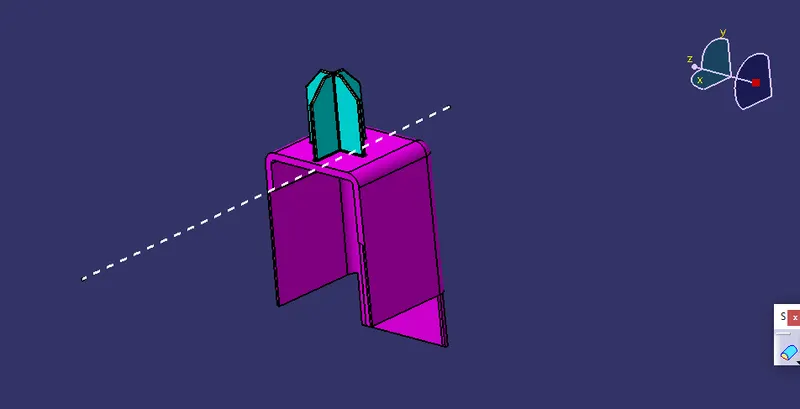
Lifter tooling axis creation.
Rib Design
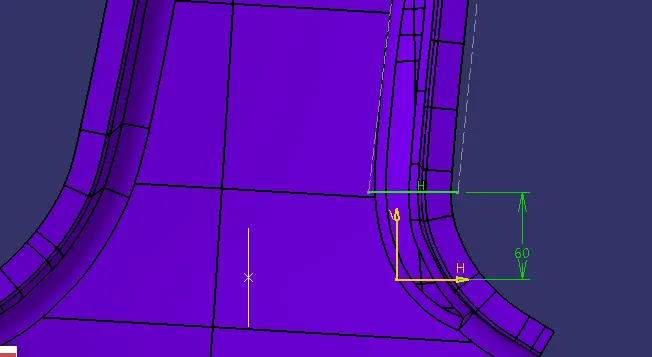
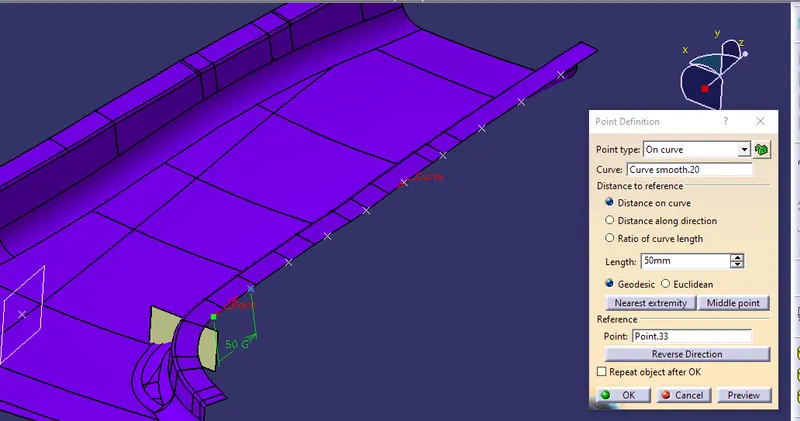
Transleting ribs at 50 mm distance with point to point translet command.
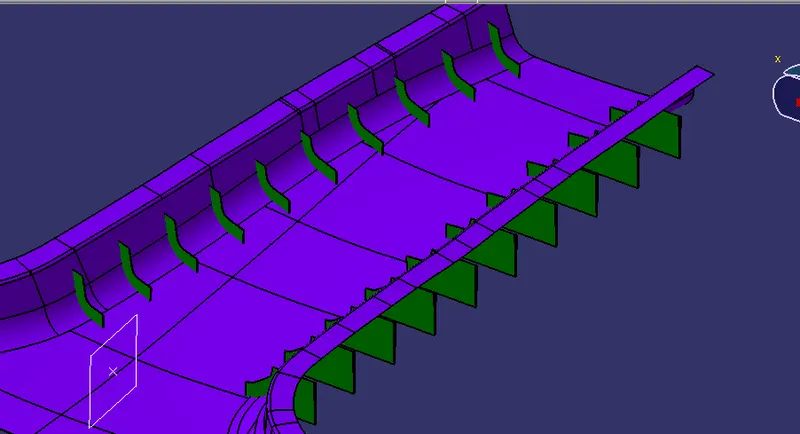
Triming the ribs by offseting class 'B' surface at 10 mm distance and with class 'A' surface on other side.
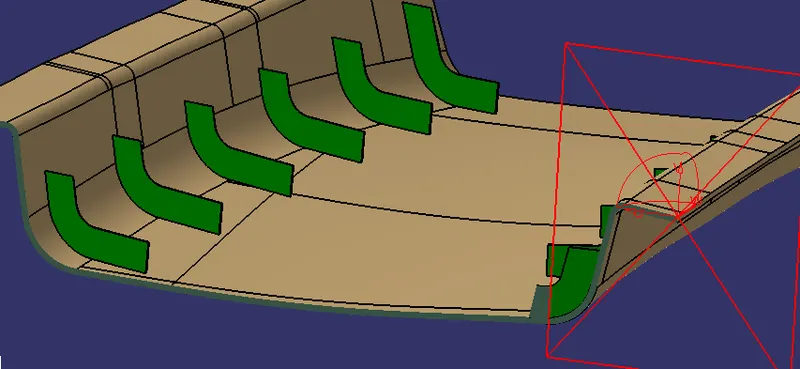
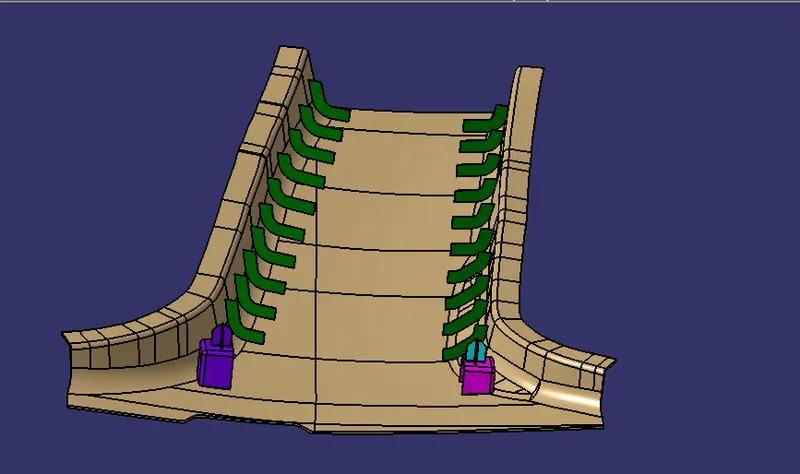
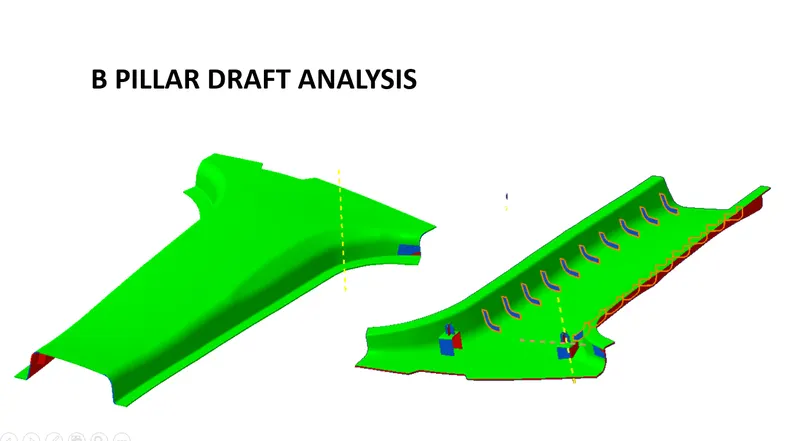
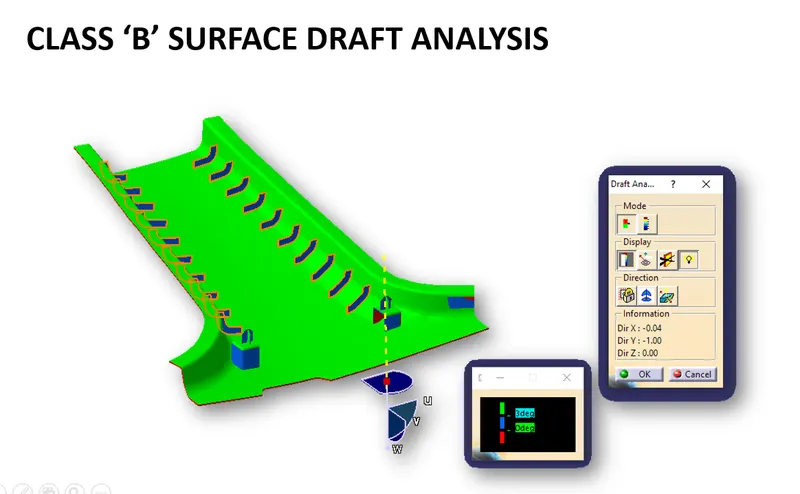
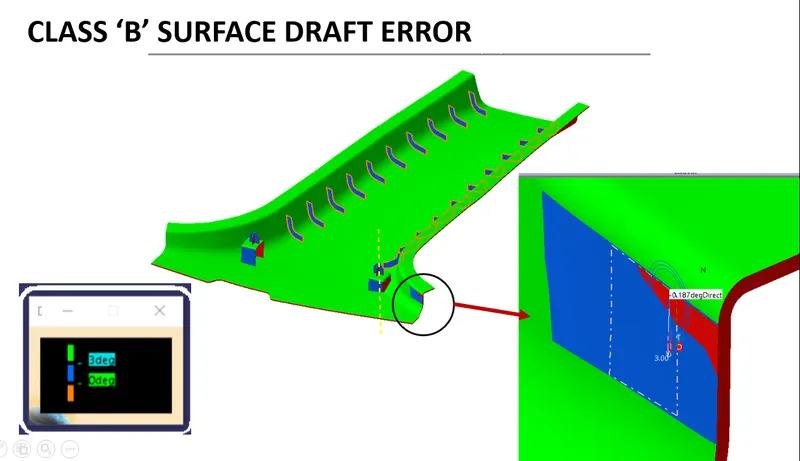
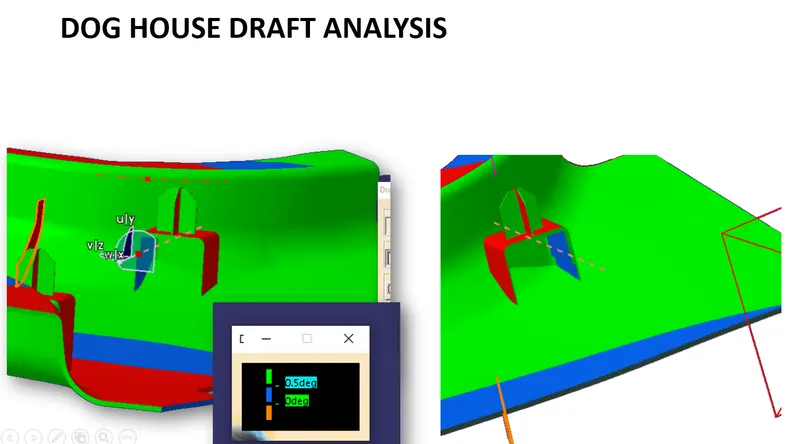
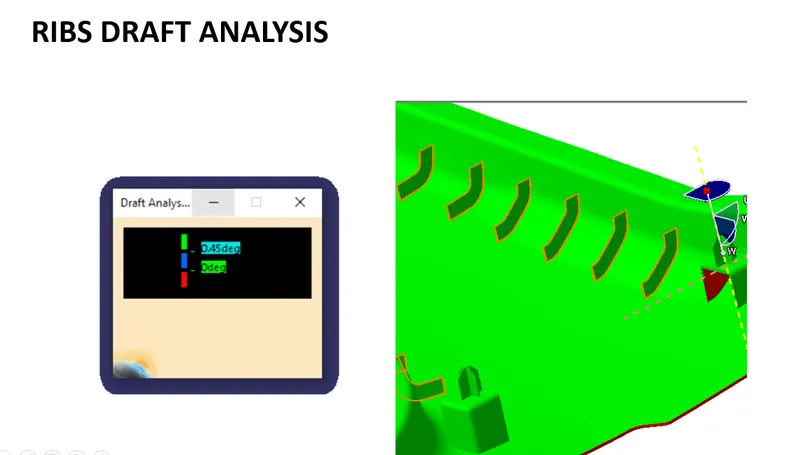
DRAFT ANALYSIS: