Week 9 - Project - Master Section Development
Aim:
To create a B-Pillar master surface section with class A,B and C surfaces along with screw bass,dog house,locators on it.
Tools Used:
- Line
- Point
- Trim
- Edge fillet
- Extrapolate
- Extract
- Spline
- Draft Analysis
- Extrude
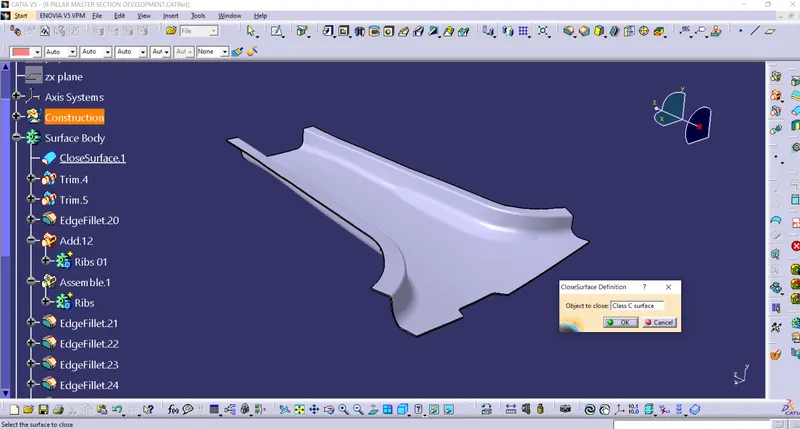
- Close surface
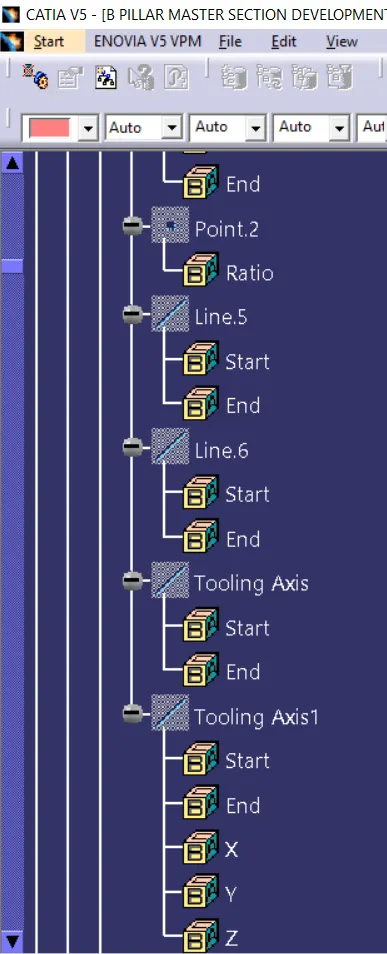
Tooling Axis:
- This axis represent the tooling direction of the mould part.so that the part can travel on the axis to achieve the draft angle.
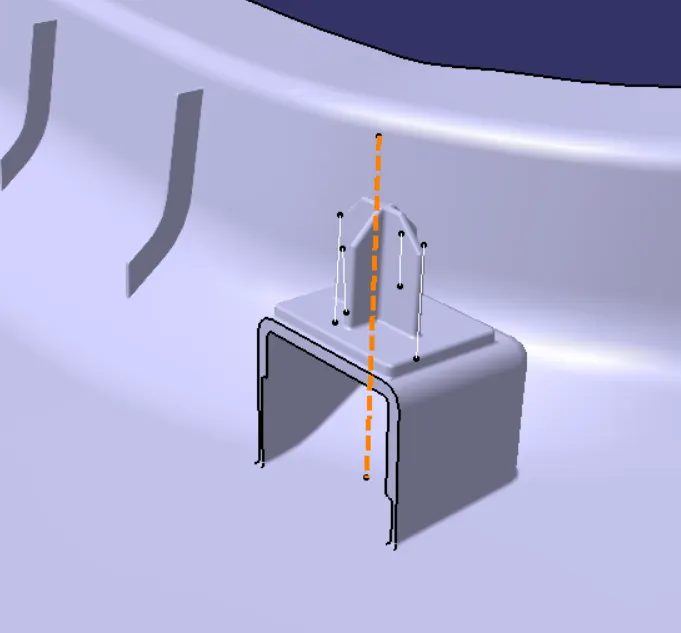
- The above fig orange line represented as tooling axis by bisecting the two lines with respect to the surfaces the tooling axis will be provided.
- Creating the tooling axis we need to intersect the class A surface.
Draft Analysis:
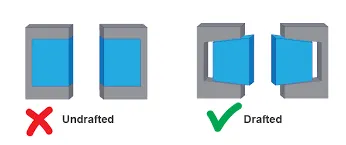
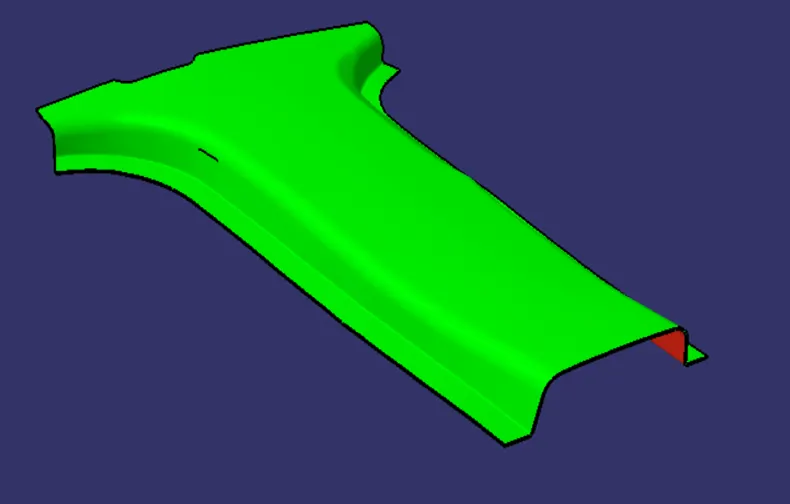
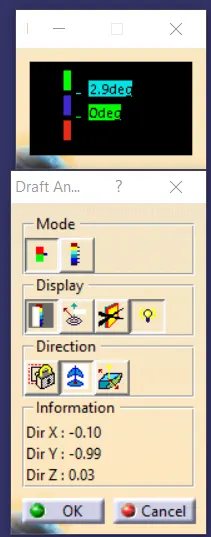
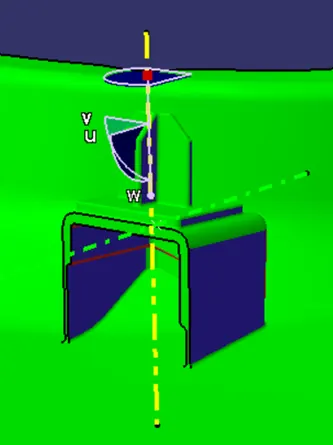
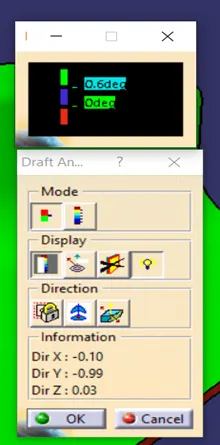
- Normally on the injection molding the parts which are getting ejected will have some defects and very difficult to remove from the cavity, So to make easier and reduce the defects this draft analysis is used.
- The Below pic shows that the parts on the cavity with normal in shape and another is drafted.
- Basically the plastic components should be drafted at 3deg and for a sheetmetal components the draft angle should be 7 deg.
Procedure:
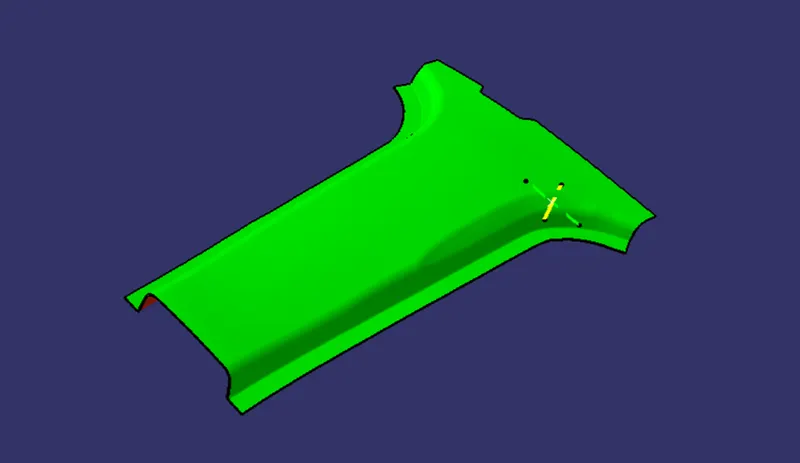
- Extract the class A surface and offset it to thickness of 2mm.
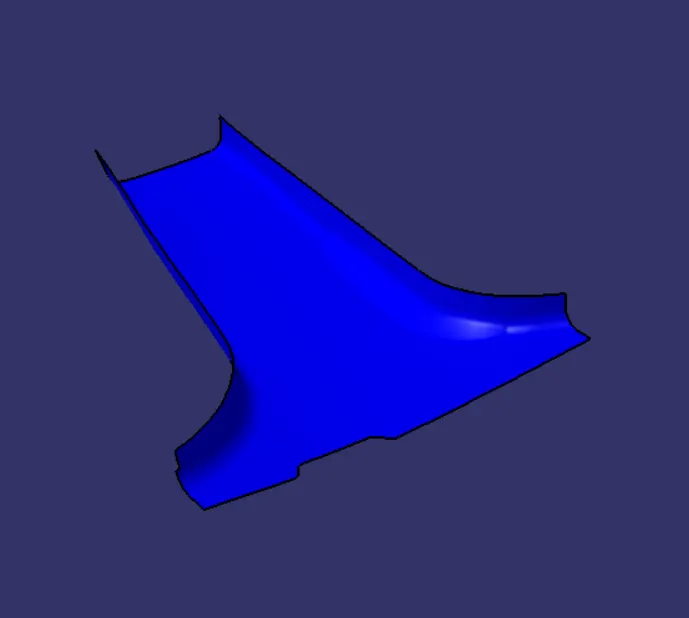
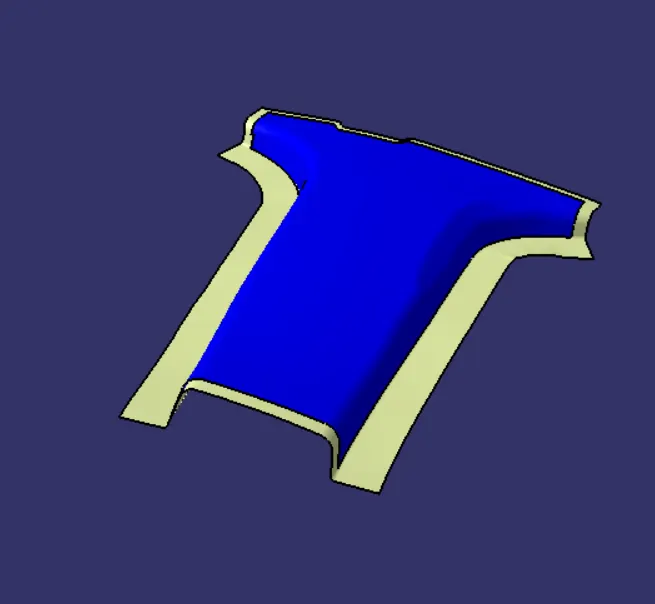
- Create a flange on the class B surface with respect to the master section.
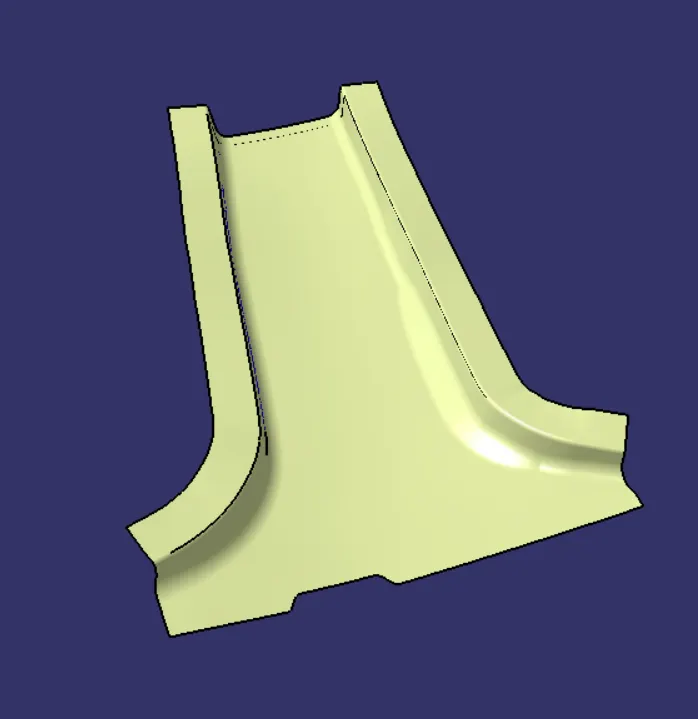
- Create a class C surface with 3 deg draft and sweep it along outside of the direction.
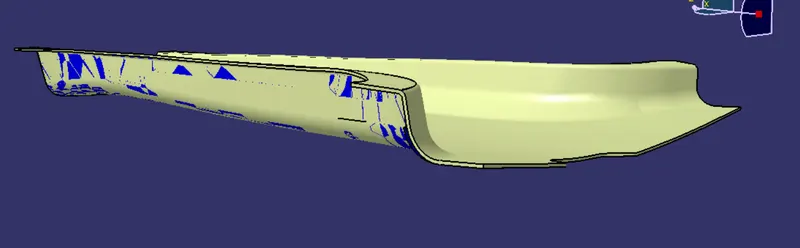
- Close the surface by surface close option to make the surface into solid.
- Create a Dog house along with 4way locator by the reference of master section on it.
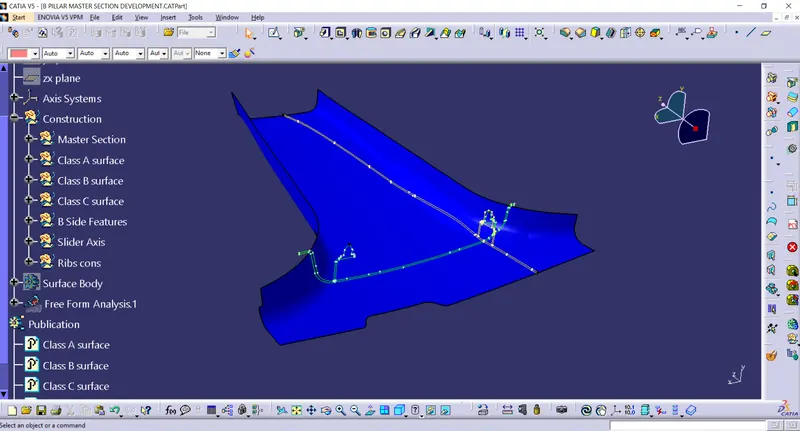
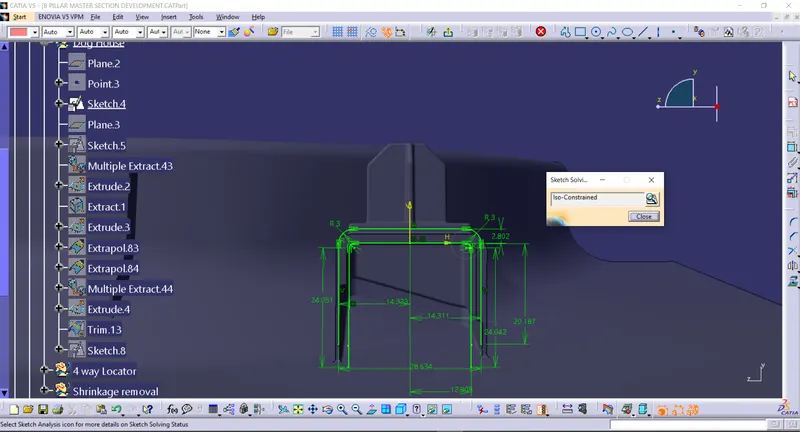
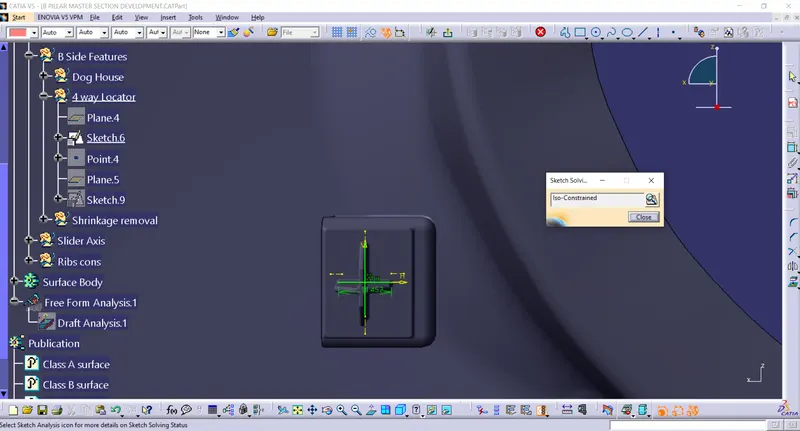
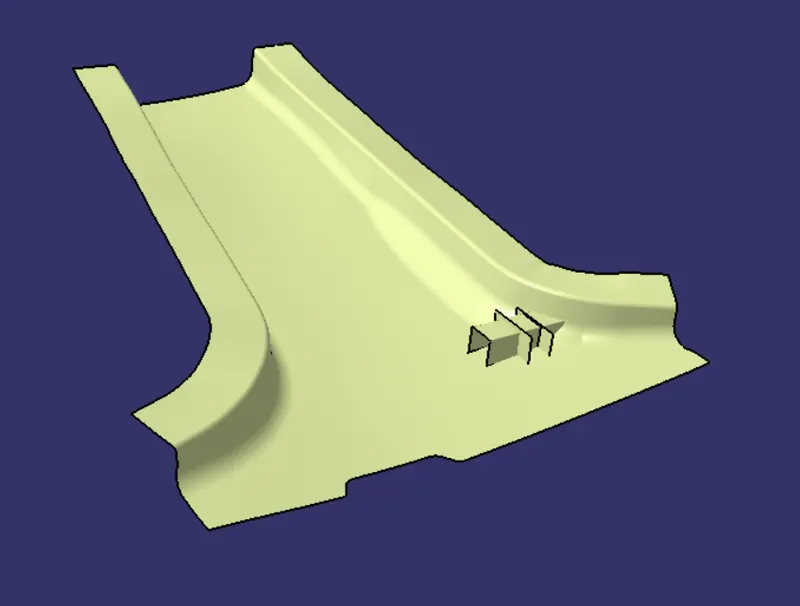
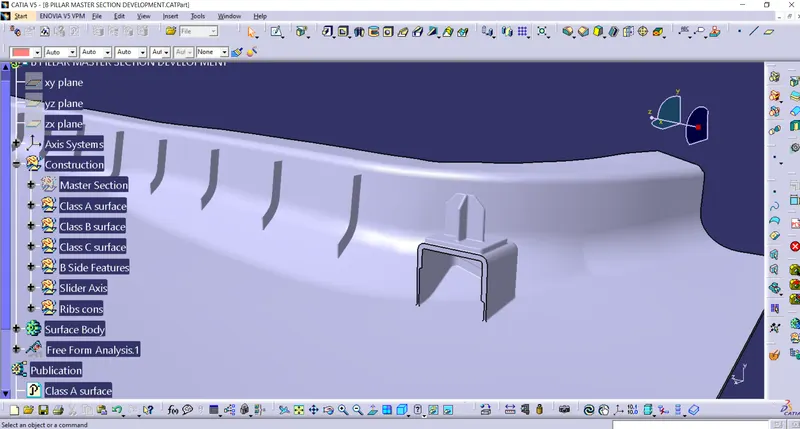
- Create a Ribs with 60mm apart and extrude it and split it with class B surface.
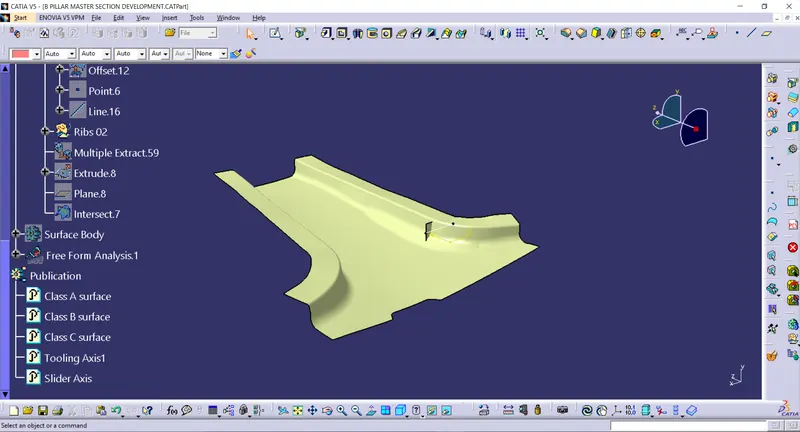
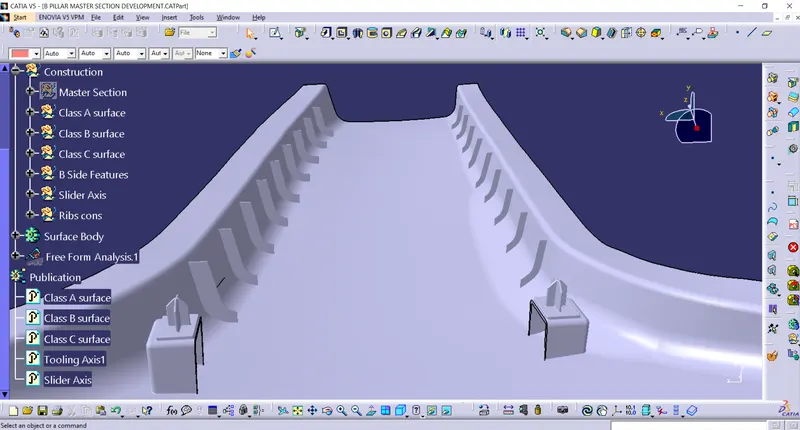
- Add Fillets to the particular region and check for any boundry and close it.
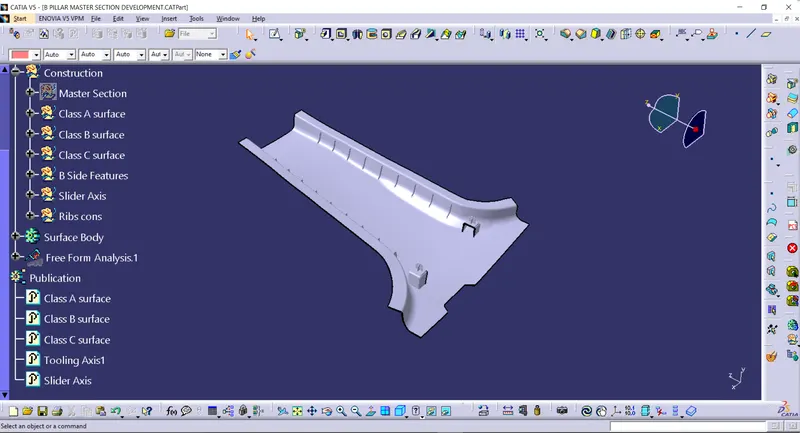
Draft Analysis:
Views:(Isometric,Top,Front,Side)
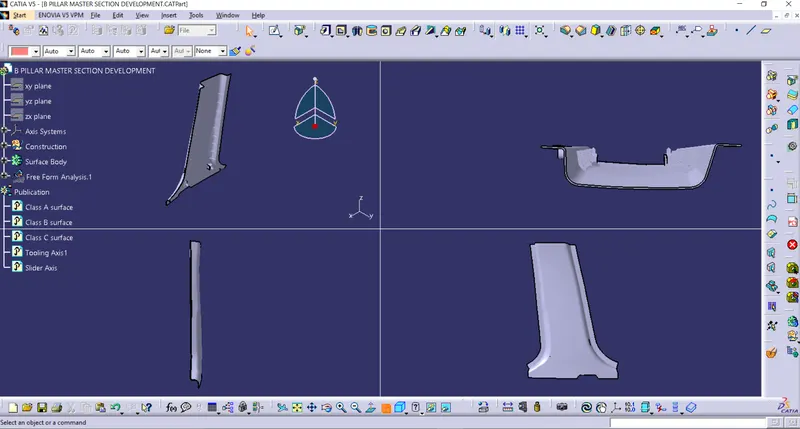
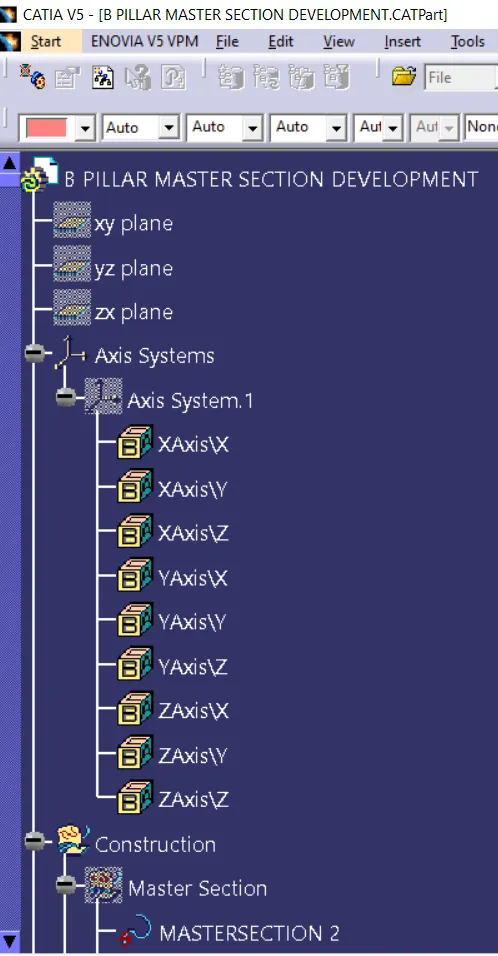
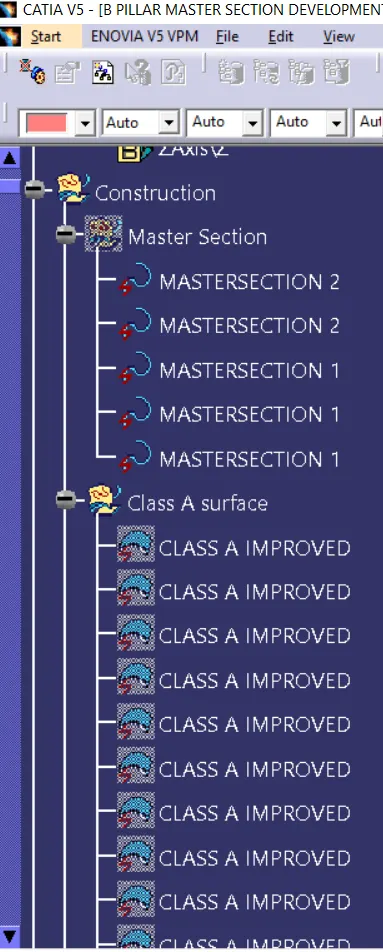
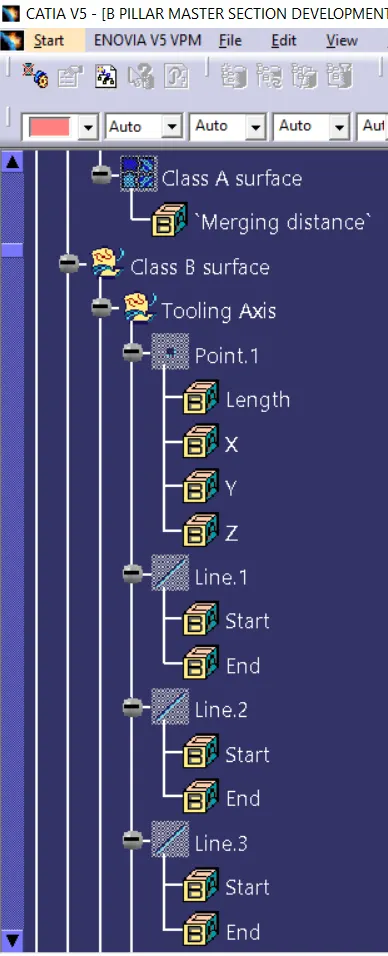
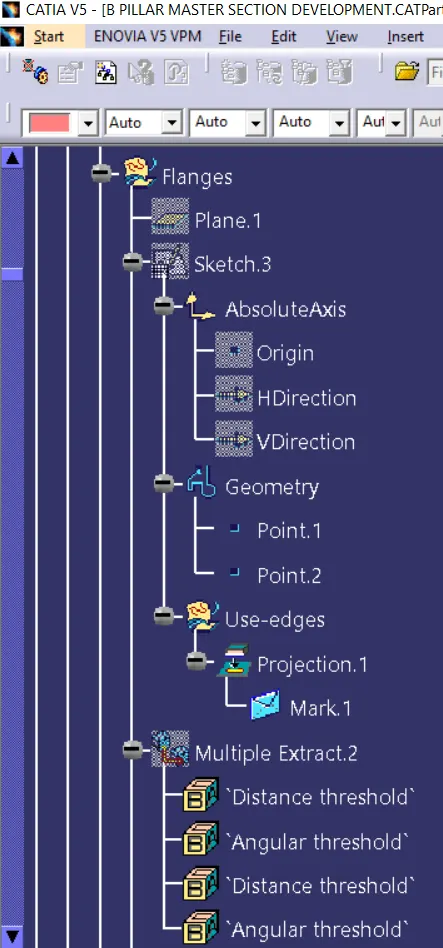
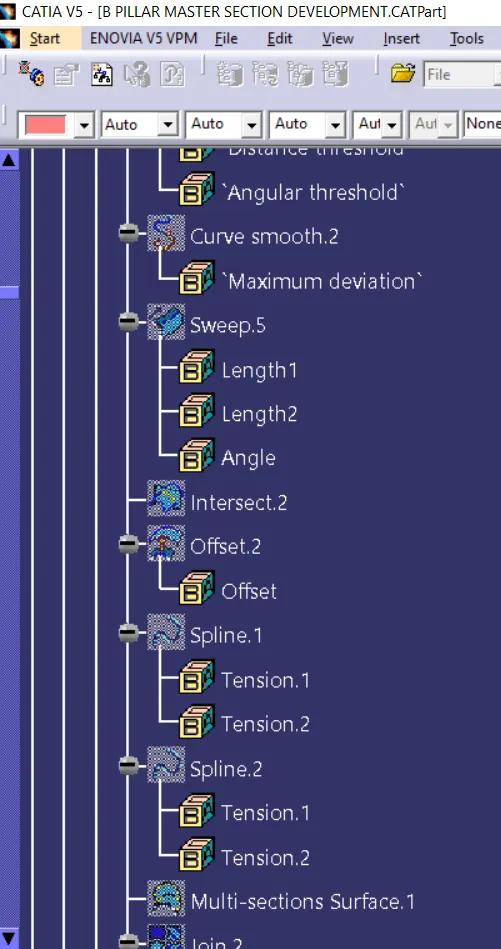
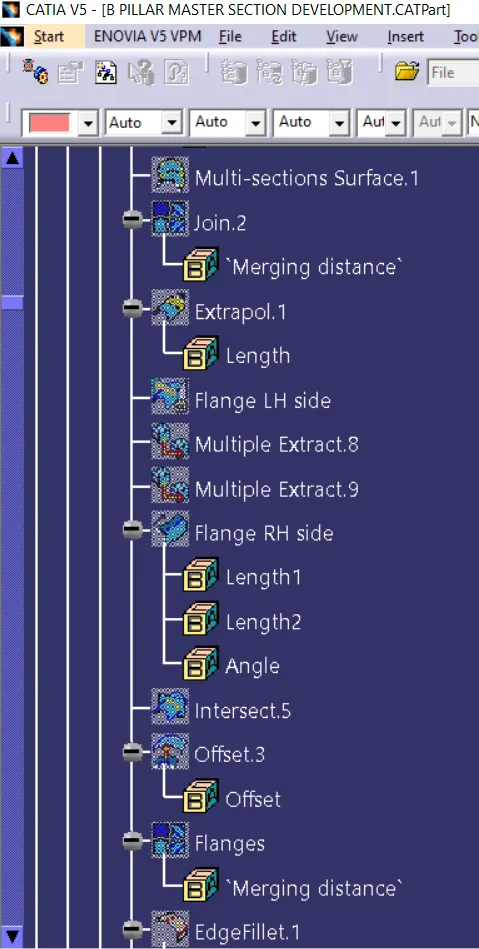
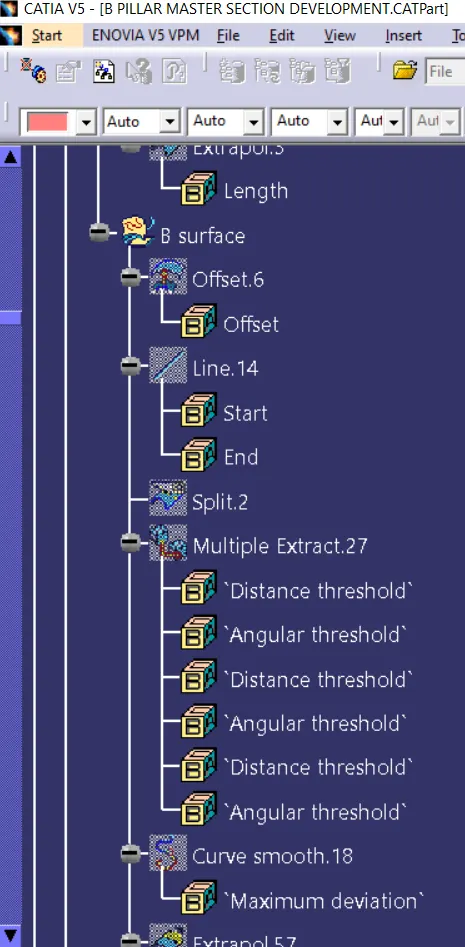
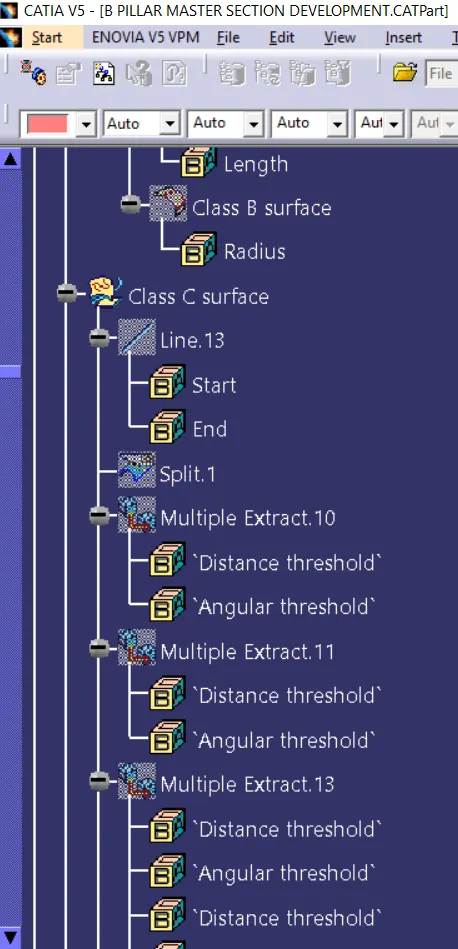
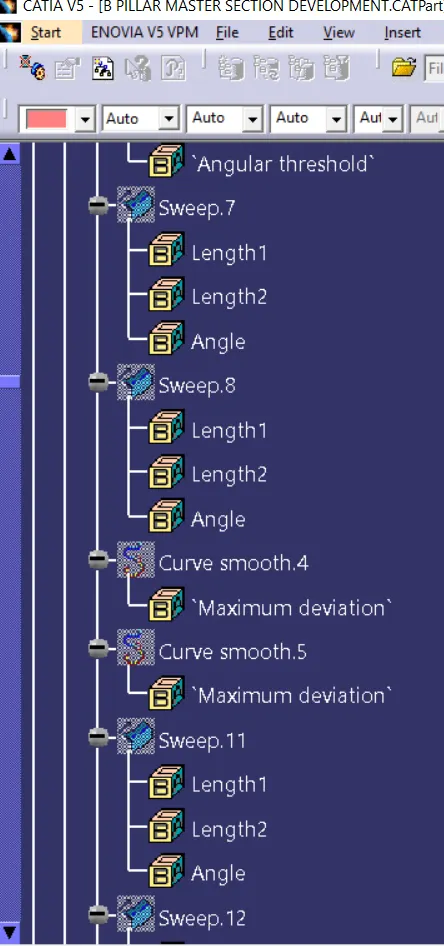
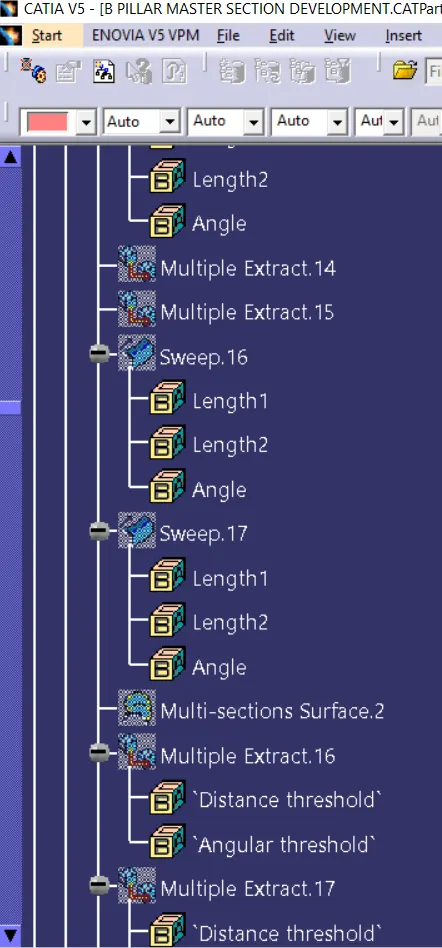
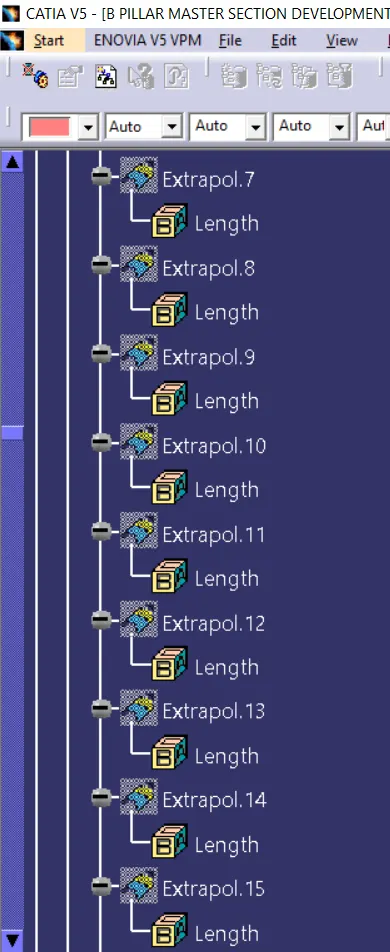
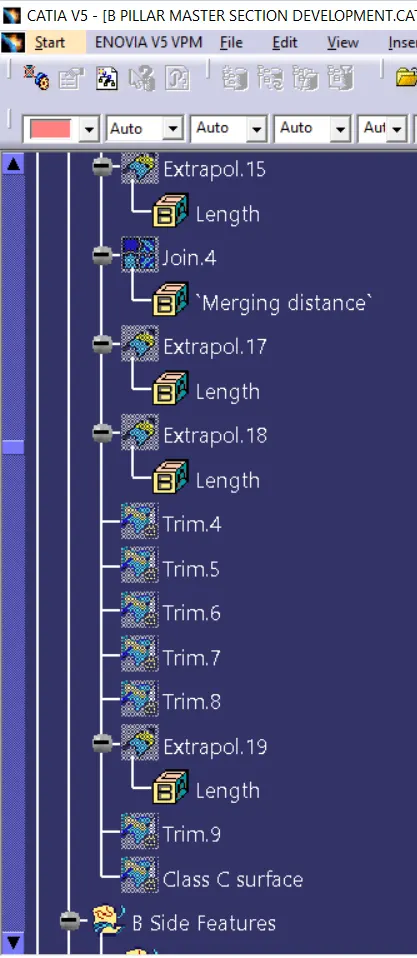
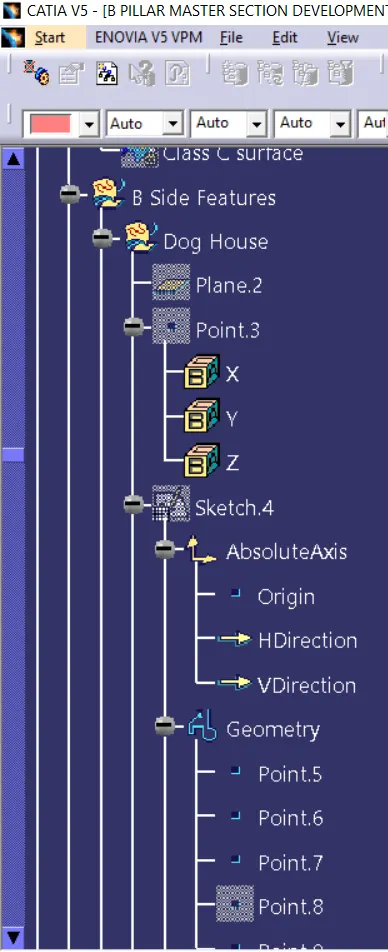
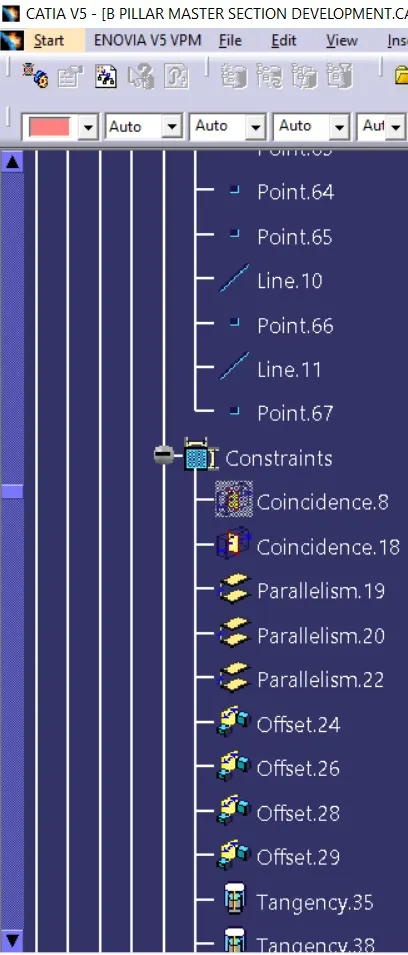
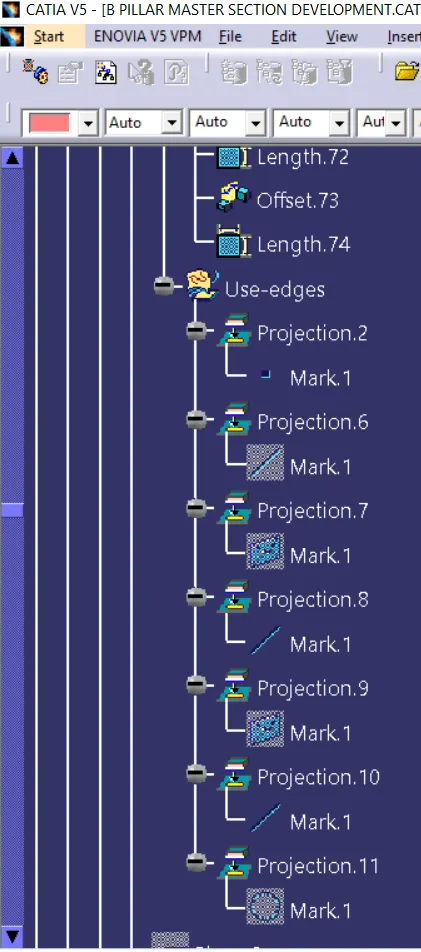
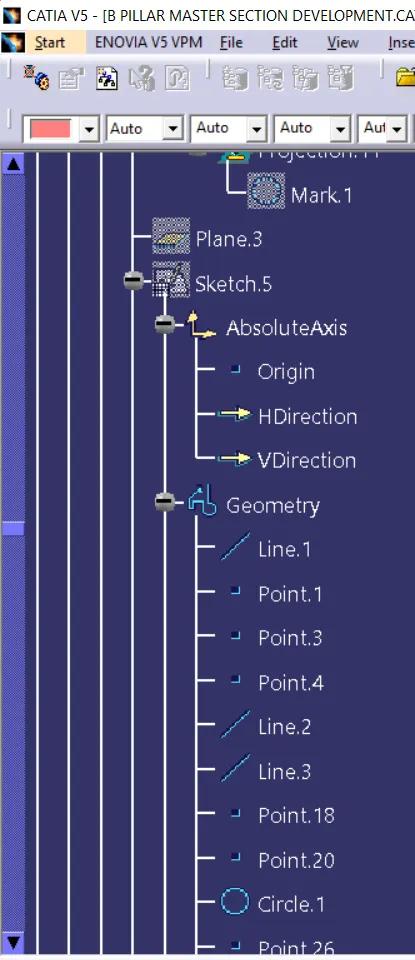
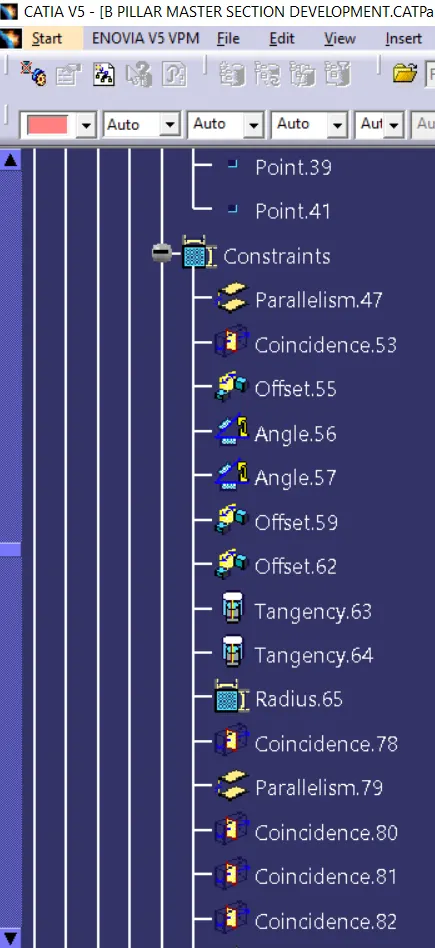
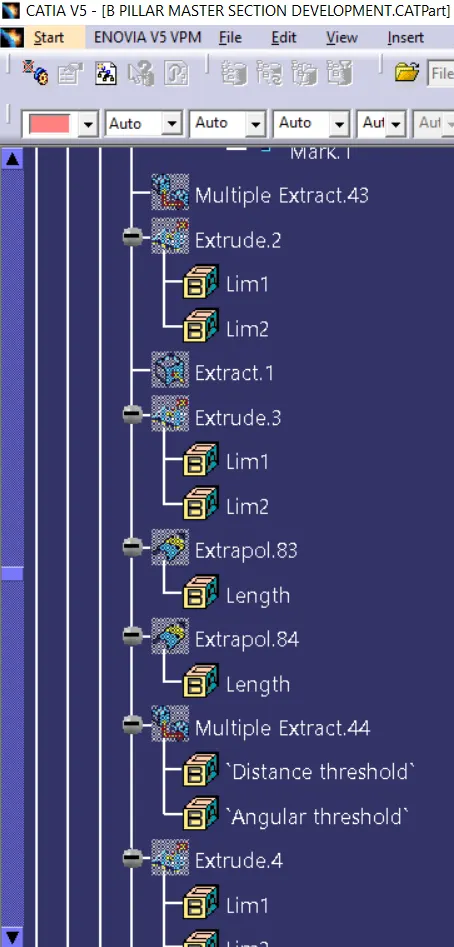
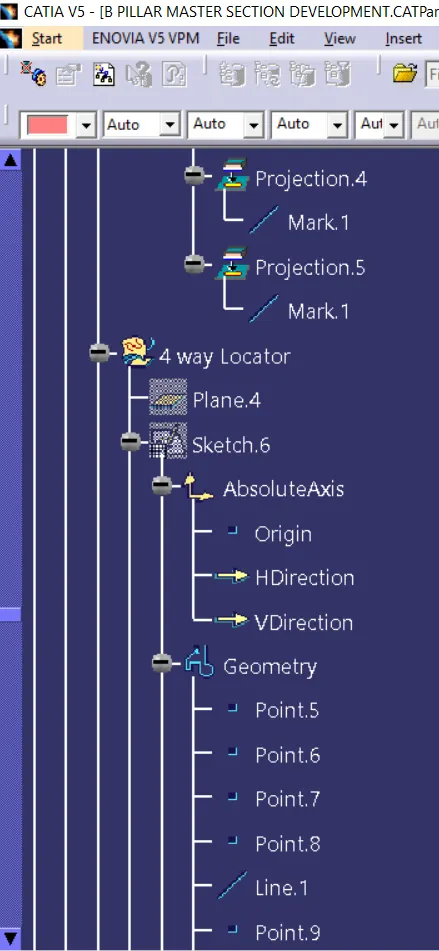
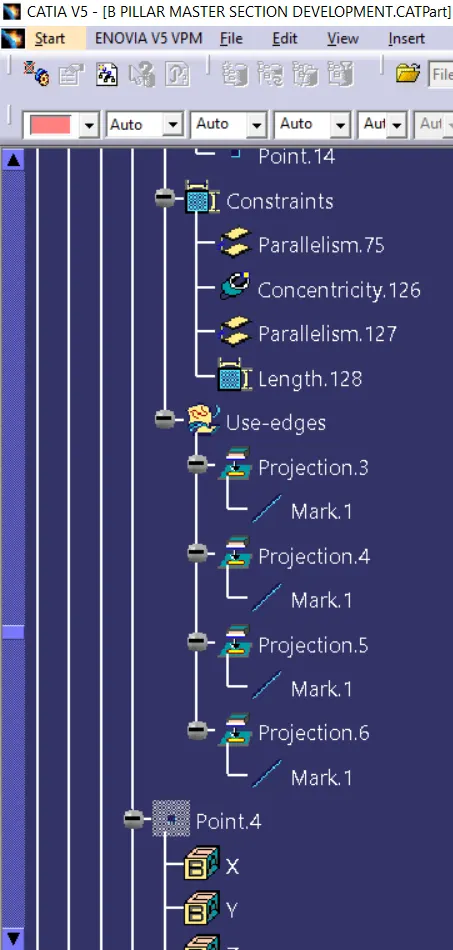
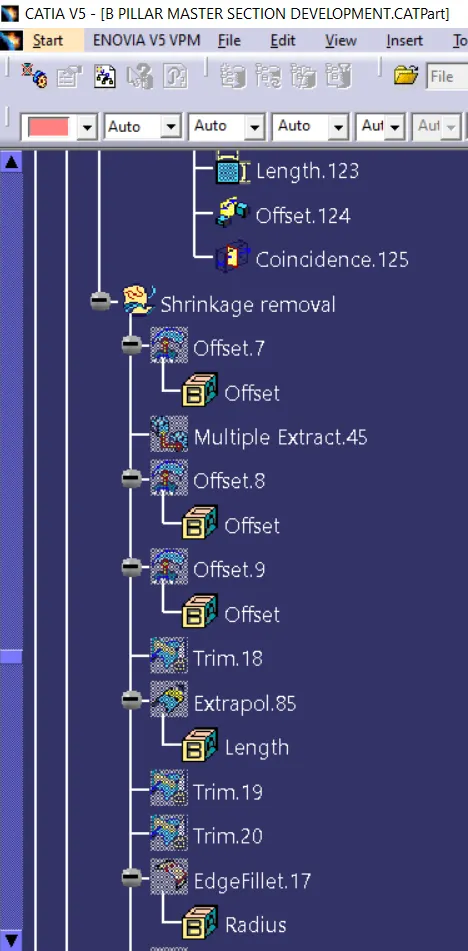
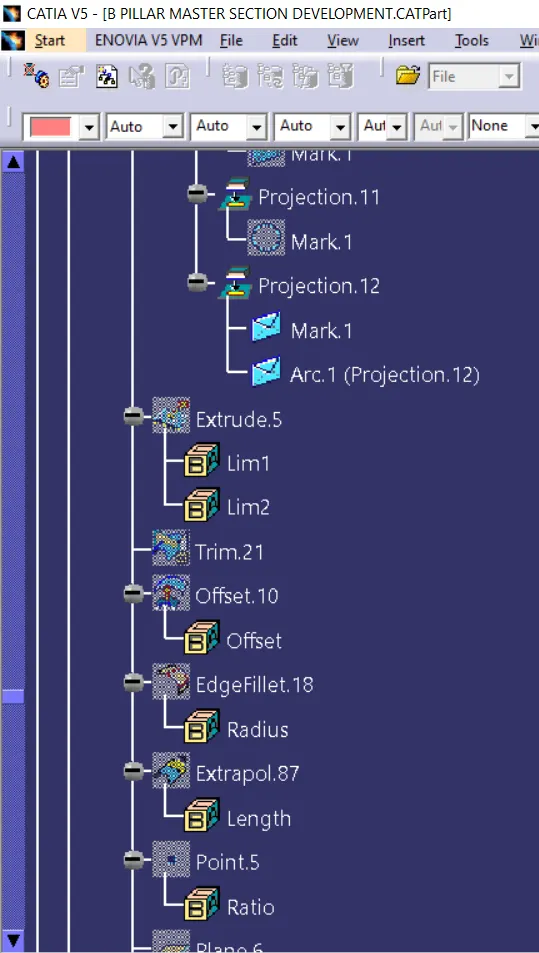
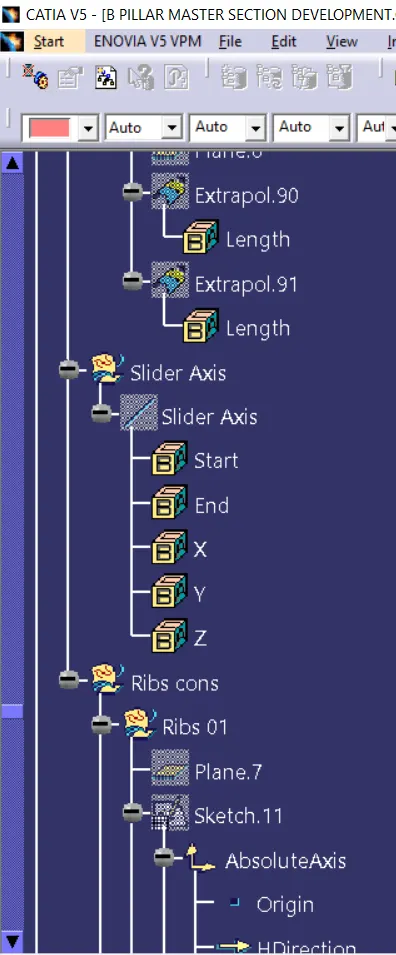
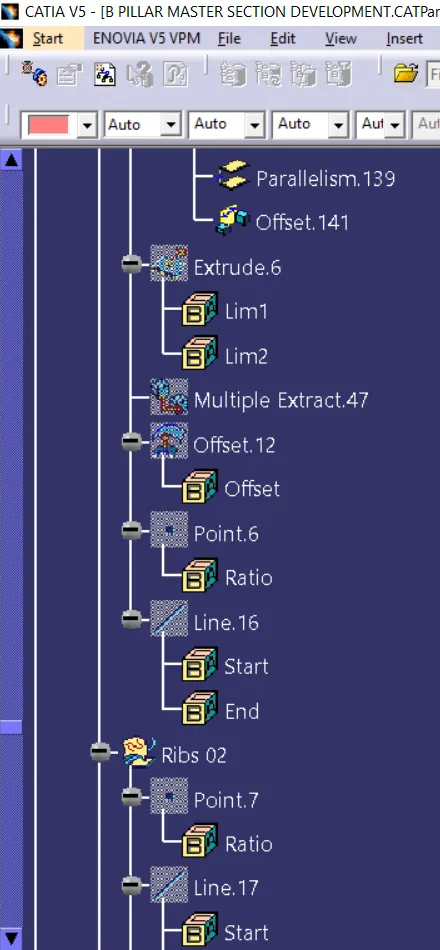
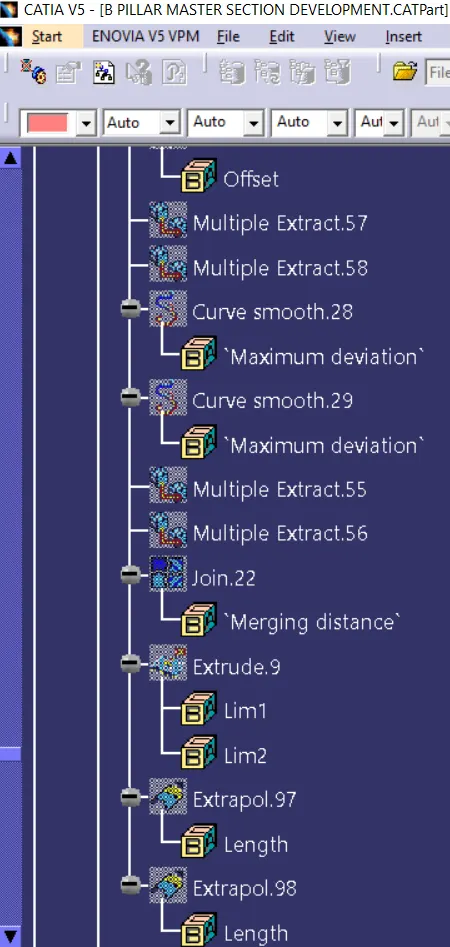
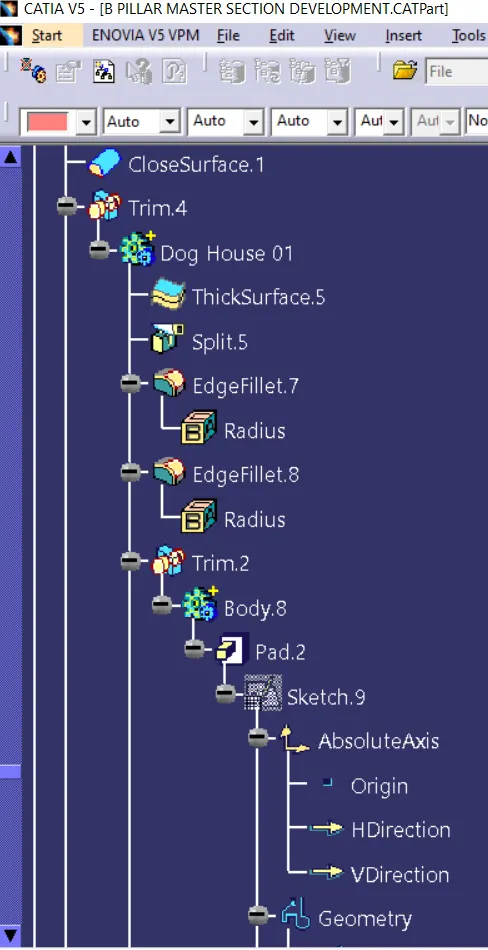
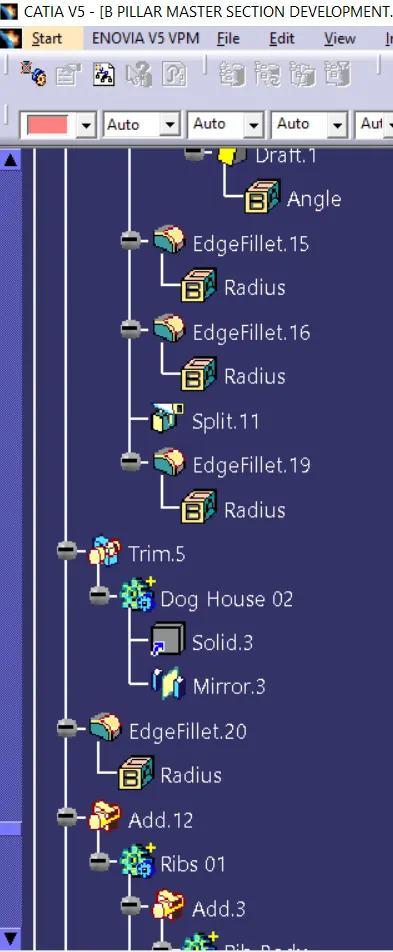
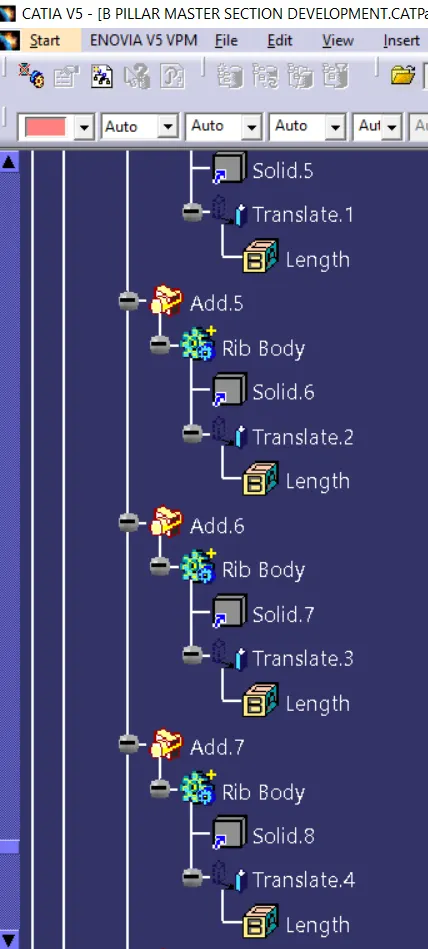
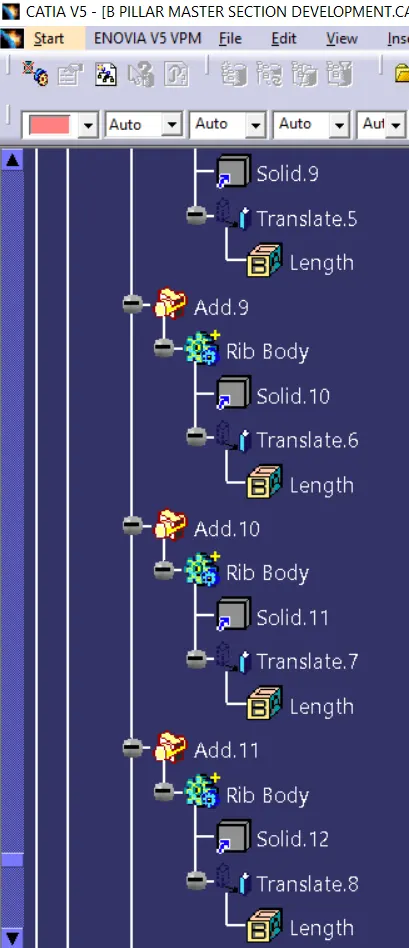
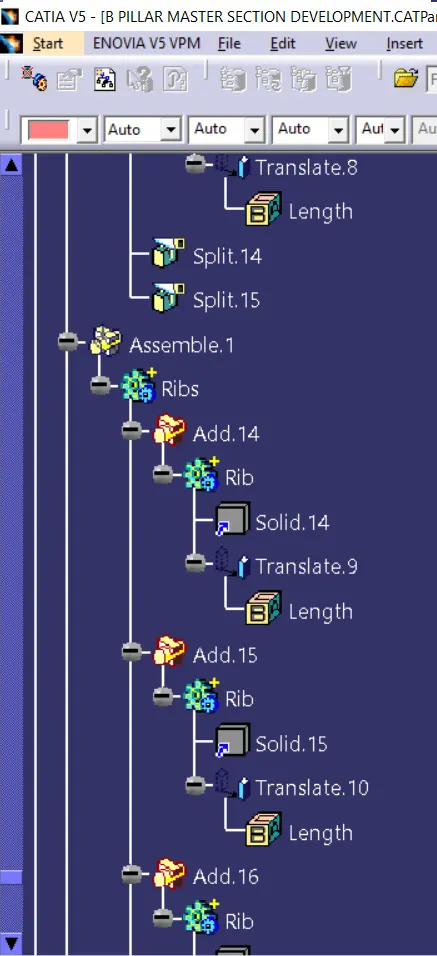
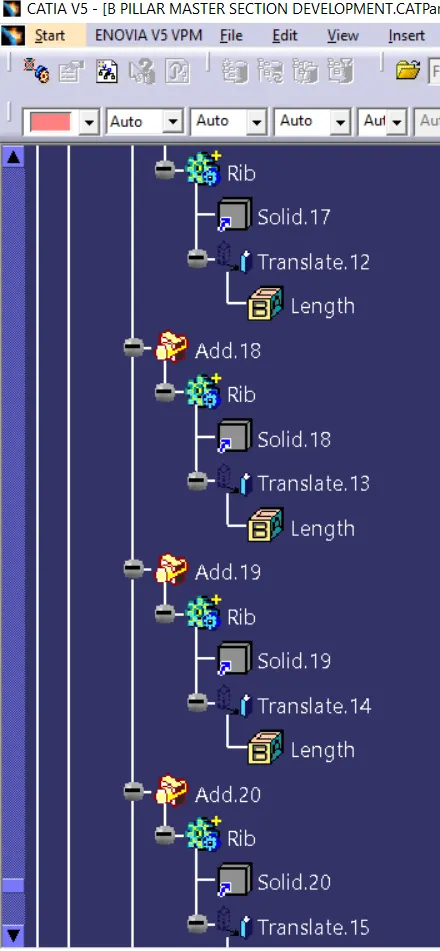
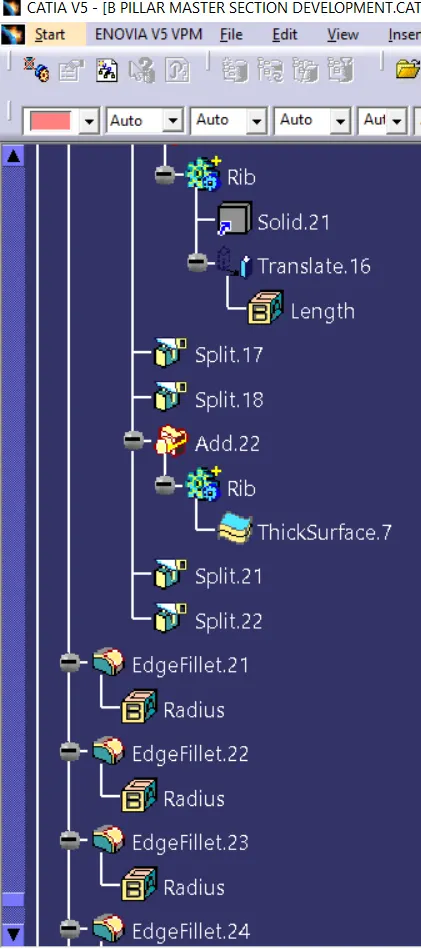
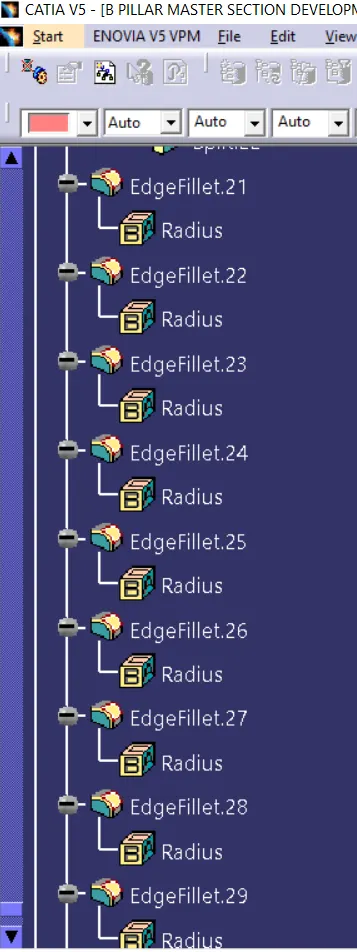
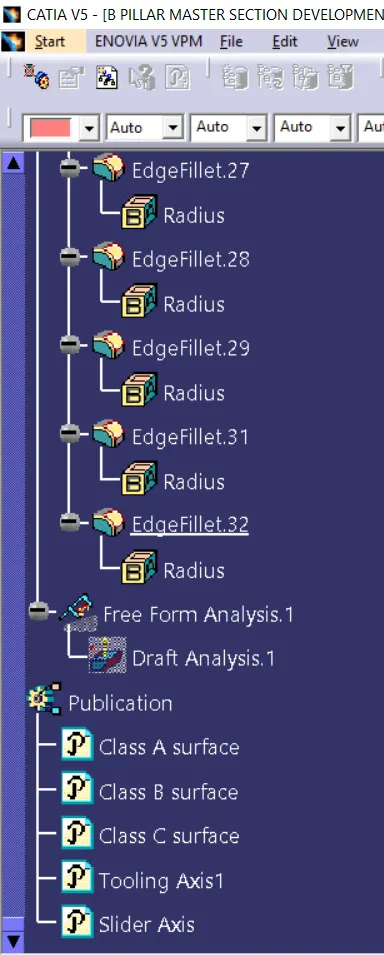
Feature Tree Manager: