Week 9 - Project - Master Section Development
Master section development B Pillar component
- Picture of the sketches with Sketch solving status’s geometry tab
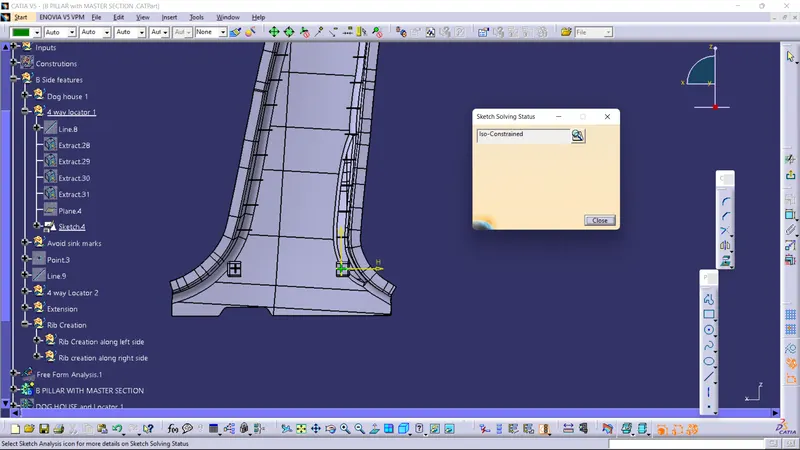
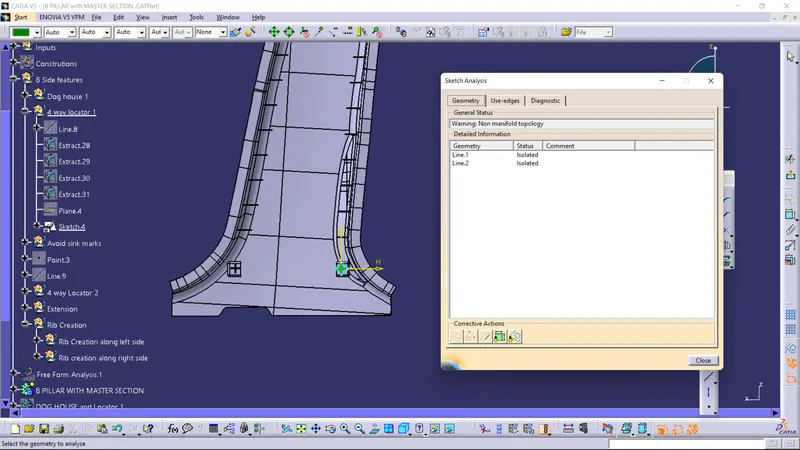
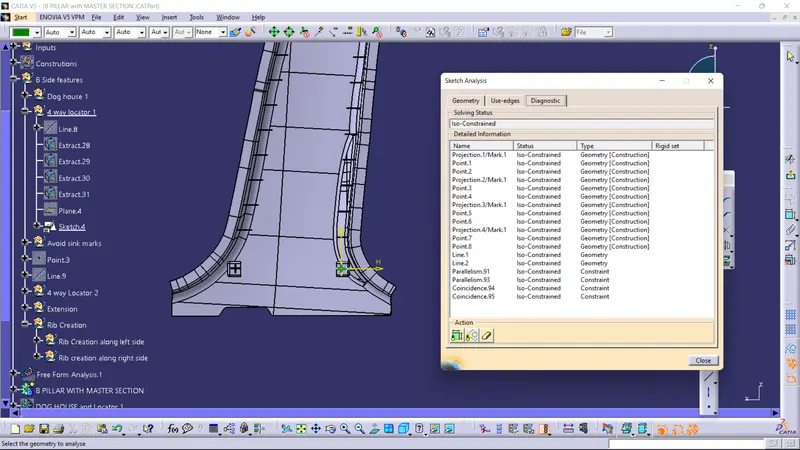
- Picture of the Detailed tree structure.
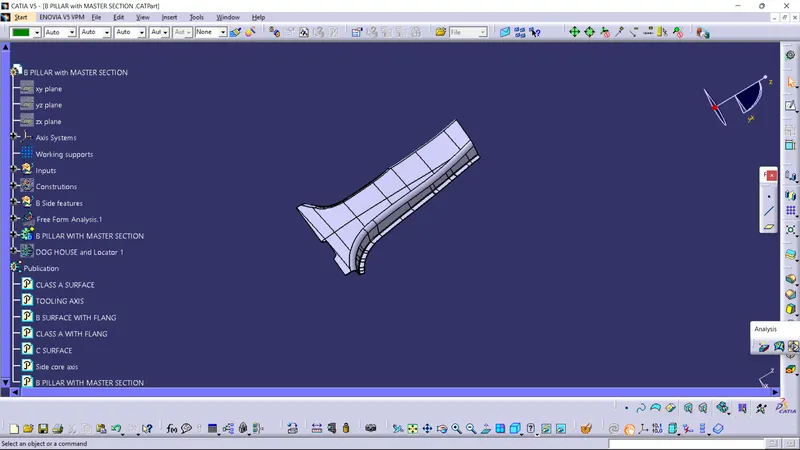
- Picture of the 3D CAD
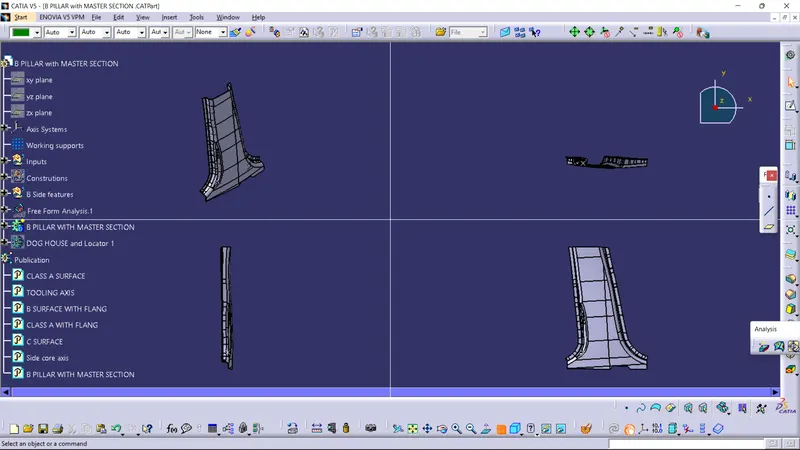
- Create closed body
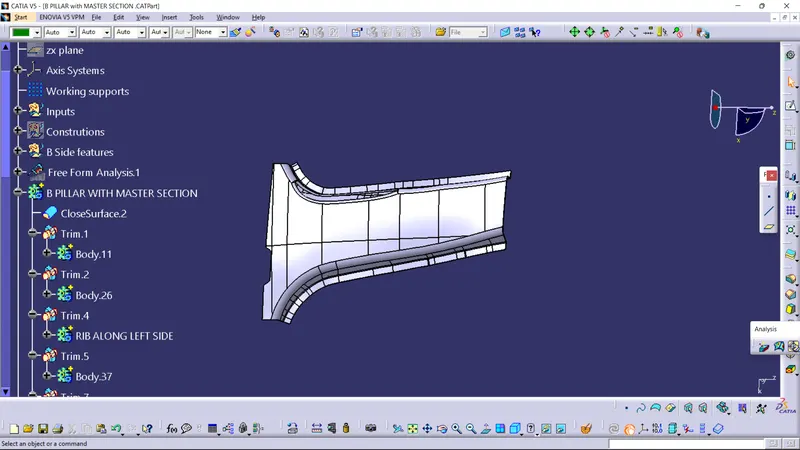
- Create tooling axis and follow design rules.
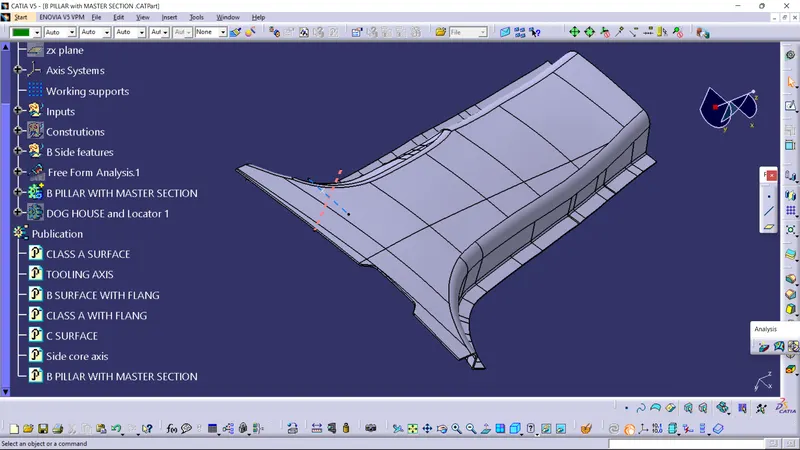
- Follow the Master section to create flange
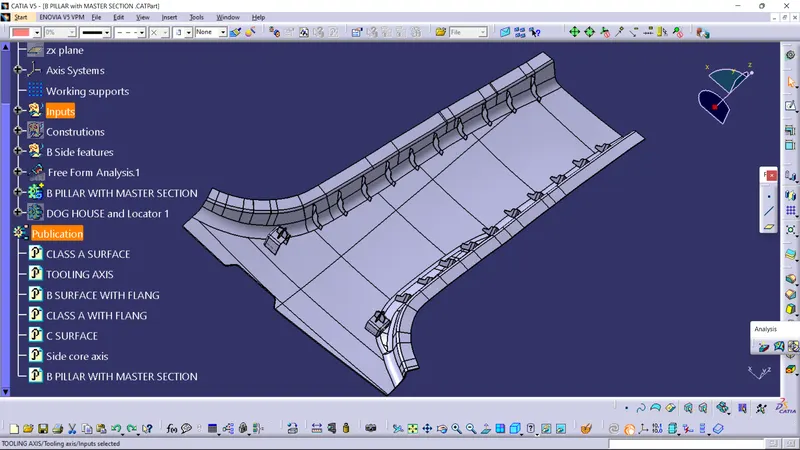
- Follow the master section for thickness and to create the Closed volume.
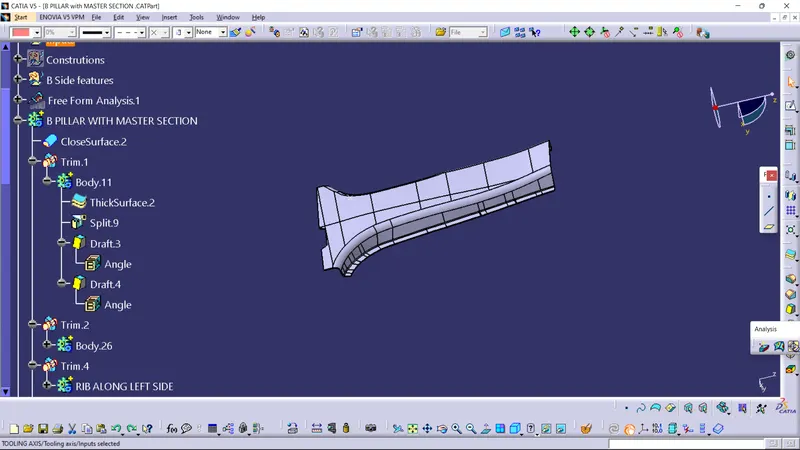
- Follow master section to create Attachment features
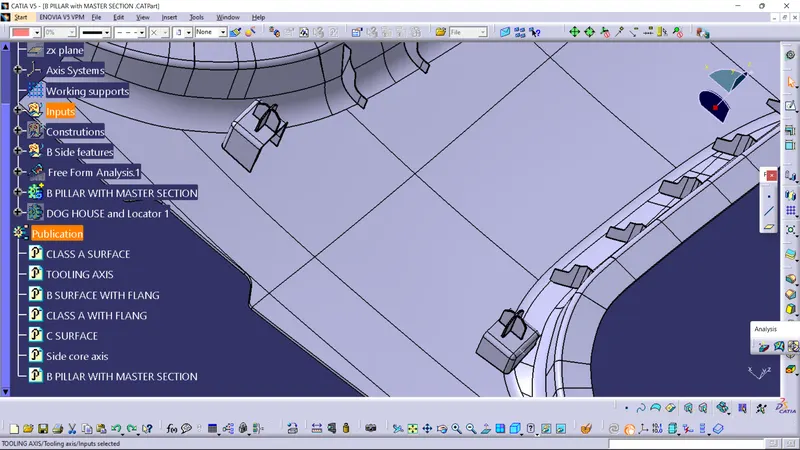
Report
Draft analysis report for the master section B Pillar CLASS A SURFACE.
- Few areas are not cleared hence we need to inform to the Class A surface engineer or get approval before working on the Class A Surface and improve the part.
- Tooling axis created along Y direction to the master section B Pillar component
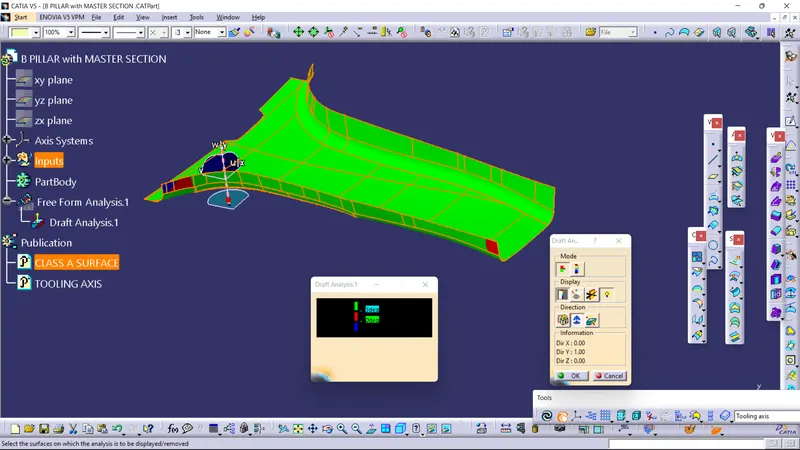
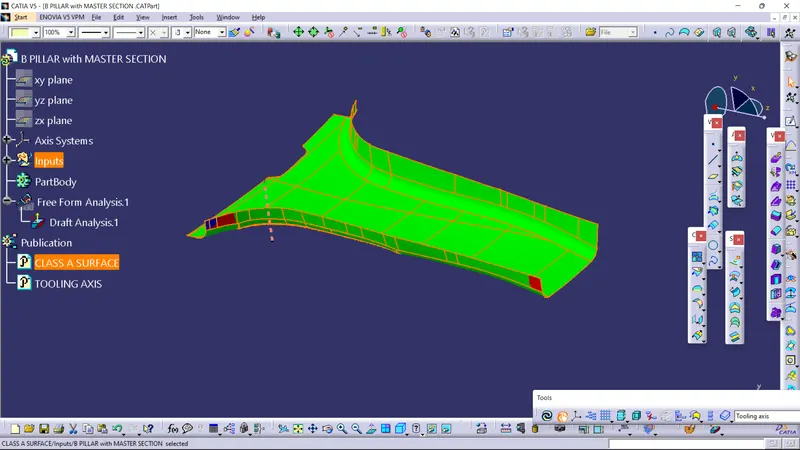
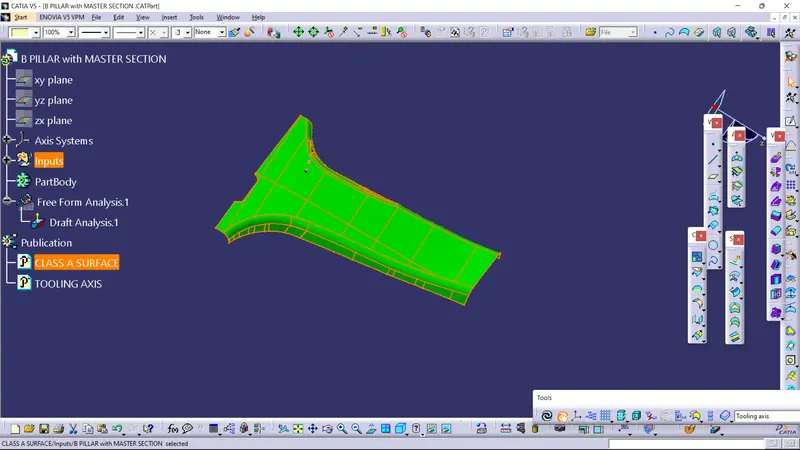
B Pillar draft analysis images are shown below
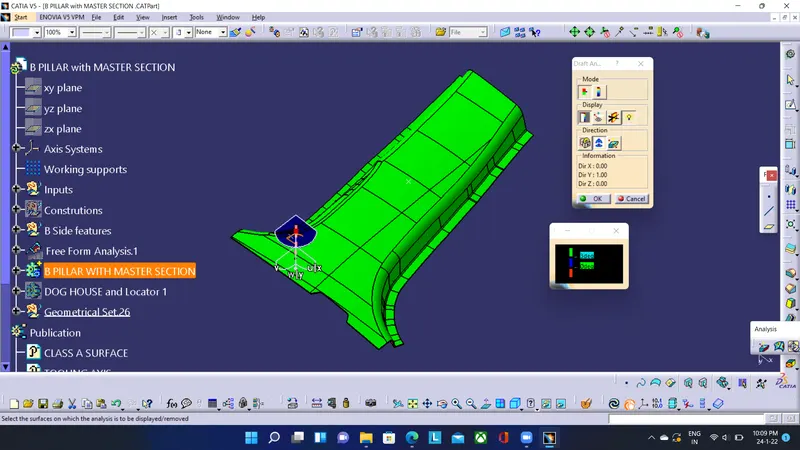
Attachment feature,Ribs being on the other side of the B pillar got cleared using main Tooling axis.
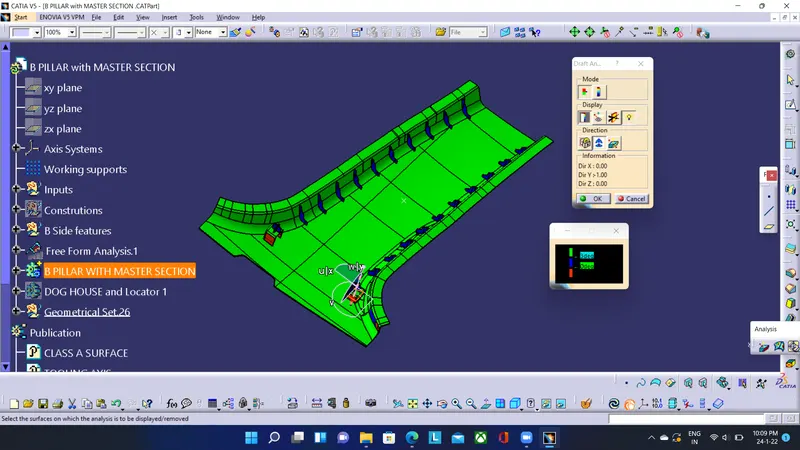
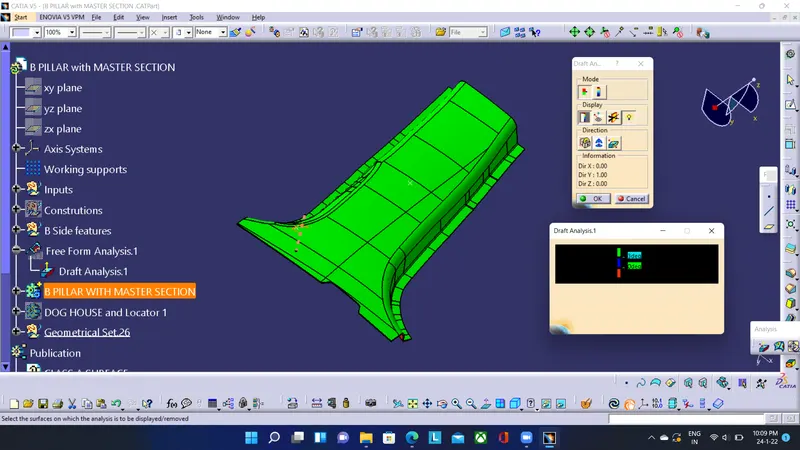
B Piller shown in various orientations.
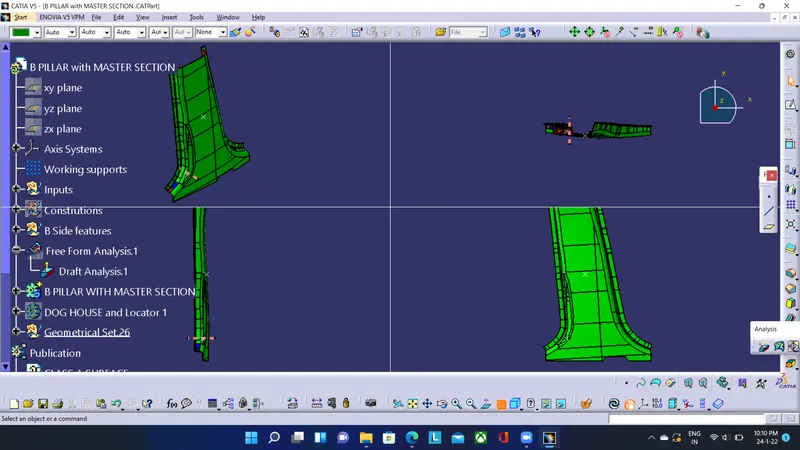
Draft analysis on Attachment features (Dog house and 4 way locator),draft given to clear the component as per design rules 0.5 deg.Tooling axis used is the main Tooling axis
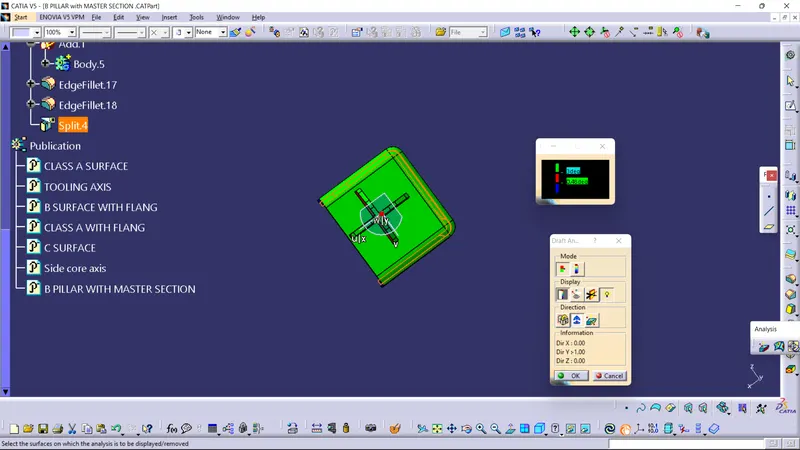
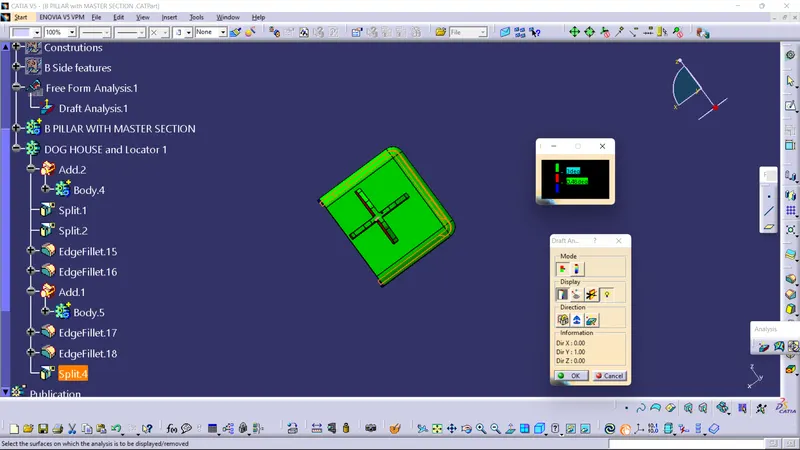
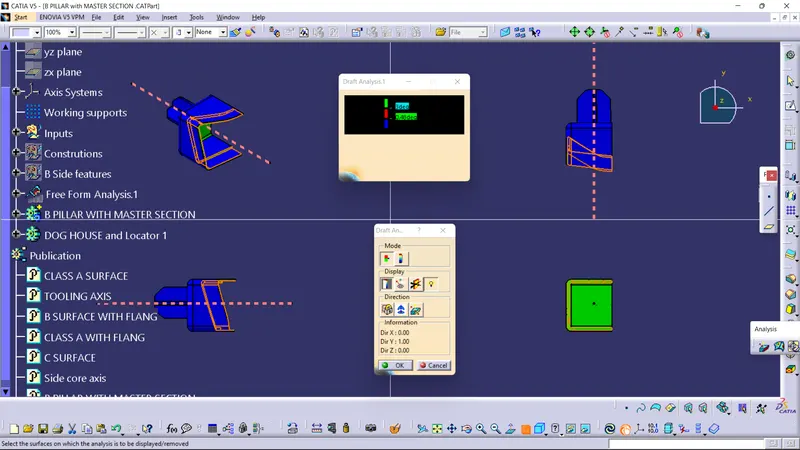
To clear the other faces Side core axis is created along and used for this draft analysis,giving the 0.5 deg draft.
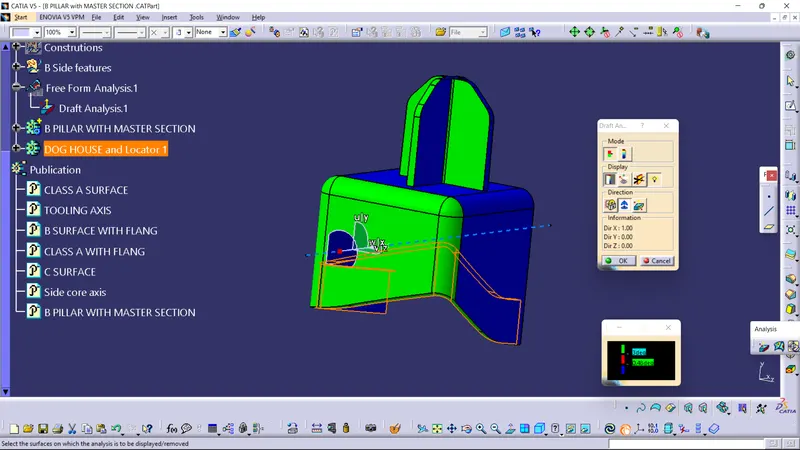
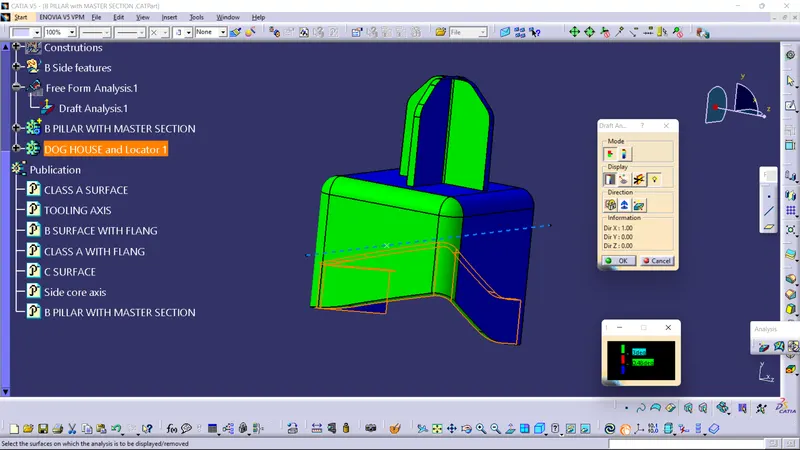
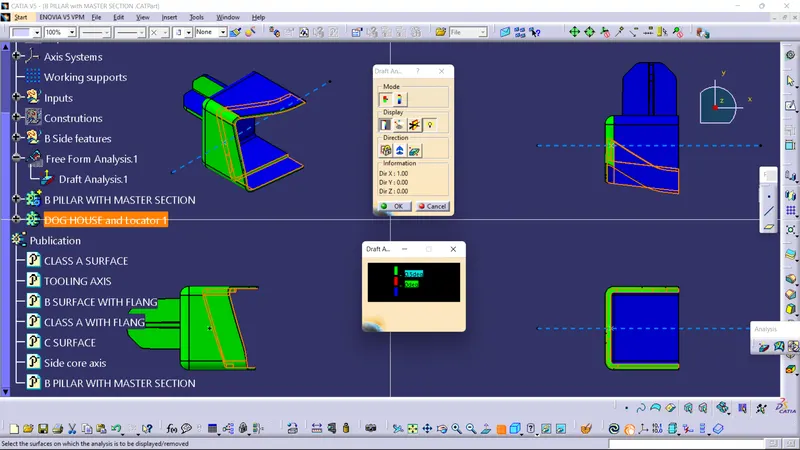
*Few areas that show red on draft analysis is corrected during the final attachment to the B pillar
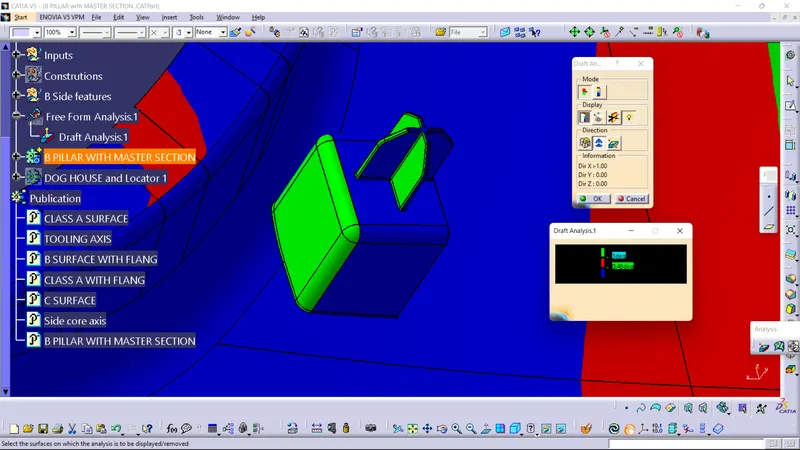
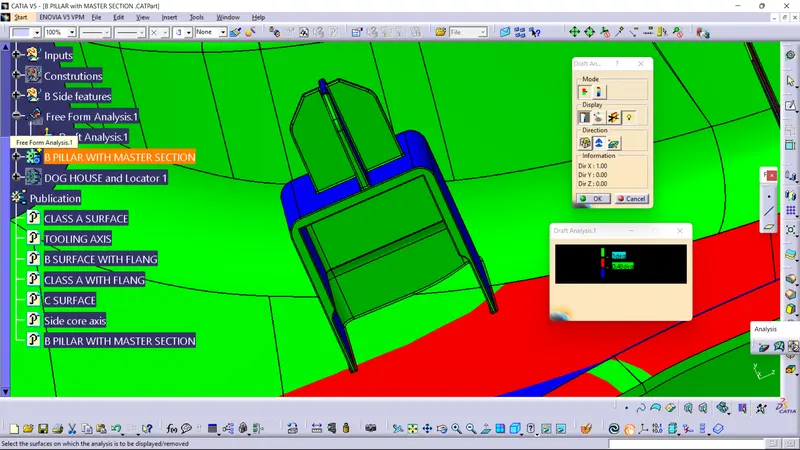
Final Master section draft analysis using the Tooling axis along Y direction
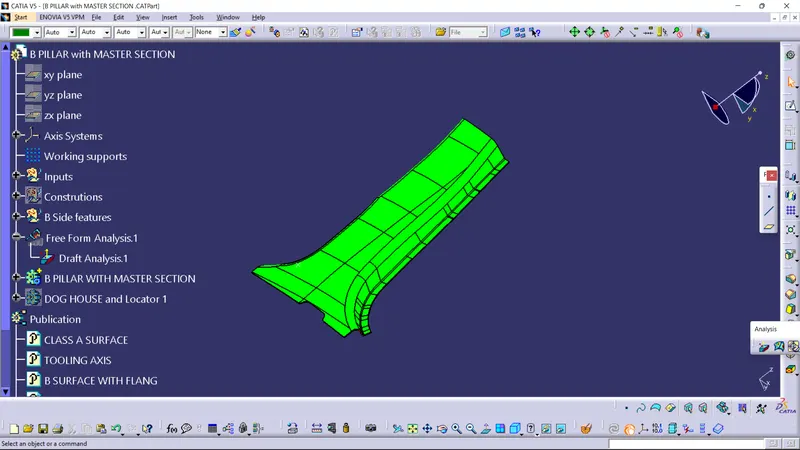
NOTE:The CATPart file is attached in ZIP file format below
THANK YOU