Week 9 - Project - A pillar Design with Master Section
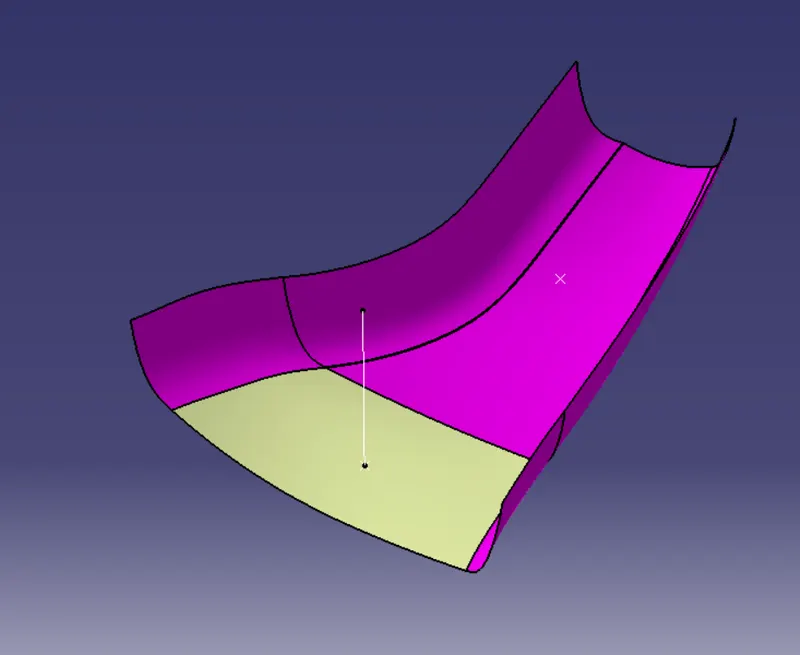
Class A surface:
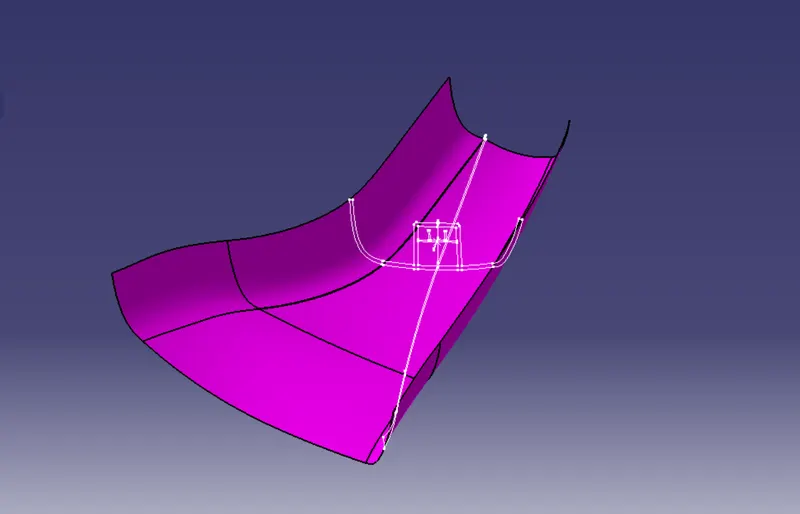
Tooling Axis Creation :
For this part tooling axis creation is done by using the mater section which is given along the Class A surface.
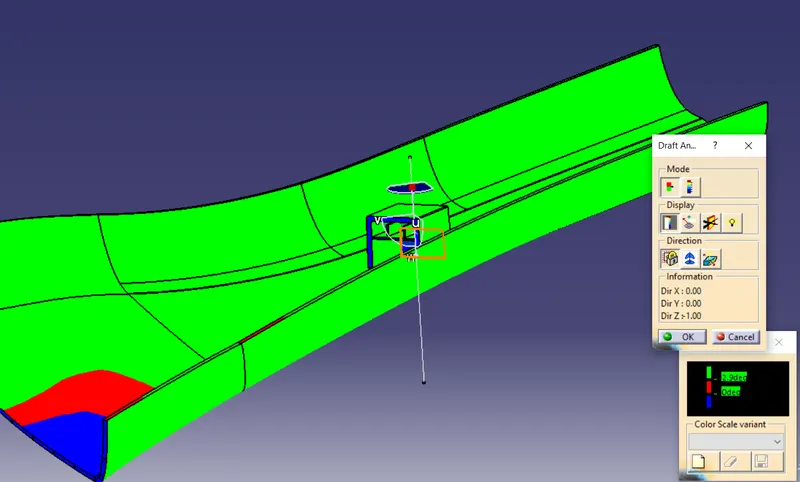
Draft analysis :
- The part created has to be changed to material mode in display frame.
- Compass is enabled and align it along with the tooling direction.
- Lock command is then classified and Draft angle is applied.
- Color codes are classified and Draft angle is applied.
- Running point analysis is used to display permissible draft angle.
Draft analysis for Class-A surface :
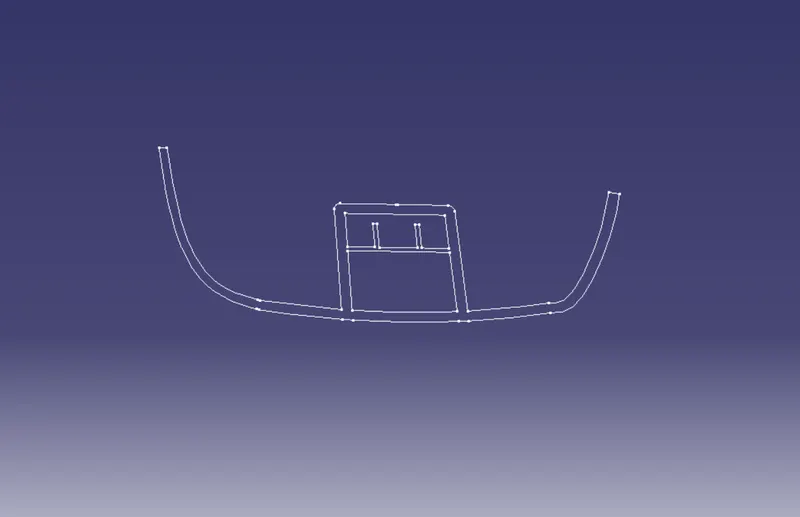
Given mastersection of Dog House sketch:
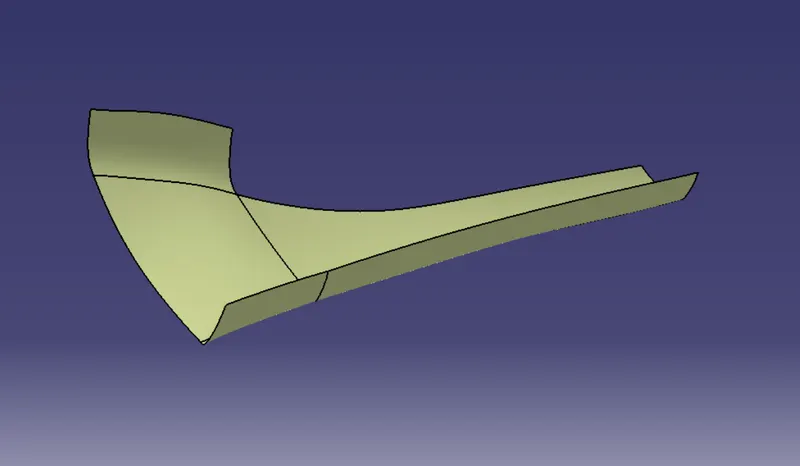
Offset 2.5mm from surface A:
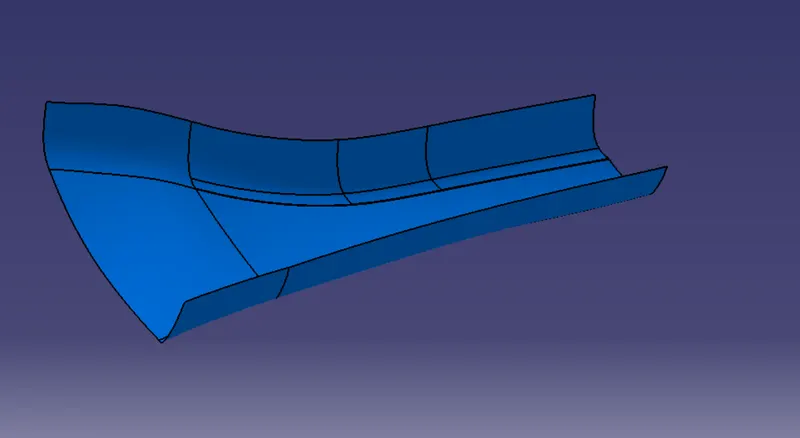
Created class B surface:
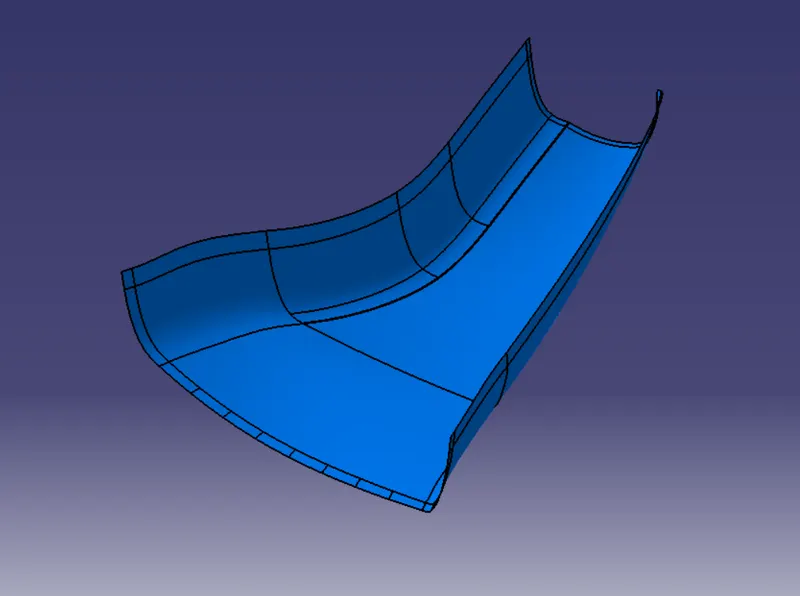
Closed surface:
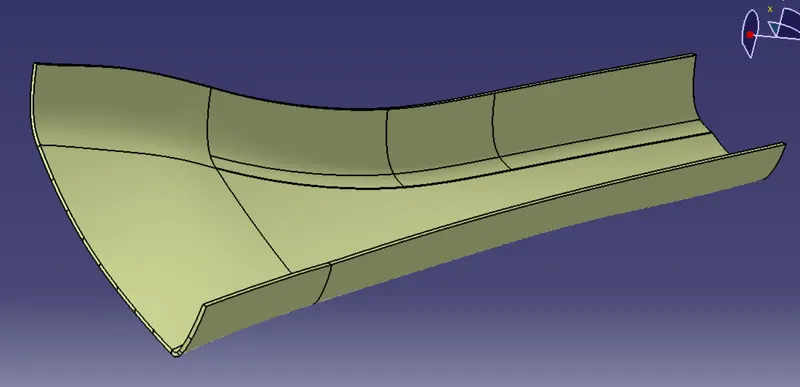
Closed surface:
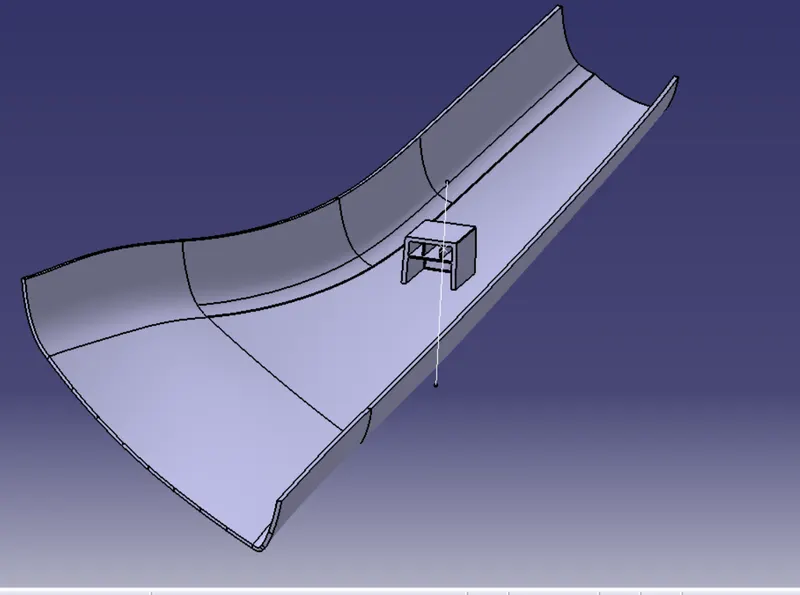
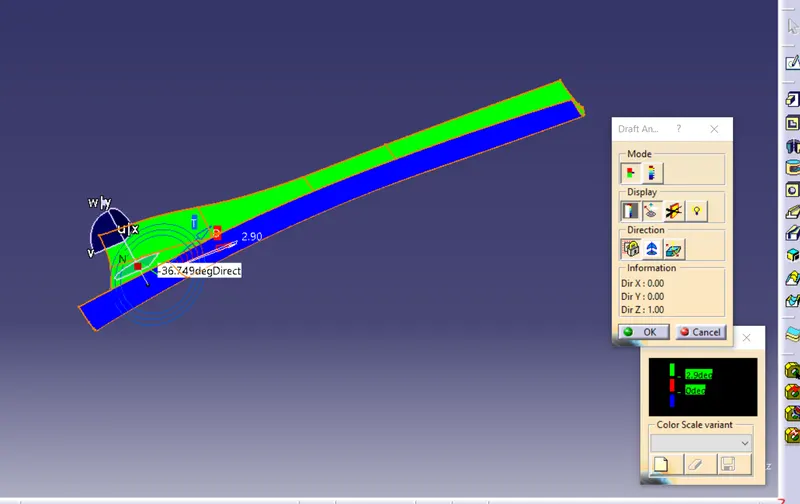
Draft analysis :
- The part created has to be changed to material mode in display frame.
- Compass is enabled and align it along with the tooling direction.
- Lock command is then classified and Draft angle is applied.
- Color codes are classified and Draft angle is applied.
- Running point analysis is used to display permissible draft angle.
Draft Analysis For final solid part :