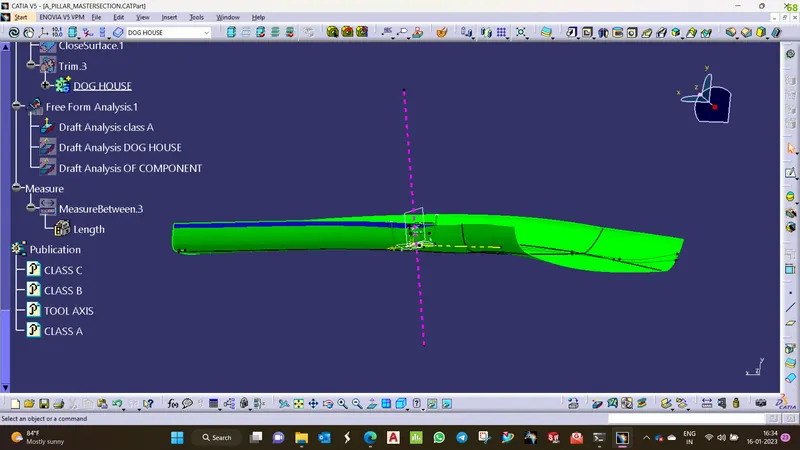
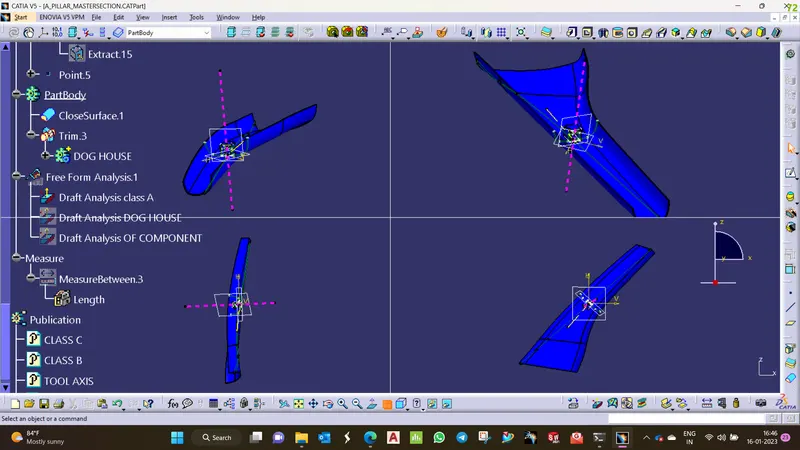
Week 9 - Project - A pillar Design with Master Section
DRAFT ANALYSIS component:
- Choose custom view Parameters and opt for the material option.
- Then choose the feature draft analysis option.
- Pick and place the compass on the tooling axis and then lock the position.
- Click on the component and adjust the values to attain the required draft condition for component.
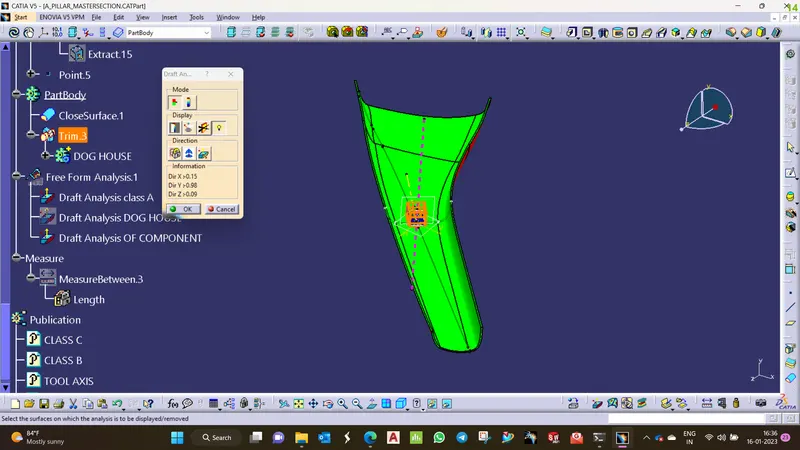
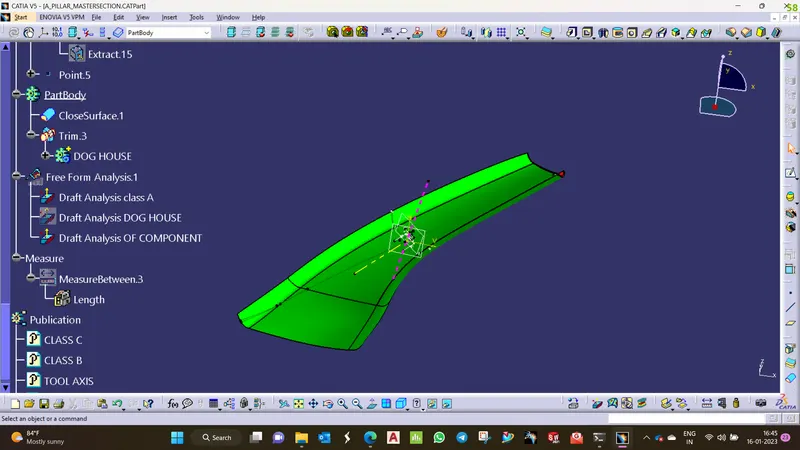
DRAFT ANALYSIS CLASS A:
- Choose custom view Parameters and opt for the material option.
- Then choose the feature draft analysis option.
- Pick and place the compass on the tooling axis and then lock the position.
- Click on the component and adjust the values to attain the required draft condition fo Class A.