Week 9 - Project - A pillar Design with Master Section
PILLAR DESIGN :--
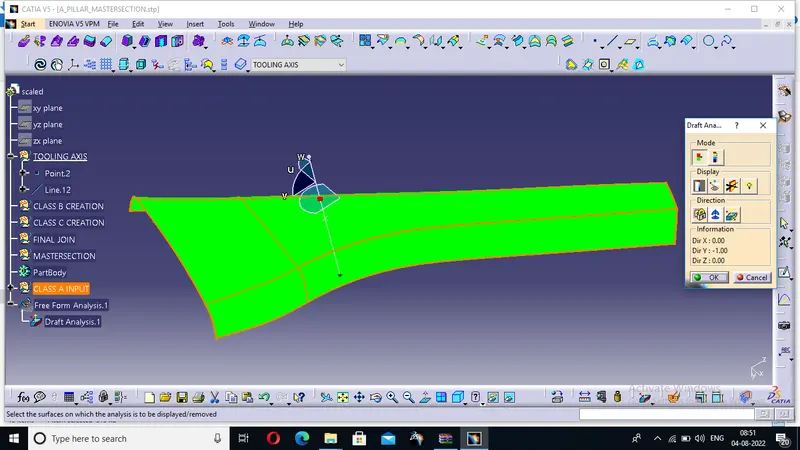
This is our class a surface in which we will make the master section as an engineering feature so this classes a surface we will form the class b surface and C surface and the master section in this class a surface in this input surface we will provide the tooling access then we will put our compass and do the draft analysis after doing draft analysis we will form class b surface
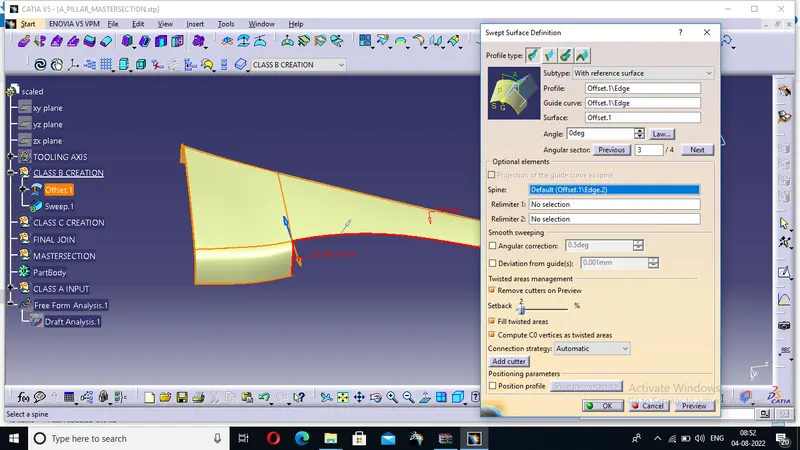
This is our class b surface we get this class B surface from class a surface with the help of offset after doing offset be found the site surface which was not present there so we use the sweep command with the smooth boundary we found the join and heel most of the surfaces
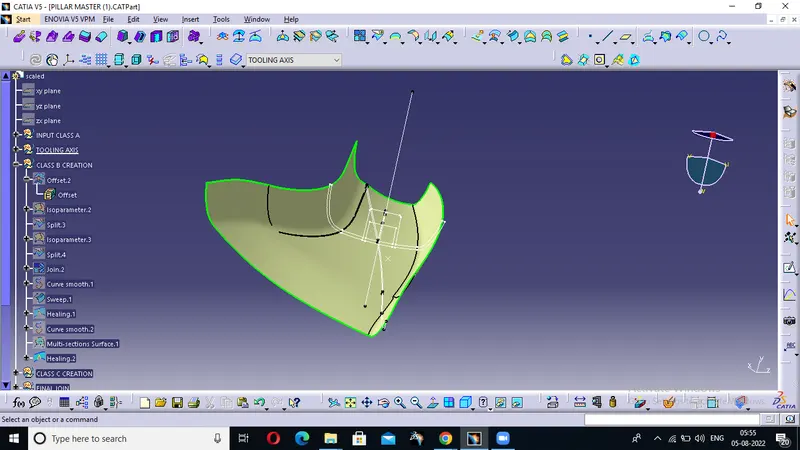
This is our final B surface here we conclude that this is a final outside for the final b surface now we will make the class c surface
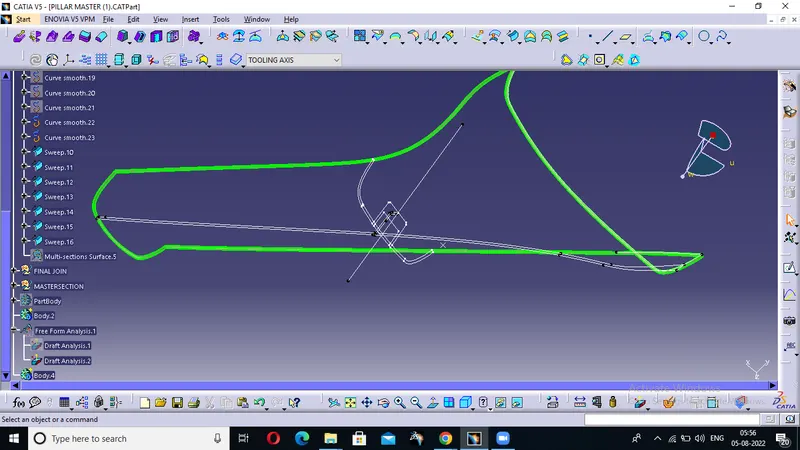
This is our class c surface we made this classes surface by smooth curve and sweep command and some boundary which are not filled we use multi section and after that we Heal most of the part of it and form are final c surface
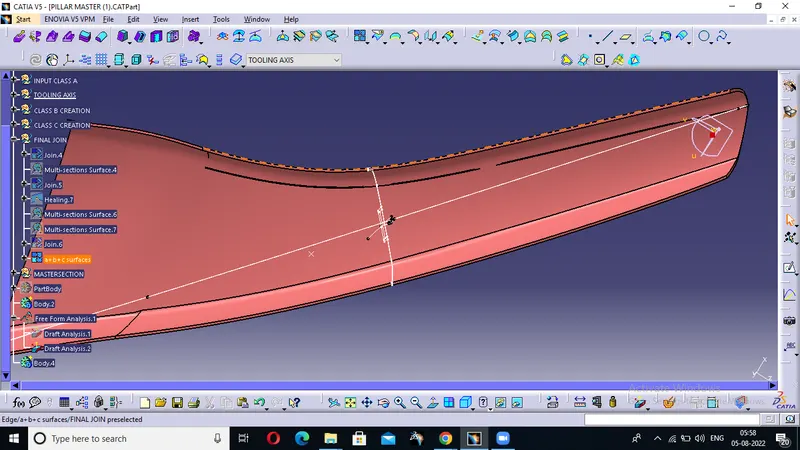
After gaining C surface we join all the classes together by join command and then and then we closed the surface
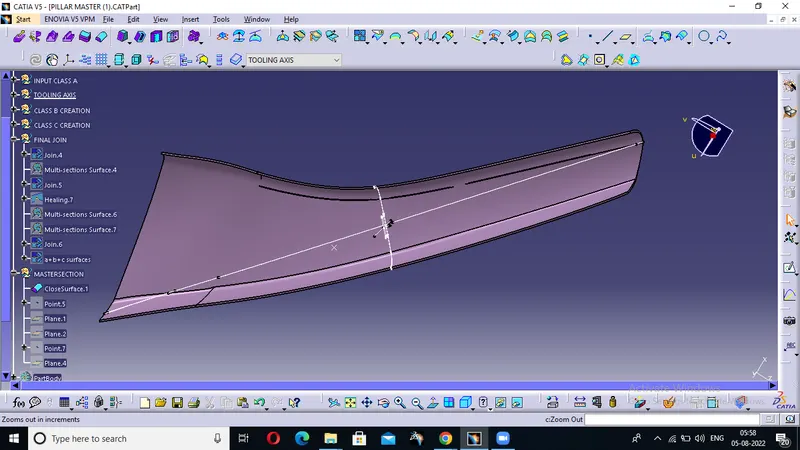
By putting boundary action we can see the patches and we try to fill all the patches and in this we don't have patches and finally we closed the surface and make our solid
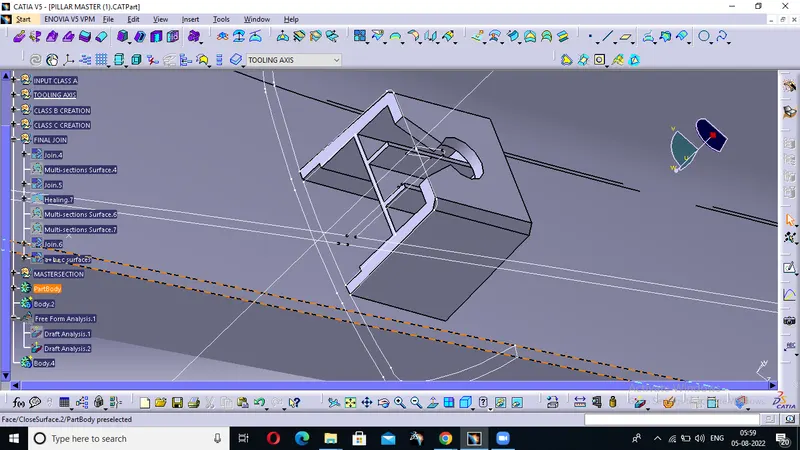
Then from generative Shape design we move to our part creation and here we use the part body to insert the solid into it then we put the master section and measure the figure and form are figure the body here we see The Dog House creation and the rib in that
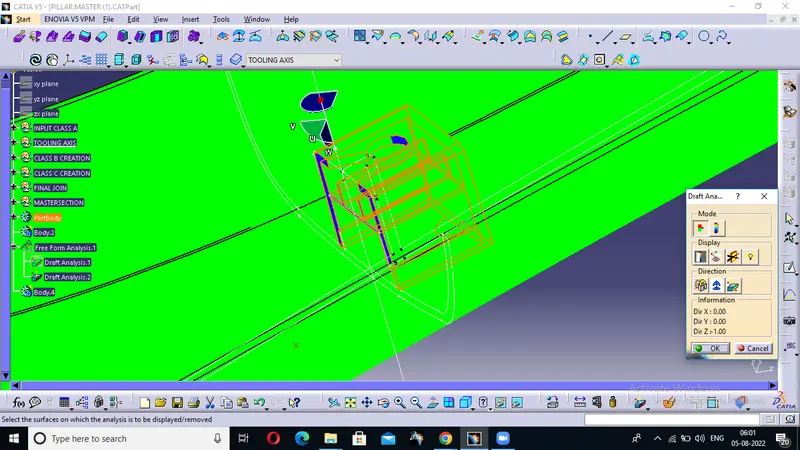
Here we create a new tooling access with the help of bisecting method and then with the help of our new tooling access we do the draft analysis
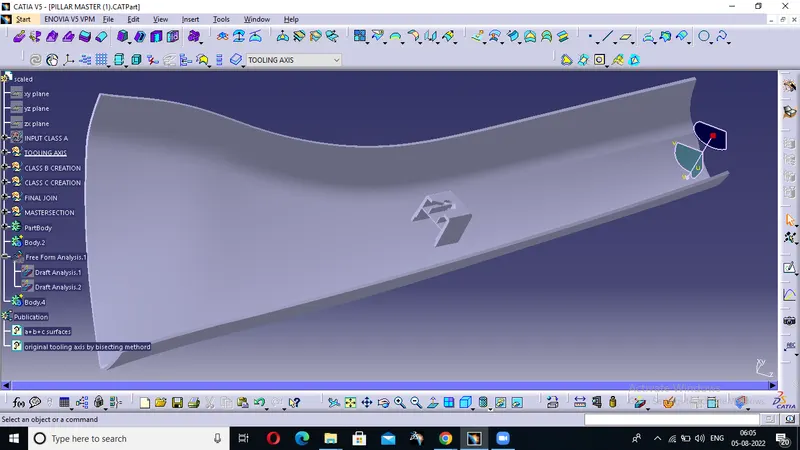
This is our final master section here we did the creation of class B and Class C services and then we form are master section and this master section we form dog house with ribs into it we ensure it has proper tree structure