Week 9 - Project - A pillar Design with Master Section
A pillar Design with Master Section
Given A surface with pillar curves
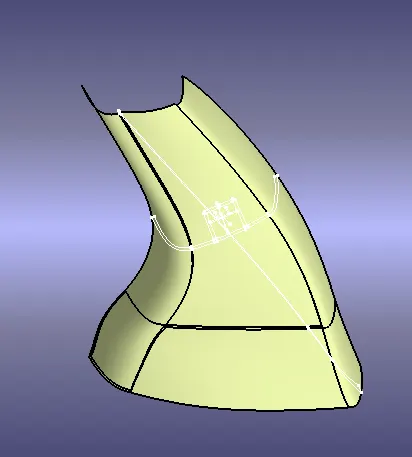
Tooling axis
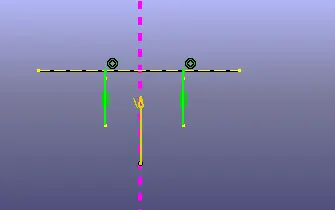
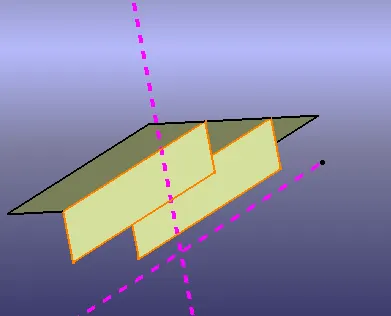
create the two lines with the master section, bisecting the line & create the tooling axis.if the tooling axis should be in puling direction to the cor and cavity of the part
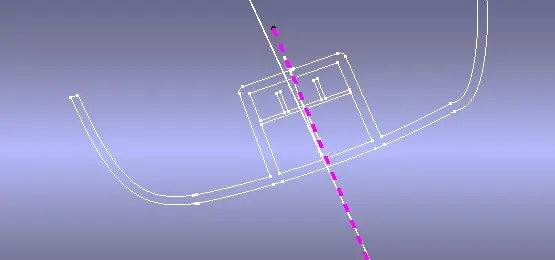
A surface boundry check
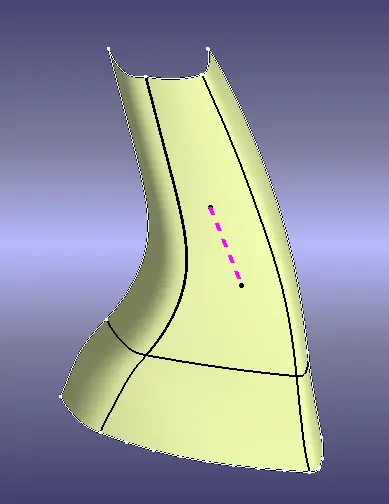
no gab or discontinutity found in given class A surface
Class B creation
when offset to the A surface in 2mm some patches to be found .use sweep command to arrest the issue.
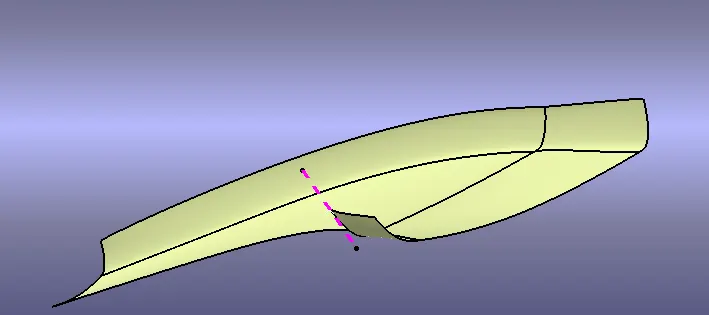
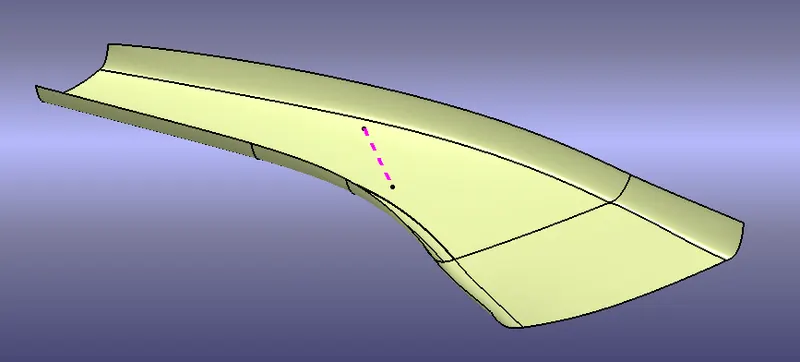
C surface creation
the C surface to bo created with the reference of A and B surface boundry
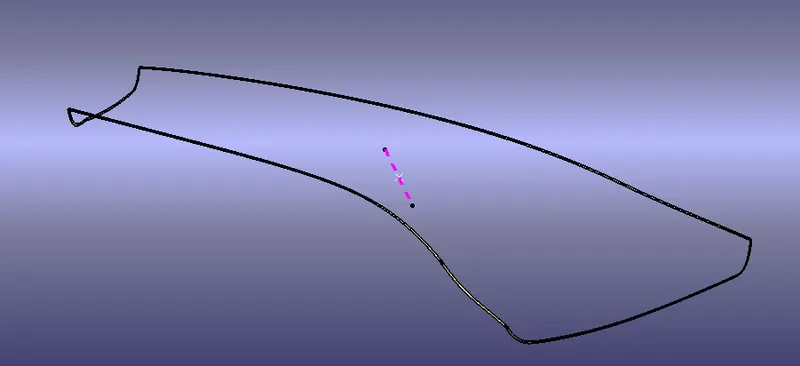
Final trim
to join the all surface together closed surface to be created
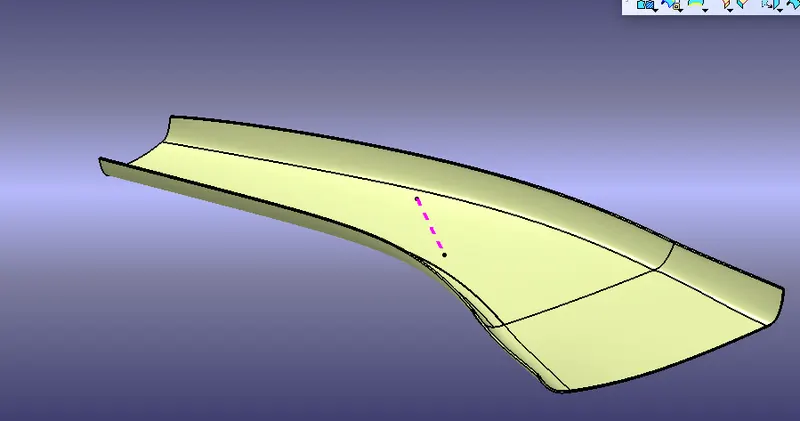
material adding
when close the all surfaces check with boundry command and discontinutity found or not if not found go to part design and fill the material.
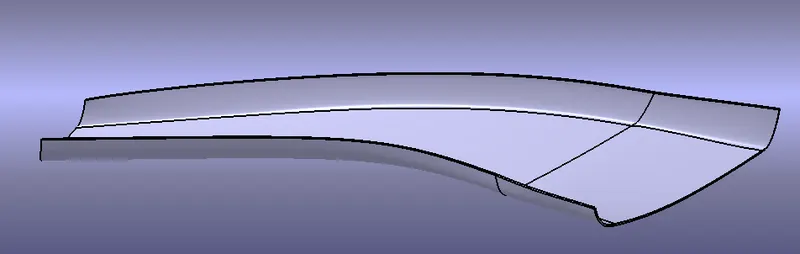
Draft analysis to closed surface
This type of analysis is performed based on color ranges identifying zones on the analyzed element where the deviation from the draft direction at any point, corresponds to specified values.
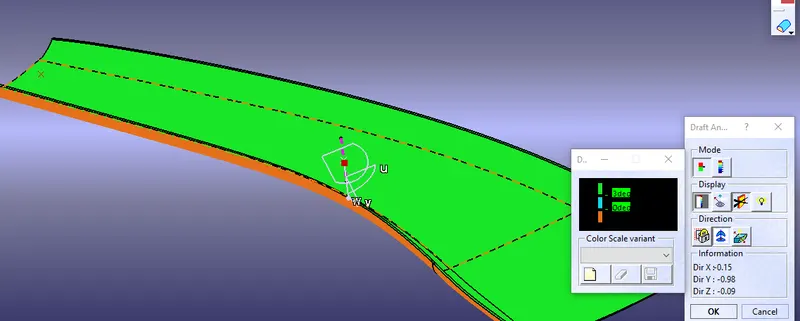
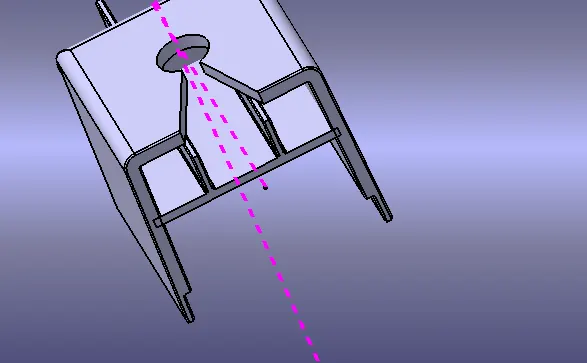
Dog house tooling axis creation
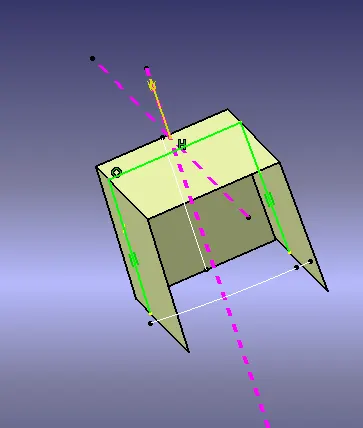
Creation of Dog house
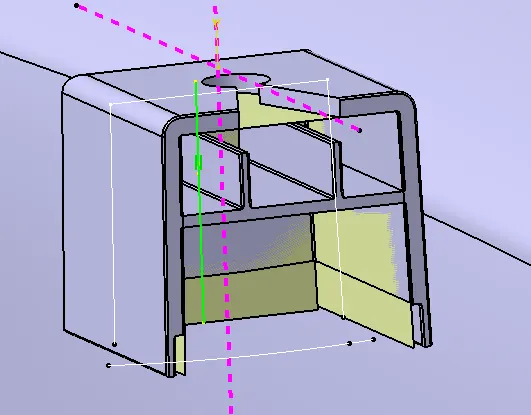
Dog house are basically used to avoid sink marks on the A surfaces, specially at those regions where other attachment features like screw boss is attached, placing such features would add the thickness of the component at that particular region and this would leads to non uniform cooling of the molten platics during moulding resulting to shrinkage of the material from the outer side.
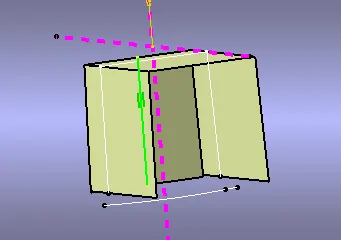
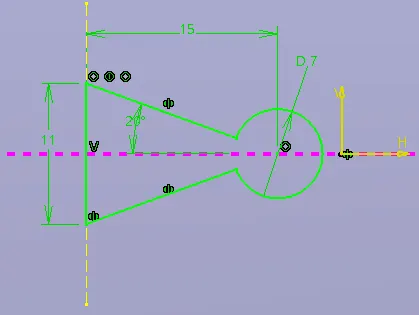
The creation of doghouse is done completely using the master sections, first we create sketches by taking the refrences from the master section and then we applied the extrude command so that we would get the wall surfaces of the doghouse. make sure we extrude the sketches along the direction of side core tooling axis.
similarly create the back surface of the doghouse by taking reference from the master section. After that we can use the trim command to give them a basic shape of the doghouse.
Add material to the trimmed surface by using the thicken command in the part design workbench. Make sure we give thickness according to the doghouse master section
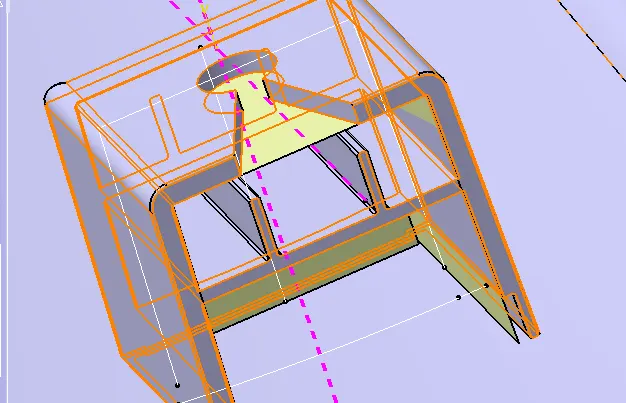
We can further use split command to split the extra or unwanted material portion and give proper shape to the doghouse according to the master section. We also need to use the split command to reduce the thickness of the doghouse from the bottom i.e 3mm to 6mm upward from the bottom edge touching the B surface.
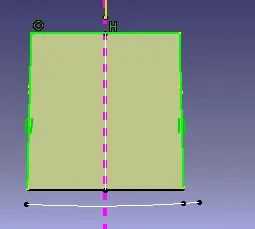
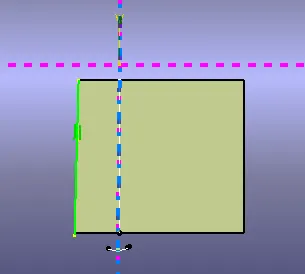
Rib creation
Ribs are basically the supporting structures for the door trims or other plastic components having large surface area.The ribs acts as the back bone to the plastic component and provides support and increases the overall strength of the material, induction of ribs helps us to minimize the thickness of the component without compromising with its strength.
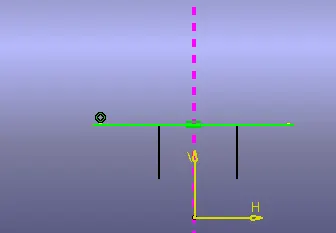
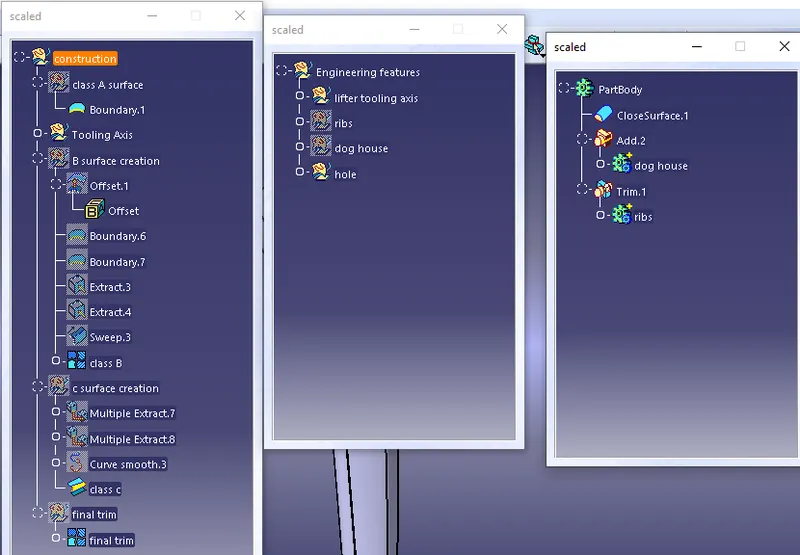
When engineering feature creation done then add and trim the surface with mail part
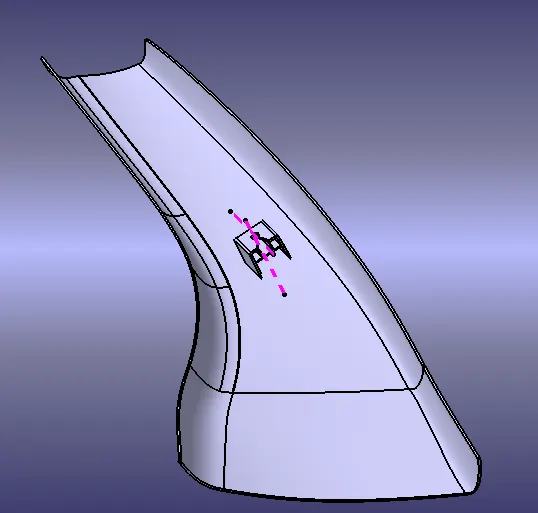
Draft analysis
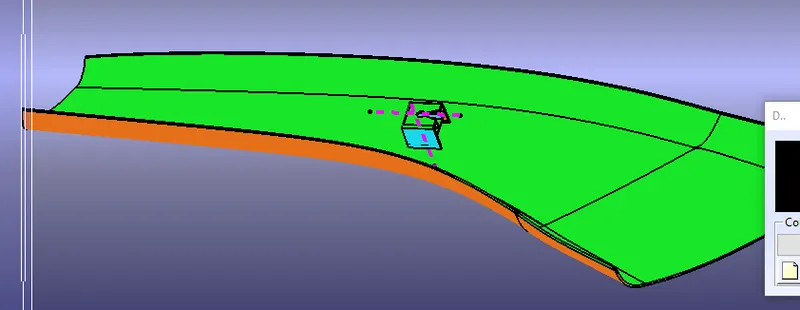
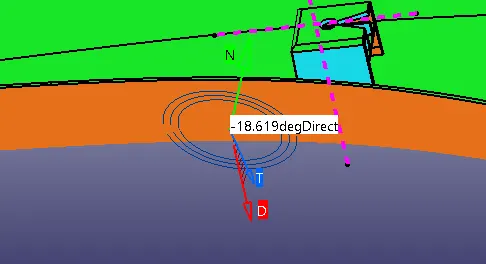
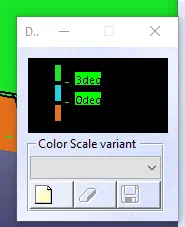
A surface have an inverse degree
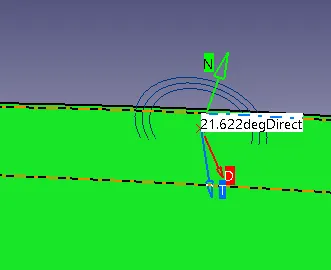
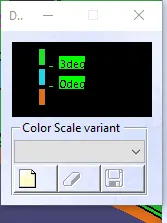
b surface have green colour and clourscale vraiant attached
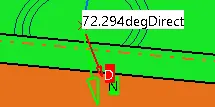
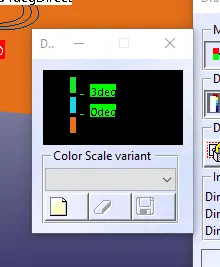
c surface and clour variant snip shot
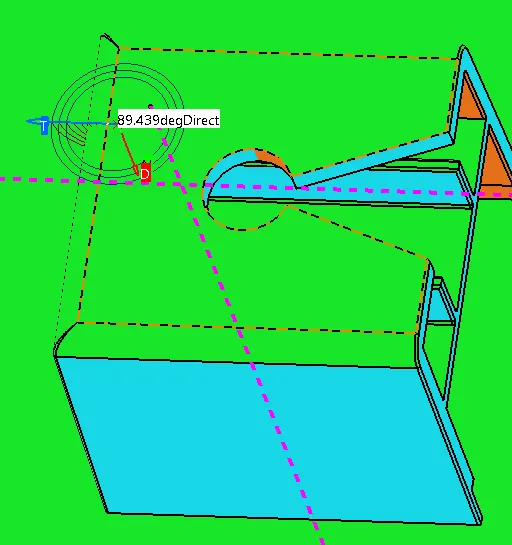
dog house tooling axis draft analysis
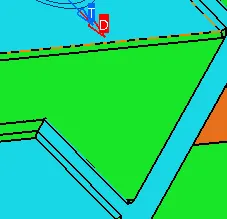
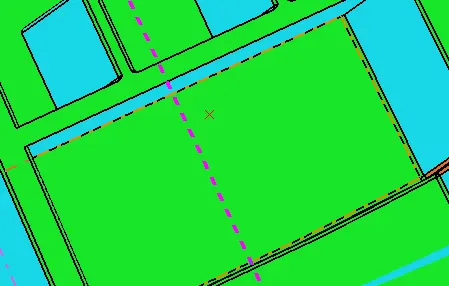
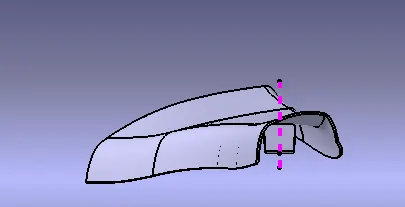
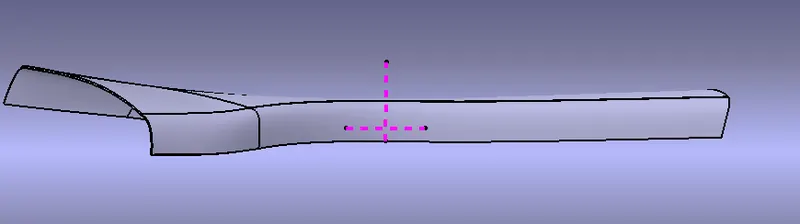
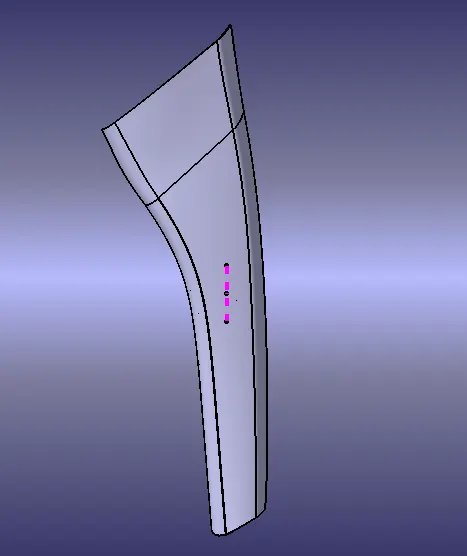
some views of master section
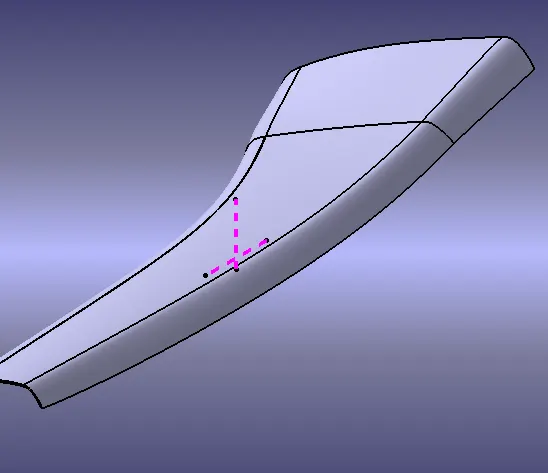
CONCLUSION
the Given master section curves to be completed with the thick or closed surface