Week 8 - Challenge 3 - Coin Holder Design
Aim:
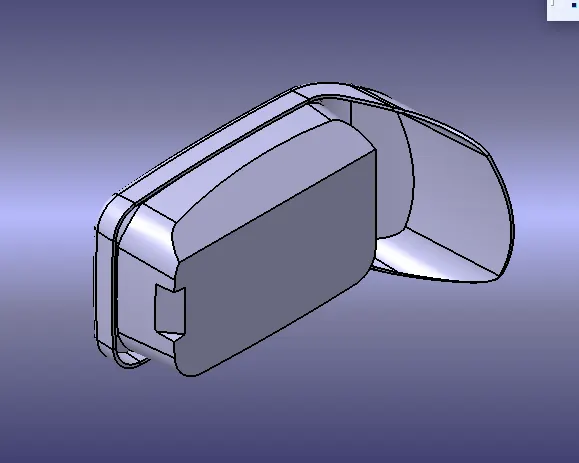
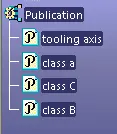
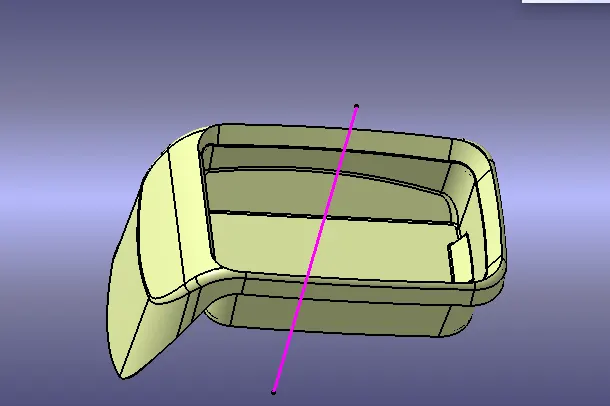
Create the Coin Holder Plastic component through the given Class-A surface. To begin with, the tooling axis for the given Class-A Surface should be created meeting the requirements of the draft angle and at the end perform the Draft analysis on the model.
The Thickness of the component to be 2.5 mm
Tooling axis creation
- The direction in which the mould open and closes is called the tooling axis direction.
- Create a point on the middle of the base surface by using point on the surface command then create a intersection for the surface
- Use the line command and draw the lines which is aligned with the extracted lines and extended it to the required length.
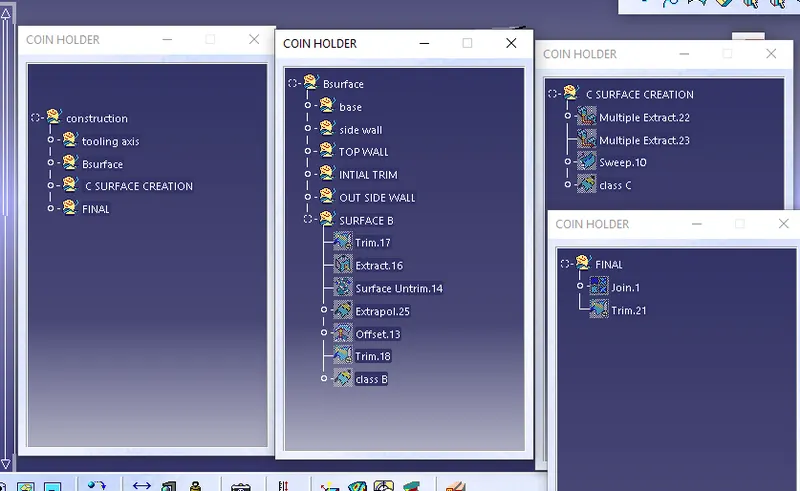
B SURFACE
- B surface can be divided into four surfaces the side walls, top walls, outer surface and the base surface and later trim them altogether.
- First step is to create the base surfaces by extracting the required surface from Class A and untrimmed it thus we will get a single surface which will be extrapolated to get the required size and finally offset it to the outer side of class A as per the thickness of the material and trim them together and apply the required fillet by measuring the values from class A.
- Base surface of the component is then extract, untrimmed, extrapolated, offset and trimmed.
- The top walls can be directly extrapolated from the extracted surfaces and offset it for the required size of the material.
- Then join the base, side wall and top wall by trim operations.
- As the Outer surface is surface complex it can be divided into two parts and extract them then go for extrapolation, offset, split and join operations and finally check the for the connectivity by intersecting method.
- Now all the four geometries are trimmed together to get the B surface.
- Fillet is applied to the required surfaces by measuring the fillet value from the class A surface.
C SURFACE
- C surface has been created from the boundary lines of class A surface and by extracting the supporting surfaces then sweep the boundary lines with reference to the extracted surfaces.
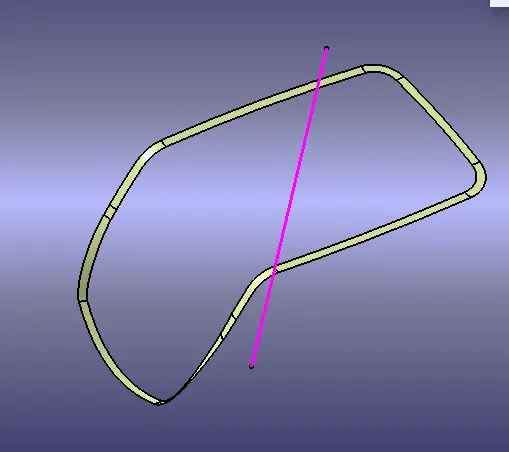
FINAL TRIM
Next step to join and trim the A,B and C surfaces
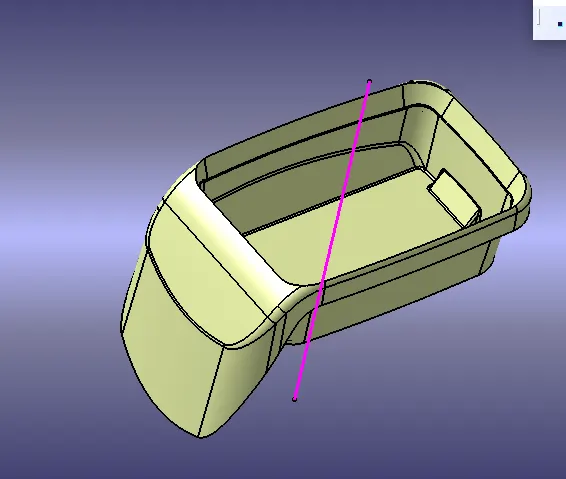
CLose surface:
Next process is close the trimmed surface
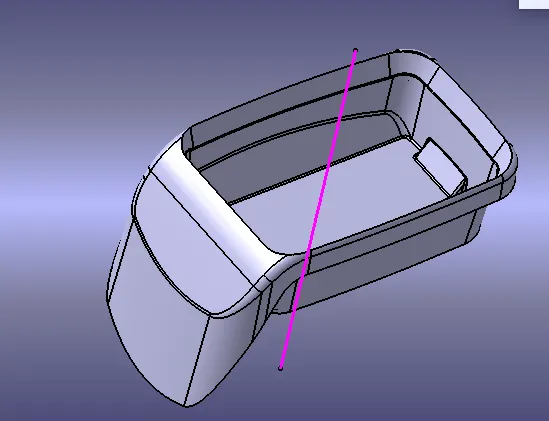
Draft analysis
- Draft allows for the component to release from the mould, most parts or applications require a minimum of 0.5 to 1 degree draft angle and 3 dgree draft angle is widely used as per the norm.
- Change the Material mode to customize mode before moving to the draft analysis.
- Insert –analysis-feature draft analysis
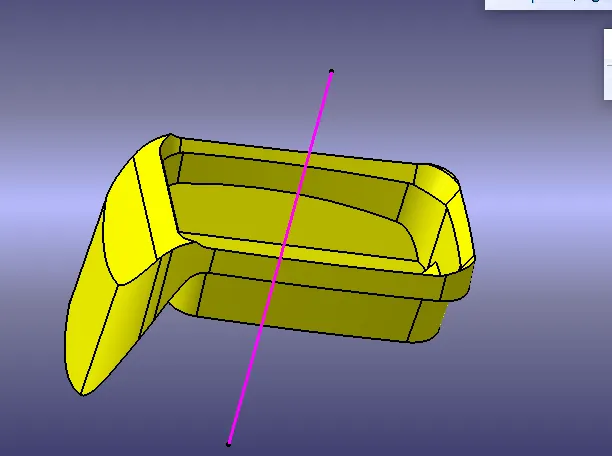
- Defining the draft direction Select draft analysis from the tool bar and click on the compass symbol and pull the compass from the right side top corner of the workbench and place it on the component where want to do the draft analysis. ‘W’ of the compass and tooling axis should be aligned on the same line.
- Once the compass is aligned with the tooling axis click on the lock symbol and drag on the surface we will get a wrong mark then select that point a table will appear it shows the draft value on the table we can adjust the draft value and analysis it for all the edges and surfaces.
- By clicking the on the surface and using the flipping tool we can assign the Flipping direction, the color of the surface change as per the flipping direction .
- Analysis under running point and move the mouse on the surface and it will show the details of the surface deg direct at each and every point of the surface.
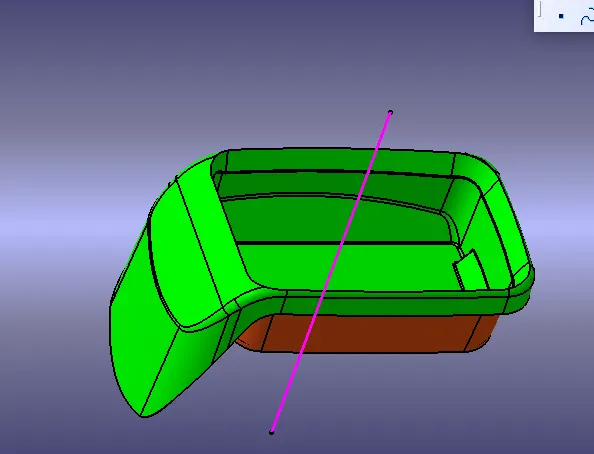
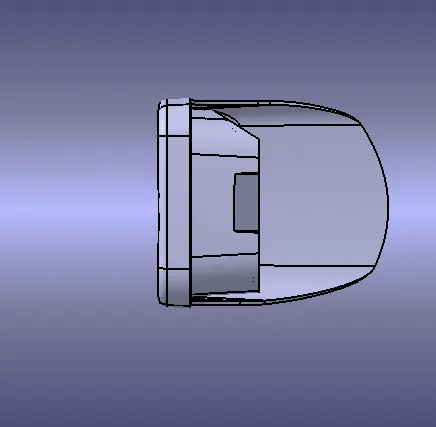
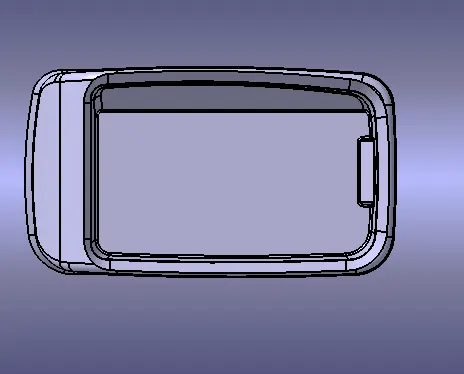
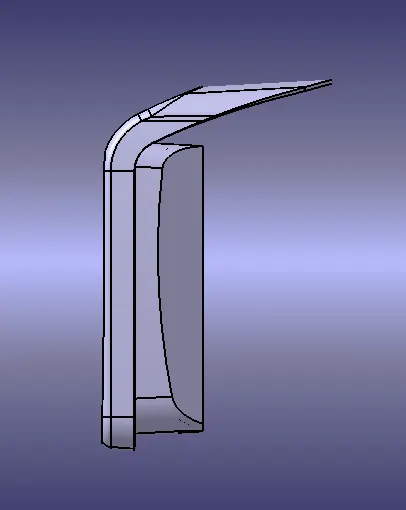
Some vies of part