Week 8 - Challenge 2 - Switch Bezel Design
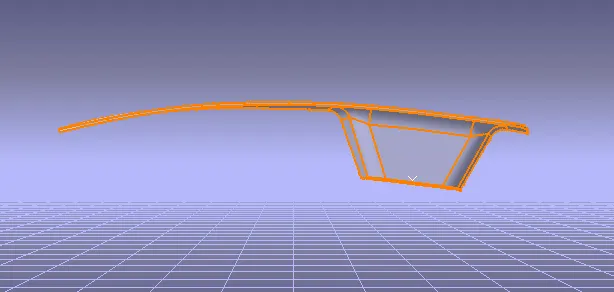
AIM:Create the Switch Bezel Plastic component through the given Class-A surface. To begin with, the tooling axis for the given Class-A Surface should be created meeting the requirements of the draft angle and at the end perform the Draft analysis on the model.
Take the Thickness of the component to be 2.5 mm
Method:
In order to obtain the proper draft analysis tooling axis is required and the following steps show how it is done.
First by using the two side walls a dummy axis is made. As it is known that the draft angle is 3 degrees, the second axis is taken as a 3 degrees to the given wall and using these two axis the tooling axis is made.
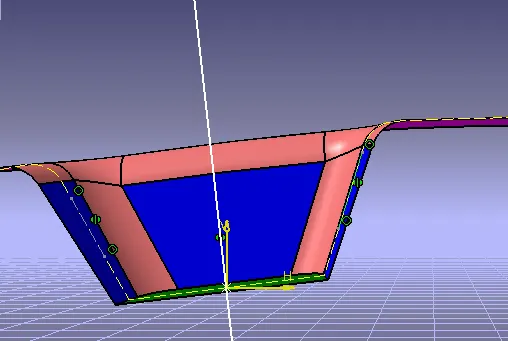
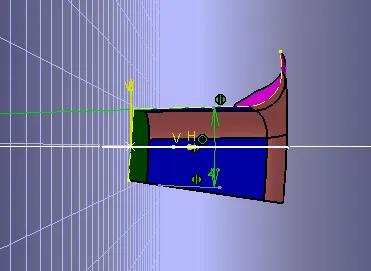
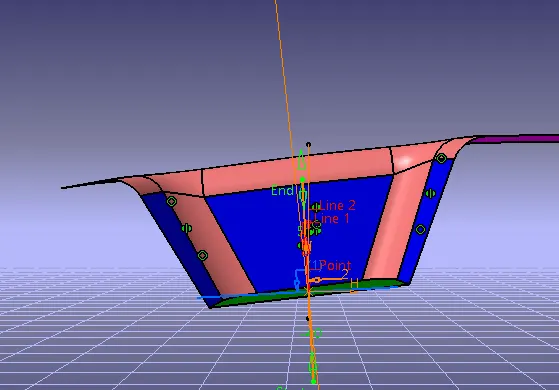
After tooling axis to create a B surface
First to create a Basel top surface is extracted and untrimmed and extrapolated, so that this can be used to trim with other surface to form the class B surface.
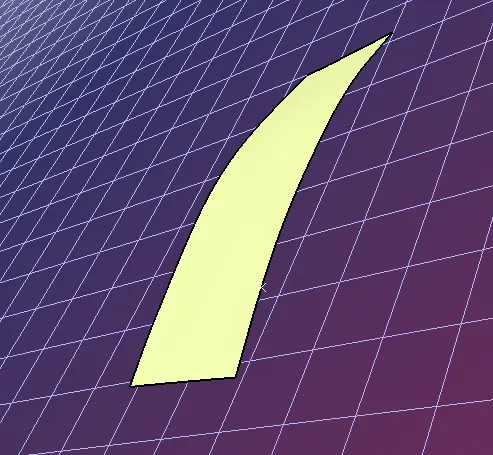
other surfaces are also taken, untrimmed and extracted to trim with the adjoint surfaces for the geometric set of wall
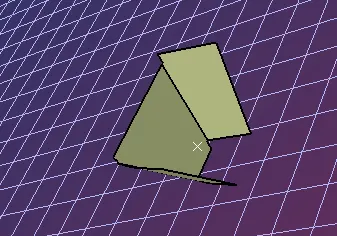
continue to base suface created as same as
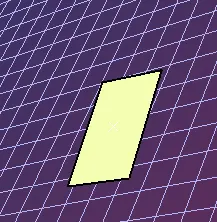
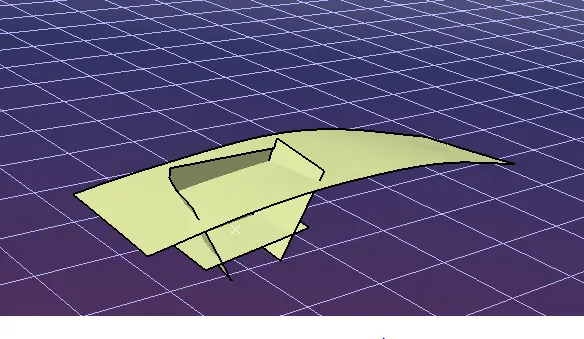
Once all the adjacent surfaces are taken, they are trimmed and form into the bezel surface.
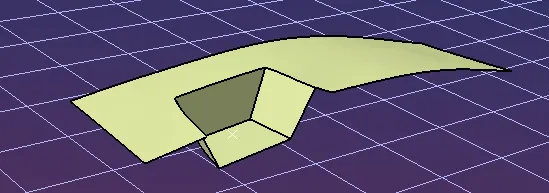
let take the fillet value into class a surface
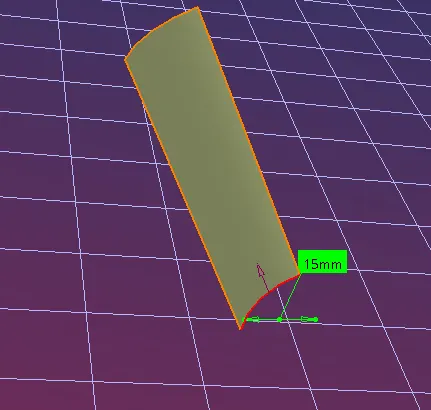
final output of B surface
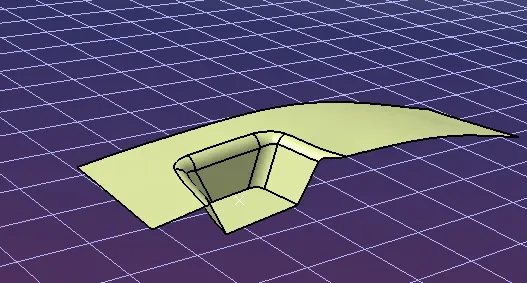
C surface creation
with the reference to the Class A surface boundry line taken into sweep along with tooling axis
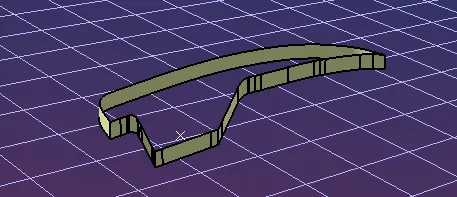
After forming the class b & C all the three surfaces can be trimmed and check for any discontinuity.
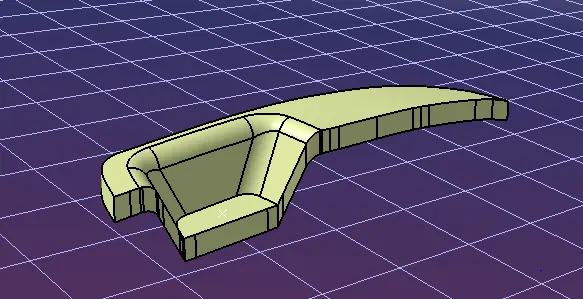
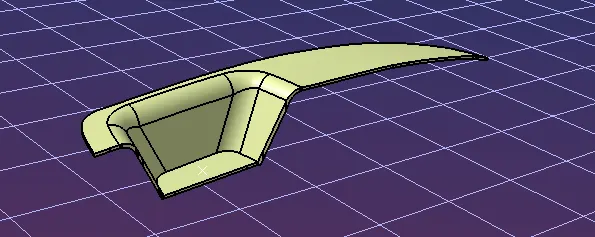
Final outcome of Class A,B&C
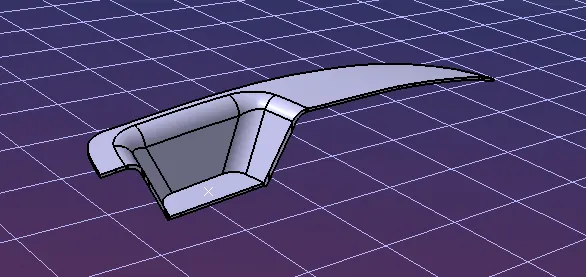
material to be filled
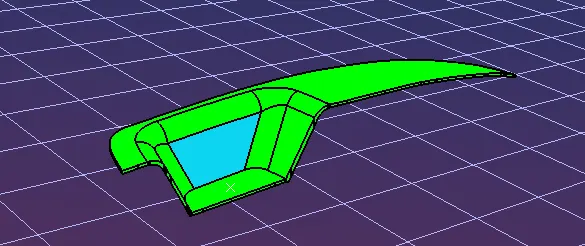
from the image, it can be seen that one wall of the part fails in the feasibility check, this happened due to the draft angle which is given to the axis at the beginning. To avoid this, again the angle has to be increased and update has to be done.Draft minimum degree to be taken for 1.45 degree.
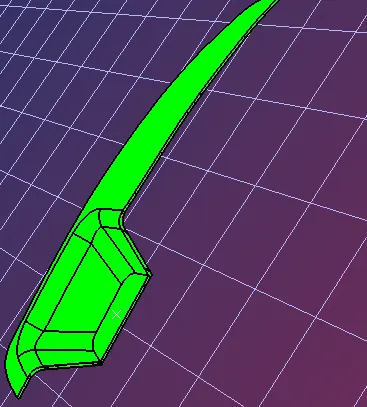
Model tree
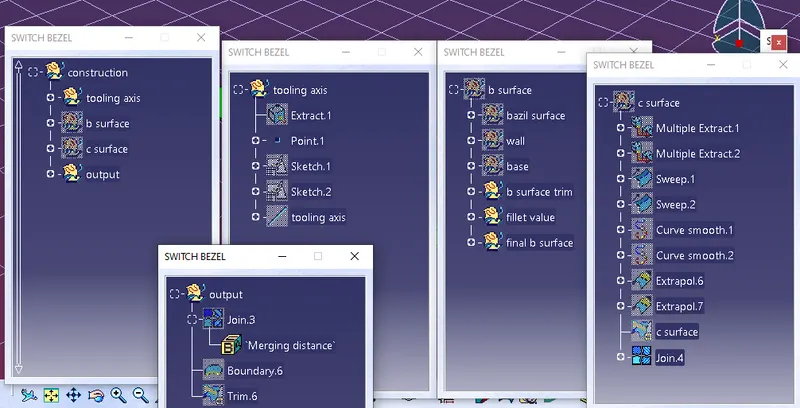
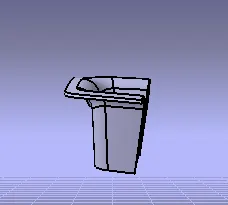
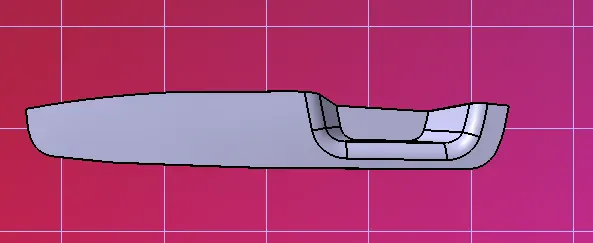
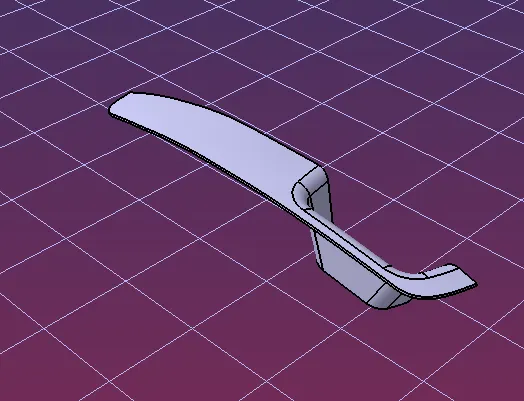
Views of the object