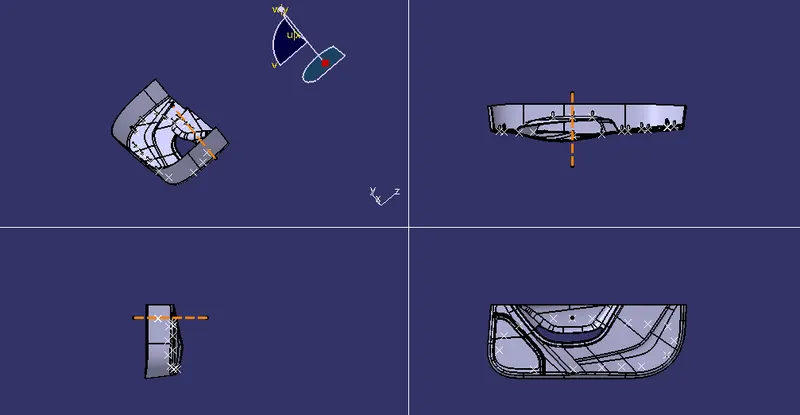
Week 9 - Project 1 - Door Trim Lower with Engineering Features
DOOR TRIM LOWER
Aim: To Create the Door trim lower component through the given Class-A surface.
Objectives:
• Creation of Tooling axis with appropriate draft angle.
• Creation of other surfaces (eg, B and C surfaces) for creating a solid component.
• Perform Draft analysis on Class A surface and Solid model hence created.
- Engineering Features like Heat stakes and 4 way locator.
Procedure :
Creating the tooling axis
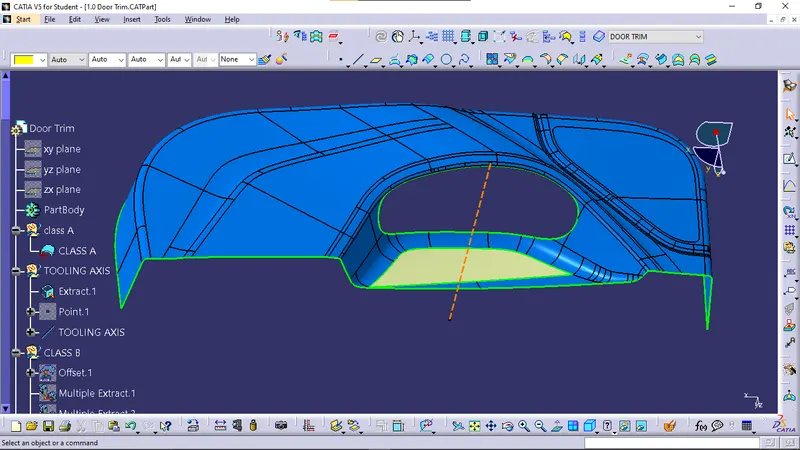
The tooling direction is used to find the direction in which the part is ejected out of the mold or it is the direction in which the core and cavity are moved and the part is ejected.
The draft on the part should be positive in order to manufacture the part easily. The draft angle should be positive with respect to the tooling direction.
- The tooling axis created by following steps
1) It is to select class A surface base to extract.
2) creat point on extract.
3) select point to direction command in line definition on it point.1 and y direction.
Draft analysis :
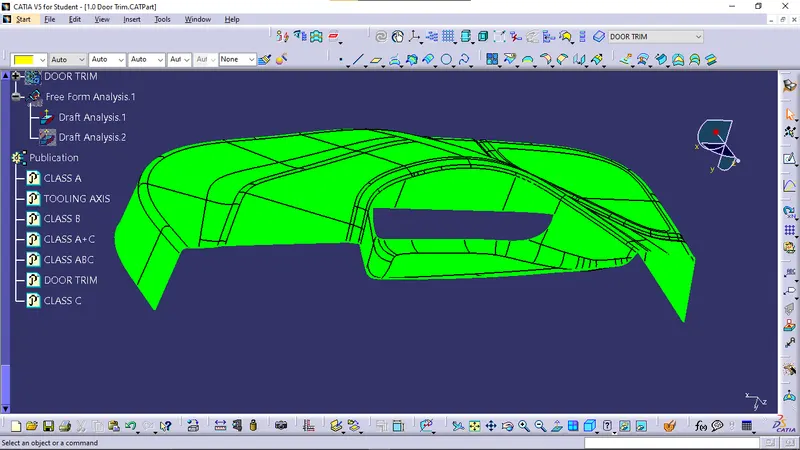
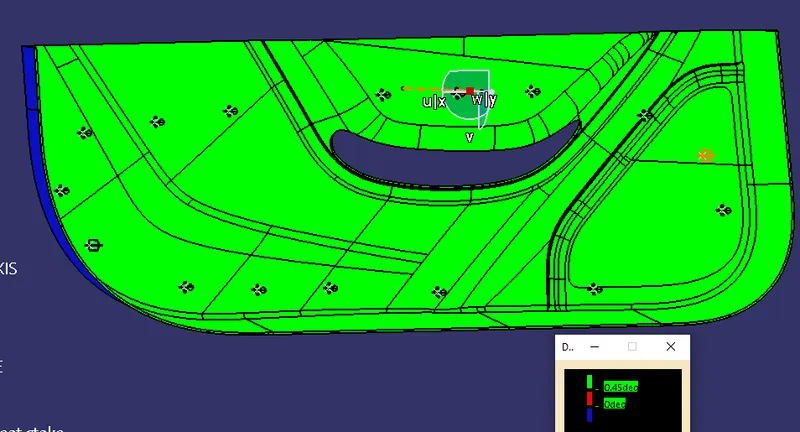
- To perform the draft analysis the view parameters are first set to material mode.
- Then go to Insert >>analysis>>feature draft analysis.
- First, select the axis system and drag the axis system to align and coincide with the tooling axis and lock the orientation. This axis system defines the draft direction according to the tooling axis.
- Switch on the color scale and set the minimum draft value. Here it is set to 3 degrees and it will be displayed in green color. Any draft angle below 0 degrees will be shown in red color.
- Now select the running point tool to measure the draft angle at the various locations and then if all surface passes the draft analysis switch on the light effect that will show the component in green color if the component has the required draft angle.
- The final draft analysis shows the green color surface having the draft angle above 2.9 degrees and red or cyan color shows the draft angle below 0 degrees.
CLASS A
class A is given.
CLASS B SURFACE
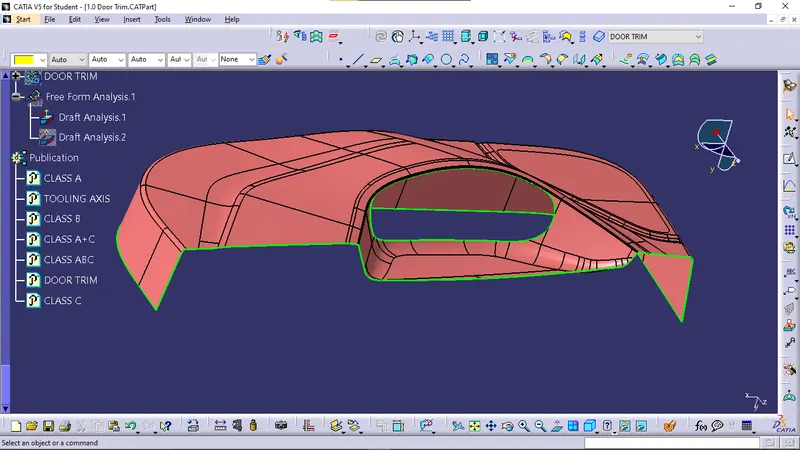
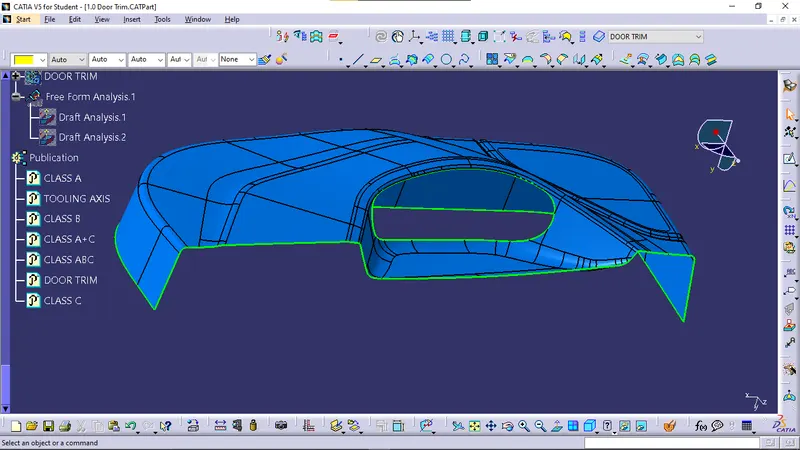
TO CREAT CLASS B SURFACE
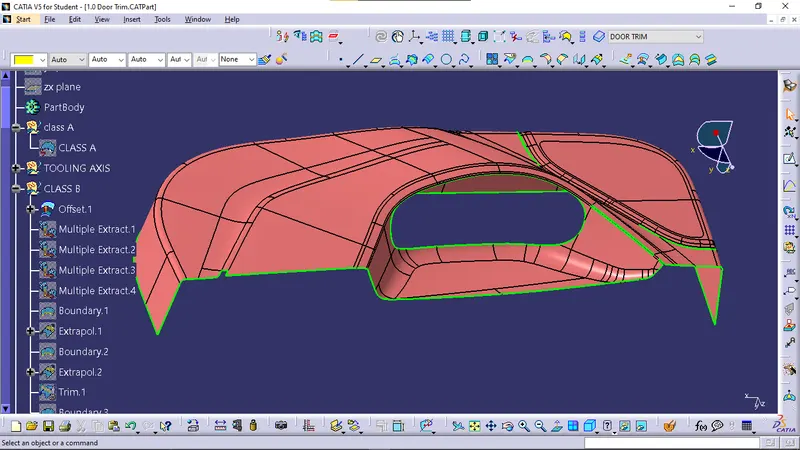
- In this offset class A in 2.5mm.
- In this they are 3 gaps.
- We need to multi-extart without fillet.
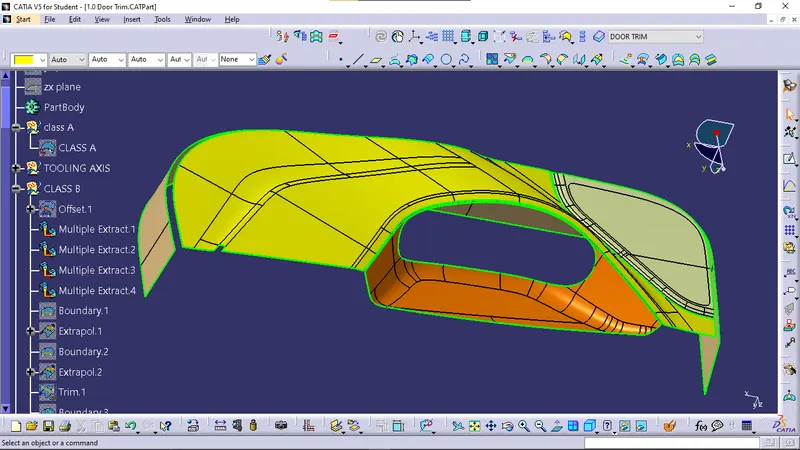
- After that we can do the final trim is done then final CLASS B is created and change fillet areas is given the completed CLASS B SURFACE.
CLASS C
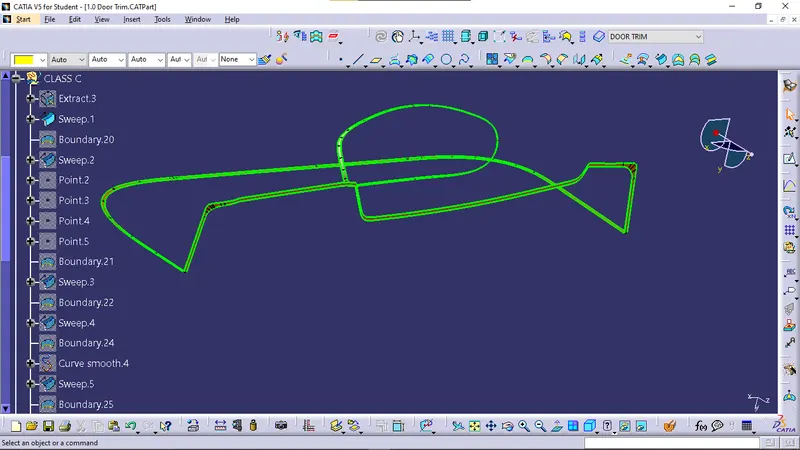
-
C class is where the thickness of the component can be seen.
- For the C surfaces, the boundary is extracted from the A surface and then swept with a reference surface in 90 degrees and with draft direction with 3 degree .
FINAL JOINT
- C is joined with the A surface.
- Lastly,the AC is joined with the B surface to get the final DOOR TRIM component. This obtained surface is then thickened in part design.
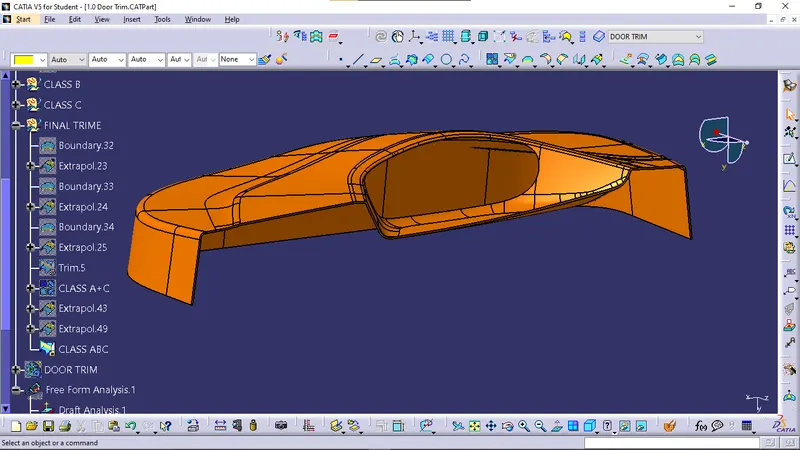
-
Results :
Final DOOR TRIM plastic component :
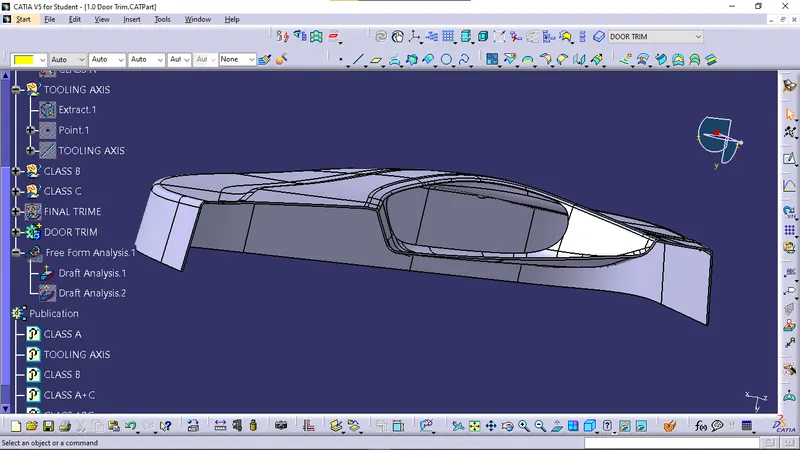
Draft analysis
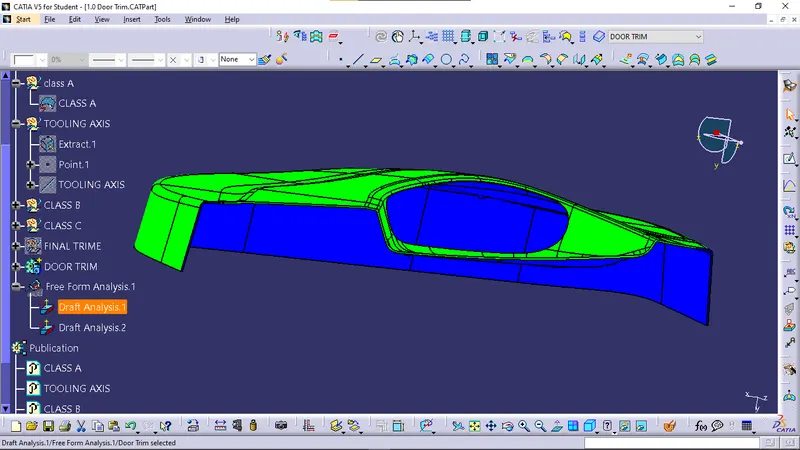
Engineering Features
HEAT STAKES
These heat stakes will enter the mating component and using a heat staking machine these heat stakes are melted and cooled. When cooled this will get hardened and the two components will stick together. Thus all degrees of freedom are arrested.
Then, the ribs are created by following the rib design rules.
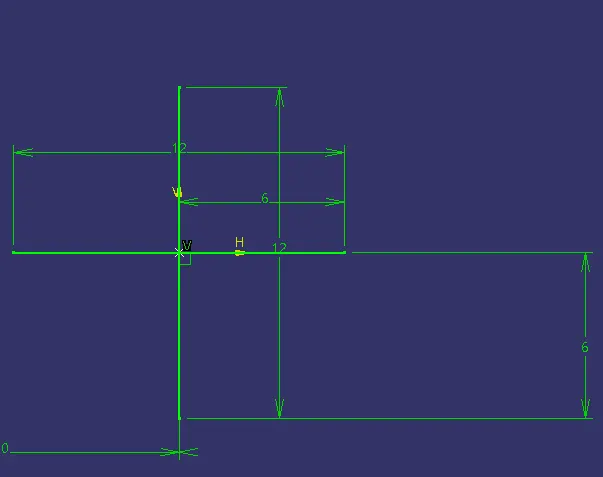
SKETCH
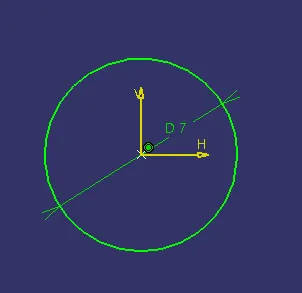
- After creating sketch we need to extrude for length 25mm and down 5mm.
- go to part workbench thickness of 1mm.
- we need to give Draft angle of 0.5deg.
- we need to creat sketch for 4 ways locator.
- we need to give Draft angle of 0.5deg.
- after that we need to copy the HS-1 and paste special.
- we can translate point to point in any pointes.
- we need to unitrim the part.
- final heat stake is done.
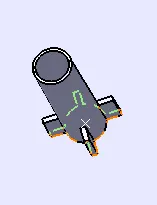
4 ways loactors
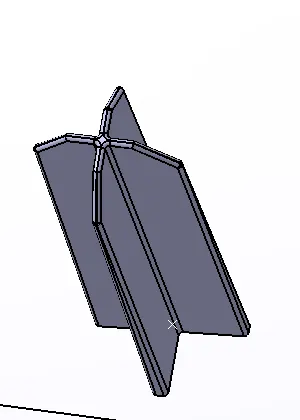
Locators are 4-way locators. The locators will follow the rib design guidelines and will be given a minimum draft of 0.5 degrees and a minimum fillet of 0.3mm and an entry chamfer of 3mm. This entry chamfer is given so that the locators can mate with the other part easily.
SKETCH
- go to part workbench select pad length 35mm and down length 5mm.
- go to part workbench thickness of 1.3mm.
- we need to give Draft angle of 0.5deg.
- chamfer of 3mm and fillets of 0.3mm.
- after that we need to copy the 4 way locator and paste special.
- we can translate point to point in any pointes.
- we need to unitrim the part.
- final 4 way locator is done.
Draft analysis
views